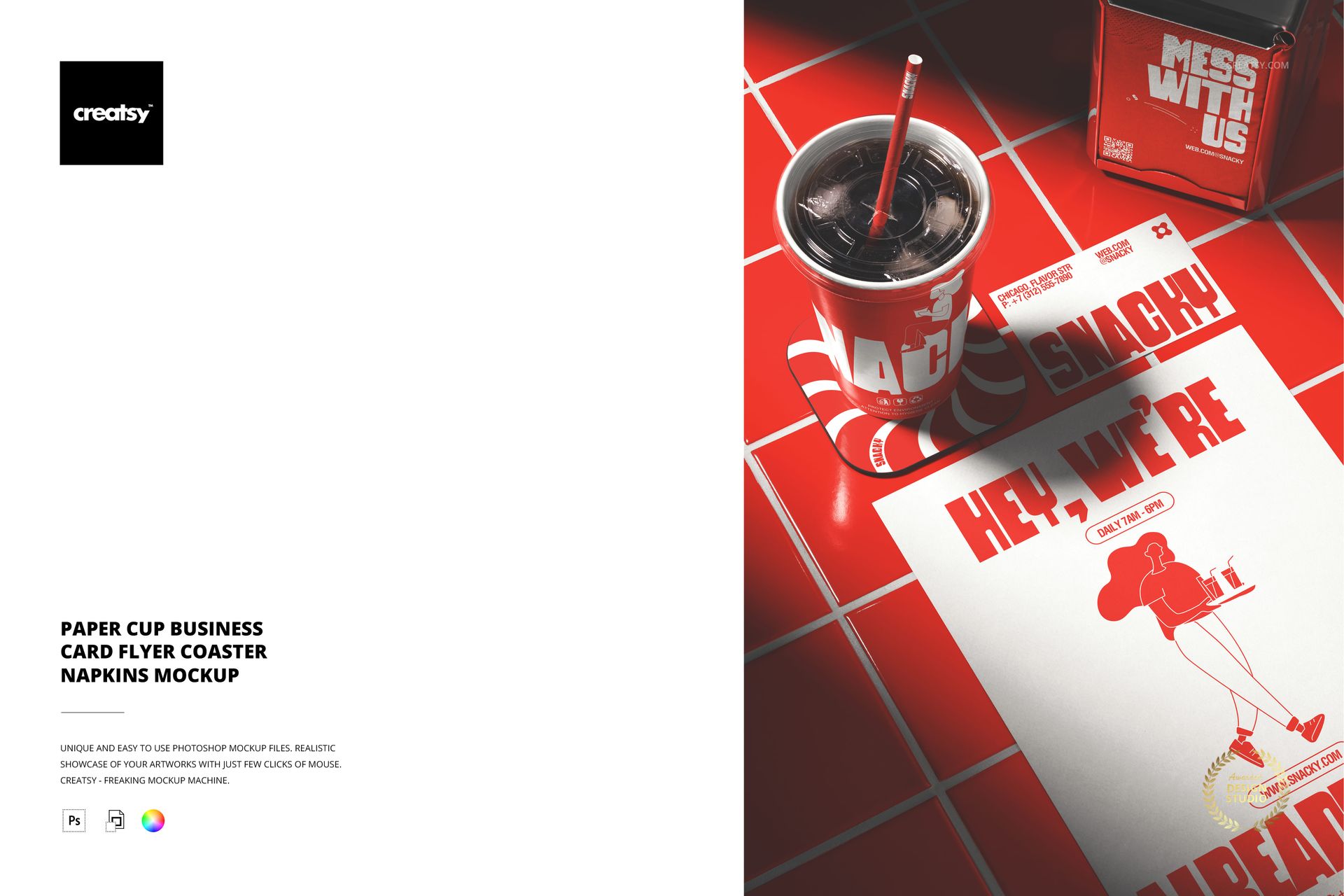
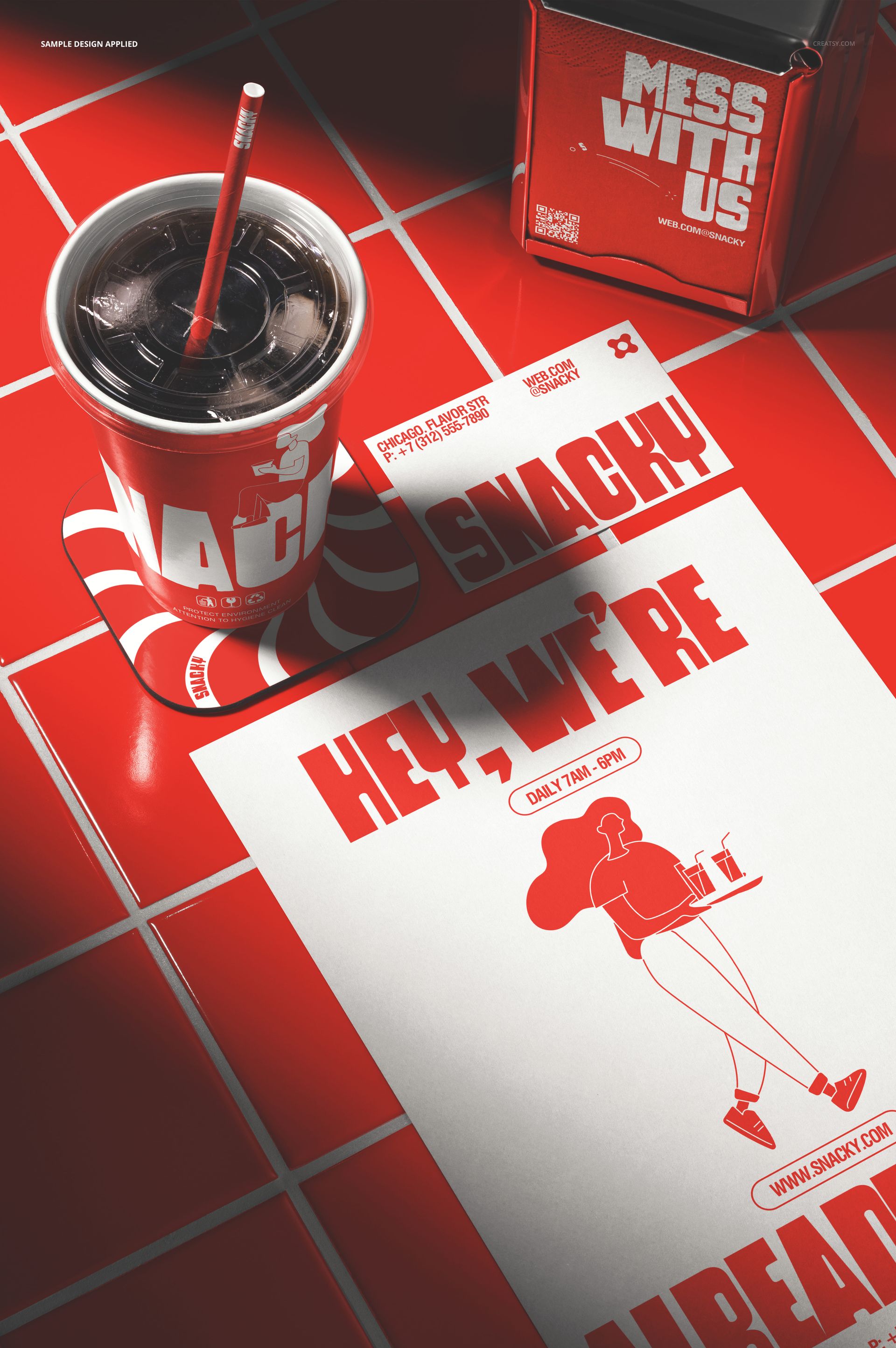
The Paper Cup Business Card Flyer Coaster Napkins Mockup brings five essential cafe branding items together in a single scene: a paper cup, business cards, a flyer, a coaster, and napkins. The composition presents the complete set of printed materials a cafe or restaurant would use, arranged together to show how the brand identity reads across different formats and surfaces. Each item has its own smart object layer, letting you customize every surface independently while seeing how they all work as a coordinated system. This is a brand identity mockup built for presentations where the client needs to see the full scope of their printed collateral in one image rather than reviewing items one at a time. The file measures 6000x4000px at 300 DPI with smart object layers and works in Adobe Photoshop CC 2020 or newer and Photopea.
Why This Mockup Works
A cafe brand identity is not just a logo on a cup. It is a system that spans business cards, flyers, coasters, napkins, and every other printed surface a customer might touch. Presenting these items separately forces clients to imagine how they all look together, which rarely produces accurate results. This mockup eliminates that guesswork by placing all five items in the same scene with consistent lighting and perspective. The result is a presentation that demonstrates brand cohesion at a glance: the client can see whether the logo scales well from a large flyer to a small business card, whether the pattern works on a round coaster and a square napkin, and whether the cup design carries the same visual weight as the other printed pieces. That system-level view is what makes brand presentations persuasive, because it shows the complete customer experience rather than isolated fragments of it.
What Is Included
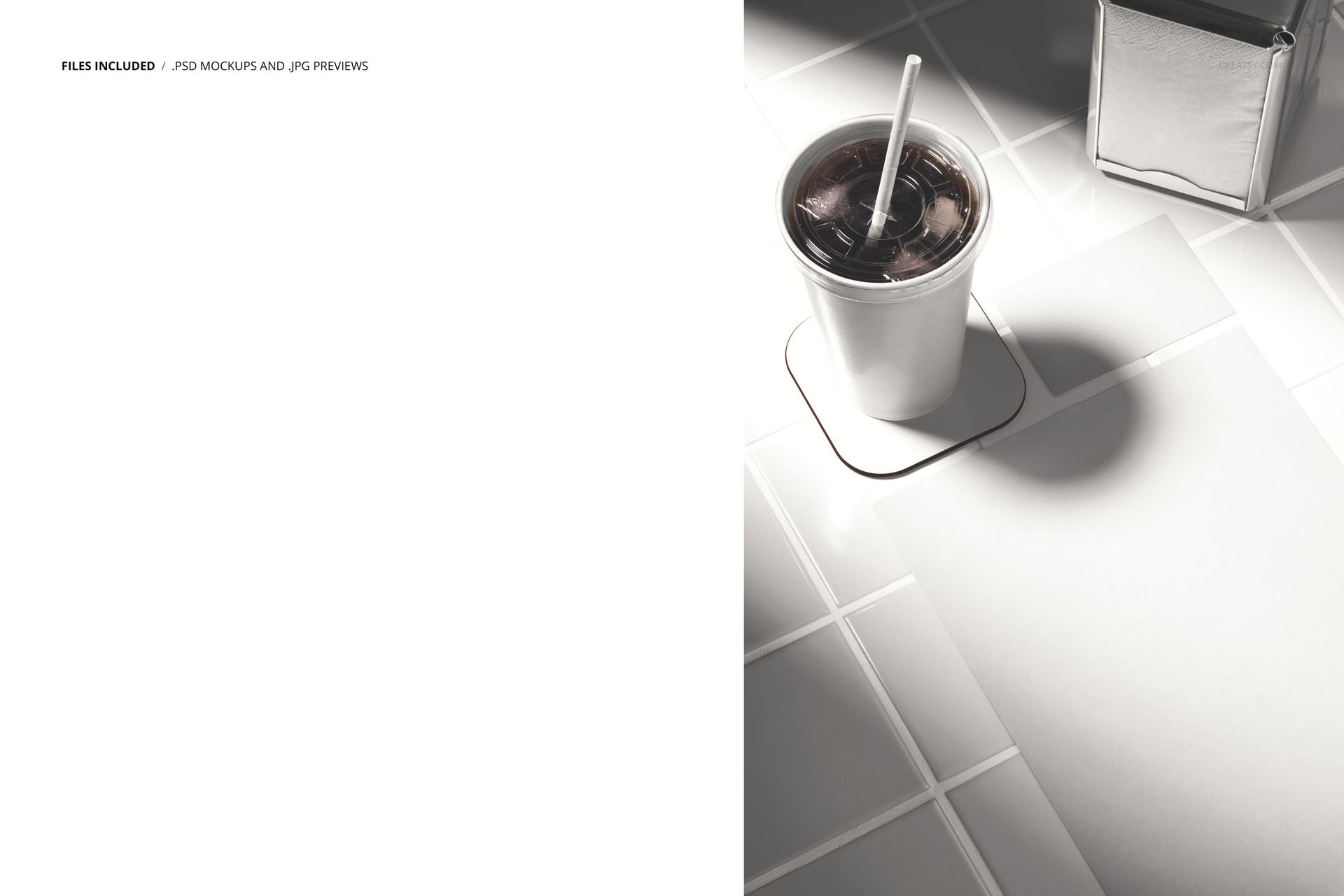
The download contains 1 layered PSD file. The scene shows a paper cup, business cards, a flyer, a coaster, and napkins arranged together in a branding presentation layout. Each item has its own smart object layer, allowing you to apply different designs to every surface independently. The lighting is even and controlled, designed to show print quality and design details clearly across all five items. The layer structure is organized and labeled for quick access to each smart object and the adjustment controls.
What You Can Customize
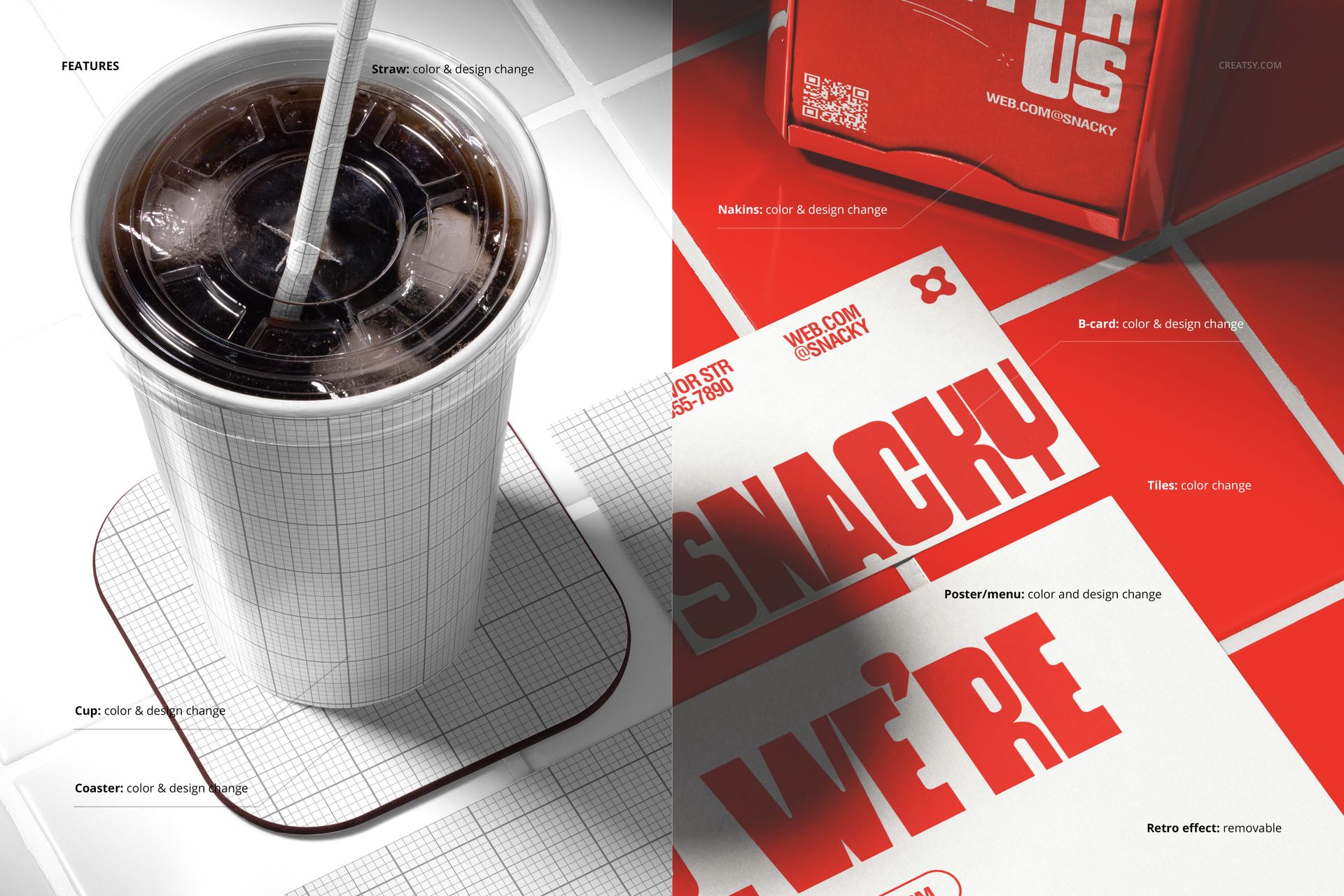
The smart objects control each of the five branded items. Double-click the cup smart object to place your logo and brand design on the paper cup. Open the business card, flyer, coaster, and napkin smart objects to apply your design to each surface. Every element updates independently with accurate paper texture, print quality simulation, and lighting response. The adjustment layers let you modify overall brightness, contrast, and color temperature to match your brand aesthetic. You can present the same scene with different branding to compare identity directions, test color variations, or show a client how seasonal campaigns would look across the full set of printed materials.
Who This Mockup Is For
Cafes, coffee shops, and restaurants that need to preview their complete set of printed branding materials before sending designs to the printer. Brand identity designers presenting full cafe identity packages to clients who want to see every printed touchpoint working together in a single image. Marketing agencies building pitch decks and campaign visuals for hospitality clients where showing the breadth of branded materials communicates professionalism and design sophistication. Print shops and packaging suppliers showcasing their multi-item printing capabilities to potential cafe and restaurant clients. Franchise developers and brand consultants building brand guidelines that need to demonstrate how the identity system extends across cups, cards, flyers, coasters, and napkins.
File Specifications
Files: 1 PSD. Dimensions: 6000x4000 px. Resolution: 300 DPI. Color mode: RGB. File size: 277.48 MB. Compatibility: Adobe Photoshop CC 2020 or newer, Photopea.