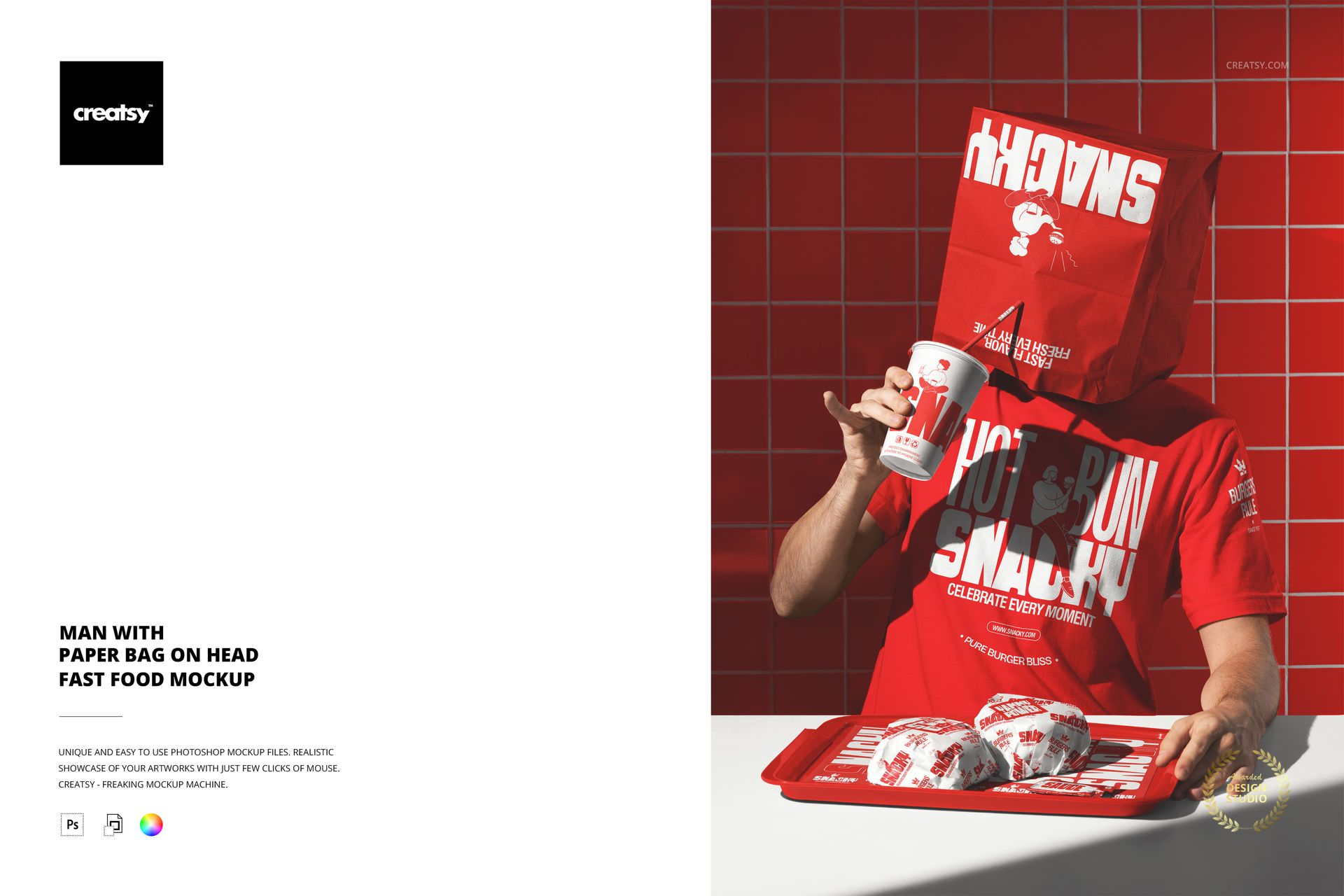
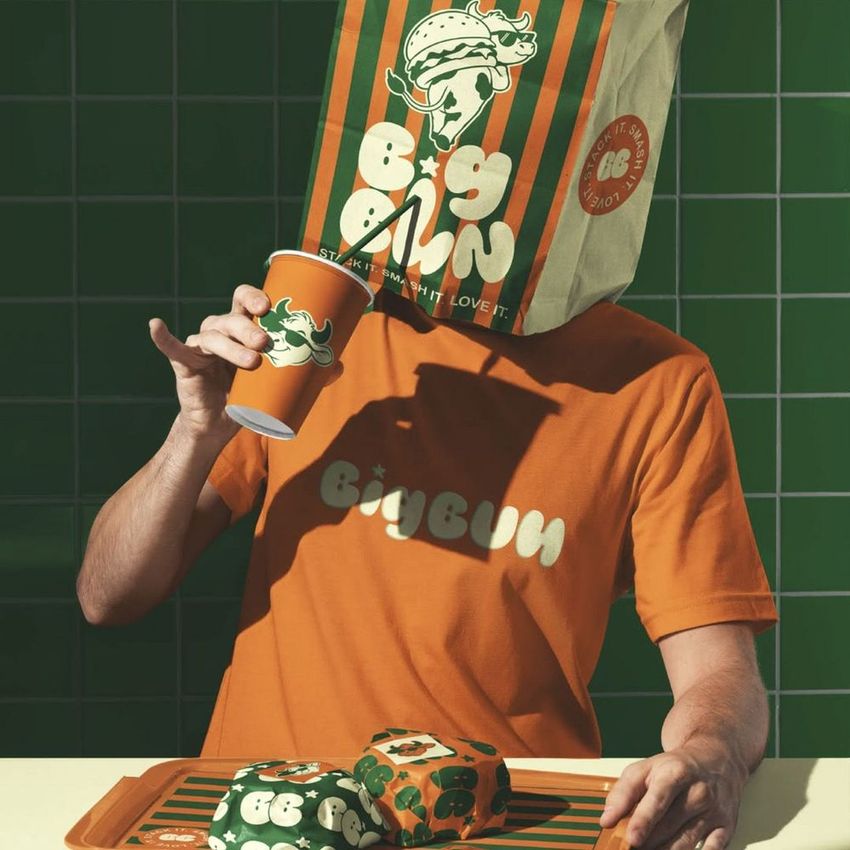
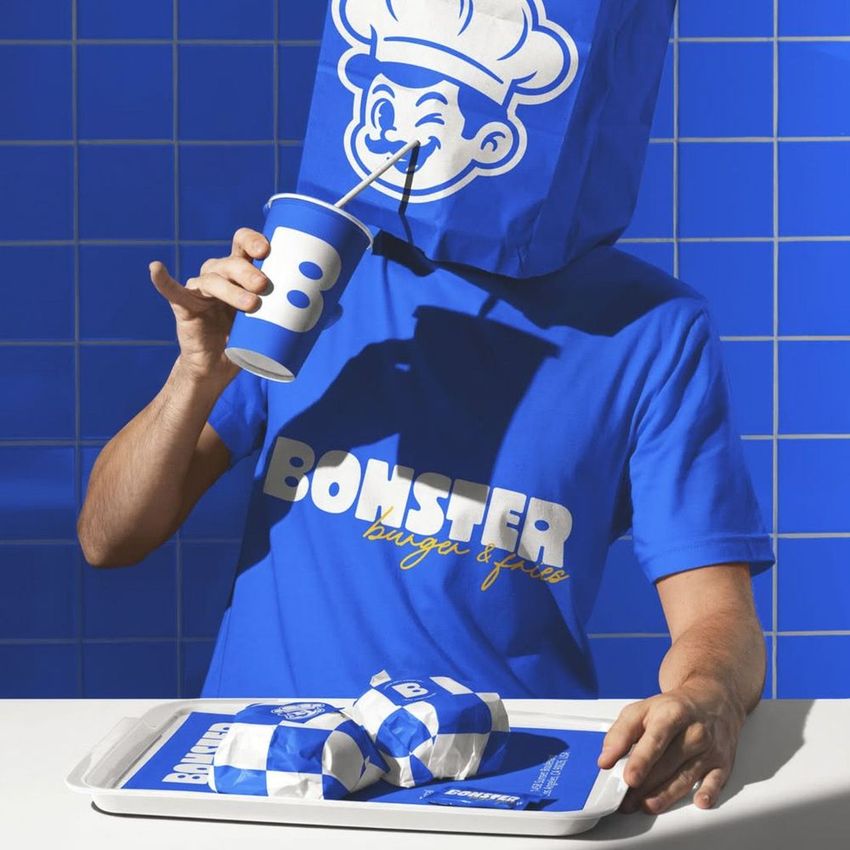
The Man with Paper Bag on Head Fast Food Mockup shows a person wearing a branded paper bag over their head in a playful, attention-grabbing composition. The bag serves as the primary branding surface, turning a simple fast food packaging item into a wearable billboard that commands attention in any feed or presentation. The smart object layer on the bag lets you place your restaurant logo, typography, or graphic directly onto the surface, and the design wraps naturally around the contours of the bag as it sits on the person. This is a concept-driven mockup built for brands that want their marketing visuals to stand out from standard product-on-table shots and create the kind of image that stops people from scrolling. The file measures 6000x4000px at 300 DPI with organized smart object layers and works in Adobe Photoshop CC 2020 or newer and Photopea.
Why This Mockup Works
Fast food branding visuals compete for attention in crowded social feeds, pitch decks, and marketing materials where standard packaging shots blend together. A person wearing a branded paper bag on their head is unexpected, memorable, and inherently shareable. The image creates an instant emotional reaction that makes viewers pause, which is exactly what marketing content needs to do before the message even registers. The human element adds scale and context that a standalone packaging shot cannot provide, while the humor of the composition makes the brand feel approachable and self-aware. This type of image works because it treats branding as entertainment rather than information, which is how the most effective fast food marketing has always operated.
What Is Included
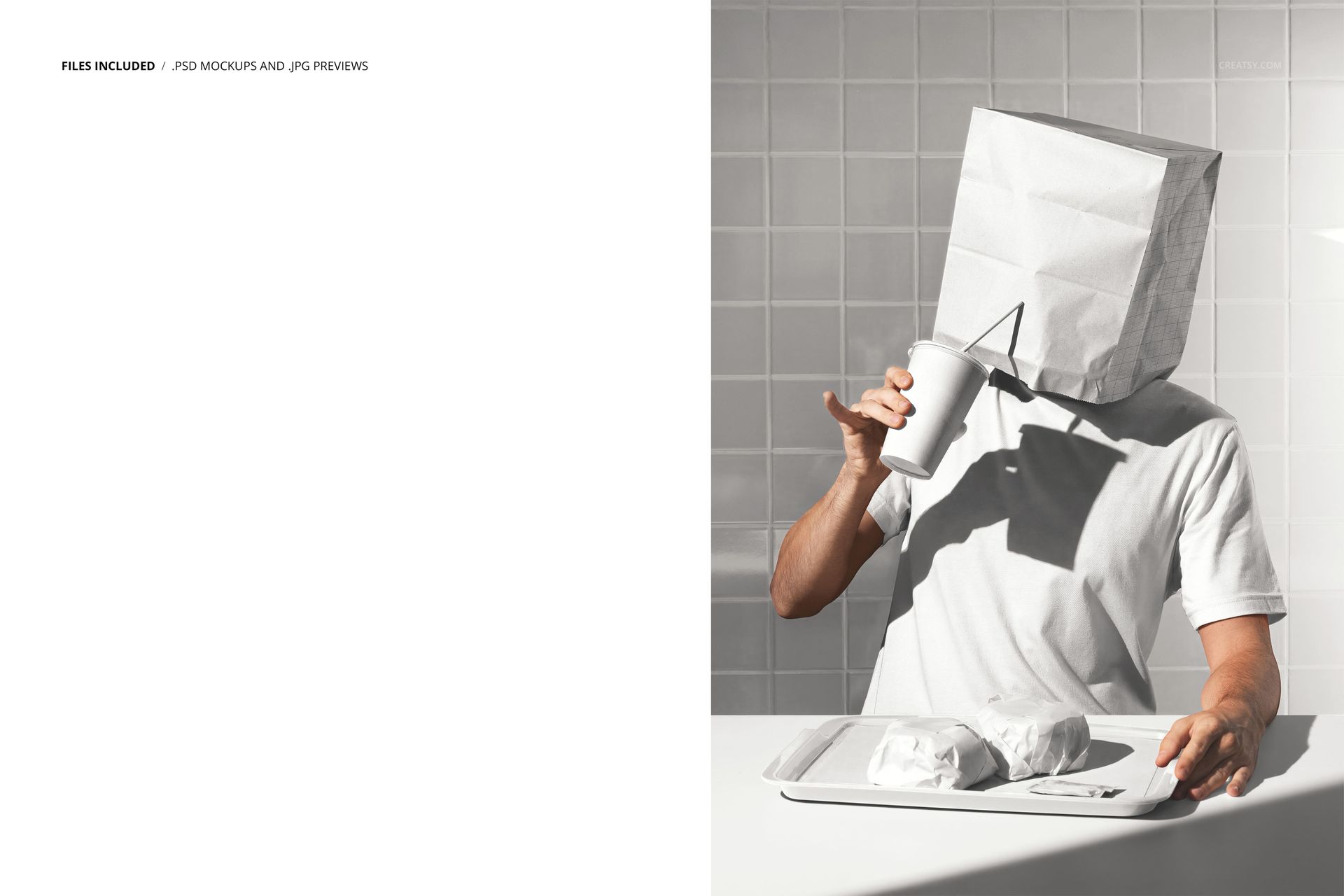
The download contains 1 layered PSD file. The scene shows a person with a paper bag placed over their head, with the bag serving as the primary branding canvas. The smart object layer controls the design on the bag surface, allowing you to place your artwork and see it conform to the natural folds and contours of the paper. The lighting captures the texture of the paper and the dimension of the bag on the person, creating a realistic result that looks like it was photographed with the actual printed bag.
What You Can Customize
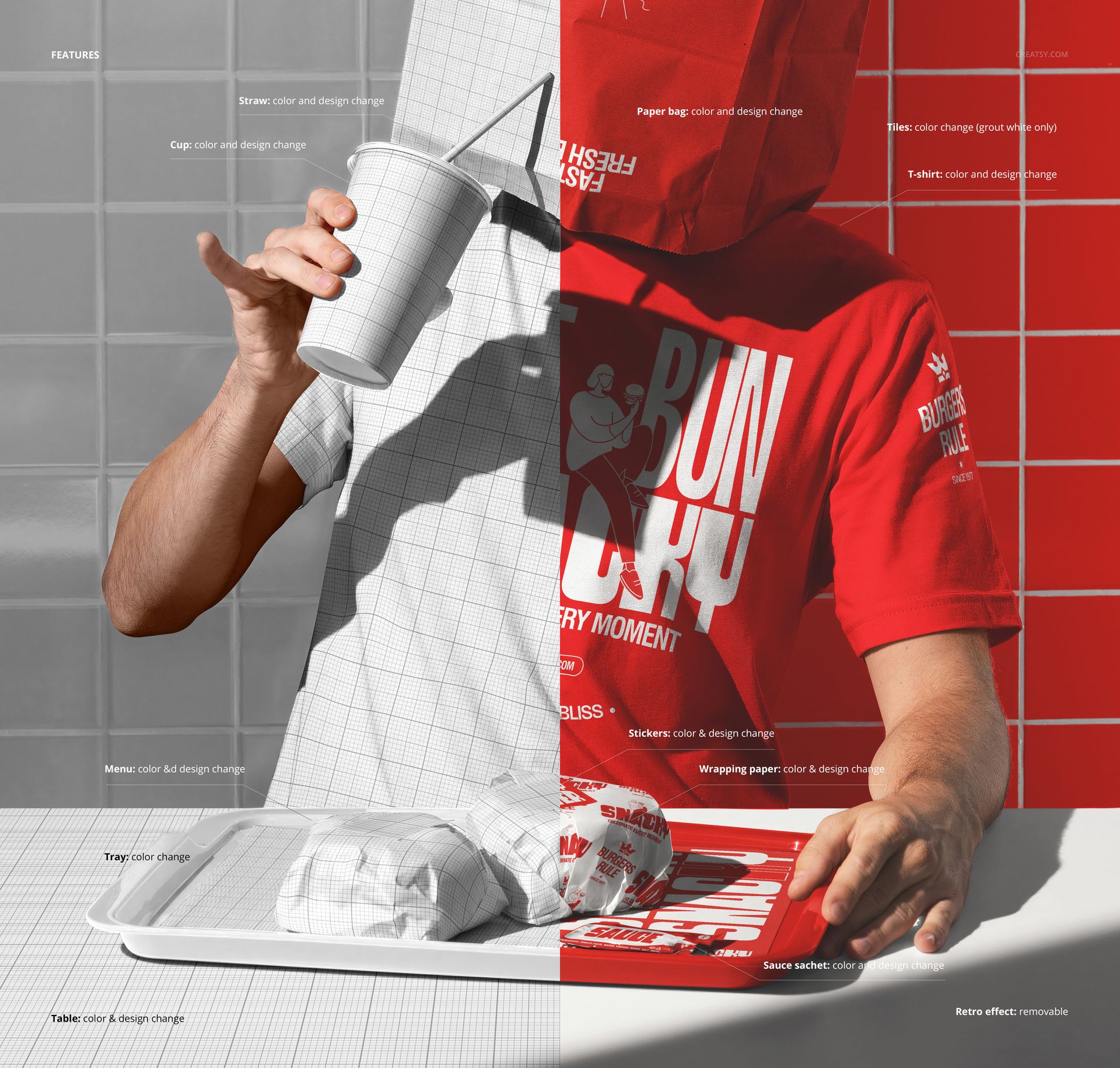
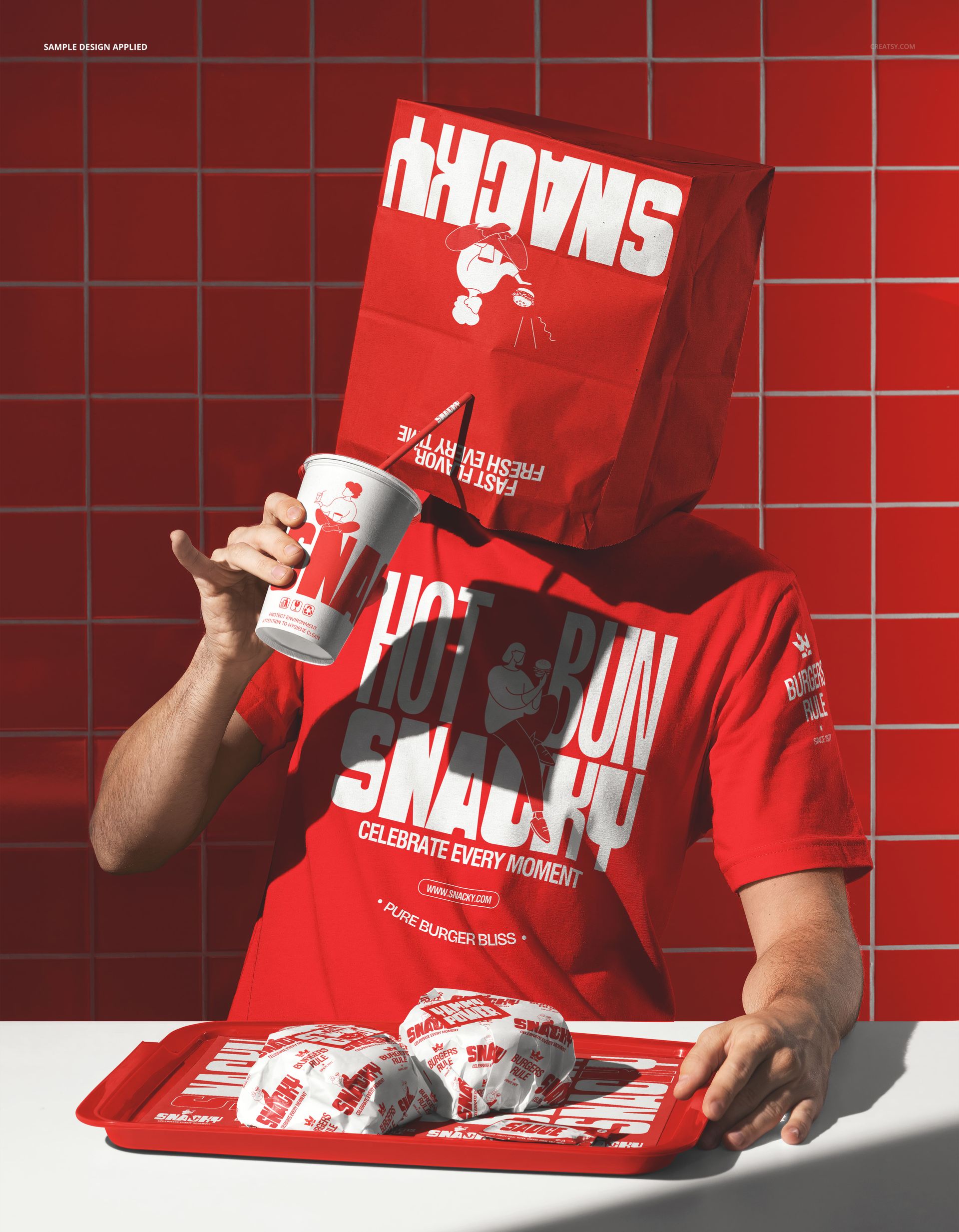
The smart object controls the design on the paper bag. Double-click the smart object layer to open the design canvas, place your logo, restaurant name, graphic, or pattern, and save. The artwork wraps around the bag with accurate paper texture and fold response. The adjustment layers let you modify overall brightness, contrast, and color temperature to match your brand aesthetic or to create a specific mood for the campaign. You can swap designs quickly to compare branding concepts, test different color schemes, or create a series of variations for A/B testing across social media channels.
Who This Mockup Is For
Fast food restaurants and burger chains looking for social media content that stands out from competitors and generates engagement through humor and visual surprise. Creative agencies developing campaign concepts for restaurant clients who want bold, unconventional marketing visuals that break the pattern of standard food photography. Social media managers at restaurant brands who need scroll-stopping content for Instagram, TikTok, and other platforms where visual impact determines whether a post gets noticed or ignored. Brand identity designers building pitch decks and mood boards that demonstrate creative branding applications beyond traditional packaging shots. Marketing teams at quick-service restaurants preparing launch campaigns, seasonal promotions, or brand awareness content that needs to feel fresh, fun, and distinctly different from what competitors are posting.
File Specifications
Files: 1 PSD. Dimensions: 6000x4000 px. Resolution: 300 DPI. Color mode: RGB. File size: 314.86 MB. Compatibility: Adobe Photoshop CC 2020 or newer, Photopea.