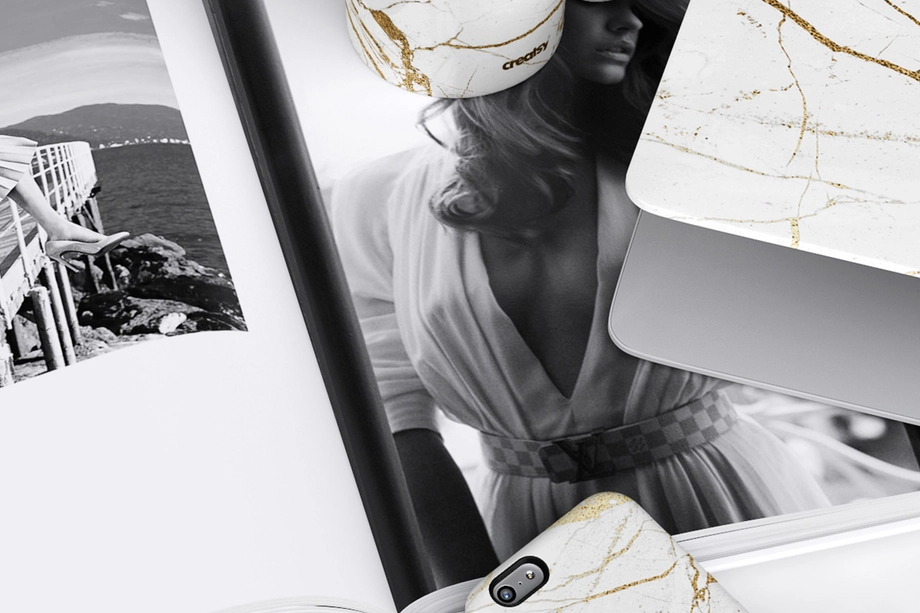
Laptop Case, Sleeve & Skin Mockups
Showcase artwork on laptop cases, sleeves, clear covers and skins in realistic product scenes. Create polished ecommerce images, campaign assets and client presentations for laptop and MacBook accessory designs.

What you get
Professional PSD mockups built in-house - editable, realistic, high-resolution, and supported by real people.
Layered PSD Files
Creatsy mockups are delivered as fully layered Photoshop .psd files, with layers sorted into clearly named groups. Shadows, highlights, and the background each sit on their own editable layer, and nothing is flattened into a single image. Open it in Photoshop or the free browser editor Photopea and get to work.
- Clearly named, organized layer groups
- Shadows and highlights on separate layers
- Editable background, never flattened
- Works in Photoshop or free Photopea
Smart Objects
Open the smart object, paste your artwork, and save. The design lands on the product with the perspective, warp, and wrap already worked out. Scene lighting and shadows fall back on top, so it reads as a photograph, not a flat paste-in. Swapping a design takes seconds, so one file can carry a whole run of variants and colorways.
- Double-click, paste your design, save
- Perspective, warp, and wrap pre-built
- Scene lighting and shadows sit back on top
- One file covers many variants and colorways
High-Resolution Output
Many scenes are built from real product photography rather than 3D renders, so the fabric and surface read like a studio shot. Files export at high resolution and stay sharp at full zoom, with clean edges where the print sits. The same file works for a hero banner, a paid ad or a product listing.
- Real product photography in many scenes
- Exports ready for print
- Holds detail at full zoom
- Works for banners, ads and listings
Easy to Edit
Colors, backgrounds, and artwork sit on separate, clearly named layers, so you swap a color or background without disturbing the rest of the scene. There is no relighting or shadow work to redo, and the same file works for your next project.
- Edit color and background layers directly
- No relighting or shadow rework needed
- No masking or layer skills required
- One file reused across projects
Fast Support
There is a real in-house team behind every file, not a ticket bot. Before you buy, ask whether a specific mockup fits what you have in mind, and we will tell you. When a smart object or a layer group is tripping you up, send the question and you usually get a reply within 48 hours.
- Real in-house team behind every file
- Replies within 48 hours
- Pre-purchase help picking the right mockup
- Answers on smart objects and layer setup
Who are these mockups for?
For MacBook hard-shell case brands
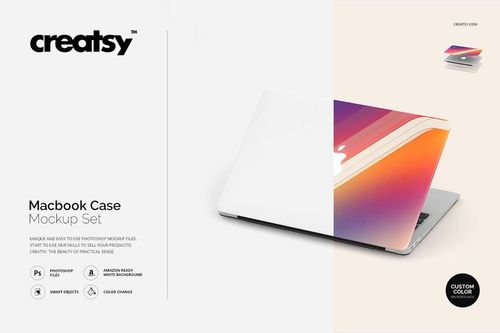
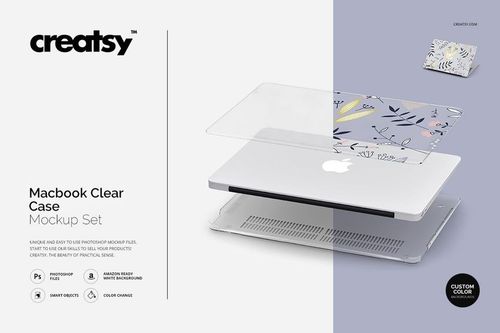
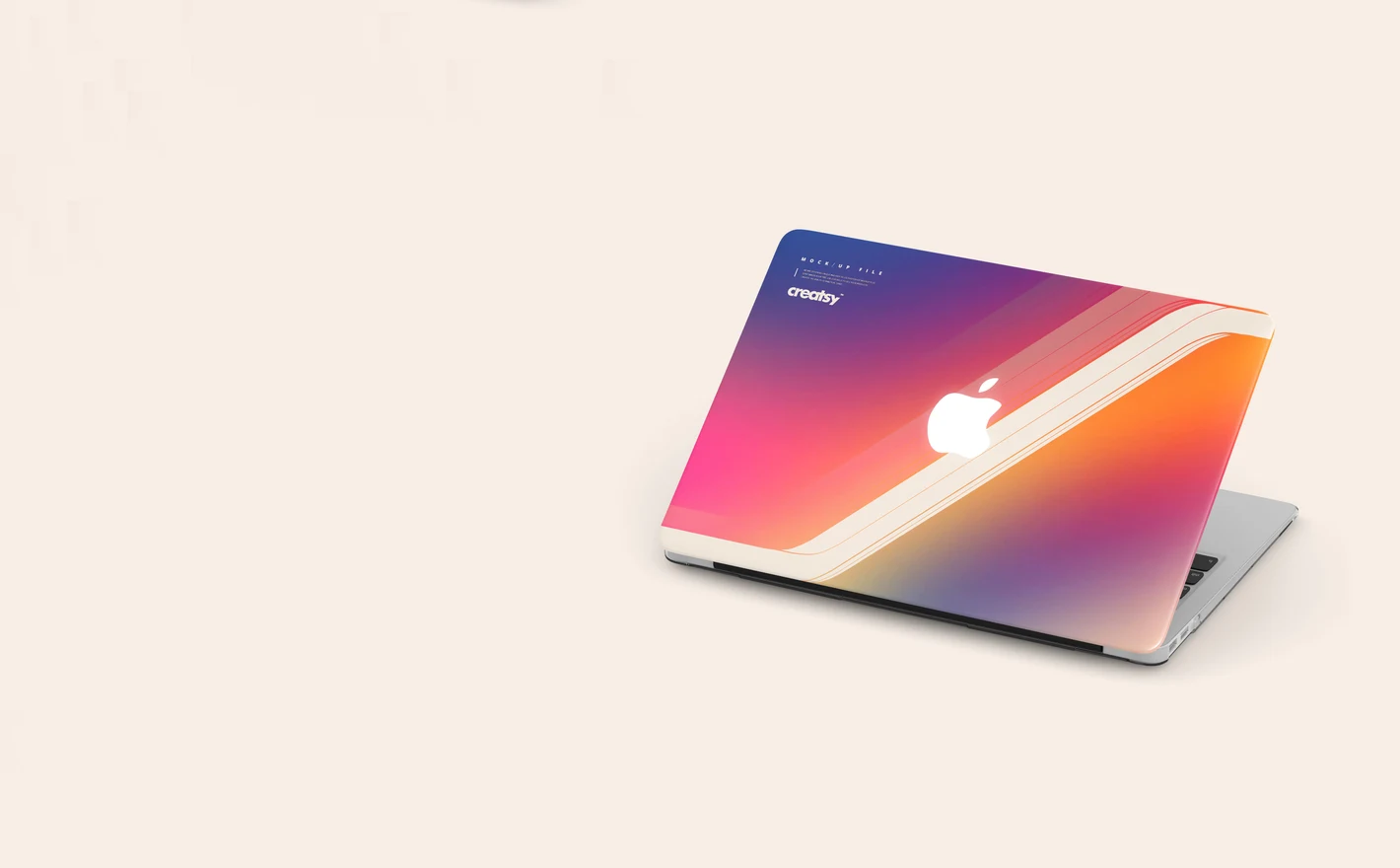
Drop the logo or the pattern into the Macbook Case Mockup Set and the hard shell shows with the corners and edges already handled, then put the same file into the Macbook Clear Case Mockup Set for the second SKU. Two listings from one artwork.
Selling MacBook cases? View the Macbook Case Mockup Set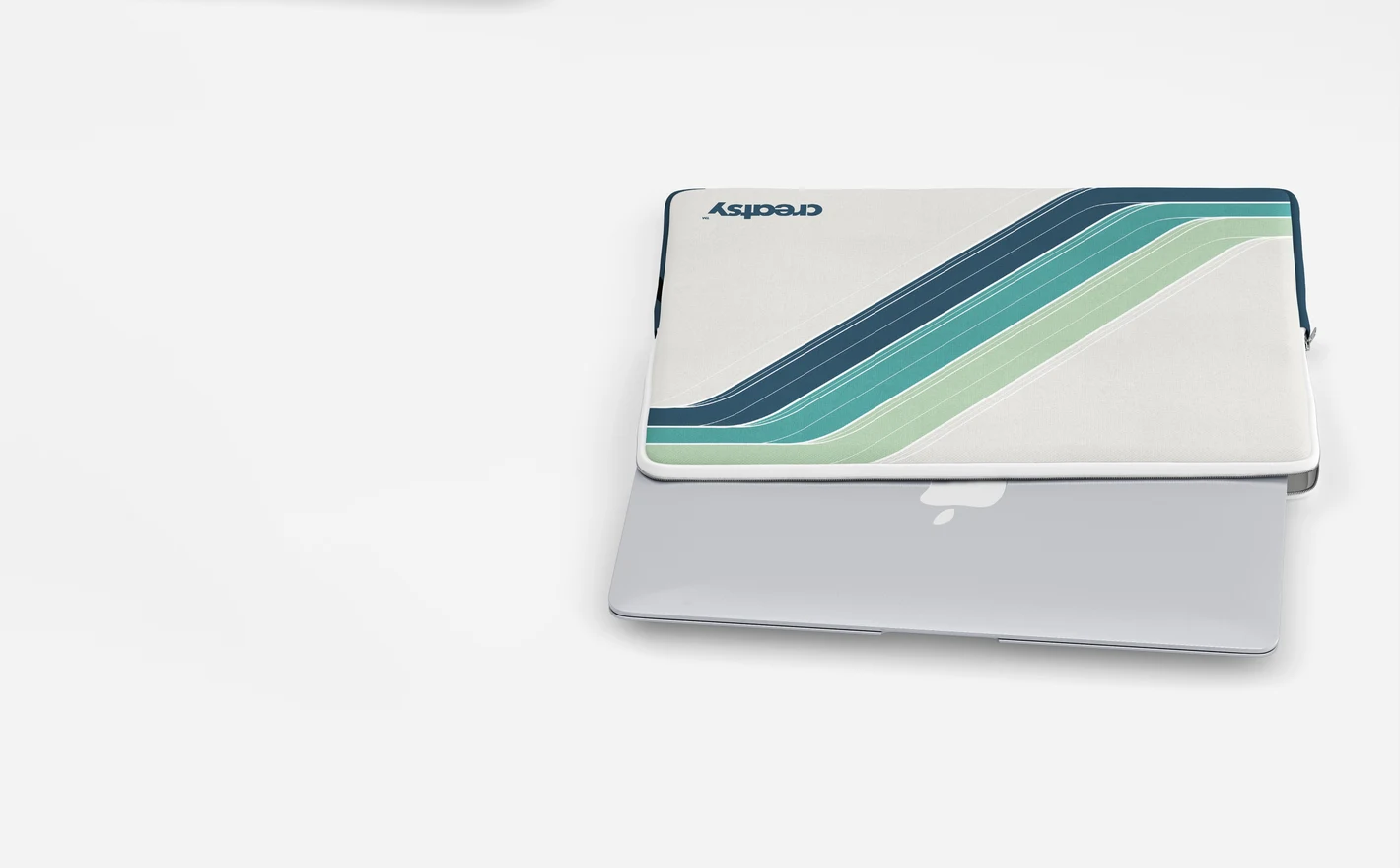
For surface pattern & textile designers
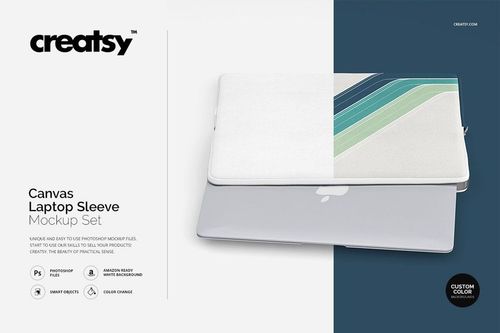
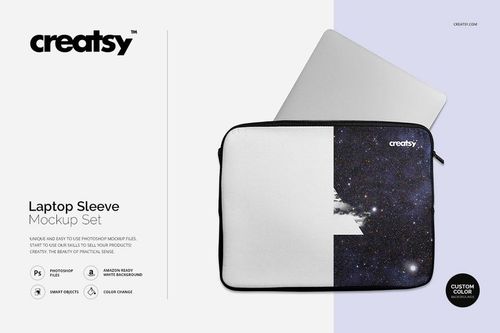
Lay the repeat over the Canvas Laptop Sleeve Mockup Set and the weave shows through the print, so the artwork looks manufactured and not pasted on. It's the shot for a licensing deck or a portfolio page.
Pitching a textile print? View the Canvas Laptop Sleeve Mockup Set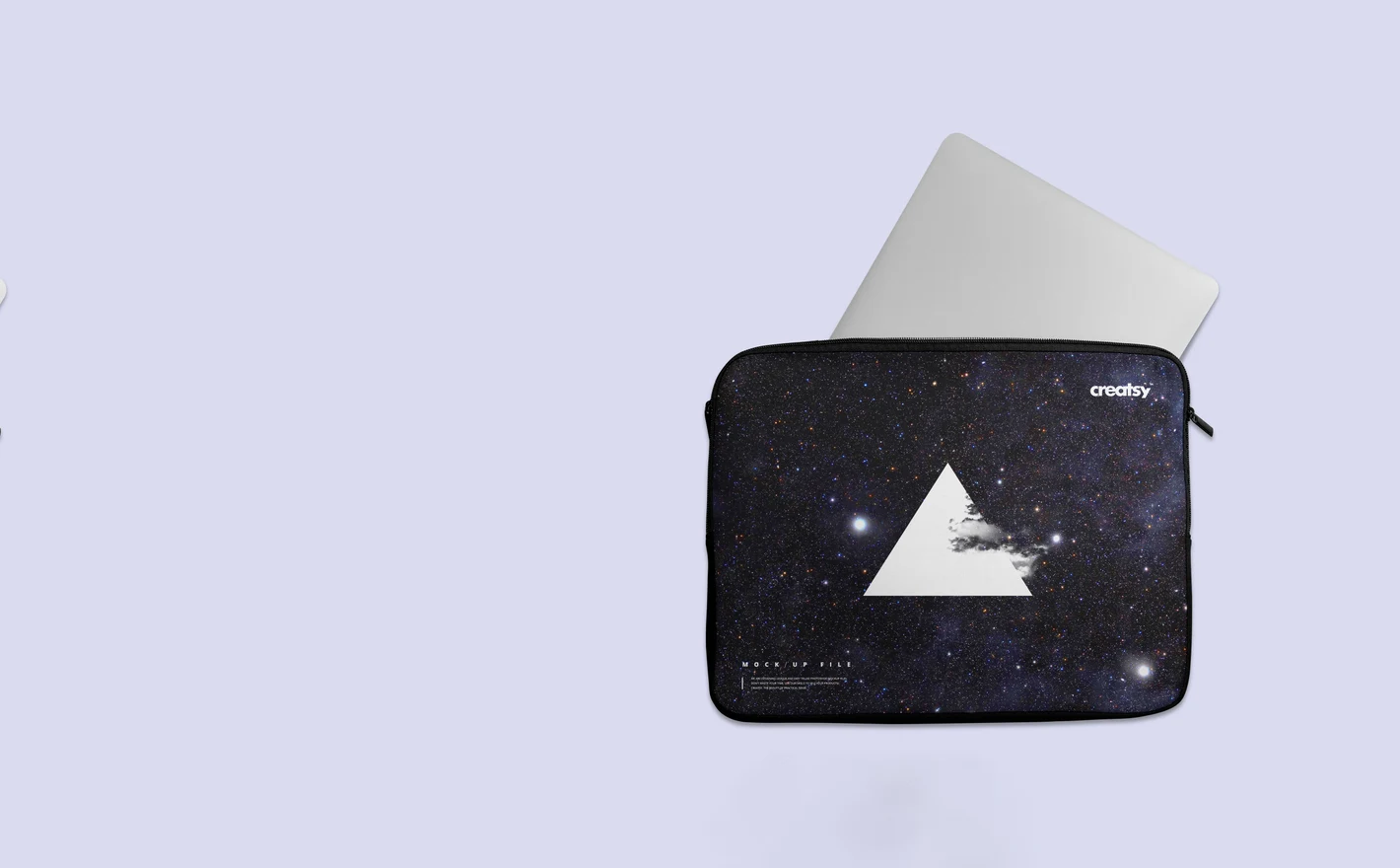
For laptop accessory & ecommerce brands
Run one artwork through the Macbook Case Mockup Set, the Laptop Sleeve Mockup Set and the Macbook Skin Case Mockup and the range sits in matching scenes for the listing and the lookbook. New colorways go in through the smart objects, one file per format.
Building the range? View the Laptop Sleeve Mockup Set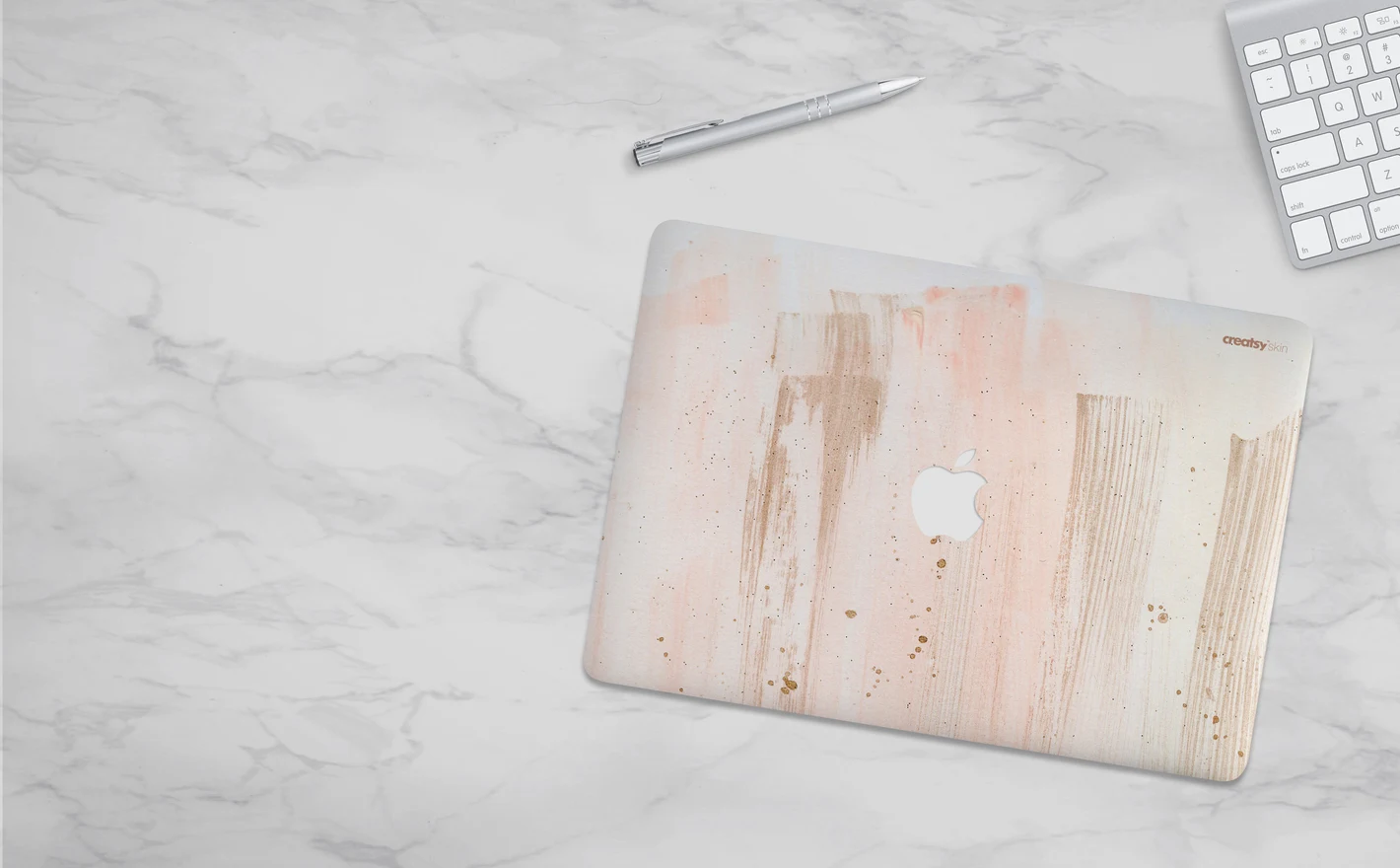
For creative studios & licensing portfolios
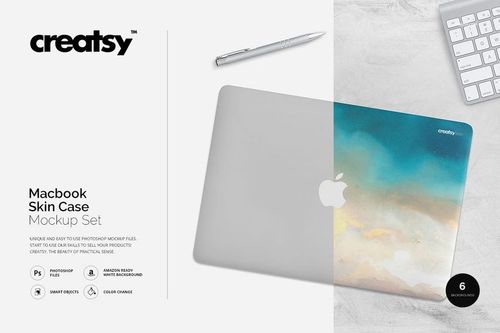
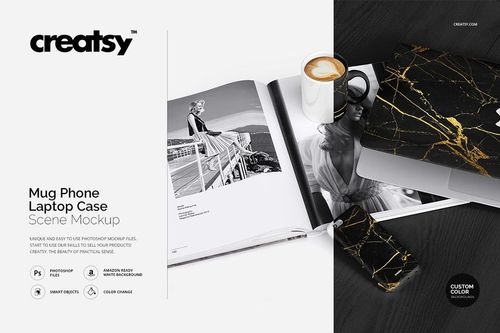
Put the illustration into the Macbook Skin Case Mockup for the edge-to-edge test, then into the Mug Phone Laptop Case Scene Mockup to show it across a mug, a phone and a laptop in one shot. Licensing buyers want to see artwork survive corners, zips and full-bleed edges, and that's the proof.
Showing the artwork as a line? View the Mug Phone Laptop Case Scene Mockup
FAQs
The category includes MacBook hard cases, clear cases, fabric sleeves and a skin mockup. There is also a coordinated scene with a mug, phone case and laptop case. Choose the correct accessory type and device shape; a sleeve, shell and adhesive skin do not represent the same product.
Macbook Skin Case Mockup lets you apply artwork to the skin, adjust colors and use the provided background options. Its description also lists movable or removable keyboard and pen elements. The artwork area represents that specific laptop, so compare its shape with your product rather than treating it as a universal skin template.
Compare the fabric appearance, shape and construction in the galleries. Canvas Laptop Sleeve is intended for a canvas presentation; Laptop Sleeve provides a different sleeve option. Choose the one closest to the actual item, especially when the texture will be visible through your pattern or illustration.
The clear shell lets the laptop beneath it remain part of the presentation. Unprinted areas and the underlying device color can affect how the artwork looks. Match the preview to your actual printing method; a design printed with white ink underneath may appear different from a translucent print.
Yes. Adapt a copy for each product's proportions and editable design area. Check the crop, corners and texture in each scene instead of reusing one placement blindly. Keep separate production layouts where the physical dimensions differ, even when all three products use the same pattern.
Why use Laptop Case, Sleeve & Skin mockups?
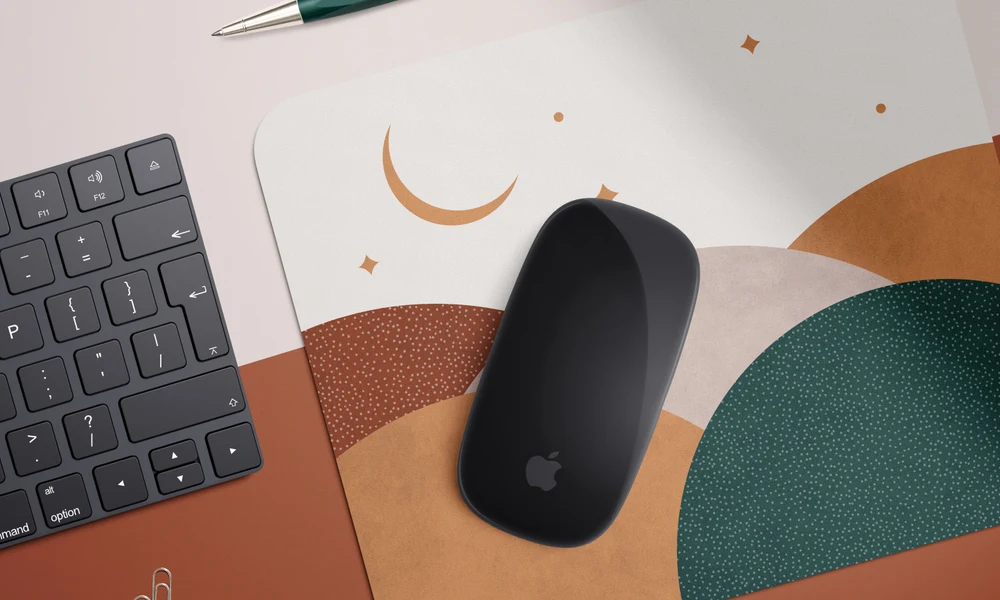
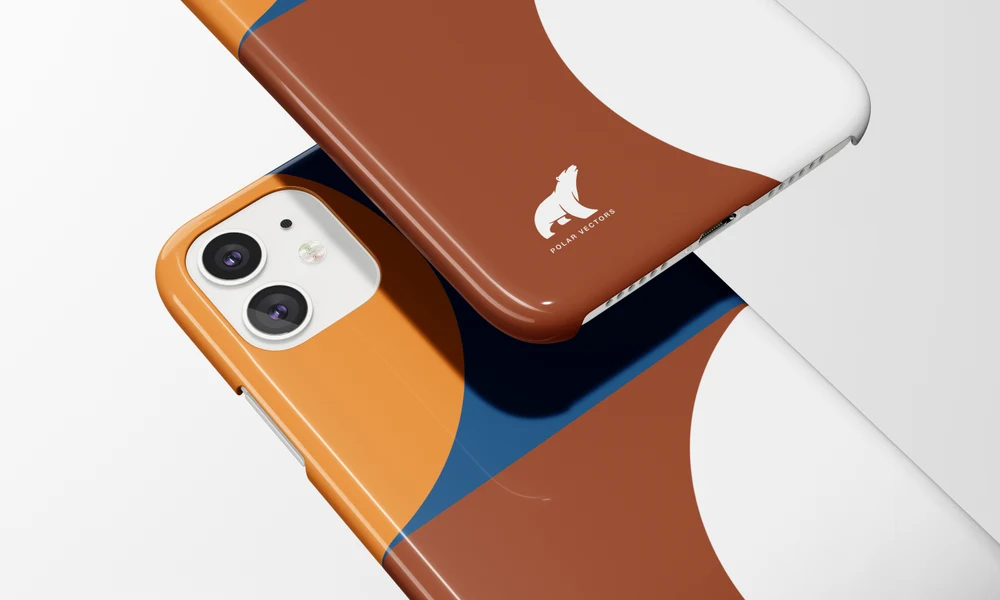
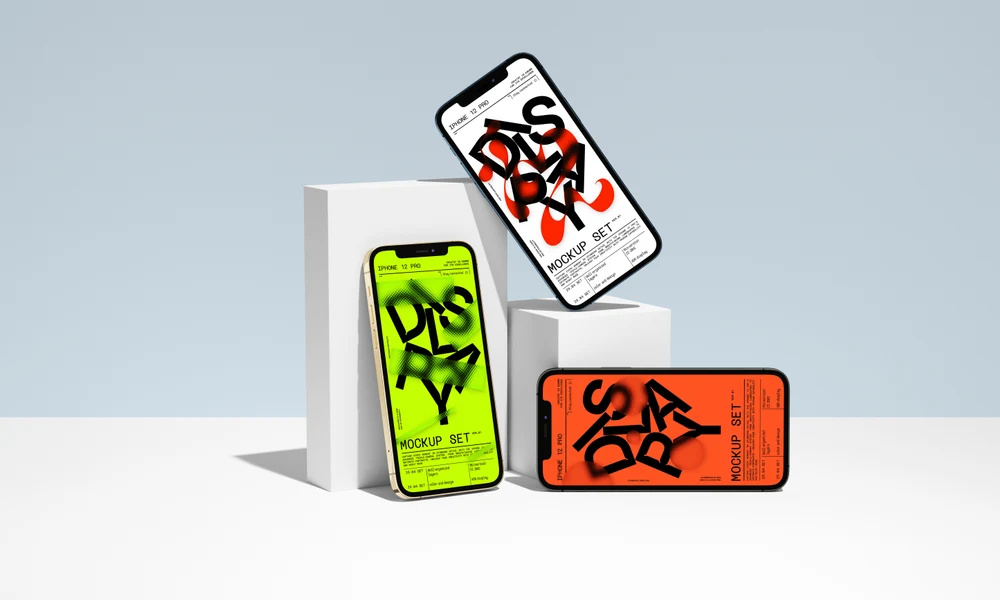
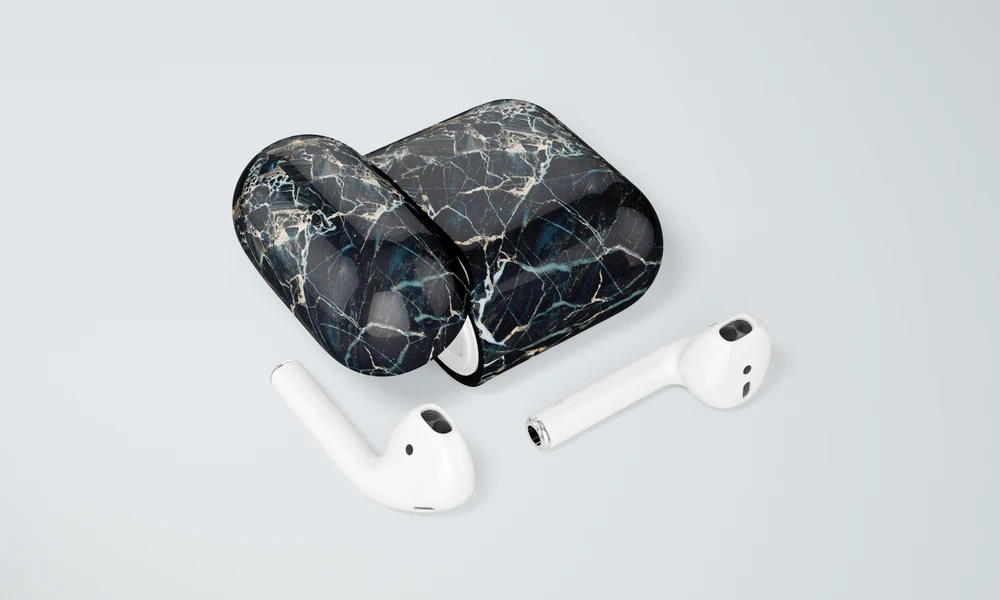
Laptop accessories include MacBook hard and clear cases, canvas and other fabric sleeves, a full-surface skin, and a combined mug, phone and laptop case scene. Each format presents artwork differently. The listings show the available views, software requirements, editable parts and license options. A hard case curves around corners, a canvas sleeve adds woven texture, and a skin gives the artwork a broad area across the laptop lid. Try the same illustration or repeat on the formats you need and compare its cropping and scale. The Smart Objects retain the material and lighting in each scene, helping you present a coordinated collection for a shop, lookbook or licensing proposal. Export the views for product listings, campaigns and client reviews. The skin mockup offers top-down presentation options with marble, wood, textured white and plain backgrounds, while the other files provide their own settings. Check the gallery before selecting a composition. Each separate scene needs its own artwork update, and the selected files can be reused when the design or collection changes.
FreeCreatsy® Mockups