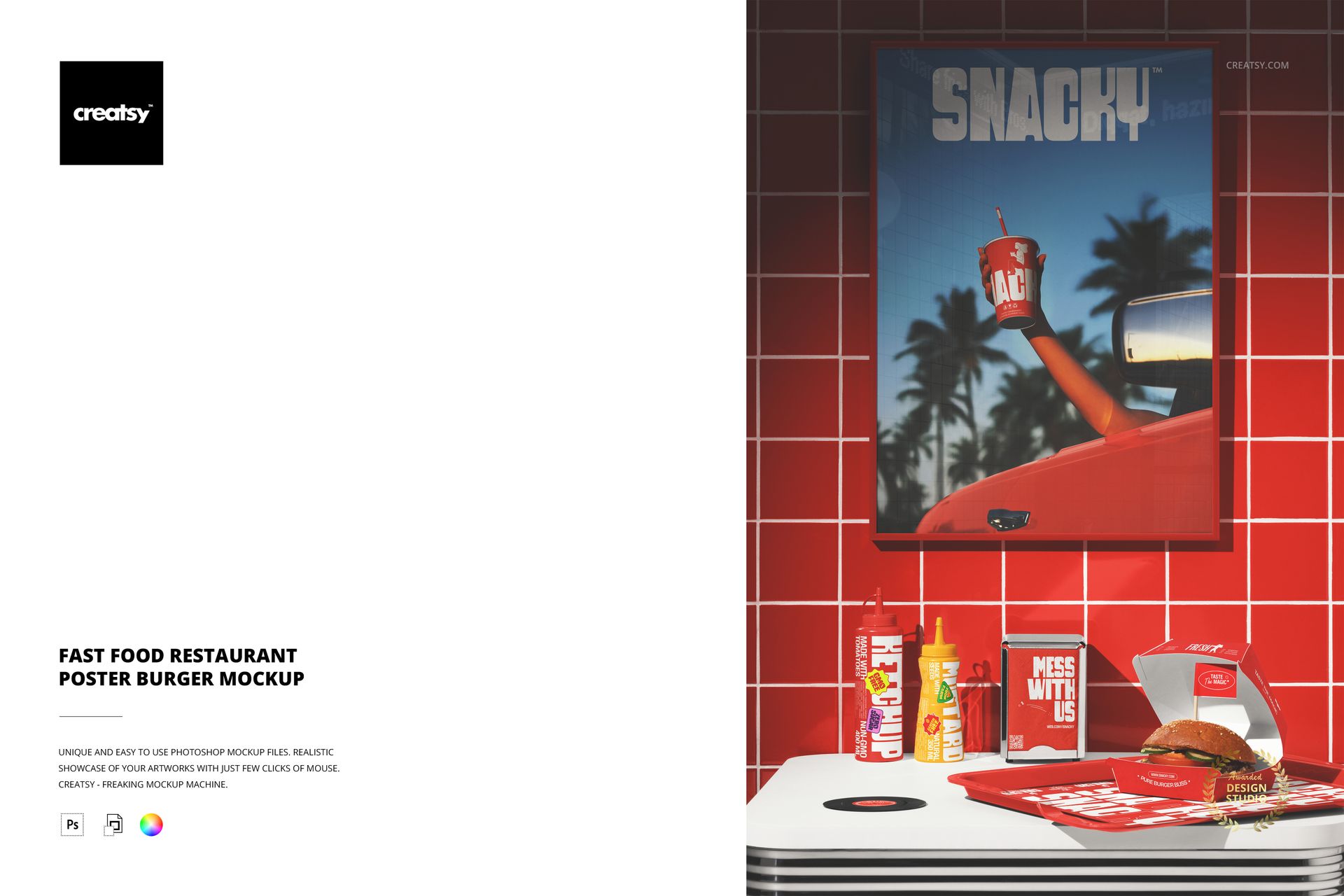
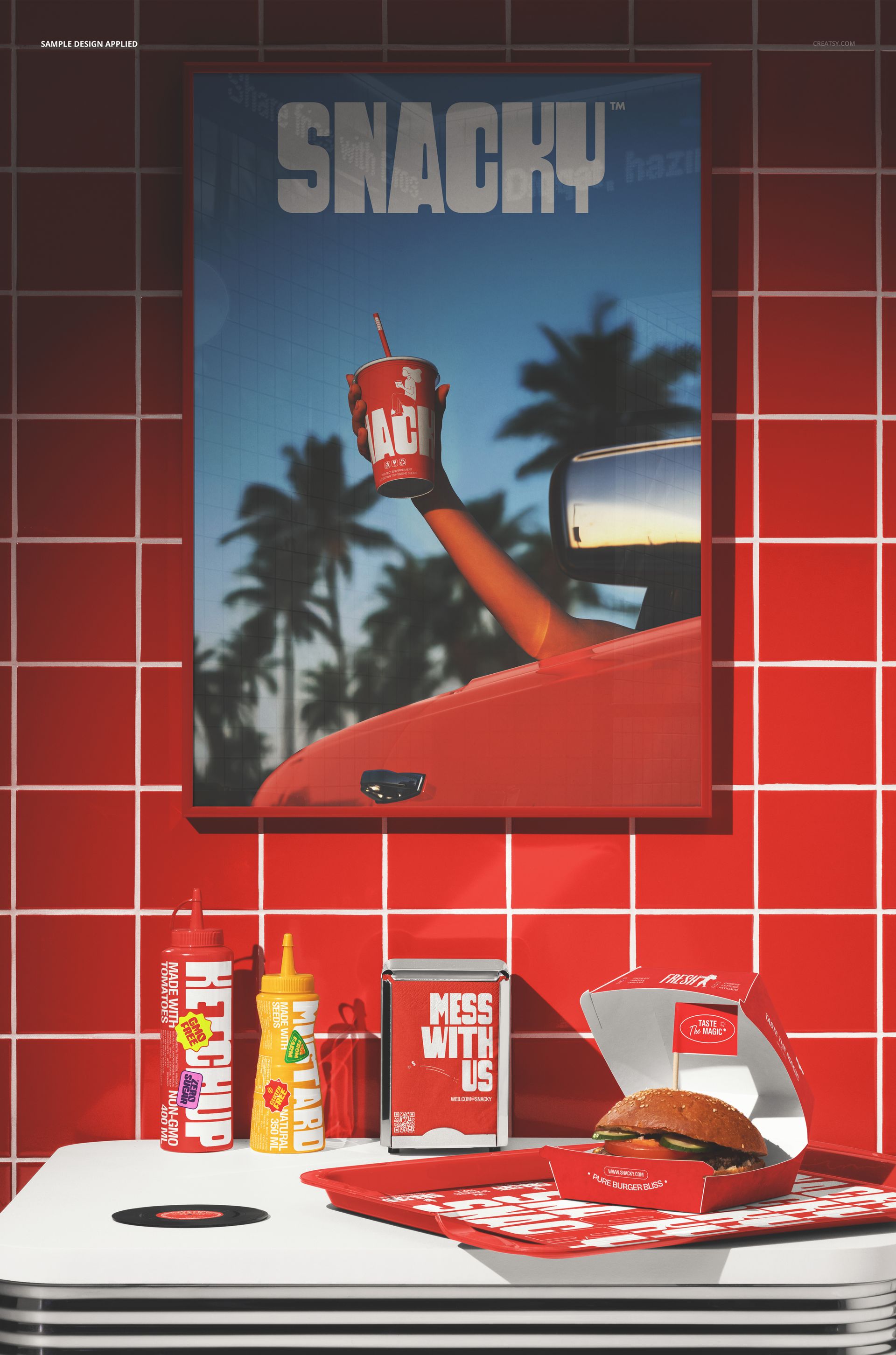
The Fast Food Restaurant Poster Burger Mockup shows a promotional poster mounted on the wall of a fast food restaurant, surrounded by the red tile and condiment bottles that define the atmosphere of a real burger joint. The composition places your poster design directly in the environment where customers will see it: on the wall behind the counter, next to the menu, in the space where eyes naturally wander while waiting for an order. The smart object layer on the poster lets you place your menu artwork, promotional graphic, or brand messaging and see how it reads in the context of a working restaurant with ambient lighting, wall texture, and the visual clutter of a real dining space. The file measures 6000x4000px at 300 DPI with organized smart object layers and works in Adobe Photoshop CC 2020 or newer and Photopea.
Why This Mockup Works
A poster design presented on a white background or in a generic frame tells you what the artwork looks like. A poster design presented on the wall of an actual fast food restaurant tells you whether the artwork works. The difference is context: the red tile, the condiment bottles, the ambient lighting, and the visual noise of a real dining environment all compete with the poster for attention. If the design reads clearly in this setting, it will perform well when printed and hung in the actual restaurant. This mockup provides that real-world stress test, which is significantly more valuable than a clean presentation mockup because it reveals how the poster will actually be perceived by customers who are distracted, hungry, and scanning the walls while they wait for their food.
What Is Included
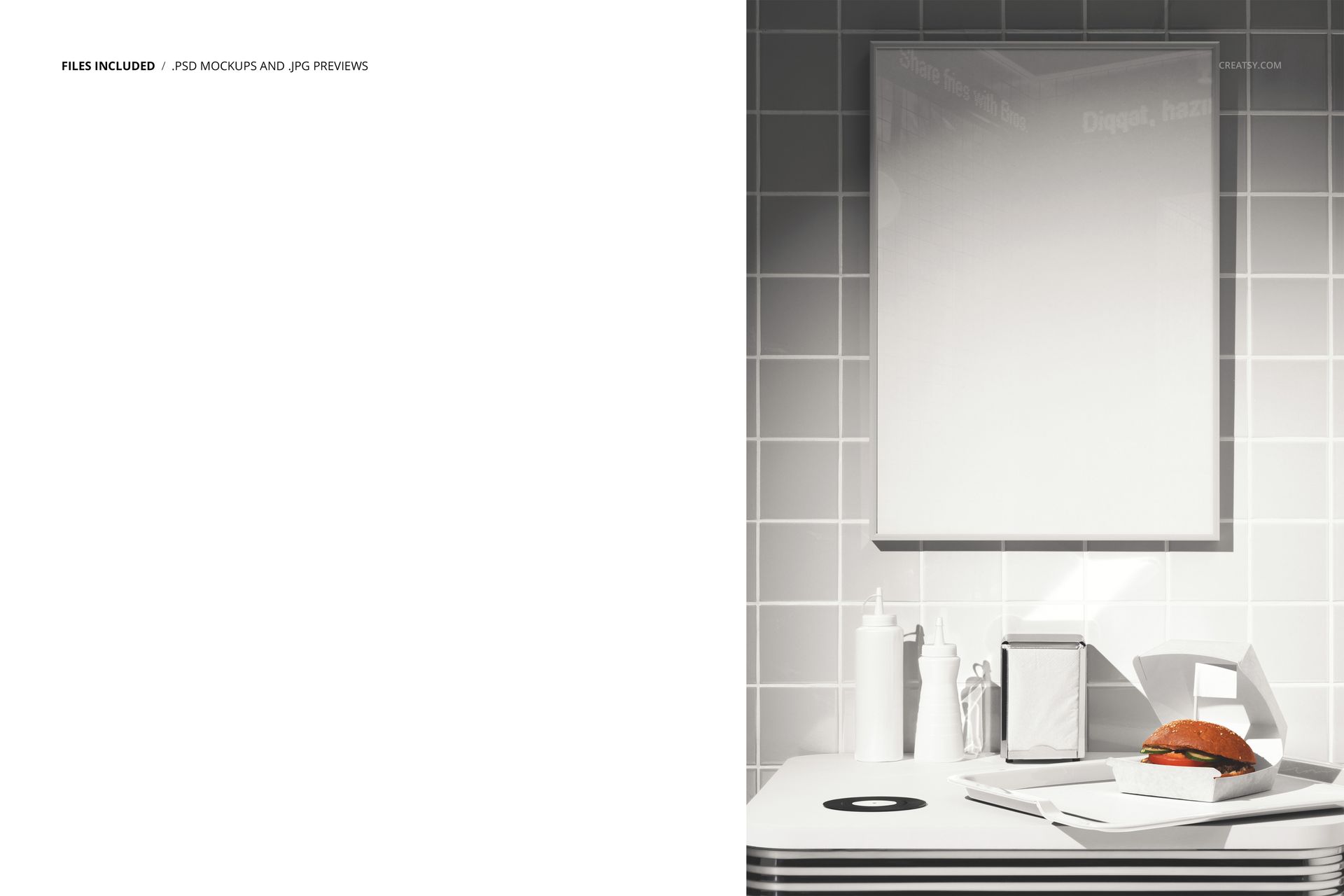
The download contains 1 layered PSD file. The scene shows a poster mounted on the wall of a fast food restaurant with typical restaurant elements visible in the frame. The smart object layer controls the design on the poster surface, allowing you to place your artwork and see it in the context of ambient restaurant lighting and wall texture. The layer structure is organized and labeled for quick access to the smart object and the adjustment controls.
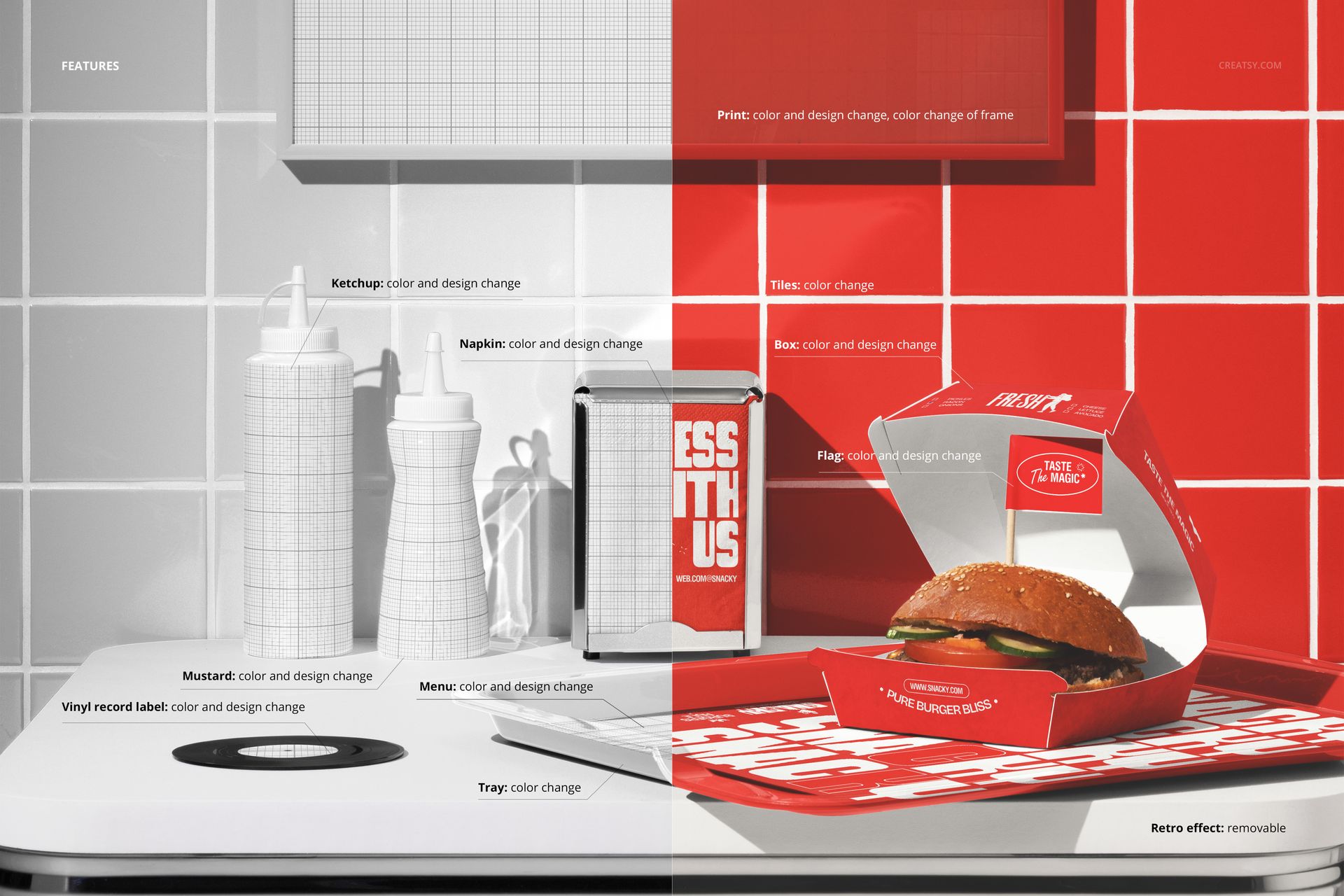
What You Can Customize
The smart object controls the design on the poster. Double-click the smart object layer to place your menu graphic, promotional artwork, seasonal offer, or brand messaging on the poster surface. The artwork displays with accurate paper texture and lighting response that matches the restaurant environment. The adjustment layers let you modify overall brightness, contrast, and color temperature to match your brand aesthetic or to simulate different lighting conditions. You can swap designs quickly to compare poster concepts, test how different promotions look on the wall, or create a series of seasonal posters to present to stakeholders.
Who This Mockup Is For
Fast food restaurants and burger chains that need to preview how in-store promotional posters will look on their actual walls before sending designs to the printer. Graphic designers creating menu boards, promotional posters, and in-store signage for restaurant clients who want to see the design in a realistic setting. Marketing teams at restaurant brands preparing campaign rollouts that include in-store visuals alongside digital and social media assets. Franchise consultants and brand guidelines teams documenting how promotional materials should appear in restaurant locations. Print shops and signage companies building portfolios and client proposals that show poster designs in authentic restaurant environments rather than generic frame mockups.
File Specifications
Files: 1 PSD. Dimensions: 6000x4000 px. Resolution: 300 DPI. Color mode: RGB. File size: 269.61 MB. Compatibility: Adobe Photoshop CC 2020 or newer, Photopea.