The Barrel
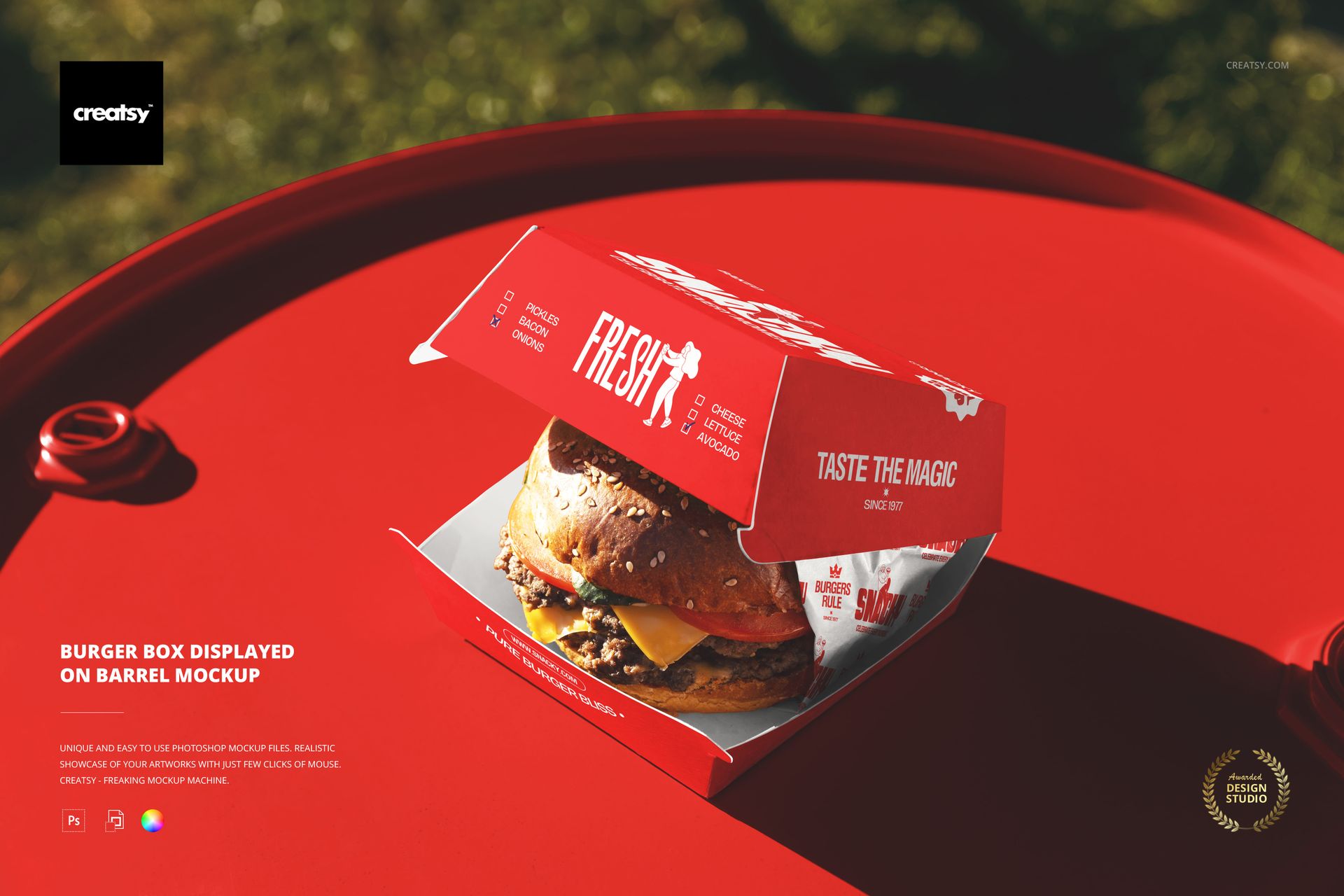
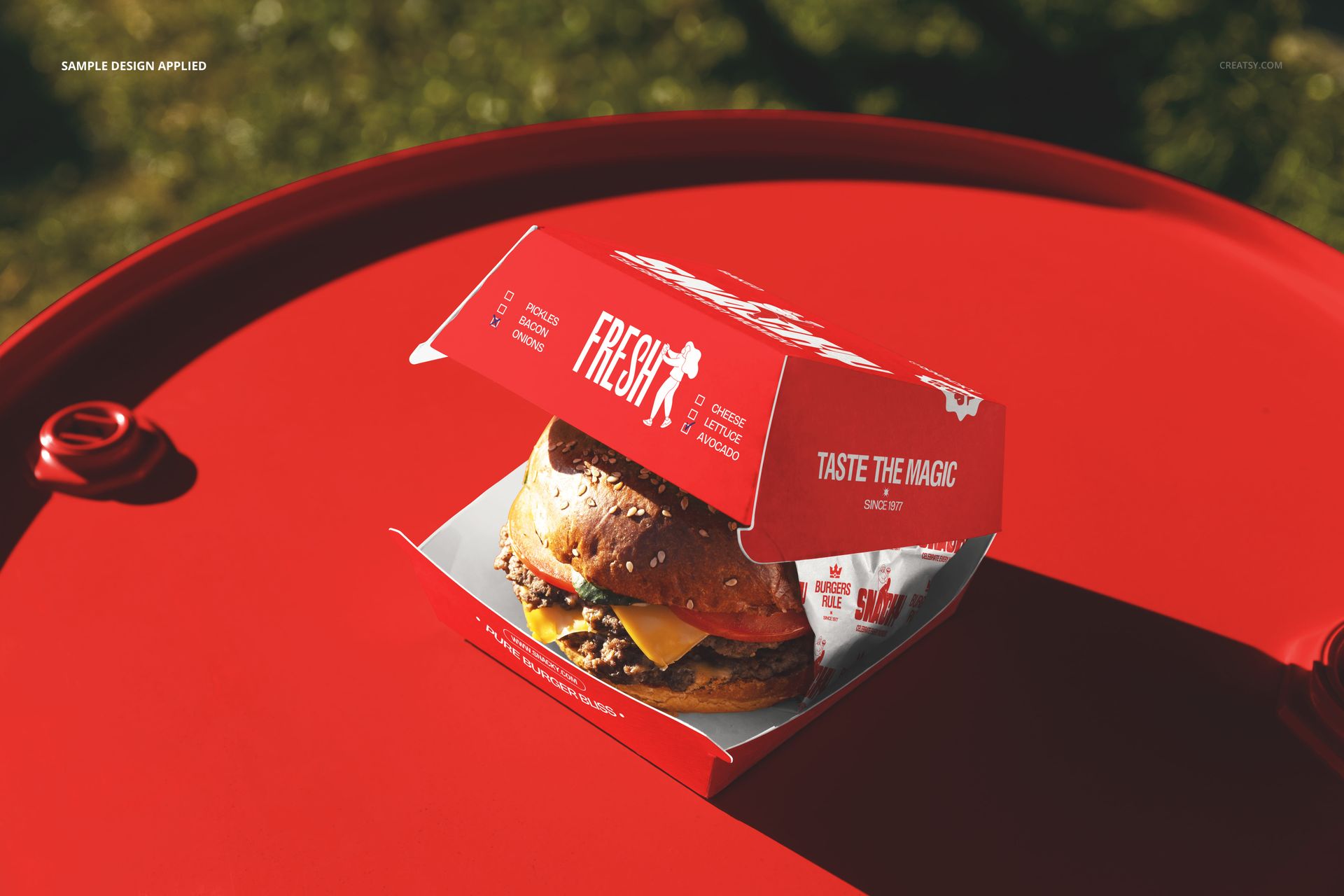
A burger box sits on a barrel in an outdoor setting. The barrel is not a random prop - it signals a specific brand personality. Craft burger joints, smokehouse restaurants, BBQ brands, brewery-affiliated eateries, and street food vendors all use barrel-style furniture and display surfaces as part of their visual identity. A brand that puts its packaging on a barrel is telling the customer something about itself: rustic, artisanal, handcrafted, independent. This mockup captures that personality in a single photograph. Your packaging design goes onto the burger box through a smart object layer, and the barrel, the outdoor background, and the natural lighting provide the brand context that tells the viewer what kind of restaurant this is before they read a single word on the box. One PSD file at 6000 by 4000 pixels, 300 DPI. Works in Adobe Photoshop CC 2020 or newer and in Photopea, the free browser-based editor.
What the Box Reveals
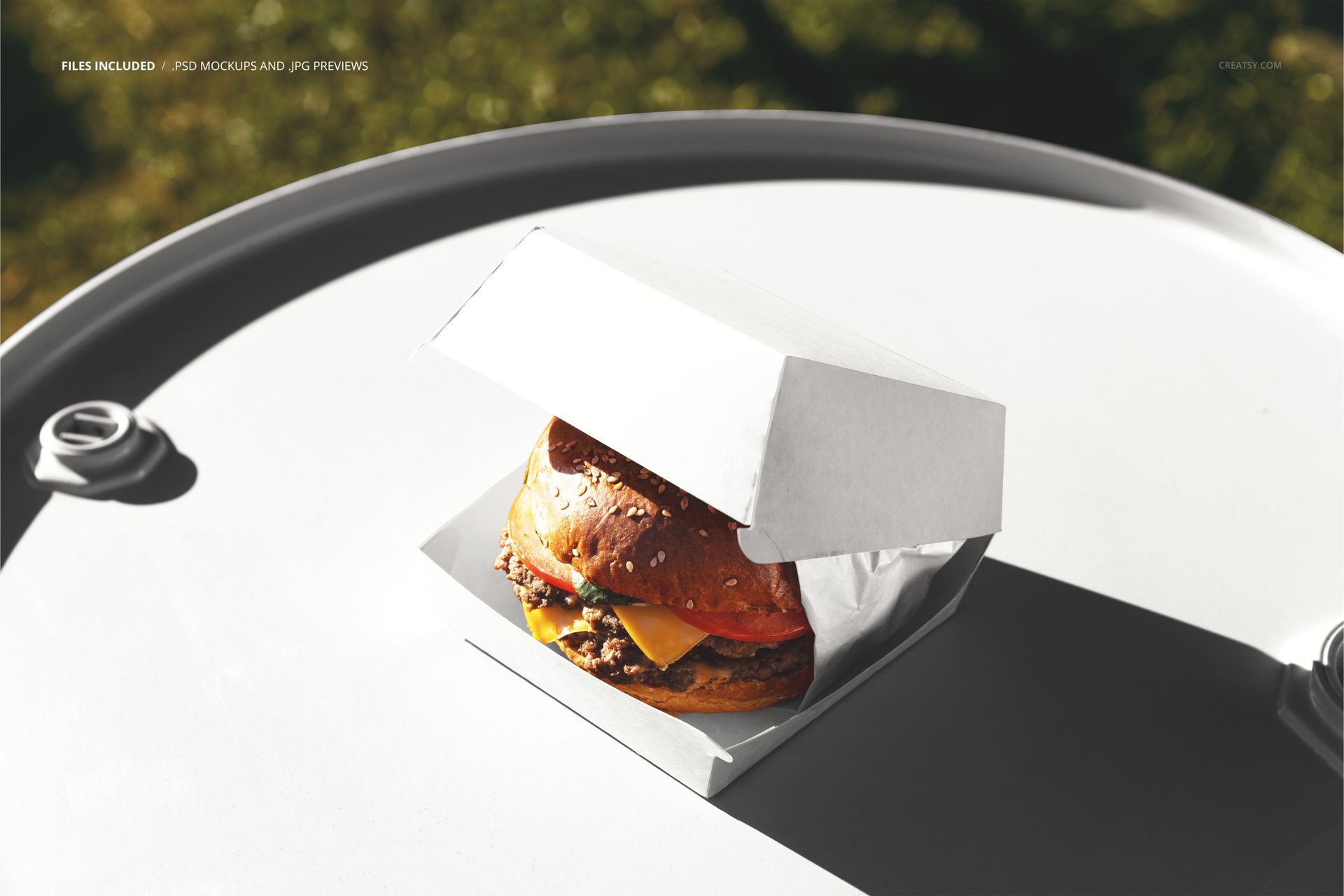
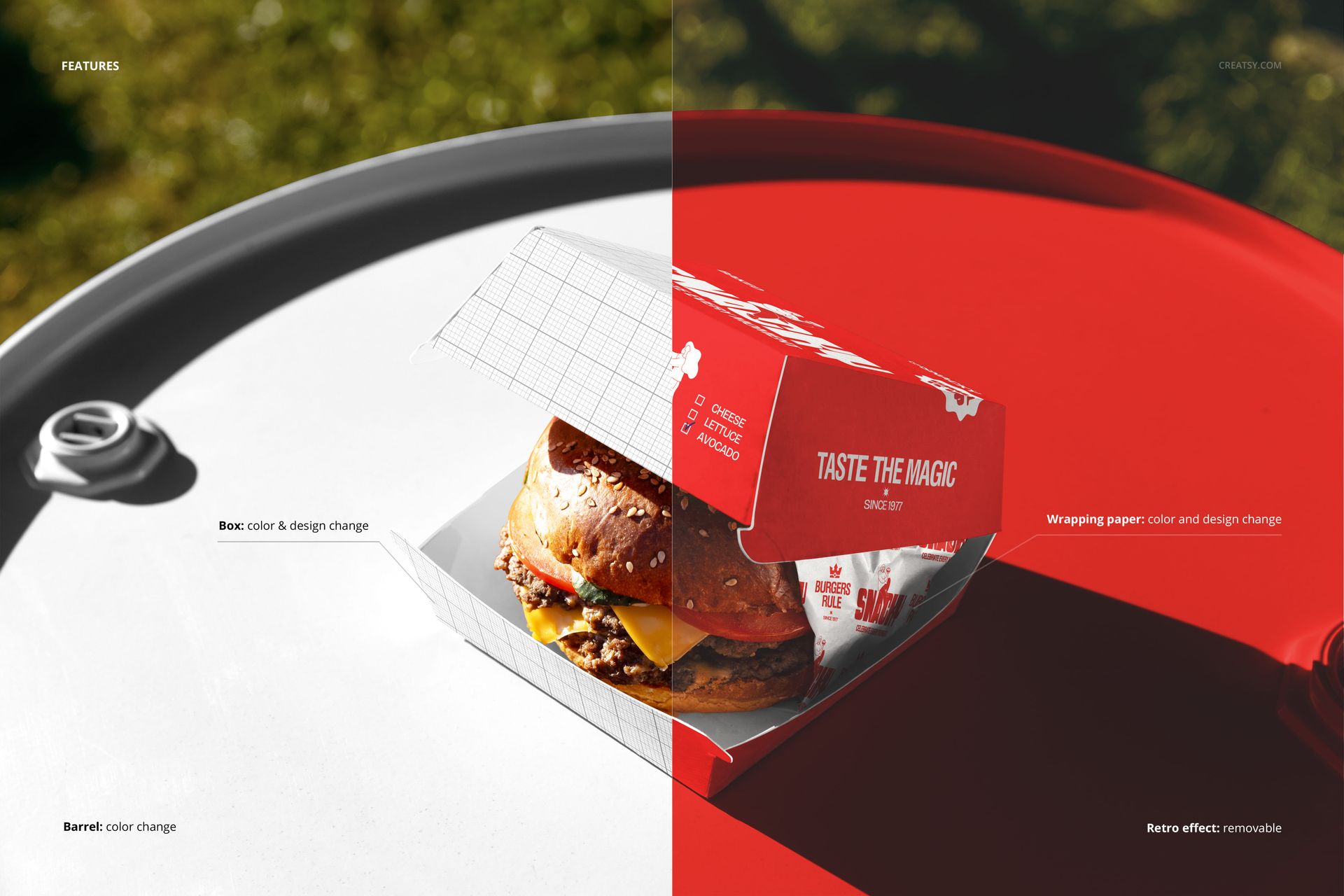
The burger box in this scene is displayed in a way that shows your branded packaging alongside the food it holds. This matters because customers encounter packaging in two states: closed on a counter and open in their hands. The closed state shows your exterior design - logo placement, color scheme, surface pattern. The open state shows how your branding frames the food. A well-designed box makes the food look better when the lid comes up. This mockup captures that relationship between brand and product, so you can evaluate whether your packaging design complements the food presentation or competes with it. Check the product screenshots for the exact box configuration and which surfaces are editable through smart objects.
Rustic Meets Commercial
There is a deliberate visual tension in this scene between the organic, weathered texture of the barrel and the clean commercial lines of a printed burger box. That contrast is exactly what craft food brands try to achieve in their physical spaces - industrial or rustic interiors paired with professionally designed packaging. The mockup recreates that aesthetic tension photographically. If your brand identity leans toward the artisan end of the fast food spectrum, this scene communicates your positioning more accurately than a clean studio setup would. The outdoor natural lighting reinforces the casual, street-level feel that barrel-and-box brands cultivate in their marketing materials and social media presence.
Beyond Burgers
The box shape works for any food item that ships in a hinged-lid container. Fried chicken brands, fish and chips shops, taco concepts, loaded fries operations, and gourmet sandwich brands all use this box format. The barrel prop works for any food brand with a rustic, craft, or artisanal positioning. A barbecue joint, a craft beer and burger bar, a farm-to-table fast casual concept, or a food market vendor can all use this scene to present their packaging in a context that matches their brand personality rather than a generic white-background product shot.
Specifications
Format: PSD (Adobe Photoshop). Dimensions: 6000 x 4000 pixels. Resolution: 300 DPI. Color mode: RGB. Download size: 273.42 MB. Smart objects: labeled, controlling the burger box surfaces. Layer organization: grouped with named folders. Adjustment layers: included for color and lighting control. Compatible with: Adobe Photoshop CC 2020 or later, Photopea (free, browser-based).