


 $2000
$2000
Advertising & Signage Mockups
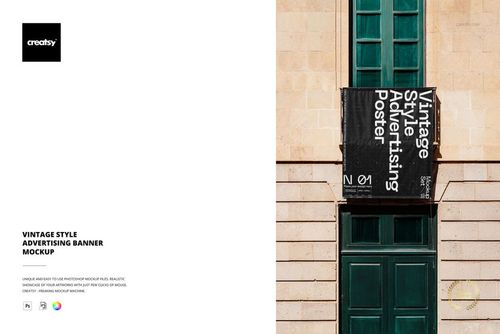
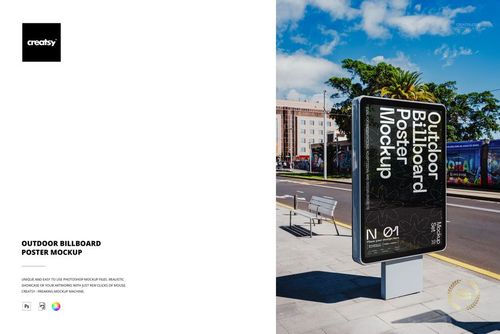
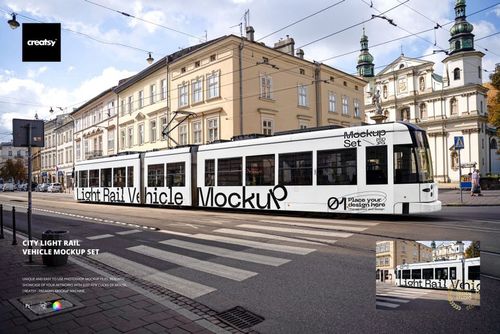
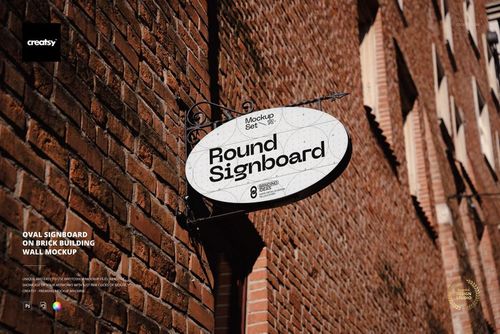
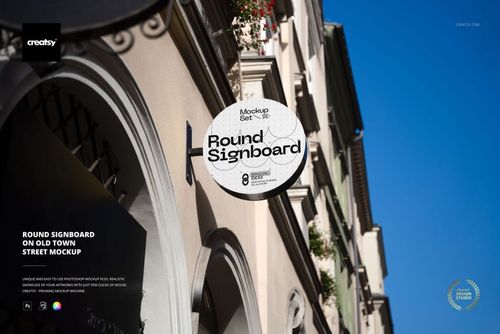
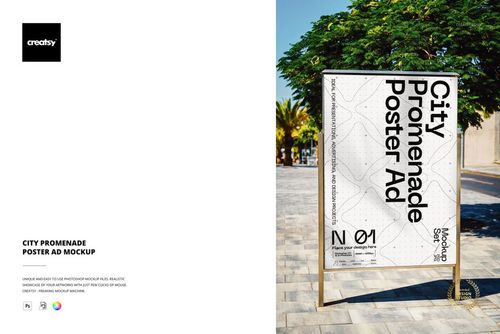
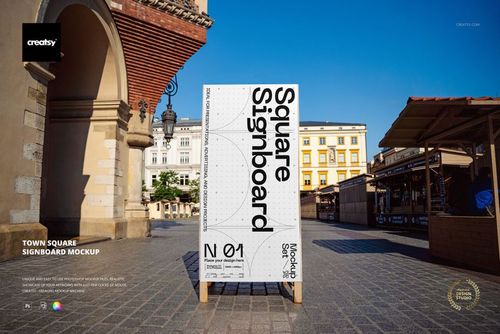
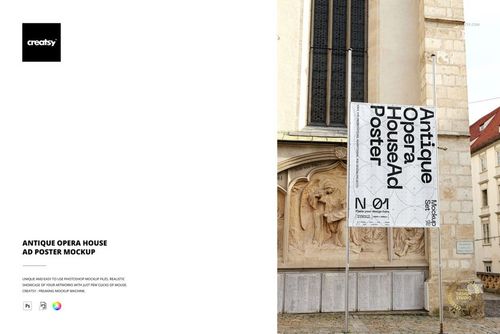
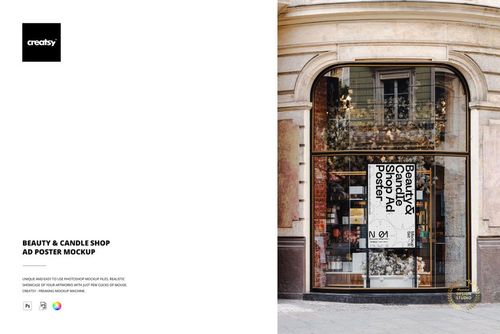
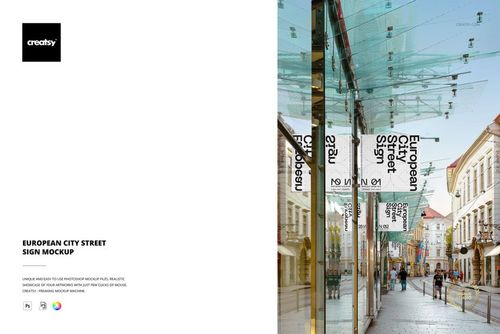
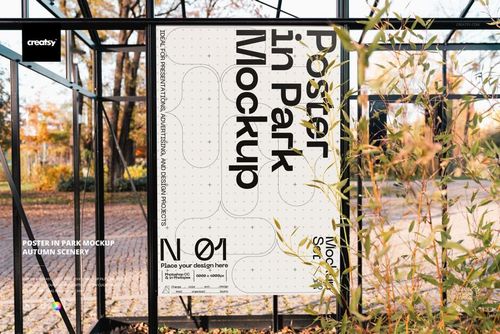
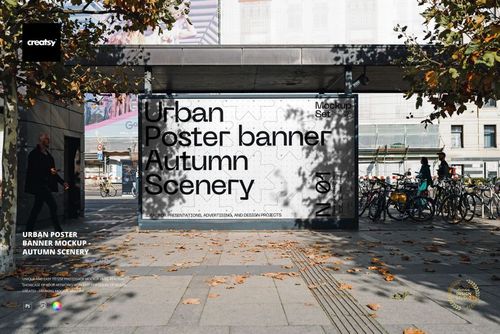
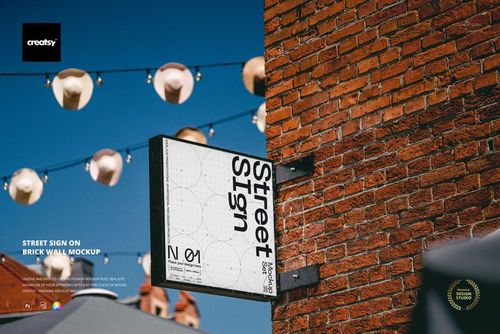
See your campaign on billboards, street posters, lightboxes and shop signs. These advertising mockups let you compare layouts in outdoor settings and prepare client presentations before choosing a placement or sending the artwork to print.

Reviews
What designers and brand owners say after using these PSD mockups in real client work.
0
Sort by:


increible
 Free Underground Subway Billboard Advertising PSD Mockup View product
Thank you so much, Steven! We’re thrilled to hear that you found the Underground Subway Billboard Advertising Mockup incredible. We hope it helps you create bold, realistic and eye-catching advertising presentations. Thank you for your 5-star review!


What you get
Professional PSD mockups built in-house - editable, realistic, high-resolution, and supported by real people.
Layered PSD Files
Creatsy mockups are delivered as fully layered Photoshop .psd files, with layers sorted into clearly named groups. Shadows, highlights, and the background each sit on their own editable layer, and nothing is flattened into a single image. Open it in Photoshop or the free browser editor Photopea and get to work.
- Clearly named, organized layer groups
- Shadows and highlights on separate layers
- Editable background, never flattened
- Works in Photoshop or free Photopea
Smart Objects
Open the smart object, paste your artwork, and save. The design lands on the product with the perspective, warp, and wrap already worked out. Scene lighting and shadows fall back on top, so it reads as a photograph, not a flat paste-in. Swapping a design takes seconds, so one file can carry a whole run of variants and colorways.
- Double-click, paste your design, save
- Perspective, warp, and wrap pre-built
- Scene lighting and shadows sit back on top
- One file covers many variants and colorways
High-Resolution Output
Many scenes are built from real product photography rather than 3D renders, so the fabric and surface read like a studio shot. Files export at high resolution and stay sharp at full zoom, with clean edges where the print sits. The same file works for a hero banner, a paid ad or a product listing.
- Real product photography in many scenes
- Exports ready for print
- Holds detail at full zoom
- Works for banners, ads and listings
Easy to Edit
Colors, backgrounds, and artwork sit on separate, clearly named layers, so you swap a color or background without disturbing the rest of the scene. There is no relighting or shadow work to redo, and the same file works for your next project.
- Edit color and background layers directly
- No relighting or shadow rework needed
- No masking or layer skills required
- One file reused across projects
Fast Support
There is a real in-house team behind every file, not a ticket bot. Before you buy, ask whether a specific mockup fits what you have in mind, and we will tell you. When a smart object or a layer group is tripping you up, send the question and you usually get a reply within 48 hours.
- Real in-house team behind every file
- Replies within 48 hours
- Pre-purchase help picking the right mockup
- Answers on smart objects and layer setup
Who are these mockups for?
For out-of-home & media agencies
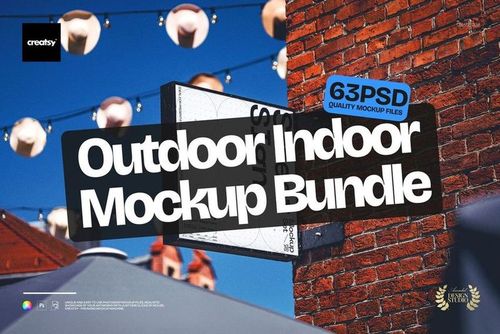
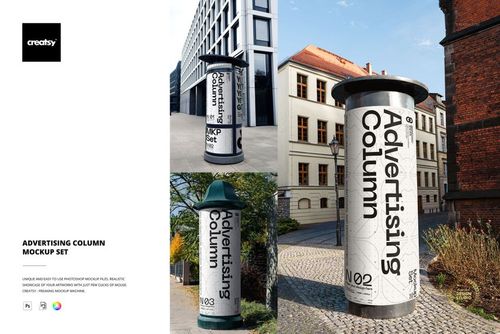
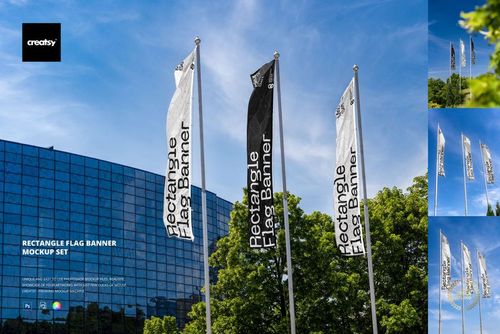
Drop one campaign visual into the Outdoor Indoor Advertising Mockup Bundle and it runs through billboards, transit, advertising columns, lightboxes and flags, so the client signs off on the whole run instead of one placement. Putting the proposal together is an afternoon's work.
Pitching the whole run? View the Outdoor Indoor Advertising Mockup Bundle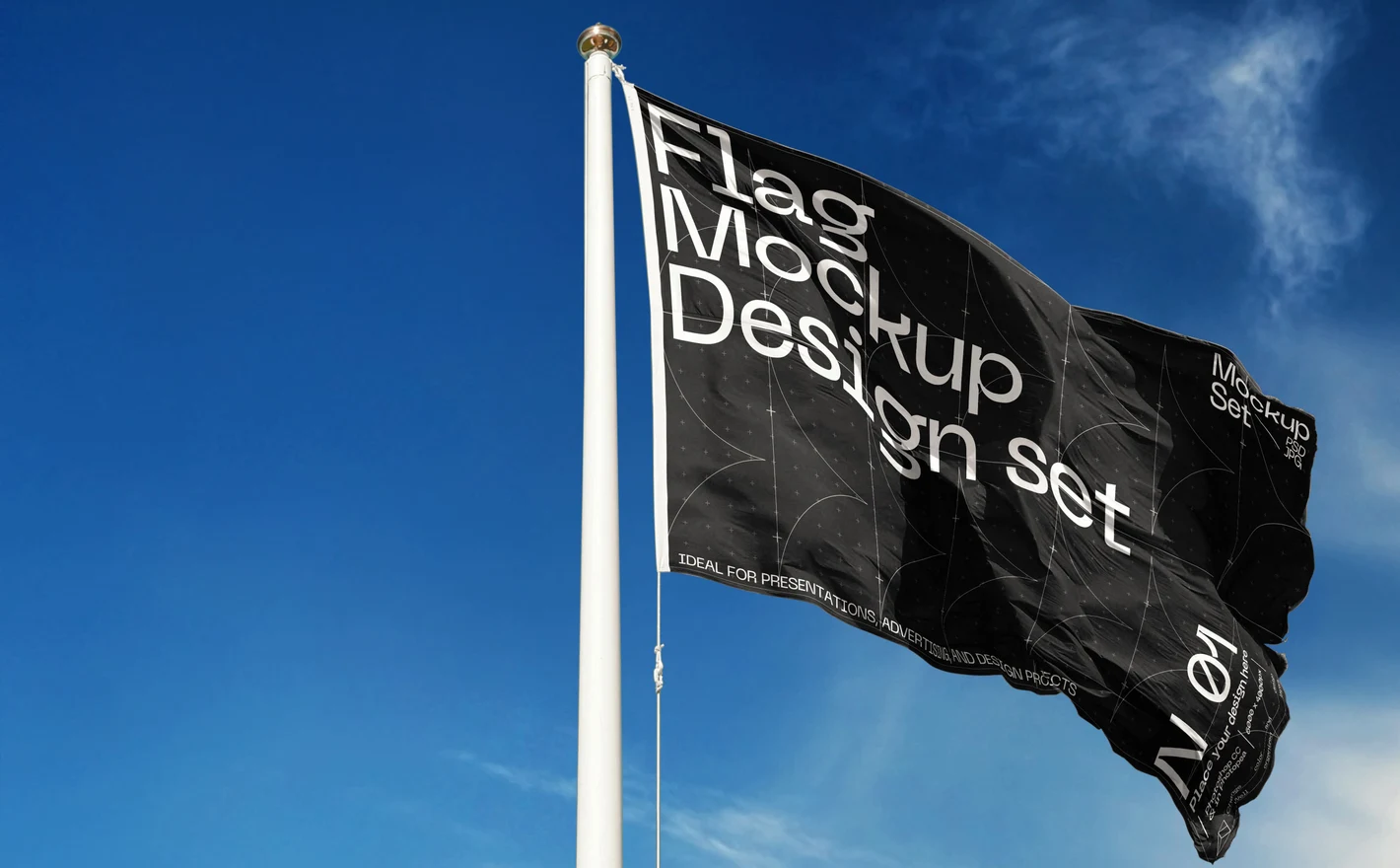
For festival & outdoor event organizers
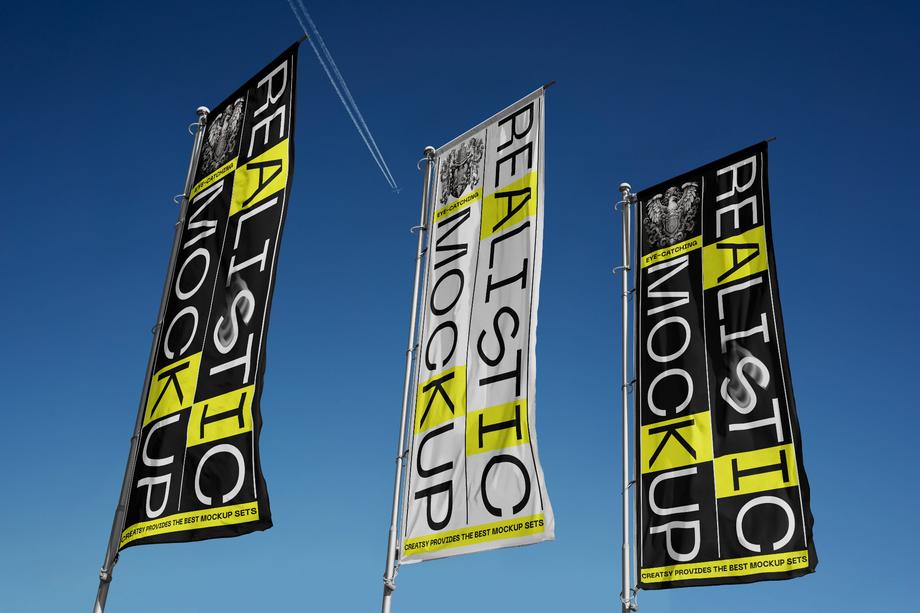
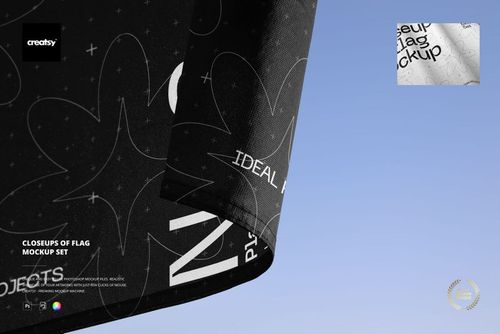
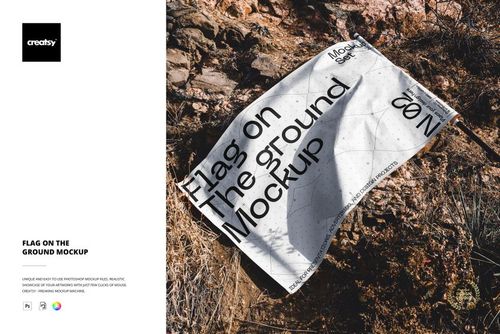
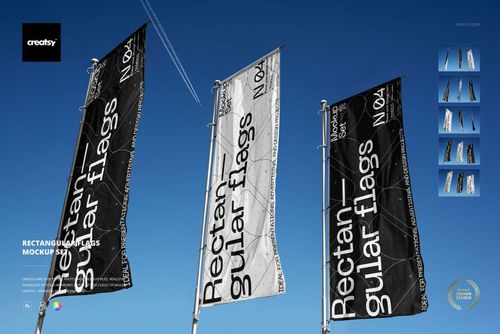
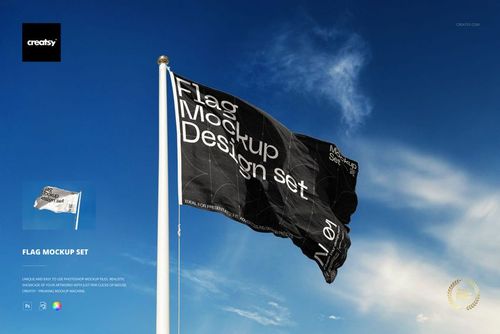
Drop the sponsor logo into the Flag Mockup Set and check it at flag size, with the fabric curve and the pole in the shot, then use the Closeups of Flag Mockup Set for the detail crop. A logo that's fine on a lanyard often isn't when it's read from across a field.
Flying sponsor flags? View the Flag Mockup Set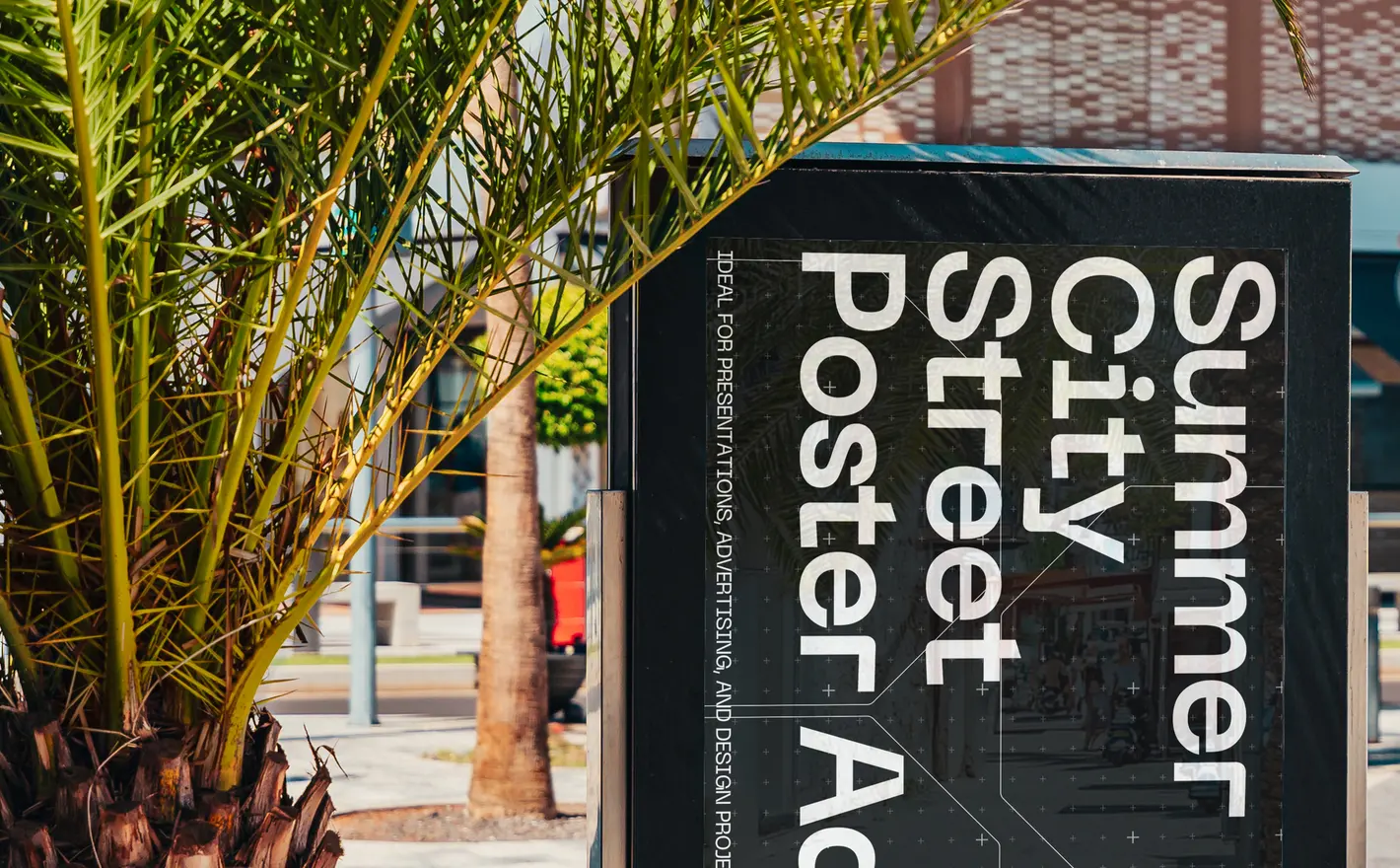
For poster & street campaign designers
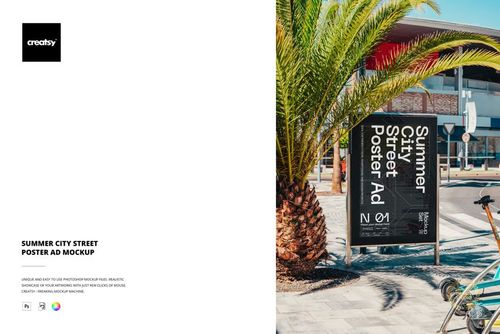
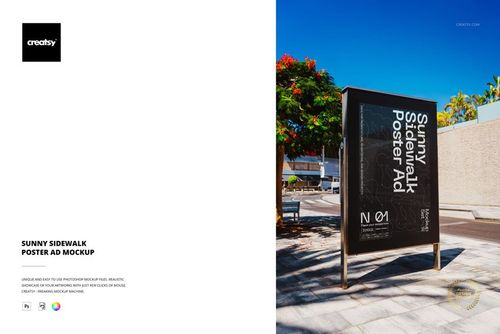
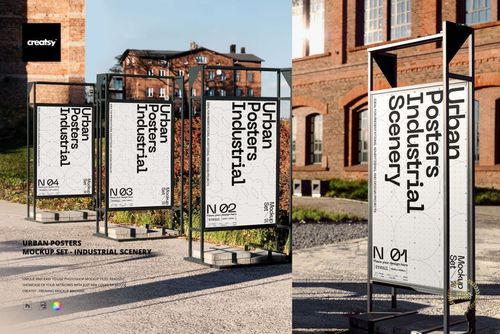
Put the poster into the Summer City Street Poster Ad Mockup or the Sunny Sidewalk Poster Ad Mockup and it sits in real daylight with real street clutter around it. Clients ask for that shot right after they've seen the flat version and said it looks fine.
Showing the poster on the street? View the Summer City Street Poster Ad Mockup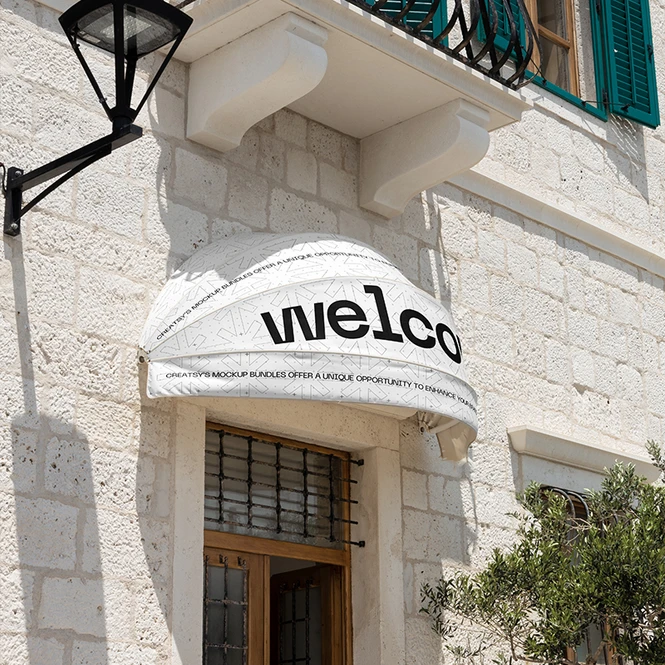
For shops, hotels & venue owners
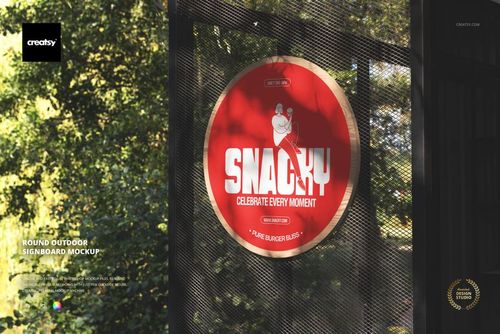
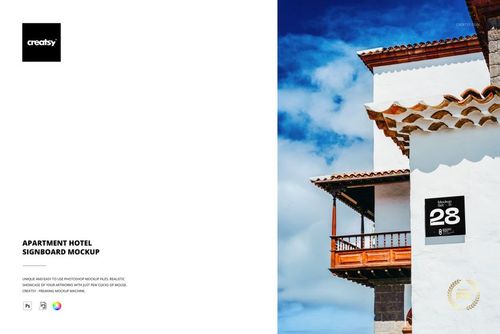
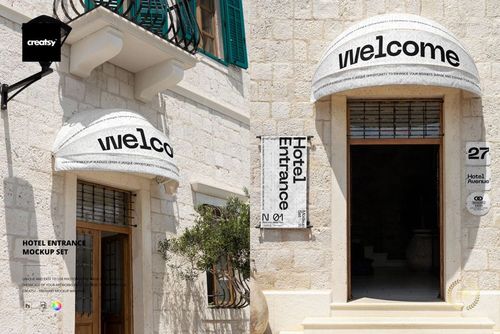
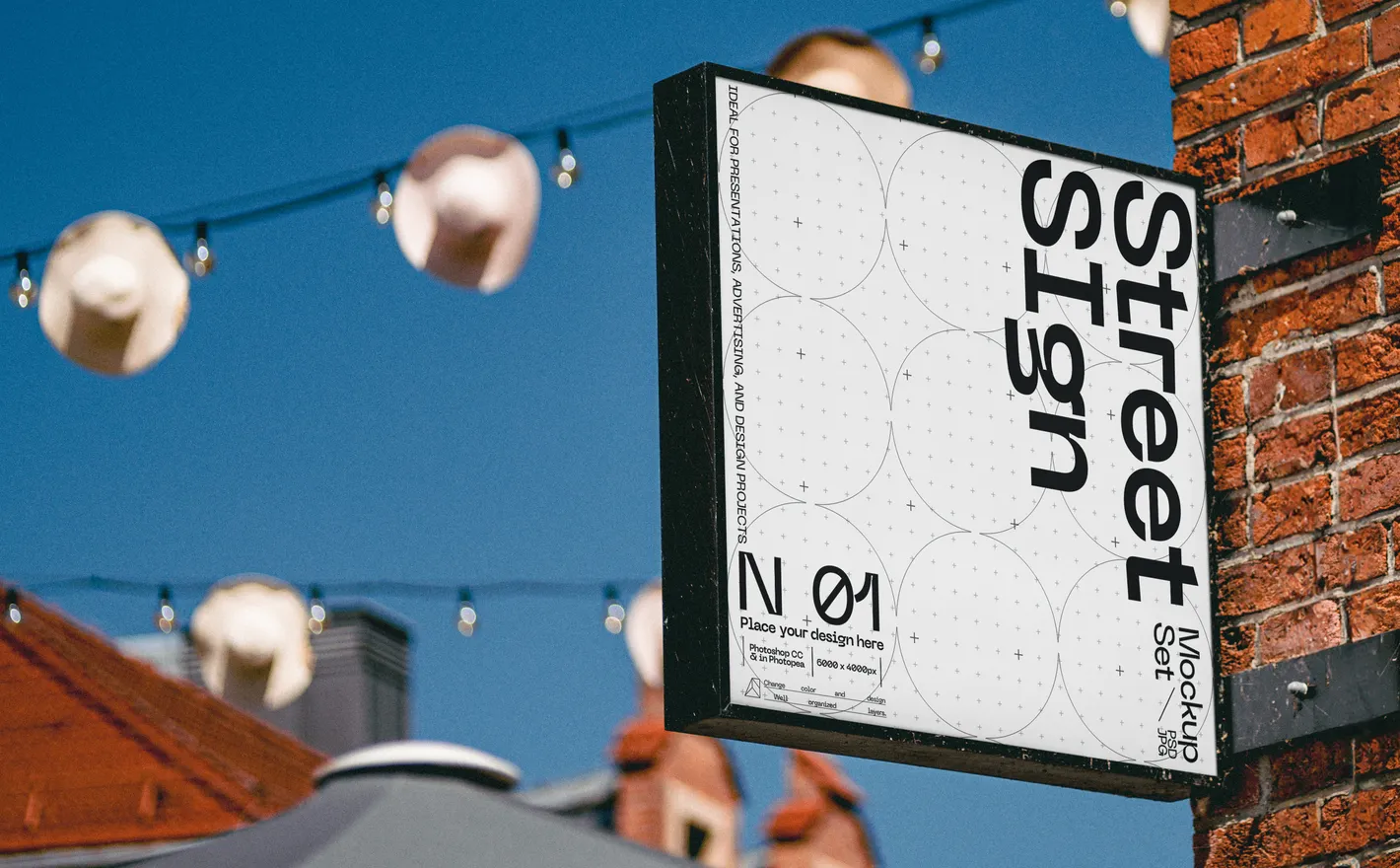
Put the sign artwork into the Hotel Entrance Mockup Set and see it on a real frontage, the way people walking past will. A sign shop quotes from a drawing, and the drawing won't show you whether the lettering reads from across the street.
Approving a frontage? View the Hotel Entrance Mockup Set
FAQs
The category includes billboards, posters, lightboxes, signboards, flags and transit advertising, as well as some larger exterior branding scenes. Choose a placement with the right orientation, proportions and viewing distance for your artwork. The gallery shows the setting; the name alone may not describe every visible surface.
Match the artwork to the editable area's proportions and use enough resolution for your intended export. Check headlines and smaller text at the size people will see the finished image. Keep your printer's production file separate, since a mockup's canvas is not a specification for a real billboard or sign.
Yes. Apply the proposed design and use the finished image in a presentation or approval document, within the license terms. Make clear that it is a visualization, not a photograph of an installed campaign. It also does not confirm that the location or advertising space is available to book.
When the exported mockup image itself appears in national physical advertising, choose Extended; Standard limits physical advertising to a local market. Both licenses allow unlimited impressions for digital paid ads. A mockup used only in a pitch is different from an image published in the campaign, so assess the actual use.
Yes. Free Underground Subway Billboard Advertising PSD Mockup and Outdoor Advertising A-Stand Mockup are available in Freebies. Download with a free account and try a design in the format that suits your project. Testing one placement does not establish how the same artwork will work in every other format.
Why use Advertising & Signage mockups?
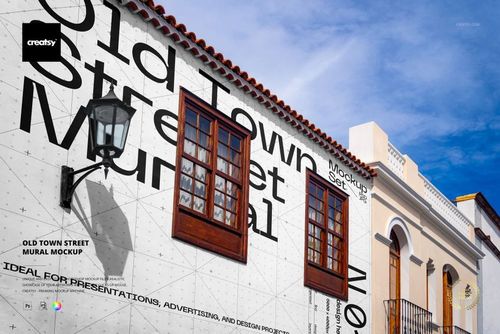
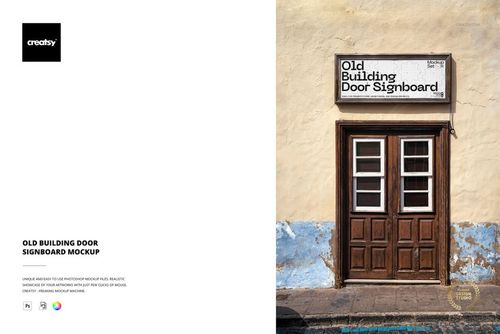
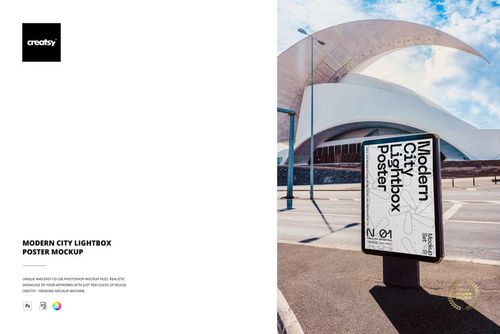
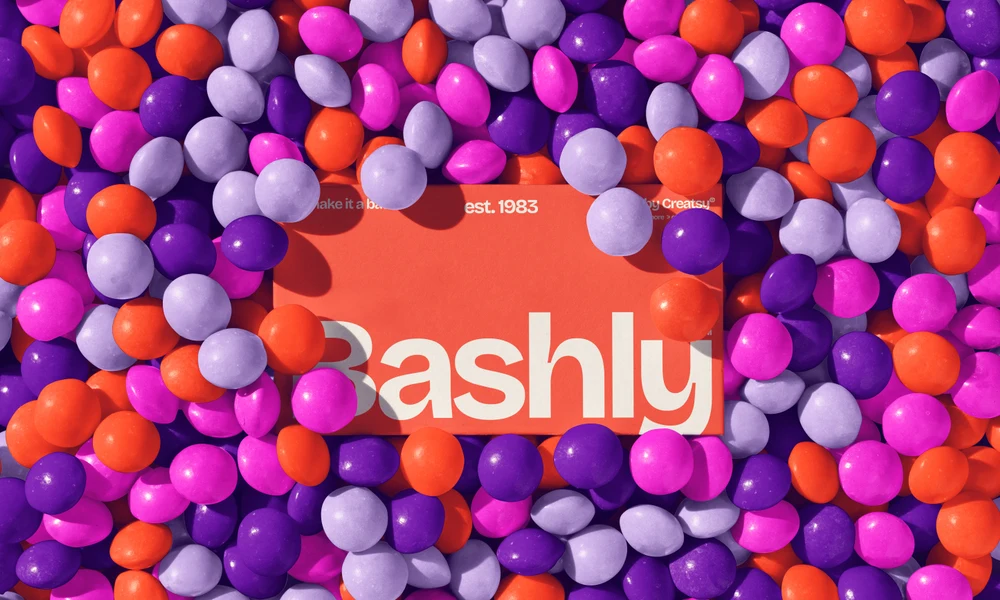
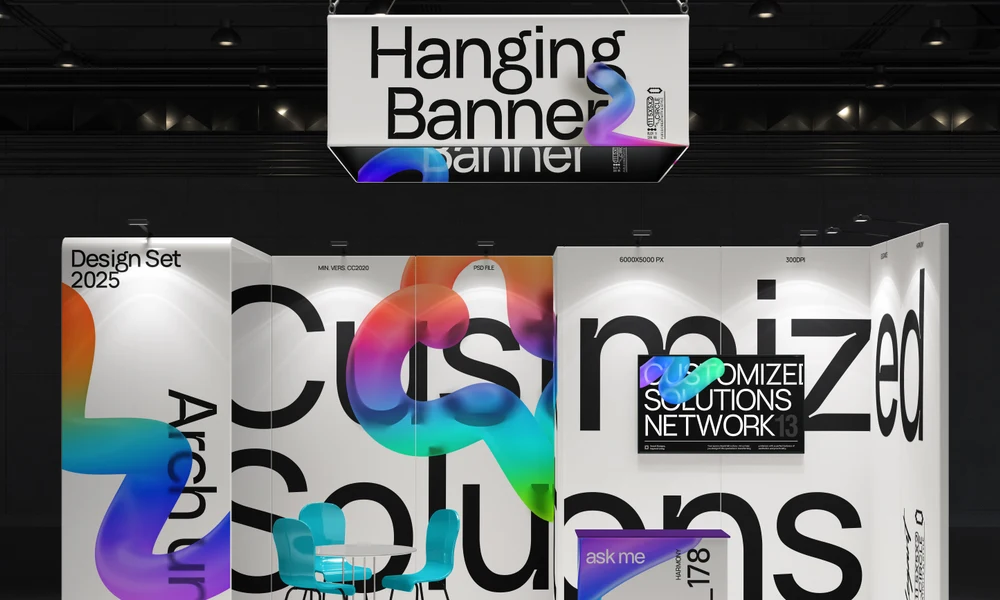
Billboards, tram and light rail displays, city lightboxes, advertising columns, signboards, posters, murals and flags all frame an advertisement differently. The category includes street, brick-wall, old-town and hotel settings. Choose a placement and add your artwork to its Smart Object; the listing gives the file's software requirements and licensing details. A street scene shows the advertisement alongside buildings, pavement and other surrounding features. That context helps you review the prominence of a headline, the relative size of a logo and the amount of detail in the layout. Apply a campaign to several placements to compare how it works in wide, tall, round or smaller formats. Each scene is edited separately. These previews can support a client pitch before the final artwork goes to a print supplier. Use them to discuss hierarchy, spacing and the parts of the message that need more emphasis. You can then reuse the selected views for revisions or a portfolio presentation. Keep the production artwork separate and use the supplier's specifications for final dimensions and printing; a scene preview cannot confirm every real-world viewing condition.
FreeCreatsy® Mockups
good
Thank you so much, edwin_salazar! We’re happy to hear that you liked the Rectangular Beach Flag Outdoor Advertising Mockup. We hope it helps you create clear, realistic and professional outdoor advertising presentations. Thank you for your 5-star review!