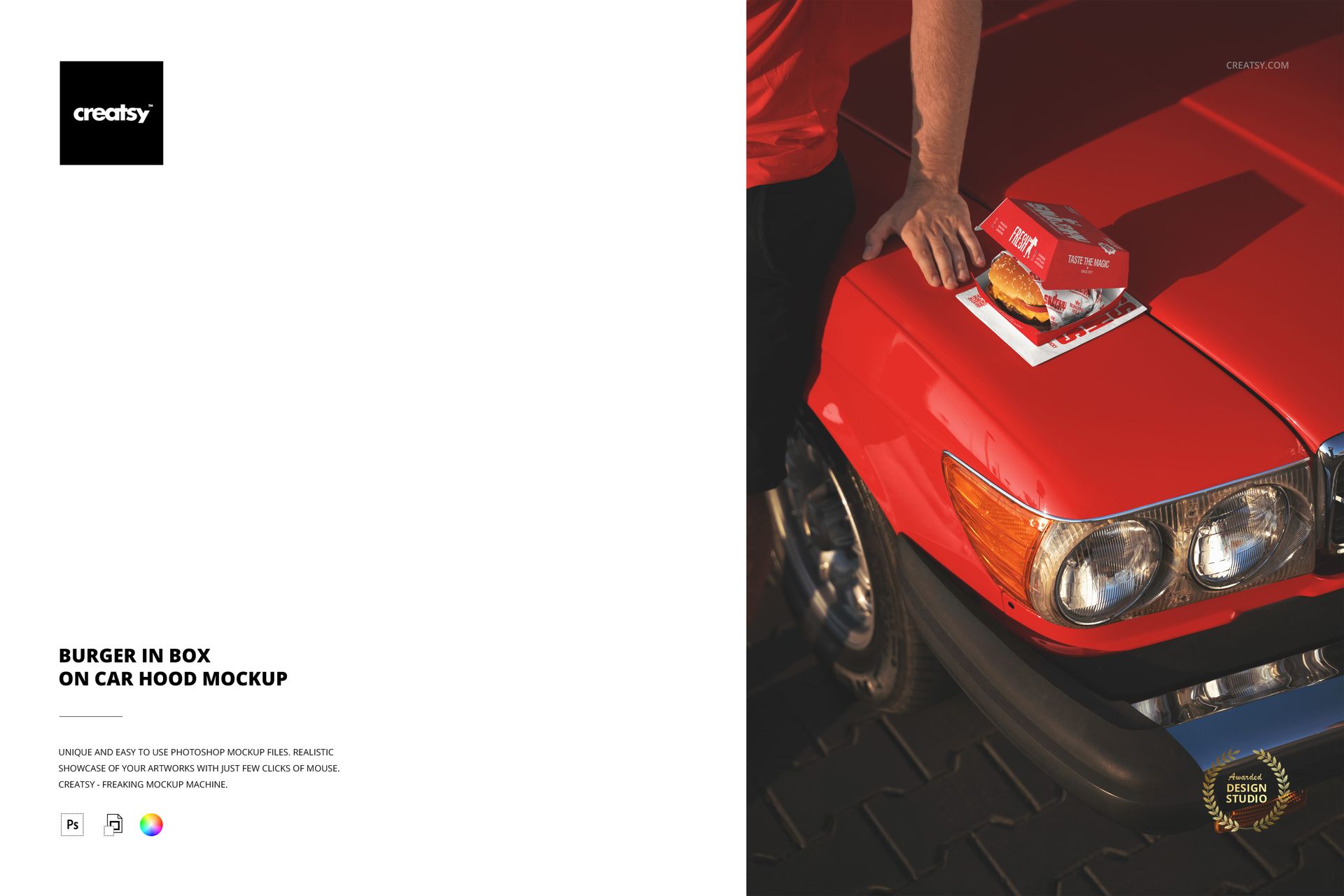
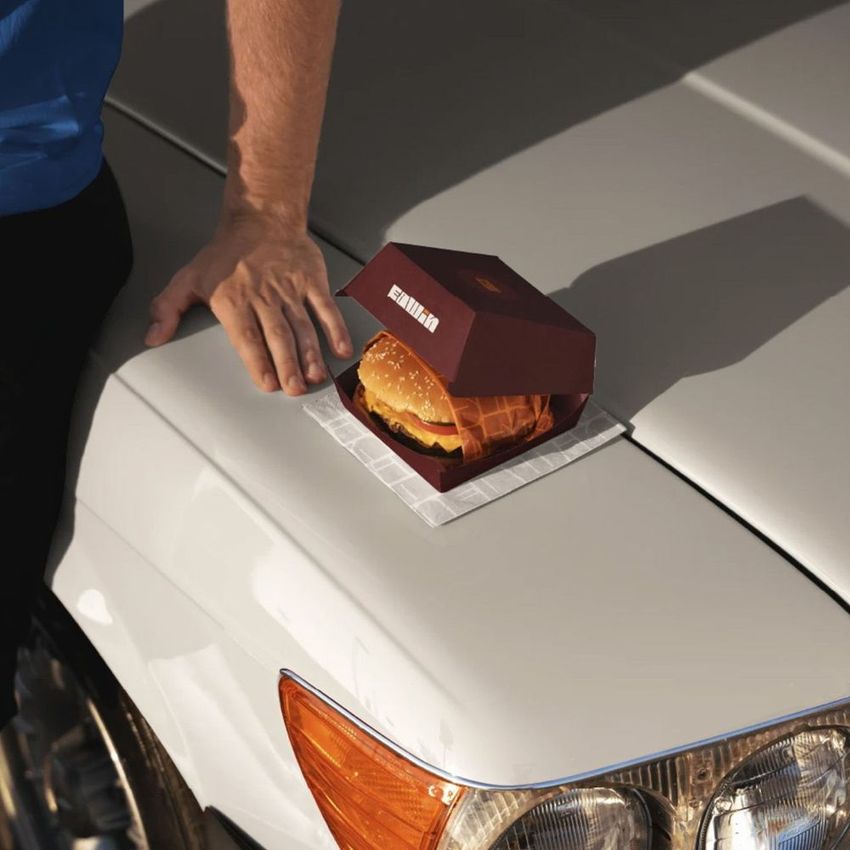
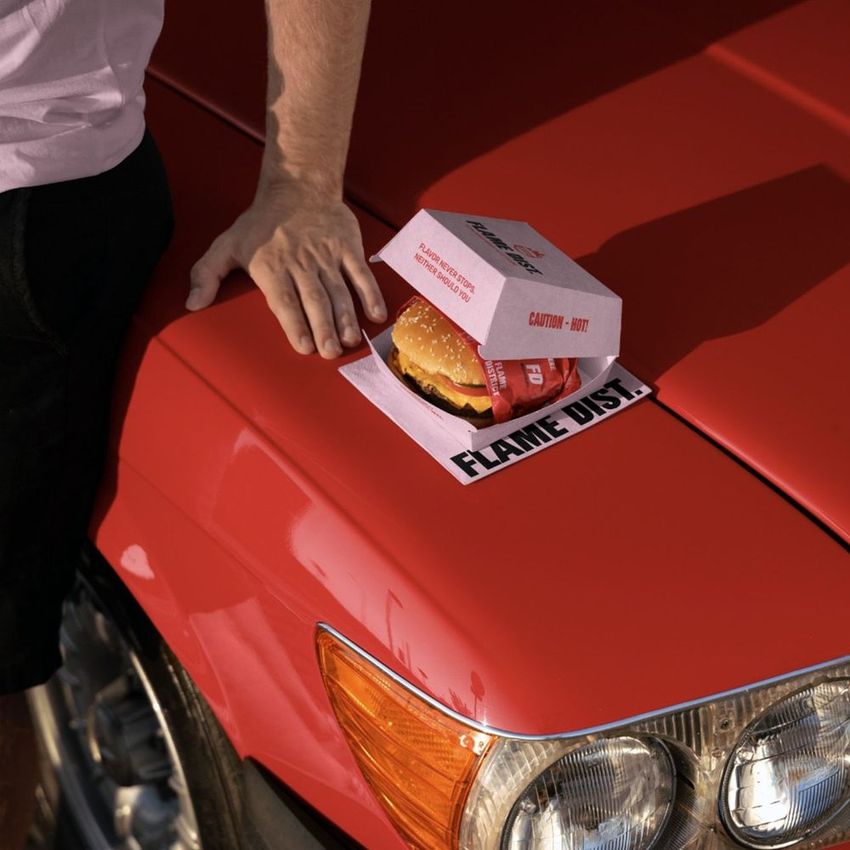
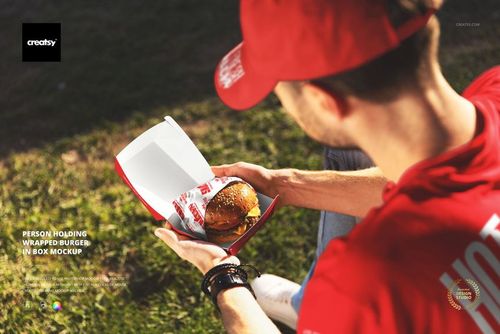
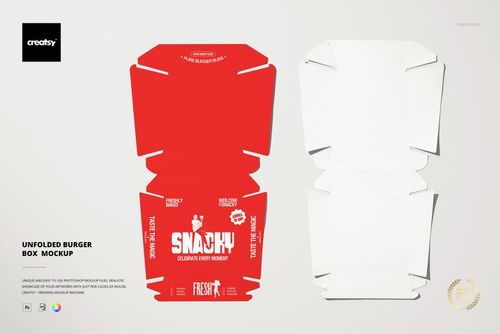
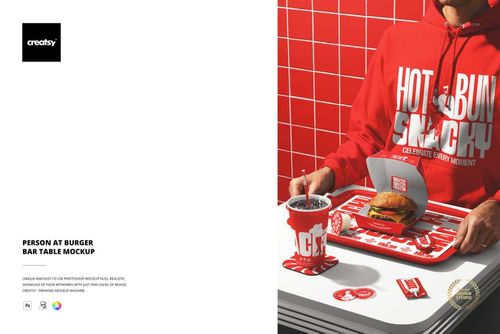
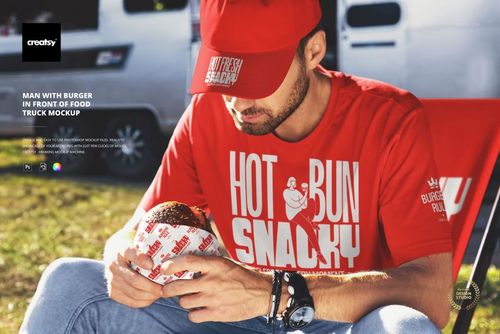
The Burger in Box on Car Hood Mockup places a branded burger box on the hood of a car, capturing the spontaneous, outdoor moment of eating fast food where it happens most often: in a parking lot, at a drive-through, or on the road. The composition connects the packaging to the real-world context where customers actually interact with it, turning a standard box mockup into a lifestyle scene that tells a story about convenience, speed, and the culture of eating on the go. The smart object layer on the box lets you apply your restaurant branding and see how it looks in bright outdoor light on a reflective car surface, which is a very different viewing condition than a studio table. The file measures 6000x4000px at 300 DPI with organized smart object layers and works in Adobe Photoshop CC 2020 or newer and Photopea.
Why This Mockup Works
Most burger box mockups show packaging in a controlled environment: a clean table, a studio backdrop, or a neutral surface. But that is not where customers actually see the box. They see it on a car hood, on a dashboard, on a park bench, balanced on a knee in a parking lot. This mockup captures one of those real moments, which makes the image feel authentic rather than staged. The car hood adds an urban, mobile energy that flat-lay shots lack entirely. The outdoor lighting tests the packaging design under natural conditions where colors shift, reflections appear, and printed text needs to compete with environmental distractions. For marketing purposes, this lifestyle context is more compelling than a studio shot because it shows the brand in the world rather than in a vacuum.
What Is Included
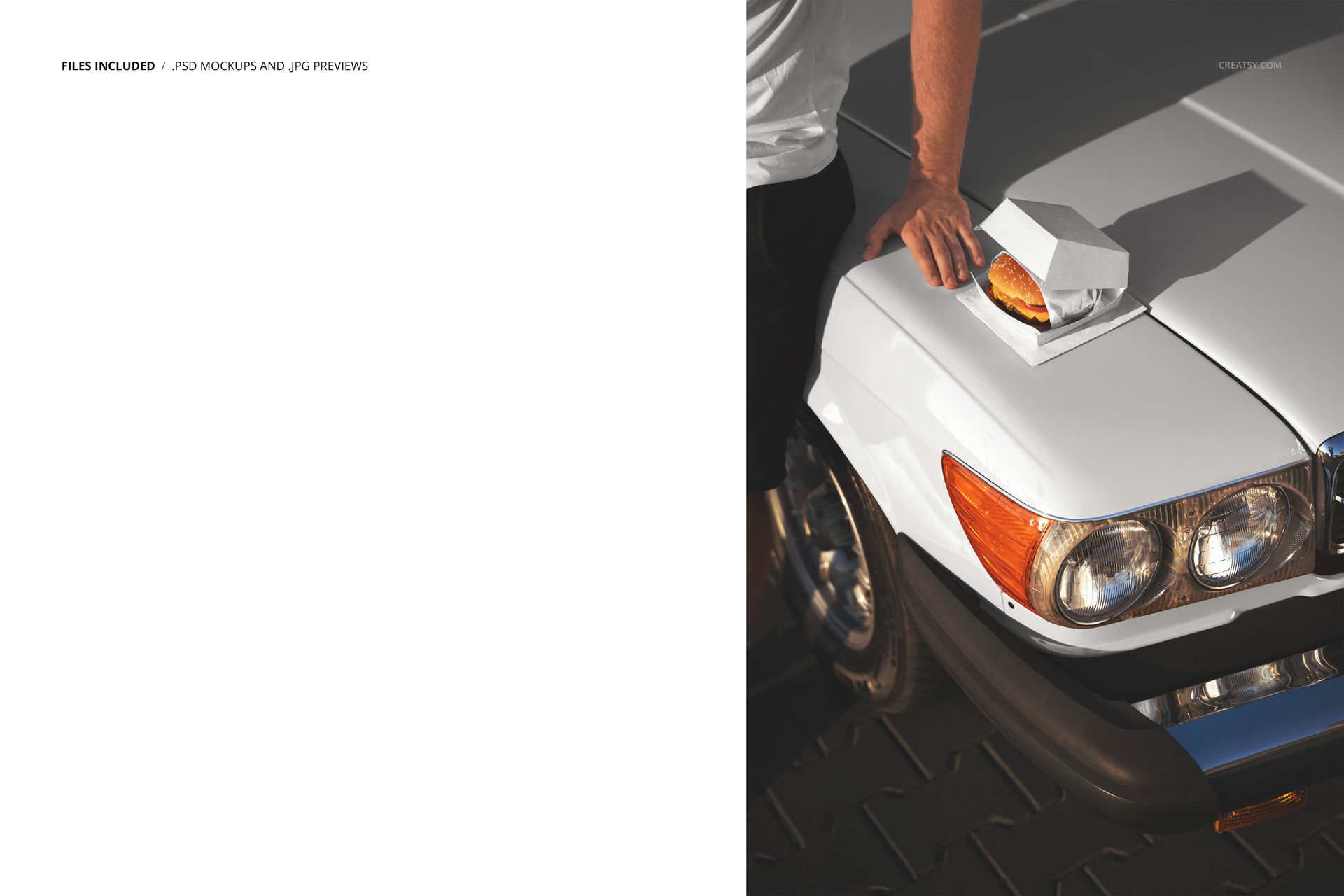
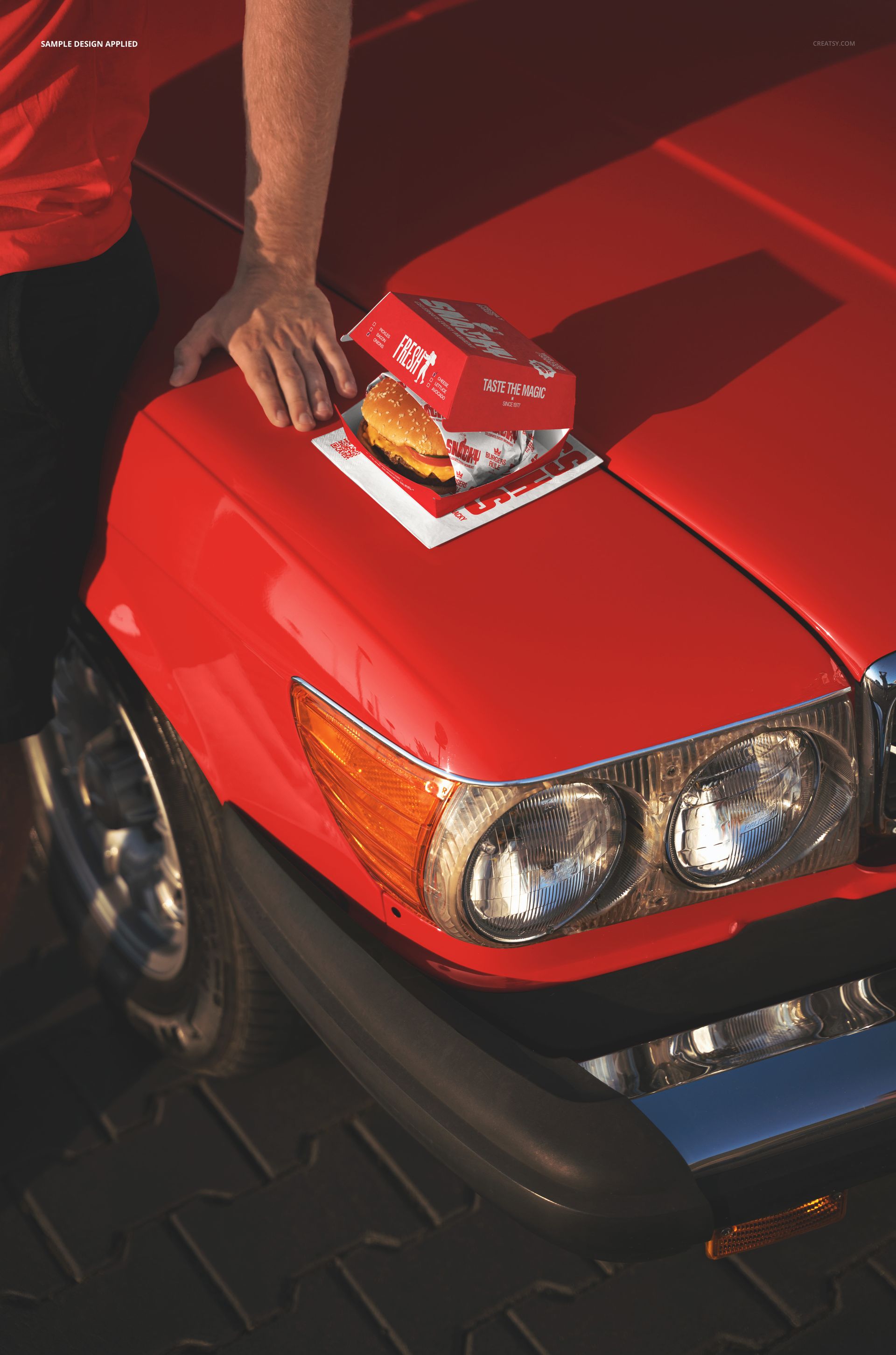
The download contains 1 layered PSD file. The scene shows a burger box placed on the hood of a car in an outdoor setting. The smart object layer controls the design on the box surface, allowing you to apply your artwork and see it in bright, natural light against the reflective car surface. The lighting captures the paper texture and print quality of the box while maintaining the candid, outdoor feel that makes the image suitable for lifestyle marketing content.
What You Can Customize
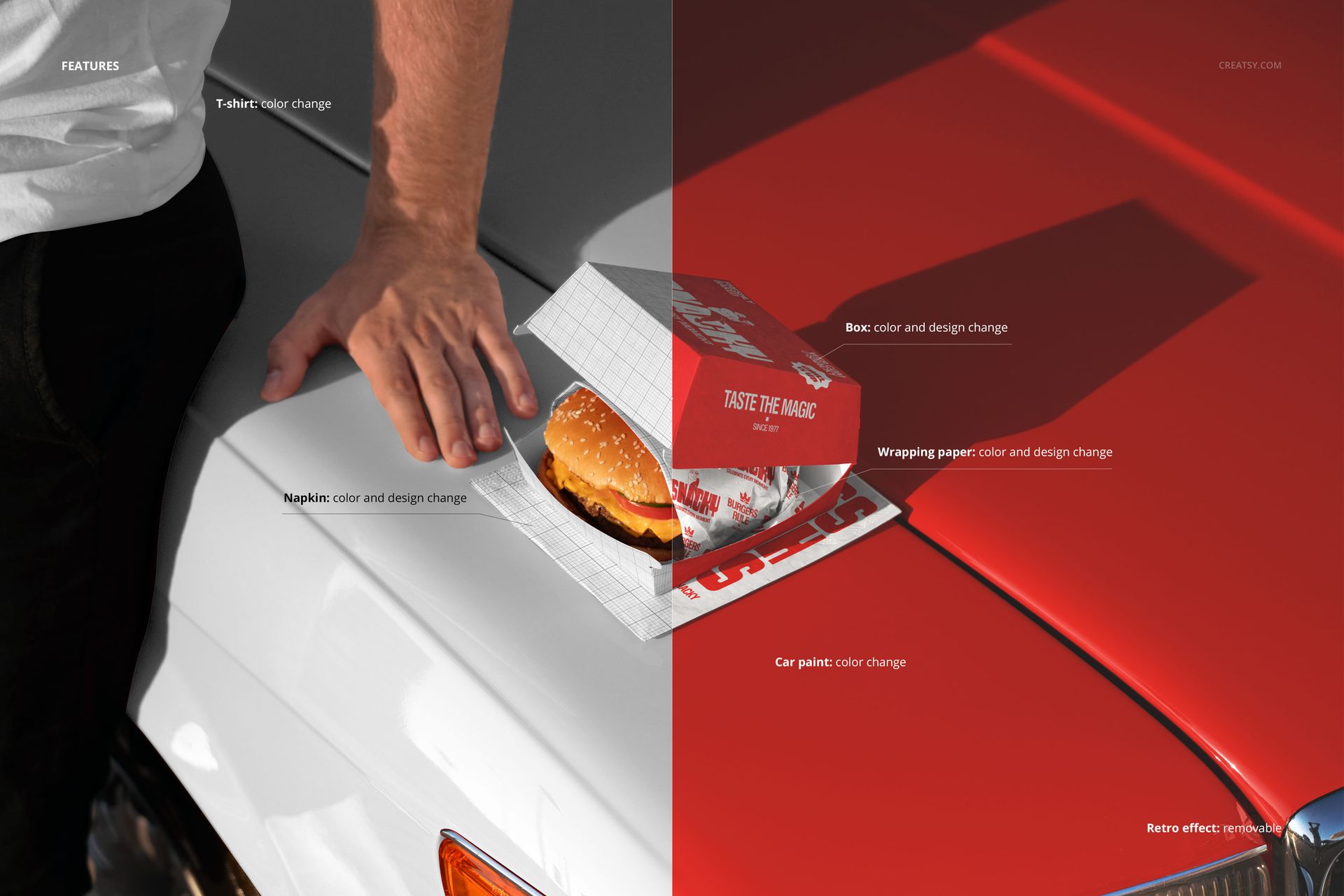
The smart object controls the design on the burger box. Double-click the smart object layer to place your logo, restaurant name, pattern, or graphic on the box surface. The artwork applies with accurate paper texture and fold response under outdoor lighting conditions. The adjustment layers let you modify overall brightness, contrast, and color temperature to match your brand aesthetic or to create a specific mood for the campaign. You can swap designs quickly to compare packaging concepts, test how different color schemes perform in outdoor light, or create a series of variations for social media content.
Who This Mockup Is For
Fast food restaurants and burger chains that want marketing visuals showing their packaging in the real-world contexts where customers encounter it: in cars, at drive-throughs, and in parking lots. Brand identity designers presenting packaging concepts to restaurant clients who want to see how the design performs outside of a studio setting. Marketing teams at restaurant brands creating social media content, drive-through promotions, and outdoor advertising visuals that connect the brand to the on-the-go eating experience. Food truck operators and mobile food businesses that need lifestyle imagery showing their branded packaging in outdoor, vehicle-adjacent settings. Delivery and takeout-focused restaurants building campaign visuals that emphasize speed, convenience, and the freedom of eating wherever you happen to be.
File Specifications
Files: 1 PSD. Dimensions: 6000x4000 px. Resolution: 300 DPI. Color mode: RGB. File size: 192.38 MB. Compatibility: Adobe Photoshop CC 2020 or newer, Photopea.