Pouch & Small Bag Mockups
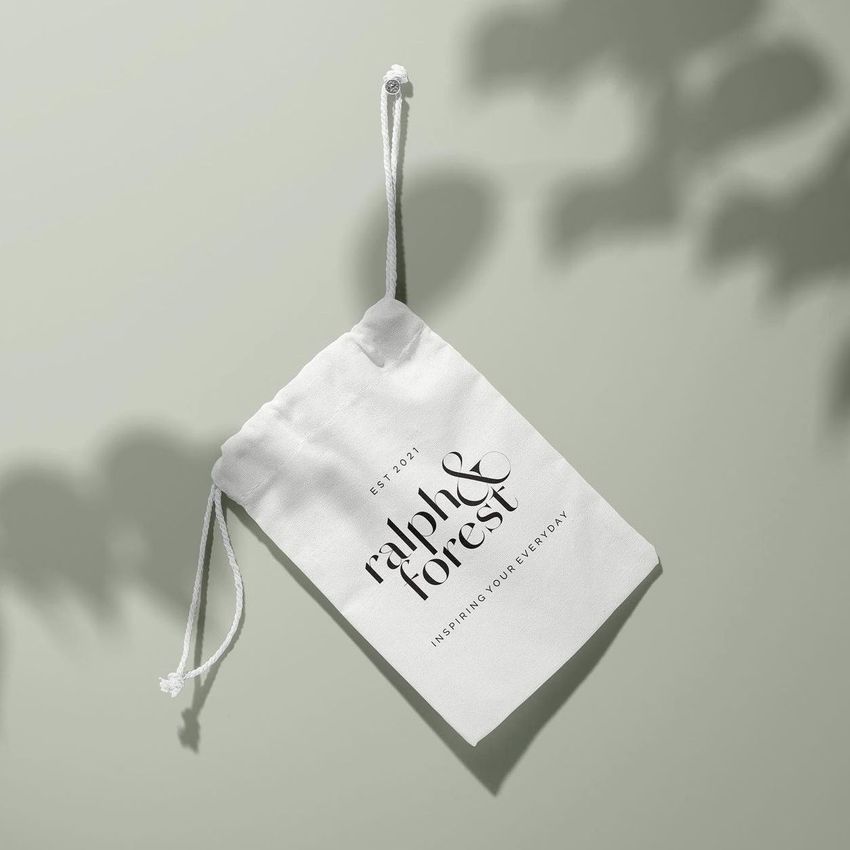
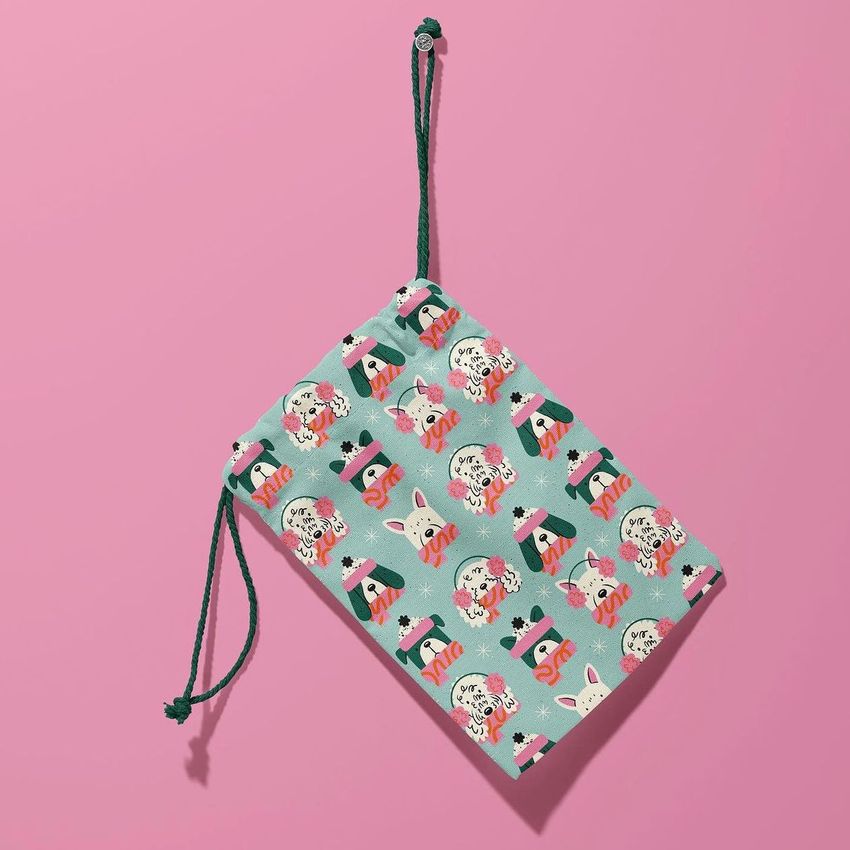
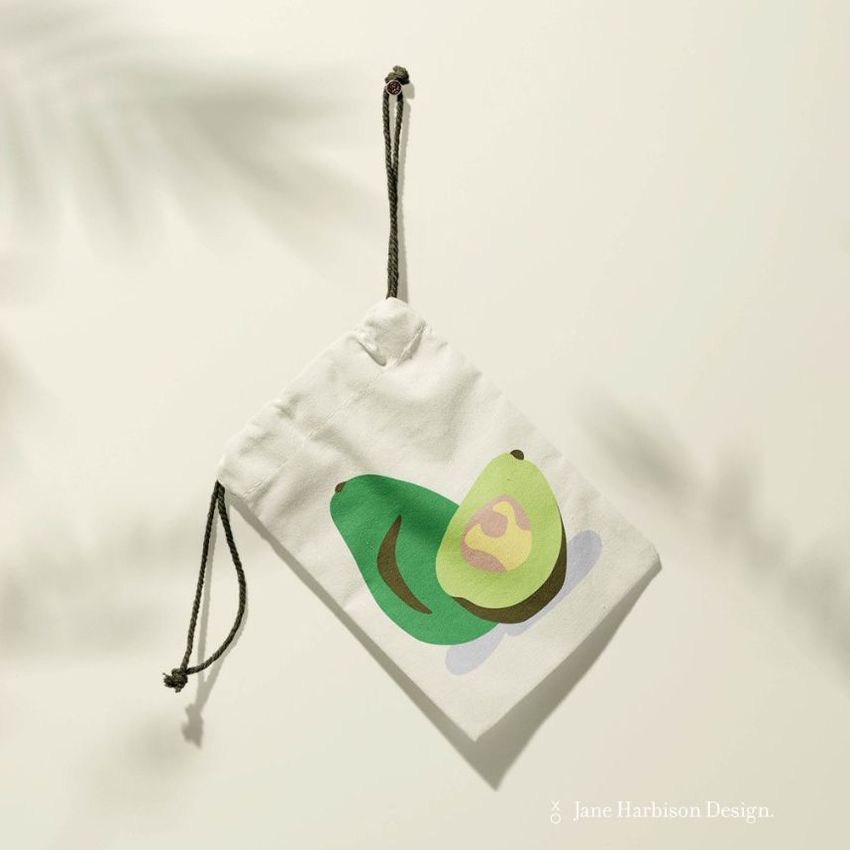
Show repeat patterns, logos and branded details on canvas, zipper, cosmetic and travel pouches. Reuse pouch mockups for consistent ecommerce listings, gift-set concepts and campaigns across unlimited design variations.


Reviews
What designers and brand owners say after using these PSD mockups in real client work.
0
Sort by:






The files doesn't open((( There is no one free mockup which is working( How can i desided to buy another mockups?
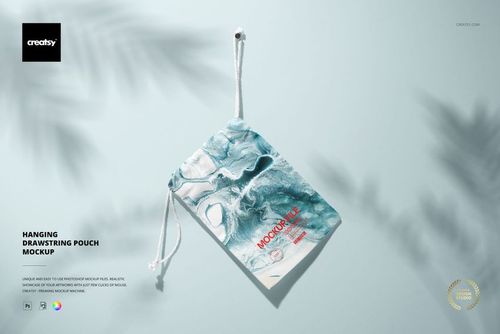
 Hanging Drawstring Pouch Mockup View product
We have tested all of these files, and they appear to be working properly. It seems that the issue may be related to incomplete downloads or errors during the unzipping process. Please ensure that you fully download the files and extract them correctly. You can also refer to this article for troubleshooting download issues: https://creatsy.com/help-center/troubleshooting-download-issues Please note that if you are using a Windows machine, you may need to use free unzip software such as 7-zip or software like WinRAR to unzip these files. If you continue to experience difficulties, we can send the files to you via WeTransfer. In case of any issues, you can always contact us directly as well. We are here to help 7 days a week! :)

What you get
Professional PSD mockups built in-house - editable, realistic, high-resolution, and supported by real people.
Layered PSD Files
Creatsy mockups are delivered as fully layered Photoshop .psd files, with layers sorted into clearly named groups. Shadows, highlights, and the background each sit on their own editable layer, and nothing is flattened into a single image. Open it in Photoshop or the free browser editor Photopea and get to work.
- Clearly named, organized layer groups
- Shadows and highlights on separate layers
- Editable background, never flattened
- Works in Photoshop or free Photopea
Smart Objects
Open the smart object, paste your artwork, and save. The design lands on the product with the perspective, warp, and wrap already worked out. Scene lighting and shadows fall back on top, so it reads as a photograph, not a flat paste-in. Swapping a design takes seconds, so one file can carry a whole run of variants and colorways.
- Double-click, paste your design, save
- Perspective, warp, and wrap pre-built
- Scene lighting and shadows sit back on top
- One file covers many variants and colorways
High-Resolution Output
Many scenes are built from real product photography rather than 3D renders, so the fabric and surface read like a studio shot. Files export at high resolution and stay sharp at full zoom, with clean edges where the print sits. The same file works for a hero banner, a paid ad or a product listing.
- Real product photography in many scenes
- Exports ready for print
- Holds detail at full zoom
- Works for banners, ads and listings
Easy to Edit
Colors, backgrounds, and artwork sit on separate, clearly named layers, so you swap a color or background without disturbing the rest of the scene. There is no relighting or shadow work to redo, and the same file works for your next project.
- Edit color and background layers directly
- No relighting or shadow rework needed
- No masking or layer skills required
- One file reused across projects
Fast Support
There is a real in-house team behind every file, not a ticket bot. Before you buy, ask whether a specific mockup fits what you have in mind, and we will tell you. When a smart object or a layer group is tripping you up, send the question and you usually get a reply within 48 hours.
- Real in-house team behind every file
- Replies within 48 hours
- Pre-purchase help picking the right mockup
- Answers on smart objects and layer setup
Who are these mockups for?
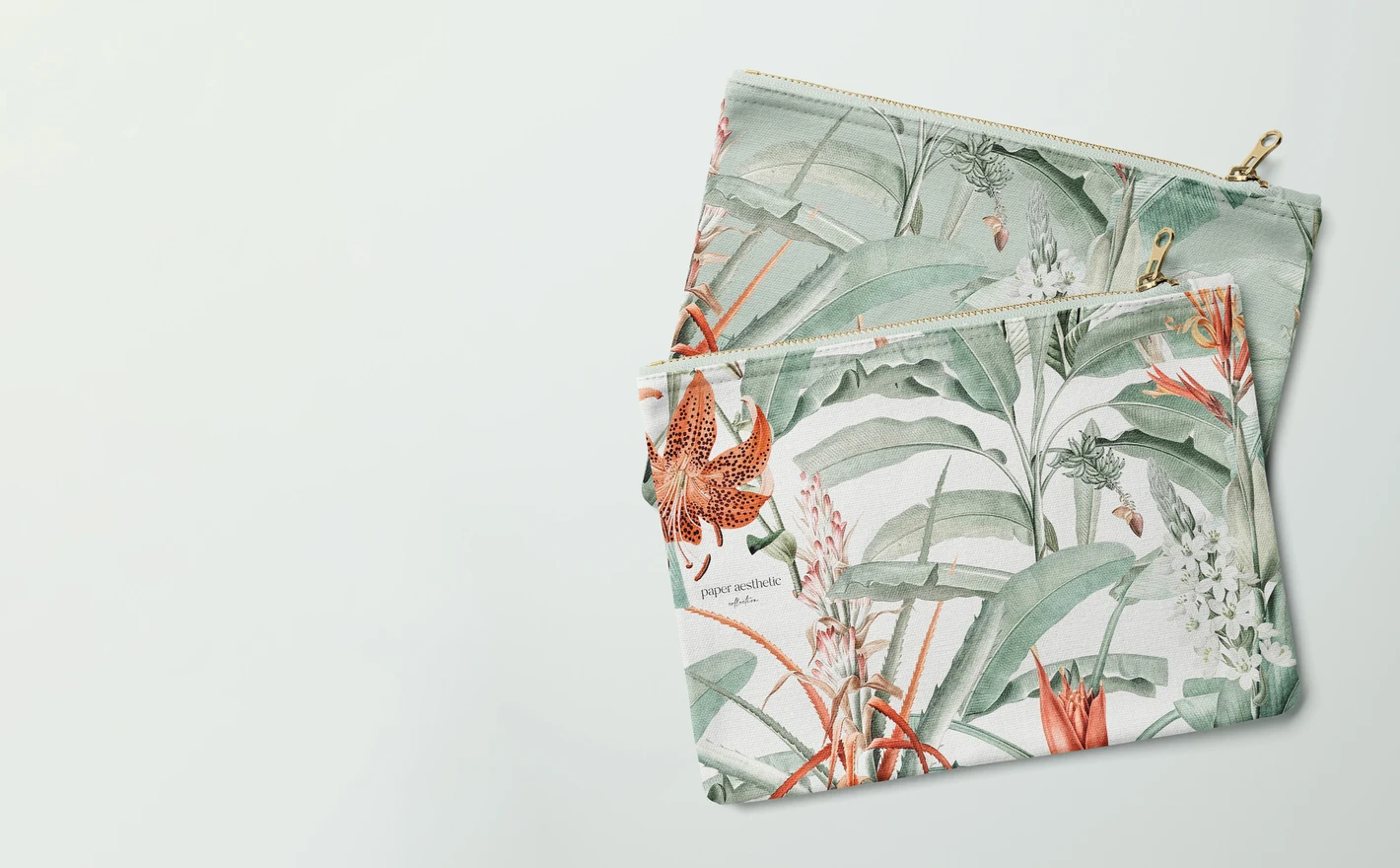
For accessory labels
Build clean, repeatable ecommerce visuals for a pouch line: same flat canvas silhouette, every print, identical framing. A uniform grid makes even a small catalog read as a considered collection.
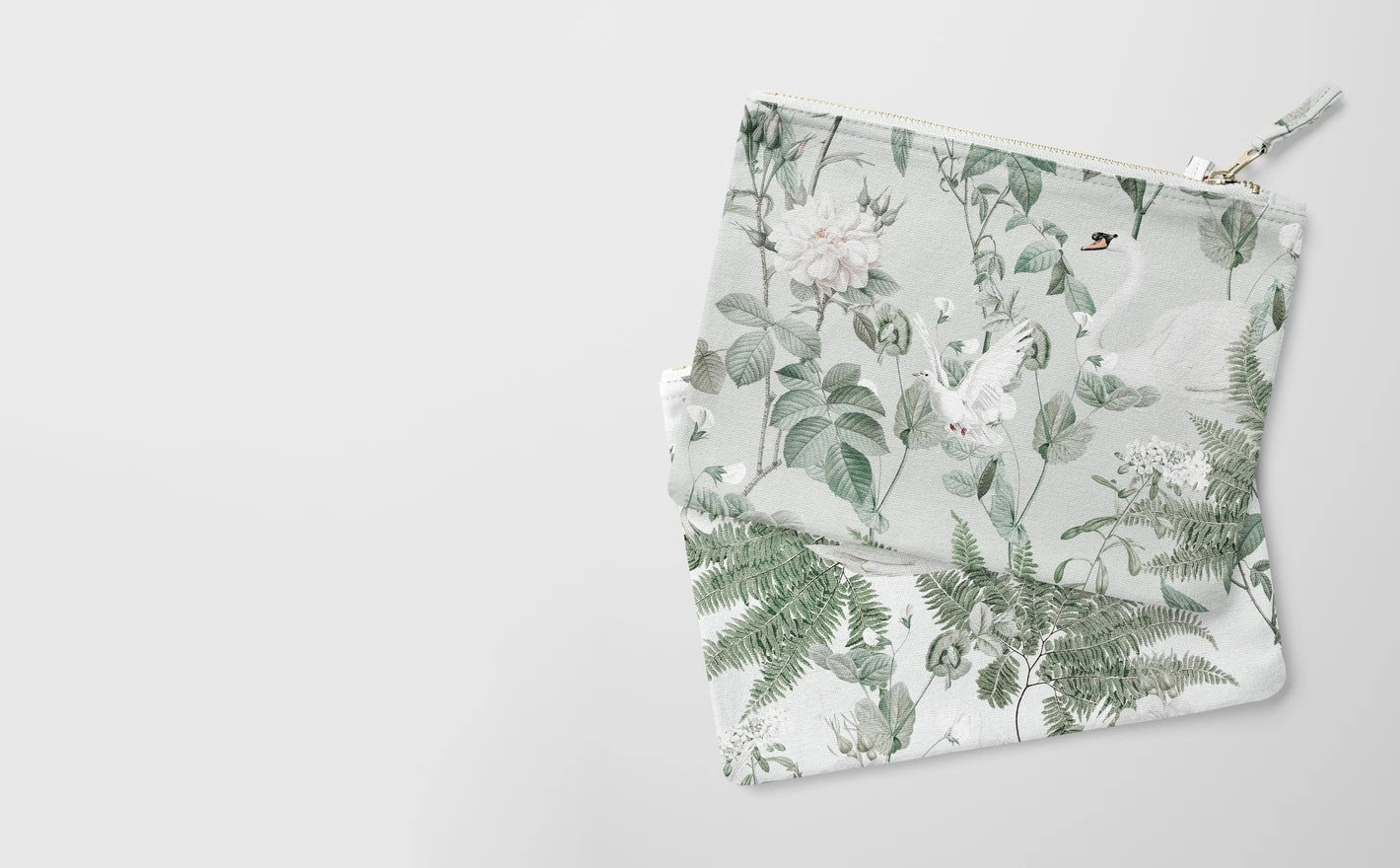
For canvas pouch brands
Show the details that sell a pouch - fabric zipper pulls, seam texture, how a repeat wraps the gusset - in close, realistic renders. Small products live on detail shots, and this is where mockups beat rushed product photos.
Adding a matching tote? Browse tote bag mockups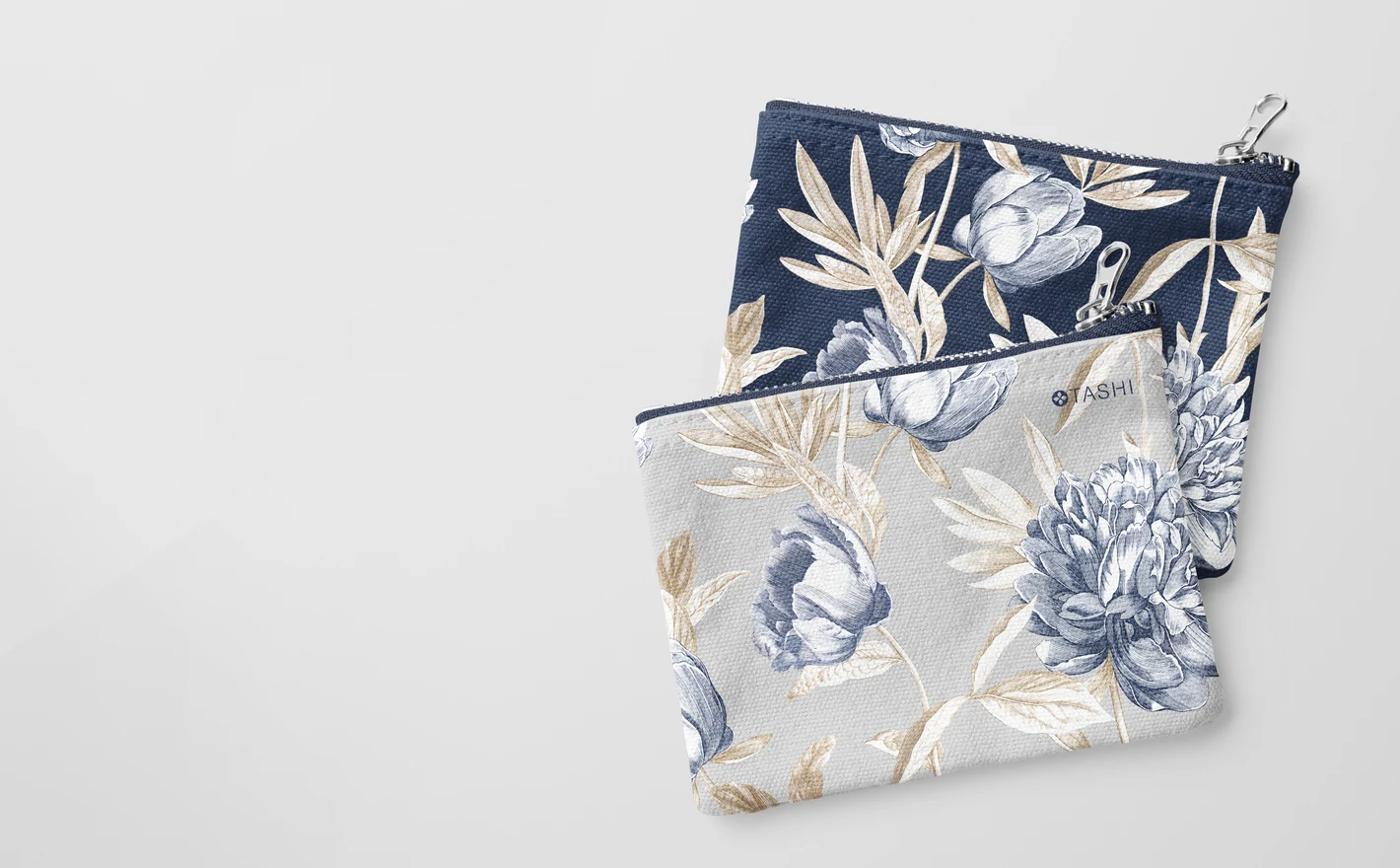
For cosmetics and travel brands
Present makeup bags, wash bags and organizers as coordinated gift sets and travel lines. One scene with matched artwork across three sizes tells the gift-guide story retailers want to see.
Branding what goes inside? Browse cosmetics & beauty mockups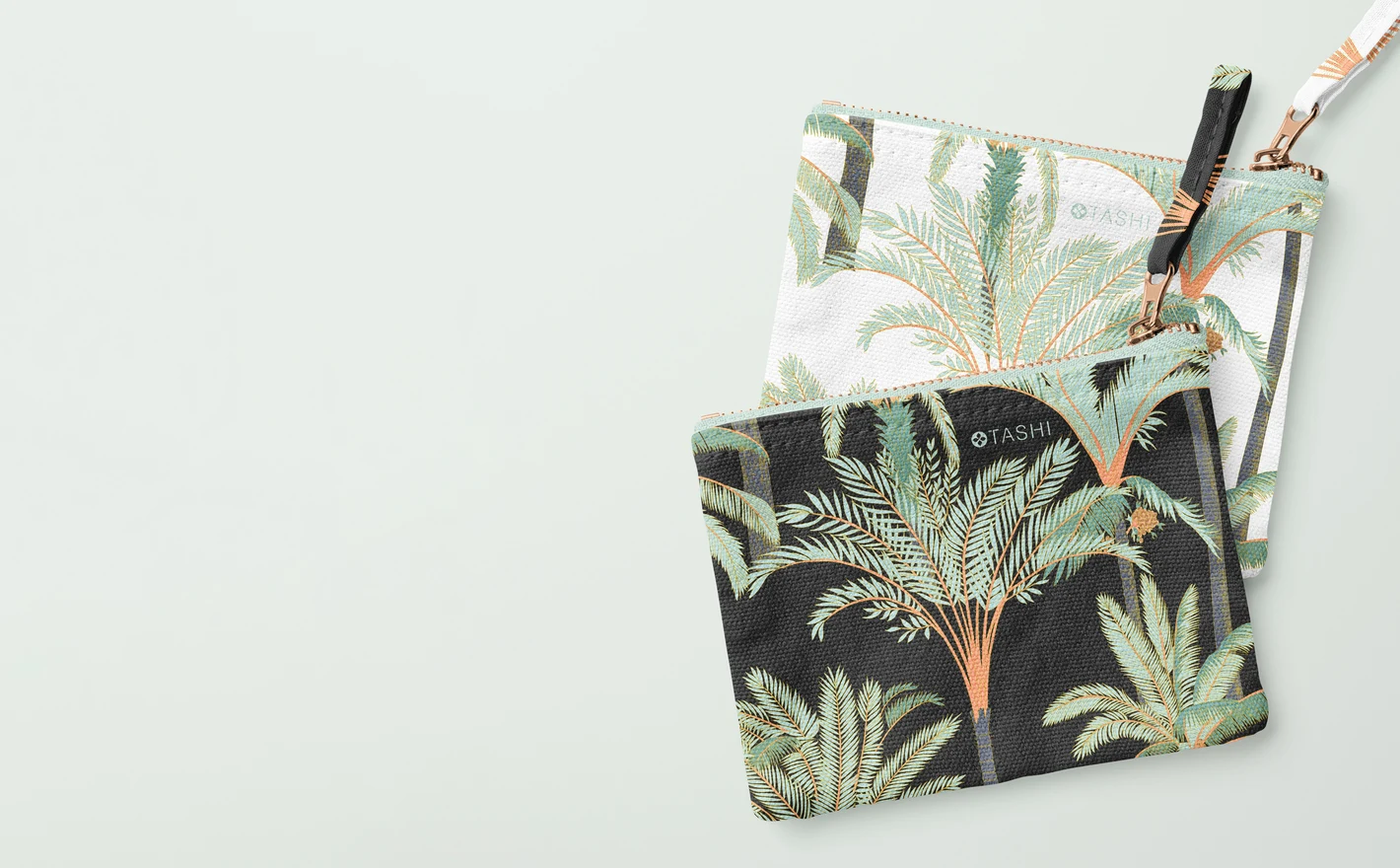
For print-on-demand pouch sellers
Keep marketplace listings consistent across dozens of designs: repeats, illustrations and personalized monograms rendered on the same pouch, same angle, same light. Buyers compare listings side by side - matching visuals win the click.
FAQs
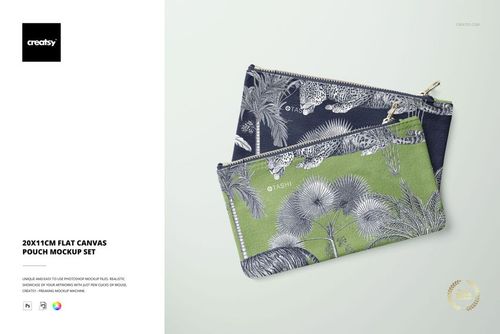
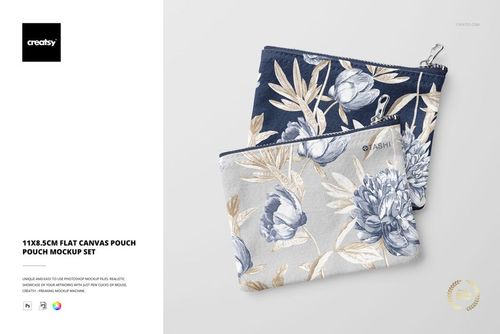
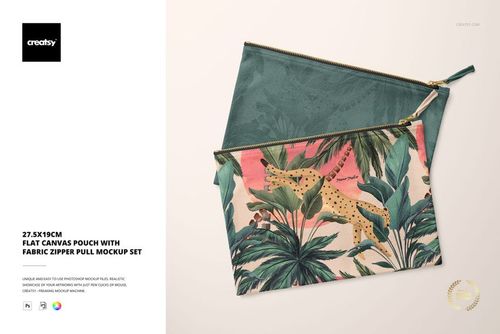
The range includes 11 × 8.5 cm, 20 × 11 cm, 22.5 × 16.5 cm and 27.5 × 19 cm formats, with plain and fabric zipper-pull versions. Match both the dimensions and construction to your product. The mockup's size does not automatically set the physical size of artwork pasted into it.
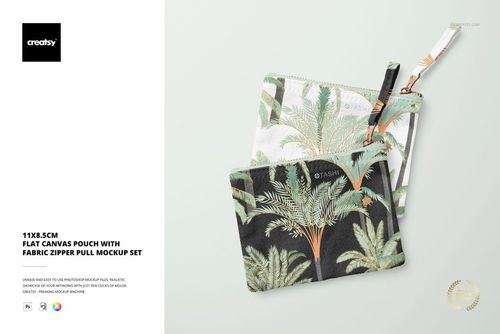
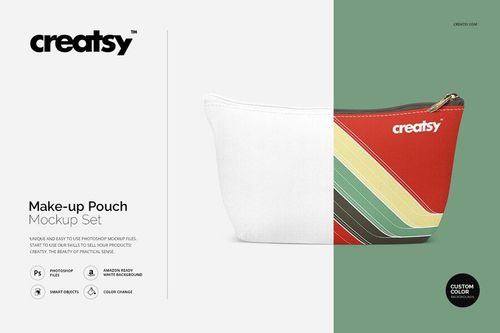
The zipper-pull versions include a fabric tab attached to the zipper. Choose that version when your pouch has the same detail, and the plain version when it does not. Compare the full shape and closure as well, rather than selecting only by the stated dimensions.
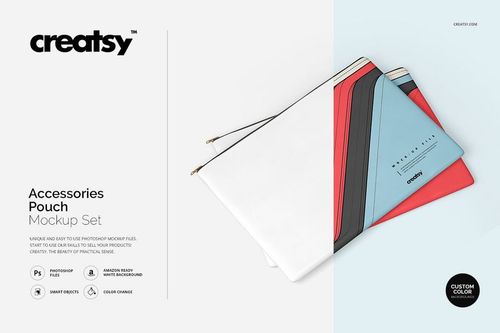
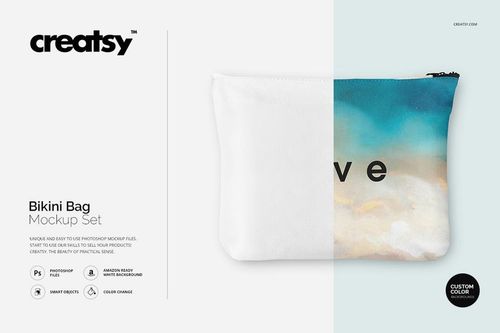
Yes. The category also includes drawstring, makeup and accessory pouches, as well as a bikini bag. These offer different openings, folds and shapes. Look at the gallery to see whether the design area and construction suit the product you want to present.
Check the package and individual file sizes in the listing. A simple pouch scene may be smaller than a large apparel set, but file size and editing performance vary. Leave space for the extracted files and working copies, and confirm Photopea support before choosing a file for browser editing.
Use the corresponding mockup for each size and apply the same repeat. Adjust the motif scale against the pouch dimensions instead of assuming the same paste size works everywhere. Check how the pattern is cropped by the zipper, seams and edges in each finished image.
Why use Pouch & Small Bag mockups?
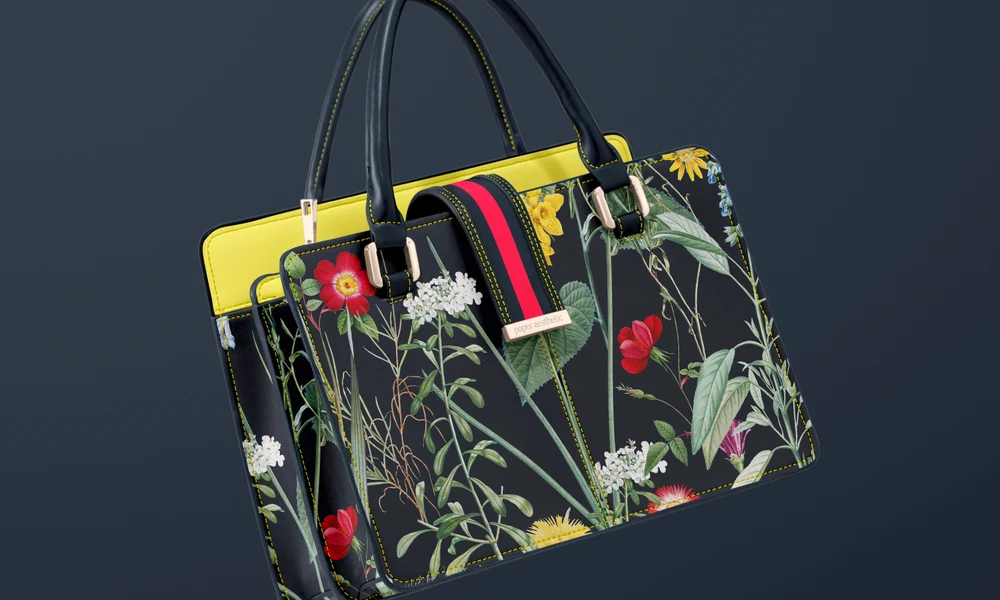
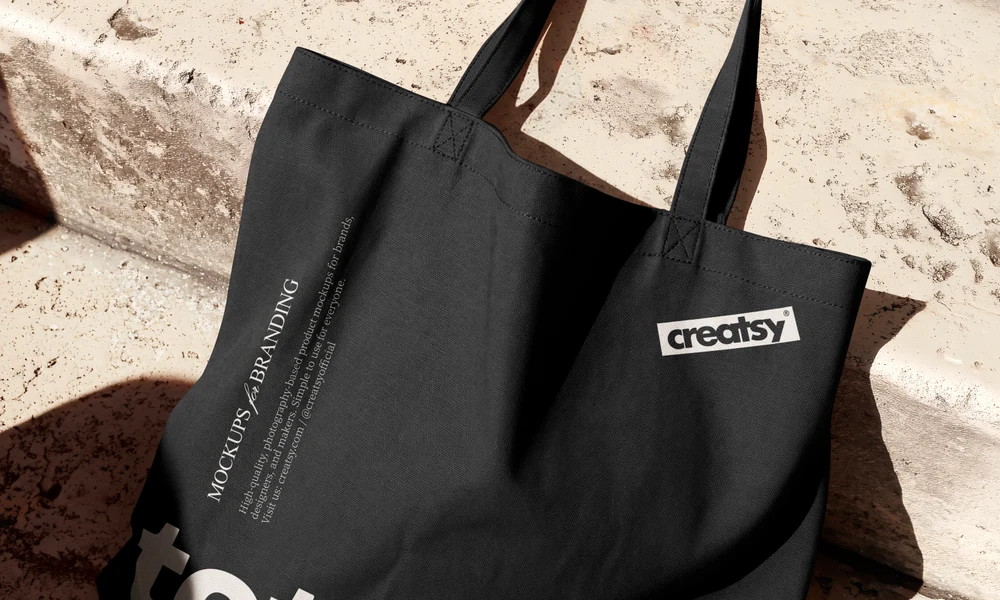
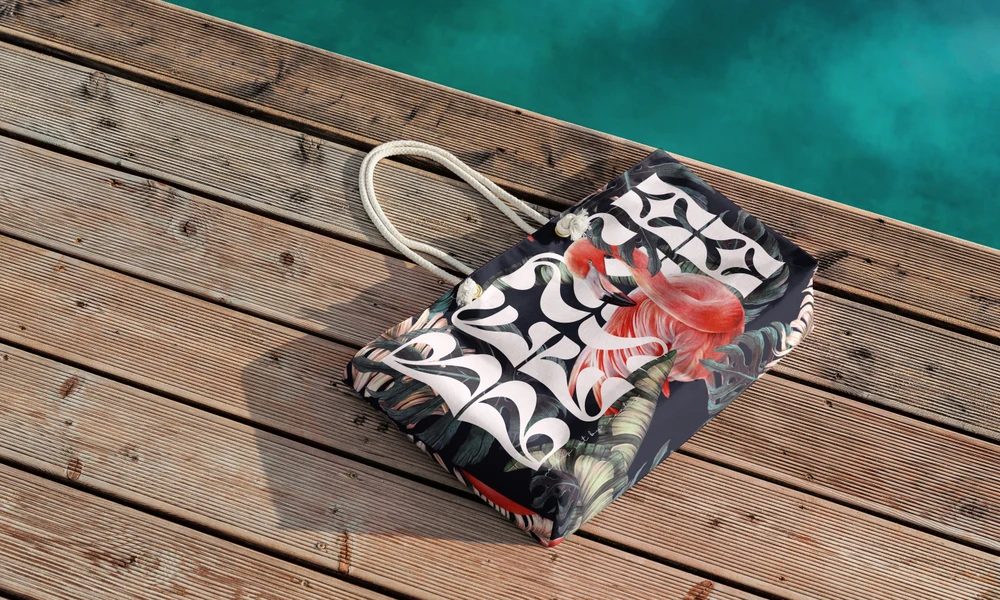
A print that has plenty of space on a tote may need a different scale on a small pouch. Zippers, seams, gathers and fabric pulls can interrupt the artwork. Mockups show how much of the design remains visible on each shape and size. The category includes flat canvas pouches in several dimensions, versions with zipper pulls, drawstring pouches, makeup bags and other accessory, bikini and travel bags. Compare a repeat with a placed illustration, name or monogram, using the product gallery to check the available views and editable details. For a cosmetic, travel or gift collection, apply related designs to several pouches and review them together. The Smart Objects fit the artwork around the photographed folds and construction details while keeping the fabric texture and lighting. You can then adjust individual designs for the smaller surfaces. Export images for shop listings, personalized gifts, wholesale presentations, client reviews and social posts. Showing the relevant pouch sizes alongside each other helps explain the range, whether it consists of small accessory pouches, makeup bags or larger organizers. The same scenes can be reused for seasonal designs.
FreeCreatsy® Mockups
Beautiful mockup! Can be used not only for Halloween!