
 $2200
$2200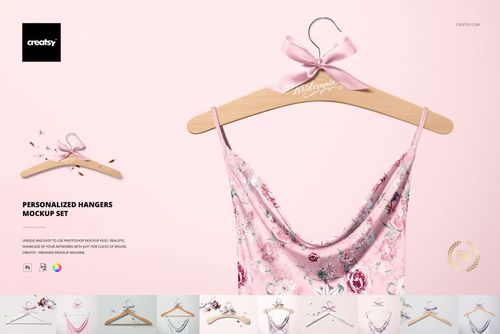
 $1900
$1900 $1900
$1900
Wedding Mockups
Wedding mockups for wedding brand identity work - personalized wedding hangers, floral table menu card in editable PSD.

Reviews
What designers and brand owners say after using these PSD mockups in real client work.
0
Sort by:


buen servicio de atención, el mock up es increíble
 Wedding Planner Mockup Set View product
¡Muchas gracias, Diana! Nos alegra muchísimo saber que te encantó el mockup y que tuviste una buena experiencia con nuestro servicio de atención. Agradecemos mucho tu reseña y tus 5 estrellas. --- Thank you so much, Diana! We’re delighted to hear that you loved the mockup and had a great experience with our customer support. We truly appreciate your kind review and 5-star rating!

What you get
Professional PSD mockups built in-house - editable, realistic, high-resolution, and supported by real people.
Layered PSD Files
Creatsy mockups are delivered as fully layered Photoshop .psd files, with layers sorted into clearly named groups. Shadows, highlights, and the background each sit on their own editable layer, and nothing is flattened into a single image. Open it in Photoshop or the free browser editor Photopea and get to work.
- Clearly named, organized layer groups
- Shadows and highlights on separate layers
- Editable background, never flattened
- Works in Photoshop or free Photopea
Smart Objects
Open the smart object, paste your artwork, and save. The design lands on the product with the perspective, warp, and wrap already worked out. Scene lighting and shadows fall back on top, so it reads as a photograph, not a flat paste-in. Swapping a design takes seconds, so one file can carry a whole run of variants and colorways.
- Double-click, paste your design, save
- Perspective, warp, and wrap pre-built
- Scene lighting and shadows sit back on top
- One file covers many variants and colorways
High-Resolution Output
Many scenes are built from real product photography rather than 3D renders, so the fabric and surface read like a studio shot. Files export at high resolution and stay sharp at full zoom, with clean edges where the print sits. The same file works for a hero banner, a paid ad or a product listing.
- Real product photography in many scenes
- Exports ready for print
- Holds detail at full zoom
- Works for banners, ads and listings
Easy to Edit
Colors, backgrounds, and artwork sit on separate, clearly named layers, so you swap a color or background without disturbing the rest of the scene. There is no relighting or shadow work to redo, and the same file works for your next project.
- Edit color and background layers directly
- No relighting or shadow rework needed
- No masking or layer skills required
- One file reused across projects
Fast Support
There is a real in-house team behind every file, not a ticket bot. Before you buy, ask whether a specific mockup fits what you have in mind, and we will tell you. When a smart object or a layer group is tripping you up, send the question and you usually get a reply within 48 hours.
- Real in-house team behind every file
- Replies within 48 hours
- Pre-purchase help picking the right mockup
- Answers on smart objects and layer setup
Who are these mockups for?
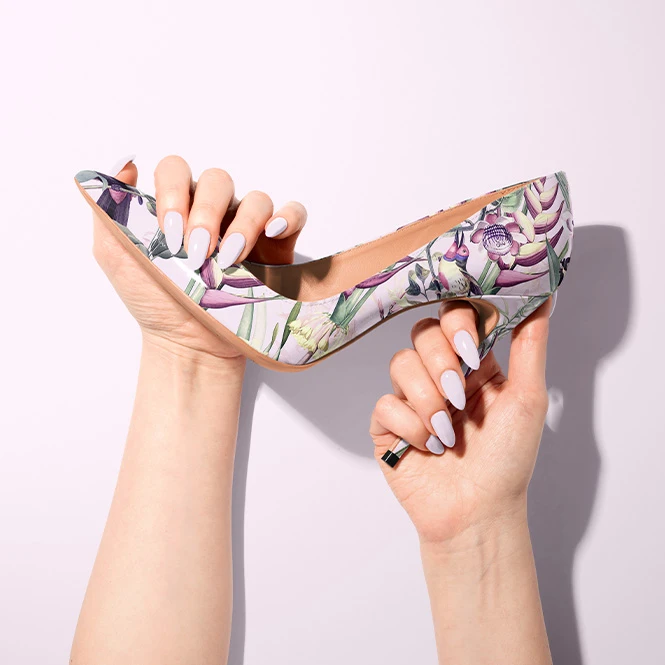
For bridal & footwear brands
Preview custom lettering, patterns, or artwork on personalized hangers and high-heel soles. Use the finished visuals for product development, customer approvals, e-commerce listings, bridal campaigns, and personalized wedding collections.
Need more shoe presentations? Browse Footwear & Shoe Boxes mockups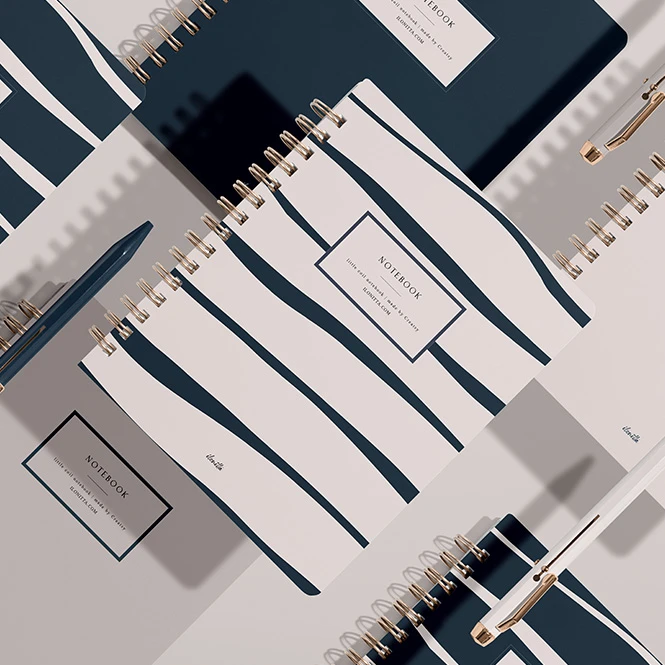
For personalized wedding product sellers
Create listing images for custom guest books, bridal hangers, and wedding planners without photographing every name, date, monogram, cover design, or color variation. Prepare coordinated visuals for Etsy, Shopify, social media, and customer approvals.
Need more notebook and planner formats? Browse Notebooks, Journals & Planners mockups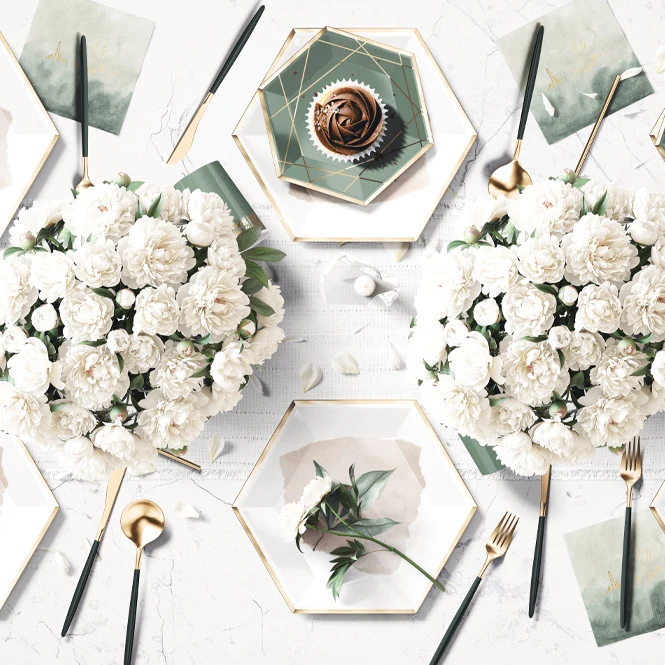
For wedding planners & event stylists
Turn a wedding concept into visuals clients can review before printing or ordering. Combine reception menu cards, planners, guest books, and personalized bridal details to communicate a consistent style across the celebration.
Building a wider event presentation? Browse Party & Event Supplies mockups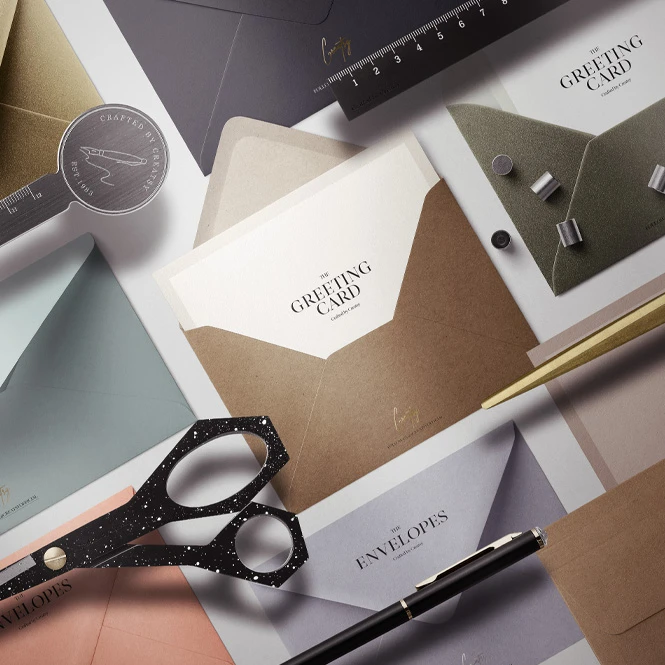
For wedding stationery designers & calligraphers
Present reception menu layouts, guest book covers and pages, and wedding planner designs in realistic scenes. Use the finished visuals in client proposals, portfolios, social media campaigns, and product listings before anything is printed.
Need invitation and envelope scenes? Browse Greeting Cards & Envelopes mockups
FAQs
This collection includes editable mockups for floral reception menu cards, wedding guest books in two formats, personalized bridal hangers, wedding planners, and high-heel soles. The selection covers both wedding stationery and personalized bridal products, helping designers create coordinated presentations across multiple wedding touchpoints.
Customization options vary by product, but you can add menu layouts, names, wedding dates, monograms, guest book artwork, planner covers and pages, patterns, lettering, and sole designs. Many sets also include editable colors, backgrounds, props, materials, or finishing effects. Check the screenshots and product details for the exact options included in each set.
Yes. Add a name, wedding date, monogram, wedding-party role, or short message directly to the hanger design. The Personalized Hangers Mockup Set includes multiple hanger scenes and styling options, including different hanger finishes, bows, garments, and background textures.
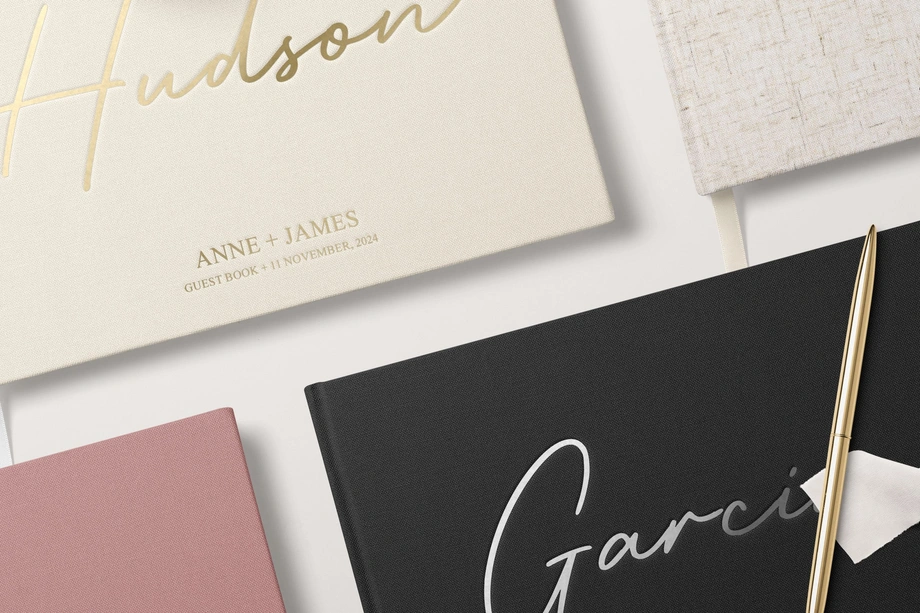
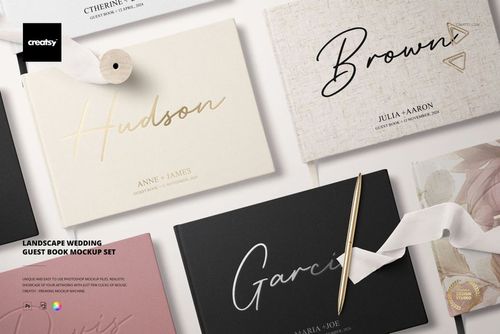
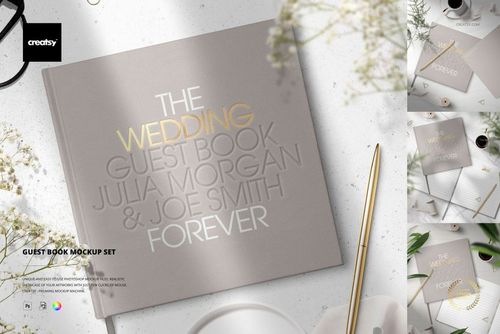
Choose the Landscape Wedding Guest Book Mockup Set for horizontal guest books, multiple-book arrangements, close-ups, and cover or spine presentations. It also includes options for embossed lettering, metallic foil, and metallic vinyl effects. Choose the Guest Book Mockup Set for classic cover presentations and open-page scenes shown from above.
Yes. The Floral Wedding Table Menu Card Mockup Set can be used to present reception menus, calligraphy, name cards, place cards, and table numbers in styled floral table scenes. The design is added through editable Smart Object layers while the original paper texture, lighting, and shadows remain visible.
Yes. The High Heels Soles Mockup Set lets you apply lettering, messages, patterns, monograms, or other artwork to the soles. Depending on the scene, you can also edit the suede color, heel tips, dress, and background.
This category focuses on reception menu cards, guest books, wedding planners, personalized hangers, and bridal shoe soles. For wedding invitations, save-the-date cards, RSVP cards, and matching envelopes, browse the Greeting Cards & Envelopes category.
These products are delivered as layered Adobe Photoshop files. Many of the wedding mockups are also compatible with Photopea, a free browser-based editor, but compatibility can vary between older and newer sets. Check the Compatibility section on the individual product page before purchasing. To add your artwork, open the design Smart Object, paste your design, save it, and return to the main mockup.
Wedding mockups are suitable for client approvals, portfolios, online product listings, advertising, social media, and print presentations. Review the license selected on the individual product page for the exact permitted uses. The artwork shown in preview images is for presentation purposes and is not part of the editable design you add to the mockup.
Why use Wedding mockups?
Wedding products are highly personalized. Names, dates, monograms, cover designs, menu layouts, and color combinations often change from one customer or collection to the next. Producing and photographing a physical sample for every variation would be slow and expensive. Wedding mockups let you preview each version before printing, production, or the event itself. Use floral menu card scenes to present reception stationery and calligraphy, guest book mockups to show covers, open pages, and finishing options, and wedding planner mockups to display coordinated cover and page designs. Personalized hanger and high-heel sole mockups extend the presentation beyond paper goods to bridal accessories, personalized gifts, and custom wedding products. Layered Photoshop files and Smart Objects make it easy to replace the sample artwork while preserving the original perspective, lighting, shadows, texture, and depth. Depending on the selected product, you can also adjust colors, backgrounds, props, materials, ribbons, garments, or finishing effects. Export the finished visuals for client approvals, portfolios, online stores, social media, advertising, and print presentations. One design direction can be tested across several products, helping you build a consistent wedding collection without manufacturing and photographing every personalized variation.
FreeCreatsy® Mockups
Amazing experience as always with Creatsy. These mockups went above and beyond my expectations. Very easy to add my own designs and the end pictures are beautiful. Very reasonably priced too!
Thank you so much! We’re delighted that the Landscape Wedding Guest Book Mockup Set exceeded your expectations and was easy to customize. It means a lot to hear that you’re happy with the beautiful final images and the value of the set. Thank you for choosing Creatsy again and for your wonderful review!