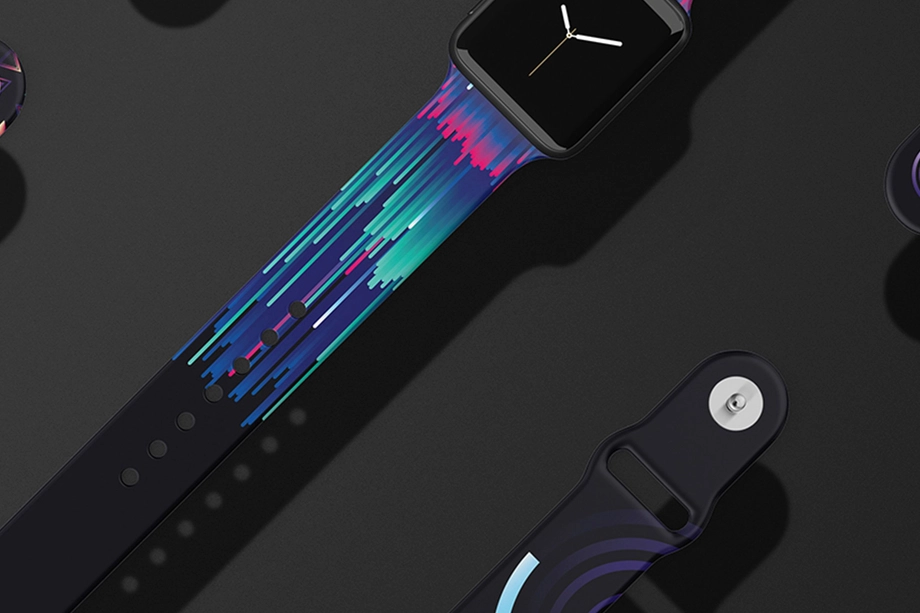
Watch Band Mockups
Showcase patterns, colors and branding on realistic watch band mockups. Create polished ecommerce images, launch campaigns and client presentations for custom straps and wearable accessory collections.


What you get
Professional PSD mockups built in-house - editable, realistic, high-resolution, and supported by real people.
Layered PSD Files
Creatsy mockups are delivered as fully layered Photoshop .psd files, with layers sorted into clearly named groups. Shadows, highlights, and the background each sit on their own editable layer, and nothing is flattened into a single image. Open it in Photoshop or the free browser editor Photopea and get to work.
- Clearly named, organized layer groups
- Shadows and highlights on separate layers
- Editable background, never flattened
- Works in Photoshop or free Photopea
Smart Objects
Open the smart object, paste your artwork, and save. The design lands on the product with the perspective, warp, and wrap already worked out. Scene lighting and shadows fall back on top, so it reads as a photograph, not a flat paste-in. Swapping a design takes seconds, so one file can carry a whole run of variants and colorways.
- Double-click, paste your design, save
- Perspective, warp, and wrap pre-built
- Scene lighting and shadows sit back on top
- One file covers many variants and colorways
High-Resolution Output
Many scenes are built from real product photography rather than 3D renders, so the fabric and surface read like a studio shot. Files export at high resolution and stay sharp at full zoom, with clean edges where the print sits. The same file works for a hero banner, a paid ad or a product listing.
- Real product photography in many scenes
- Exports ready for print
- Holds detail at full zoom
- Works for banners, ads and listings
Easy to Edit
Colors, backgrounds, and artwork sit on separate, clearly named layers, so you swap a color or background without disturbing the rest of the scene. There is no relighting or shadow work to redo, and the same file works for your next project.
- Edit color and background layers directly
- No relighting or shadow rework needed
- No masking or layer skills required
- One file reused across projects
Fast Support
There is a real in-house team behind every file, not a ticket bot. Before you buy, ask whether a specific mockup fits what you have in mind, and we will tell you. When a smart object or a layer group is tripping you up, send the question and you usually get a reply within 48 hours.
- Real in-house team behind every file
- Replies within 48 hours
- Pre-purchase help picking the right mockup
- Answers on smart objects and layer setup
Who are these mockups for?
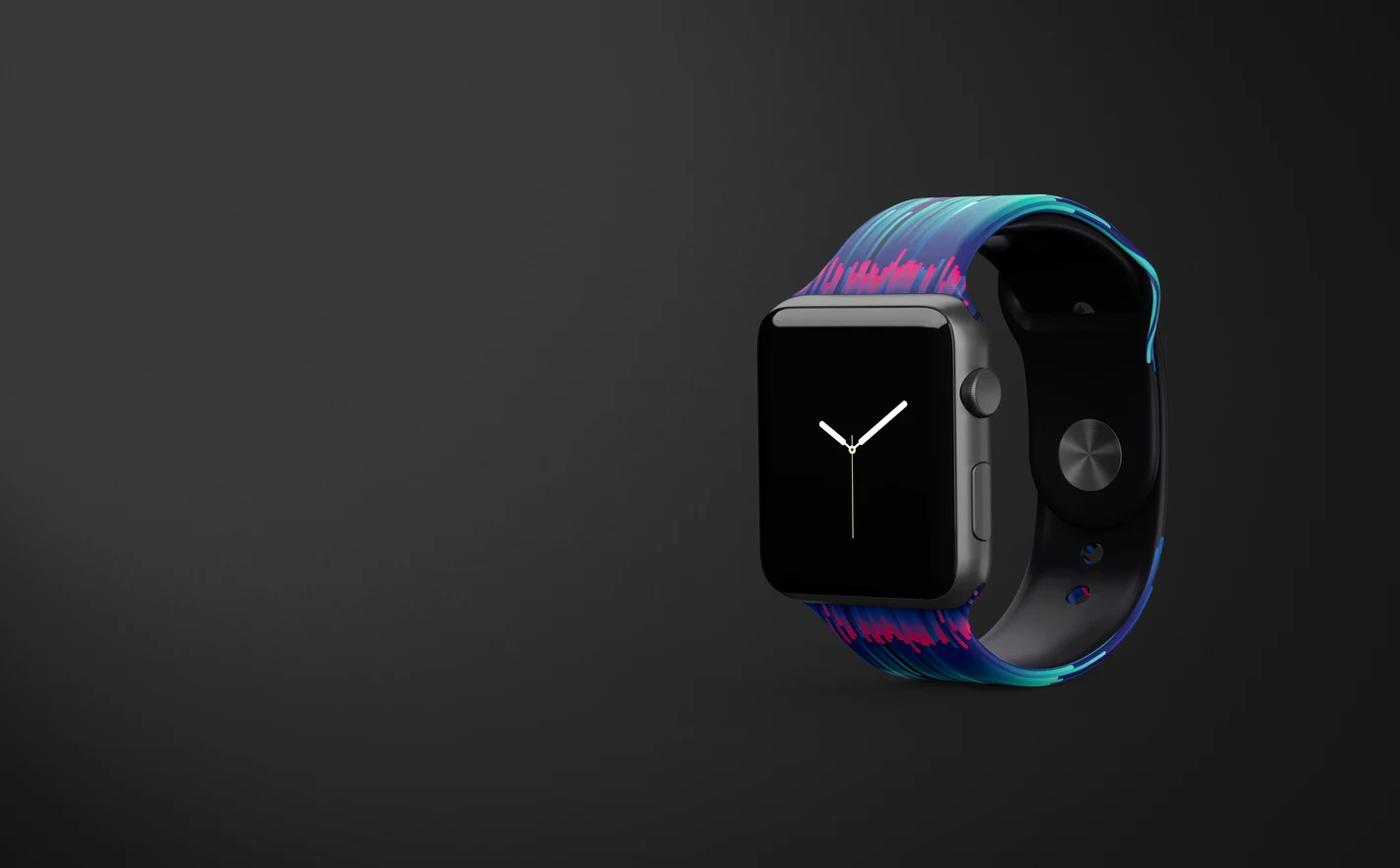
For Apple Watch accessory brands
Drop the band design into the Apple Watch Band Mockup Set, set the band color and the metallic parts, and put a face on the display to match. The buckle, lugs and curve are in the scene, so the launch listing shows the strap as a product, on the watch.
Launching a band? View the Apple Watch Band Mockup Set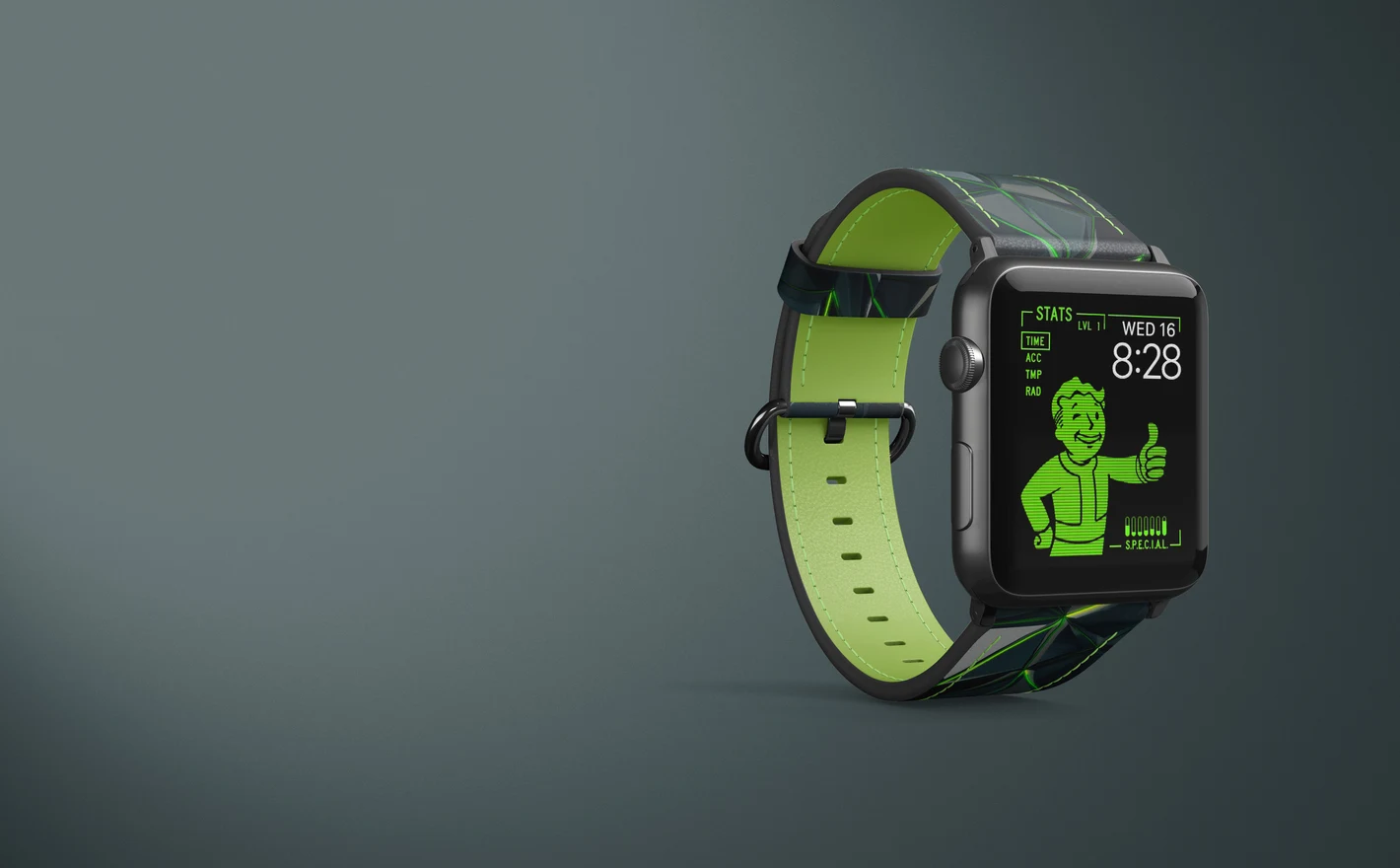
For leather strap makers & workshops
Put the colorway into the Apple Watch Leather Band with Stitching Mockup Set and the seam construction stays sharp in the render. Stitching is the detail a leather buyer looks for first, so it's the detail the listing has to show.
Selling leather straps? View the Apple Watch Leather Band with Stitching Mockup Set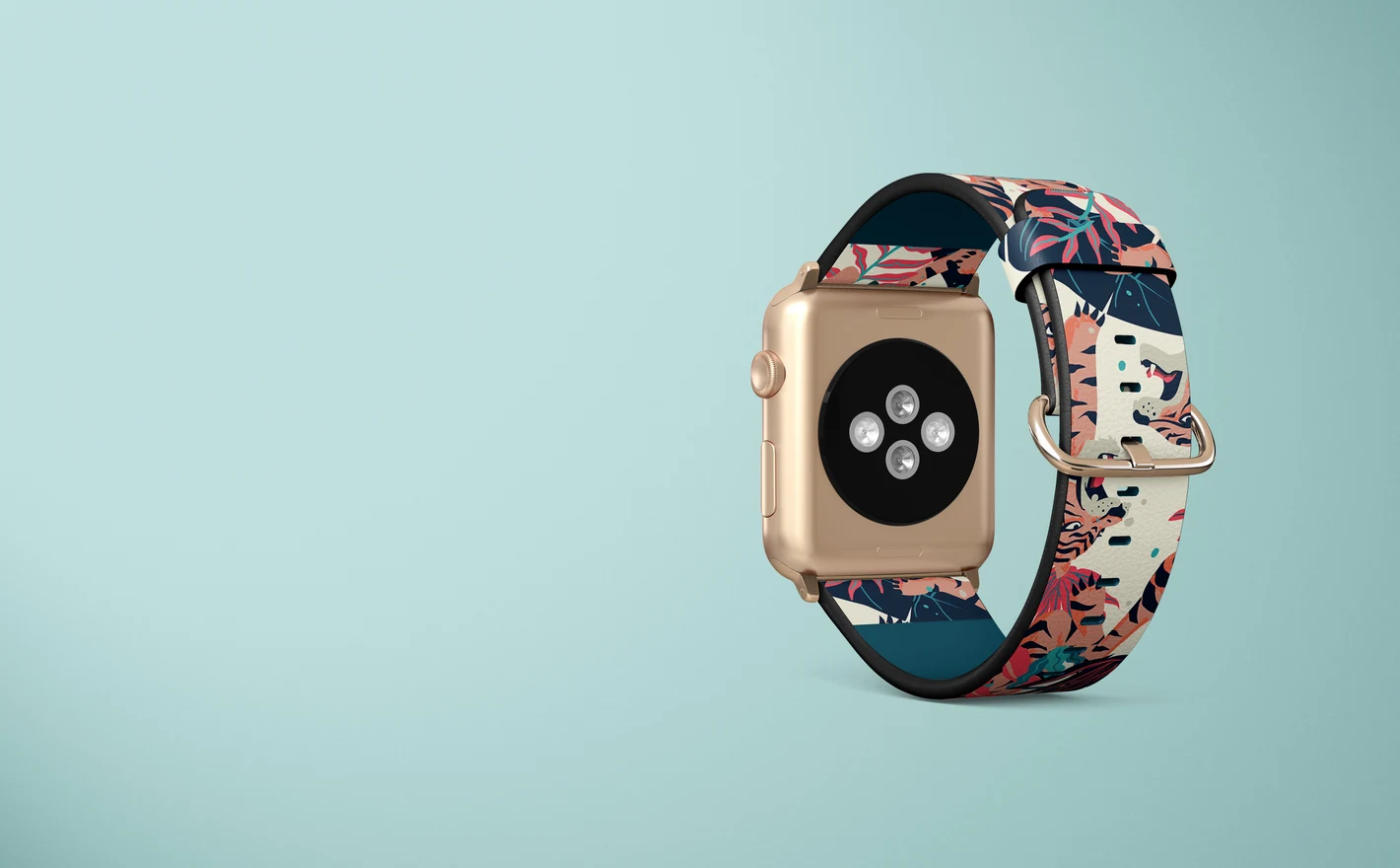
For print-on-demand sellers & surface designers
Run the pattern through the Apple Watch Leather Band Mockup Set and read it at strap width, long, curved and narrow, before it goes on the listing. A motif that works on a tote often turns to noise at this scale, and this is where you find out.
Testing a pattern at strap width? View the Apple Watch Leather Band Mockup Set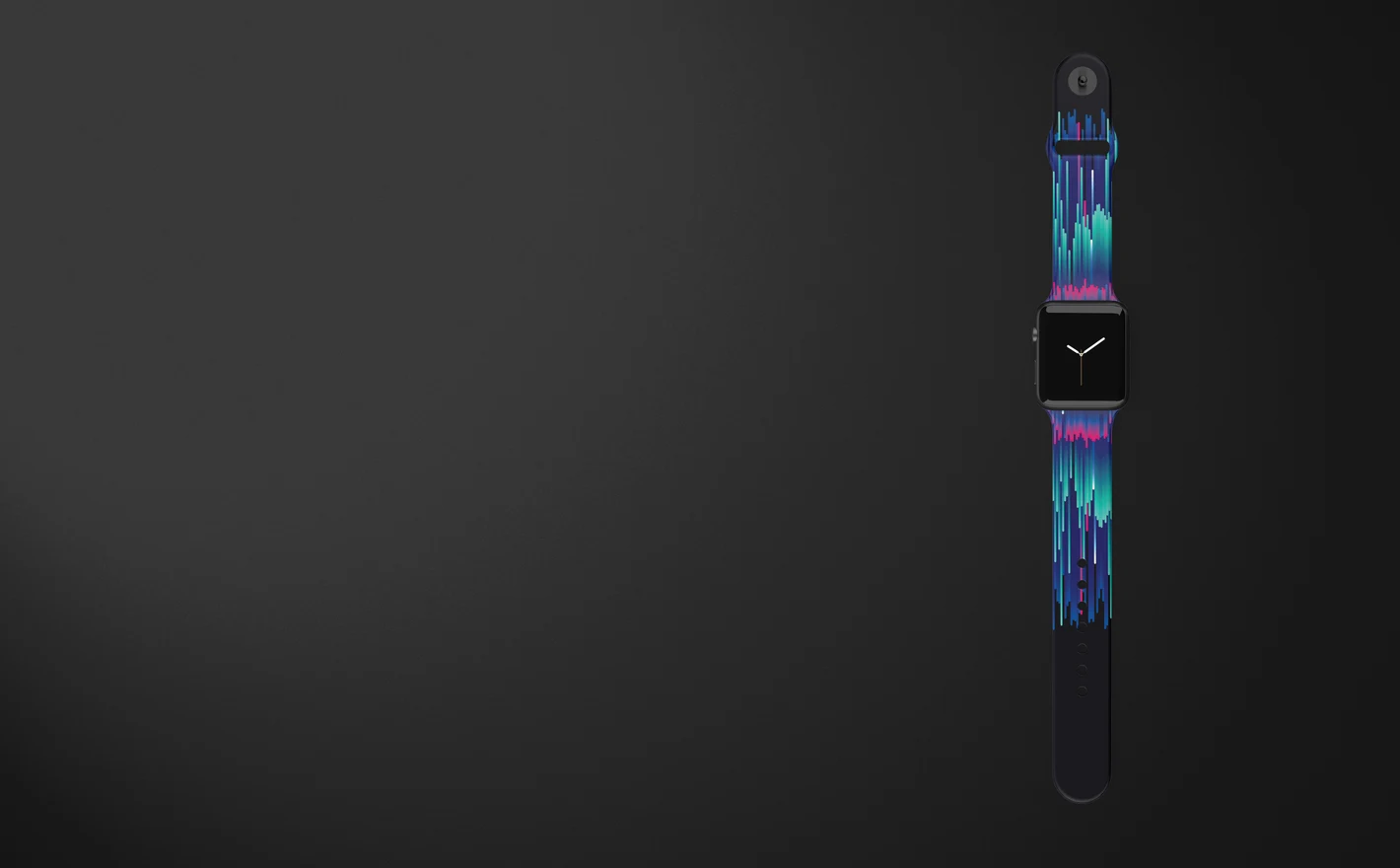
For wearable accessory & ecommerce teams
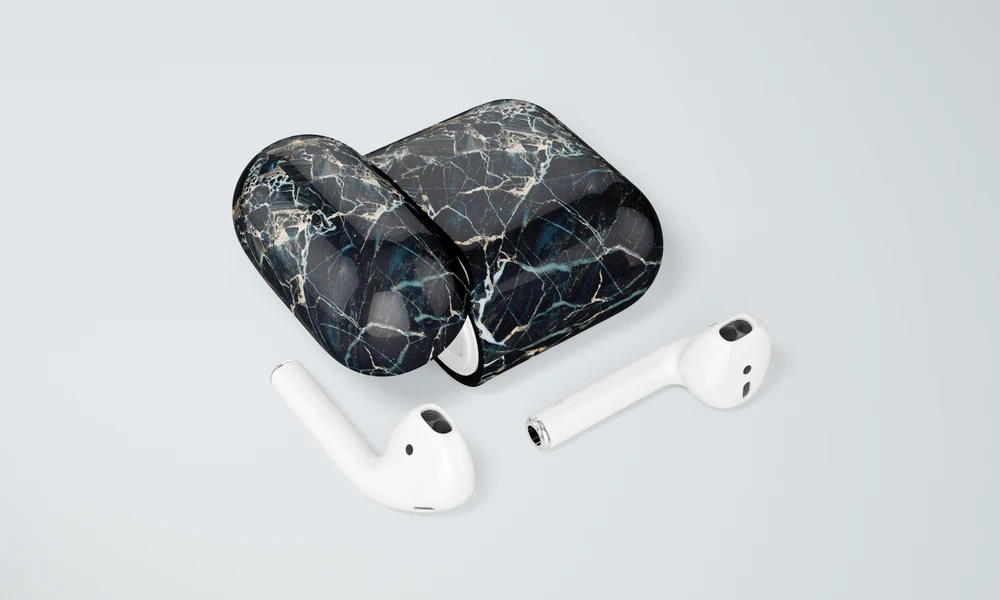
Build the strap page from the Apple Watch Band Mockup Set and both leather sets in matching views, every colorway from the same artwork file. Then carry the artwork into the AirPods Case Mockup Set and the drop has its second product without a second shoot.
Adding earbuds to the drop? Browse headphone & earbud cases mockups
FAQs
The category includes Apple Watch Band, Apple Watch Leather Band and Apple Watch Leather Band with Stitching mockup sets. Choose the material and construction that match your strap, then compare the watch and attachment details. A category name alone does not confirm compatibility with every watch model or size.
Start with flat artwork and place it in the band's Smart Object. The mockup supplies the prepared perspective and curve, so you do not normally need to warp the design beforehand. Check each editable strap section and keep the actual production layout separate from the presentation file.
Use one of the leather sets and choose the stitched version when visible stitching matches your product. For other band types, compare Apple Watch Band Mockup Set with the material and shape you need. Do not assume that any printed logo can automatically be rendered as embossing or engraving.
Check the individual set's feature images for separate controls for the band, display, hardware and background. These are different parts of the scene, and their options may vary. Choose a set that explicitly includes the controls you need rather than assuming every visible element can be moved or recolored.
Preview the design at the intended physical scale, then inspect the exported image at its actual display size. Small motifs and text can be hard to distinguish on a narrow strap. Use the manufacturer's print-area and detail requirements for production; a large close-up alone cannot establish real-world readability.
Why use Watch Band mockups?
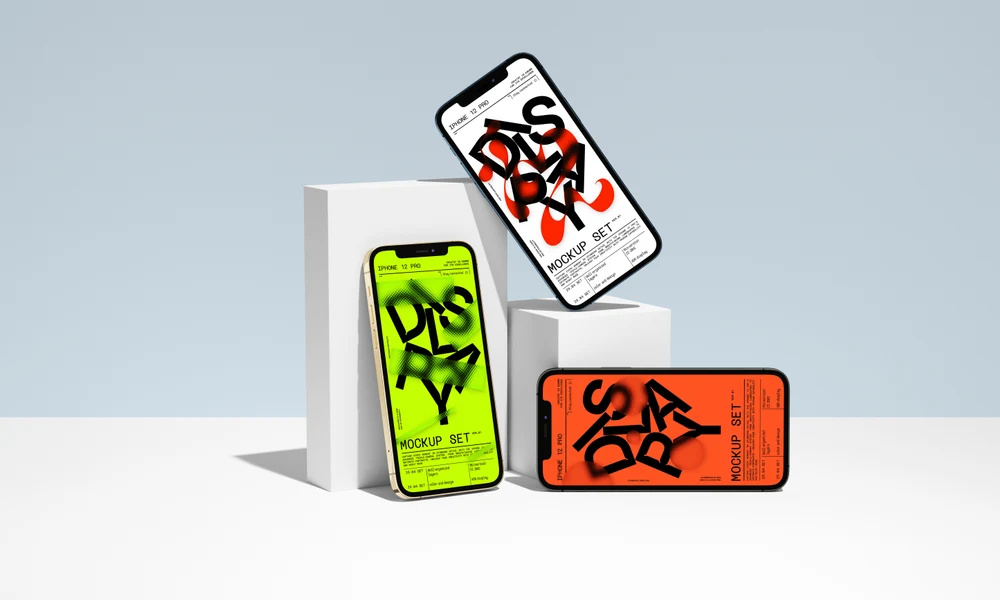
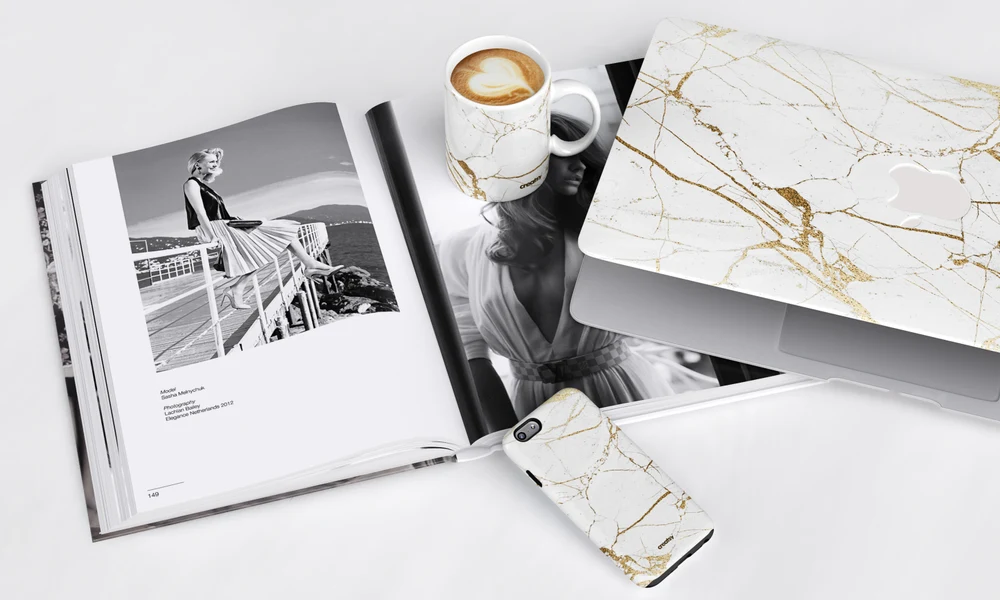
The watch band range includes the Apple Watch Band set, a leather version and a leather version with stitching. Depending on the file, you can edit the band artwork and colors, watch display, metallic details and background. The product galleries list the controls, with software requirements and license options on each page. A narrow strap leaves limited room for an illustration or repeat. Curves, stitching and the position of the watch further affect what is visible. Use the prepared Smart Objects to compare pattern sizes and colors across the available views. Detail images show the surface, while wider views show the band in relation to the watch. Edit each selected file separately, then export the images for product listings, wholesale presentations or a launch campaign. For an accessory collection, compare the band design with items from Phone Cases and Headphone & Earbud Cases. A pattern may need a smaller scale or a different crop on the strap. Showing the products together helps you decide which version suits each shape before presenting the range.
FreeCreatsy® Mockups