Branding Project Mockups
Present a restaurant, hotel or construction brand on the items it uses every day. Apply your designs to mockups of takeaway packaging, guest amenities and site equipment, then use the images in client presentations, design portfolios and launch campaigns.








Reviews
What designers and brand owners say after using these PSD mockups in real client work.
0
Sort by:



-
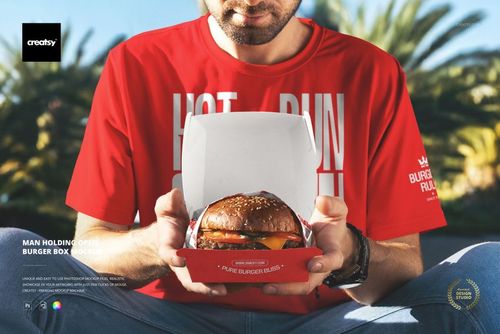
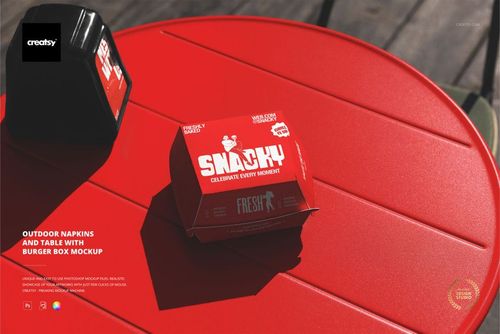
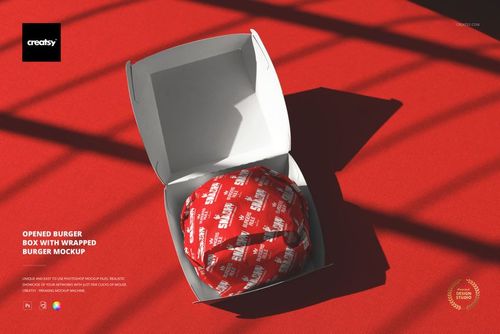
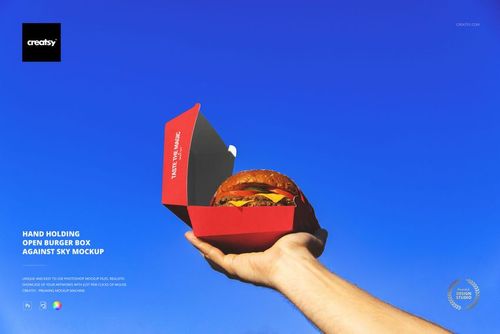
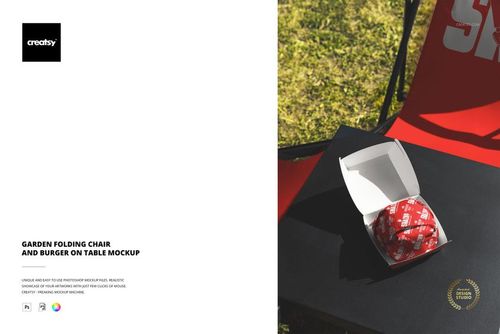
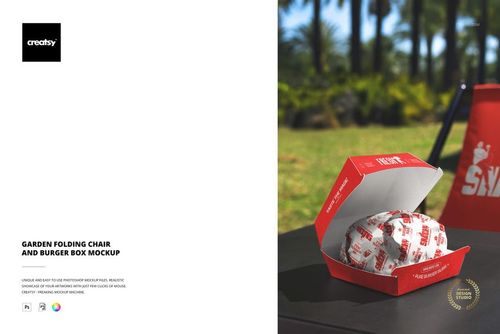
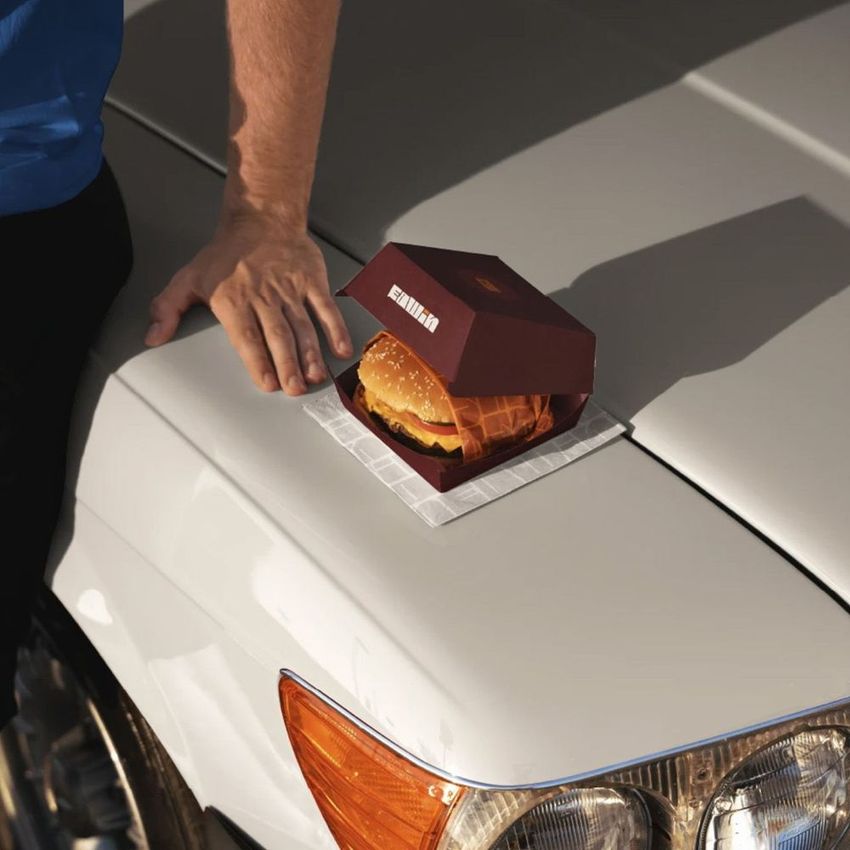
 Free Open Burger Box Branding Packaging PSD Mockup View product
Thank you so much for your 5-star review! We truly appreciate your support and are so happy you chose our mockup.


Love this mockup. Make visual experience amazing
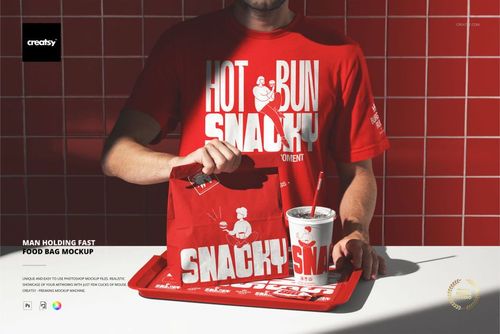
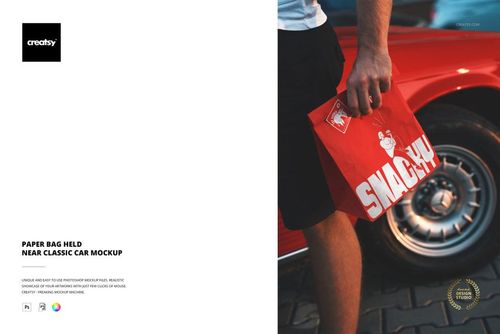
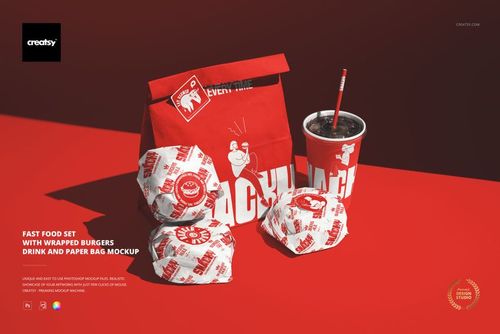
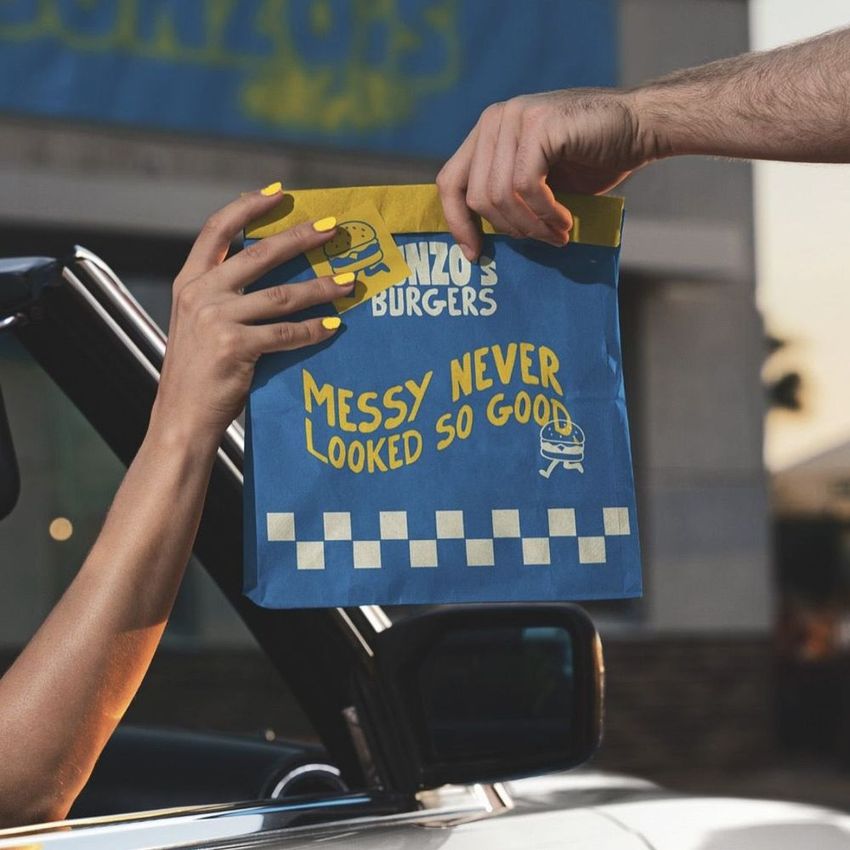
 Free Custom Fast Food Takeaway Paper Bag Branding PSD Mockup View product
 That’s the goal - thank you so much! 🧡


Excelent quality rock-up. It really works perfectly! Perfect Price for such a Great work Well organized and described every mock up Thanks a lot!
 Vegan Burger Bar Brand Identity Mockup Bundle View product
 Thank you so much, rodrigoalonso! We’re thrilled to hear that the Vegan Burger Bar Brand Identity Mockup Bundle works perfectly for you. It means a lot to know that you appreciate the quality, value, organization and clear file descriptions. Thank you for your kind words and support!
What you get
Professional PSD mockups built in-house - editable, realistic, high-resolution, and supported by real people.
Layered PSD Files
Creatsy mockups are delivered as fully layered Photoshop .psd files, with layers sorted into clearly named groups. Shadows, highlights, and the background each sit on their own editable layer, and nothing is flattened into a single image. Open it in Photoshop or the free browser editor Photopea and get to work.
- Clearly named, organized layer groups
- Shadows and highlights on separate layers
- Editable background, never flattened
- Works in Photoshop or free Photopea
Smart Objects
Open the smart object, paste your artwork, and save. The design lands on the product with the perspective, warp, and wrap already worked out. Scene lighting and shadows fall back on top, so it reads as a photograph, not a flat paste-in. Swapping a design takes seconds, so one file can carry a whole run of variants and colorways.
- Double-click, paste your design, save
- Perspective, warp, and wrap pre-built
- Scene lighting and shadows sit back on top
- One file covers many variants and colorways
High-Resolution Output
Many scenes are built from real product photography rather than 3D renders, so the fabric and surface read like a studio shot. Files export at high resolution and stay sharp at full zoom, with clean edges where the print sits. The same file works for a hero banner, a paid ad or a product listing.
- Real product photography in many scenes
- Exports ready for print
- Holds detail at full zoom
- Works for banners, ads and listings
Easy to Edit
Colors, backgrounds, and artwork sit on separate, clearly named layers, so you swap a color or background without disturbing the rest of the scene. There is no relighting or shadow work to redo, and the same file works for your next project.
- Edit color and background layers directly
- No relighting or shadow rework needed
- No masking or layer skills required
- One file reused across projects
Fast Support
There is a real in-house team behind every file, not a ticket bot. Before you buy, ask whether a specific mockup fits what you have in mind, and we will tell you. When a smart object or a layer group is tripping you up, send the question and you usually get a reply within 48 hours.
- Real in-house team behind every file
- Replies within 48 hours
- Pre-purchase help picking the right mockup
- Answers on smart objects and layer setup
Who are these mockups for?
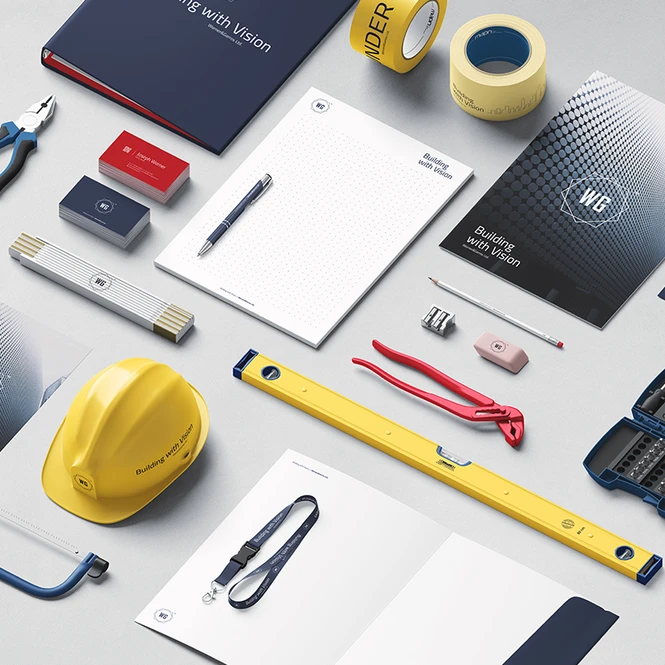
For construction brand designers & contractor teams
Drop one contractor logo into the Construction Company Identity Mockup Set for the stationery, business cards and helmet in one top-down scene, then check it on the curve with the Hard Hat Mockup Set and on a label with the Paint Bucket set. That's a tender deck or a rebrand approval in an afternoon.
Building a contractor identity? Browse construction branding mockups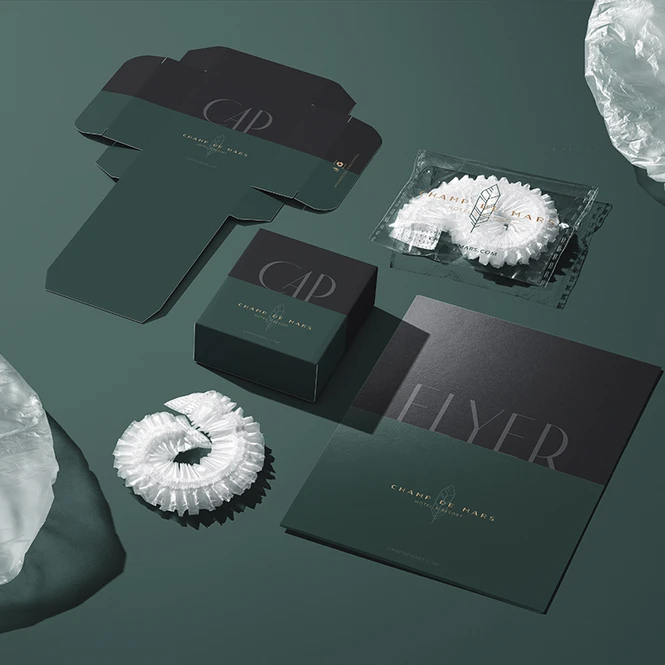
For hospitality designers & in-house hotel teams
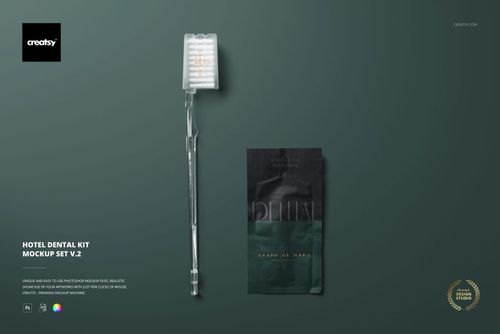
Put the hotel's mark on the Hotel Slippers Mockup Set, the Hotel Hand Soap In Pillow Box set and the Hotel Dental Kit set, and you've got the amenity range a guest meets on day one. The procurement review and the opening presentation come from the same files.
Dressing the guest room? Browse hotel amenities & branding mockups
For branding agencies & identity designers
Take the signed-off logo and put it on the things the client's customers handle: the Hard Hat Mockup Set for a contractor, the Hotel Hand Soap In Pillow Box set for a hotel group, a burger box scene for a restaurant. Stationery and signage for the same identity live in Brand Identity.
Need the stationery & signage side? Browse brand identity mockups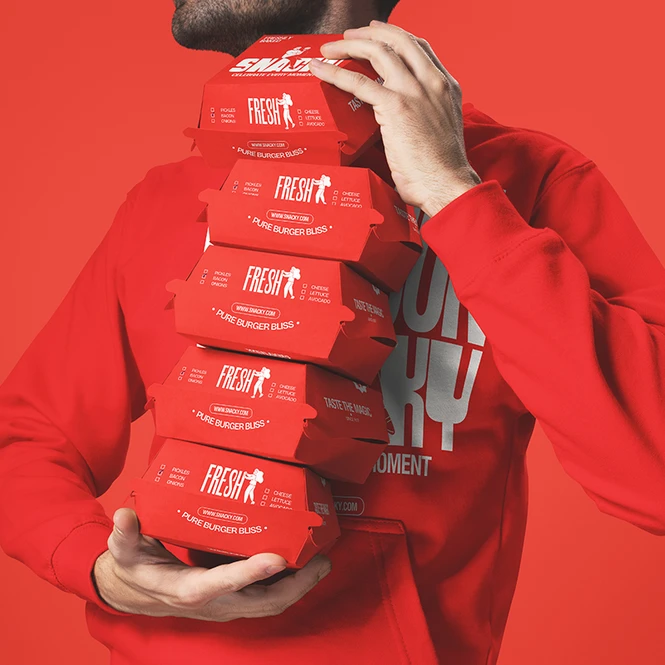
For restaurant, cafe & franchise brand teams
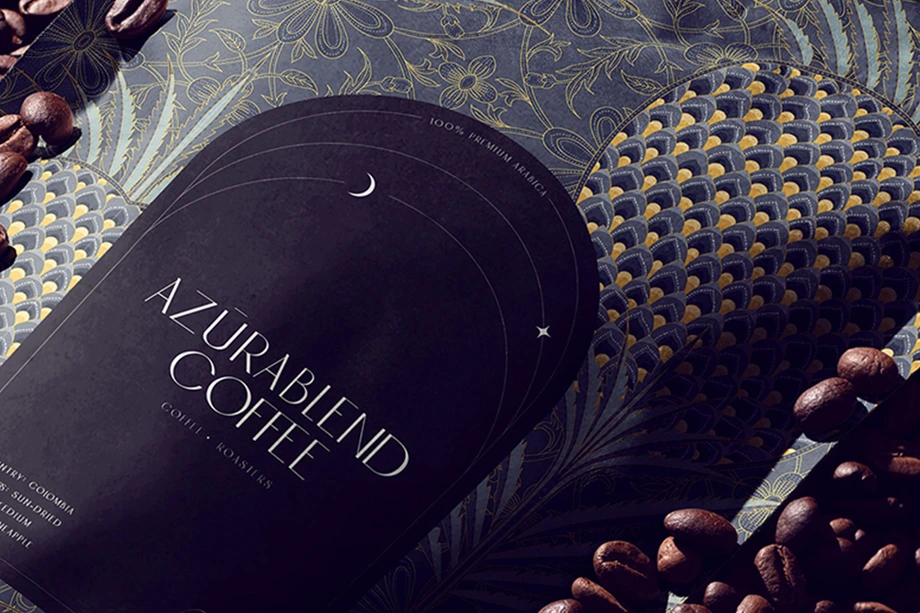
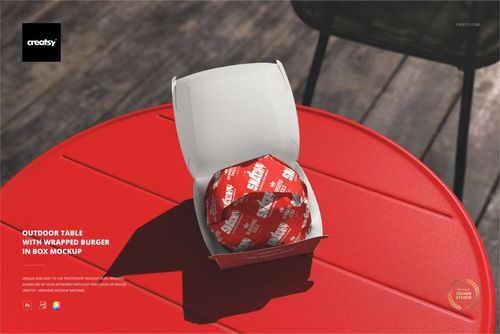
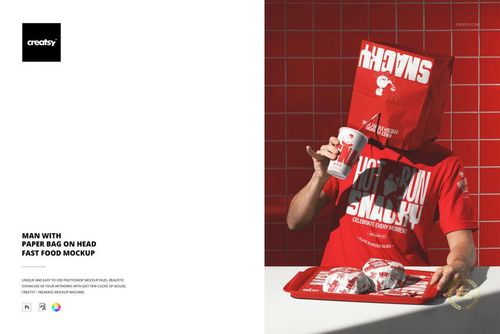
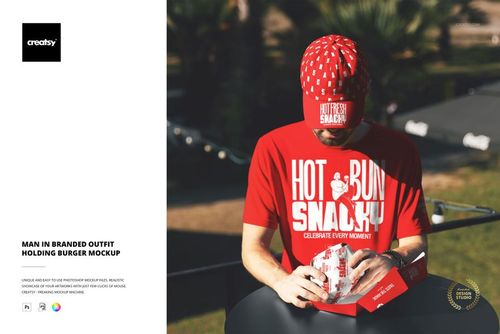
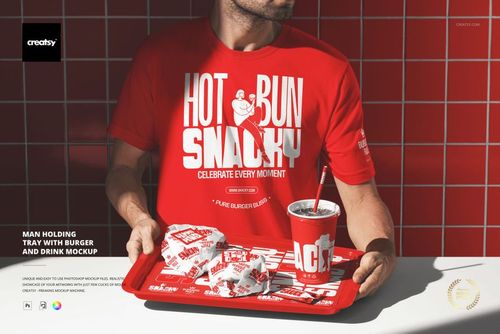
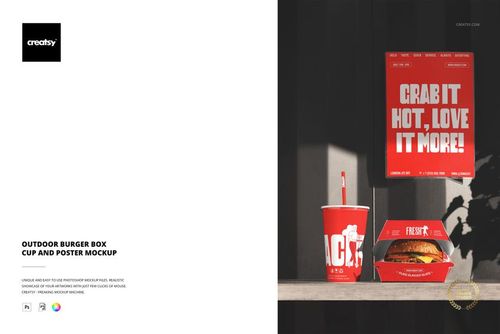
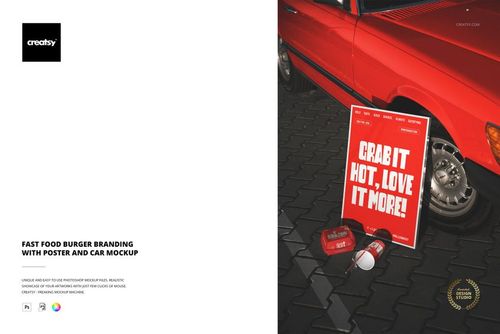
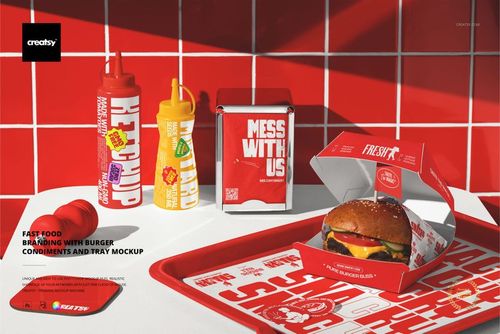
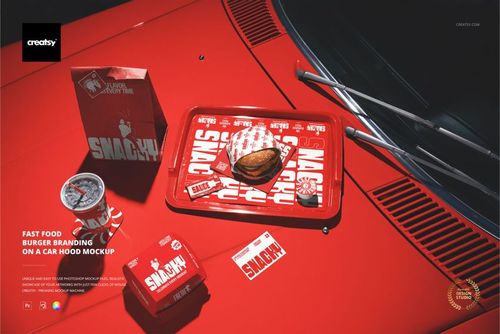
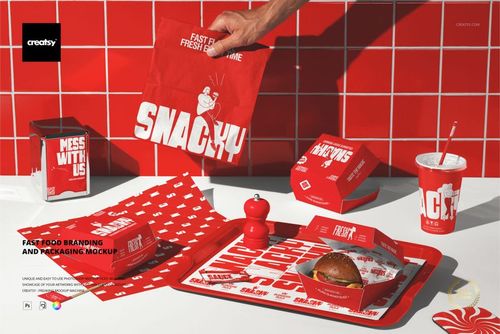
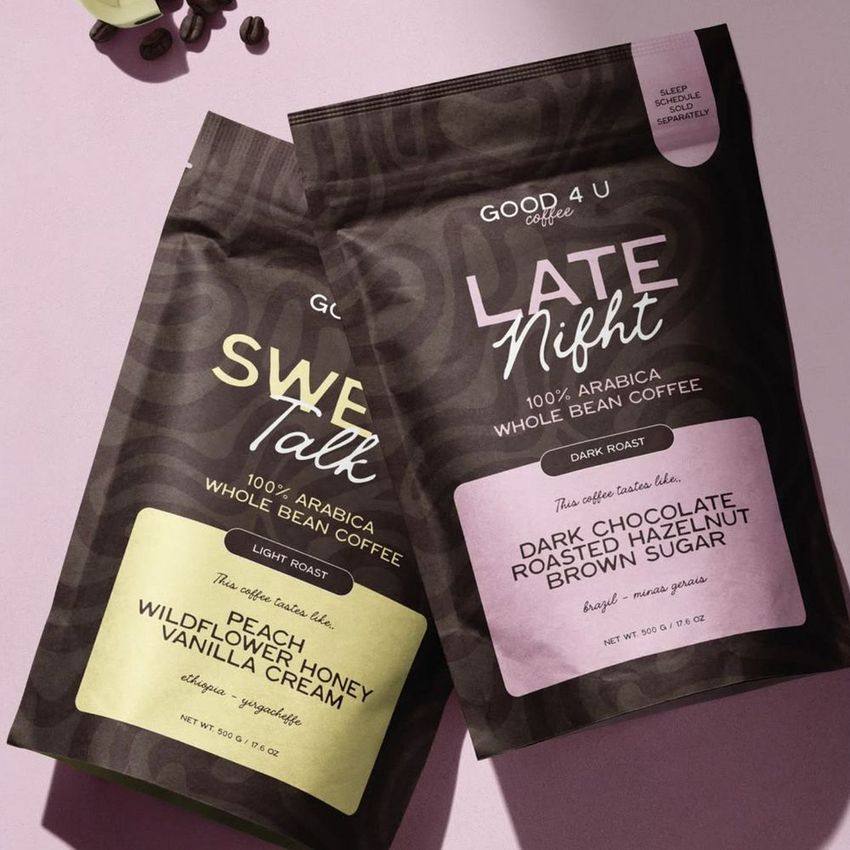
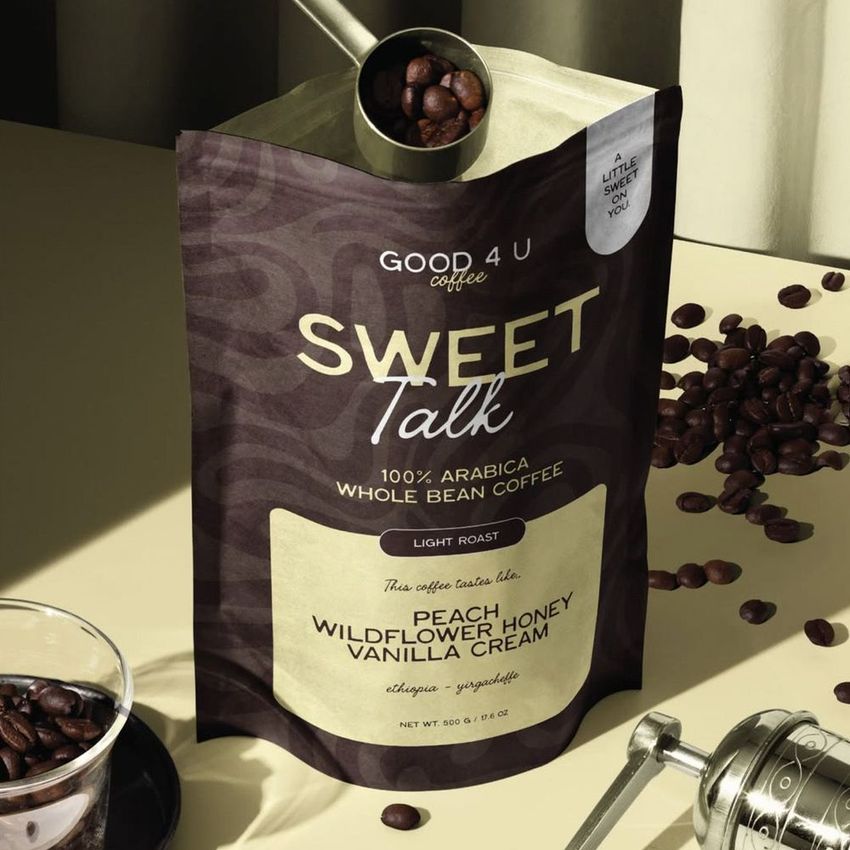
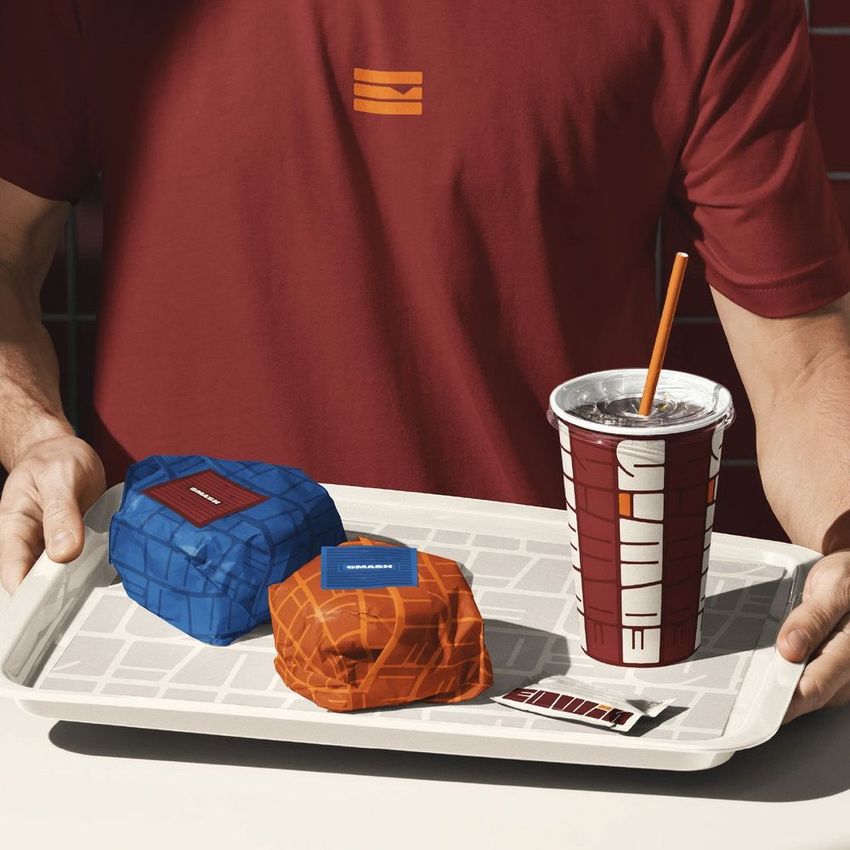
Run one identity through the Ultimate Fast Food Restaurant & Burger Branding Mockup Bundle and the launch kit shows up on boxes, cups, trays and bags with the food in the shot. Coffee brands get the same from the Azura Coffee Branding Mockup Set, from the pouch to the counter.
Launching a food brand? Browse restaurant & cafe branding mockups
FAQs
Branding Projects groups scenes around particular businesses: restaurants and cafes, hotels, and construction companies. Brand Identity groups items by type, such as stationery, signage and promotional products. Use the industry scenes for context and the product categories for additional items that your project needs.
Do not assume so. Separate scene files usually need their own artwork updates. Within a file, some Smart Object instances may share a source, while others are independent. Keep a master copy of your logo and check the included instructions before planning a large batch of exports.
Match the scenes to the service. For dine-in, consider a menu and table setting; for takeaway, choose the relevant bags, boxes or cups. The category also includes cafe and cuisine-specific scenes. Use a few relevant views that show the concept clearly rather than presenting packaging the restaurant will not use.
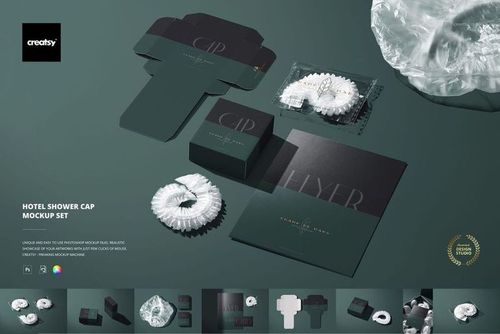
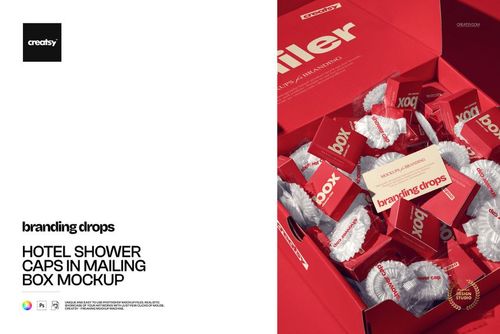
The hotel category includes soap packaging, slippers, dental and sewing kits, shower caps, door hangers and other small guest items. Select the amenities that the hotel actually provides. For towels, bathrobes or bedding, browse the relevant Home & Living categories as well.
Construction Branding includes a company identity set, a hard hat, a tape measure and a paint bucket. Apparel and signage can be added from their own categories. Use these images to present branding, not to imply that a product meets a safety standard or has a certification.
Yes. Free Open Burger Box Branding Packaging PSD Mockup and Free Custom Fast Food Takeaway Paper Bag Branding PSD Mockup are available in Freebies. Download with a free account and try your restaurant branding. These are specific packaging scenes, so check the shape and views before choosing them for a project.
Why use Branding Project mockups?
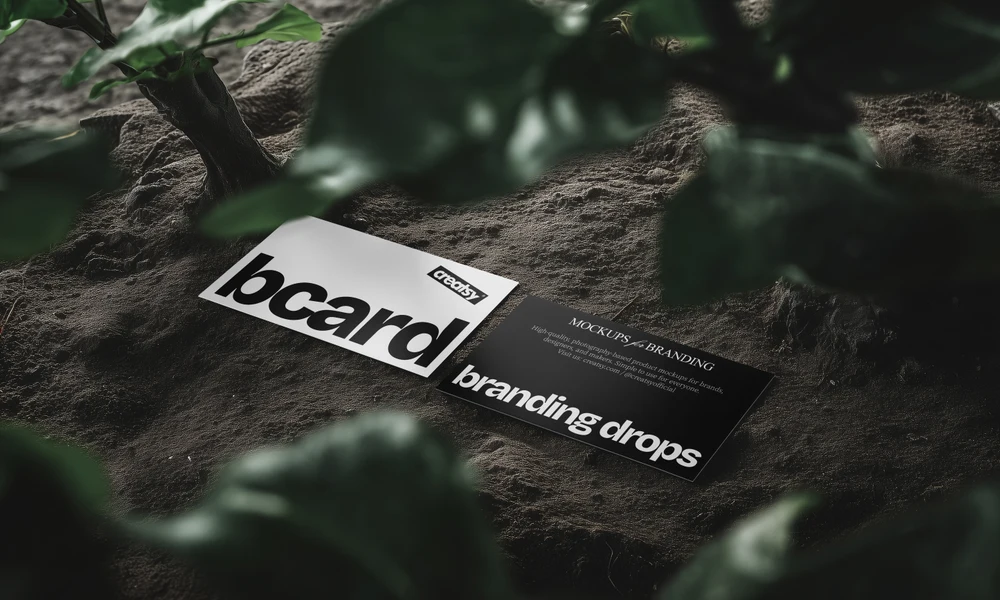
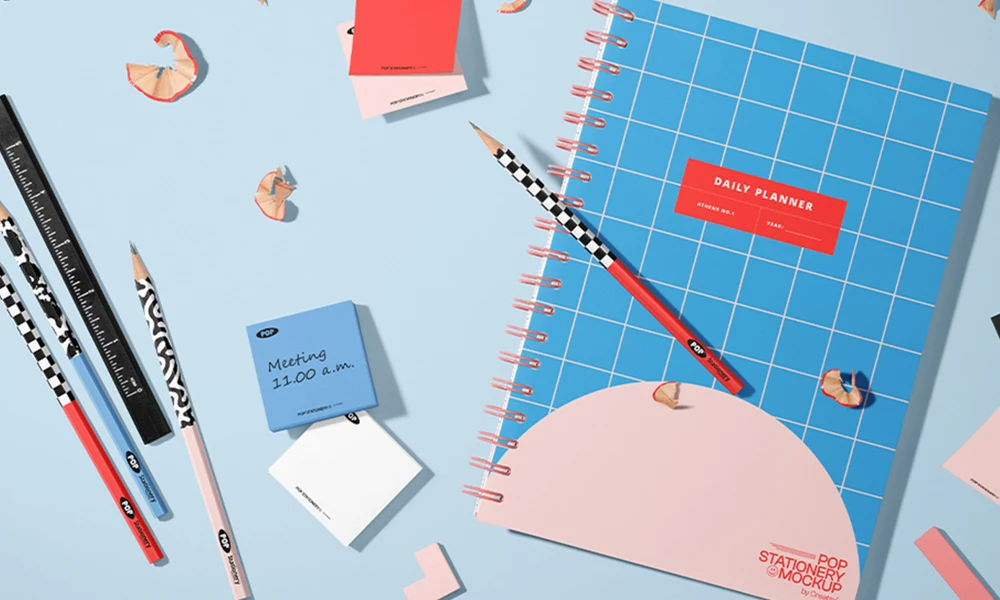
Branding Projects groups scenes around construction companies, hotels, restaurants and cafes. The objects relate to the business: a hard hat, a soap wrapper or a takeaway box gives a logo a specific setting. The layered PSD files use Smart Objects, and each listing provides its software requirements and license options. For a contractor, compare the identity on helmets and measuring tools. A hotel presentation can bring together toiletries, slippers and door hangers, while a restaurant project can show packaging and table settings. Seeing related items together helps you review the scale of the logo, the colors and the space left for other information. It also gives the client examples of how the identity could be used day to day. Choose the scenes that matter to the project and update their artwork individually. A set or bundle can supply several views, but each separate PSD still needs its own edits. Planning that selection in advance keeps the presentation focused. The exported images can then be used for client reviews, brand presentations and portfolio work, with the same scenes available for later revisions.
FreeCreatsy® Mockups
thats nice
Thank you! Glad you like the mockup 😊