 $1900
$1900


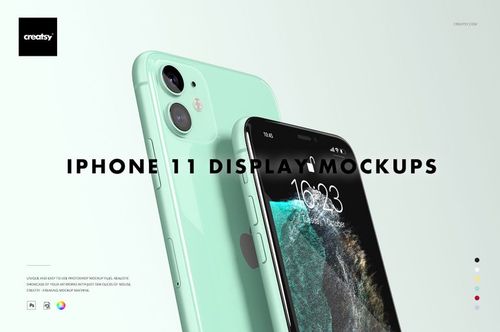
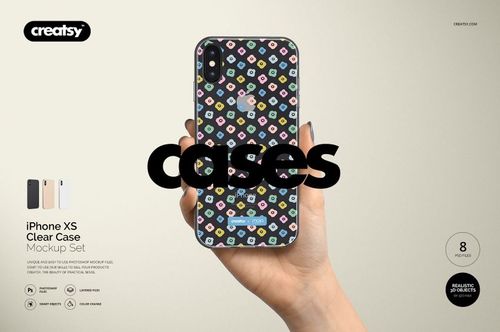
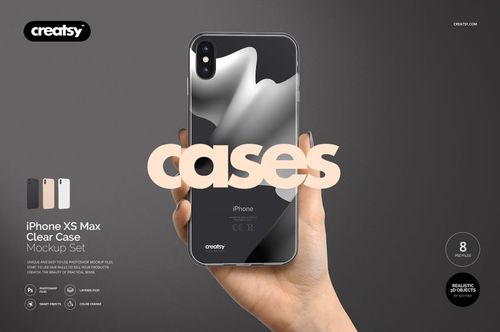
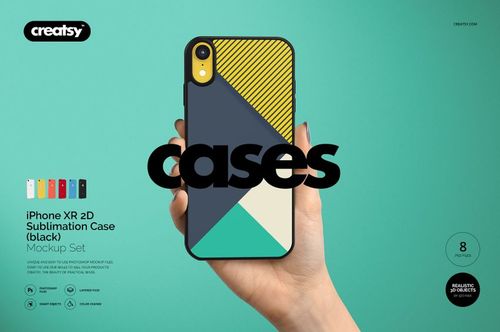
Electronics & Accessory Mockups
Create polished product visuals with editable PSD mockups for devices and tech accessories: phone and earbud cases, screen displays, watch bands, laptop gear, mouse pads and USB drives for listings, presentations and campaigns.

Reviews
What designers and brand owners say after using these PSD mockups in real client work.
0
Sort by:
What you get
Professional PSD mockups built in-house - editable, realistic, high-resolution, and supported by real people.
Layered PSD Files
Creatsy mockups are delivered as fully layered Photoshop .psd files, with layers sorted into clearly named groups. Shadows, highlights, and the background each sit on their own editable layer, and nothing is flattened into a single image. Open it in Photoshop or the free browser editor Photopea and get to work.
- Clearly named, organized layer groups
- Shadows and highlights on separate layers
- Editable background, never flattened
- Works in Photoshop or free Photopea
Smart Objects
Open the smart object, paste your artwork, and save. The design lands on the product with the perspective, warp, and wrap already worked out. Scene lighting and shadows fall back on top, so it reads as a photograph, not a flat paste-in. Swapping a design takes seconds, so one file can carry a whole run of variants and colorways.
- Double-click, paste your design, save
- Perspective, warp, and wrap pre-built
- Scene lighting and shadows sit back on top
- One file covers many variants and colorways
High-Resolution Output
Many scenes are built from real product photography rather than 3D renders, so the fabric and surface read like a studio shot. Files export at high resolution and stay sharp at full zoom, with clean edges where the print sits. The same file works for a hero banner, a paid ad or a product listing.
- Real product photography in many scenes
- Exports ready for print
- Holds detail at full zoom
- Works for banners, ads and listings
Easy to Edit
Colors, backgrounds, and artwork sit on separate, clearly named layers, so you swap a color or background without disturbing the rest of the scene. There is no relighting or shadow work to redo, and the same file works for your next project.
- Edit color and background layers directly
- No relighting or shadow rework needed
- No masking or layer skills required
- One file reused across projects
Fast Support
There is a real in-house team behind every file, not a ticket bot. Before you buy, ask whether a specific mockup fits what you have in mind, and we will tell you. When a smart object or a layer group is tripping you up, send the question and you usually get a reply within 48 hours.
- Real in-house team behind every file
- Replies within 48 hours
- Pre-purchase help picking the right mockup
- Answers on smart objects and layer setup
Who are these mockups for?
For app & interface designers
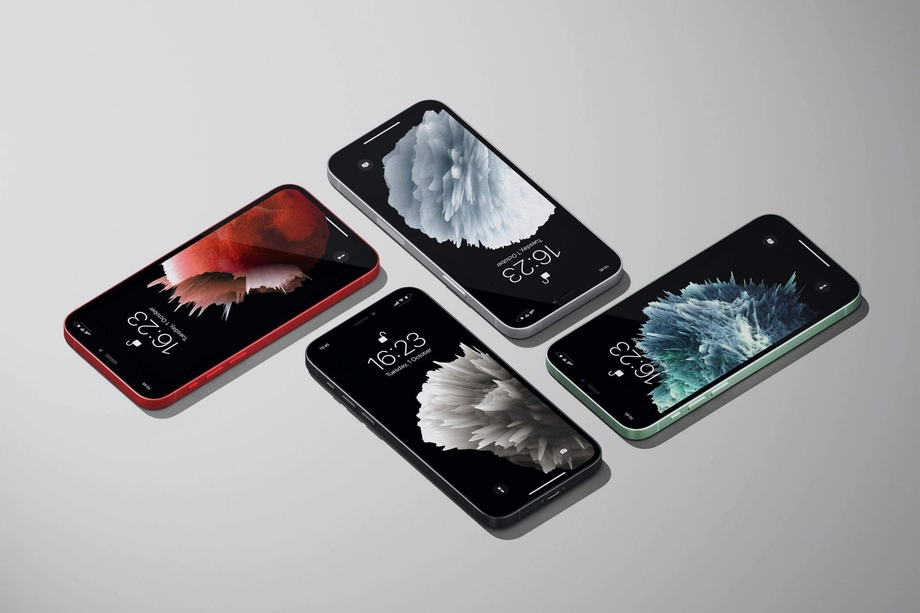
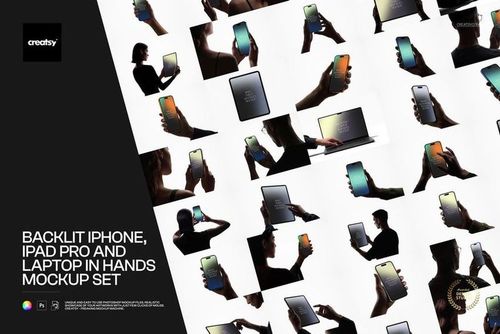
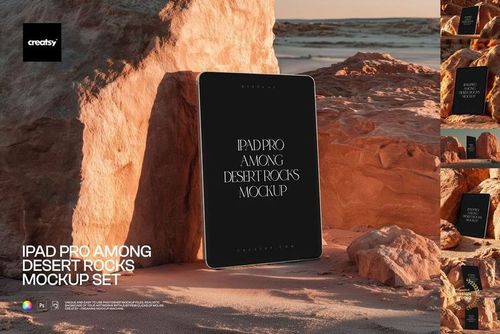
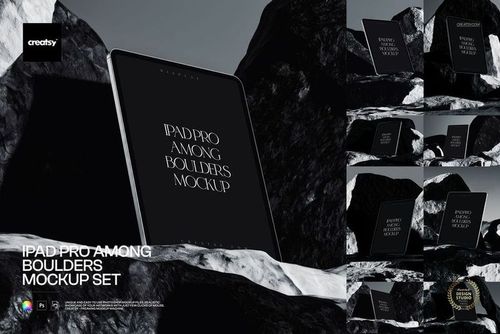
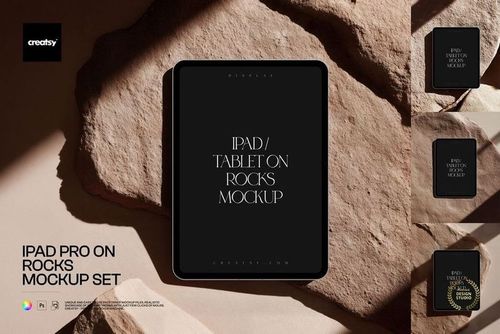
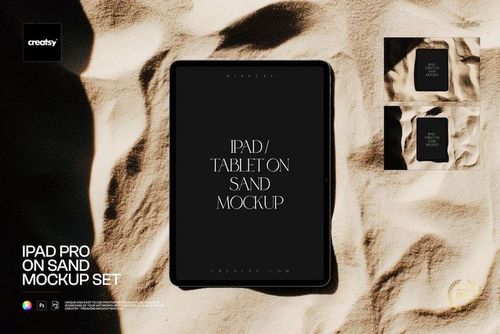
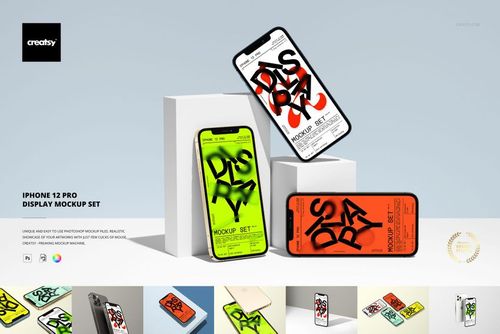
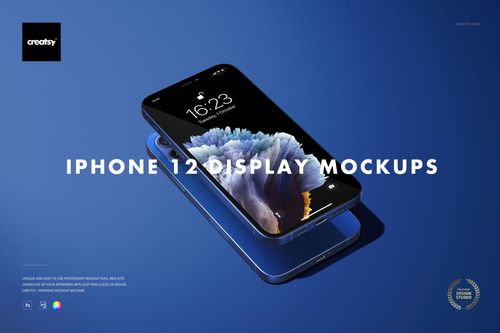
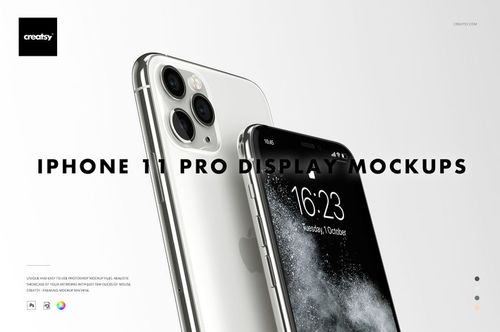
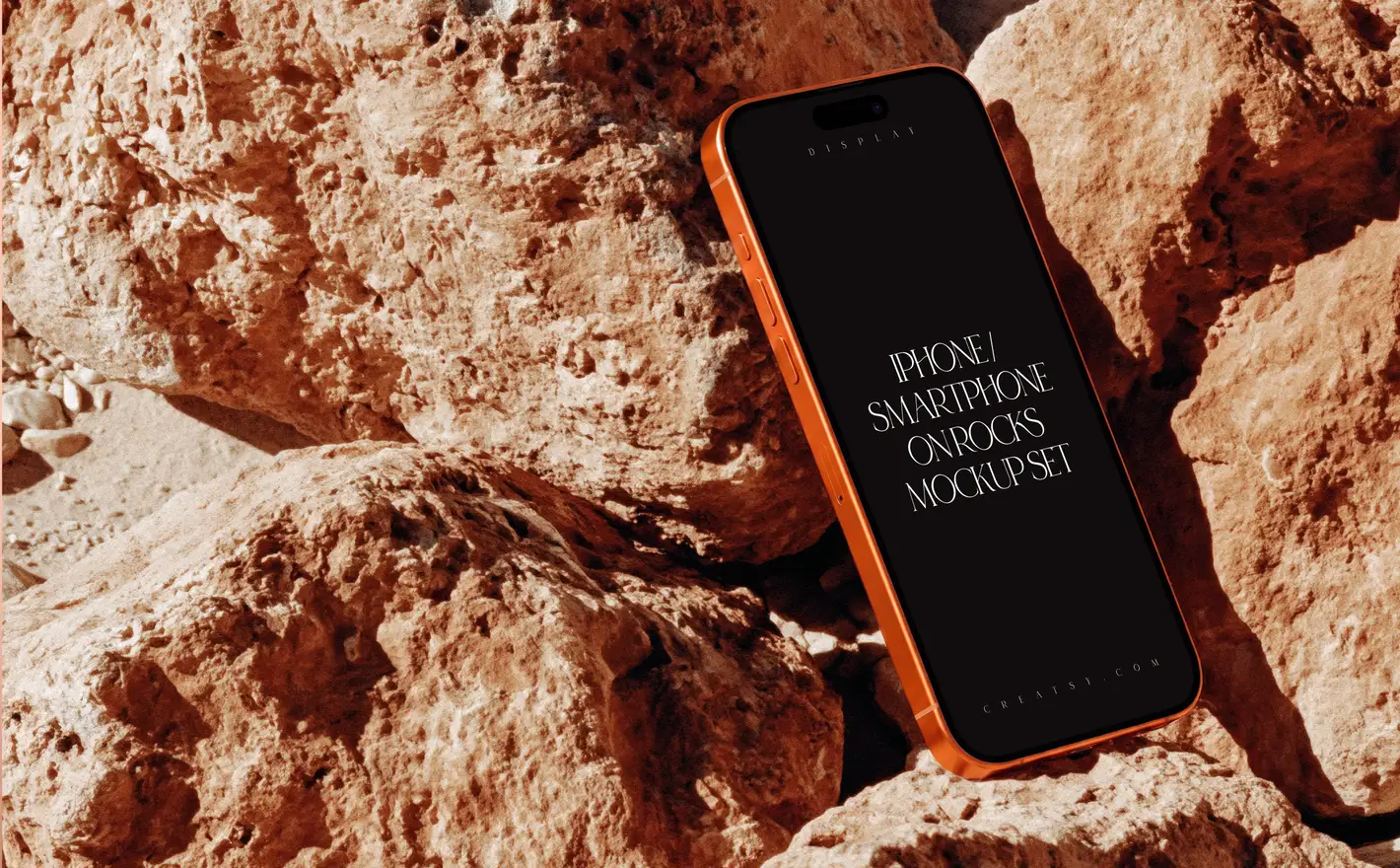
Drop the screenshot into the iPhone 12 Pro Display Mockup Set and the same UI comes back straight-on for the feature list and angled for the hero shot, then put the tablet layout into the iPad Pro Mockup Set. That's the App Store graphic, the pitch deck and the case study from one interface.
Presenting an app? Browse device screens mockups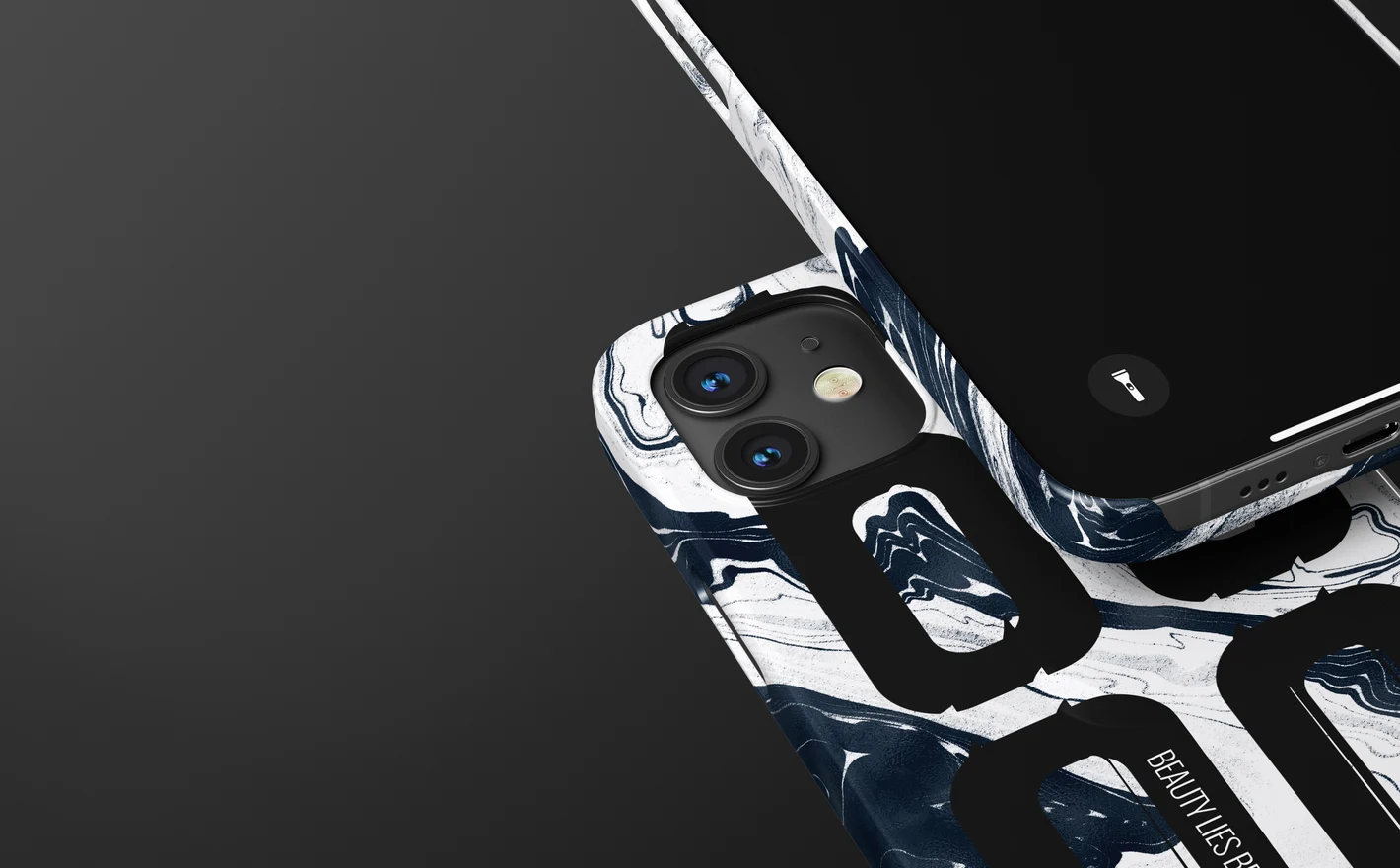
For phone-case sellers & POD shops
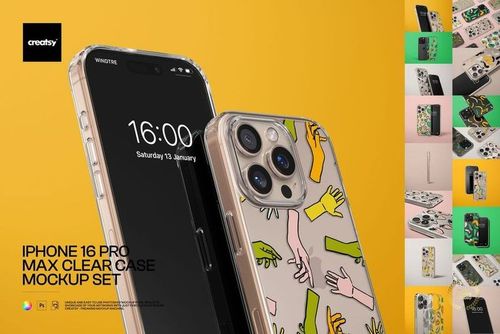
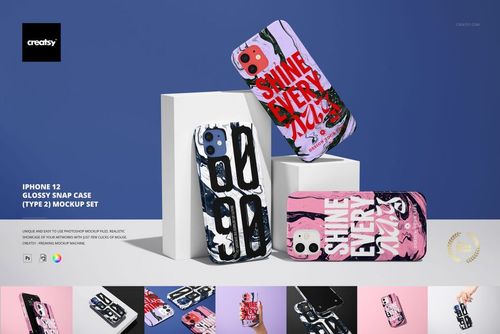
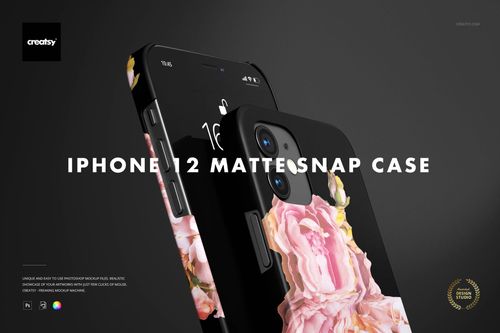
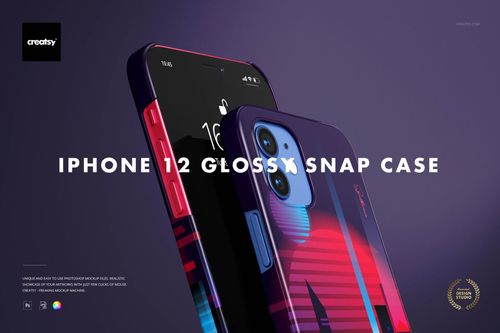
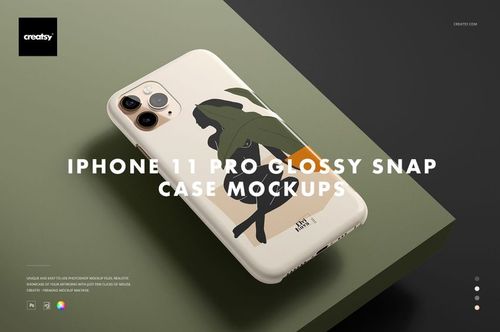
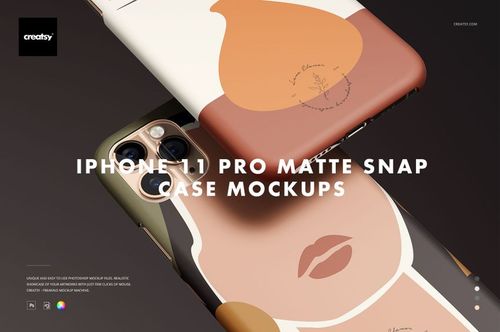
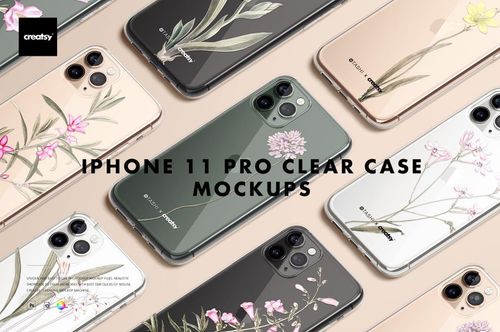
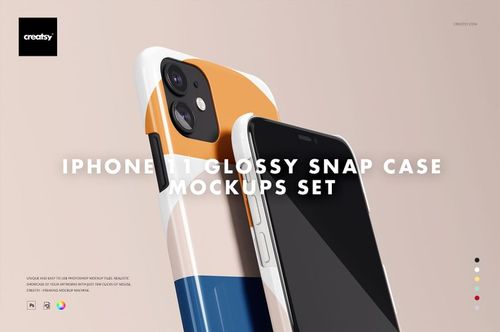
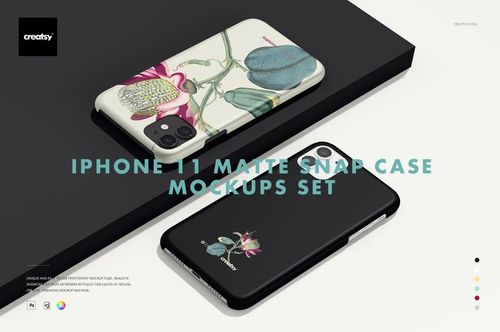
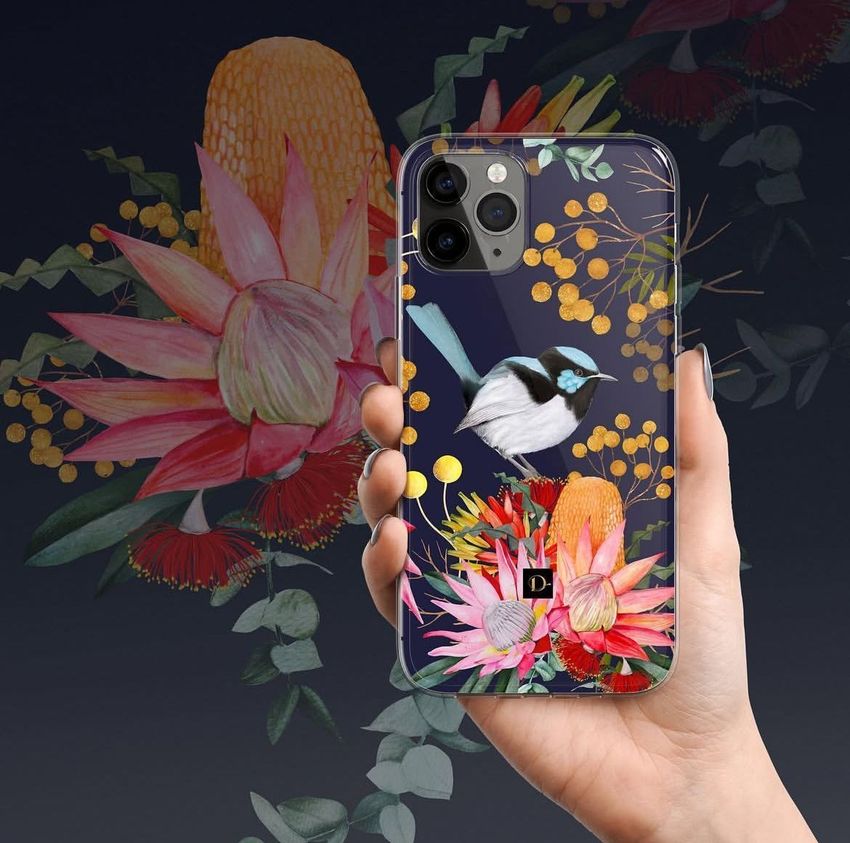
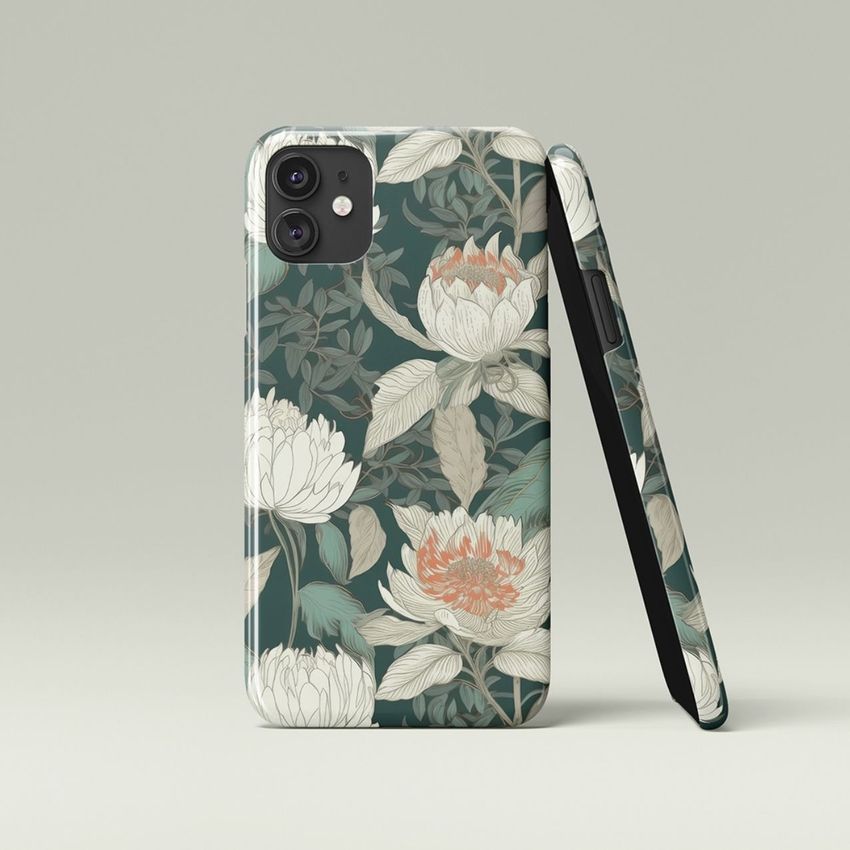
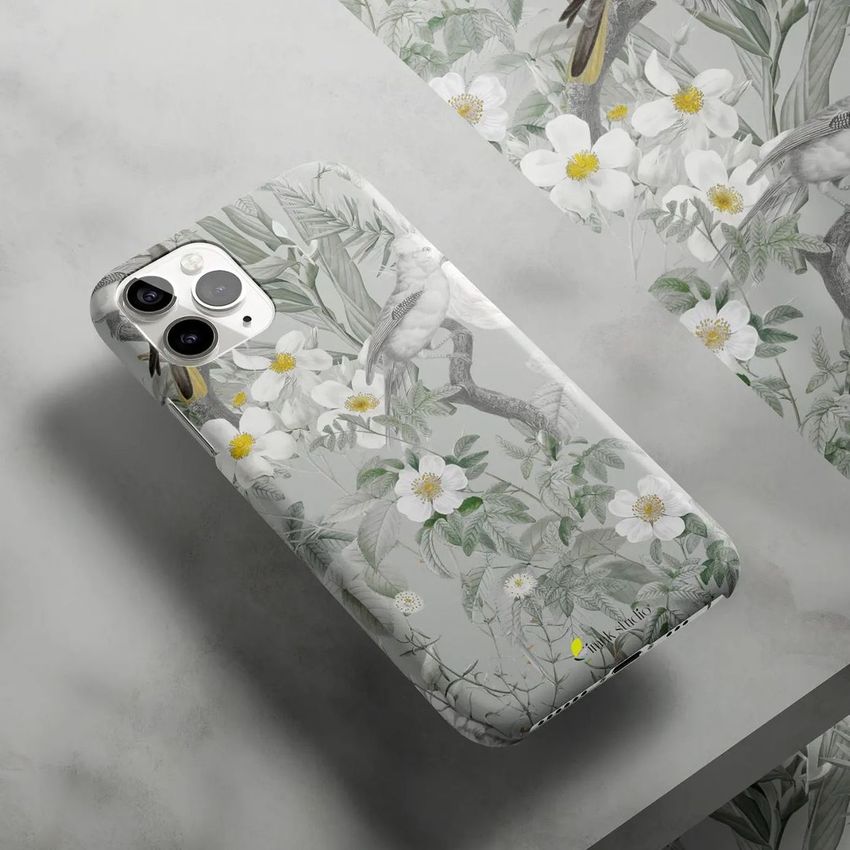
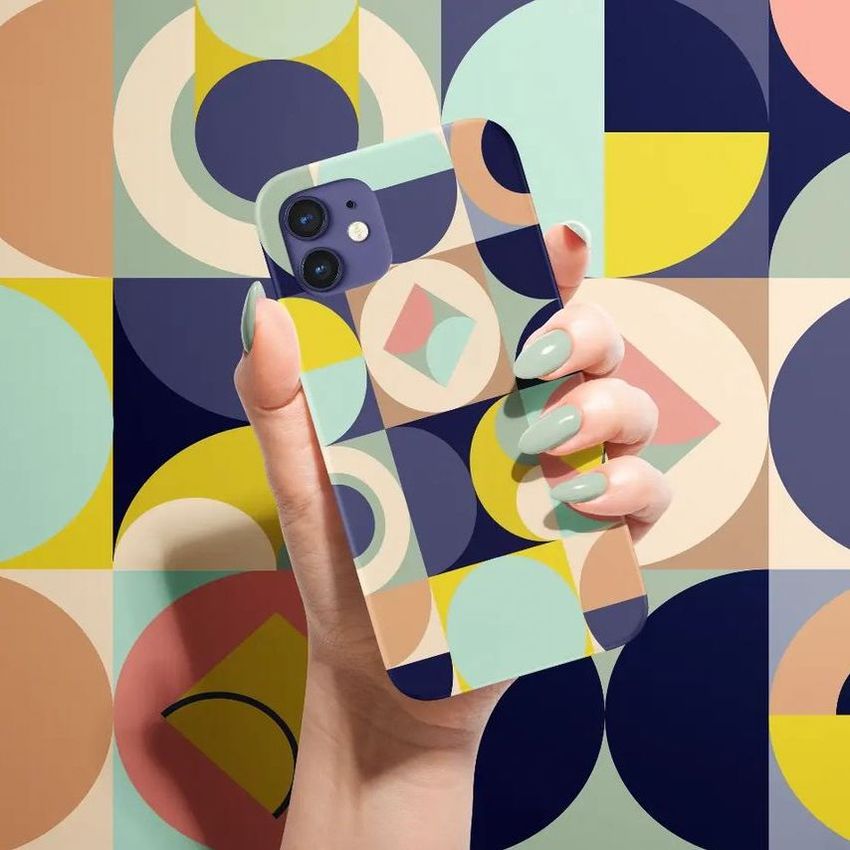
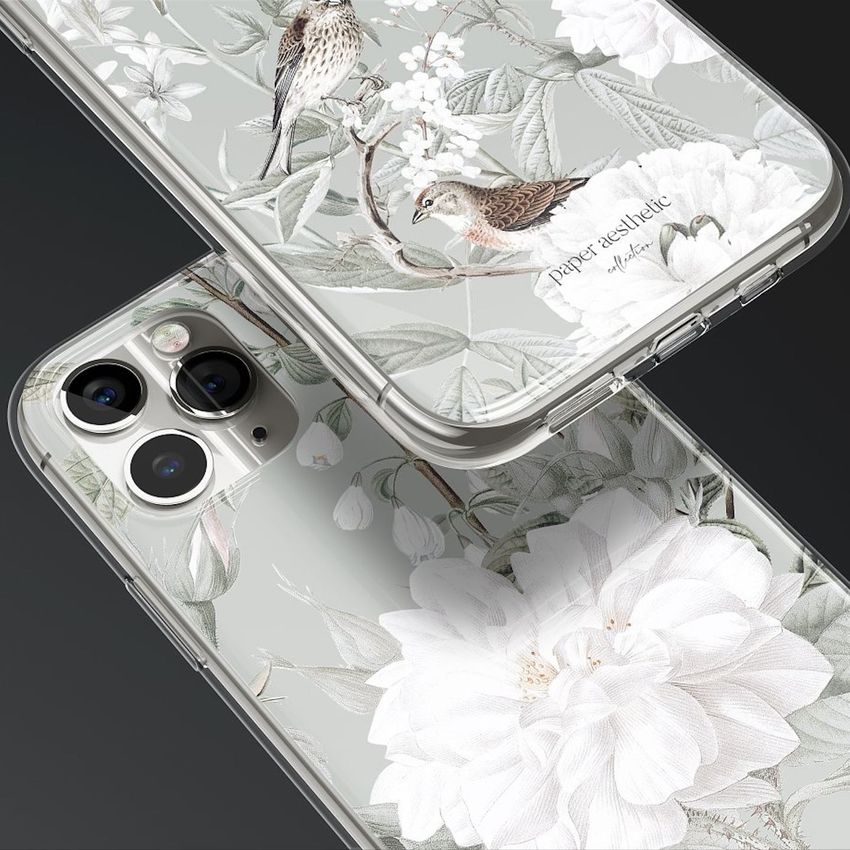
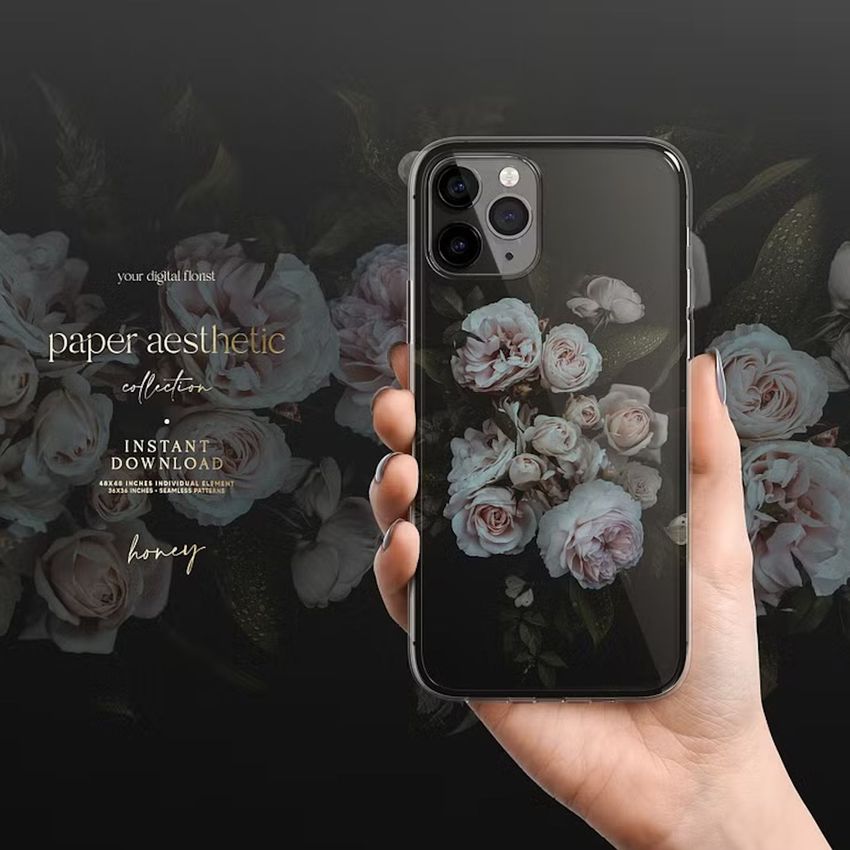
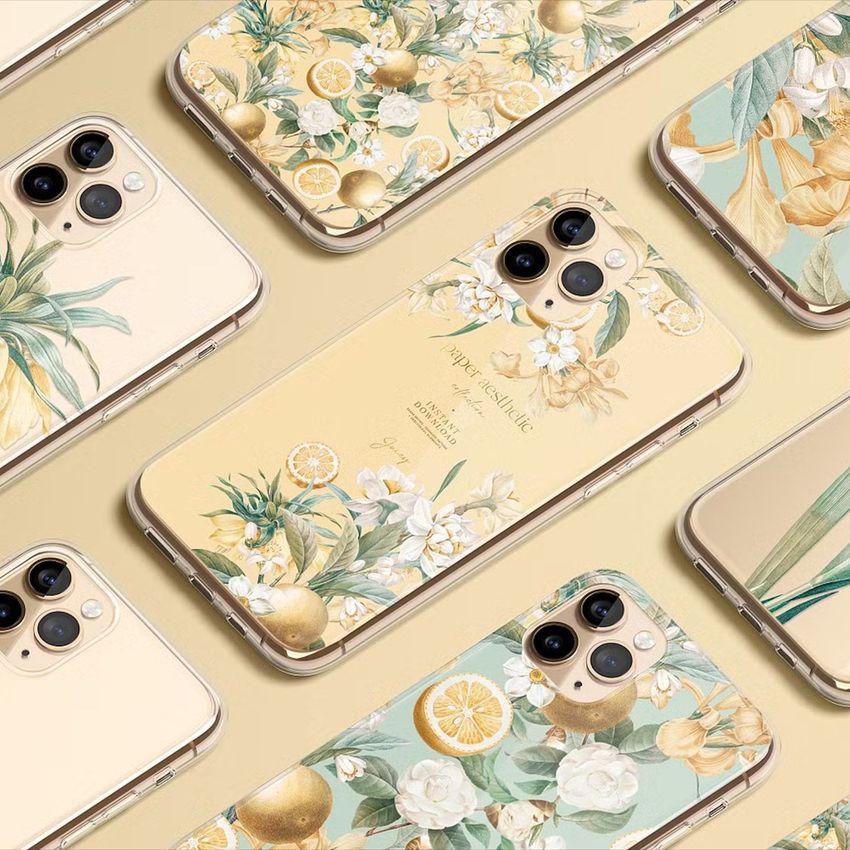
Put the artwork into the iPhone 12 Glossy Snap Case Mockup Set (type 2) and the print sits on the case with the camera opening and the edge wrap in place. Use that as the listing photo and the customer gets the case they saw, which is how a case shop keeps its returns down.
Selling cases? Browse phone cases mockups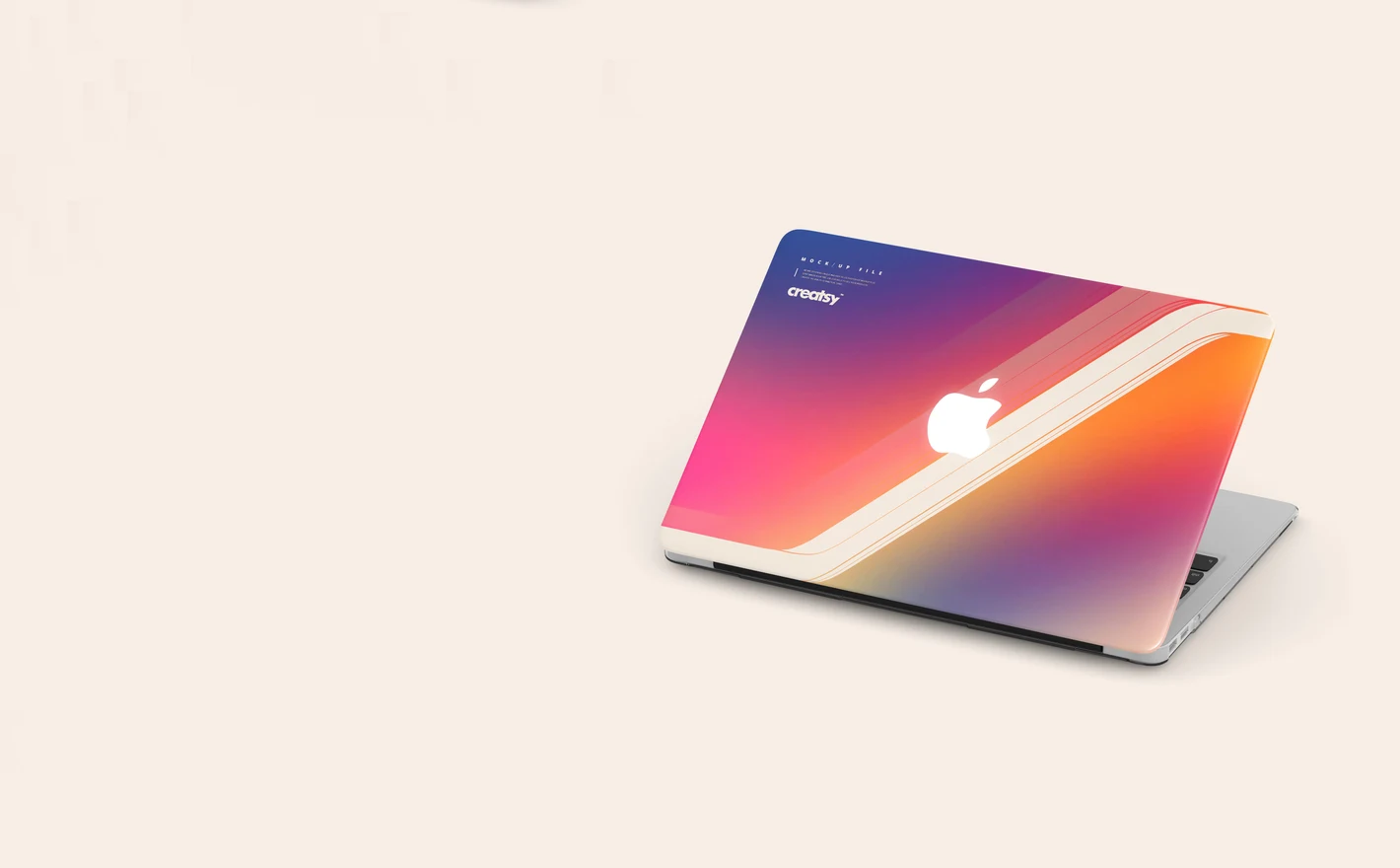
For laptop & earbud accessory brands
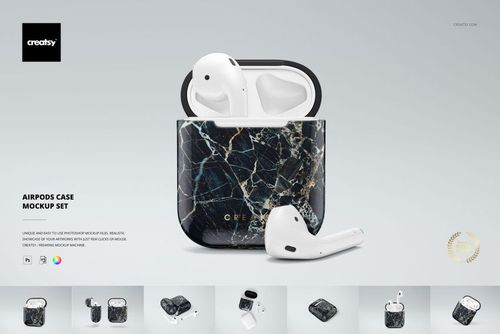
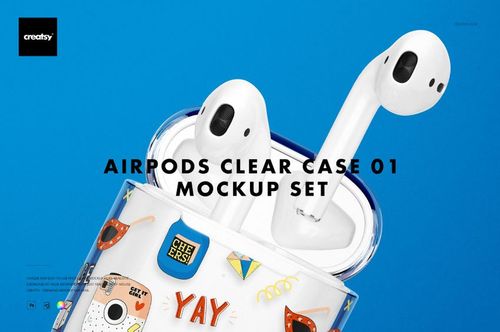
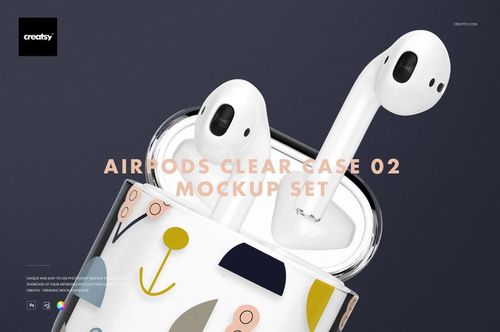
Run one pattern through the Macbook Case Mockup Set, the Canvas Laptop Sleeve Mockup Set and the AirPods Case Mockup Set and you can see whether it survives a curved corner, a woven texture and a lid seam. If it does, the range is ready to list as a set.
Building an accessory range? Browse laptop cases, sleeves & skins mockups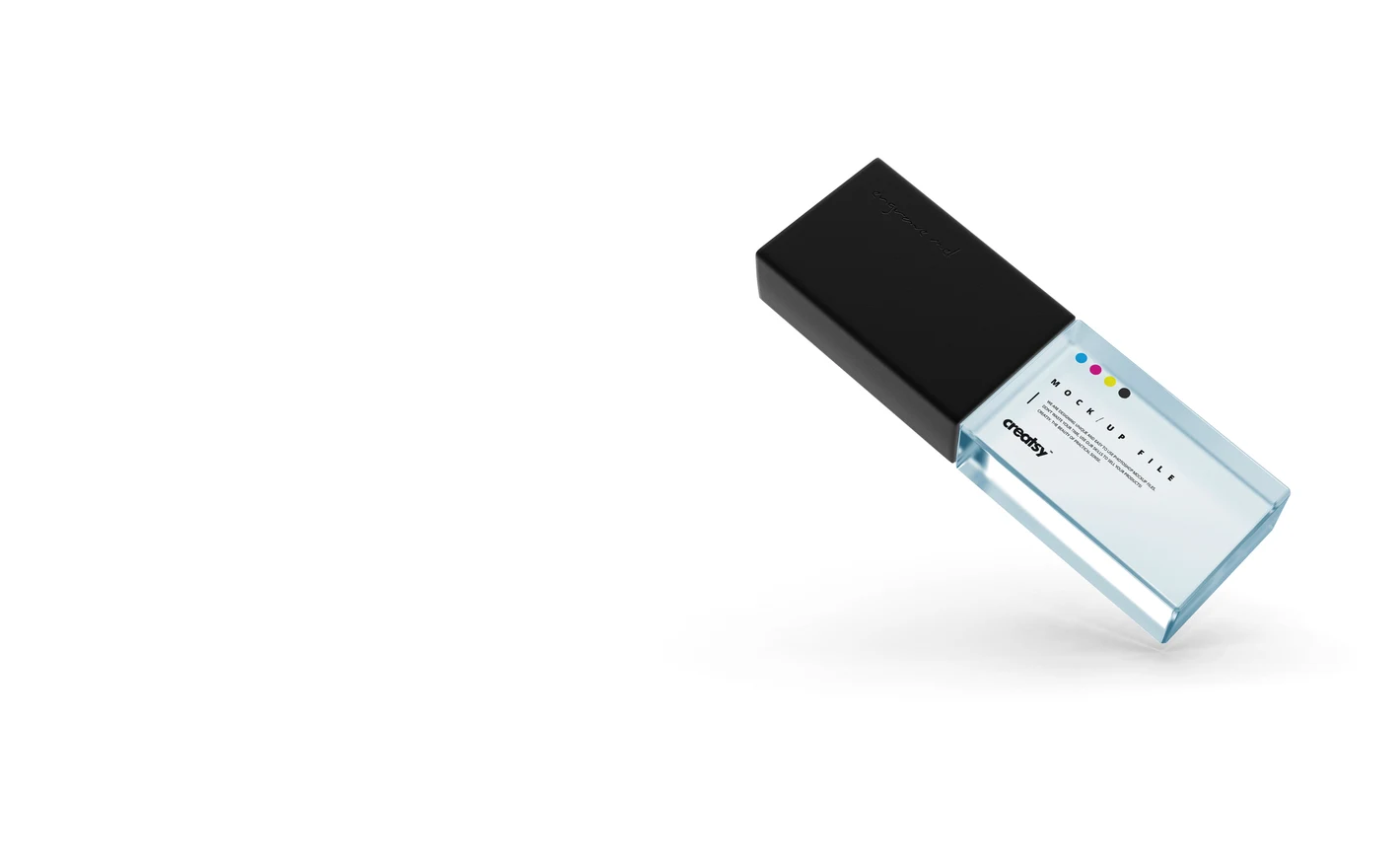
For corporate gifting & esports merch teams
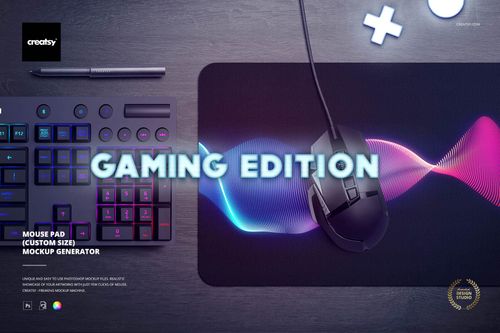
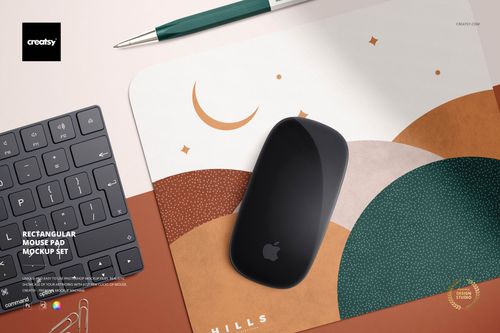
Put the logo on the Acrylic USB Drive Slide Box Mockup Set for the client gift and run the team graphic through the Mouse Pad Mockup Generator (gaming edition) for the desk shot, with the keyboard and mouse already in the scene. Both get approved on the product before the supplier order goes in.
Branding the desk? Browse desk & computer accessories mockups
FAQs
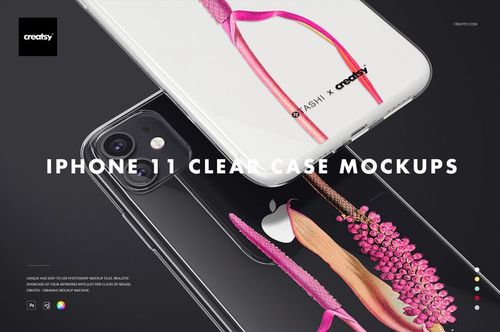
Choose Phone Cases for phone covers or Device Screens for app and website previews. Headphone & Earbud Cases covers charging-case accessories, and Laptop Cases, Sleeves & Skins covers laptop protection and decoration. Watch Bands and Desk & Computer Accessories contain straps, mouse pads and other desk items.
For a case or fitted accessory, yes: the shape, camera opening, buttons and dimensions should match what you sell. Do not use an older case and label it as a newer model. For an interface presentation, choose a device and screen format that accurately represent the experience you are showing.
Capture the interface at the appropriate device proportions and place it in the screen's Smart Object. Keep text and icons sharp, and avoid stretching the screenshot. Check the result at the intended export size, since details that look clear while zoomed in may be too small in the final image.
Yes. Finished images can be used for permitted marketing, such as a landing page, advertisement or presentation. This is different from distributing the mockup as an editable tool or including it as a licensed asset inside the app itself, which the standard license options do not cover. Also follow the publishing platform's image rules.
Look for product-specific Photopea support in the description and compatibility section. Several electronics products list it, but the details are not consistent across all pages. When those fields disagree, ask Creatsy about the specific file rather than treating a missing badge as proof that it will not work.
Creatsy's software guidance says its mockups are intended for desktop editing and are preview-only in Photoshop for iPad. Photopea may be an option for a supported file in the browser, but large documents can be demanding on a tablet. Check the individual product and test the workflow before relying on it.
Why use Electronics & Accessory mockups?
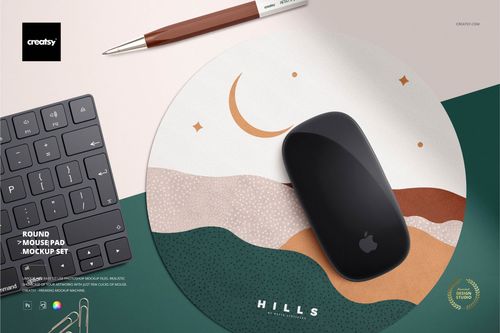
The electronics range covers device screens, phone and AirPods cases, MacBook cases, sleeves and skins, Apple Watch bands, mouse pads and USB drives. These offer different ways to present an app, an accessory collection or branded desk products. File contents, software requirements and licensing options are listed with each mockup. A screen view needs the right perspective, while a phone case has camera cutouts and a watch band has a narrow, curved surface. Mouse pads provide a larger uninterrupted area. Smart Objects place your screenshot or artwork within the selected scene, keeping the product shape, lighting and material details. Use the previews to compare cropping, scale and visible placement. A pattern collection can extend from a phone case to an earbud cover, laptop sleeve and watch band. Apply the relevant artwork to each file and adjust it for that product. Export the results for shop listings, campaigns and client presentations; screen scenes can also support app marketing. Reusing the same views gives later designs a consistent setting, though each separate scene still needs its own artwork or screenshot update.
FreeCreatsy® Mockups
I'm a geek and it is nearly impossible to find mockups for my niche products that are actually relevant to my brand. Believe me, I've looked everywhere. So when I saw these gaming mat mockups I almost fell out of my desk chair with excitement! I have a gaming essentials pattern that shines when applied to the mat mockup and seeing my work presented the way I envisioned makes my geeky heart sing. Seriously, I'm that excited about it. I cannot say enough great things about Creatsy. I must have purchased a few hundred dollars worth of mockups and the value I receive when I apply my patterns to the images is worth far more than any coins spent! The files are well organized, the images are relevant and modern, and the mockups are just plain gorgeous! If you have a small amount of Photoshop knowledge, you can still do this. And the team is responsive if you have questions and can't find help in the documentation. I don't use anyone else for my mockups - if Creatsy doesn't have it, I'll wait LOL.