Desk & Computer Accessory Mockups
Create polished product previews for mouse pads, desk mats, USB drives and computer accessories. Showcase logos and patterns in realistic desktop and gaming scenes for listings, campaigns and client presentations.

Reviews
What designers and brand owners say after using these PSD mockups in real client work.
0
Sort by:
What you get
Professional PSD mockups built in-house - editable, realistic, high-resolution, and supported by real people.
Layered PSD Files
Creatsy mockups are delivered as fully layered Photoshop .psd files, with layers sorted into clearly named groups. Shadows, highlights, and the background each sit on their own editable layer, and nothing is flattened into a single image. Open it in Photoshop or the free browser editor Photopea and get to work.
- Clearly named, organized layer groups
- Shadows and highlights on separate layers
- Editable background, never flattened
- Works in Photoshop or free Photopea
Smart Objects
Open the smart object, paste your artwork, and save. The design lands on the product with the perspective, warp, and wrap already worked out. Scene lighting and shadows fall back on top, so it reads as a photograph, not a flat paste-in. Swapping a design takes seconds, so one file can carry a whole run of variants and colorways.
- Double-click, paste your design, save
- Perspective, warp, and wrap pre-built
- Scene lighting and shadows sit back on top
- One file covers many variants and colorways
High-Resolution Output
Many scenes are built from real product photography rather than 3D renders, so the fabric and surface read like a studio shot. Files export at high resolution and stay sharp at full zoom, with clean edges where the print sits. The same file works for a hero banner, a paid ad or a product listing.
- Real product photography in many scenes
- Exports ready for print
- Holds detail at full zoom
- Works for banners, ads and listings
Easy to Edit
Colors, backgrounds, and artwork sit on separate, clearly named layers, so you swap a color or background without disturbing the rest of the scene. There is no relighting or shadow work to redo, and the same file works for your next project.
- Edit color and background layers directly
- No relighting or shadow rework needed
- No masking or layer skills required
- One file reused across projects
Fast Support
There is a real in-house team behind every file, not a ticket bot. Before you buy, ask whether a specific mockup fits what you have in mind, and we will tell you. When a smart object or a layer group is tripping you up, send the question and you usually get a reply within 48 hours.
- Real in-house team behind every file
- Replies within 48 hours
- Pre-purchase help picking the right mockup
- Answers on smart objects and layer setup
Who are these mockups for?
For corporate gifting & tech launch teams
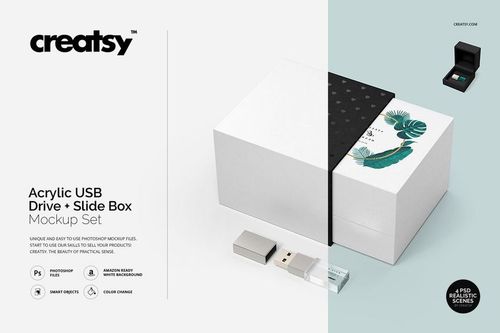
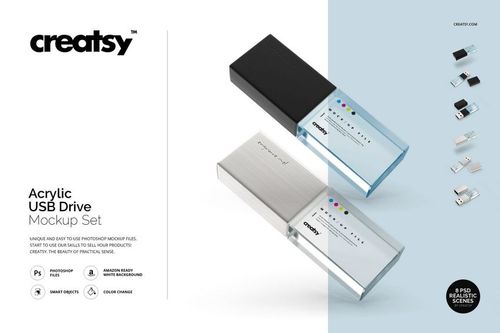
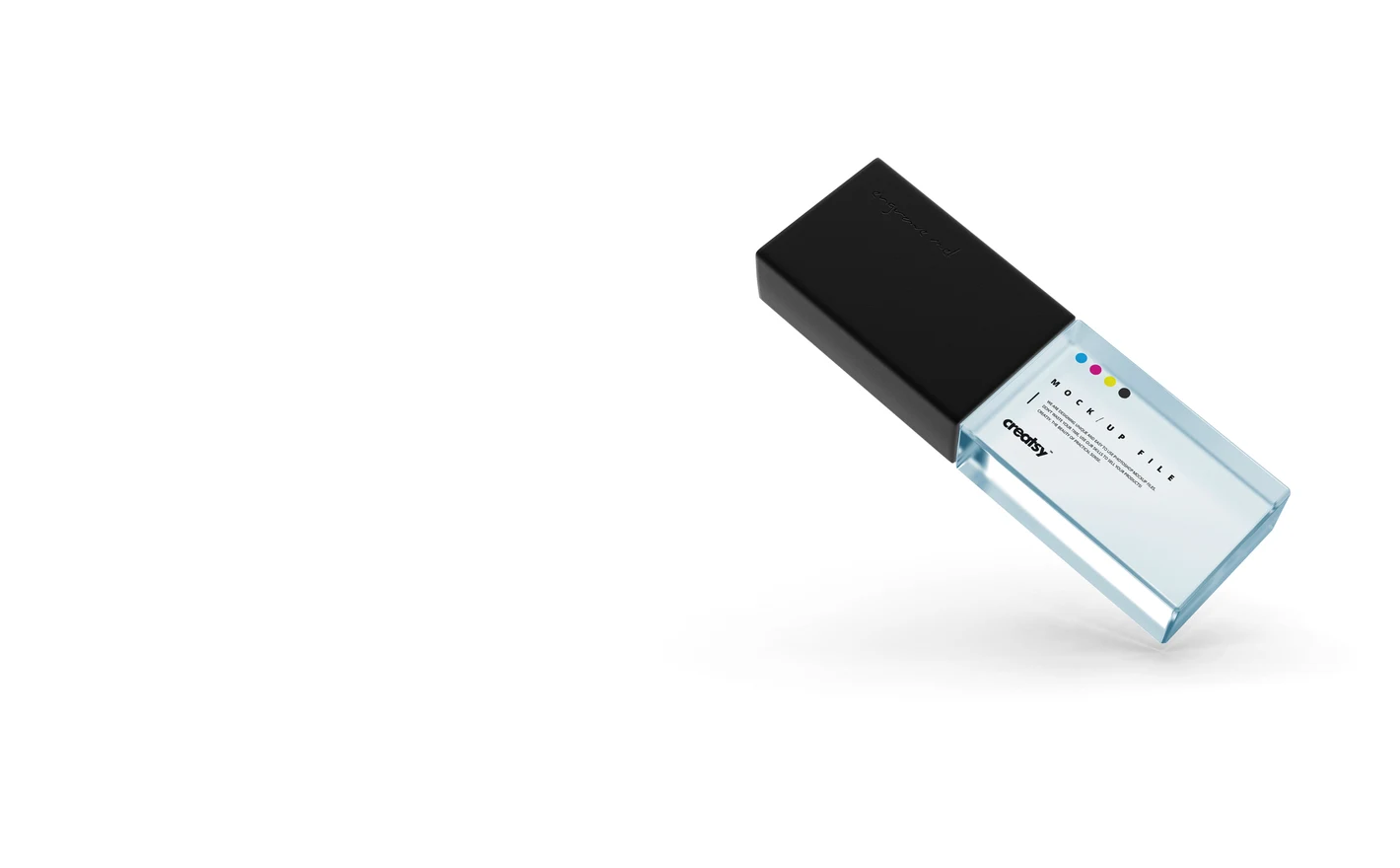
Put the logo on the Acrylic USB Drive Slide Box Mockup Set and the drive and its box show together, so the whole gift gets approved before the order. Use the Acrylic USB Drive Mockup Set on its own when the box isn't part of the kit.
Ordering branded drives? View the Acrylic USB Drive Slide Box Mockup Set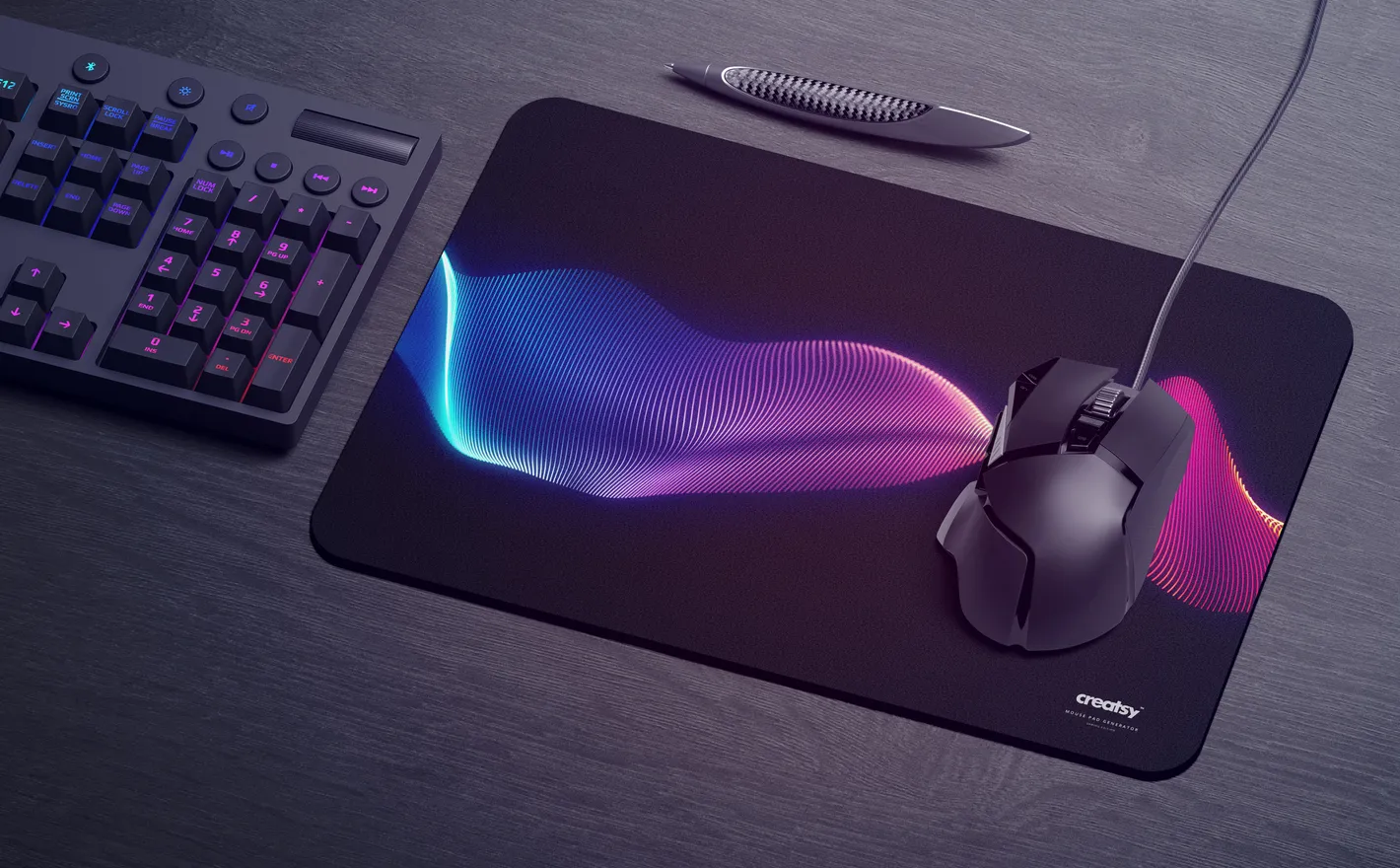
For esports & gaming merchandise brands
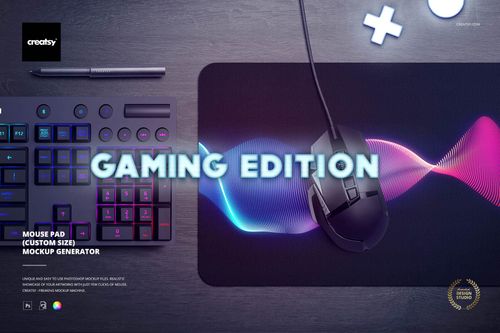
Run the full-bleed team graphic through the Mouse Pad Mockup Generator (gaming edition), set the pad to the size you're producing, and the keyboard and mouse are already in the scene for the desk shot. Fans see the drop the way it'll sit on their desk.
Dropping team merch? View the Mouse Pad Mockup Generator (gaming edition)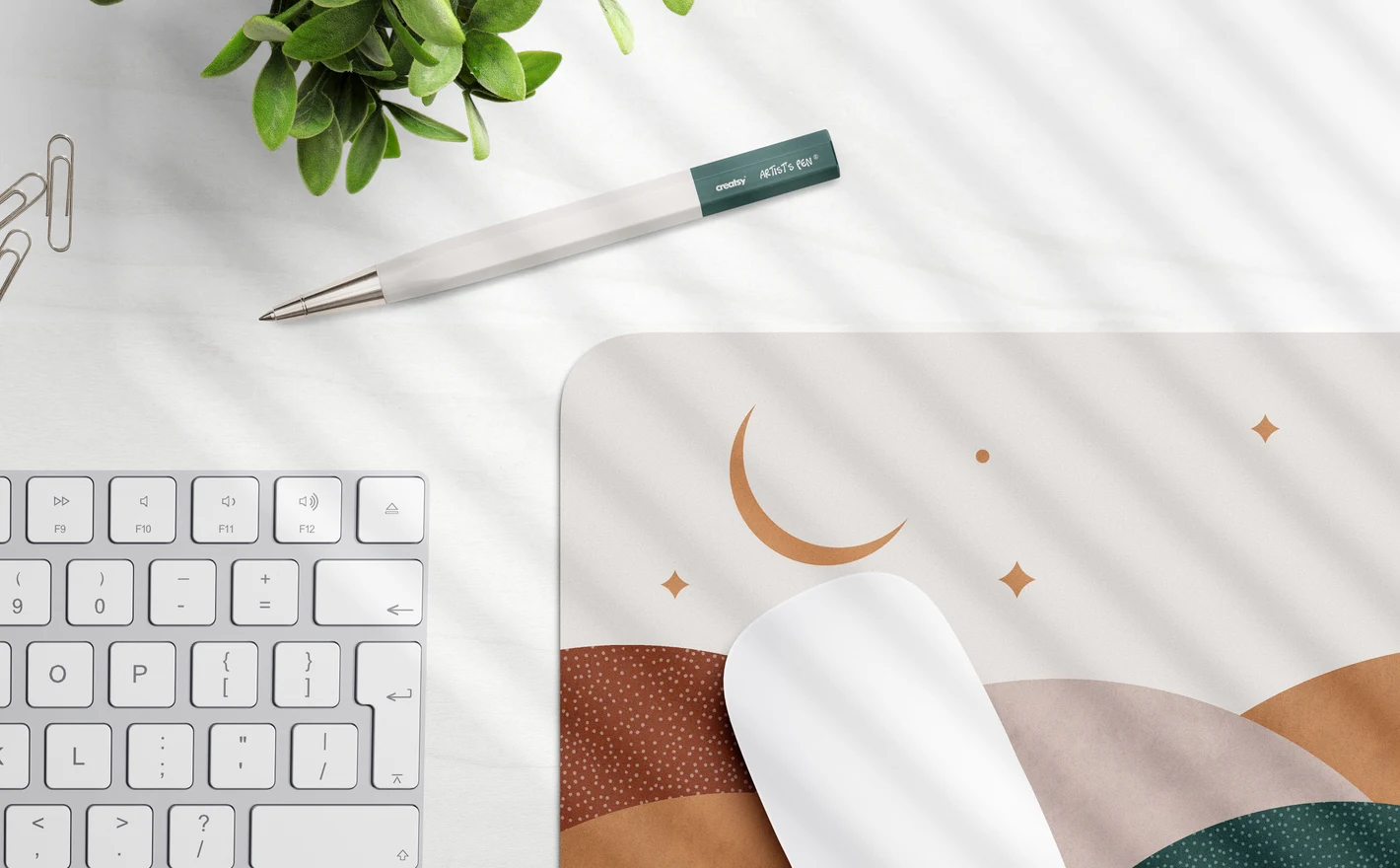
For brand designers & creative agencies
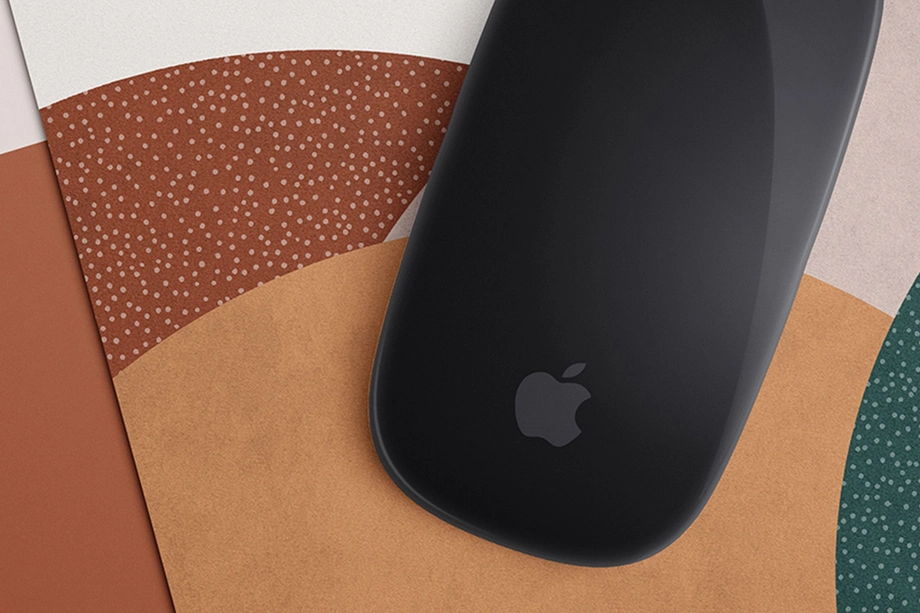
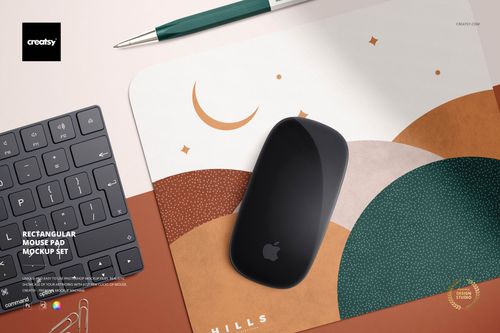
Drop one identity into the Rectangular Mouse Pad Mockup Set, the Round Mouse Pad Mockup Set and the Acrylic USB Drive Mockup Set and the office kit is on the table for the pitch, in matching scenes. It turns a logo system into something a client can picture on a desk.
Pitching an office kit? View the Rectangular Mouse Pad Mockup Set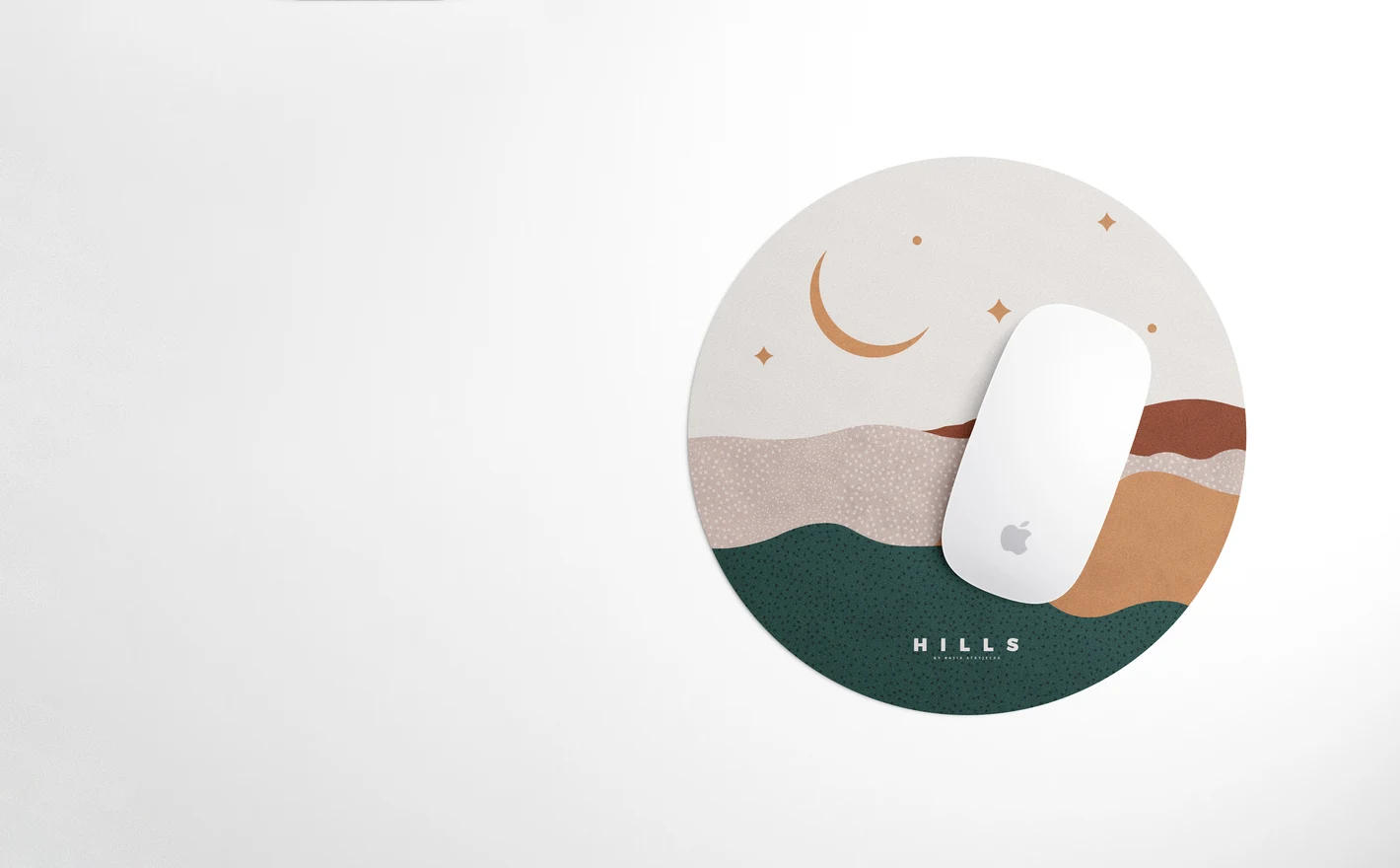
For mouse pad & desk mat sellers
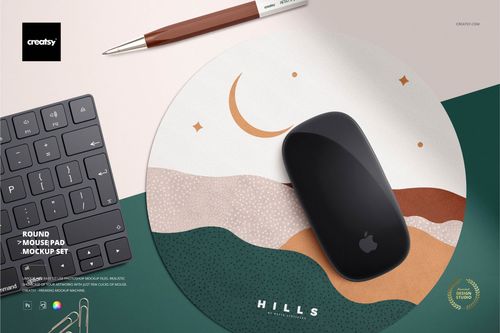
Put each new pattern into the Round Mouse Pad Mockup Set and the listing images match across the shop: same angle, same light, every design. A marketplace grid rewards that, and each new design is a smart object swap.
Listing pads? View the Round Mouse Pad Mockup Set
FAQs
The category includes round and rectangular mouse pads, a gaming-oriented Mouse Pad Mockup Generator, and acrylic USB drives with or without slide-box packaging. Choose the product shape and setting that suit your design. Keyboards and mice shown as props are not necessarily separate editable product mockups.
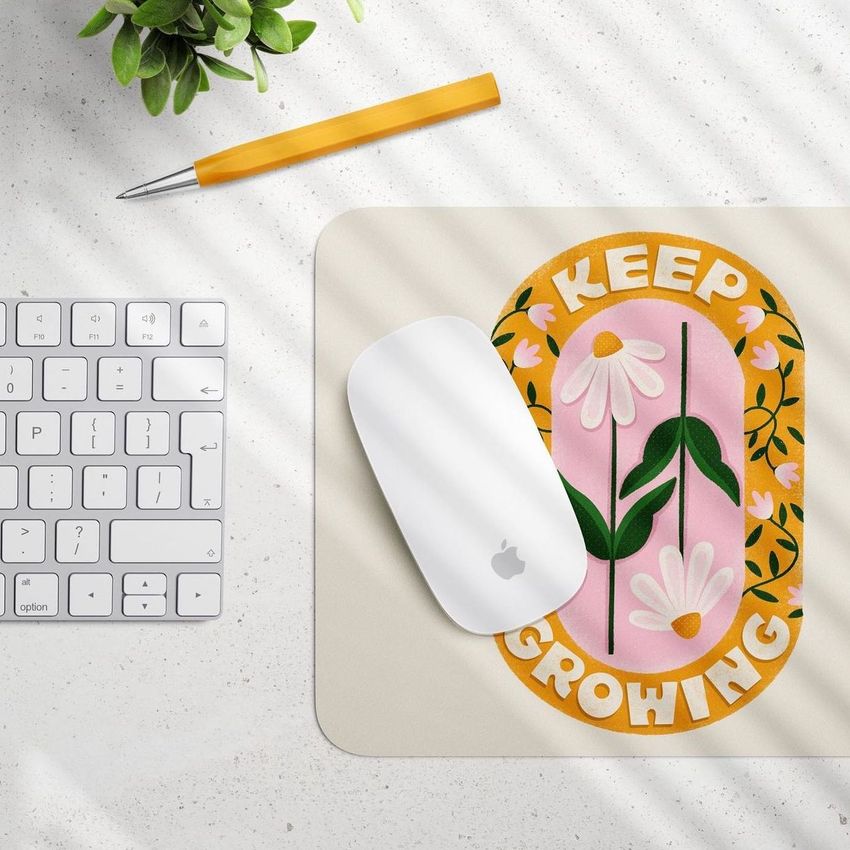
The set has four PSDs at 5500 × 5500 px. You can add your pad artwork, choose black or white mouse and keyboard options, and move or hide accessories such as pens, paper clips and a plant. Background colors and surface textures are adjustable, and the scenes include a window-blind shadow.
It is a separate gaming-themed product, not another name for the round or rectangular sets. Compare its gallery and included files with the desk arrangement you need. The word “generator” refers to the mockup product; it does not grant permission to turn the files into a customer-facing online design tool.
Use the drive's editable design area in Acrylic USB Drive Mockup Set. Check the logo at the size of the finished listing image so small text does not disappear. Acrylic USB Drive Slide Box Mockup Set adds a packaging option when you also need to present the box branding.
Choose by the product and setting. Rectangular Mouse Pad Mockup Set offers a desk scene with adjustable office accessories, while the gaming edition has a different presentation. Confirm the actual pad shape and proportions too; a standard mouse pad should not stand in for a much wider desk mat.
Why use Desk & Computer Accessory mockups?
Desk scenes include round and rectangular mouse pads, a gaming-oriented Mouse Pad Mockup Generator, acrylic USB drives and a USB drive with a slide box. The generator offers premade arrangements and props for building a composition. Individual listings explain the available controls, software requirements and license options. A mouse pad gives an illustration room to spread across a desk, while a USB drive needs a much smaller mark. Comparing the two helps you decide which version of the identity suits each surface. Use the scenes for an office accessory range, event merchandise or an esports presentation, adjusting the props where the file allows it. Export the selected views for shop listings, sponsor proposals and client reviews. The gaming package is a larger download with additional scene elements, so check its contents against the views you need. Each separate PSD requires its own design edit. Once the files are prepared, you can reuse them for another sponsor, illustration or color variation while keeping the product arrangement consistent.
FreeCreatsy® Mockups
I'm a geek and it is nearly impossible to find mockups for my niche products that are actually relevant to my brand. Believe me, I've looked everywhere. So when I saw these gaming mat mockups I almost fell out of my desk chair with excitement! I have a gaming essentials pattern that shines when applied to the mat mockup and seeing my work presented the way I envisioned makes my geeky heart sing. Seriously, I'm that excited about it. I cannot say enough great things about Creatsy. I must have purchased a few hundred dollars worth of mockups and the value I receive when I apply my patterns to the images is worth far more than any coins spent! The files are well organized, the images are relevant and modern, and the mockups are just plain gorgeous! If you have a small amount of Photoshop knowledge, you can still do this. And the team is responsive if you have questions and can't find help in the documentation. I don't use anyone else for my mockups - if Creatsy doesn't have it, I'll wait LOL.