Backdrop & Studio Background Mockups
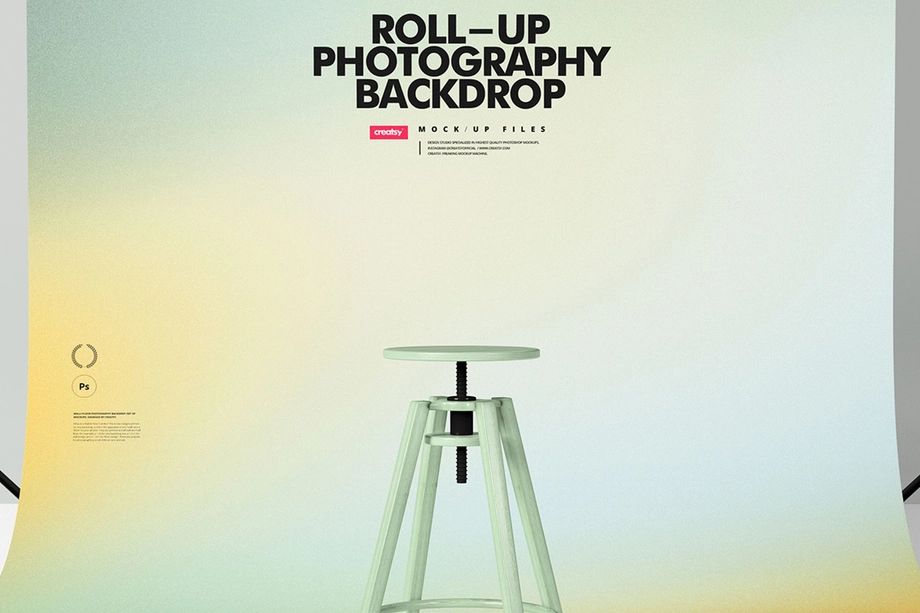
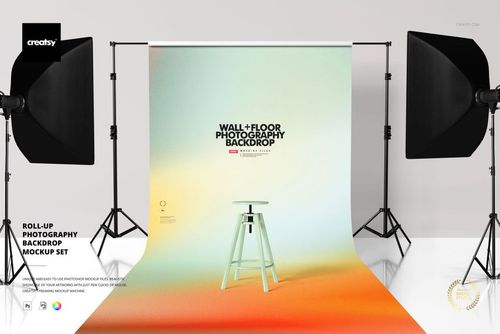
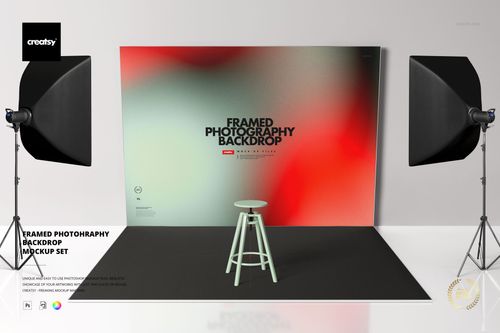
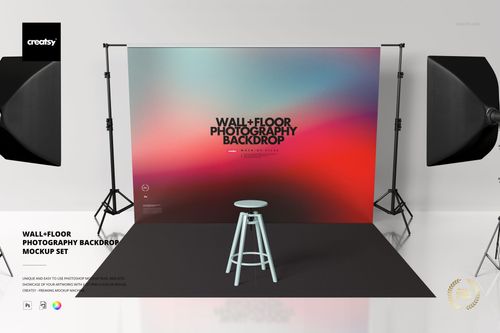
Present custom backdrop artwork in professional studio scenes. Smart Objects place patterns, branded graphics, gradients or photographic prints on roll-up, framed and wall-and-floor backdrops with lighting and shadows intact.

What you get
Professional PSD mockups built in-house - editable, realistic, high-resolution, and supported by real people.
Layered PSD Files
Creatsy mockups are delivered as fully layered Photoshop .psd files, with layers sorted into clearly named groups. Shadows, highlights, and the background each sit on their own editable layer, and nothing is flattened into a single image. Open it in Photoshop or the free browser editor Photopea and get to work.
- Clearly named, organized layer groups
- Shadows and highlights on separate layers
- Editable background, never flattened
- Works in Photoshop or free Photopea
Smart Objects
Open the smart object, paste your artwork, and save. The design lands on the product with the perspective, warp, and wrap already worked out. Scene lighting and shadows fall back on top, so it reads as a photograph, not a flat paste-in. Swapping a design takes seconds, so one file can carry a whole run of variants and colorways.
- Double-click, paste your design, save
- Perspective, warp, and wrap pre-built
- Scene lighting and shadows sit back on top
- One file covers many variants and colorways
High-Resolution Output
Many scenes are built from real product photography rather than 3D renders, so the fabric and surface read like a studio shot. Files export at high resolution and stay sharp at full zoom, with clean edges where the print sits. The same file works for a hero banner, a paid ad or a product listing.
- Real product photography in many scenes
- Exports ready for print
- Holds detail at full zoom
- Works for banners, ads and listings
Easy to Edit
Colors, backgrounds, and artwork sit on separate, clearly named layers, so you swap a color or background without disturbing the rest of the scene. There is no relighting or shadow work to redo, and the same file works for your next project.
- Edit color and background layers directly
- No relighting or shadow rework needed
- No masking or layer skills required
- One file reused across projects
Fast Support
There is a real in-house team behind every file, not a ticket bot. Before you buy, ask whether a specific mockup fits what you have in mind, and we will tell you. When a smart object or a layer group is tripping you up, send the question and you usually get a reply within 48 hours.
- Real in-house team behind every file
- Replies within 48 hours
- Pre-purchase help picking the right mockup
- Answers on smart objects and layer setup
Who are these mockups for?
For Backdrop Manufacturers and Print Suppliers
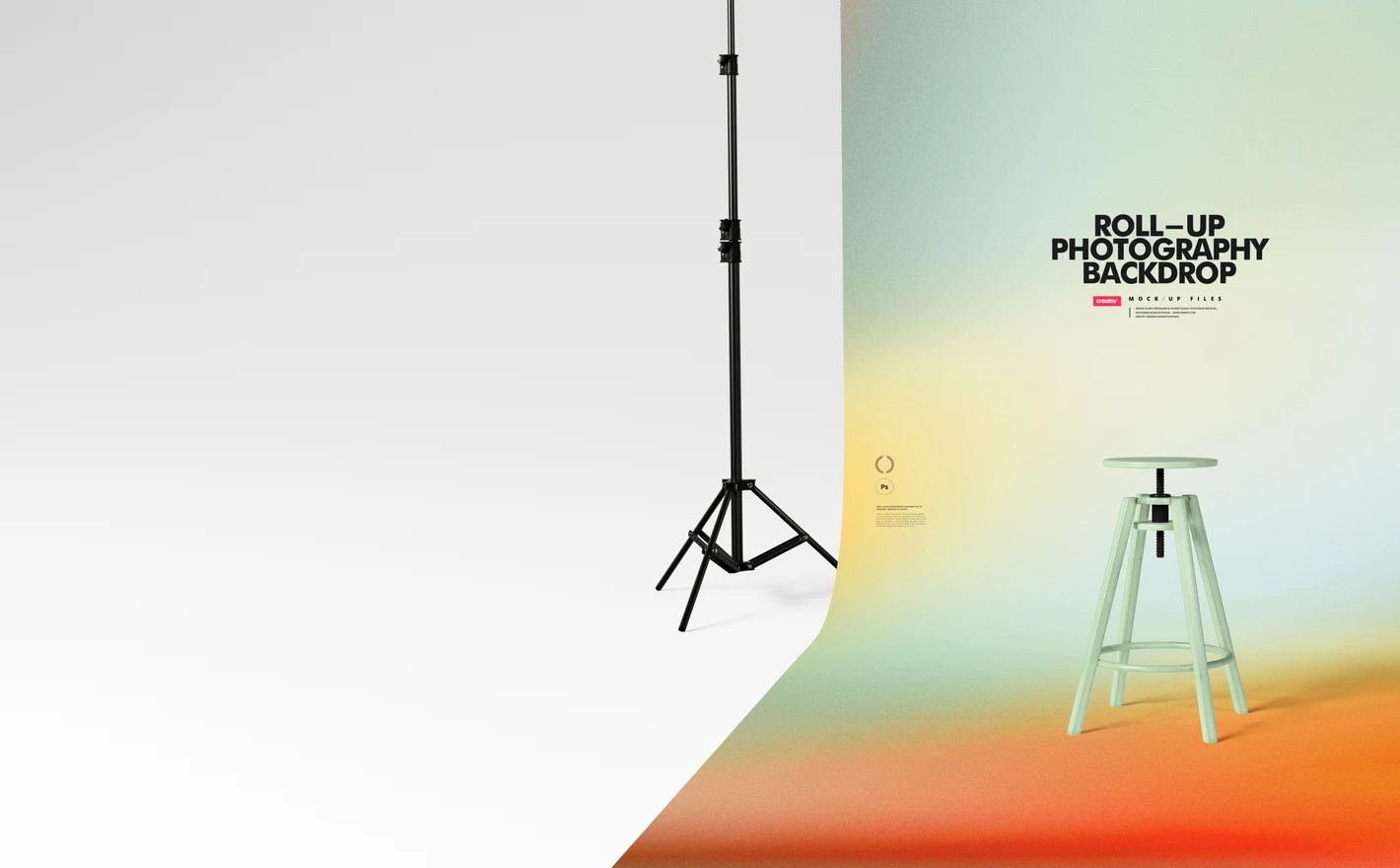
A print can look right on screen and wrong once it hangs at full height. Drop the artwork into roll-up, framed, wall-and-floor or custom-printed scenes to judge it at that size, then reuse the same file for product listings and wholesale catalogs.
For Print-on-Demand and Etsy Backdrop Sellers
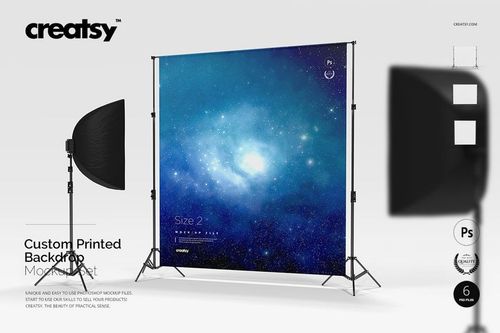
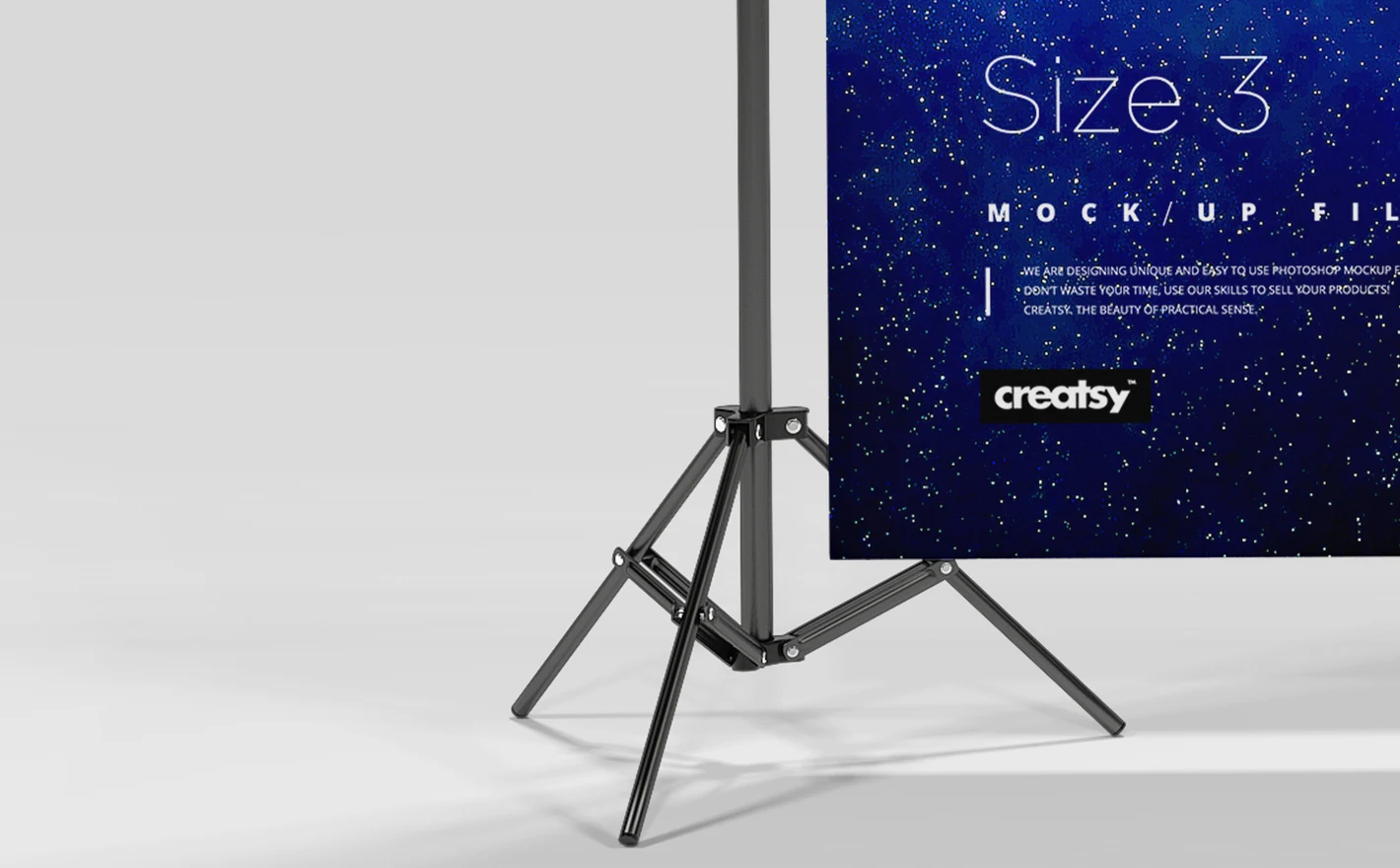
Fill a listing gallery from one design. The custom-printed set ships six scenes with removable lamps and editable scene colors, so variants stay consistent, though these six render at 4000x4000 px while the other three sets are 6000x4000.
Building a backdrop shop? View the Custom Printed Backdrop Mockup Set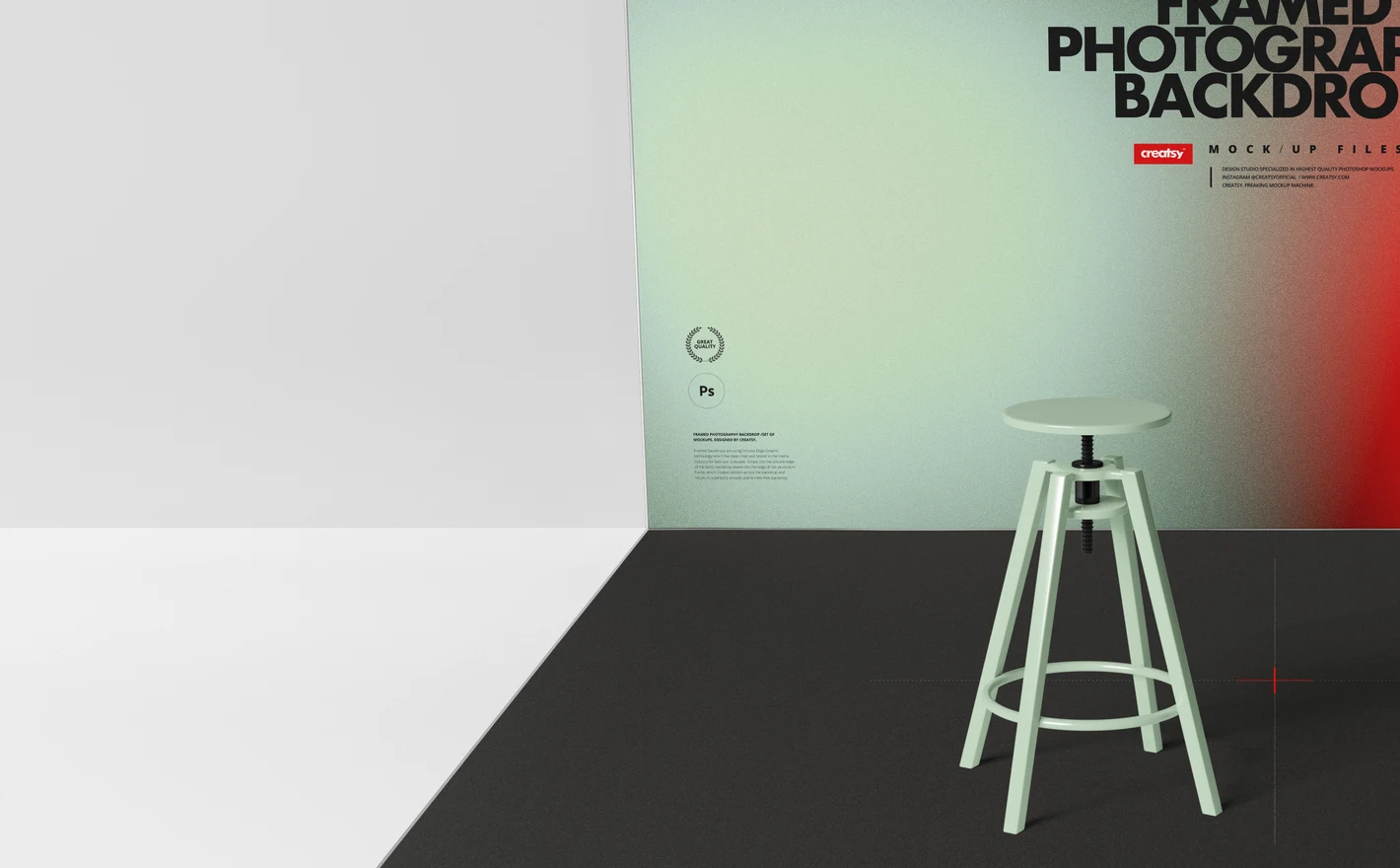
For Studio Brand and Identity Designers
Blow a studio's identity up to wall size and the weak parts show. Put the logo, pattern or campaign graphic on a framed backdrop in a working studio, and client approvals and guideline pages get settled before anyone pays for a print run.
Presenting a studio identity? View the Framed Photography Backdrop Mockup Set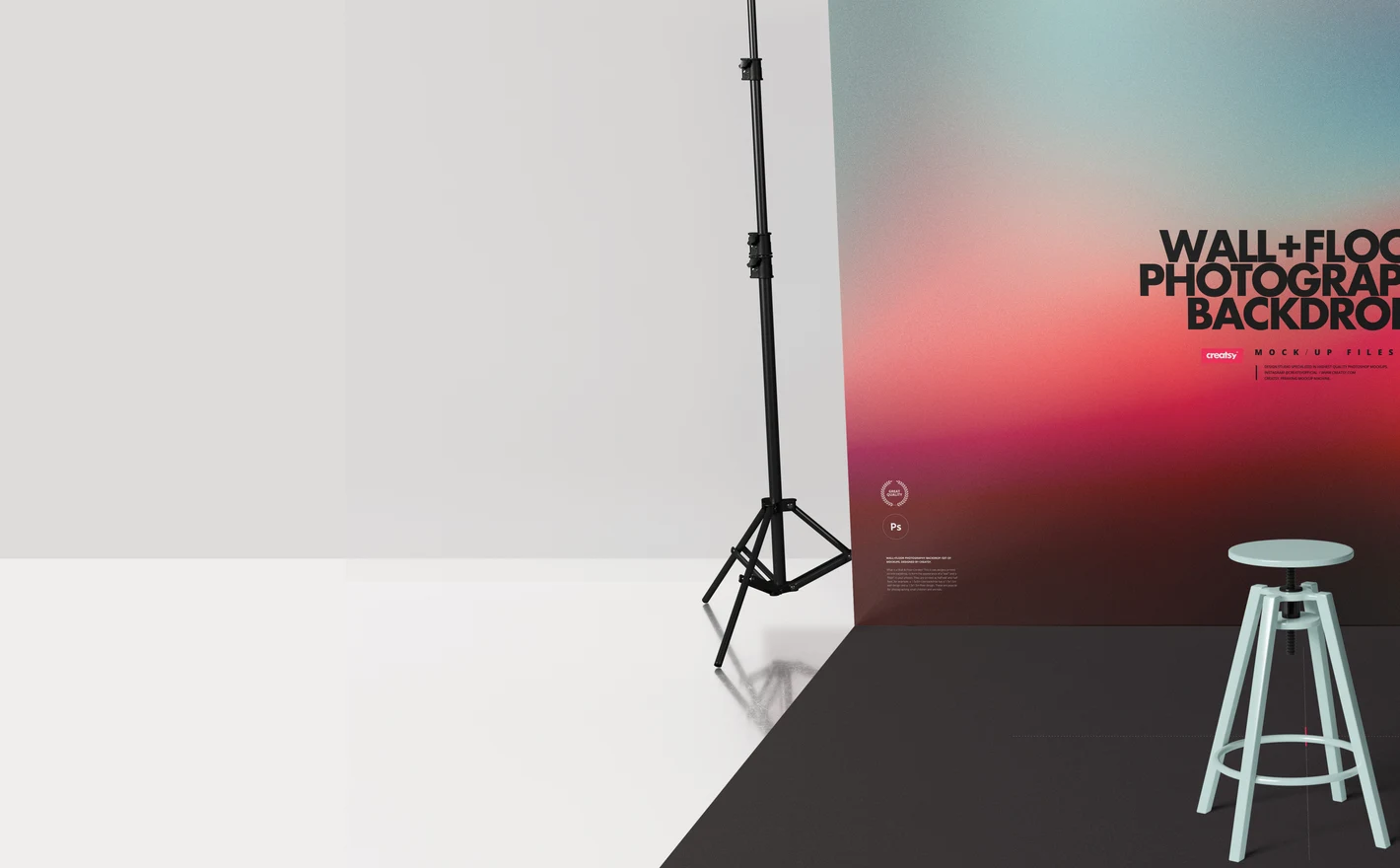
For Surface Pattern Designers and Licensors
Swatches hide the problems that show up at room scale, where a repeat either holds together or does not. The wall-and-floor set shows the repeat on a full studio wall and floor, which is the version a licensing portfolio or a pitch to a print buyer actually needs.
Testing a repeat at full scale? View the Wall and Floor Photography Backdrop Mockup Set
FAQs
Choose Roll-up Photography Backdrop for a stand-mounted backdrop, Framed Photography Backdrop for a framed setup, or Wall and Floor Photography Backdrop when you need to show both surfaces. Custom Printed Backdrop offers another studio setup. Compare the scene proportions and included views with the backdrop you plan to present.
Use a copy of your artwork, sized to the Smart Object's canvas while keeping the correct proportions. You do not need to load a full-resolution, meter-wide print master just to make a preview. Keep the production file separate, with the dimensions and bleed required by your printer.
That depends on the set and the object. Look for explicit movable or removable options in the product's feature images; an editable backdrop does not mean the lighting equipment is editable too. Choose a composition that already suits your presentation when the props are fixed.
Yes. Open the scene for each backdrop type and place your artwork in its editable design area. Adjust the crop to that backdrop's proportions, then export each image. Keep an unchanged master of the design so the versions remain consistent without stretching the artwork.
For a normal client presentation, deliver finished JPGs or PNGs, not the editable mockup. A client who wants to edit the source needs an appropriate license and access rights. The terms also contain limited client and subcontractor provisions, so contact Creatsy before sharing source files as part of a wider production arrangement.
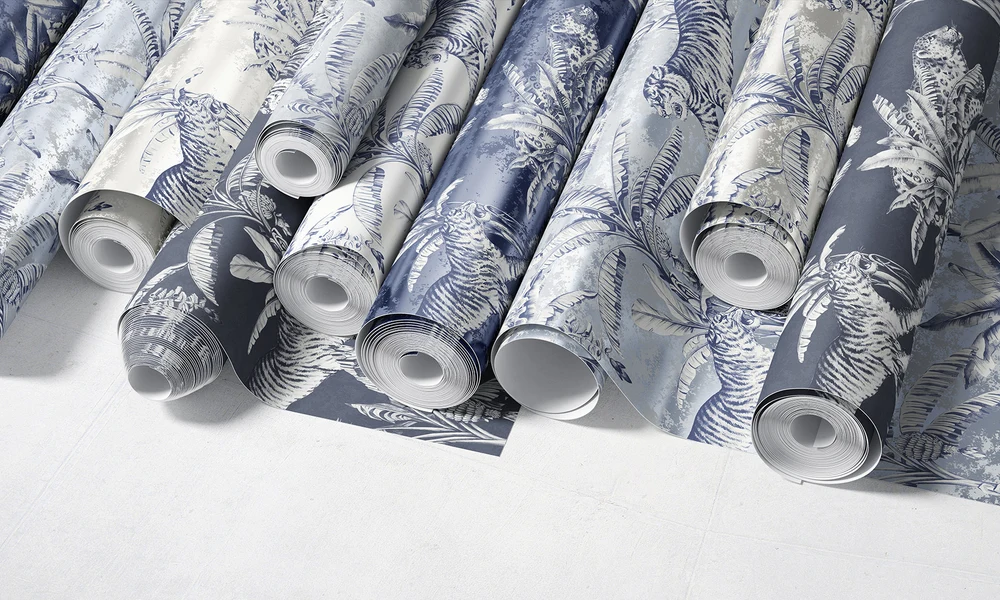
Why use Backdrop & Studio Background mockups?
Backdrop mockups show a design on a roll-up stand, inside a frame, extending from wall to floor, or in a studio setup with lamps. You can compare a collection or several colors before printing and hanging each version. The surrounding equipment gives the backdrop context and a sense of scale. Review the size of a repeat or its transition from wall to floor. The wall and floor are editable in the photography backdrop sets; Custom Printed offers a background color or your own scene. Check the gallery for the exact setup. The chair can be moved in the scenes that include it. Lamps are movable in the Framed and Wall and Floor sets, removable in Custom Printed, and fixed in Roll-up. The Framed set also has an editable frame color. Smart Objects and separate lighting layers let you reuse these compositions for listings, ads and catalogs, with files up to 6000 × 4000 px. Roll-up, Framed and Custom Printed support Photopea, the free browser editor. Check each listing, including Wall and Floor, for software requirements and the available controls before choosing a set.
FreeCreatsy® Mockups