 $4500
$4500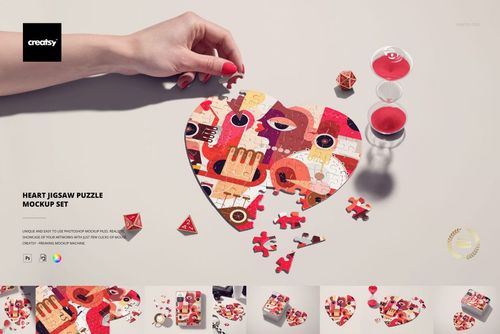 $2900
$2900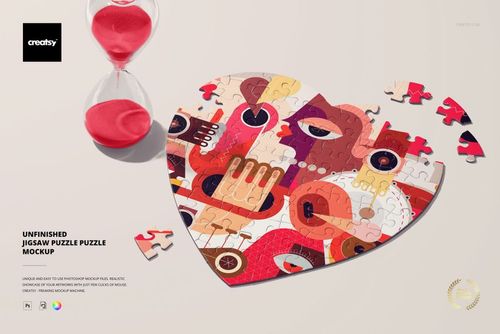
Puzzle Mockups
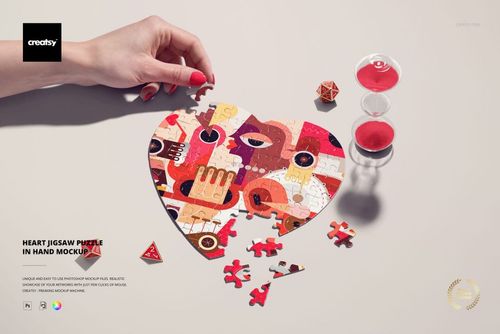
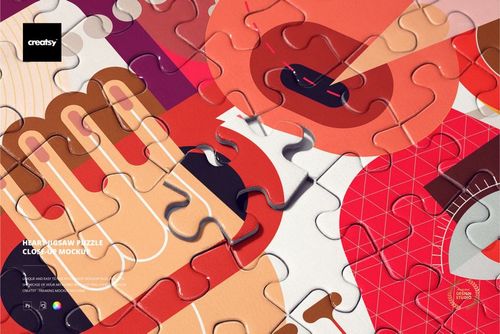
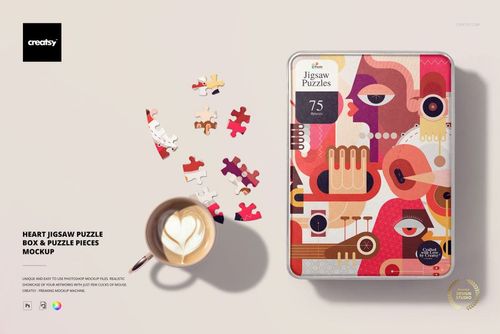
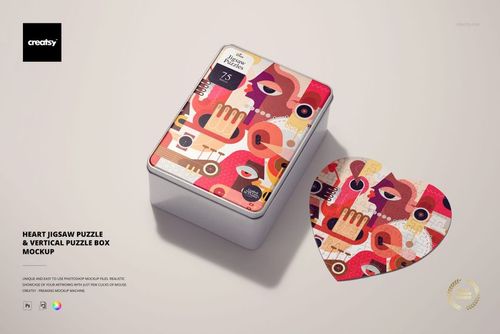
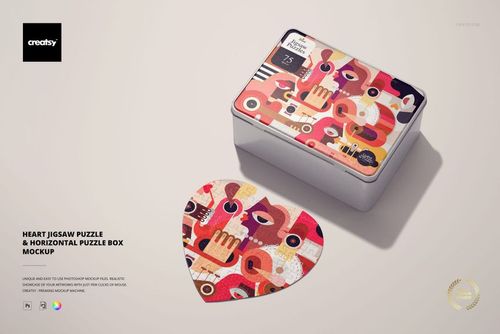
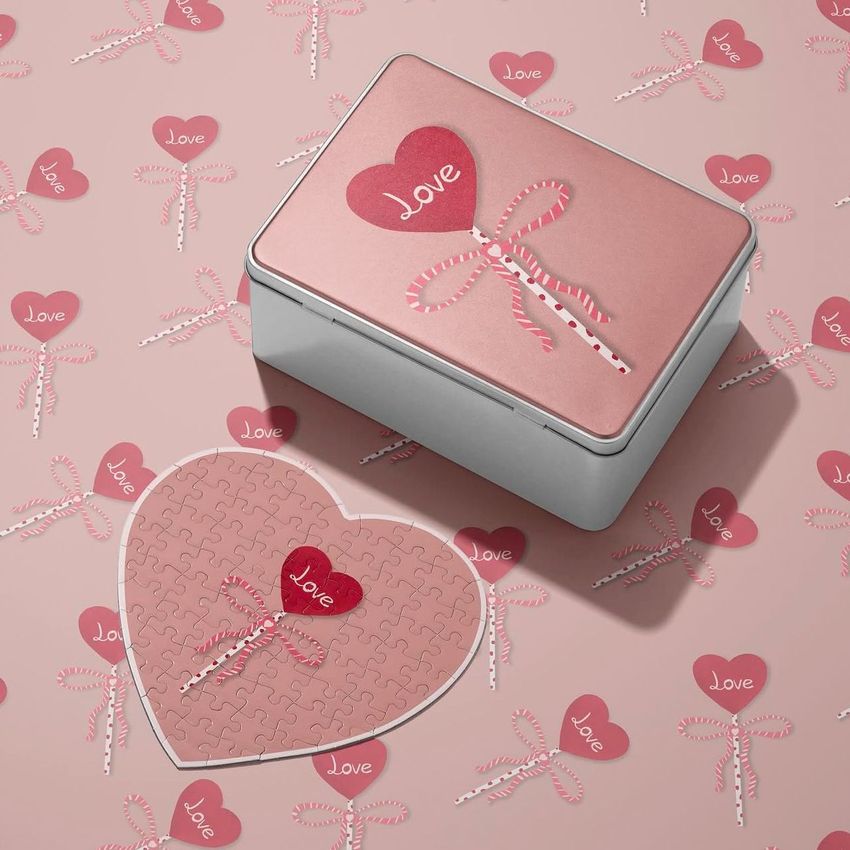
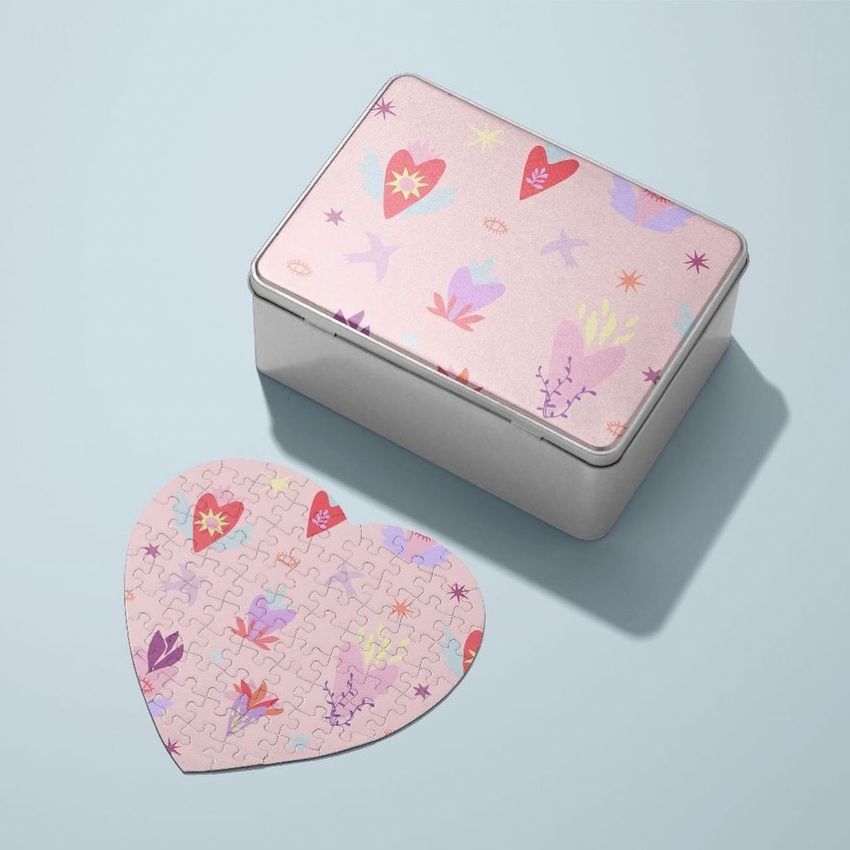
Show photos and illustrations on heart-shaped jigsaws, loose pieces and puzzle boxes. These mockups let you preview the picture and packaging together, then prepare shop listings or customer previews for personalized gifts and puzzle collections.

Reviews
What designers and brand owners say after using these PSD mockups in real client work.
0
Sort by:


Creatsy make the best Mockups on the market, no matter what you need to showcase. These mockups are highly customizable, and the lighting in them makes everything look very realistic. You can keep or turn off many of the Items in the mockup, also a great feature giving control over the look you want. They have the most friendly and very helpful support. I highly recommend these mockups!
 Free Heart Jigsaw Puzzle Desk Scene PSD Mockup View product
Thank you so much, Annet! We are delighted that you enjoy the realistic lighting, customization options, and flexibility of our mockups. Your kind words about our support mean a lot to us. Thank you for recommending Creatsy!
What you get
Professional PSD mockups built in-house - editable, realistic, high-resolution, and supported by real people.
Layered PSD Files
Creatsy mockups are delivered as fully layered Photoshop .psd files, with layers sorted into clearly named groups. Shadows, highlights, and the background each sit on their own editable layer, and nothing is flattened into a single image. Open it in Photoshop or the free browser editor Photopea and get to work.
- Clearly named, organized layer groups
- Shadows and highlights on separate layers
- Editable background, never flattened
- Works in Photoshop or free Photopea
Smart Objects
Open the smart object, paste your artwork, and save. The design lands on the product with the perspective, warp, and wrap already worked out. Scene lighting and shadows fall back on top, so it reads as a photograph, not a flat paste-in. Swapping a design takes seconds, so one file can carry a whole run of variants and colorways.
- Double-click, paste your design, save
- Perspective, warp, and wrap pre-built
- Scene lighting and shadows sit back on top
- One file covers many variants and colorways
High-Resolution Output
Many scenes are built from real product photography rather than 3D renders, so the fabric and surface read like a studio shot. Files export at high resolution and stay sharp at full zoom, with clean edges where the print sits. The same file works for a hero banner, a paid ad or a product listing.
- Real product photography in many scenes
- Exports ready for print
- Holds detail at full zoom
- Works for banners, ads and listings
Easy to Edit
Colors, backgrounds, and artwork sit on separate, clearly named layers, so you swap a color or background without disturbing the rest of the scene. There is no relighting or shadow work to redo, and the same file works for your next project.
- Edit color and background layers directly
- No relighting or shadow rework needed
- No masking or layer skills required
- One file reused across projects
Fast Support
There is a real in-house team behind every file, not a ticket bot. Before you buy, ask whether a specific mockup fits what you have in mind, and we will tell you. When a smart object or a layer group is tripping you up, send the question and you usually get a reply within 48 hours.
- Real in-house team behind every file
- Replies within 48 hours
- Pre-purchase help picking the right mockup
- Answers on smart objects and layer setup
Who are these mockups for?
For artists & surface pattern designers
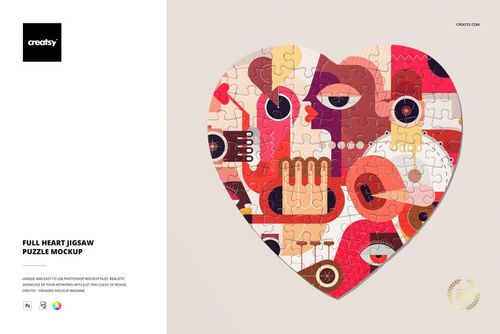
Drop the artwork into the Heart Jigsaw Puzzle Mockup Set and the picture shows as a finished puzzle with the cut running through it, then use the Heart Jigsaw Puzzle Close-up Mockup to check the detail at piece scale. If the image holds up cut into pieces, it works as a puzzle.
Testing an image as a puzzle? View the Heart Jigsaw Puzzle Mockup Set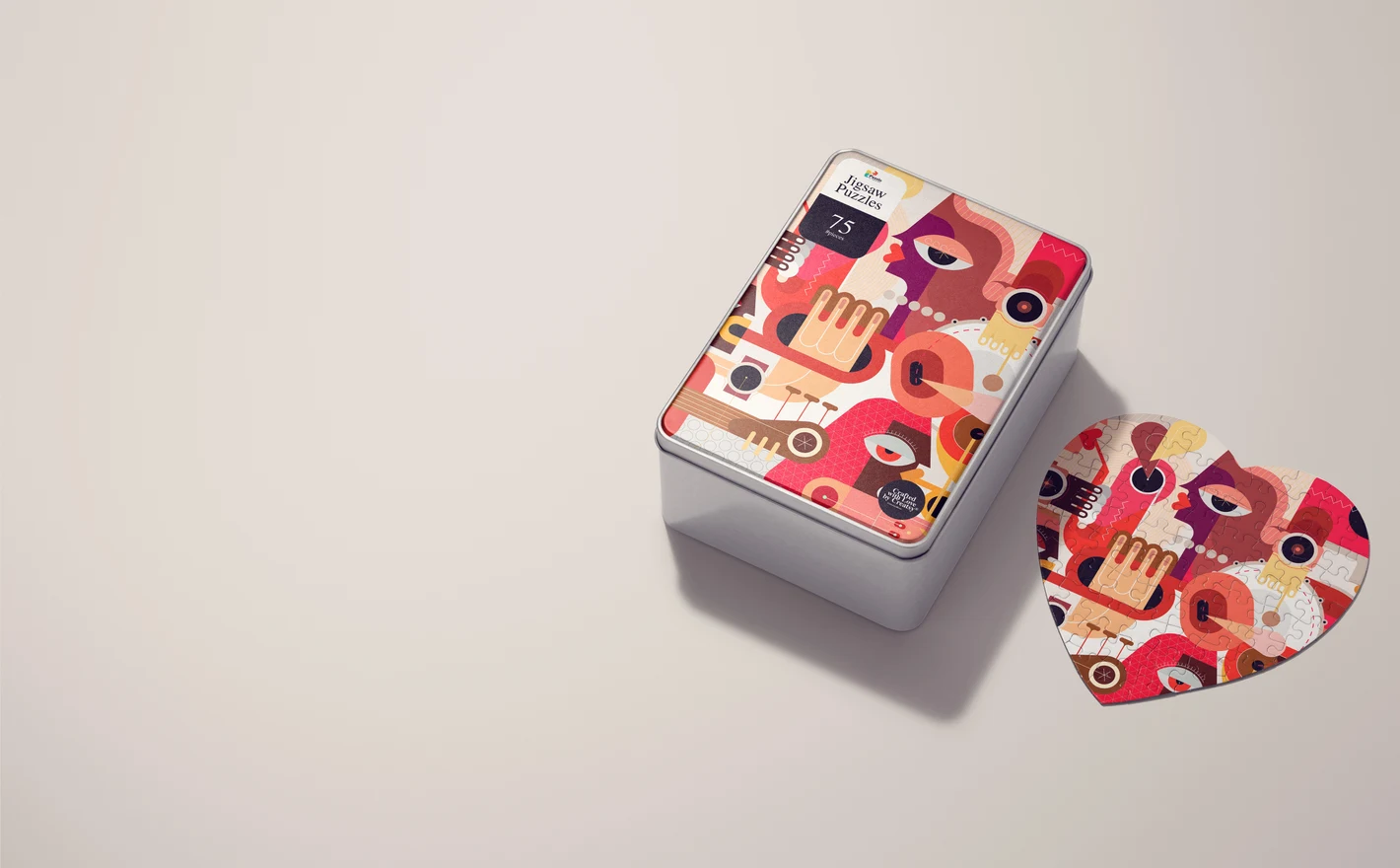
For print-on-demand & Etsy puzzle sellers
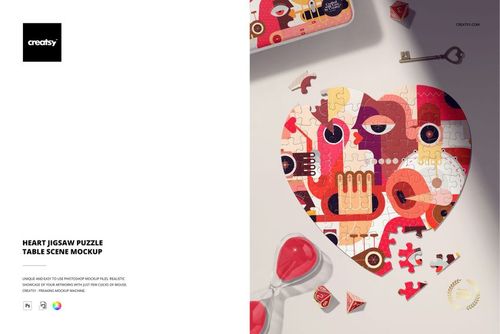
Put the design into the Heart Jigsaw Puzzle & Vertical Puzzle Box Mockup for the listing hero, the Heart Jigsaw Puzzle in Hand Mockup for the scale shot and the Heart Jigsaw Puzzle Table Scene Mockup for the lifestyle one. The gallery gets its hero, its scale shot and its lifestyle shot from one artwork.
Listing a heart puzzle? View the Heart Jigsaw Puzzle & Vertical Puzzle Box Mockup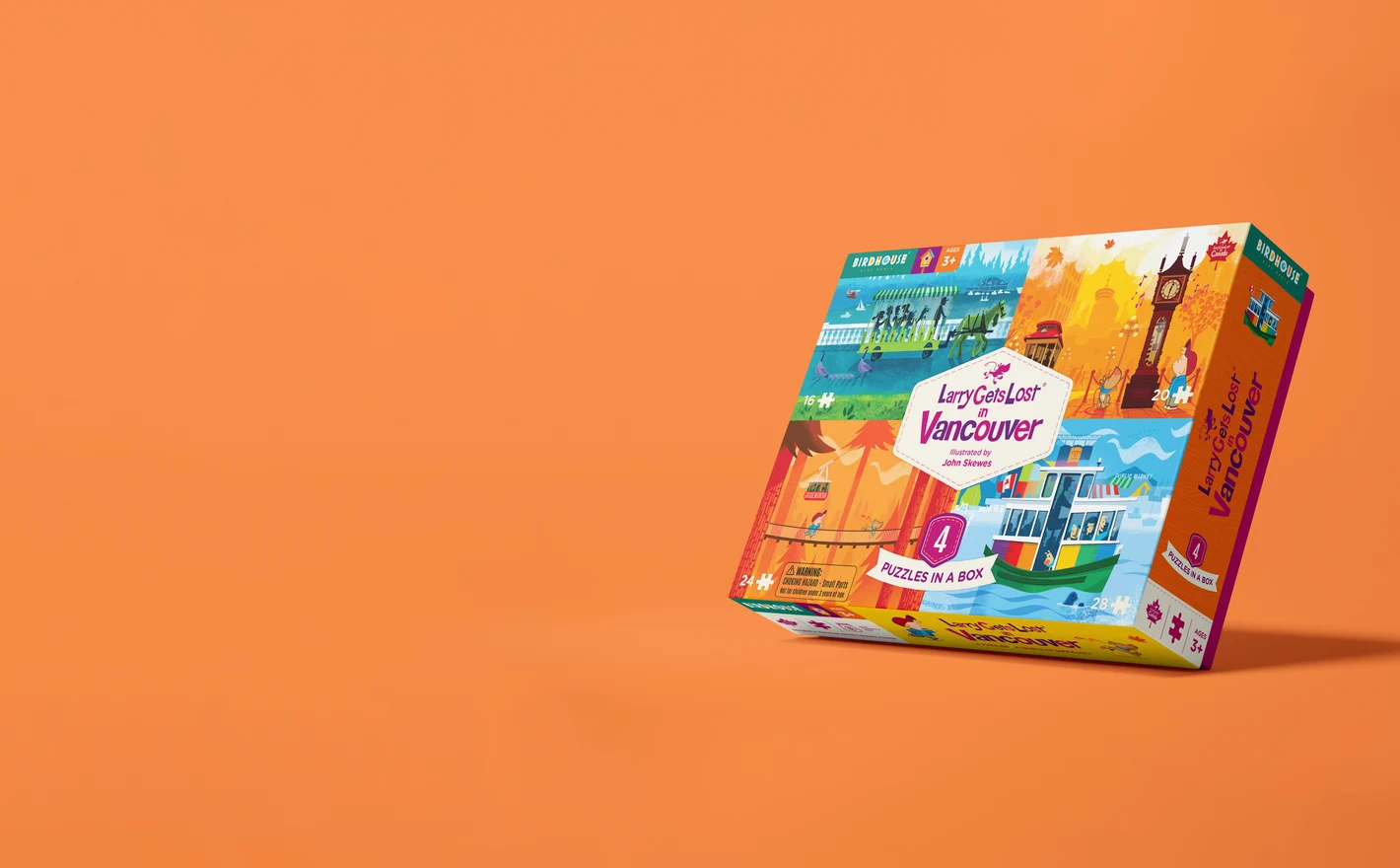
For puzzle & tabletop game publishers
Drop the box art into the Puzzle Game Box Mockup Set and the rectangular box shows closed, open with pieces inside and from the back, with the assembled puzzle beside it. It's the retail shot and the distributor sheet before the box supplier has cut a single blank.
Boxing a puzzle? View the Puzzle Game Box Mockup Set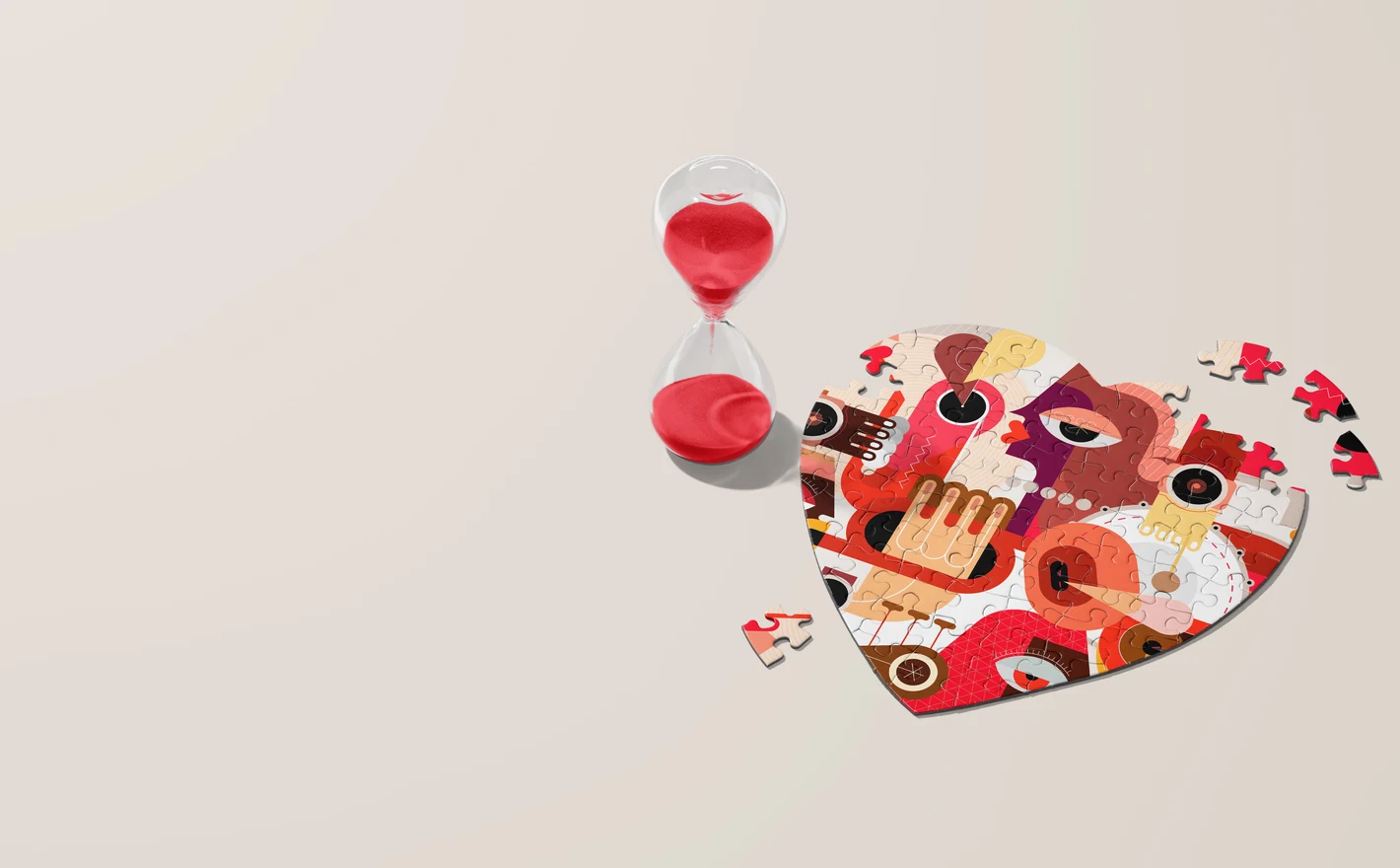
For personalized gift & ecommerce brands
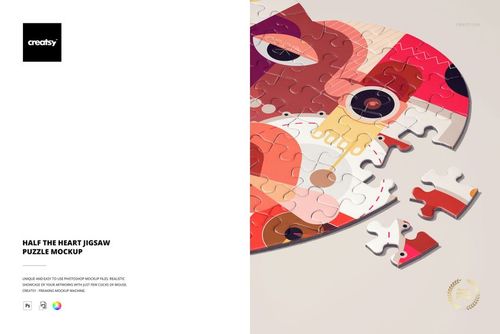
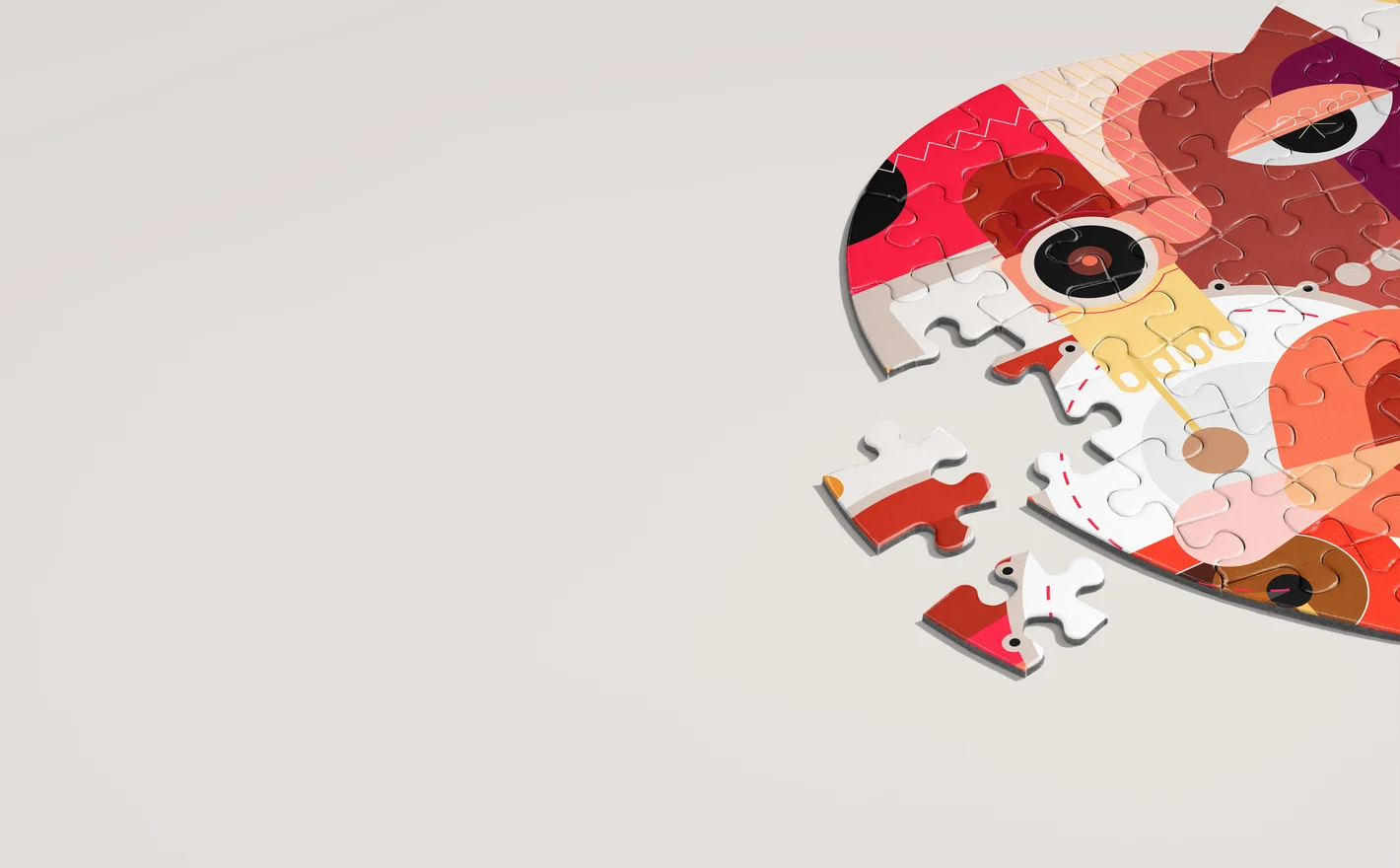
Put the customer's photo into the Unfinished Heart Jigsaw Puzzle Mockup and the preview shows the puzzle part-assembled with loose pieces around it, the way a gift puzzle gets photographed at home. Swap the photo in the smart object per order and the preview is done in minutes.
Previewing custom puzzles? View the Unfinished Heart Jigsaw Puzzle Mockup
FAQs
The jigsaw scenes focus on heart-shaped puzzles, including assembled, unfinished and loose-piece arrangements. Puzzle Game Box Mockup Set presents rectangular packaging, not necessarily a rectangular assembled puzzle. Match both the puzzle shape and the stage you want to show.
No. Add the image to the prepared design area and let the file's piece shapes and surface effects show the cut. Inspect what is cropped or hidden. The piece layout is a presentation feature, not a production cutting template.
Yes. There are heart-puzzle scenes with vertical or horizontal boxes and box-and-piece arrangements. Apply the relevant artwork to the puzzle and packaging areas. The box can use its own layout rather than repeating the full puzzle image.
Yes, with permission to use the photo, when you create the finished preview yourself within the license terms. Deliver the flattened image, not the source file. Standard and Extended do not allow a customer-facing tool that generates mockup previews from uploaded photos.
Yes. Free Heart Jigsaw Puzzle Desk Scene PSD Mockup is available in Freebies with a free account. Try your image on the heart-shaped puzzle and compare the shape and visible piece layout with the product you sell.
Why use Puzzle mockups?
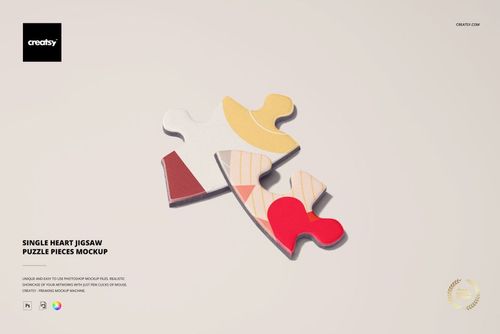
The puzzle scenes focus on heart-shaped jigsaws, shown assembled, unfinished, in a hand, on a table, in close-up and with loose pieces or packaging. There are views with vertical and horizontal boxes, plus a separate rectangular Puzzle Game Box set. The listings provide software requirements, editable features and license options. Showing the complete illustration alongside pieces and packaging gives buyers a fuller view of the design. Smart Objects apply the image within the prepared puzzle shapes, keeping the cut lines, edges and shadows. Use the scenes for a personalized photo preview or a new illustrated edition, updating the puzzle and box artwork separately where both are visible. Export the images for online shops, print-on-demand product listings, publisher presentations or campaigns. Choose the format carefully: the heart-shaped jigsaw scenes and the rectangular box set show different products. Box views can add open, closed and reverse-side details to a presentation. Check the package contents and download size, then edit only the separate files needed for your chosen views. Those compositions can be reused for later designs.
FreeCreatsy® Mockups
Loooved this mockup! My only recommendation is that you make MORE!!! And please rectangular puzzles! They're needed, and yours are amazing!
Thank you so much! We’re thrilled you loved the mockup, and we’ve definitely noted your request for more puzzle mockups, especially rectangular ones 😊