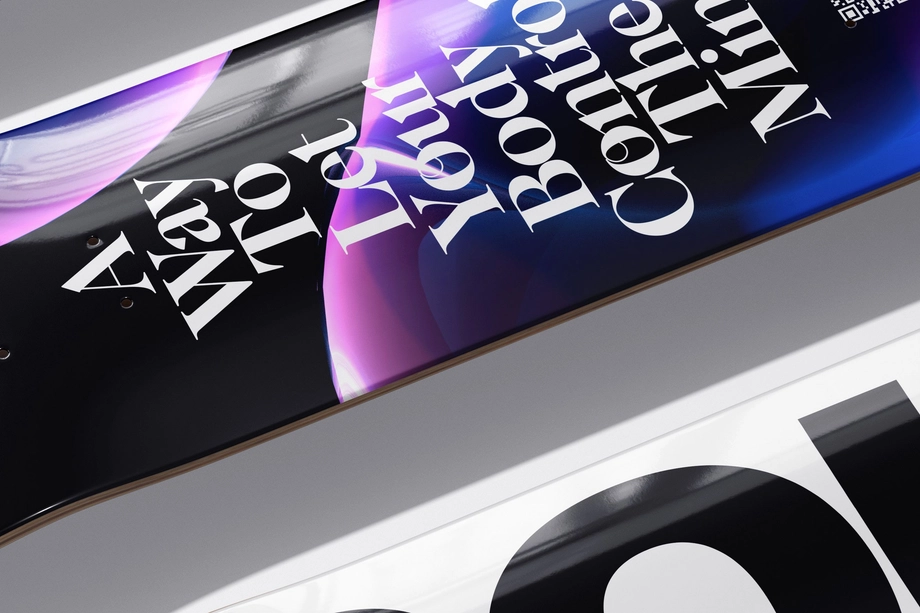
Skateboard Deck Wall Art Mockups
Explore editable skateboard deck mockups for unassembled decks, wall-mounted deck art, custom grip tape, and clear epoxy-coated finishes. Present artwork on deck tops, bottoms, and other editable surfaces in clean studio views, detailed close-ups, grouped arrangements, and styled interiors. Use layered Photoshop files and Smart Objects to create realistic visuals for product listings, client presentations, portfolios, catalogs, advertising, and social media.

What you get
Professional PSD mockups built in-house - editable, realistic, high-resolution, and supported by real people.
Layered PSD Files
Creatsy mockups are delivered as fully layered Photoshop .psd files, with layers sorted into clearly named groups. Shadows, highlights, and the background each sit on their own editable layer, and nothing is flattened into a single image. Open it in Photoshop or the free browser editor Photopea and get to work.
- Clearly named, organized layer groups
- Shadows and highlights on separate layers
- Editable background, never flattened
- Works in Photoshop or free Photopea
Smart Objects
Open the smart object, paste your artwork, and save. The design lands on the product with the perspective, warp, and wrap already worked out. Scene lighting and shadows fall back on top, so it reads as a photograph, not a flat paste-in. Swapping a design takes seconds, so one file can carry a whole run of variants and colorways.
- Double-click, paste your design, save
- Perspective, warp, and wrap pre-built
- Scene lighting and shadows sit back on top
- One file covers many variants and colorways
High-Resolution Output
Many scenes are built from real product photography rather than 3D renders, so the fabric and surface read like a studio shot. Files export at high resolution and stay sharp at full zoom, with clean edges where the print sits. The same file works for a hero banner, a paid ad or a product listing.
- Real product photography in many scenes
- Exports ready for print
- Holds detail at full zoom
- Works for banners, ads and listings
Easy to Edit
Colors, backgrounds, and artwork sit on separate, clearly named layers, so you swap a color or background without disturbing the rest of the scene. There is no relighting or shadow work to redo, and the same file works for your next project.
- Edit color and background layers directly
- No relighting or shadow rework needed
- No masking or layer skills required
- One file reused across projects
Fast Support
There is a real in-house team behind every file, not a ticket bot. Before you buy, ask whether a specific mockup fits what you have in mind, and we will tell you. When a smart object or a layer group is tripping you up, send the question and you usually get a reply within 48 hours.
- Real in-house team behind every file
- Replies within 48 hours
- Pre-purchase help picking the right mockup
- Answers on smart objects and layer setup
Who are these mockups for?
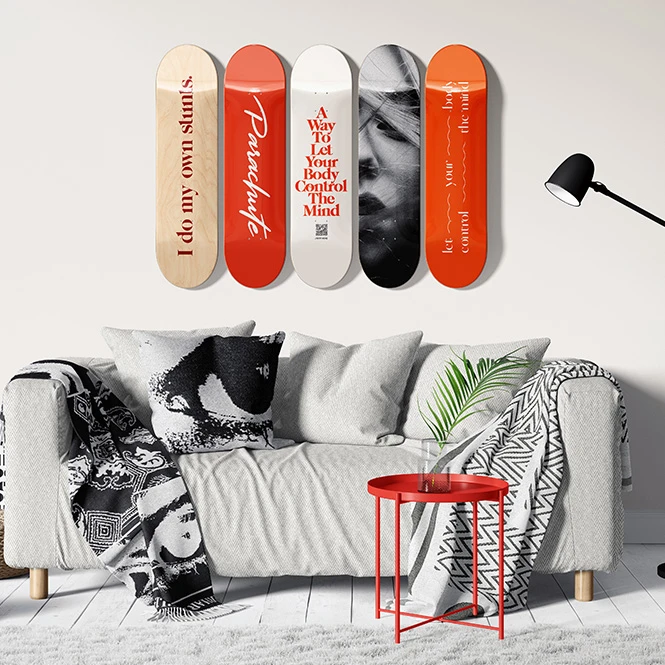
For artists, illustrators & wall-art sellers
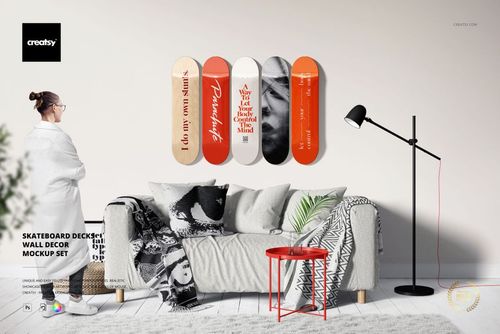
Show single decks, grouped sets, horizontal or vertical arrangements, and skateboard decks displayed as decorative wall art. Create realistic listing images for limited editions, art collections, online shops, gallery presentations, and interior-focused campaigns without photographing every artwork variation.
Building a wider wall-art collection? Browse Prints & Wall Art mockups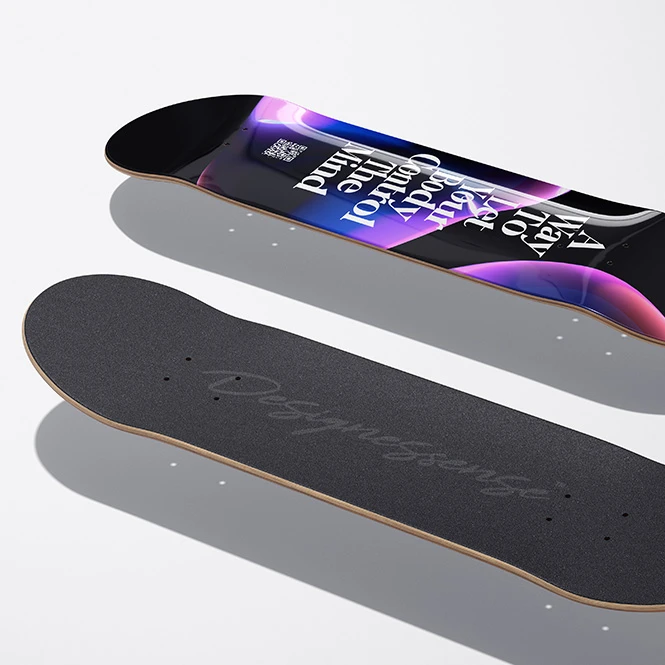
For custom-print shops, galleries & interior designers
Present standard deck graphics, wall-mounted arrangements, and simulated clear epoxy-coated finishes in customer consultations, product catalogs, gallery proposals, retail displays, and interior concepts. Use the mockups to communicate the visual direction while relying on manufacturer specifications for the final deck and coating.
Need more styled interior settings? Browse Living Room & Decor Scenes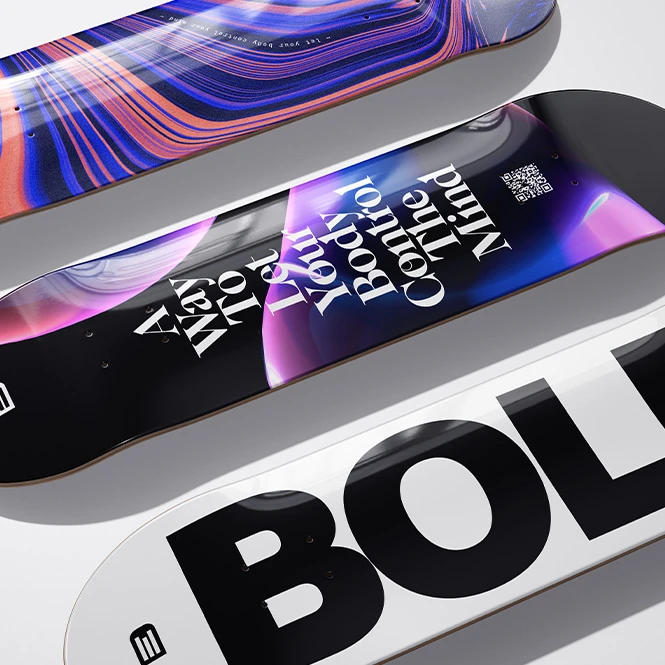
For skateboard brands & deck graphic designers
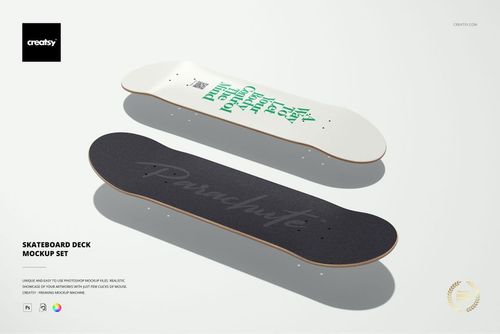
Present artwork across the deck top, bottom, grip tape, edges, and multiple viewing angles where supported. Use clean product scenes and close-ups for collection previews, client approvals, online listings, catalogs, launch campaigns, and social media before the final manufacturer files are prepared.
Need a complete skateboard with trucks and wheels? Browse Sportswear & Equipment mockups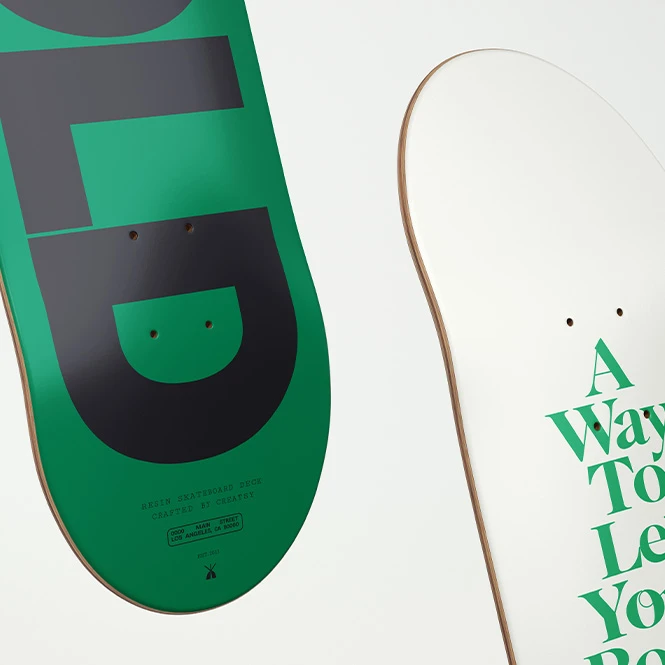
For streetwear brands & creative studios
Extend one visual direction across skateboard graphics, apparel, posters, accessories, and campaign materials. Use deck mockups in brand presentations, collaborations, pop-up concepts, lookbooks, portfolio case studies, advertising, and social content.
Creating matching apparel? Browse Apparel & Fashion mockups
FAQs
The collection includes unassembled skateboard deck presentations with editable top, bottom, and grip-tape surfaces, skateboard decks displayed as wall art, and deck mockups with a simulated clear epoxy-coated finish. Available scenes include single and grouped decks, top views, perspective angles, close-ups, clean backgrounds, and selected interior displays. Editable surfaces and scene options vary between products, so check the preview gallery and Product Details section before purchasing.
The products in this category focus on skateboard decks. The standard Skateboard Deck Mockup Set presents the deck top, bottom, and grip tape, but it does not include trucks and wheels. The wall-art set focuses on mounted or displayed decks, while the epoxy set visualizes a clear glossy coating. For a complete skateboard with editable trucks, wheels, grip tape, and deck surfaces, browse the Skateboard Deck with Trucks and Wheels Mockup Set in Sportswear & Equipment.
Yes, but each file must be edited separately. The products contain independent PSD documents, and artwork does not automatically transfer or synchronize between the standard deck, wall-decor, and epoxy-coated sets. Open the relevant Smart Object in each selected PSD, add the artwork, save it, and export that scene individually. Matching layer names or Smart Object dimensions do not create a live connection between separate files.
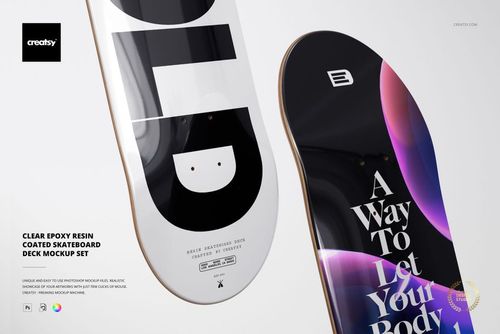
The Clear Epoxy Resin Coated Skateboard Deck Mockup Set simulates a transparent, glossy coated appearance with reflections and visual depth. It is useful for presenting the intended direction of a premium coated product. The effect is not a calibrated production proof. It cannot guarantee the exact resin type, coating thickness, clarity, gloss, color change, edge build-up, curing result, UV stability, durability, or finish produced by a specific manufacturer. Confirm those details through material samples and production proofs.
The mockups are designed for Adobe Photoshop. Selected products also list Photopea compatibility, but the current text and compatibility icons are not fully consistent, so check the individual product page before purchasing. These are presentation files, not skateboard manufacturing templates. They do not replace the manufacturer's exact deck size, shape, concave, truck-hole placement, bleed, safe areas, grip-tape template, print specifications, coating instructions, or physical proof. Exported mockup visuals may be used in permitted listings, portfolios, client presentations, advertising, catalogs, and social media according to the selected license. Source Photoshop files may not be resold, sublicensed, or redistributed.


Why use Skateboard Deck Wall Art mockups?
A flat rectangular artwork file does not show how a design will interact with the elongated skateboard silhouette, rounded nose and tail, deck edges, concave surface, grip tape, mounting arrangement, or glossy coating. Skateboard deck mockups turn the original artwork into a clearer and more realistic product presentation. Use standard deck scenes to present artwork across the top, bottom, and grip tape where supported. Multiple angles and close-ups help communicate how typography, illustrations, patterns, and logos work across the visible surfaces of an unassembled deck. Clean backgrounds are useful for product listings and catalogs, while perspective views provide additional context for portfolios and launch campaigns. Wall-art mockups show single or grouped decks displayed vertically, horizontally, or within styled interiors. They are useful for decorative skateboard art, limited editions, gallery concepts, skate-shop displays, and interior-focused product listings. Separate deck surfaces and scene files must be customized individually. Clear epoxy-coated mockups add a simulated glossy finish, reflections, and visual depth to the artwork. This can help communicate the intended premium appearance, but it should not be treated as an exact prediction of a specific resin, coating process, or finished product. Layered Photoshop files and Smart Objects let you replace sample artwork while preserving the prepared perspective, surface shape, lighting, shadows, wood details, grip texture, reflections, and deck depth. Depending on the selected mockup, you may also be able to adjust the background, deck colors, grip tape, wall surfaces, textures, or other scene elements. Export the finished visuals for product listings, custom-order previews, client approvals, brand presentations, portfolios, galleries, catalogs, advertising, collaborations, and social media. Use the mockups to communicate the intended visual direction. For final production, rely on the manufacturer's exact deck template, dimensions, bleed, truck-hole placement, printing requirements, coating specifications, samples, and proofs.
FreeCreatsy® Mockups