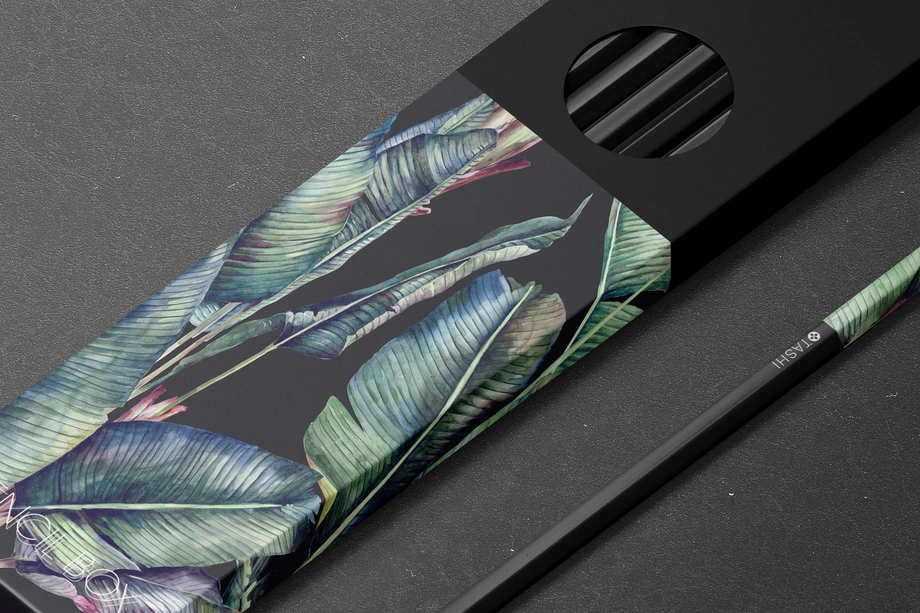
Writing Instrument Mockups
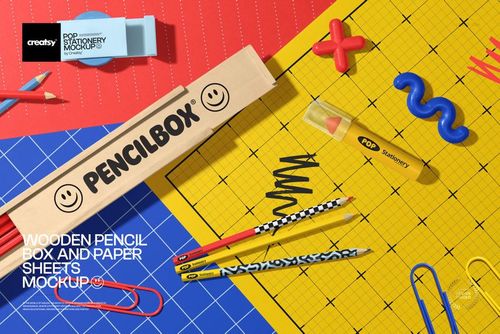
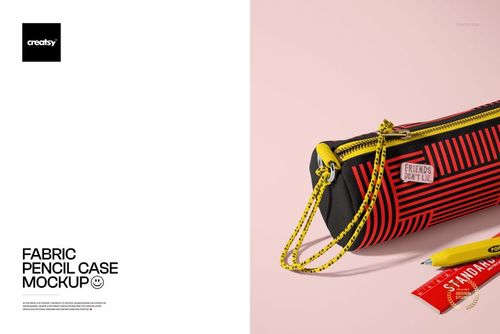
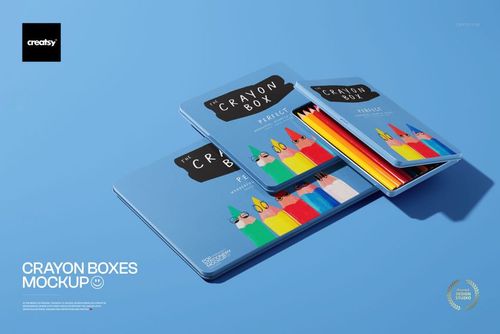
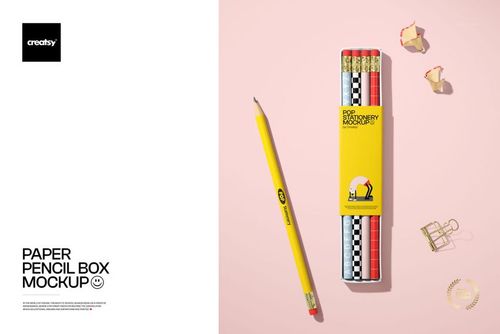
Explore editable writing instrument mockups for promotional pens, single and multi-pencil presentations, colored pencil sets, crayon packaging, pencil cases, holders, and paper or wooden pencil boxes. Add logos, patterns, illustrations, names, and coordinated colorways through layered Photoshop files and Smart Objects, then create realistic visuals for product listings, client presentations, licensing portfolios, back-to-school campaigns, advertising, and social media.



What you get
Professional PSD mockups built in-house - editable, realistic, high-resolution, and supported by real people.
Layered PSD Files
Creatsy mockups are delivered as fully layered Photoshop .psd files, with layers sorted into clearly named groups. Shadows, highlights, and the background each sit on their own editable layer, and nothing is flattened into a single image. Open it in Photoshop or the free browser editor Photopea and get to work.
- Clearly named, organized layer groups
- Shadows and highlights on separate layers
- Editable background, never flattened
- Works in Photoshop or free Photopea
Smart Objects
Open the smart object, paste your artwork, and save. The design lands on the product with the perspective, warp, and wrap already worked out. Scene lighting and shadows fall back on top, so it reads as a photograph, not a flat paste-in. Swapping a design takes seconds, so one file can carry a whole run of variants and colorways.
- Double-click, paste your design, save
- Perspective, warp, and wrap pre-built
- Scene lighting and shadows sit back on top
- One file covers many variants and colorways
High-Resolution Output
Many scenes are built from real product photography rather than 3D renders, so the fabric and surface read like a studio shot. Files export at high resolution and stay sharp at full zoom, with clean edges where the print sits. The same file works for a hero banner, a paid ad or a product listing.
- Real product photography in many scenes
- Exports ready for print
- Holds detail at full zoom
- Works for banners, ads and listings
Easy to Edit
Colors, backgrounds, and artwork sit on separate, clearly named layers, so you swap a color or background without disturbing the rest of the scene. There is no relighting or shadow work to redo, and the same file works for your next project.
- Edit color and background layers directly
- No relighting or shadow rework needed
- No masking or layer skills required
- One file reused across projects
Fast Support
There is a real in-house team behind every file, not a ticket bot. Before you buy, ask whether a specific mockup fits what you have in mind, and we will tell you. When a smart object or a layer group is tripping you up, send the question and you usually get a reply within 48 hours.
- Real in-house team behind every file
- Replies within 48 hours
- Pre-purchase help picking the right mockup
- Answers on smart objects and layer setup
Who are these mockups for?
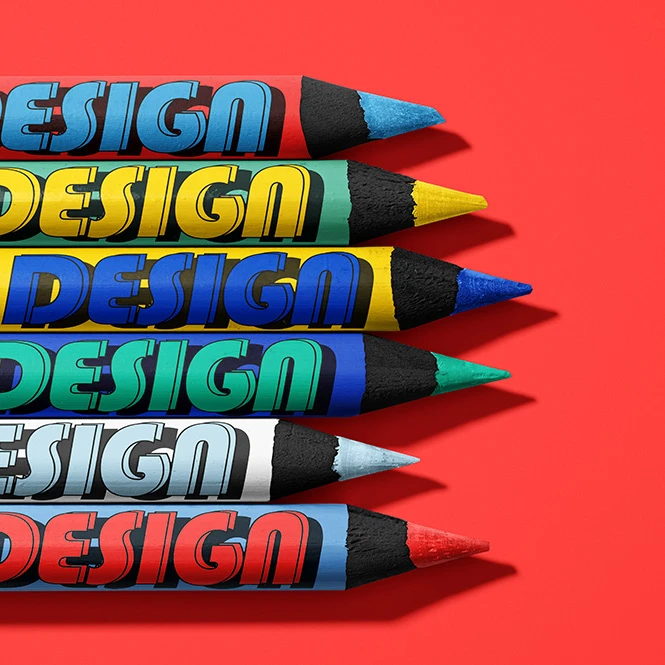
For art-supply, kids' product & packaging brands
Present colored pencils, crayon boxes, pencil cases, paper boxes, wooden storage products, and coordinated school-supply concepts. Use the finished visuals for packaging presentations, product listings, buyer approvals, educational campaigns, catalogs, and seasonal launches.
Developing cartons or retail packaging? Browse Boxes & Tubes mockups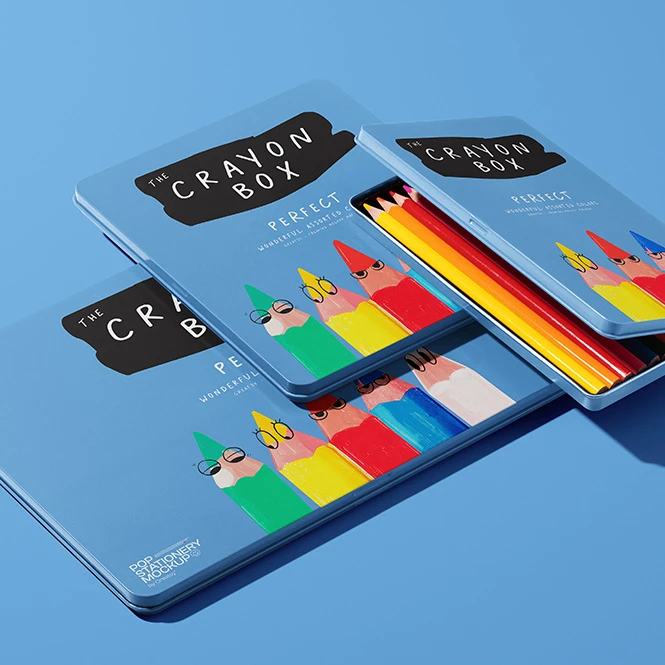
For promotional-product & brand identity designers
Preview logos, campaign graphics, names, and colorways on the pen style and pencil surfaces shown in the selected mockup. Create concepts for corporate gifts, conference products, welcome kits, promotional campaigns, and branded stationery presentations.
Creating more branded giveaways? Browse Promotional Products & Giveaways mockups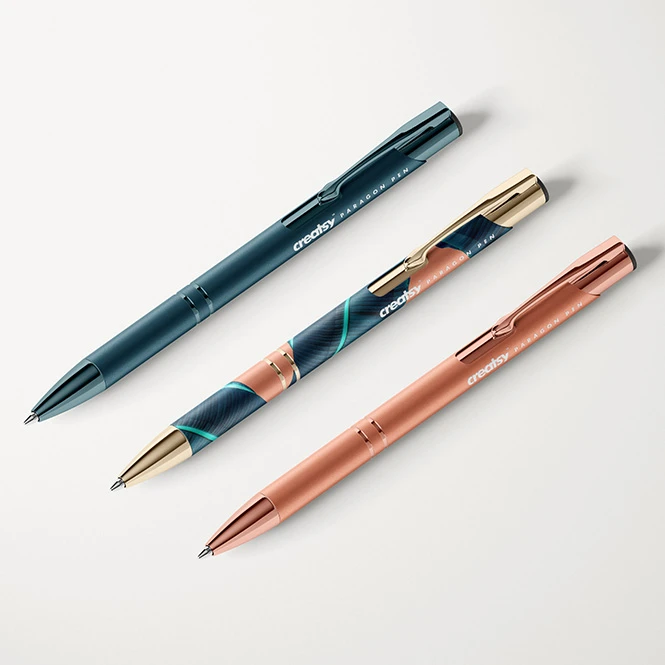
For stationery & school-supply brands
Present branded pens, single pencils, colored pencil sets, pencil holders, cases, and boxes in clean or styled product scenes. Create realistic images for online listings, wholesale catalogs, retailer presentations, back-to-school campaigns, and social media before every finished variation is photographed.
Building a complete paper-goods collection? Browse Stationery Sets mockups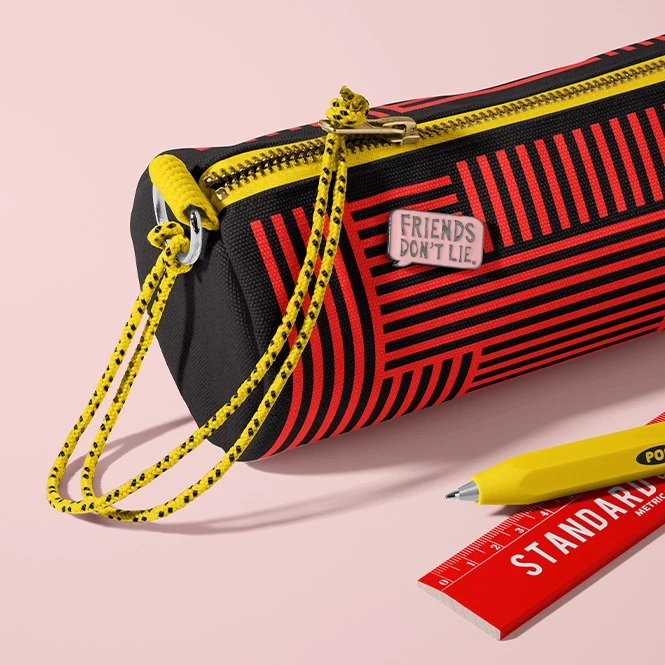
For surface pattern designers & licensing studios
Show repeating patterns, illustrations, typography, and color collections across pencil barrels, fabric cases, paper packaging, and wooden boxes. Use individual and grouped product views in licensing decks, portfolios, client pitches, trade-show presentations, and social media.
Presenting a wider art-supply collection? Browse Art & Craft Supplies mockups
FAQs
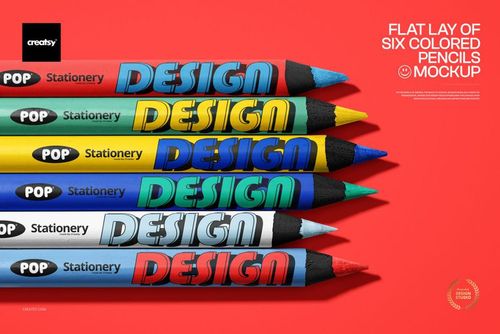
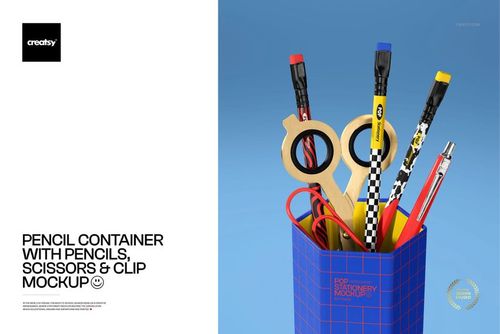
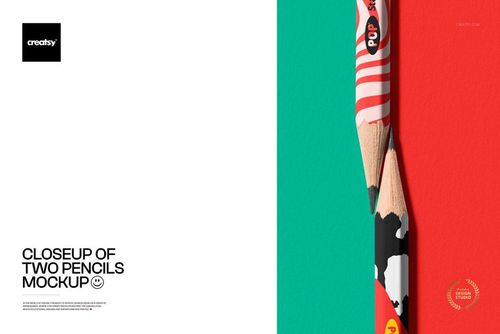
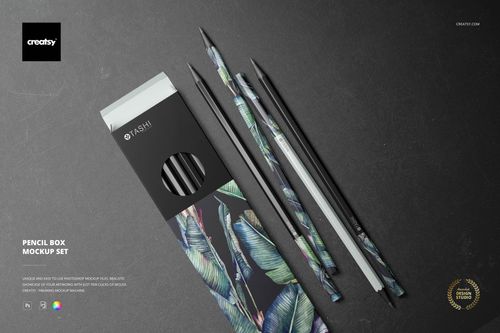
The current collection includes a promotional pen set, single-pencil closeups, two-, three-, and six-pencil arrangements, colored pencils, a pencil holder with stationery accessories, a fabric pencil case, paper and wooden pencil boxes, a multi-view pencil box set, and a crayon-box packaging scene. Use the previews to compare product construction, camera angle, visible surfaces, file count, and editable elements. Related poster scenes styled with crayons are available in Poster mockups, while a seasonal Pencil Christmas Tree Mockup can be found in the Christmas category.
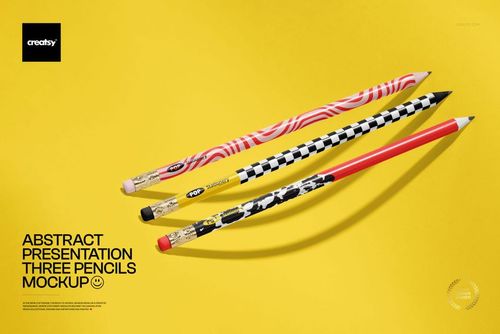
Pencil mockups include a single round-pencil closeup, a close-up pair, an abstract three-pencil composition, a six-pencil flat lay, and additional scenes with pencils placed in holders or beside packaging. Depending on the product, you can choose clean top views, vertical closeups, grouped layouts, angled product presentations, or styled school-supply scenes. The number of pencils shown does not determine the number of editable Smart Objects. Check the product screenshots to confirm whether the pencils share artwork or can be customized individually.
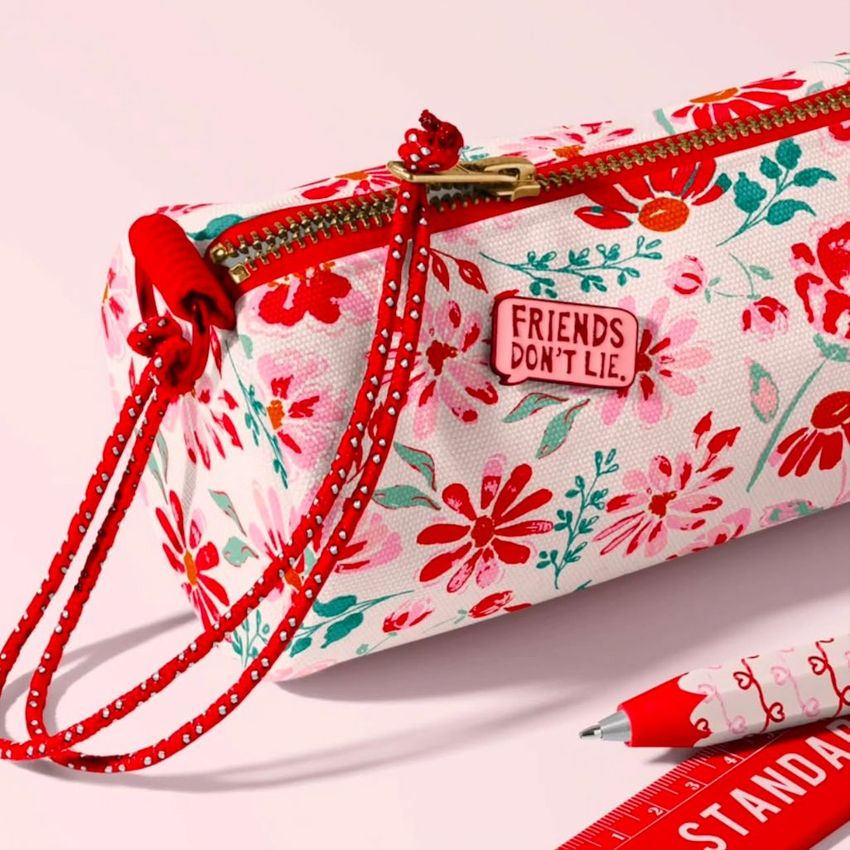
A fabric pencil case is a soft zippered product used to carry writing instruments. A paper pencil box is retail or presentation packaging made from folded card or paperboard. A wooden pencil box is a rigid storage or gift product, while a crayon box is packaging designed specifically for a crayon set. These products have different seams, folds, closures, edges, and editable surfaces, so choose the mockup that matches the physical item you intend to sell. Check the individual product details before using a box mockup to represent a specific manufacturer's packaging.
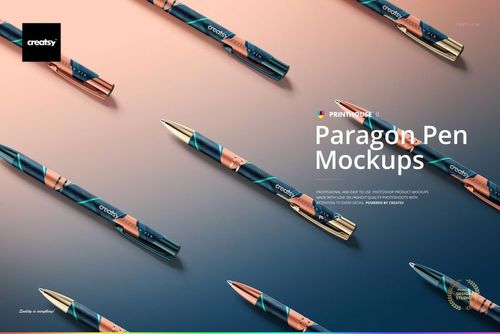
No. The set presents the specific pen style shown in its preview images across six editable Photoshop scenes. Use the previews to compare the silhouette, clip, metallic details, visible artwork area, and viewing angles with the product you want to present. The mockup does not provide a manufacturer's exact pen dimensions, printable area, engraving template, pad-print specifications, or production tolerances. Confirm those details with the supplier of the physical pen before manufacturing.
Customization varies by product. You can generally replace sample artwork and adjust selected product colors. Additional editable elements may include individual pencil barrels, wood, erasers, ferrules, backgrounds, pencil cases, holders, boxes, packaging panels, props, shadows, or other scene details. Check the screenshots and Product Details section for the exact controls included in each file. The mockups are designed for Adobe Photoshop. Many products also work in Photopea, but compatibility varies. Most editable documents use PSD format, while selected larger files may use PSB. Mockups are presentation files, not manufacturing templates. They do not replace exact dimensions, print or engraving areas, wrap templates, dielines, bleed, safe zones, materials, regulatory requirements, samples, or production proofs. Exported visuals may be used in permitted listings, advertising, portfolios, catalogs, presentations, and social media according to the selected license. Source Photoshop files may not be resold or sublicensed.

Why use Writing Instrument mockups?
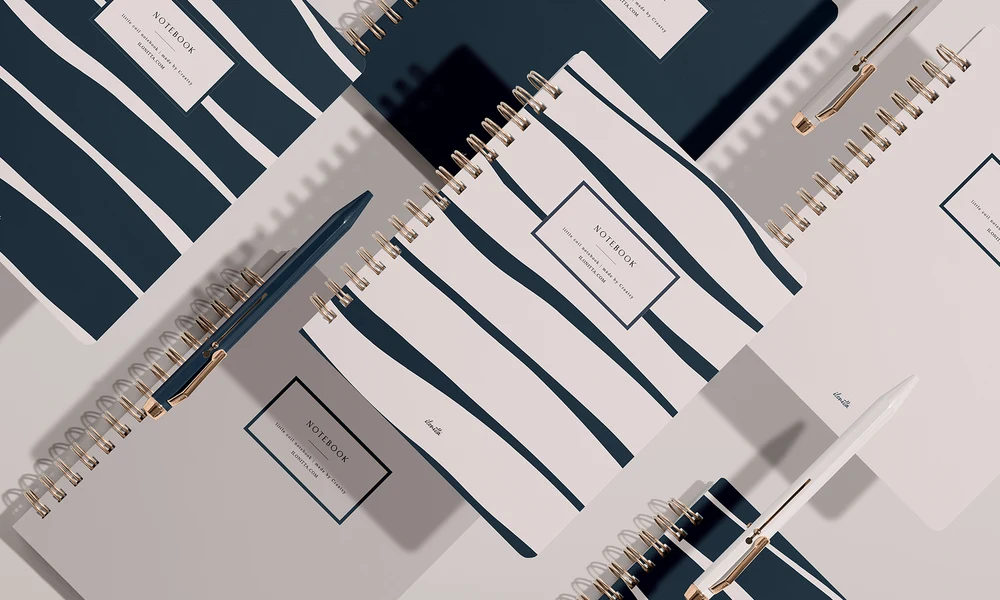
Writing instruments place artwork on narrow surfaces where typography, logos, and repeating patterns can become difficult to evaluate as flat rectangular designs. Pen and pencil barrels may be curved or faceted, and their visible artwork must work together with clips, metallic tips, ferrules, erasers, sharpened wood, and other construction details. Mockups turn the original artwork into a clearer product presentation. Use individual pencil closeups to show small logos, names, patterns, ferrules, and erasers in detail. Multi-pencil arrangements help present coordinated sets, different colorways, or several designs in one visual. A fixed flat lay can provide a consistent listing image, while grouped and angled scenes add variety to catalogs, portfolios, and campaigns. Pencil cases, paper boxes, wooden boxes, crayon packaging, and holders extend the presentation beyond the instrument itself. They help show how a collection works across textile surfaces, folded packaging panels, rigid storage products, and complete school-supply concepts without manufacturing and photographing every early variation. Layered Photoshop files and Smart Objects let you replace the sample artwork while preserving the prepared perspective, surface shape, lighting, shadows, reflections, paper folds, fabric texture, and product details. Depending on the selected mockup, you may also be able to adjust individual barrel colors, wood, backgrounds, packaging, holders, props, or other scene elements. Separate Photoshop files and independent Smart Objects must be edited individually. Export the finished visuals for product listings, client approvals, licensing presentations, wholesale catalogs, portfolios, advertising, back-to-school campaigns, promotional concepts, and social media. Use the mockups to communicate the intended visual direction and compare design options. For final manufacturing, rely on the supplier's exact dimensions, print or engraving specifications, dielines, materials, physical samples, and production proofs.
FreeCreatsy® Mockups