
 $2900
$2900
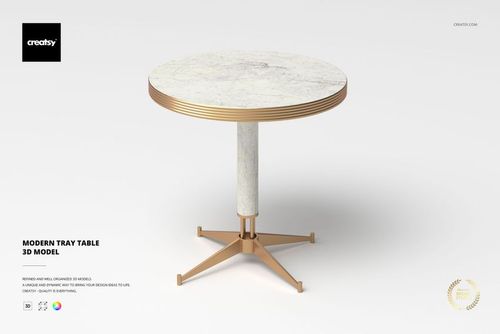 $1900
$1900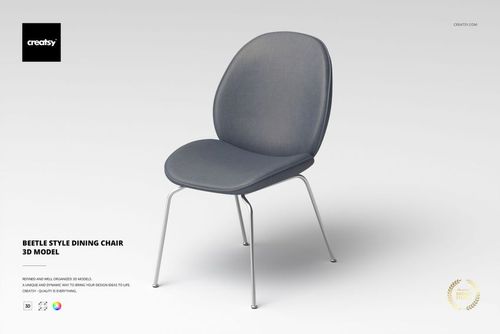
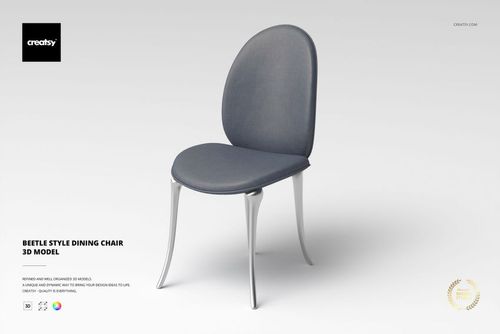
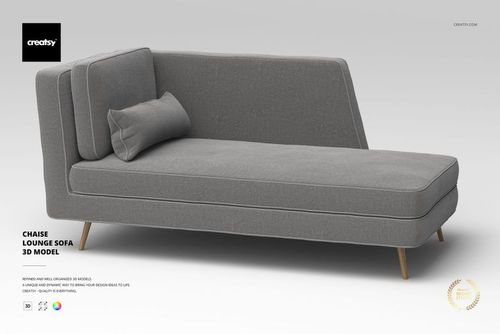
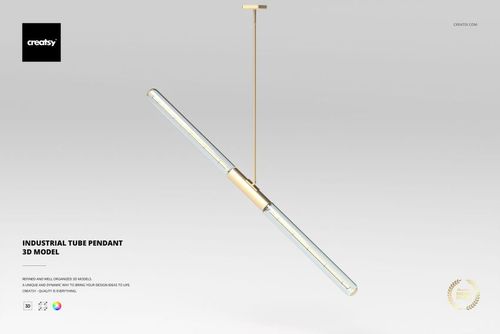
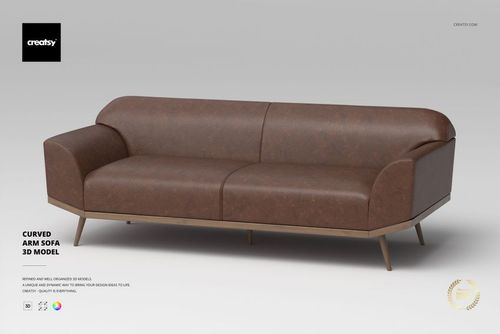 $2900
$2900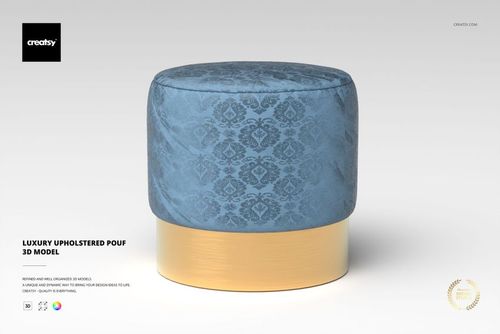
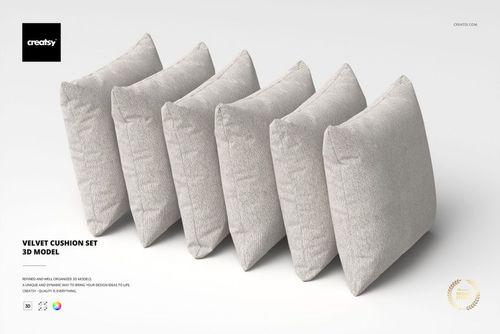 $1900
$1900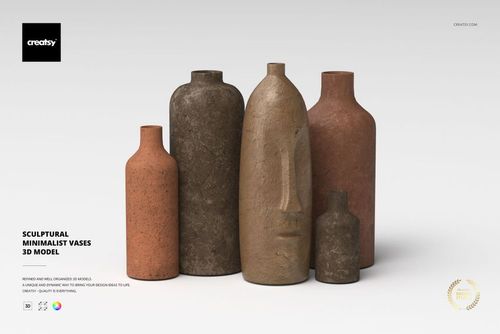
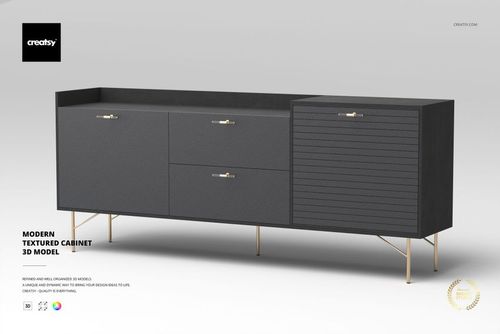
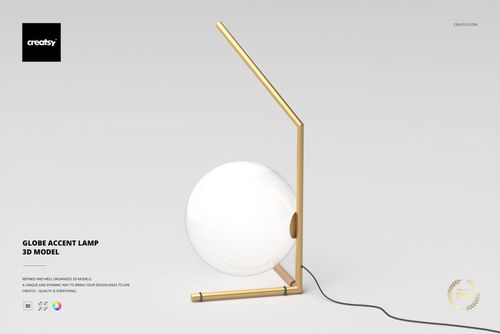
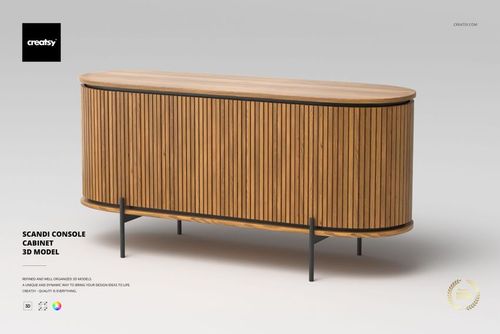
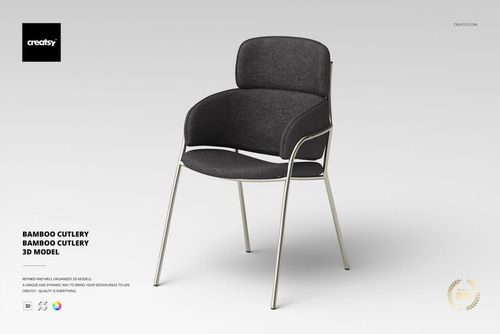
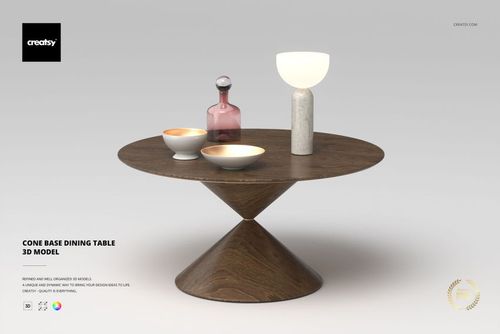
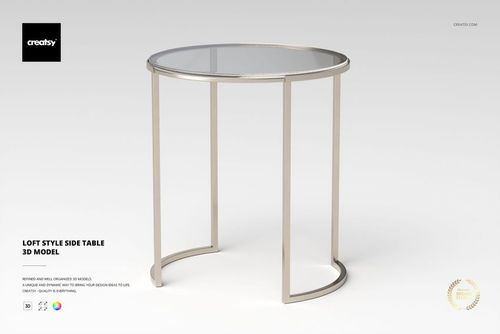
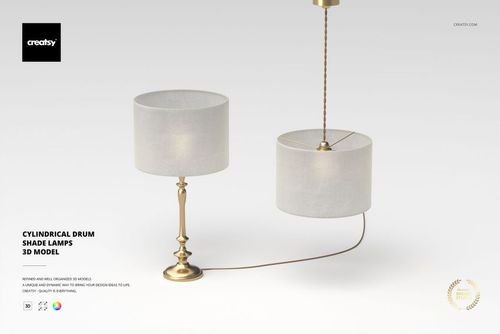
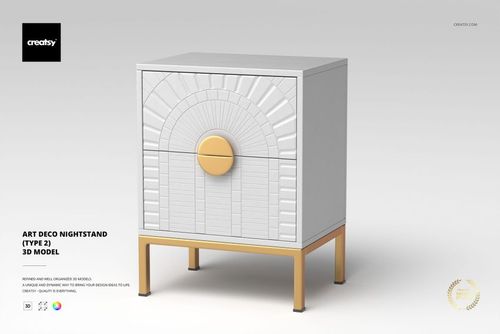
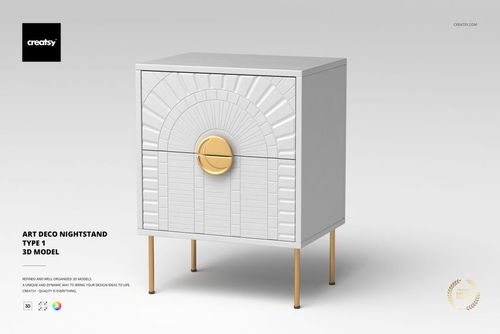
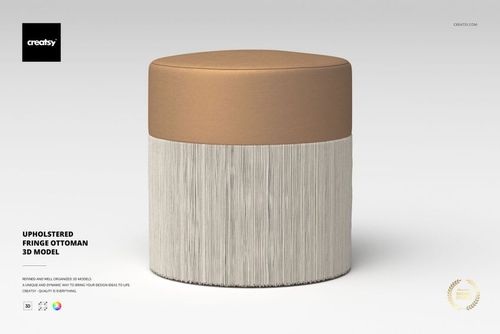
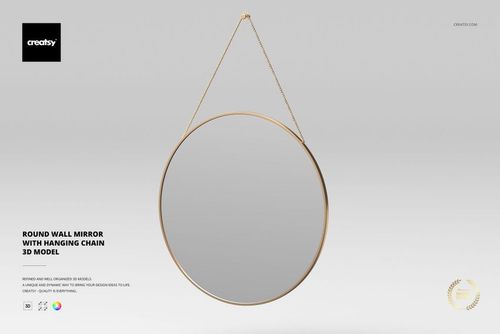
3D Models
Render-ready 3D models of furniture, lamps, and home decor - built native in 3ds Max with V-Ray and exported to OBJ, FBX, USD, and DAE for archviz and product visualization.

Reviews
What 3D artists and studios say after rendering these models in their own scenes.
0
Sort by:
What you get
Render-ready 3D objects built native in 3ds Max with V-Ray, exported to open in any major 3D application.
Five Formats, Every Pipeline
Each model ships as an archive with .max (native, plus an earlier-version .max for older 3ds Max), .fbx, .obj, .usd, and .dae - so the geometry opens in 3ds Max, Blender, Maya, Cinema 4D, or any USD-based pipeline. No special plugin needed to open the scene.
- Native .max plus an earlier-version .max
- .fbx, .obj, .usd, and .dae exports
- Opens in any major DCC, no plugins required
Native V-Ray Materials
The .max and .fbx files carry V-Ray materials with links to the Chaos Cosmos V-Ray Material Library, ready to render in 3ds Max with V-Ray. A V-Ray license is required, and the materials work only in .max and .fbx - in other renderers you assign your own shaders to the UV-ready geometry.
- V-Ray materials load straight in 3ds Max
- Chaos Cosmos material library links included
- V-Ray license required; .max and .fbx only
Clean Topology, Unwrapped UVs
Geometry is built with optimized quad/tri topology and unwrapped UVs, with organized object names, layers, and groups. It imports clean and ready to texture or subdivide - no remeshing or UV repair before you can use it.
- Optimized quad/tri topology
- Unwrapped UVs ready for your own materials
- Organized object names, layers, and groups
Real-World Specs Listed
Every product page lists the polygon count, real-world dimensions in centimeters, and part count, so you know the scale and weight of what you are importing before it enters your scene.
- Polygon count per model
- Real-world dimensions in centimeters
- Part count for multi-piece objects
Who are these 3D models for?
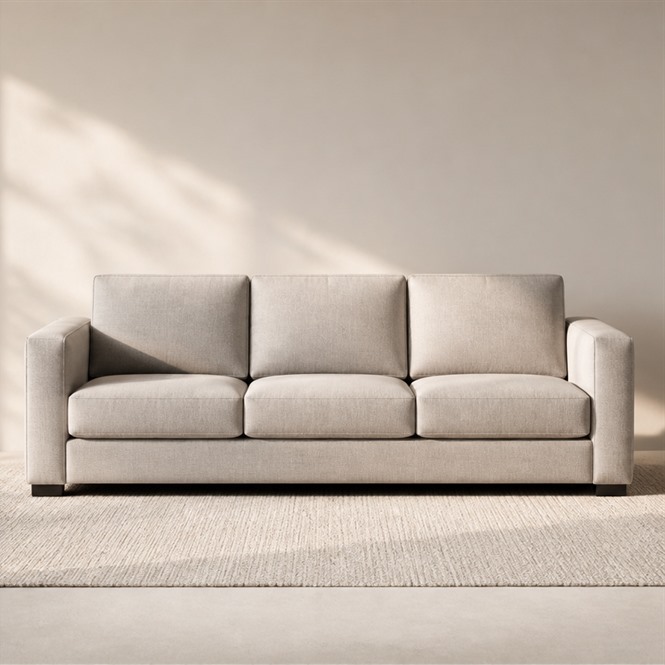
For interior designers & decorators
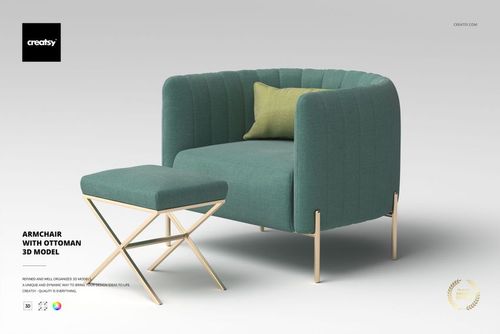
Drop a 3 seater sofa, an upholstered bed, or an Art Deco sideboard into a rendered room to test a layout before you order or build anything.
Furnishing a room? Browse furniture 3D models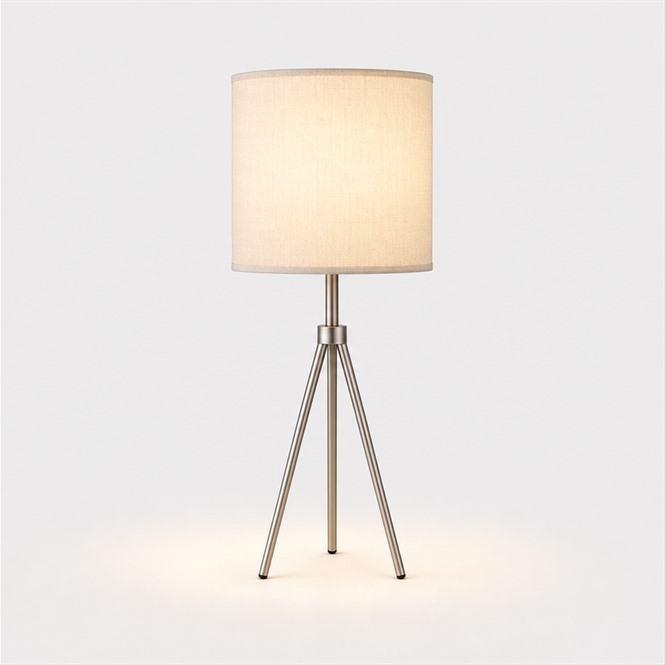
For ad & set-scene builders
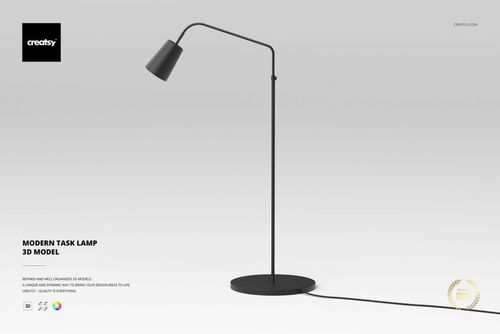
Light a scene the way you want it read: a floor lamp, a bedside lamp, or a five-light chandelier sets the mood and the shadows in one render pass.
Lighting the set? Browse lamp & lighting 3D models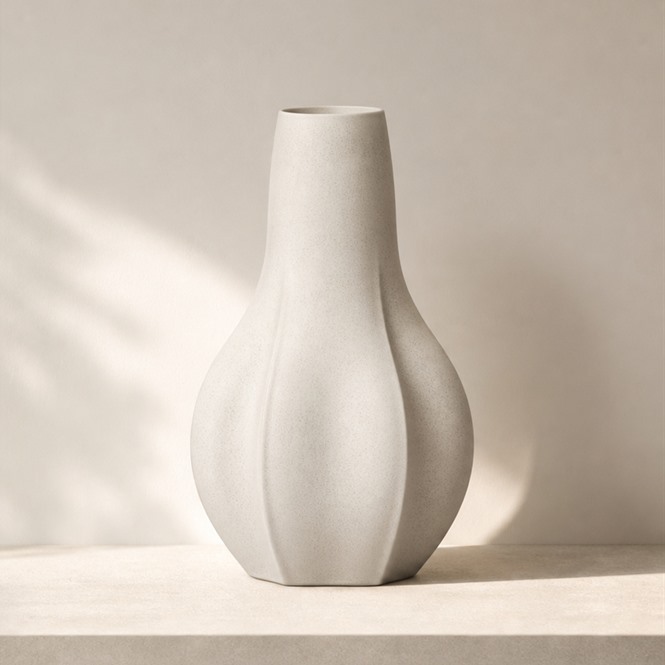
For archviz artists
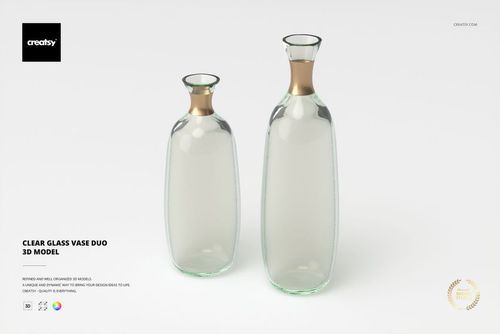
Dress a finished render with a fluted vase, a wall mirror, or an abstract sculpture so the room reads styled, not empty.
Final styling pass. Browse decoration 3D models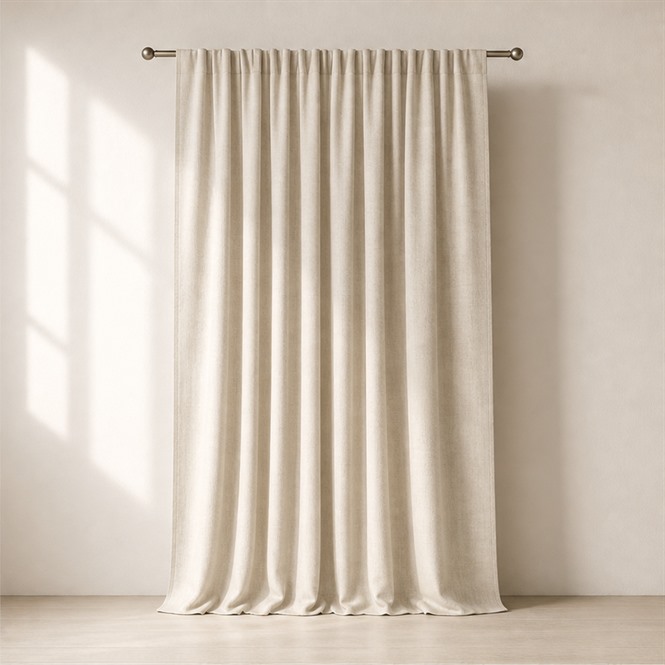
For real-estate staging artists
Lay a faux sheepskin rug under the furniture so an empty room reads warm and lived in, the soft layer that makes buyers picture the space as home.
Warming a bare floor? Browse fabric 3D models
FAQs
Each download is an archive containing the model in .max (native, plus an earlier-version .max for older 3ds Max), .fbx, .obj, .usd, and .dae. The native software is Autodesk 3ds Max and the native renderer is V-Ray.
Yes. The .fbx, .obj, .usd, and .dae exports open the geometry in Blender, Maya, Cinema 4D, and other DCC apps, with clean topology and unwrapped UVs ready for your own materials. The V-Ray materials are included in the native .max file (a V-Ray license is required); in other apps you apply your own materials to the clean geometry.
The native .max file includes V-Ray materials, with links to content from the Chaos Cosmos V-Ray Material Library (a V-Ray license is required to use them). The interchange formats (.fbx, .obj, .usd, .dae) carry the geometry; if you do not use V-Ray, you assign your own materials to the clean, UV-unwrapped geometry in your renderer.
No. These are objects, not scenes - lights, cameras, rigging, and animation are not included, so you keep full control over lighting, camera angles, and backgrounds in your own scene.
Yes. Each product page lists the polygon count, real-world dimensions in centimeters, and part count, so the model imports at correct scale for interior and product visualization.
Why use 3D models?
These models are made for archviz and product visualization, where the work is the scene, not the asset. Furniture, lamps, and decor objects arrive with clean optimized topology and unwrapped UVs, so they drop into an interior or product shot and behave - no remeshing, no untangling UVs before you can texture or light them. They are built native in 3ds Max with V-Ray and exported to .fbx, .obj, .usd, and .dae, so the geometry opens in Blender, Maya, Cinema 4D, or any USD pipeline. Be clear on one point: the V-Ray materials are included in the native .max file and need a V-Ray license; the interchange formats carry the geometry. Open the model in another app and you get correct, UV-ready geometry to assign your own shaders to - not turnkey materials everywhere. Lights and cameras are not included - that is deliberate, so you control lighting, camera angles, and backgrounds in your own scene. Each product lists its polygon count, real-world dimensions in centimeters, and part count, so you know exactly what you are placing.
Creatsy make the best Mockups on the market, no matter what you need to showcase. These mockups are highly customizable, and the lighting in them makes everything look very realistic. You can keep or turn off many of the Items in the mockup, also a great feature giving control over the look you want. They have the most friendly and very helpful support. I highly recommend these mockups!