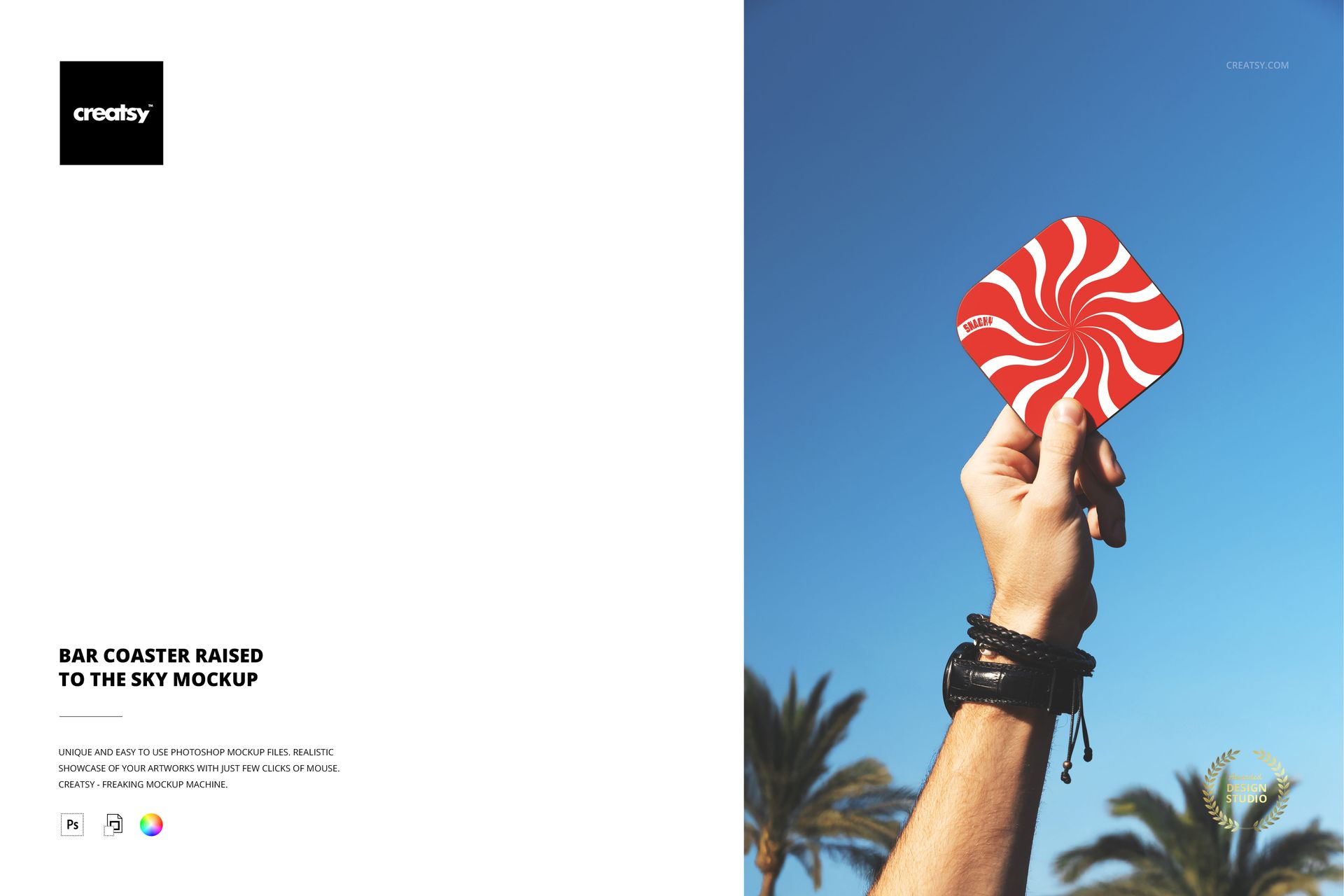
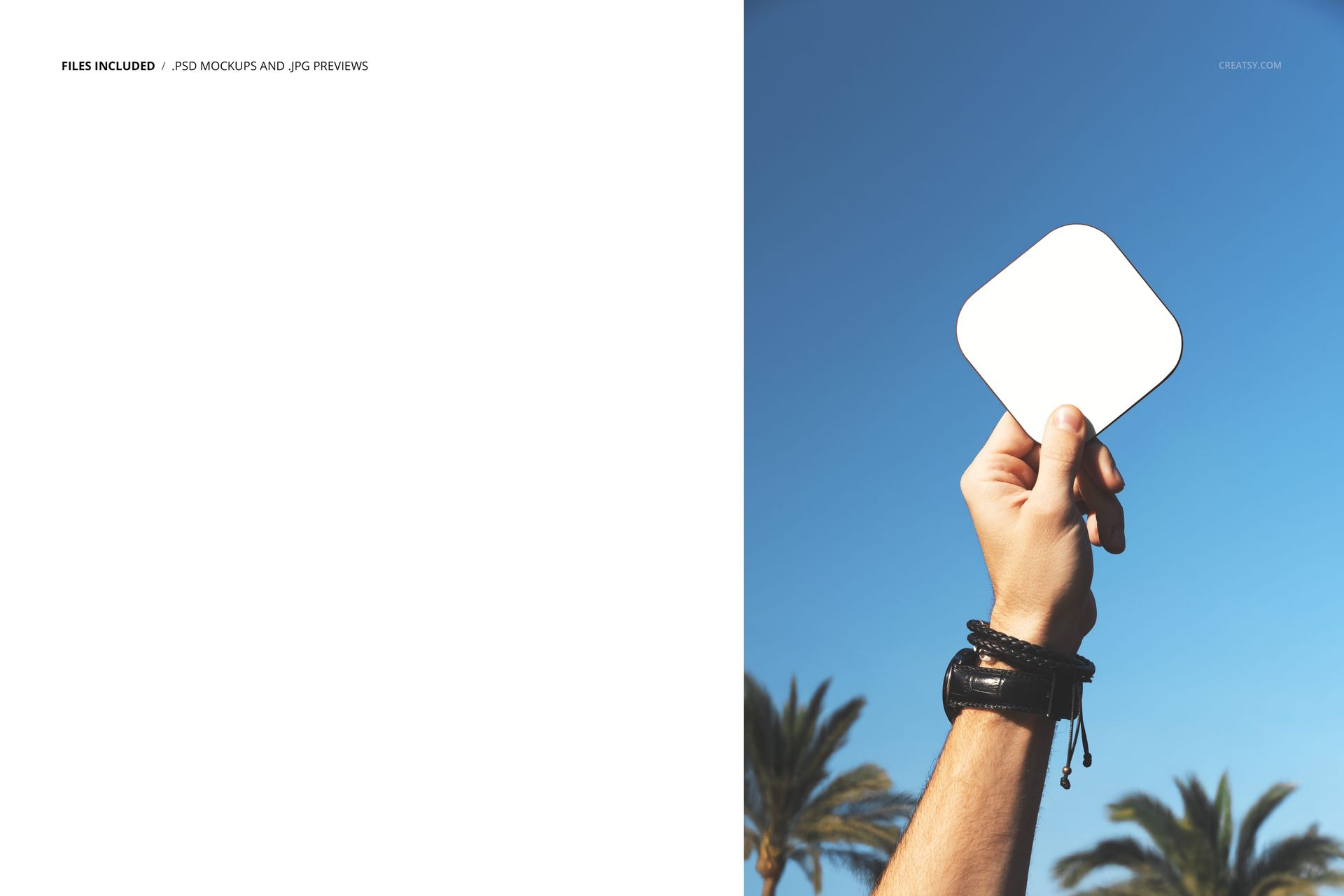
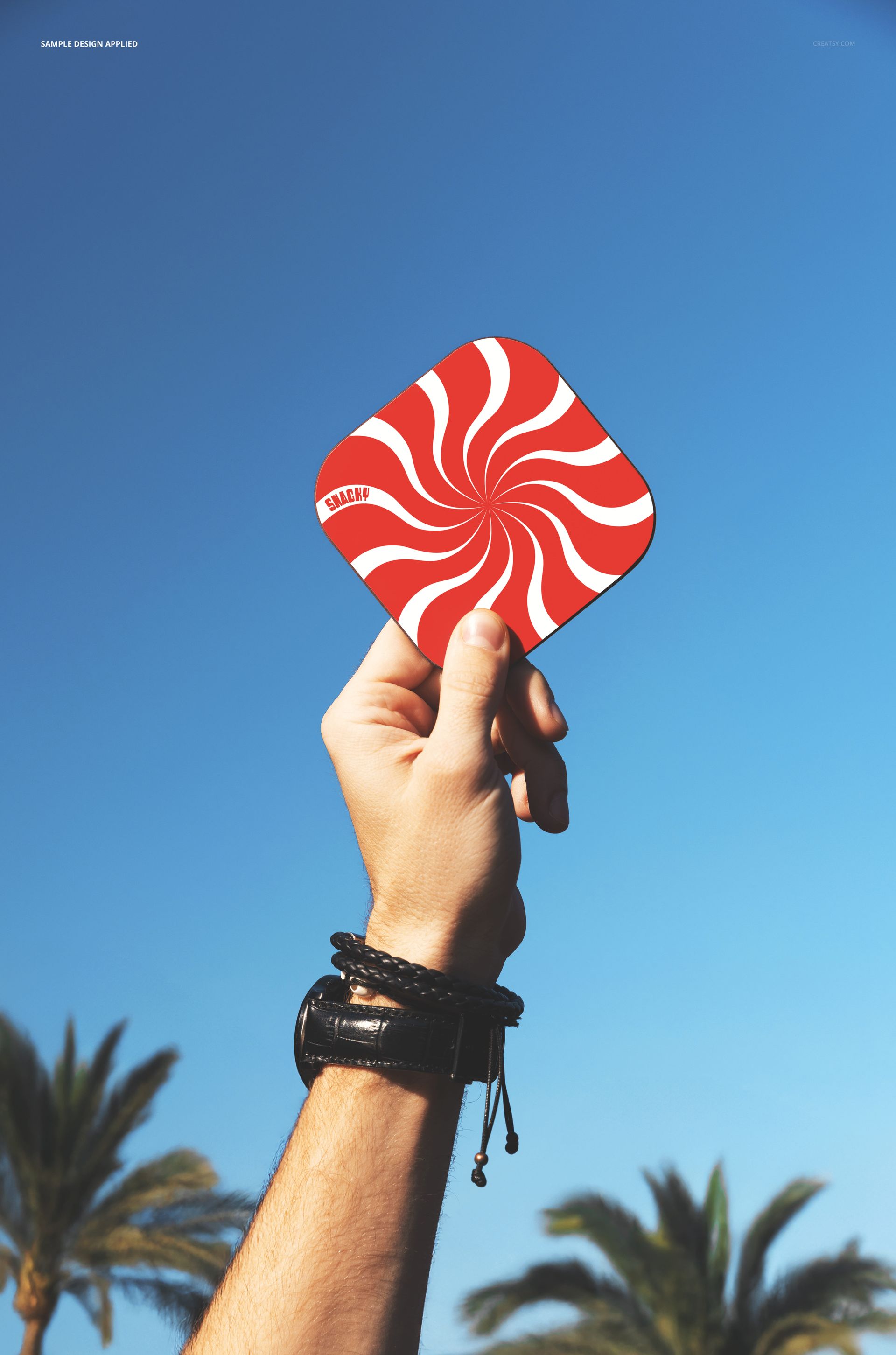
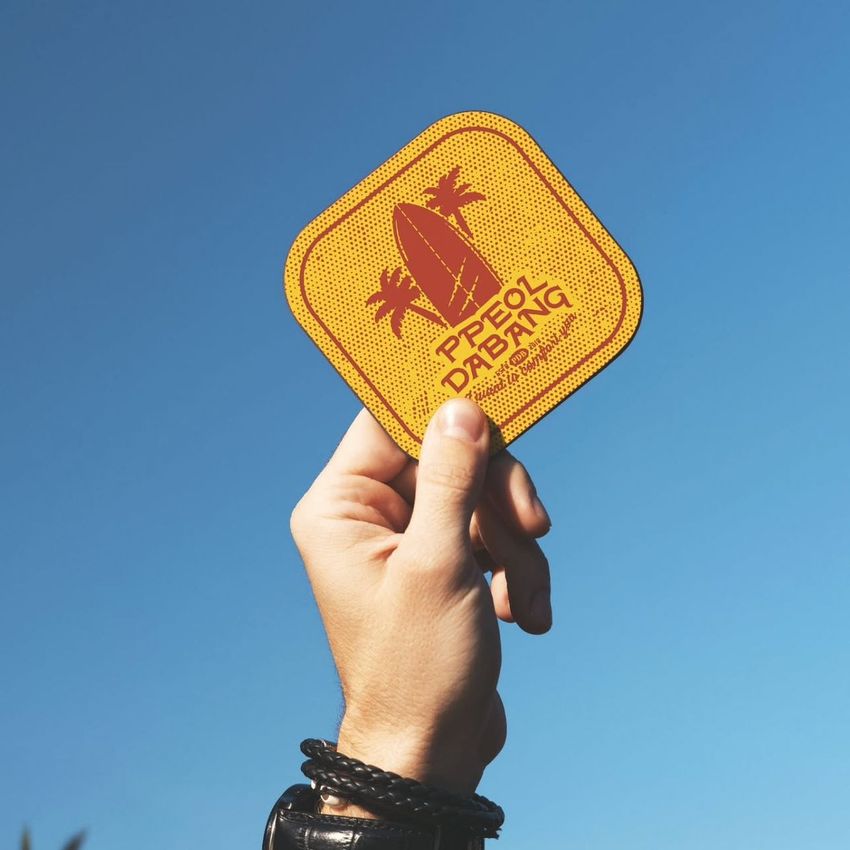
One PSD file at 6000 x 4000 pixels and 300 DPI. A hand holds a bar coaster raised against an open sky. Most coaster mockups show coasters where they belong - flat on a bar, under a glass, stacked beside a tap. This mockup shows a coaster where it has never been: in the air, held up like a trophy, presented to the sky as if the design printed on it deserves to be seen from a distance rather than hidden under a drink. That unexpected elevation transforms a bar accessory into a brand statement. The file opens in Adobe Photoshop CC 2020 or newer and in Photopea, the free browser-based PSD editor.
Why Lifting It Changes the Perception
A coaster on a bar surface competes with glasses, bottles, napkins, menus, and every other object on the counter. A coaster raised to the sky competes with nothing. The blue sky background provides infinite negative space that isolates the coaster design completely, giving the artwork, logo, or pattern the undivided attention it would never receive in its actual bar environment. This isolation makes the mockup ideal for portfolio presentations, brand guidelines, and social media posts where the design needs to be the only visual element in the frame.
The Hand as Brand Endorsement
A hand holding something up is a gesture of endorsement. It says this object is worth showing, worth presenting, worth raising above the surface where it normally lives. For craft breweries, cocktail bars, and hospitality brands that invest in coaster design as part of their brand identity, this gesture communicates that the coaster is not throwaway barware - it is a designed object that someone picked up, examined, appreciated, and decided to hold up for others to see. That endorsement narrative sells the coaster as a brand asset rather than a functional accessory.
Smart Object Workflow
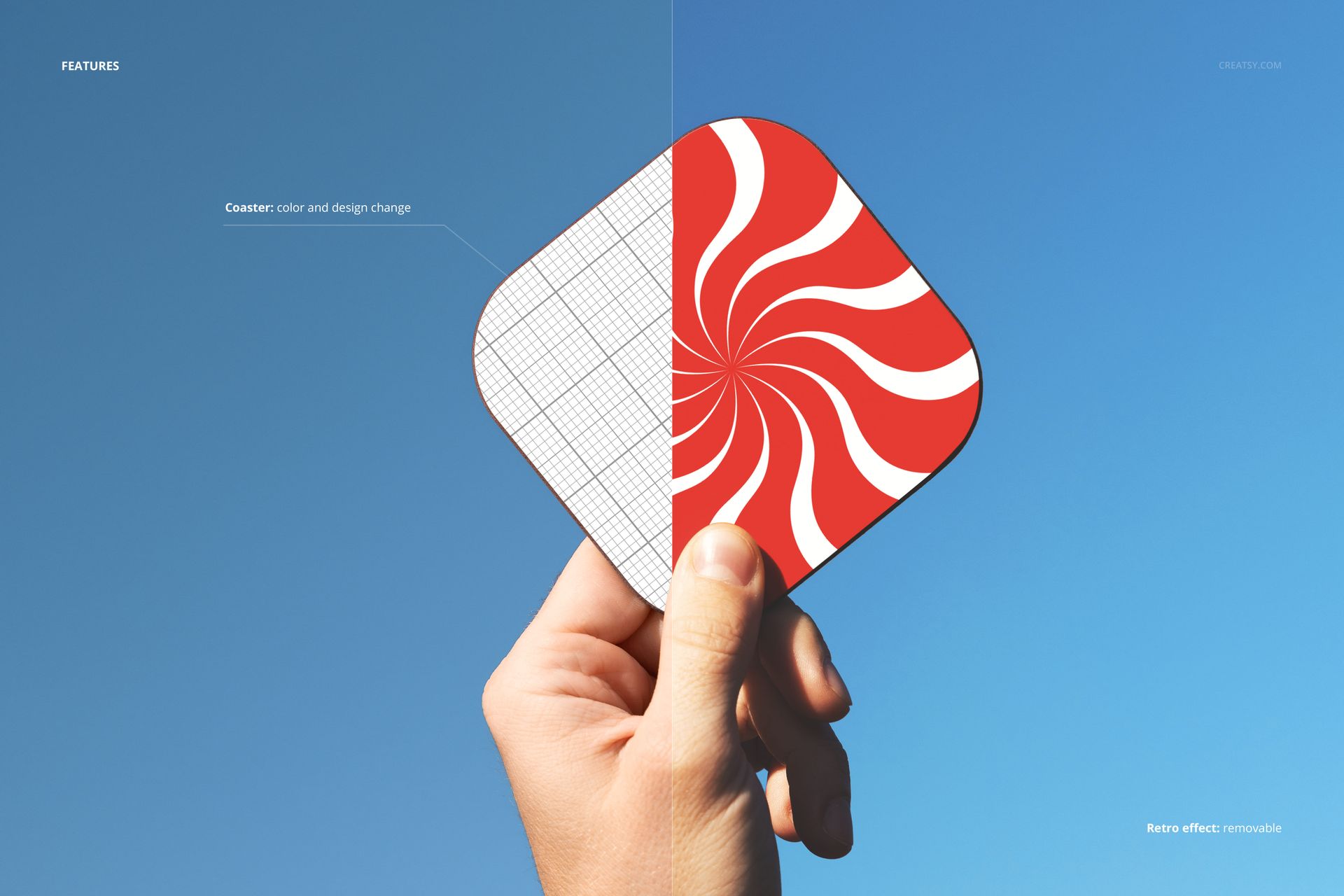
The PSD file contains smart object layers for the coaster surface. Double-click the smart object thumbnail in the layers panel, place your coaster artwork, brewery logo, bar brand pattern, or promotional design into the canvas, and save. The main document updates with your design mapped onto the coaster surface, preserving the natural cardboard texture, the slight edge wear that makes the coaster look real, and the way the sky lighting illuminates the surface from behind the hand holding it.
Social Media Content That Breaks the Pattern
Bar and brewery social media feeds are filled with the same visual content: glasses of beer, taps pouring, bar interiors, food plates. A coaster held up to the sky is visually disruptive because it takes a familiar object completely out of context. That disruption stops the scroll. For bars and breweries posting on Instagram, TikTok, and Facebook, this mockup produces content that stands out in a feed full of identical bar photography because nobody else is showing coasters against the sky.
Technical Specifications
The single PSD file measures 6000 x 4000 pixels at 300 DPI in landscape orientation. The download weighs 51.98 MB. Layers are organized and labeled for efficient navigation between the hand, coaster smart object, sky background, and lighting layers. The compact file size loads quickly in both Photoshop and Photopea, making this mockup efficient for designers producing multiple coaster design variations in a single session.