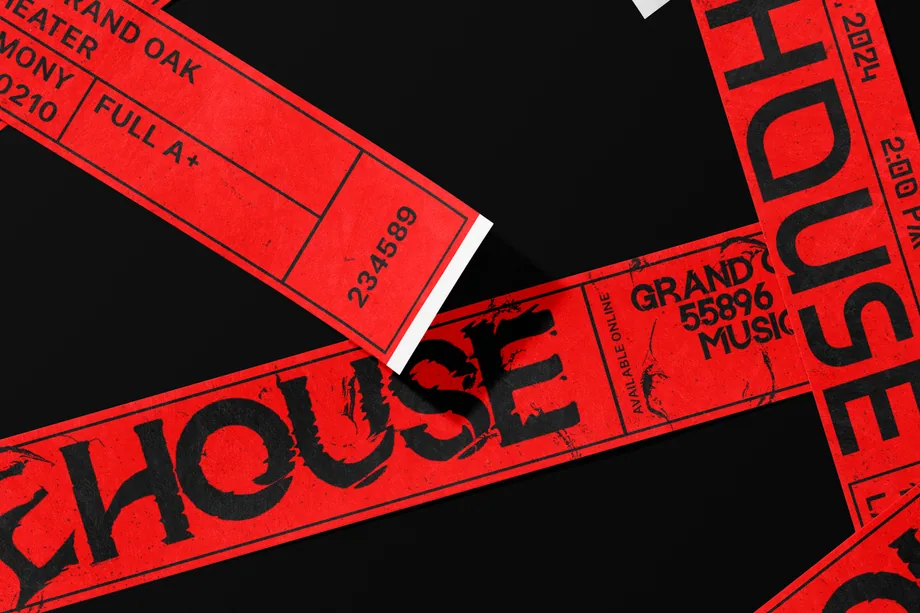
Promotional Product & Giveaway Mockups
Put your logo on wristbands, lanyards, badges and lighters with promotional product mockups. Compare artwork placement on small print areas and present giveaway designs to clients or suppliers before ordering samples for an event or campaign.


Reviews
What designers and brand owners say after using these PSD mockups in real client work.
0
Sort by:
What you get
Professional PSD mockups built in-house - editable, realistic, high-resolution, and supported by real people.
Layered PSD Files
Creatsy mockups are delivered as fully layered Photoshop .psd files, with layers sorted into clearly named groups. Shadows, highlights, and the background each sit on their own editable layer, and nothing is flattened into a single image. Open it in Photoshop or the free browser editor Photopea and get to work.
- Clearly named, organized layer groups
- Shadows and highlights on separate layers
- Editable background, never flattened
- Works in Photoshop or free Photopea
Smart Objects
Open the smart object, paste your artwork, and save. The design lands on the product with the perspective, warp, and wrap already worked out. Scene lighting and shadows fall back on top, so it reads as a photograph, not a flat paste-in. Swapping a design takes seconds, so one file can carry a whole run of variants and colorways.
- Double-click, paste your design, save
- Perspective, warp, and wrap pre-built
- Scene lighting and shadows sit back on top
- One file covers many variants and colorways
High-Resolution Output
Many scenes are built from real product photography rather than 3D renders, so the fabric and surface read like a studio shot. Files export at high resolution and stay sharp at full zoom, with clean edges where the print sits. The same file works for a hero banner, a paid ad or a product listing.
- Real product photography in many scenes
- Exports ready for print
- Holds detail at full zoom
- Works for banners, ads and listings
Easy to Edit
Colors, backgrounds, and artwork sit on separate, clearly named layers, so you swap a color or background without disturbing the rest of the scene. There is no relighting or shadow work to redo, and the same file works for your next project.
- Edit color and background layers directly
- No relighting or shadow rework needed
- No masking or layer skills required
- One file reused across projects
Fast Support
There is a real in-house team behind every file, not a ticket bot. Before you buy, ask whether a specific mockup fits what you have in mind, and we will tell you. When a smart object or a layer group is tripping you up, send the question and you usually get a reply within 48 hours.
- Real in-house team behind every file
- Replies within 48 hours
- Pre-purchase help picking the right mockup
- Answers on smart objects and layer setup
Who are these mockups for?
For car dealers, detailers & auto brands
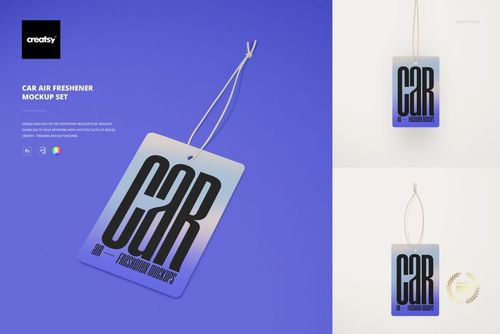
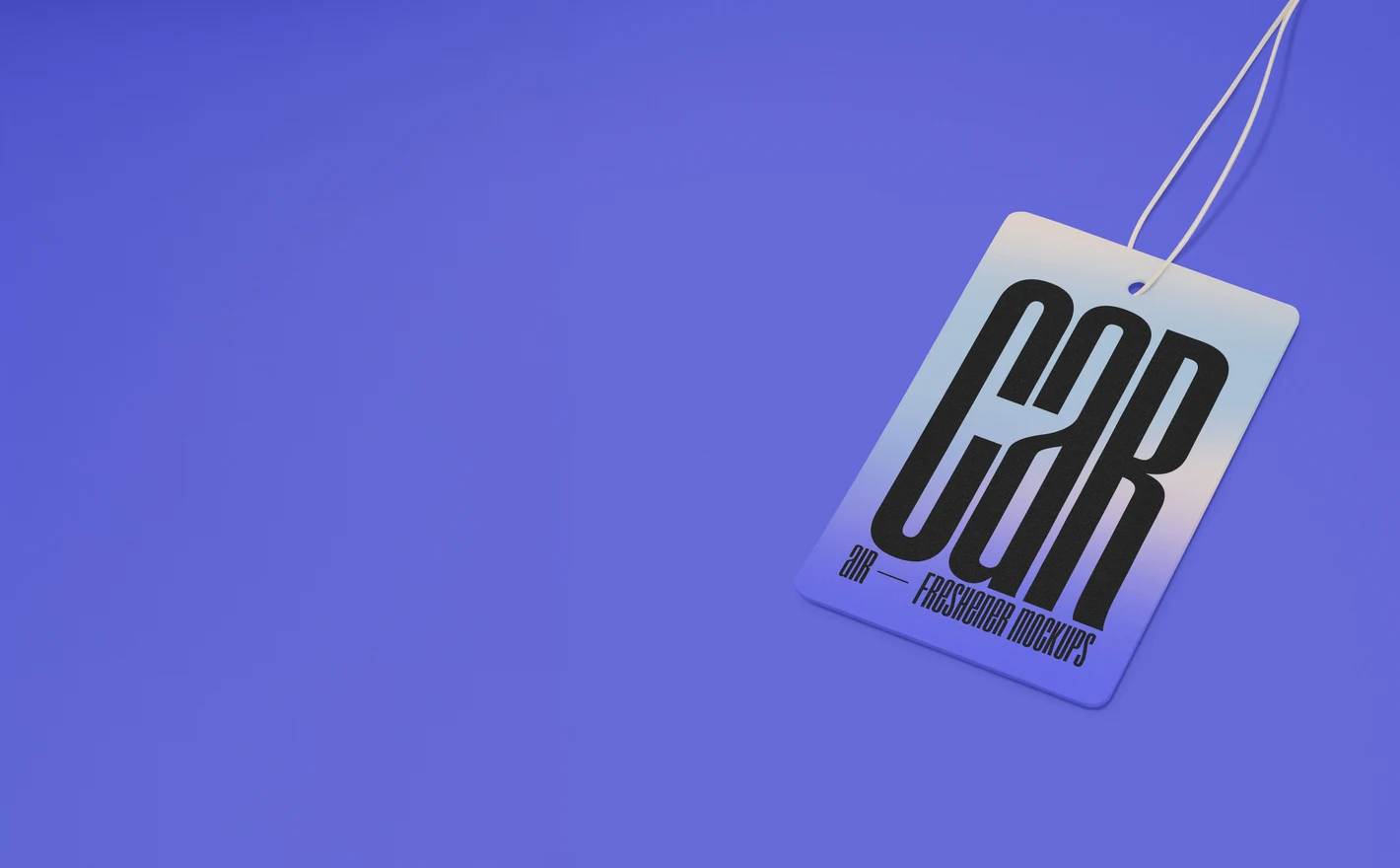
Put the dealership logo or the detailer's pattern into the Car Air Freshener Mockup Set and the print is settled with the supplier from one file. An air freshener hangs in someone's car for a month, a lot longer than most giveaways stay in view.
Ordering fresheners? View the Car Air Freshener Mockup Set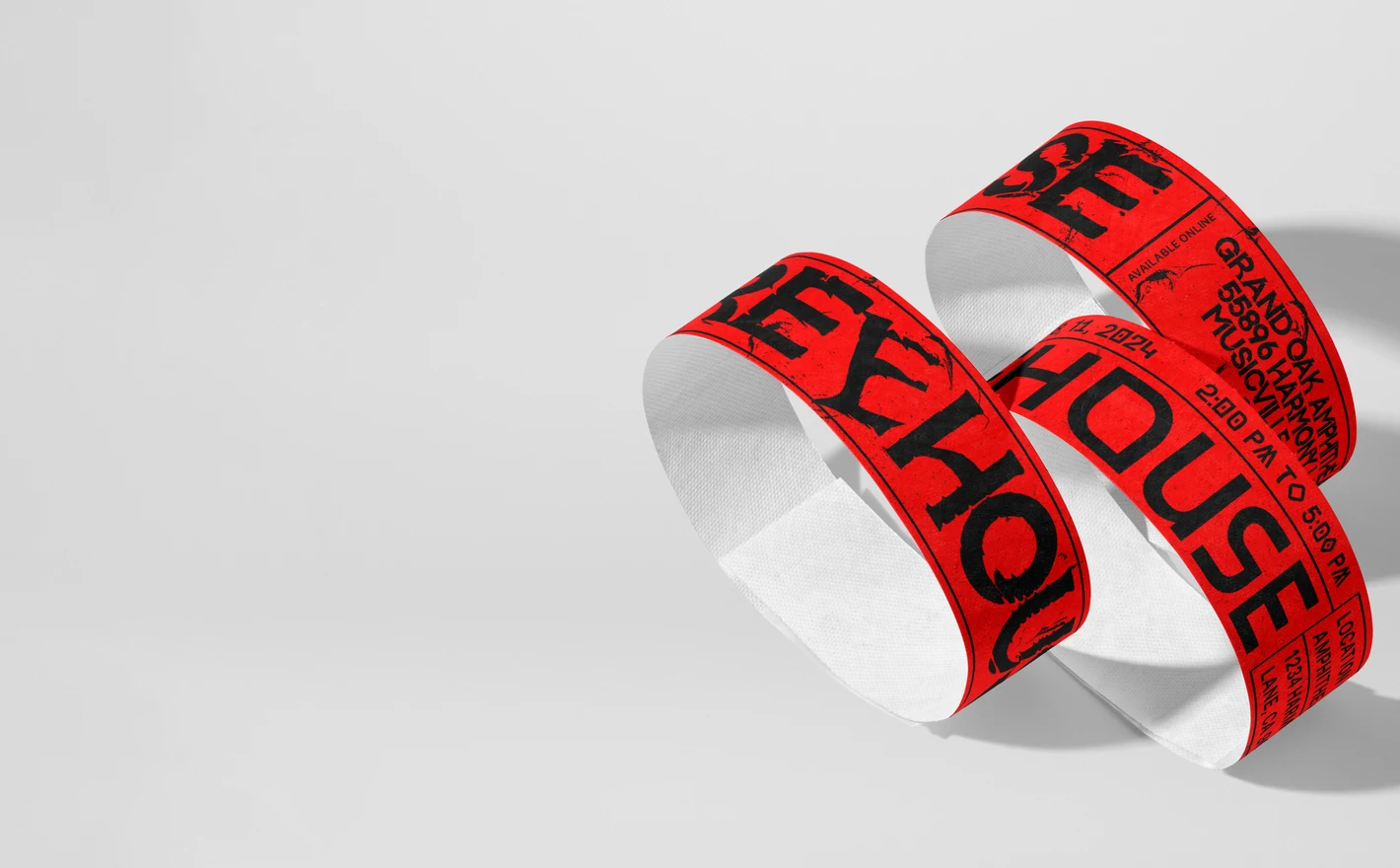
For event organizers issuing access wristbands
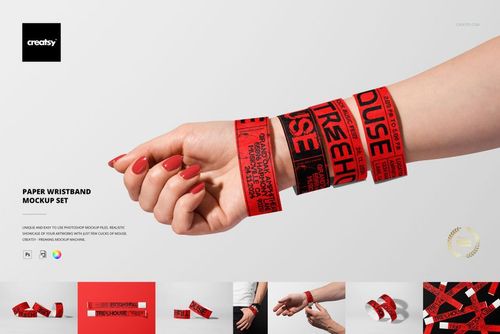
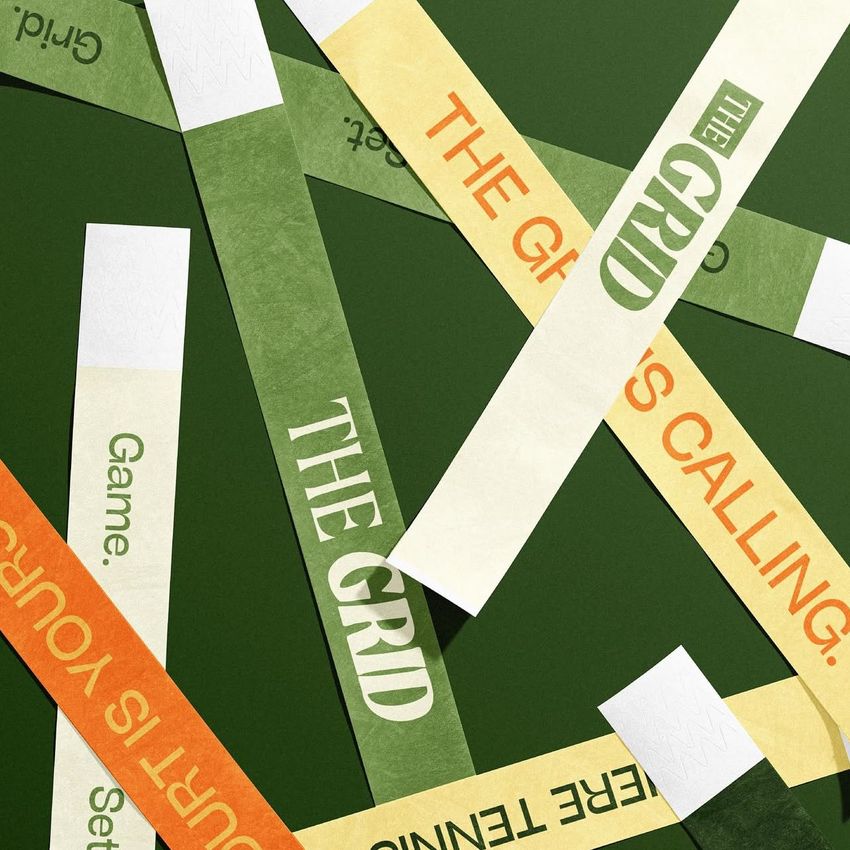
Drop the ticket design into the Paper Wristband Mockup Set and the sponsor logo, the date and the security print all show at wrist size, so the sponsor and the gate team can each check their part. A wristband is a ticket, an ad and a security check on one narrow strip.
Printing wristbands? View the Paper Wristband Mockup Set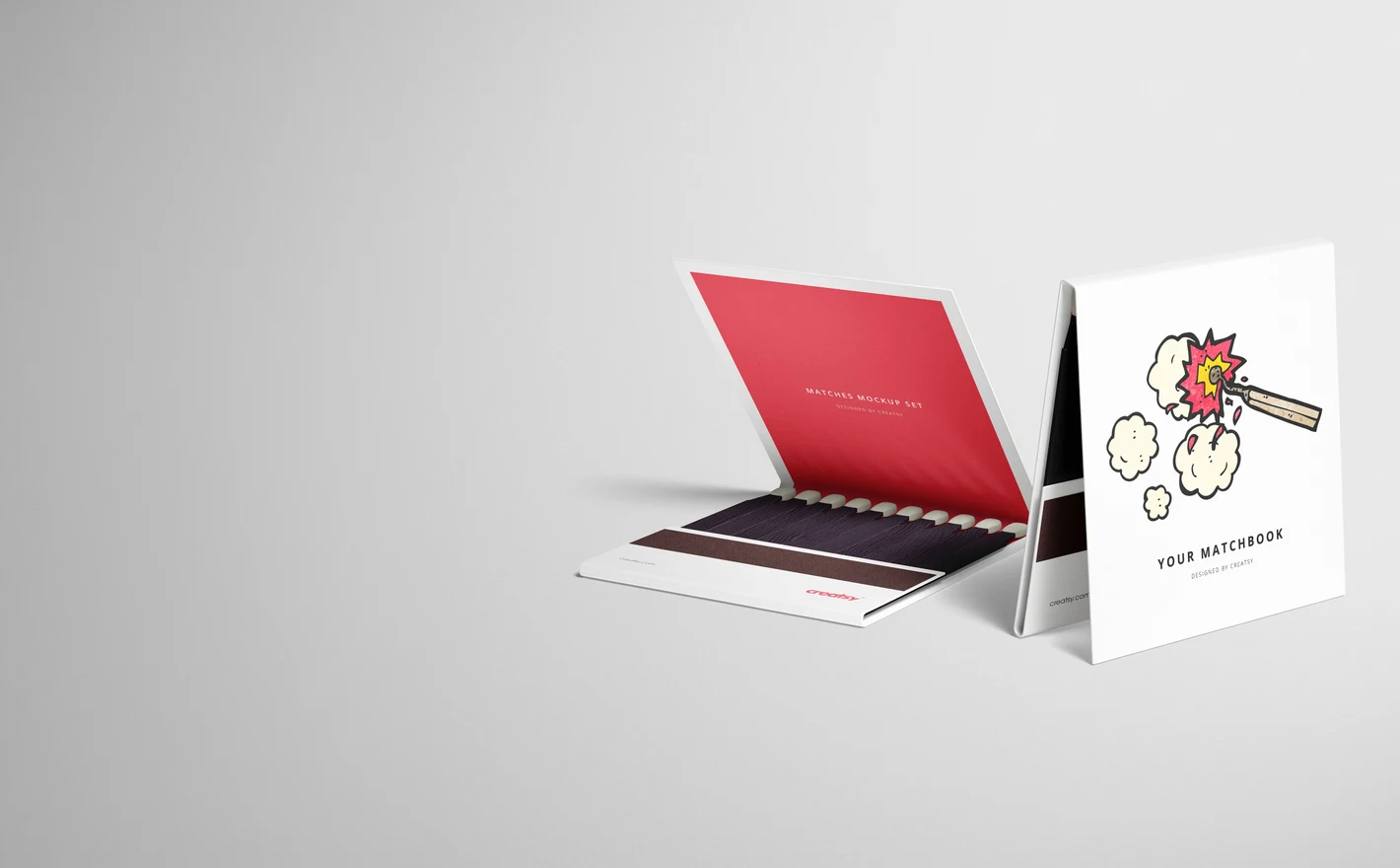
For bars, restaurants & hotels
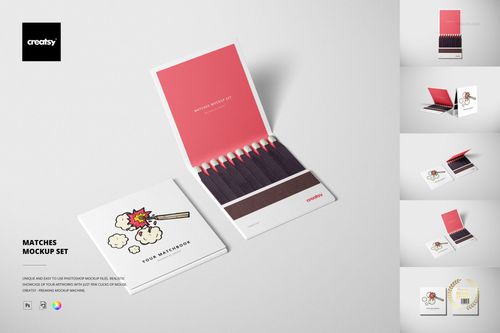
Drop the logo and the pattern into the Matches Mockup Set and the cover is done, which is the part the bar owner will judge it on. People take matchbooks home on purpose, and most giveaways never get that far.
Branding the bar? View the Matches Mockup Set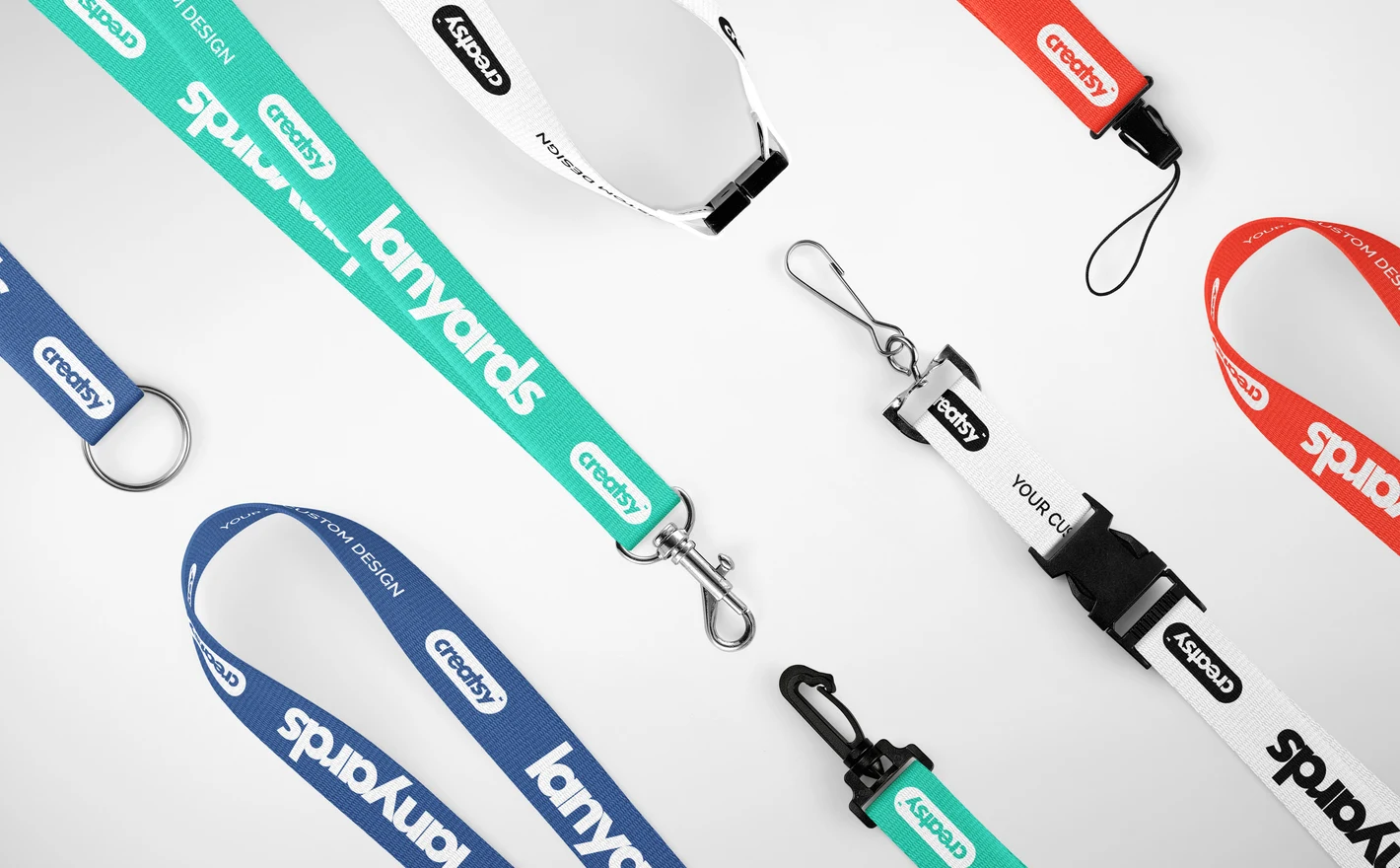
For promotional product suppliers & distributors
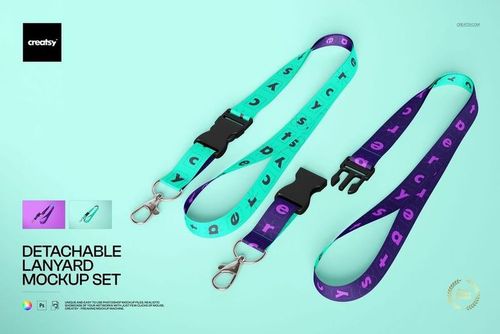
Put the strap print into the Polyester Lanyards Mockup Set and the repeat sits on a real strap with the clip color you've chosen, so spacing gets settled before anyone waits on a sample. A flat strip in a PDF says nothing about where the repeat lands.
Quoting lanyards? View the Polyester Lanyards Mockup Set
FAQs
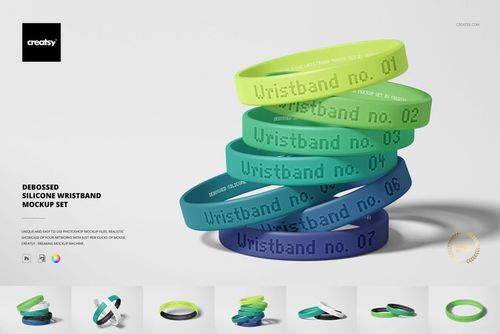
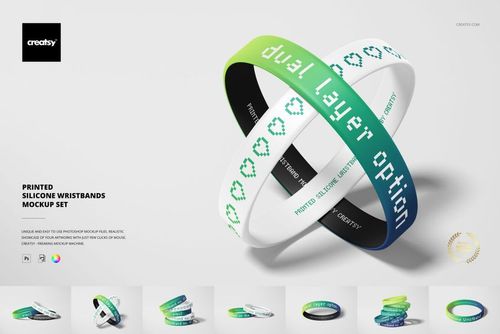
Choose Debossed Silicone Wristbands to present a recessed design, or Printed Silicone Wristbands for a printed surface design. The finish is part of the product presentation, so use the set that matches your supplier's process. The mockup is still a preview, not a manufacturing sample.
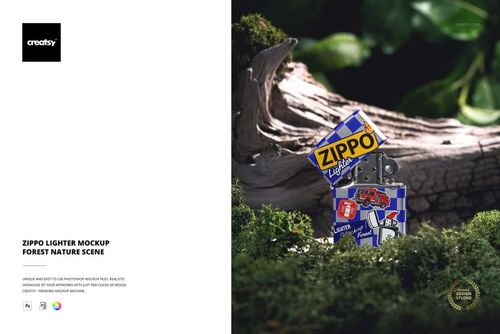
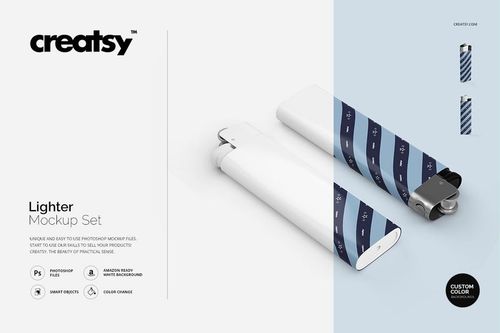
The Zippo Lighter Mockup - Forest Nature Scene is the product-specific option in this category. The Lighter Mockup Set offers a different presentation. Compare the case shape and design area with the lighter you sell, and do not assume that any editable surface includes a built-in engraving effect.
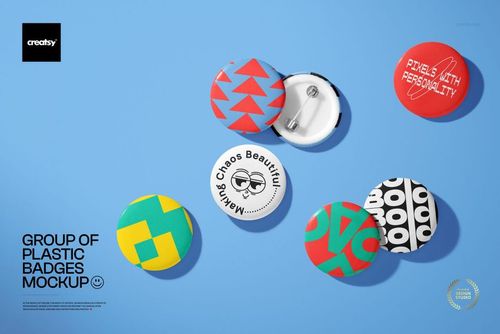
The category has lanyard sets and a Group of Plastic Badges mockup. You can prepare the matching artwork in separate files and place the exported images together in a presentation. This does not automatically create a connected lanyard-and-badge scene; choose a combined scene when that exact arrangement is needed.
Yes. Stacked Event Wristbands on Hand Mockup - Free PSD is available in Freebies with a free account. Check its software requirements and use it to preview your wristband artwork on a hand. Compare the band style with your product before using the result in a sales listing.
Why use Promotional Product & Giveaway mockups?
The giveaway range includes paper and silicone wristbands, badges, lanyards, matchboxes, lighters, Zippo scenes and car air fresheners. These files give event teams and brands a way to present the artwork before ordering a batch. The layered PSDs use Smart Objects, with software requirements and license options on each listing. A wristband shown around a wrist or a lanyard folded in a scene reveals different parts of the artwork from a flat layout. Compare the position of sponsor names, event dates and logos, then prepare another version for a ticket tier, dealer or location. Keeping the same scene makes the differences between the options easier to review. Export the selected designs for proposals, client feedback and product listings. Check the pixel dimensions of the chosen file, including the air freshener sets, before using the image in a large layout. Once the composition is set, it can be reused for later events or campaigns by updating the relevant artwork and colors. Separate product files are edited individually, so plan the views needed for the full giveaway range.
FreeCreatsy® Mockups
Great updates and product, I am thankful for service and happy with new changes. Its easy now to modify. Thanks for changes. Hope it can improved further to match sublimation mockup on polyester