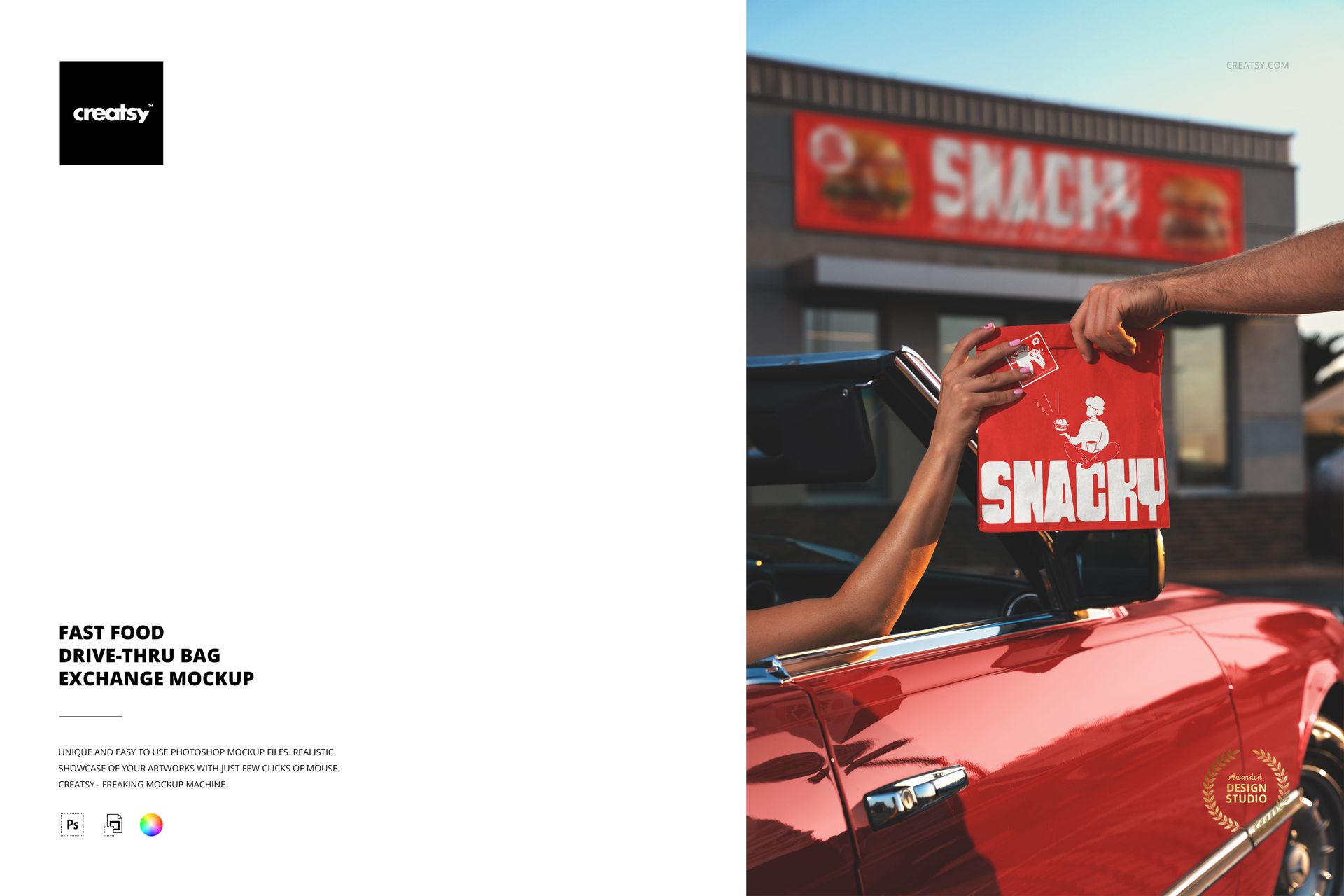
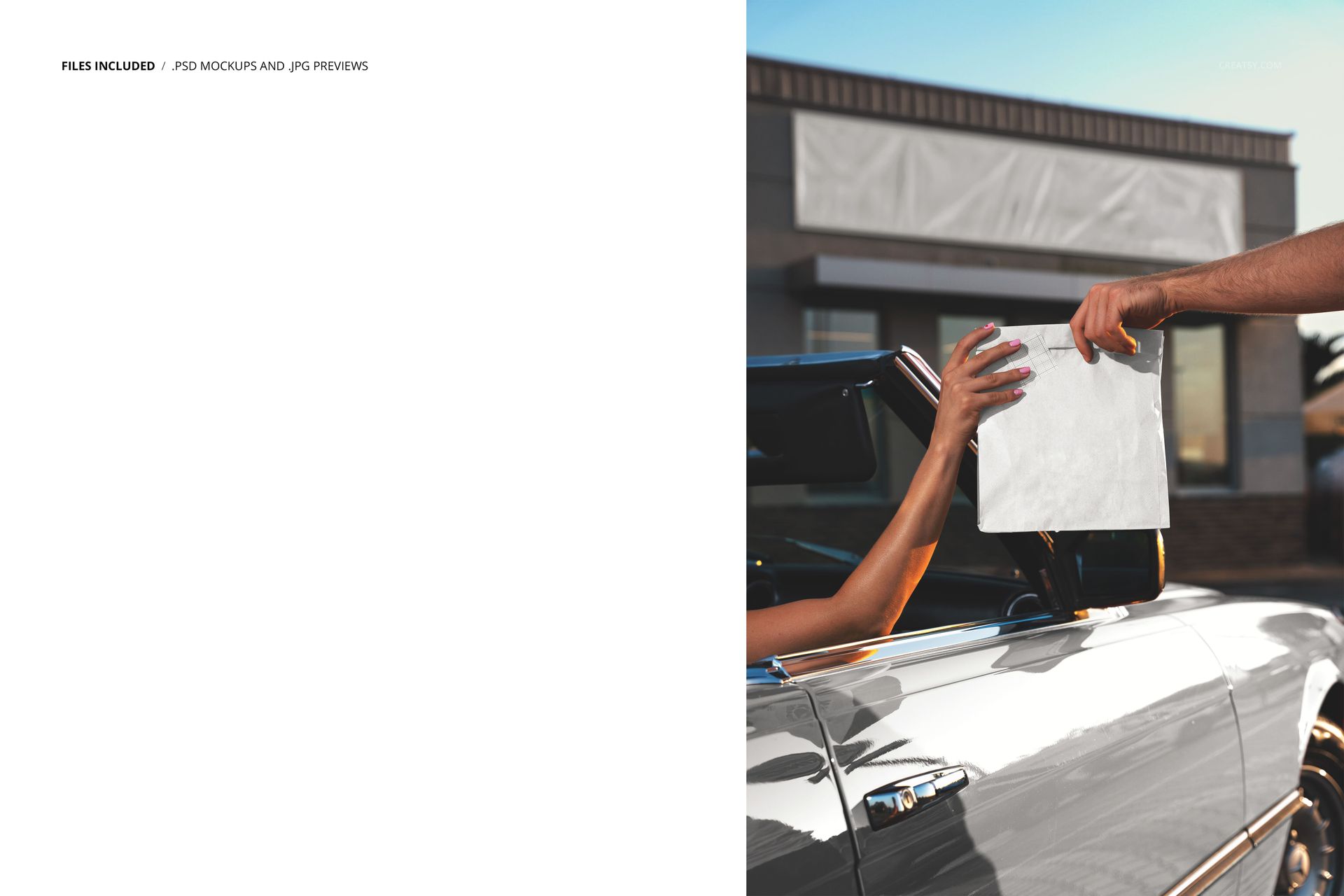
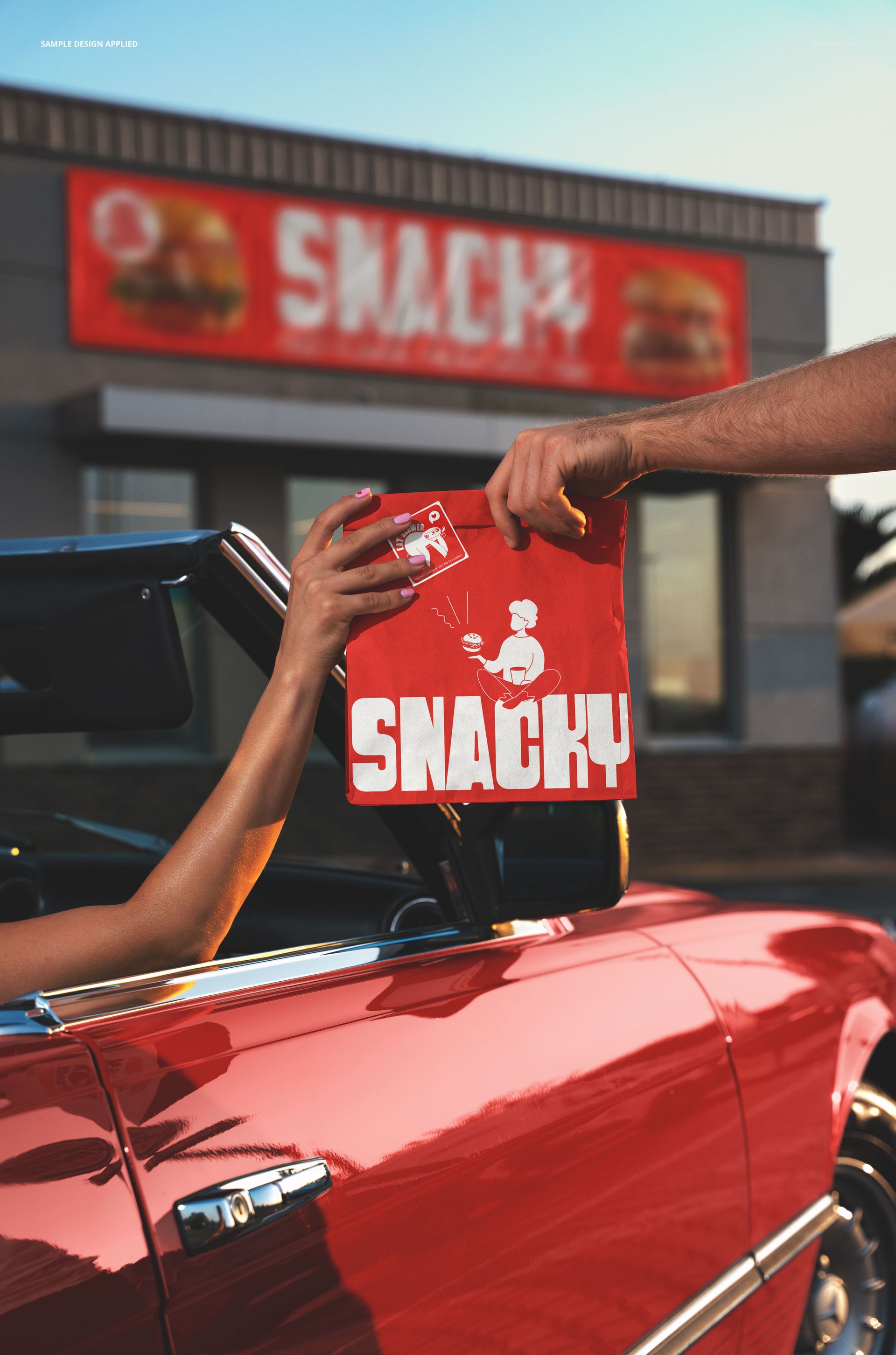
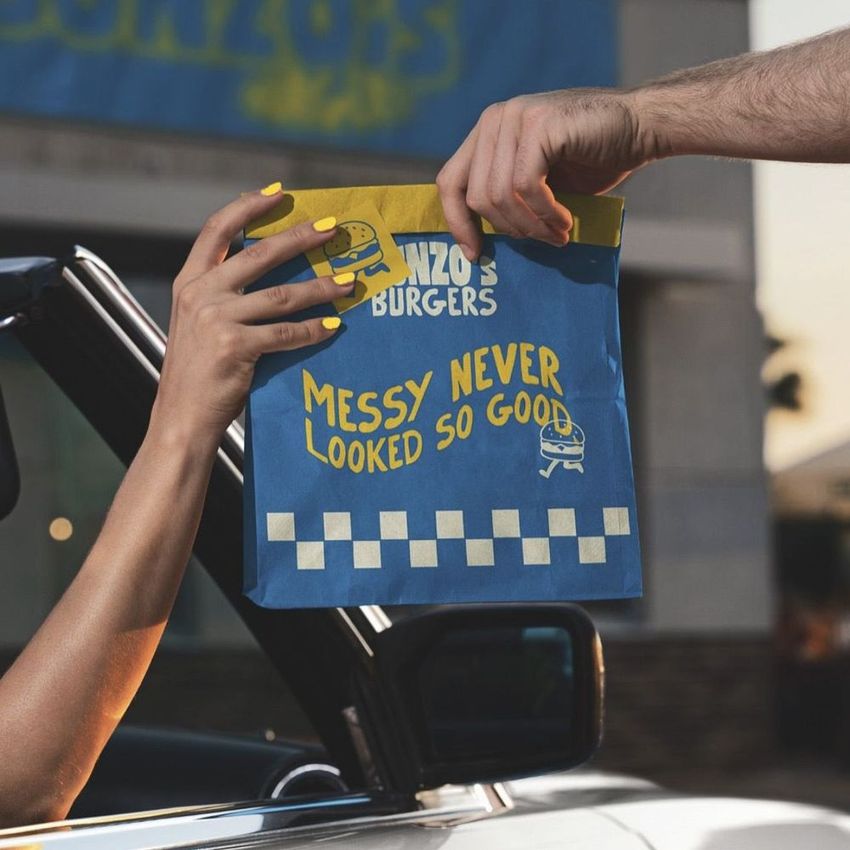
One PSD file at 6000 x 4000 pixels and 300 DPI. Two hands and a paper bag. One hand belongs to the restaurant employee extending it through the drive-thru window. The other belongs to the customer reaching to take it. Between those two hands, for approximately two seconds, the bag is the entire brand experience. The logo, the color, the paper texture, the print quality - all of it is being evaluated in the time it takes to say thank you and pull away. This mockup captures that exact two-second window. The file opens in Adobe Photoshop CC 2020 or newer and in Photopea, the free browser-based PSD editor.
The Shortest Brand Interaction in Food Service
A dine-in customer sees the brand for thirty minutes. A delivery customer sees the packaging for five. A drive-thru customer sees the bag for two seconds while it passes through a window. That compression makes drive-thru bag design fundamentally different from every other form of food packaging. There is no time for the customer to read fine print, appreciate subtle patterns, or notice clever typography. The bag has to communicate brand identity at a glance, through a car window, while the customer is simultaneously checking their order, managing their steering wheel, and processing the employee's farewell. This mockup tests whether your bag design survives that compression.
The Exchange as a Photograph
The drive-thru handoff is one of the most photographed moments in fast food culture. Customers record drive-thru runs for social media, food reviewers film their drive-thru experiences for YouTube and TikTok, and mystery shoppers photograph the bag exchange for quality reports. Every one of those images puts the bag design in focus at the exact angle and distance shown in this mockup. Designing a bag that photographs well during the handoff is not a vanity exercise - it is a practical response to how customers actually document and share their fast food experiences.
Smart Object Workflow
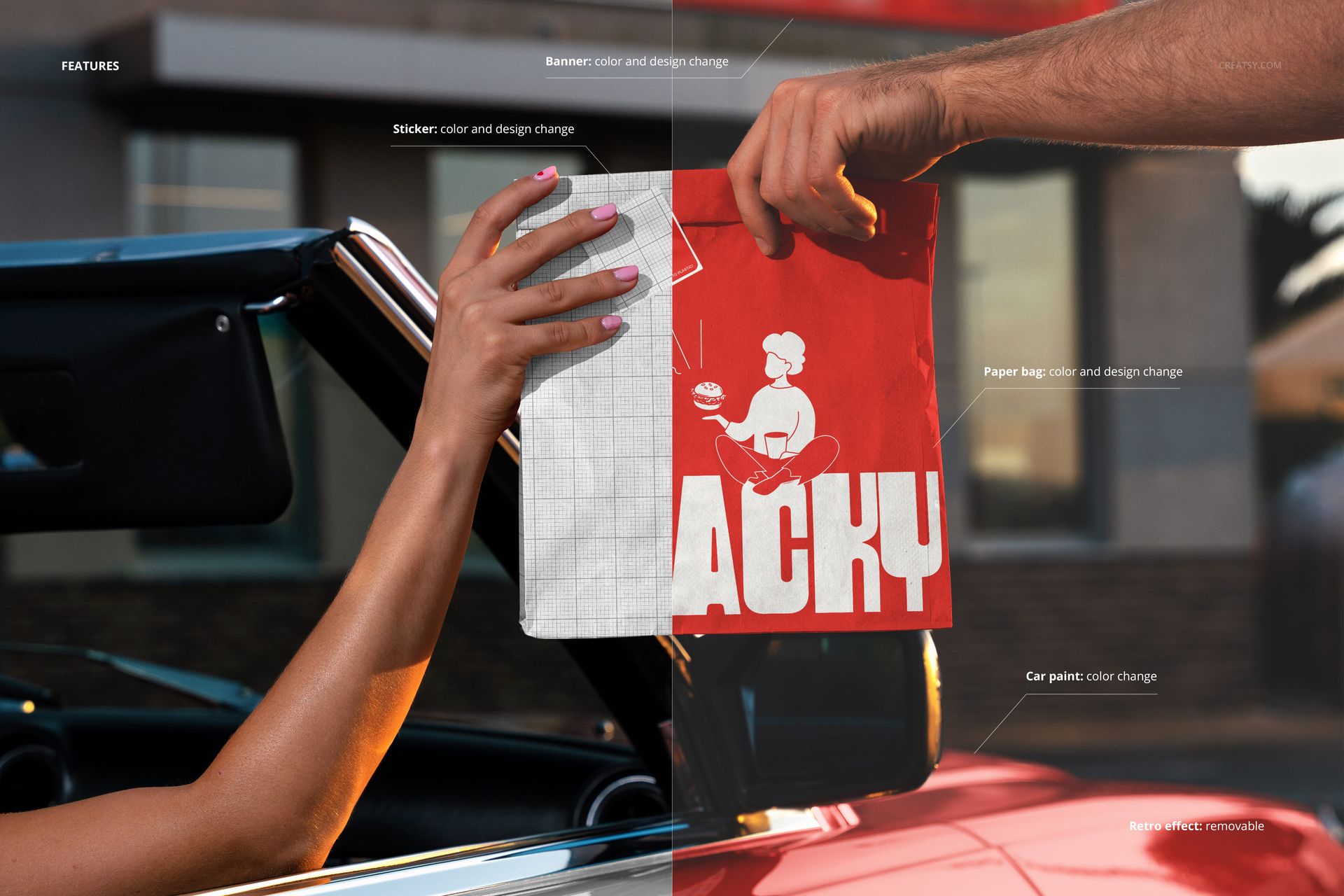
The PSD file contains smart object layers for the visible bag surfaces. Open the file in Photoshop CC 2020 or Photopea, double-click the smart object thumbnail in the layers panel, and place your bag artwork into the canvas. Save and close the smart object canvas. The main document updates with your design mapped onto the paper bag surfaces, including the natural creases where the bag folds, the shadow areas between the fingers gripping the bag, and the way the paper catches light from the drive-thru window opening.
Drive-Thru Operations Branding
For restaurant chains where drive-thru accounts for seventy percent or more of revenue, the bag is not packaging - it is the primary customer-facing brand touchpoint. The dining room might be empty. The website might get moderate traffic. But every car that pulls through that window receives a bag, and that bag represents the brand for the entire car ride home. Quick-service restaurant brands that take their drive-thru bag design as seriously as their menu board design understand that the bag is the last physical impression the customer receives before eating the food inside it.
Technical Specifications
The single PSD file measures 6000 x 4000 pixels at 300 DPI in landscape orientation. The download weighs 175.97 MB. Layers are organized and labeled for efficient navigation between the employee hand, customer hand, bag smart objects, drive-thru window frame, and background environment layers. The landscape format exports directly to website banners, social media posts, investor presentations, and printed franchise training materials.