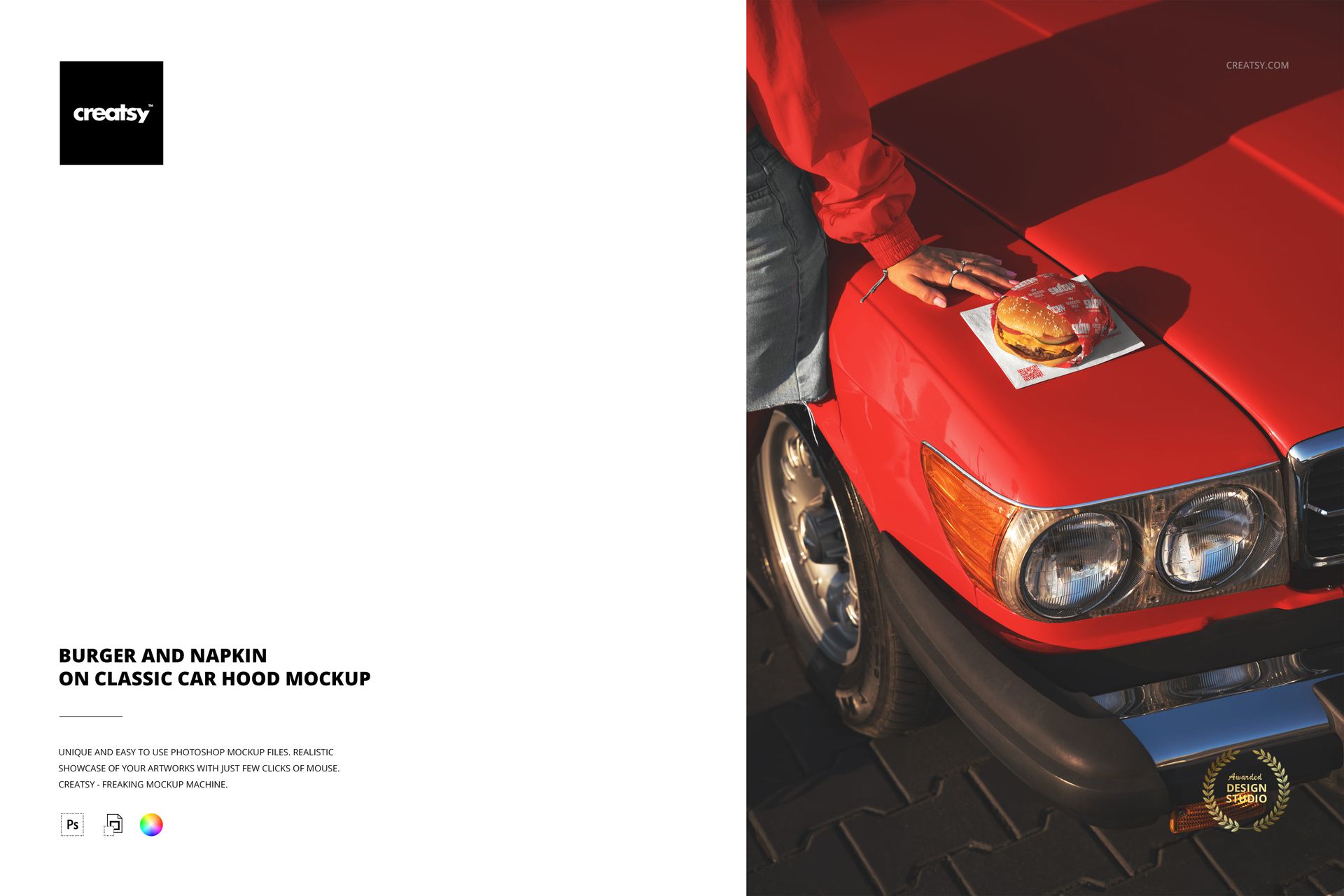
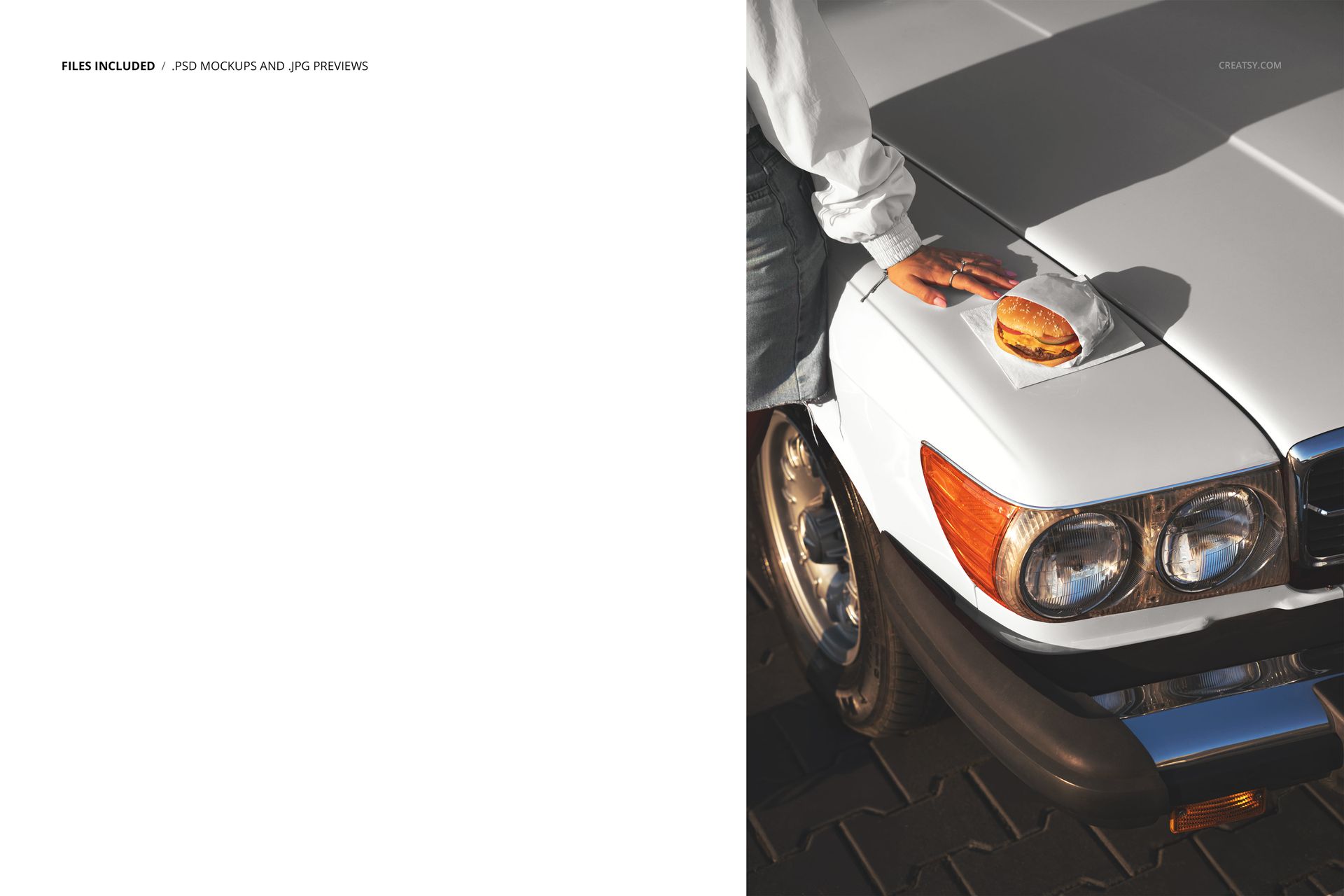
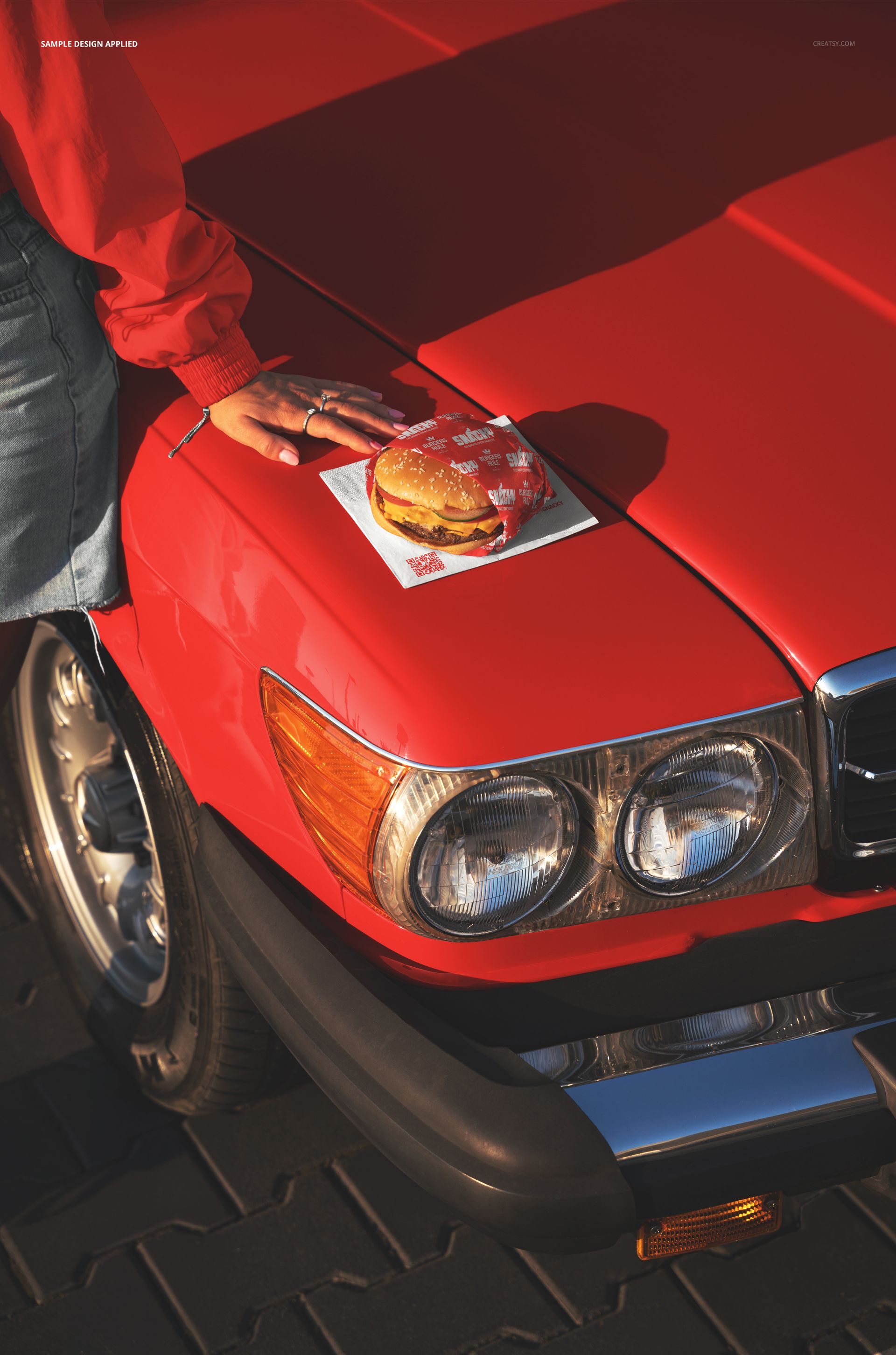
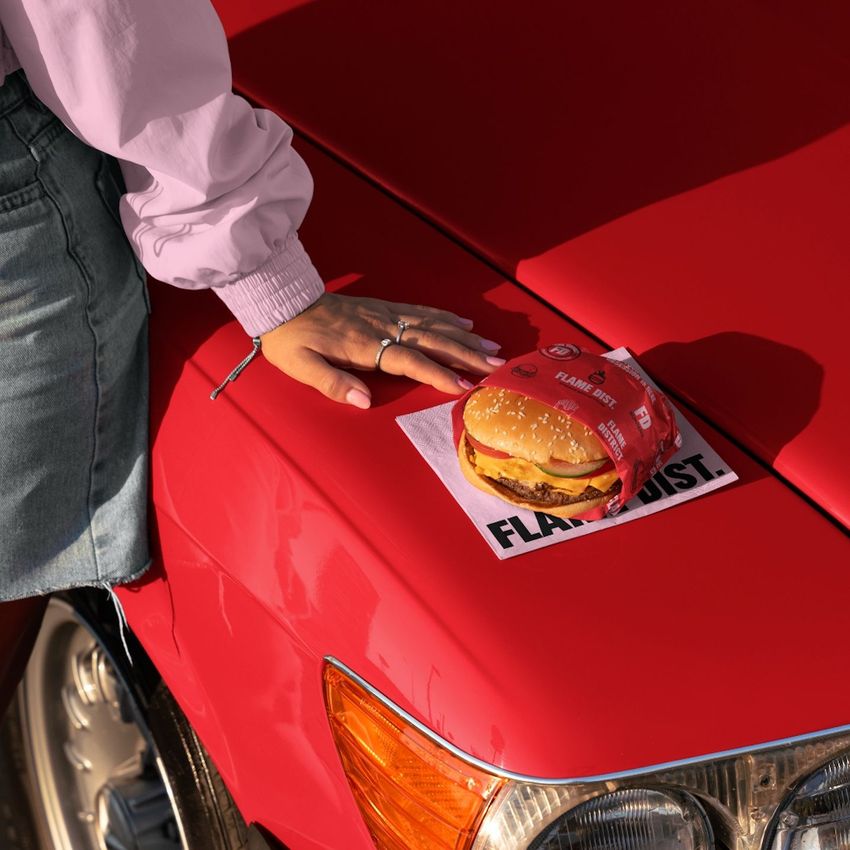
One PSD file at 6000 x 4000 pixels and 300 DPI capturing a burger and branded napkin resting on the hood of a classic car. The scene tells a complete story in a single frame: someone pulled over, grabbed food, and set it down on the nearest flat surface. That surface happens to be the polished hood of a vintage automobile, which transforms a casual meal into a visual statement about Americana, road culture, and the kind of restaurant brand that understands its customers are always on the move. The file opens in Adobe Photoshop CC 2020 or newer and in Photopea, the free browser-based PSD editor.
What Makes This Scene Work
Most restaurant branding mockups show napkins on tables, burgers on plates, and packaging in studio lighting. This mockup puts branded food items where they actually end up during a real meal - on whatever surface is available. The classic car hood adds a layer of visual storytelling that studio setups cannot manufacture. It suggests drive-in diners, food trucks parked at car shows, roadside burger joints, and the entire American casual dining culture where the car and the meal are part of the same experience. For restaurant brands positioning themselves within that cultural territory, this scene communicates identity more effectively than any white-background product shot.
Brandable Elements
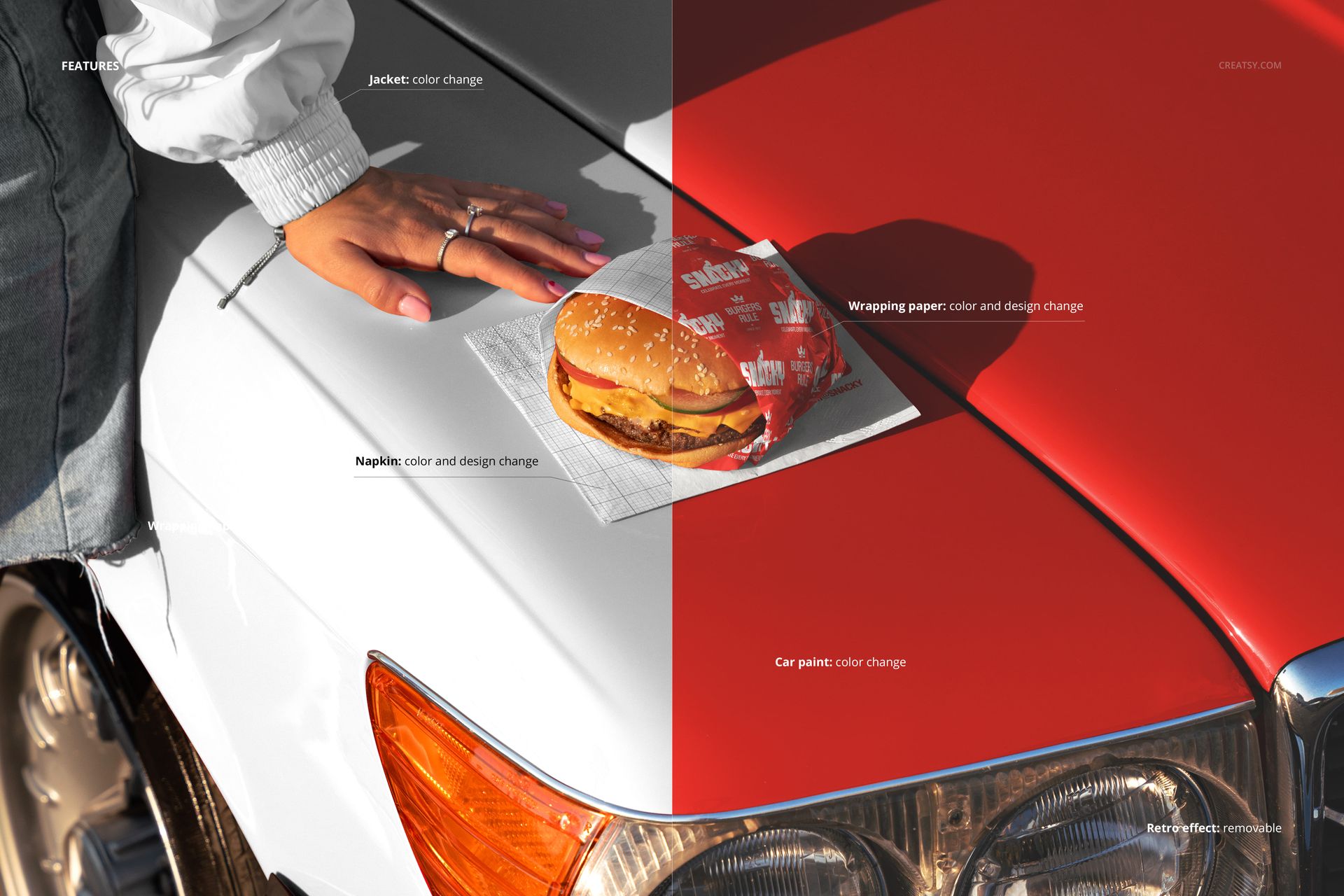
The napkin in the scene functions as the primary branding surface. Through the smart object workflow, you replace the napkin design with your restaurant logo, tagline, or custom pattern. The burger wrapper or paper serves as a secondary branding opportunity depending on the smart object layer structure. Together, these elements let you present a complete branded food service moment where the customer has already received the product and is actively using your branded materials in a real-world context rather than examining them in a vacuum.
Restaurant and Food Brand Applications
Burger restaurants, food trucks, casual dining chains, and independent eateries all operate in a market where visual branding extends beyond the physical location. Instagram posts, Uber Eats listings, website hero images, and Google Business Profile photos all require mockup imagery that communicates the dining experience rather than just the menu. This mockup delivers that experiential quality. A branded napkin on a car hood says "our customers eat on the go, at car meets, at the beach, wherever life takes them" - a positioning statement that resonates with brands built around freedom, convenience, and unpretentious enjoyment.
Smart Object Workflow
Open the PSD file in Photoshop CC 2020 or Photopea. Locate the smart object layers in the layers panel - these correspond to the brandable surfaces in the scene. Double-click a smart object thumbnail to access the embedded design canvas, place your restaurant logo, napkin pattern, or wrapper design, and save. The main document updates with your branding mapped onto the napkin and wrapper surfaces, including the natural folds, creases, and lighting interactions that make the inserted design look like it was printed on the actual material rather than digitally overlaid.
Technical Specifications
The single PSD file measures 6000 x 4000 pixels at 300 DPI in landscape orientation. The download size is 204.45 MB. Layers are organized and labeled for quick navigation between the car hood surface, food items, napkin smart objects, shadow elements, and background. The landscape format exports directly to website hero banners, social media posts on platforms favoring horizontal compositions, and printed marketing materials including menu inserts, table tent cards, and promotional flyers.