

 Early Access
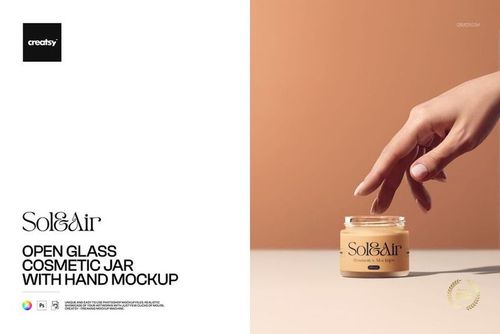
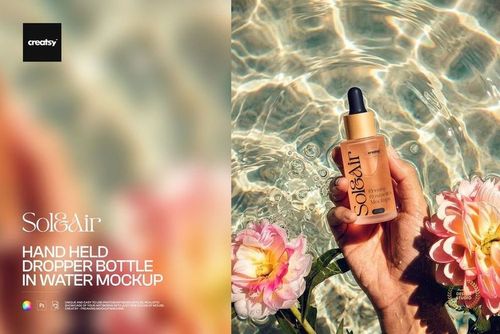
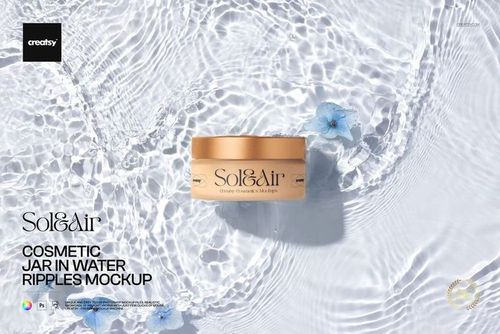
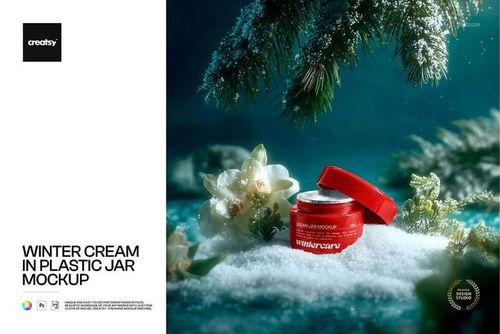
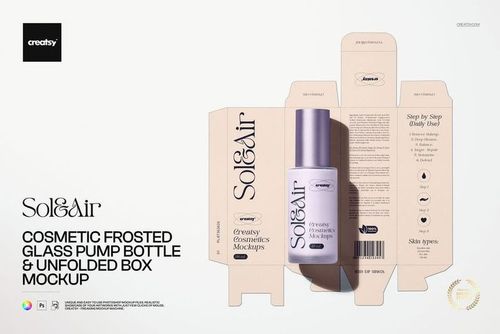
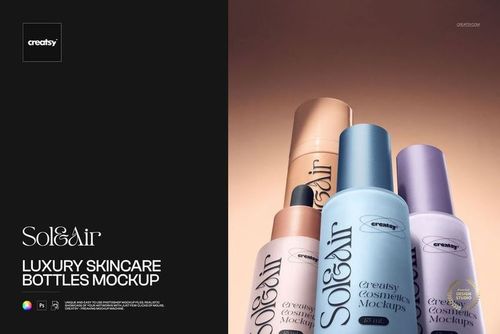
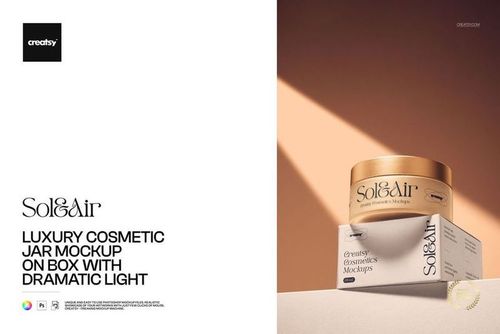
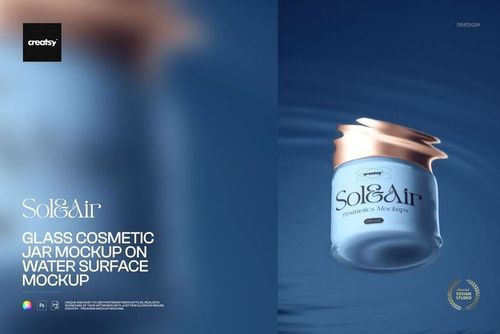
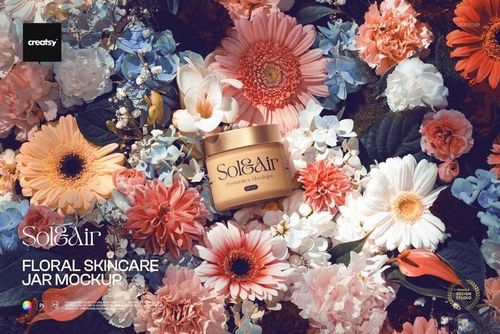
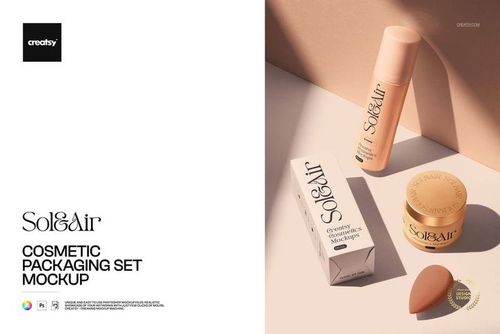
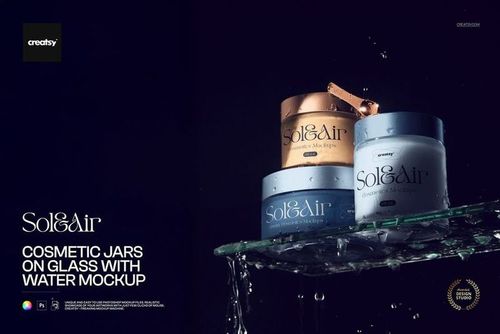
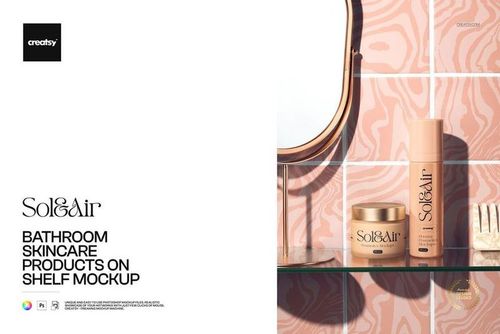
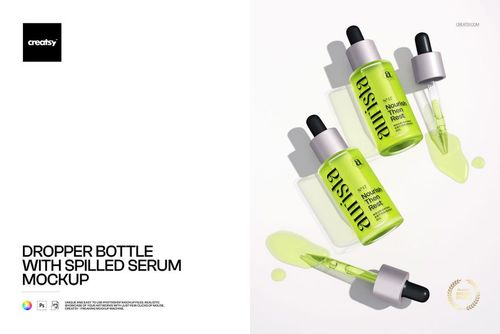
Skincare & Body Care Mockups
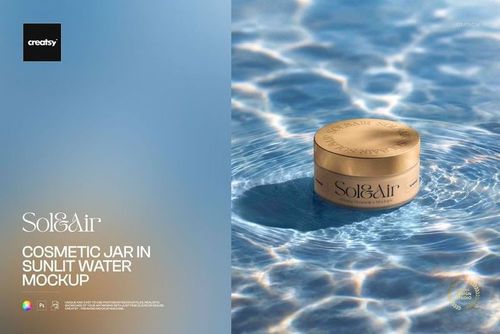
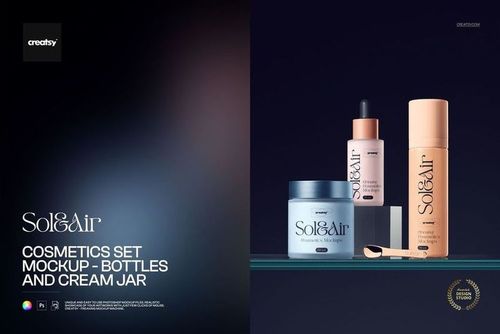
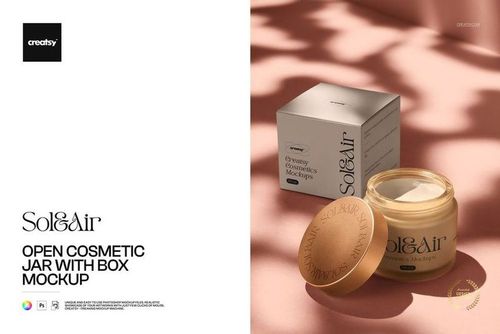
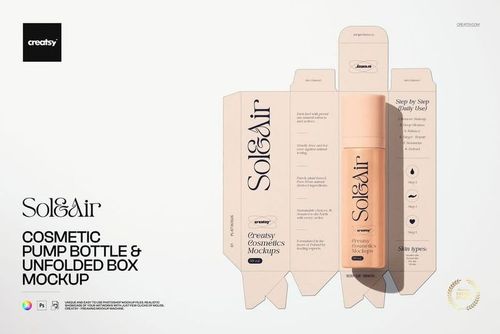
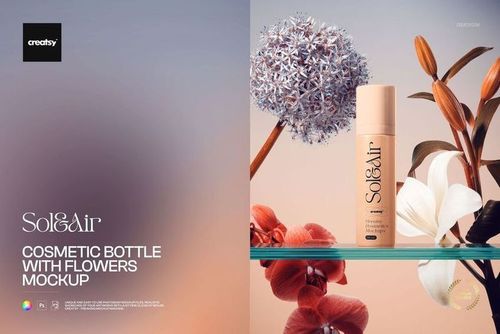
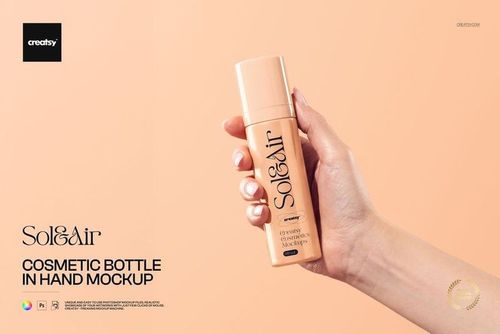
Present labels and packaging on skincare jars, bottles, tubes, cartons and coordinated beauty sets. Browse realistic scenes for single products, complete ranges, launches and campaigns.


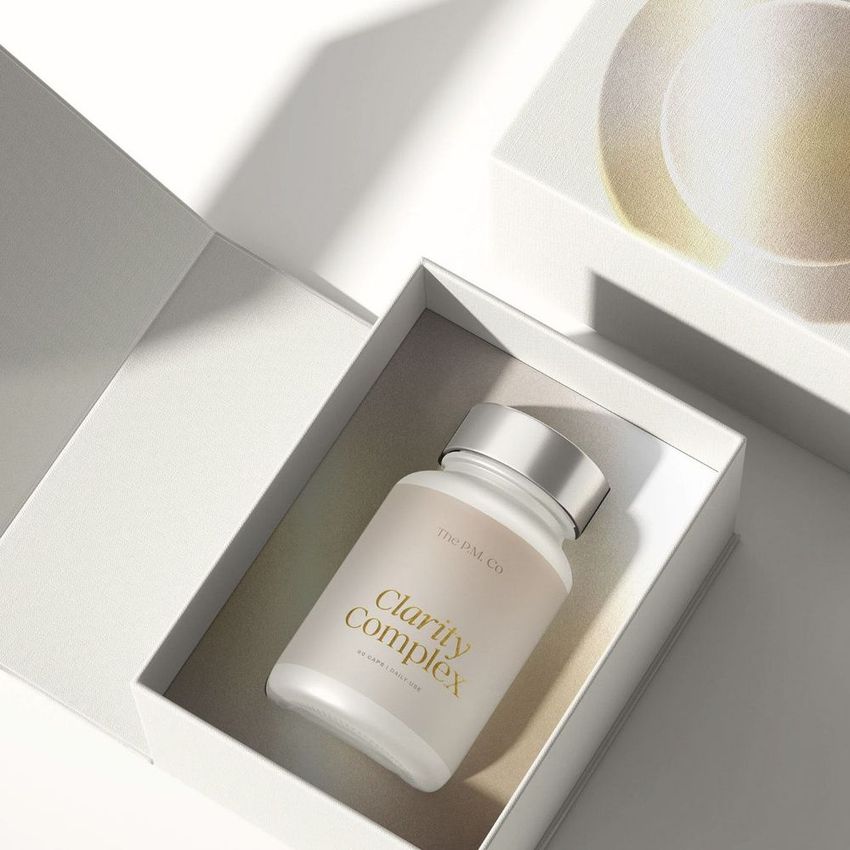
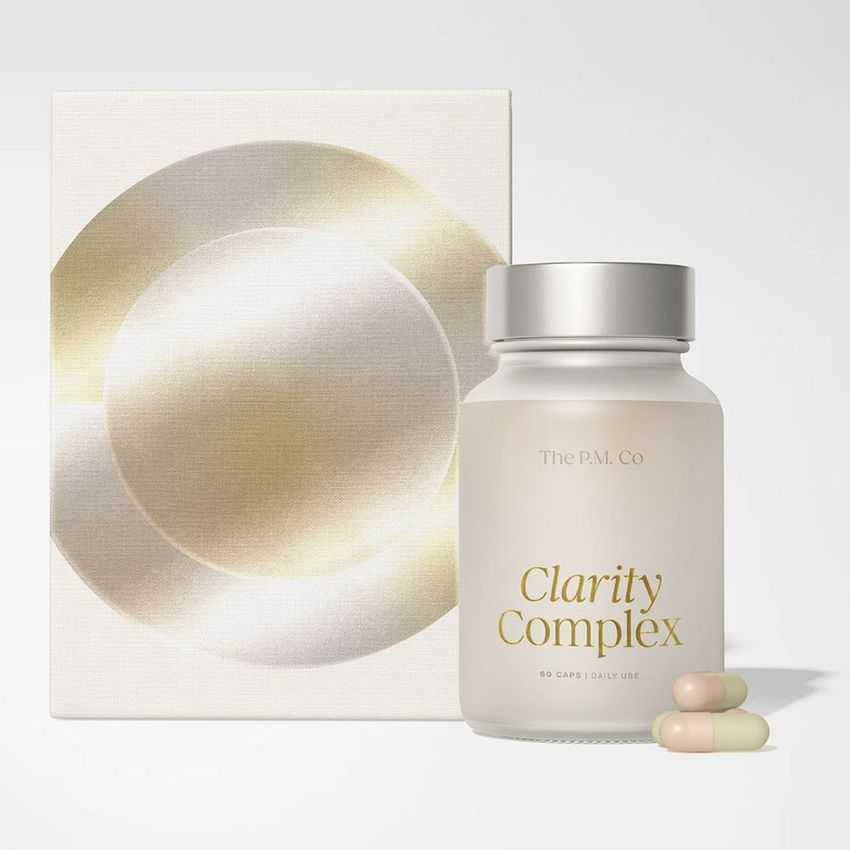
What you get
Professional PSD mockups built in-house - editable, realistic, high-resolution, and supported by real people.
Layered PSD Files
Creatsy mockups are delivered as fully layered Photoshop .psd files, with layers sorted into clearly named groups. Shadows, highlights, and the background each sit on their own editable layer, and nothing is flattened into a single image. Open it in Photoshop or the free browser editor Photopea and get to work.
- Clearly named, organized layer groups
- Shadows and highlights on separate layers
- Editable background, never flattened
- Works in Photoshop or free Photopea
Smart Objects
Open the smart object, paste your artwork, and save. The design lands on the product with the perspective, warp, and wrap already worked out. Scene lighting and shadows fall back on top, so it reads as a photograph, not a flat paste-in. Swapping a design takes seconds, so one file can carry a whole run of variants and colorways.
- Double-click, paste your design, save
- Perspective, warp, and wrap pre-built
- Scene lighting and shadows sit back on top
- One file covers many variants and colorways
High-Resolution Output
Many scenes are built from real product photography rather than 3D renders, so the fabric and surface read like a studio shot. Files export at high resolution and stay sharp at full zoom, with clean edges where the print sits. The same file works for a hero banner, a paid ad or a product listing.
- Real product photography in many scenes
- Exports ready for print
- Holds detail at full zoom
- Works for banners, ads and listings
Easy to Edit
Colors, backgrounds, and artwork sit on separate, clearly named layers, so you swap a color or background without disturbing the rest of the scene. There is no relighting or shadow work to redo, and the same file works for your next project.
- Edit color and background layers directly
- No relighting or shadow rework needed
- No masking or layer skills required
- One file reused across projects
Fast Support
There is a real in-house team behind every file, not a ticket bot. Before you buy, ask whether a specific mockup fits what you have in mind, and we will tell you. When a smart object or a layer group is tripping you up, send the question and you usually get a reply within 48 hours.
- Real in-house team behind every file
- Replies within 48 hours
- Pre-purchase help picking the right mockup
- Answers on smart objects and layer setup
Who are these mockups for?
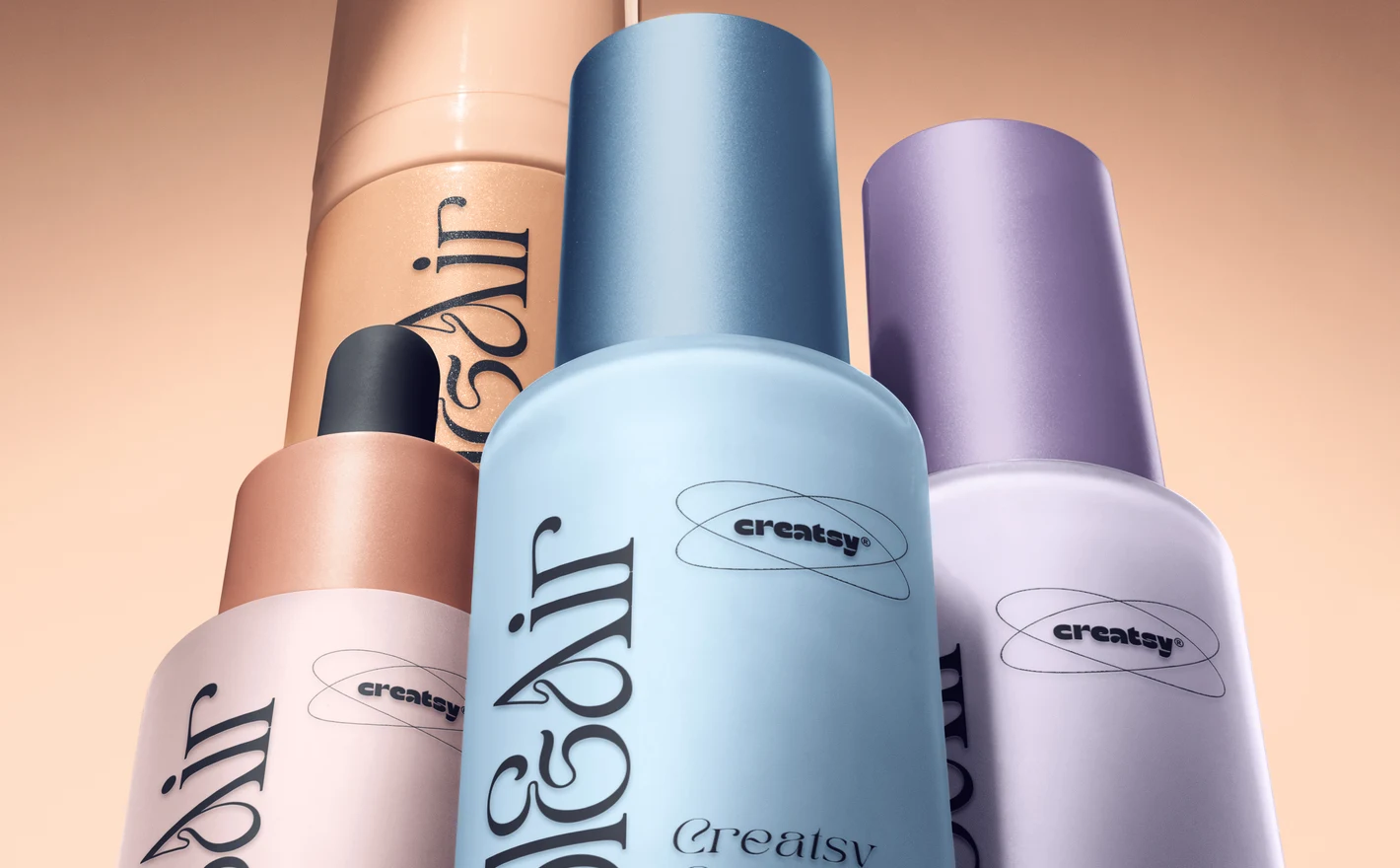
For skincare founders launching a range
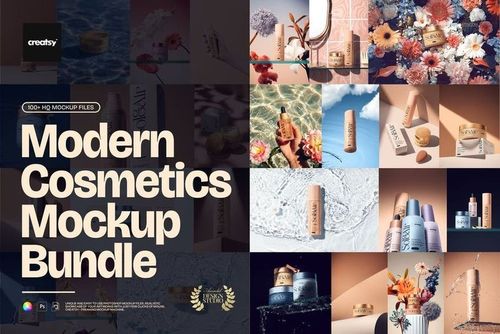
Build the range before it's filled: drop one label system into the Modern Cosmetics Packaging Mockup Bundle and the same artwork goes onto jars, pumps, droppers, tubes and folding boxes. That's the retailer pitch and the investor deck from a single artwork, with the unboxing covered by the Cosmetic Mailing Box set.
Planning the outer packaging? Browse packaging & wrapping mockups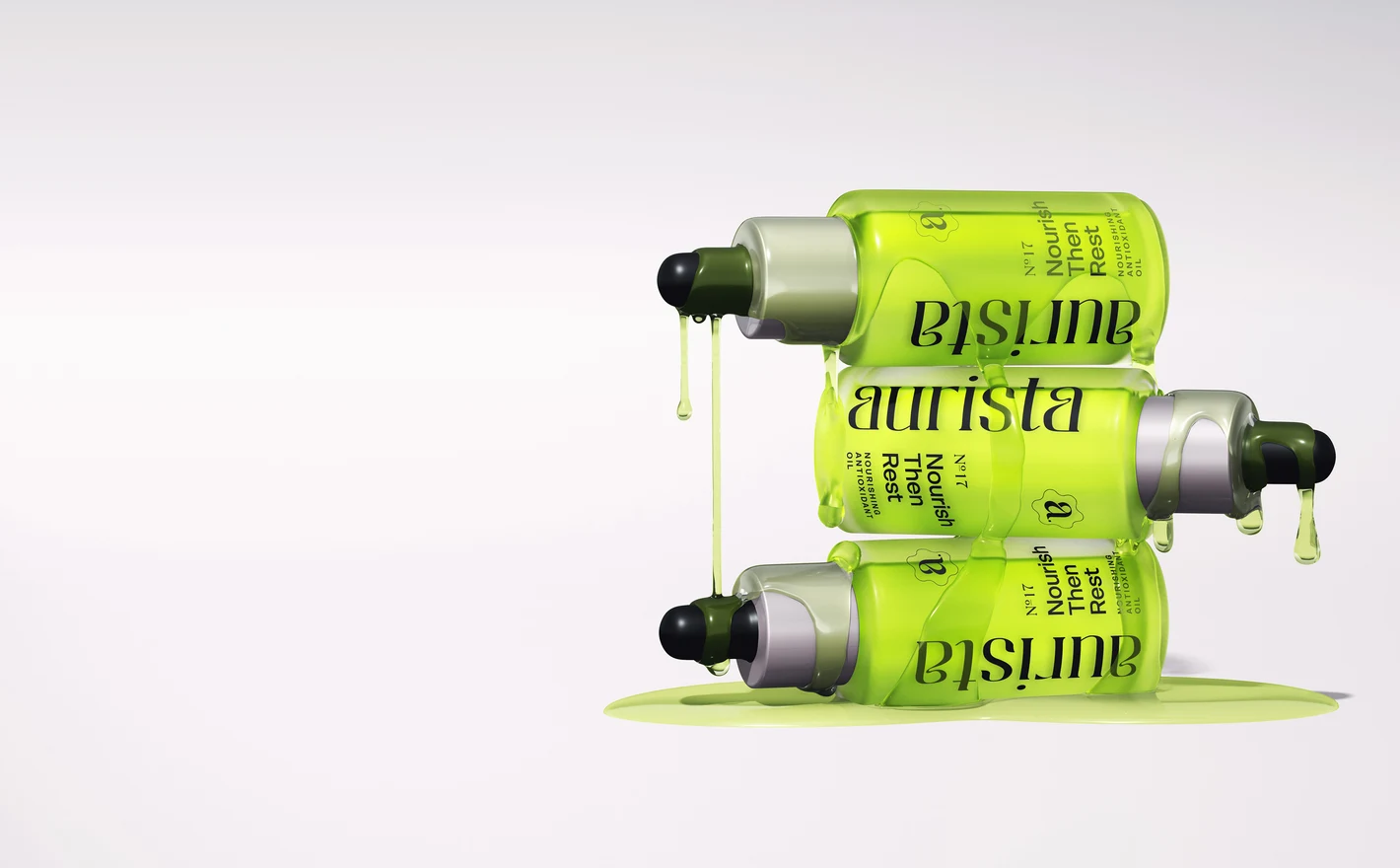
For indie serum & dropper brands
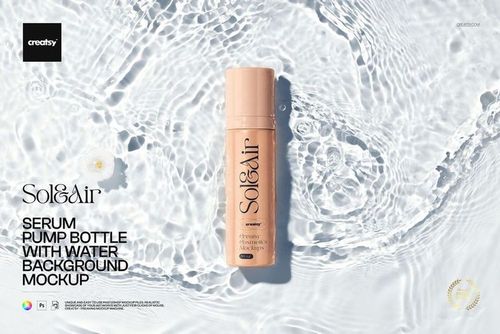
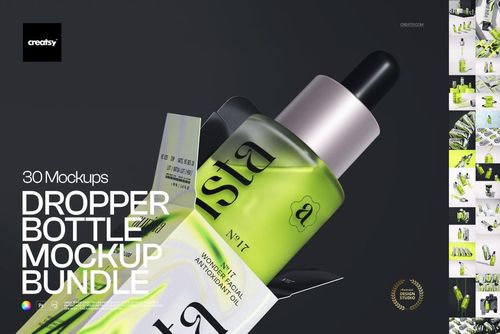
Drop the label into the Dropper Bottle Mockup Bundle and a whole serum line has its listing gallery from one artwork, with the Open Serum Bottle with Falling Drop and Serum Pump Bottle with Water Background scenes for the hero shots. It settles the label before the glass order goes in.
Shipping samples? View the Cosmetic Mailing Box Mockup Set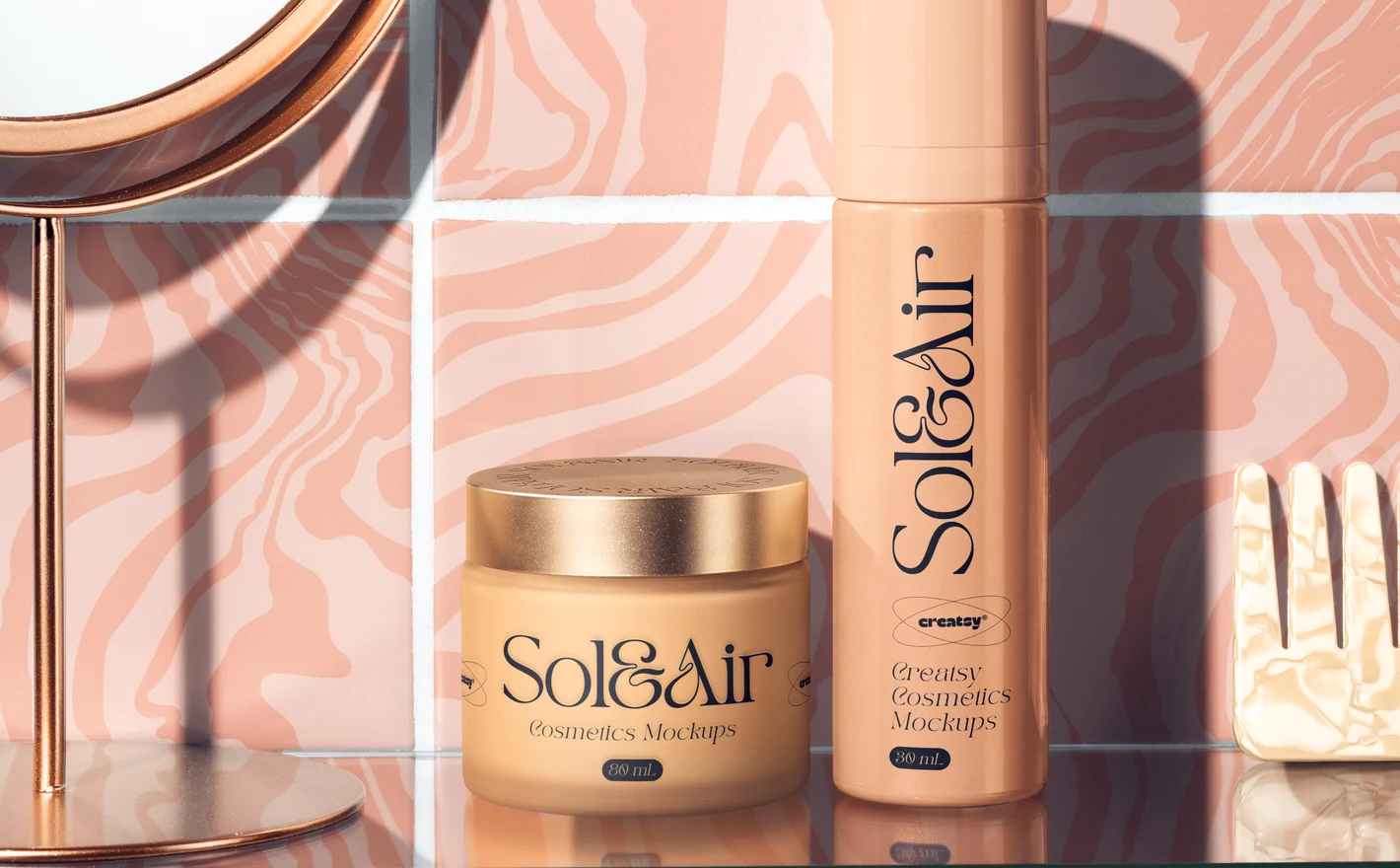
For ecommerce & campaign teams
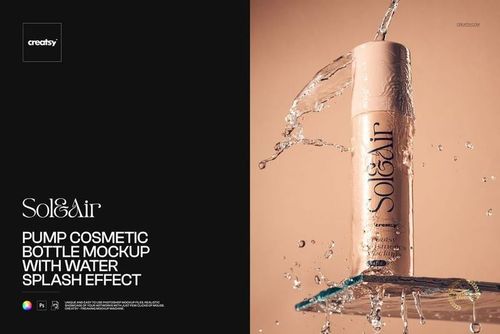
Use the Bathroom Skincare Products on Shelf scene for the lifestyle shot and the Cosmetics Set with bottles and cream jar for the white-background one, both from the same label file. Add the Pump Cosmetic Bottle with Water Splash when the ad needs some movement.
Taking the campaign outdoors? Browse advertising & signage mockups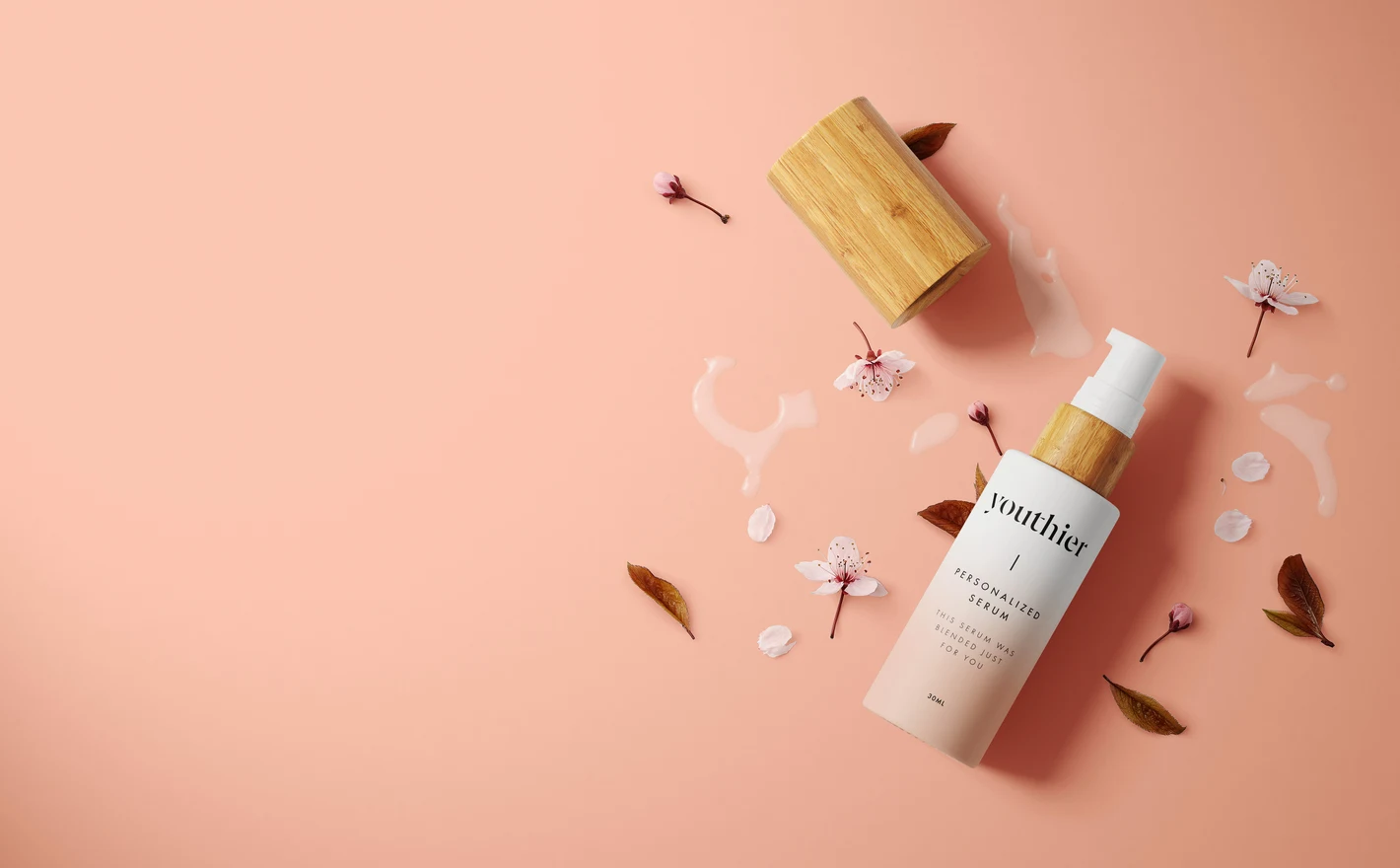
For subscription box & DTC beauty brands
Drop the box artwork into the Cosmetic Mailing Box Mockup Set and the unboxing gets approved alongside the products instead of after the box supplier's deadline. Use the Beauty Capsules Cosmetics Box set for a sample kit, and the Bath Bomb set if the box has one in it.
Shipping in a branded mailer? Browse mailing boxes & shipping labels mockups
FAQs
The category includes cream jars, airless and pump bottles, dropper bottles, cartons and combined packaging scenes. There are different materials and settings, including frosted glass and styled shelf scenes. Start with the container shape and finish, then choose the composition that suits your product.
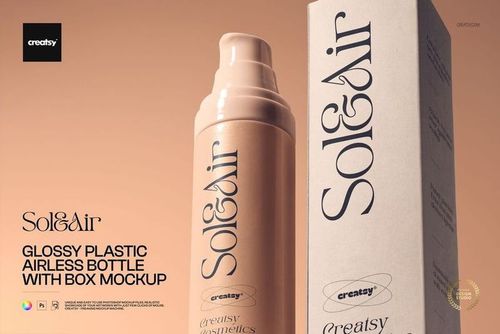
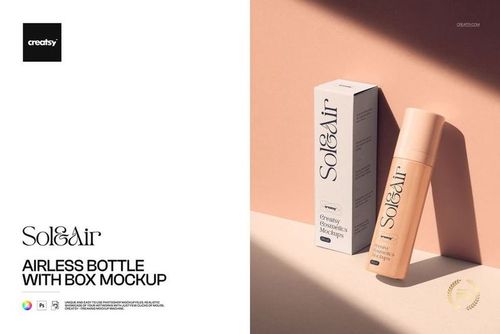
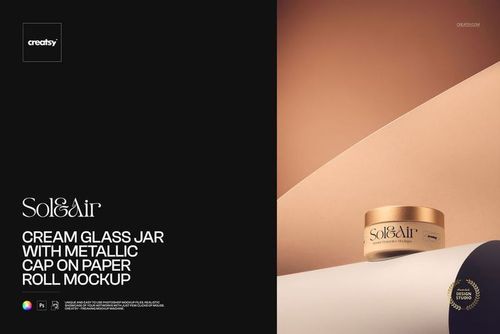
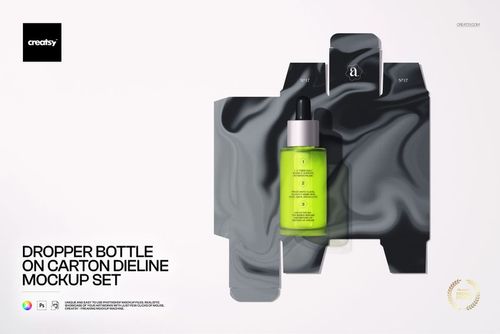
Yes. Examples include Cream Glass Jar & Unfolded Box, Cosmetic Frosted Glass Pump Bottle & Unfolded Box, and Airless Bottle with Box. These scenes are intended for a container-and-carton presentation. Check the visible faces and editable areas to make sure both your label and packaging layout can be shown.
Choose a scene with the container types you need, such as a bottle-and-jar arrangement, or combine separate exported images in your own layout. Apply the correct label to each editable product. Keep the proportions accurate; similar branding does not make different container shapes interchangeable.
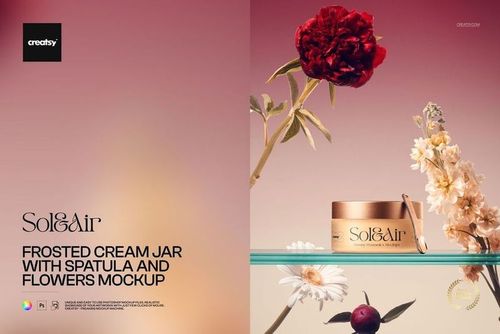
Not simply by changing its color. Those materials have different transparency, reflections and surface texture. Choose a mockup with the right finish, such as Frosted Cream Jar with Spatula and Flowers for a frosted presentation. Only rely on material-switching options when the product explicitly includes them.
Use artwork based on your container supplier's label dimensions, then fit a copy to the mockup's editable area without stretching it. Check where the front-facing section and curved edges appear in the scene. Keep key text visible, and retain the separate print file with the correct bleed and production measurements.
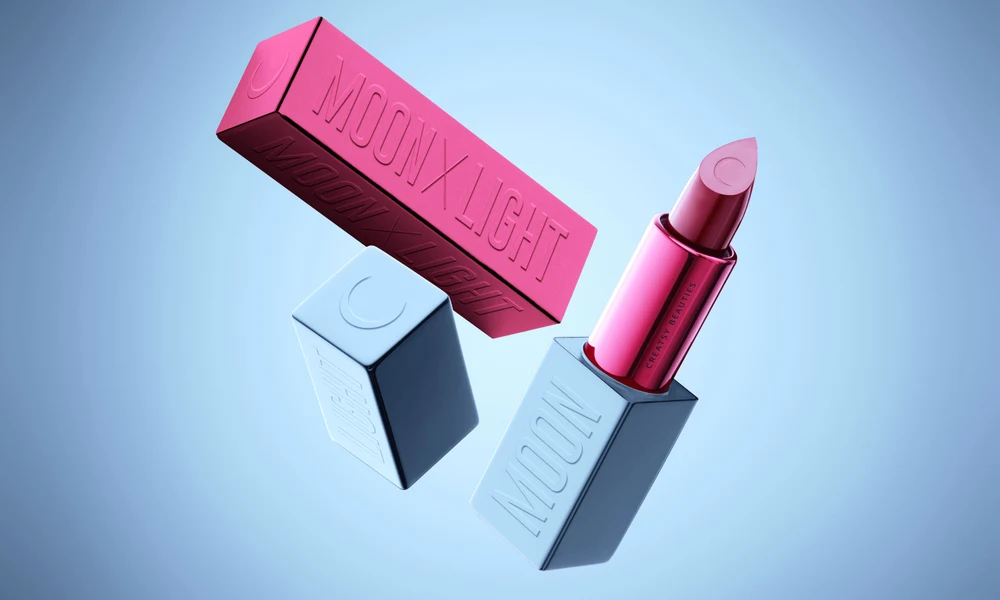
Why use Skincare & Body Care mockups?
Skincare scenes cover cream jars, spatulas, airless and dropper bottles, frosted and glossy pumps, tubes and cartons. There are plain product views, water and flower arrangements, bathroom shelves and packaging bundles. The choice of container and setting helps you present an individual product or a wider range. A short jar label and a tall bottle offer different spaces for a layout. Reflections and the curve of the container also affect the visible artwork. Smart Objects fit your design to the surface; the product page lists the software requirements, editable areas and licensing options. Review the size of the product name, supporting text and other label elements, then compare the container with its carton. Where a scene includes several editable products, you can show their labels together. Bundles provide a selection of files, which may need to be edited separately. Use a clean view for a product page and a water, floral or shelf scene for additional campaign images. Check the resolution for the intended layout. The same compositions can be reused as the packaging changes, keeping your images consistent across labels and product variations.
FreeCreatsy® Mockups