Azura Coffee Branding Mockup Set
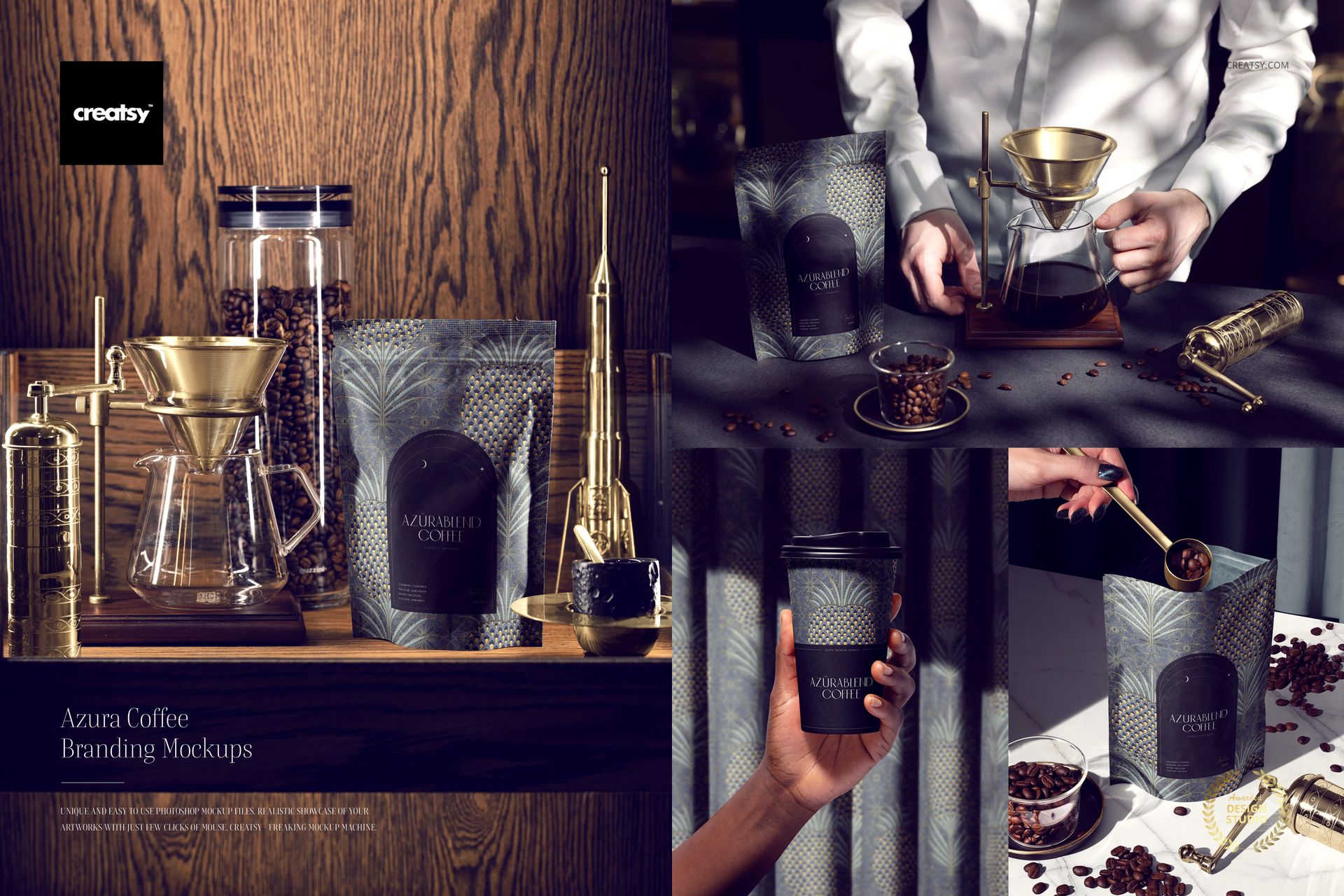
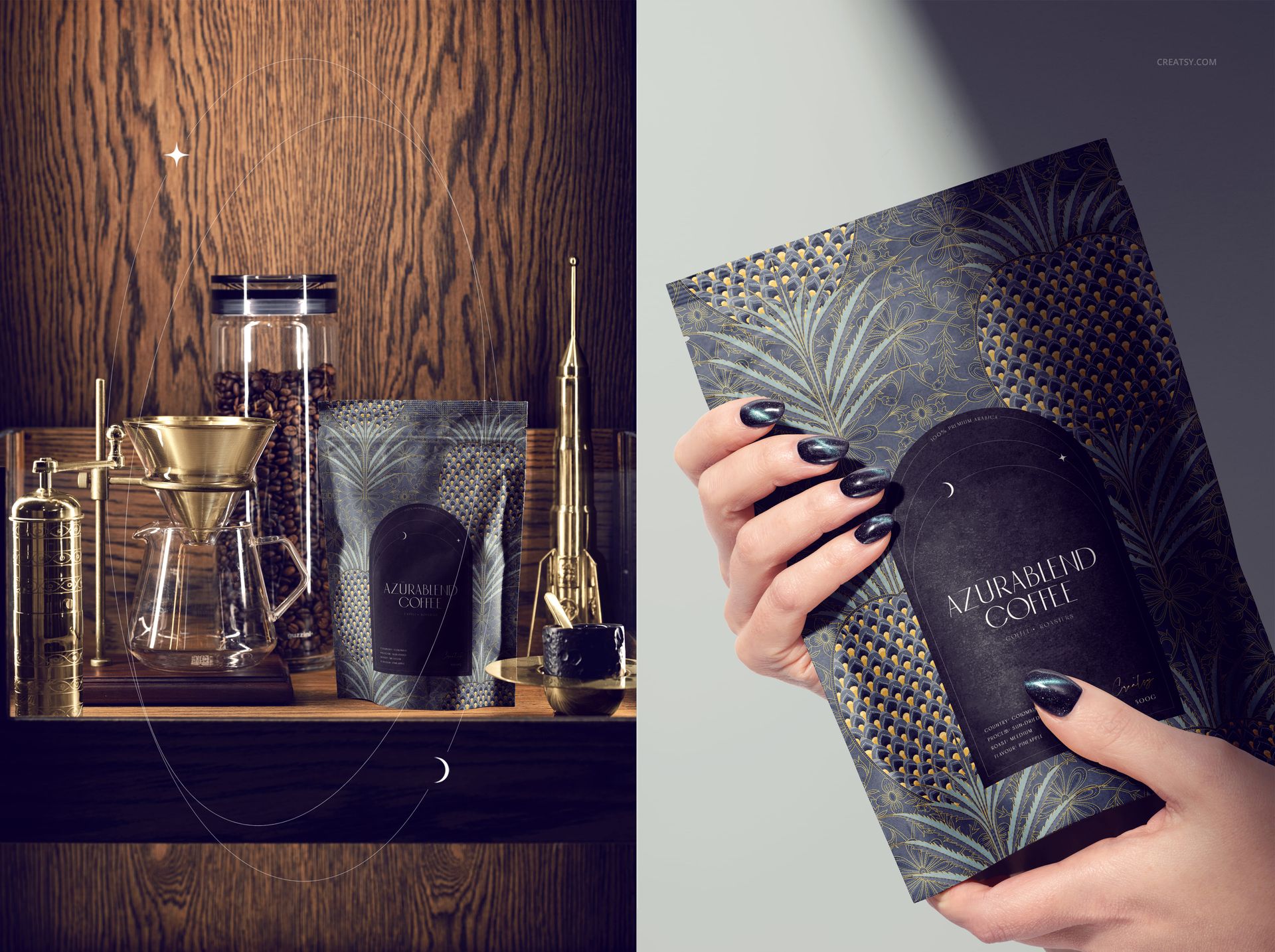
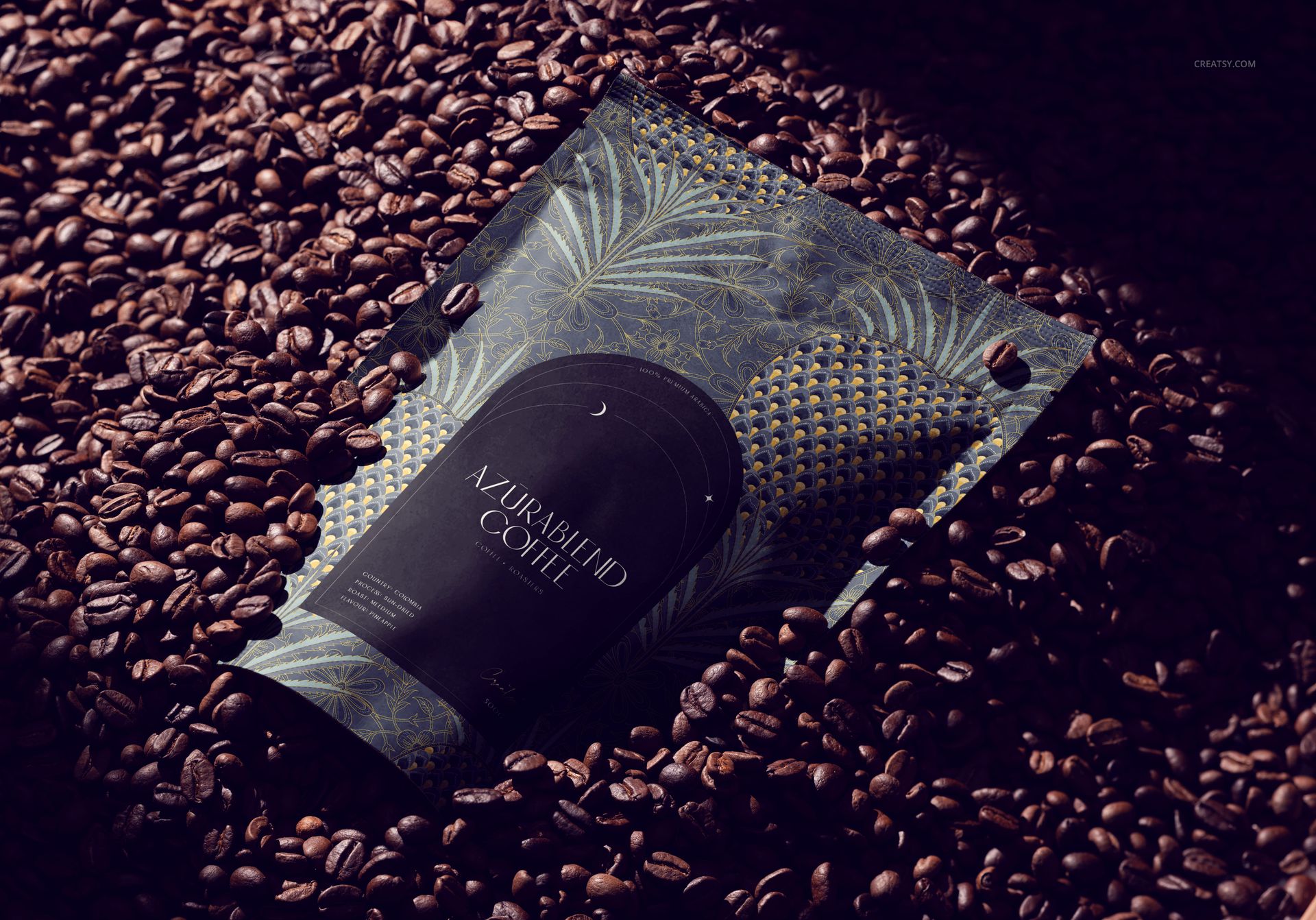
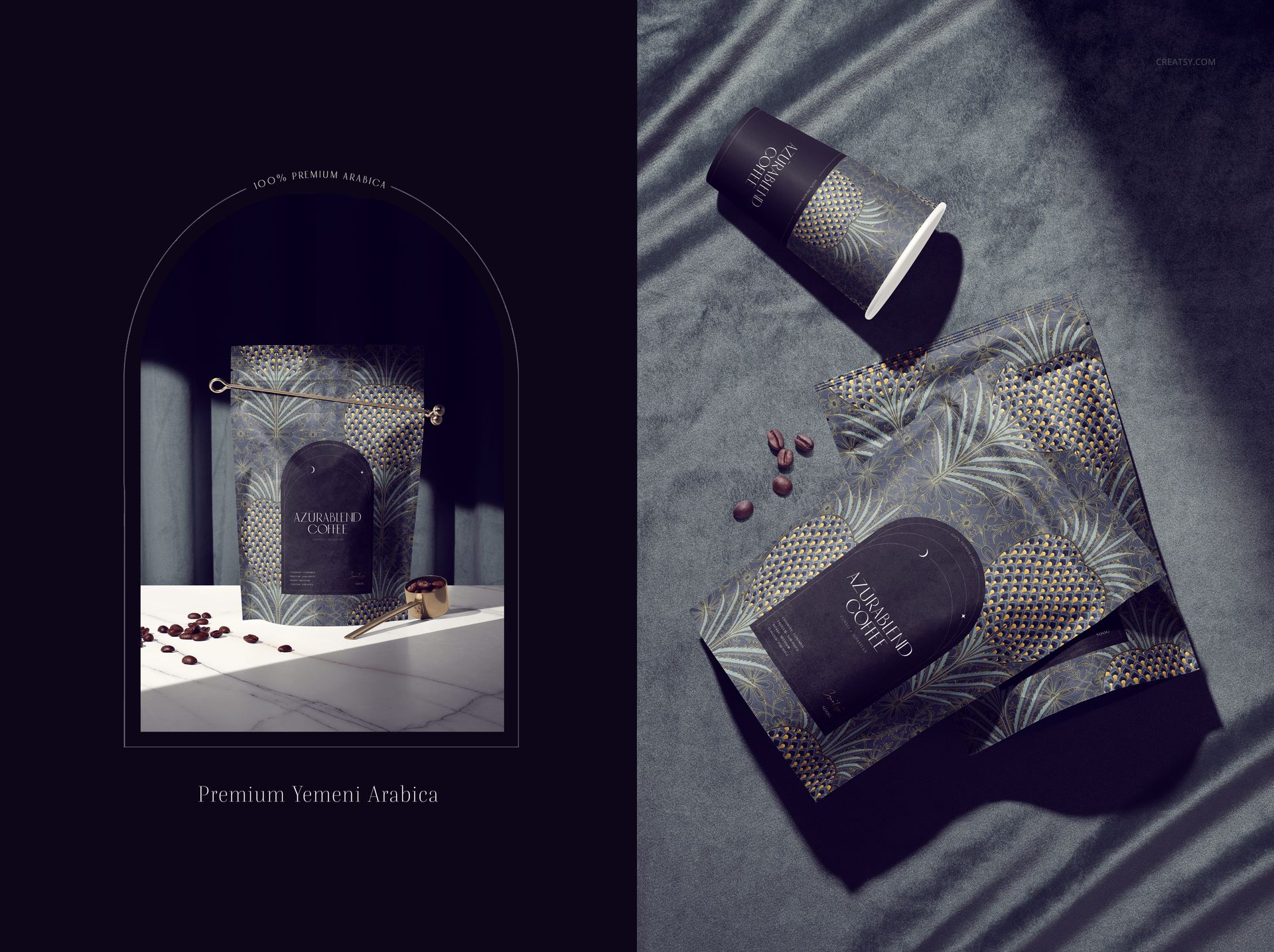
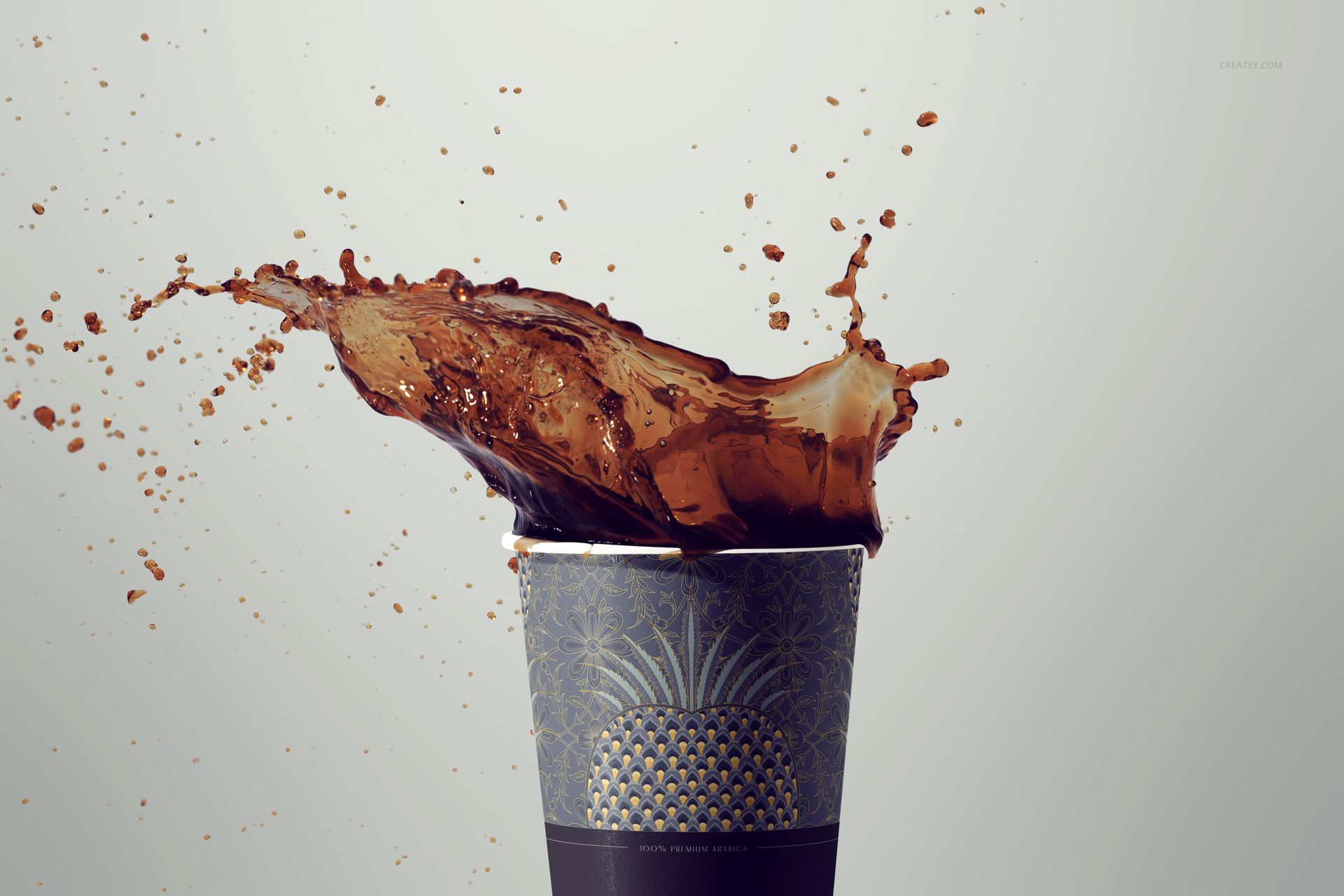
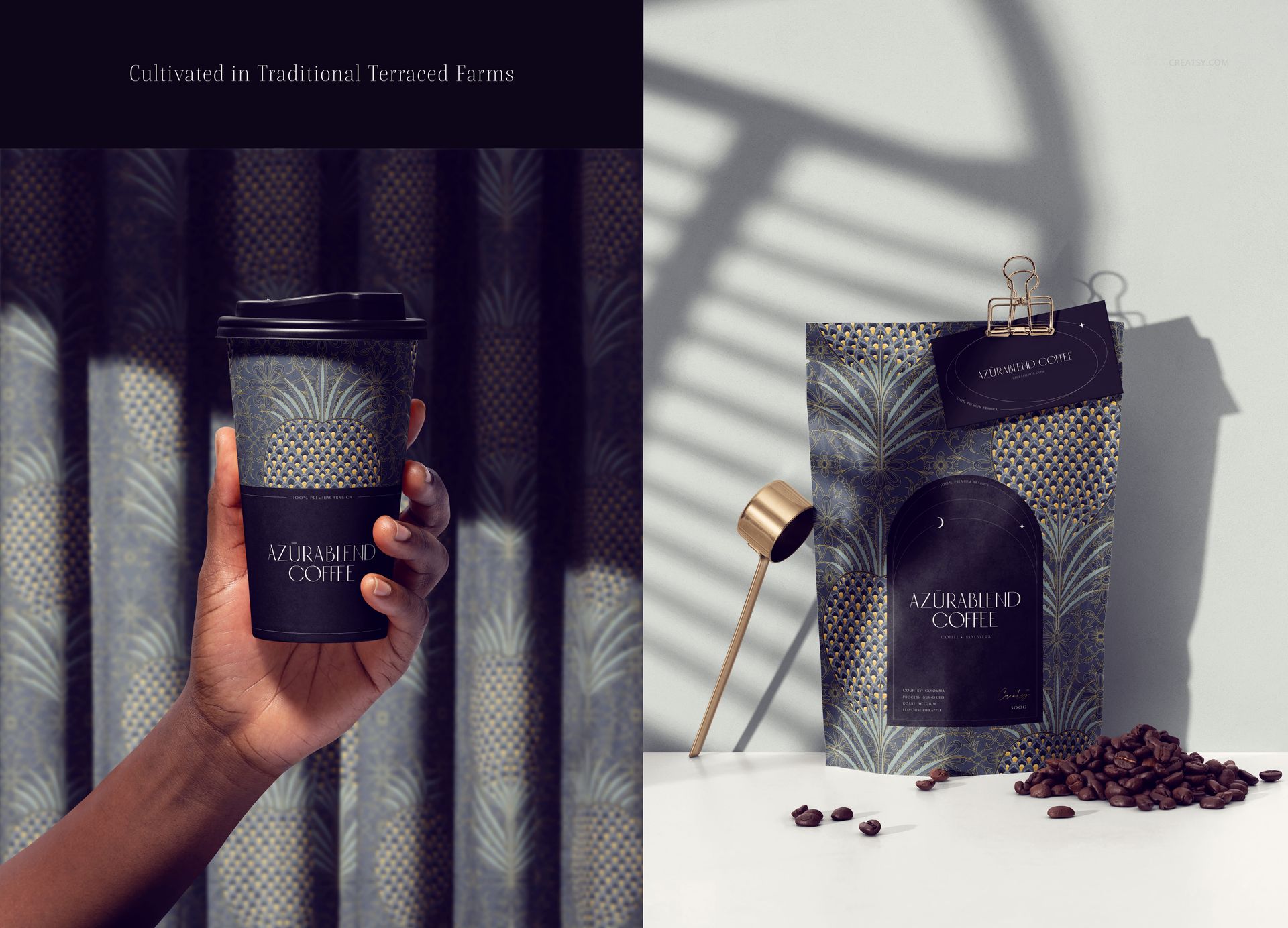
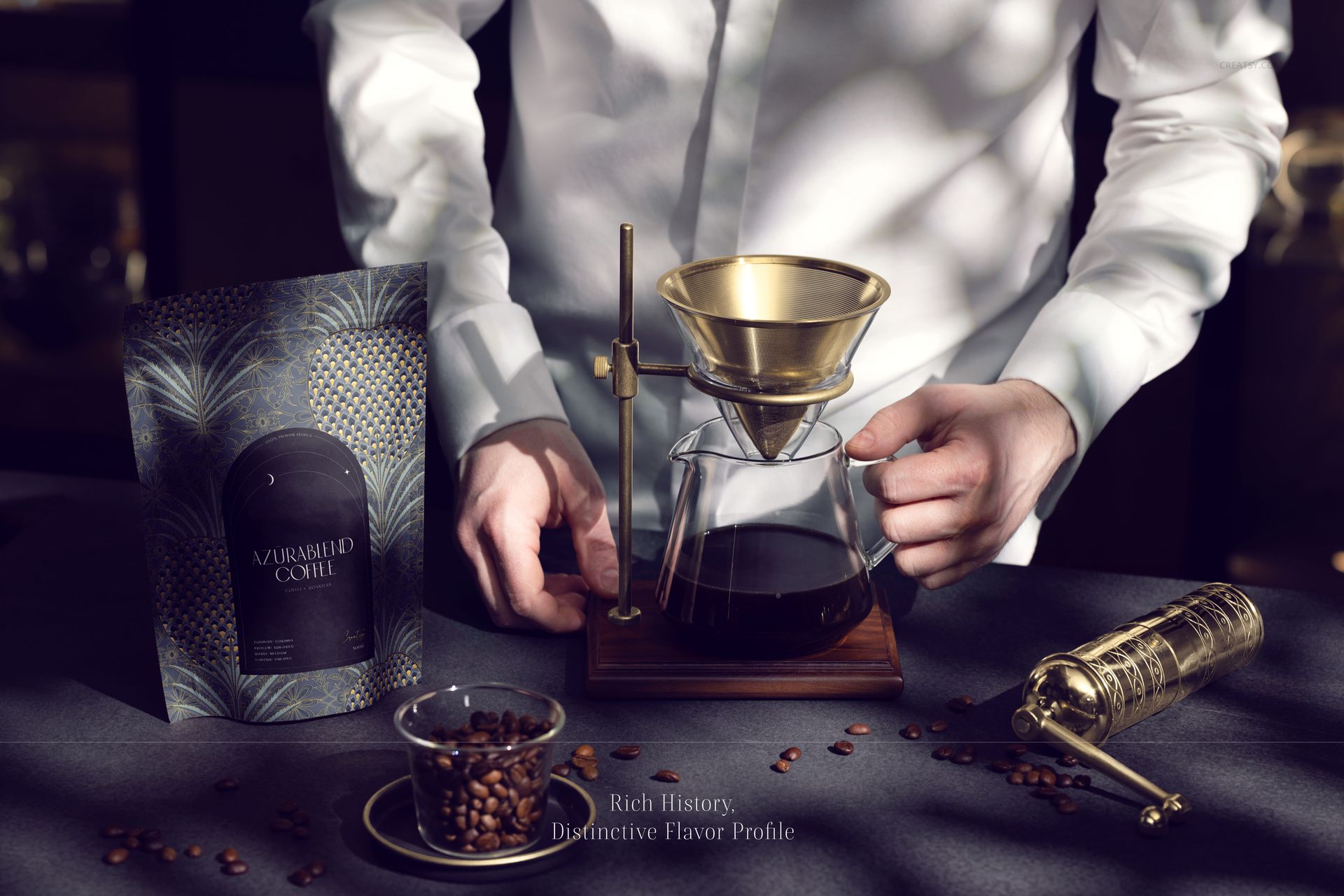
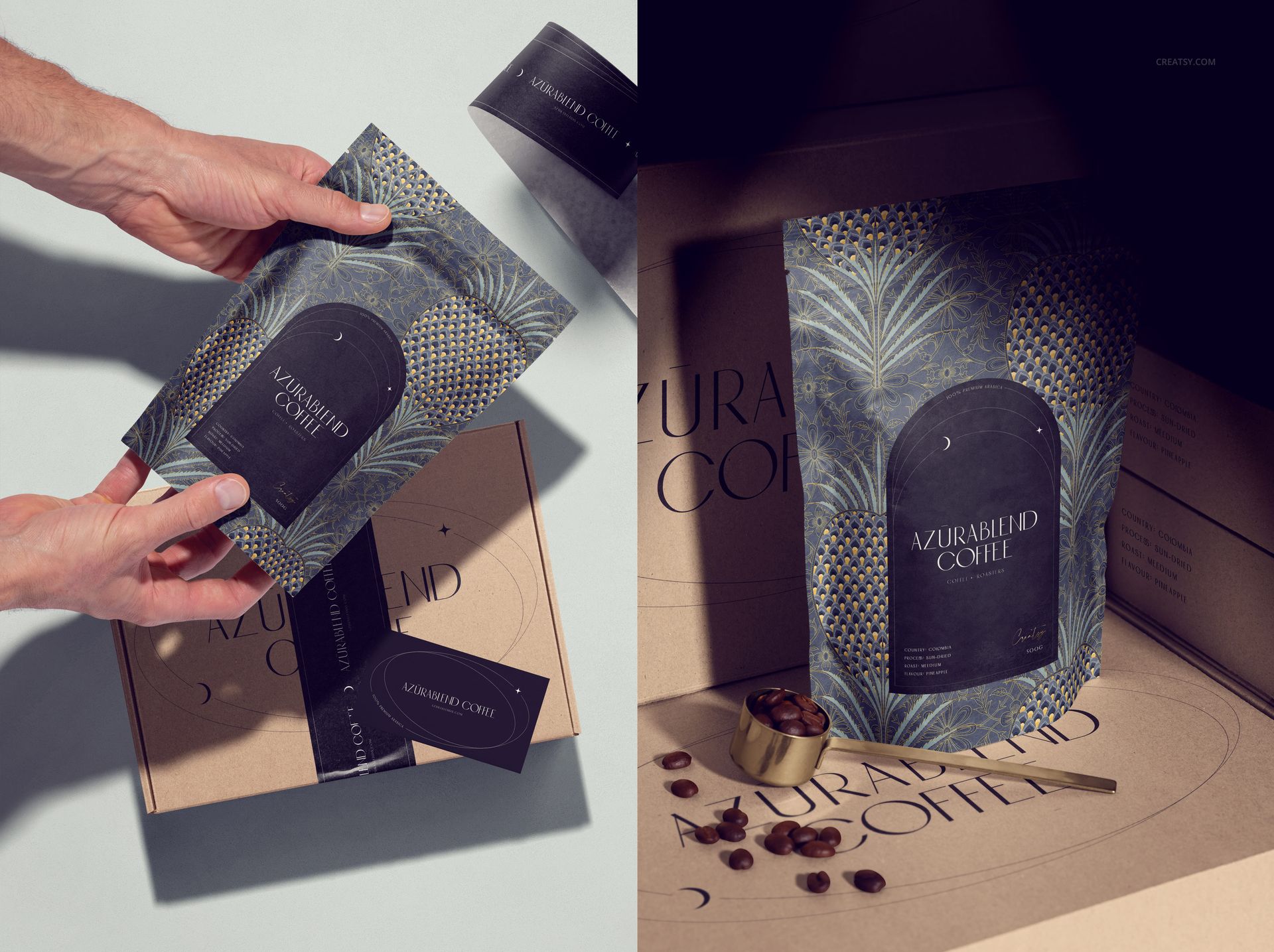
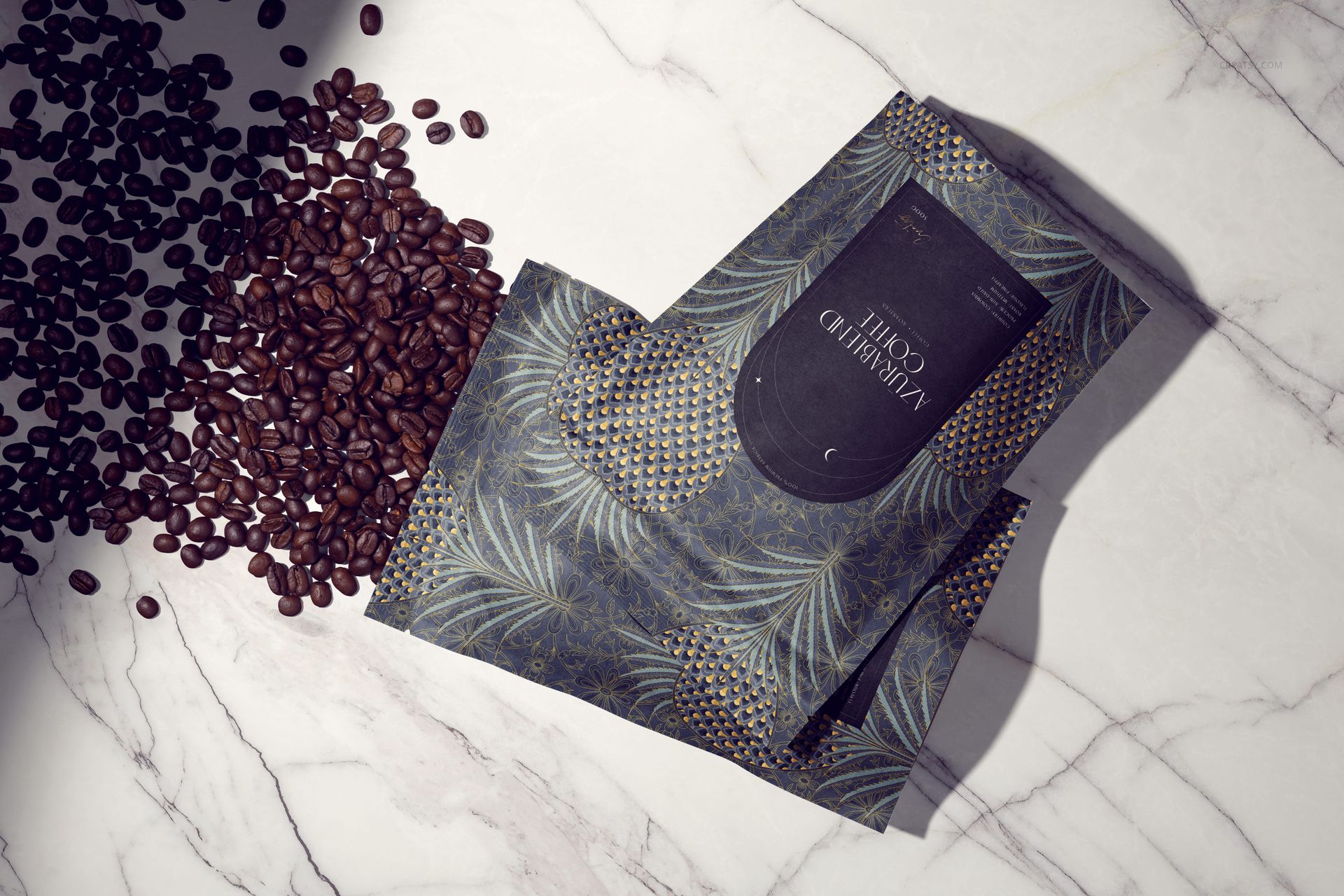
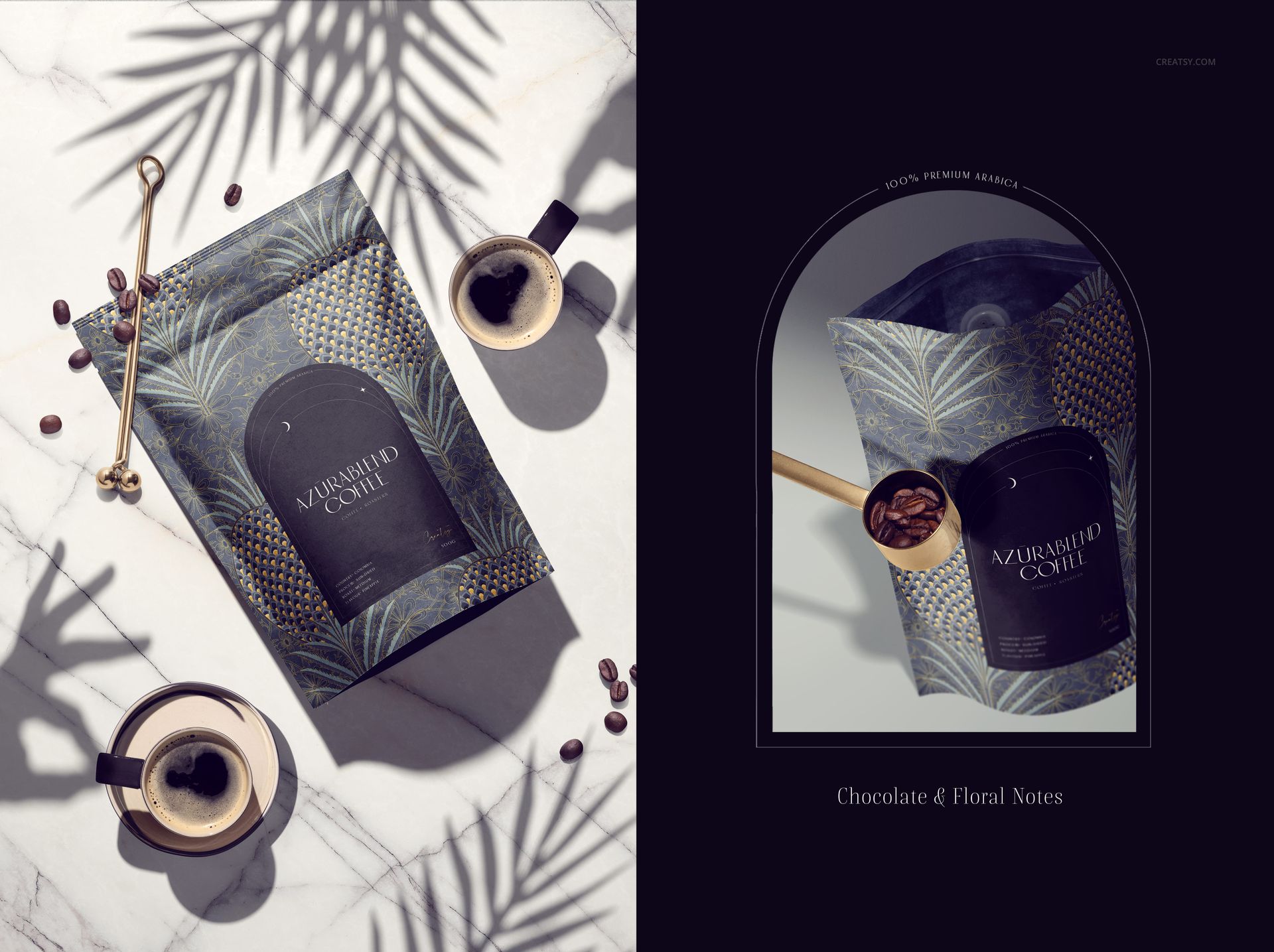
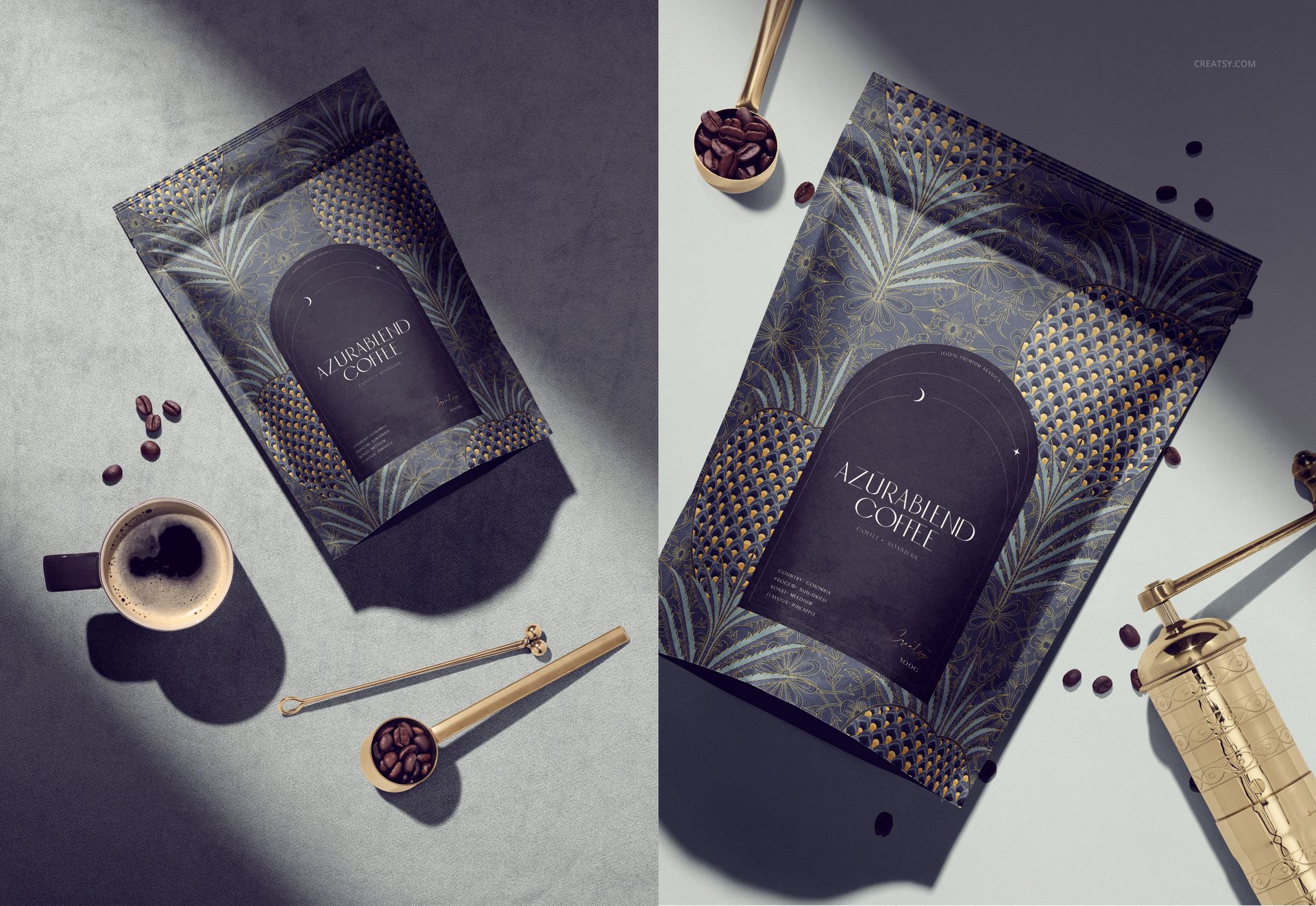
Create a premium coffee brand presentation with this Azura Coffee Branding Mockup Set. Designed for branding studios, packaging designers, coffee roasters, cafe owners, restaurant brands, Etsy sellers, Shopify shops and creative agencies, this editable PSD mockup set helps you showcase coffee packaging, cups and brand identity visuals in a polished, realistic and market-ready way.
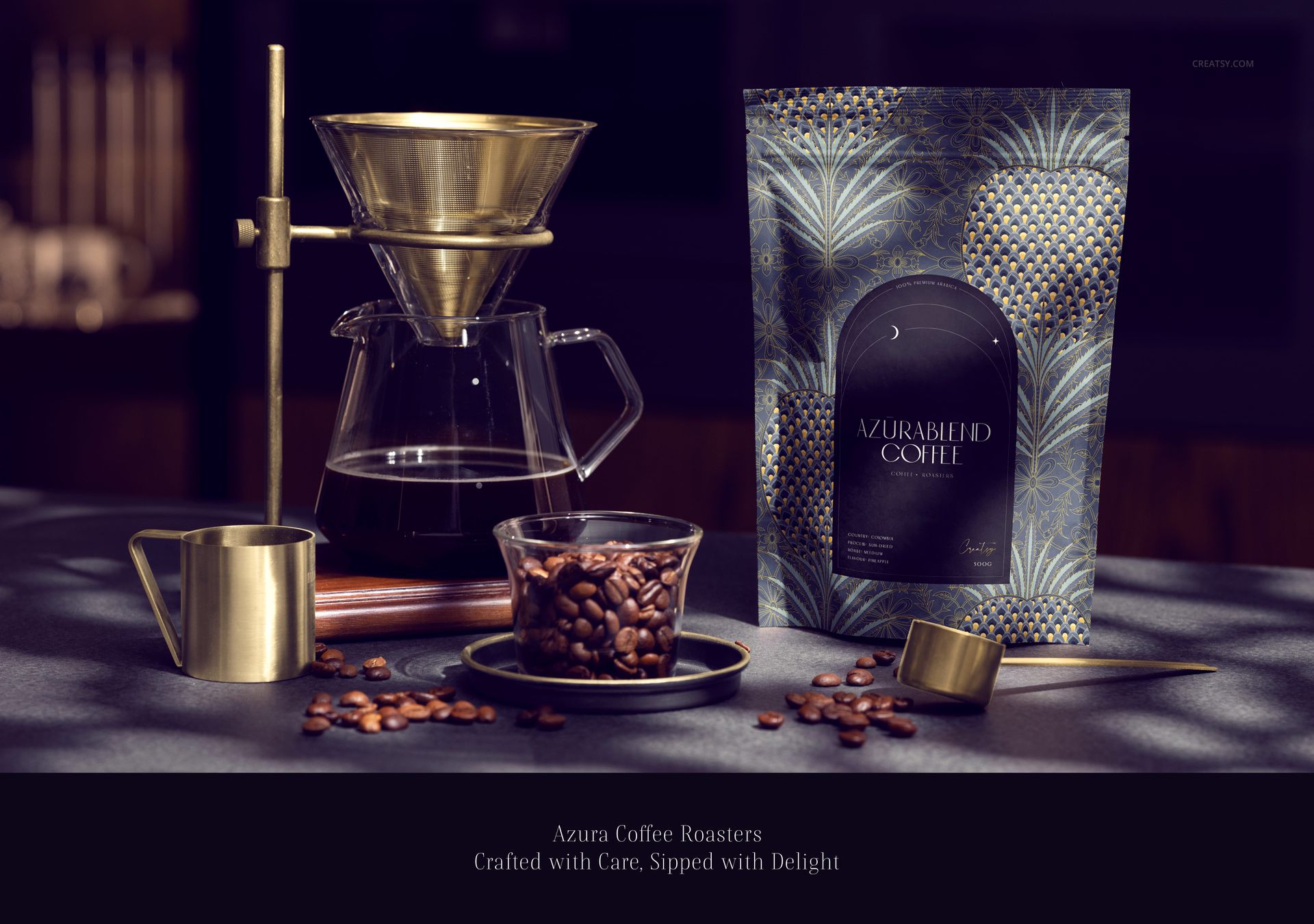
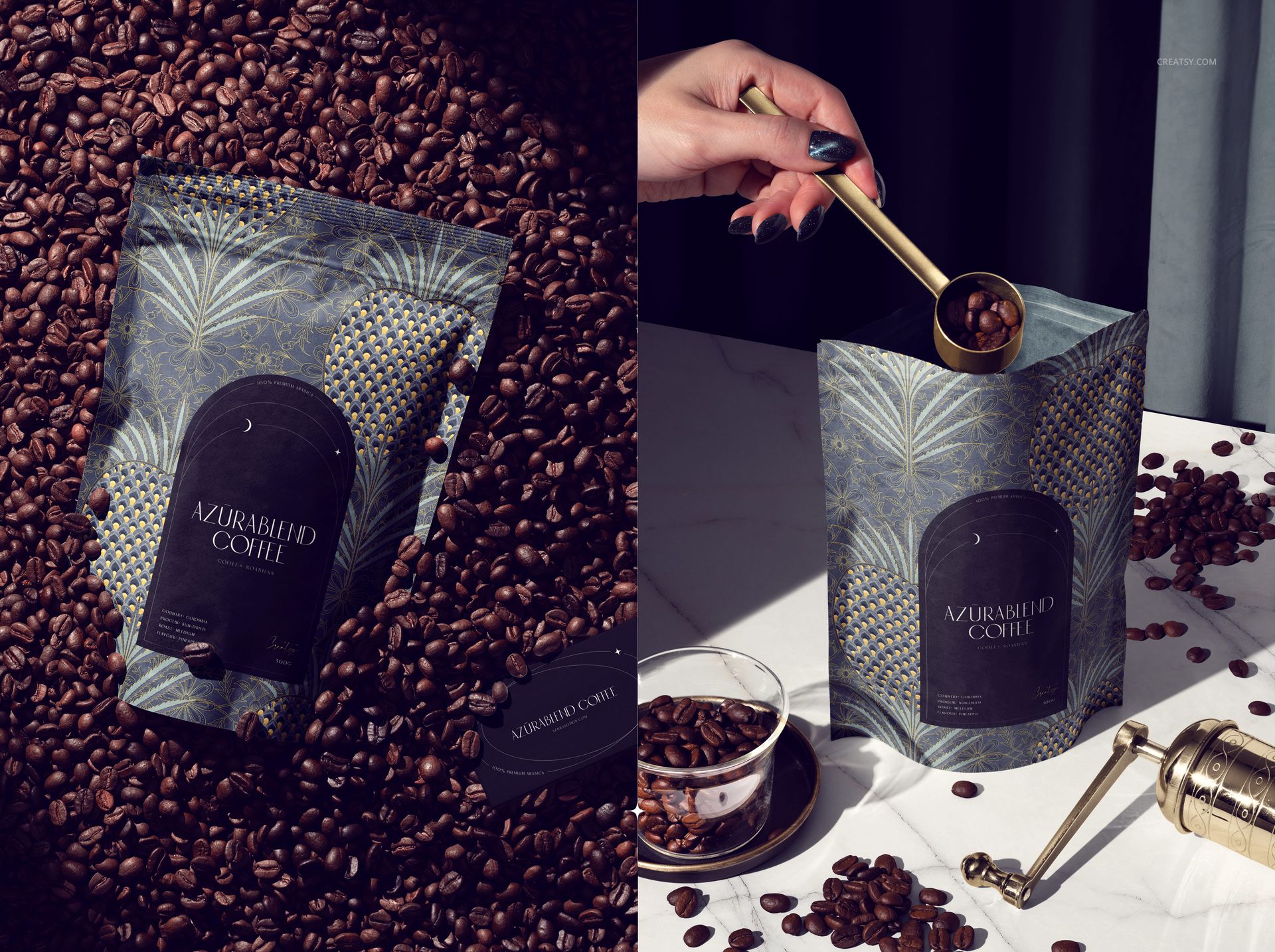
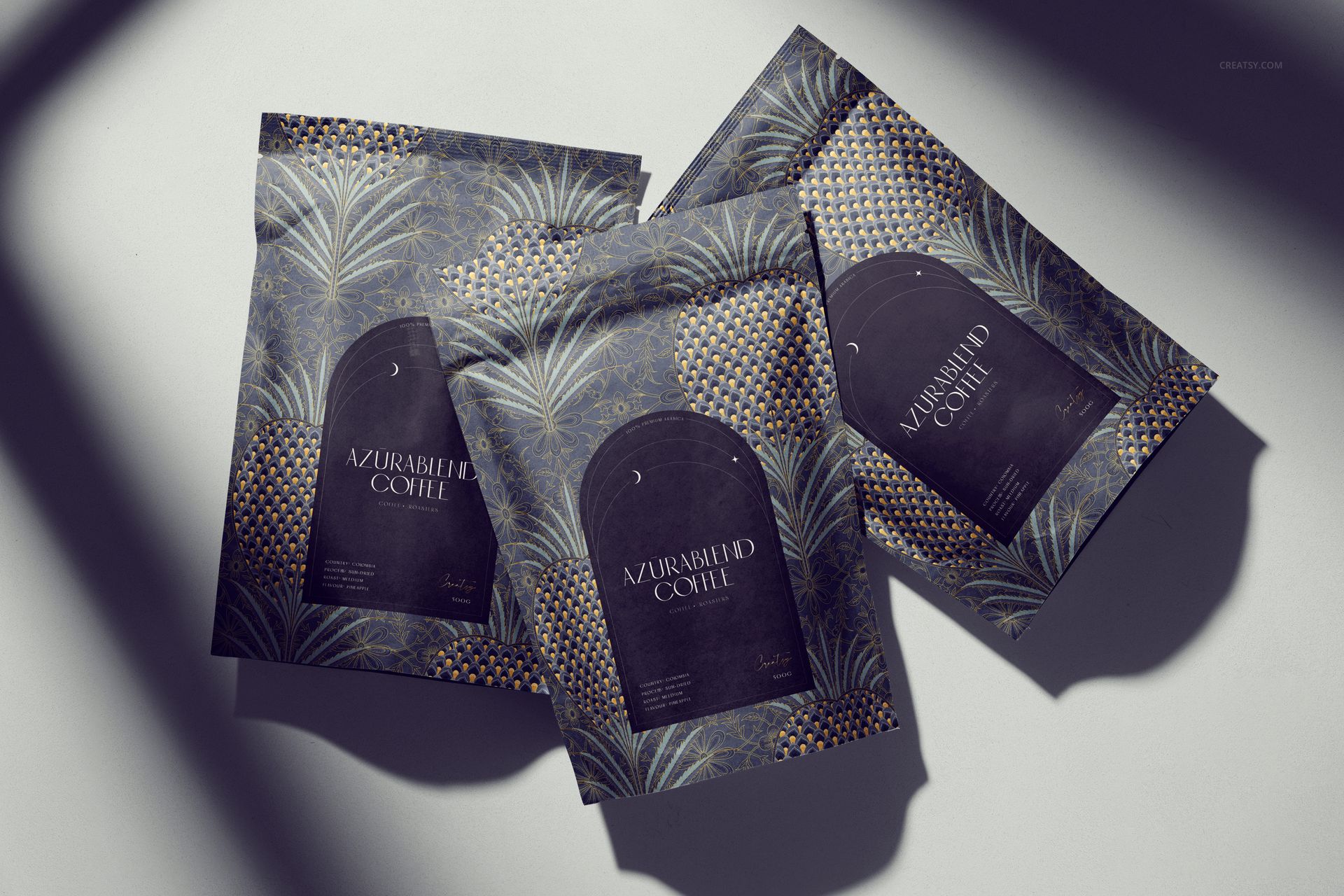
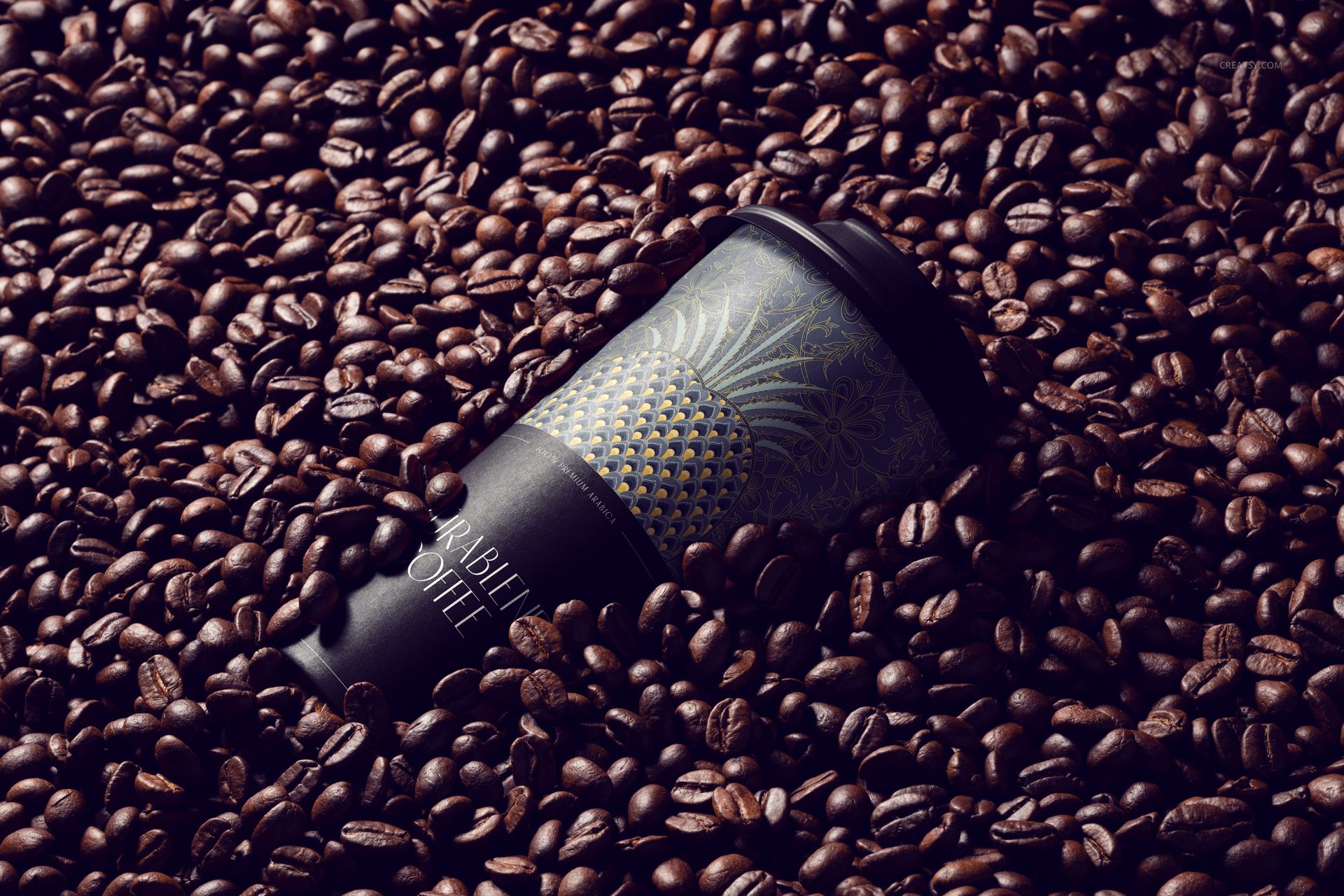
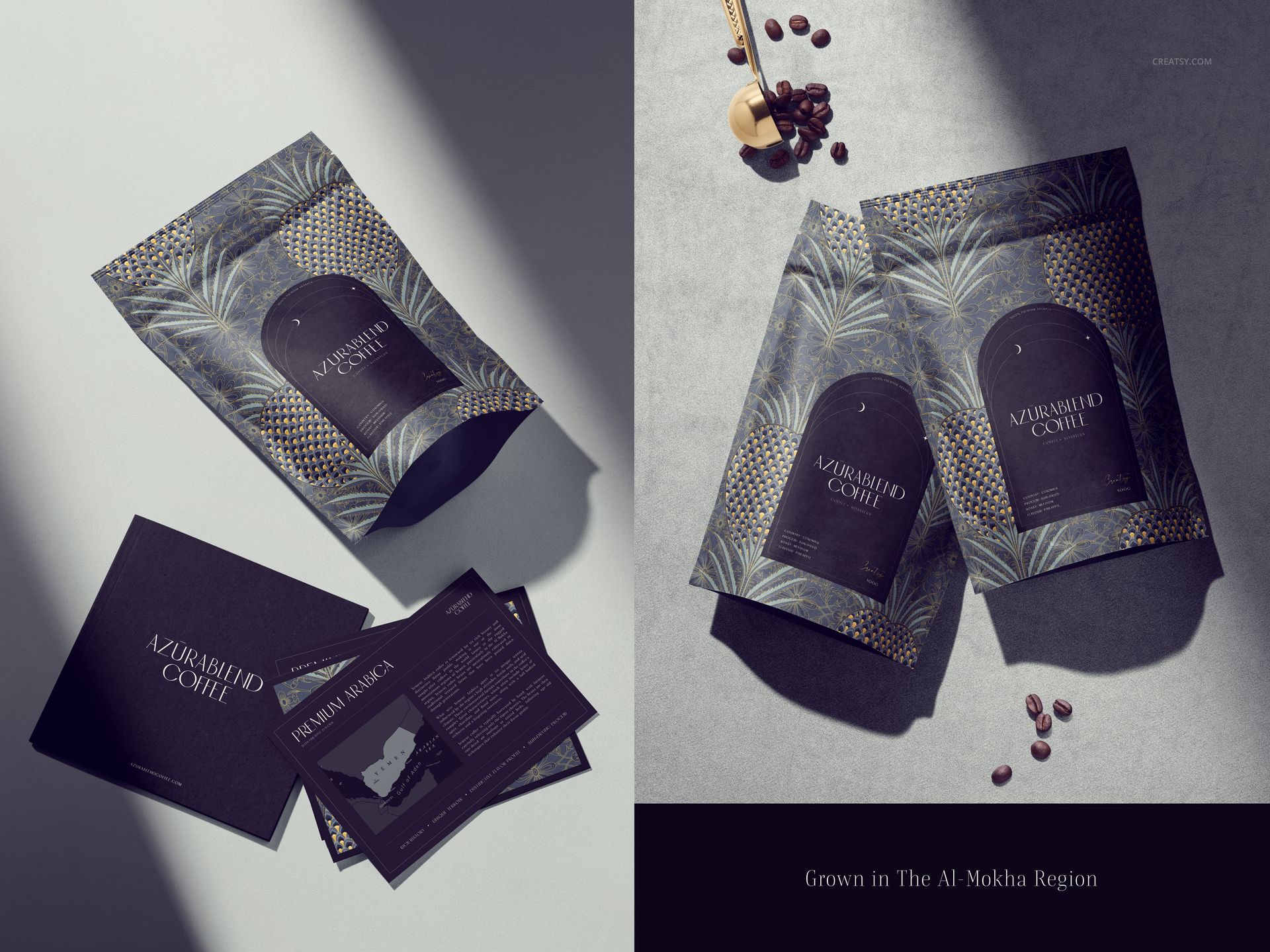
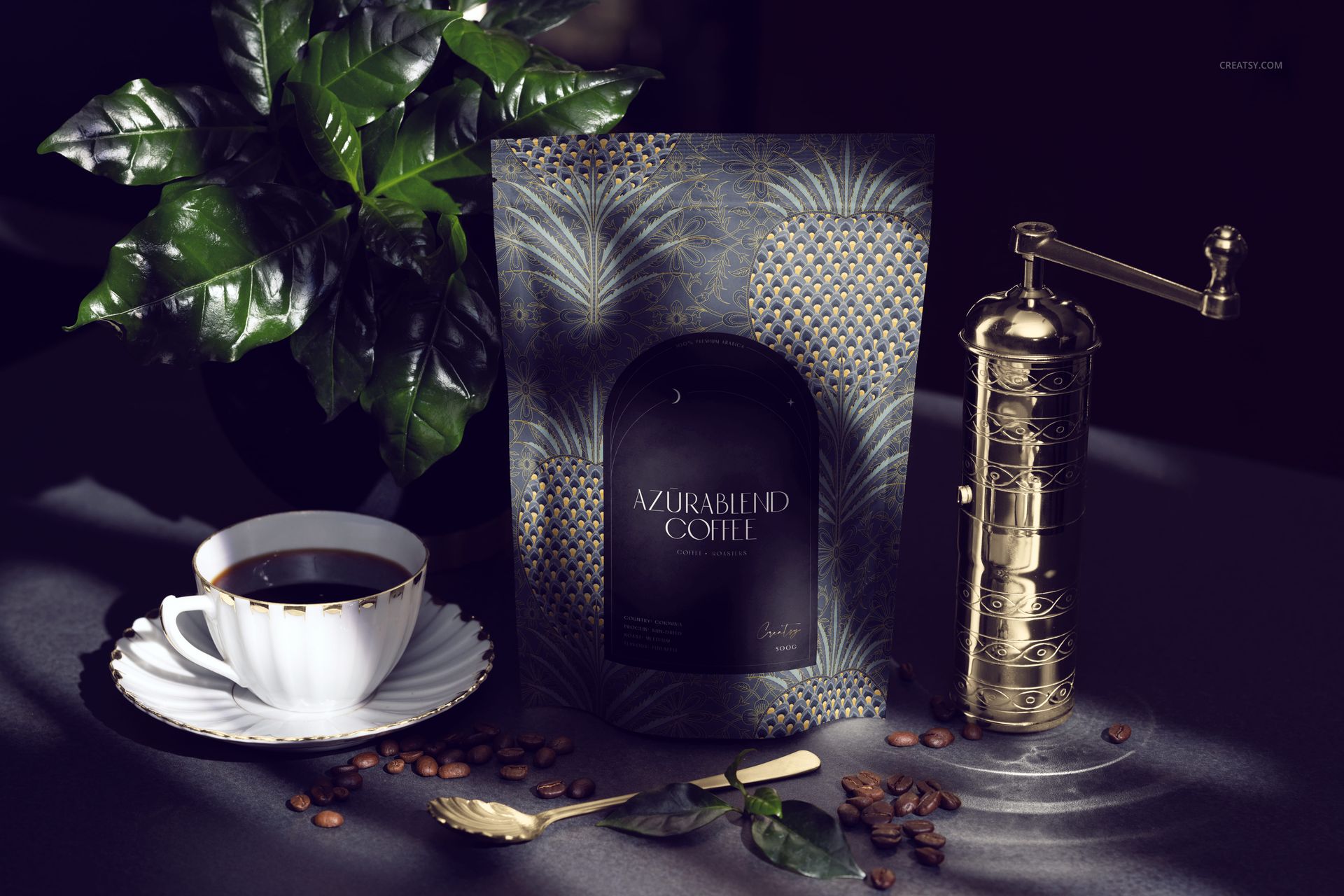
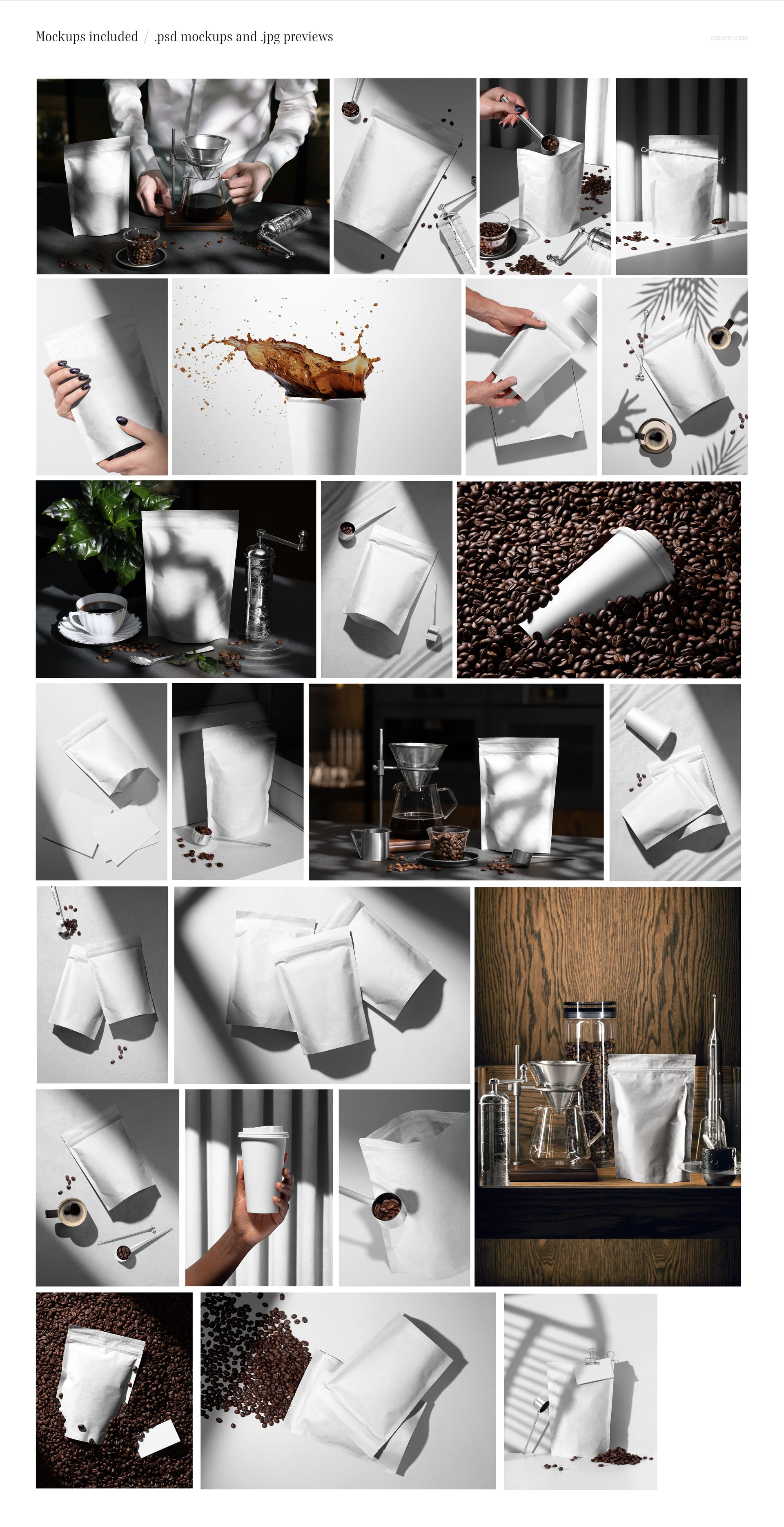
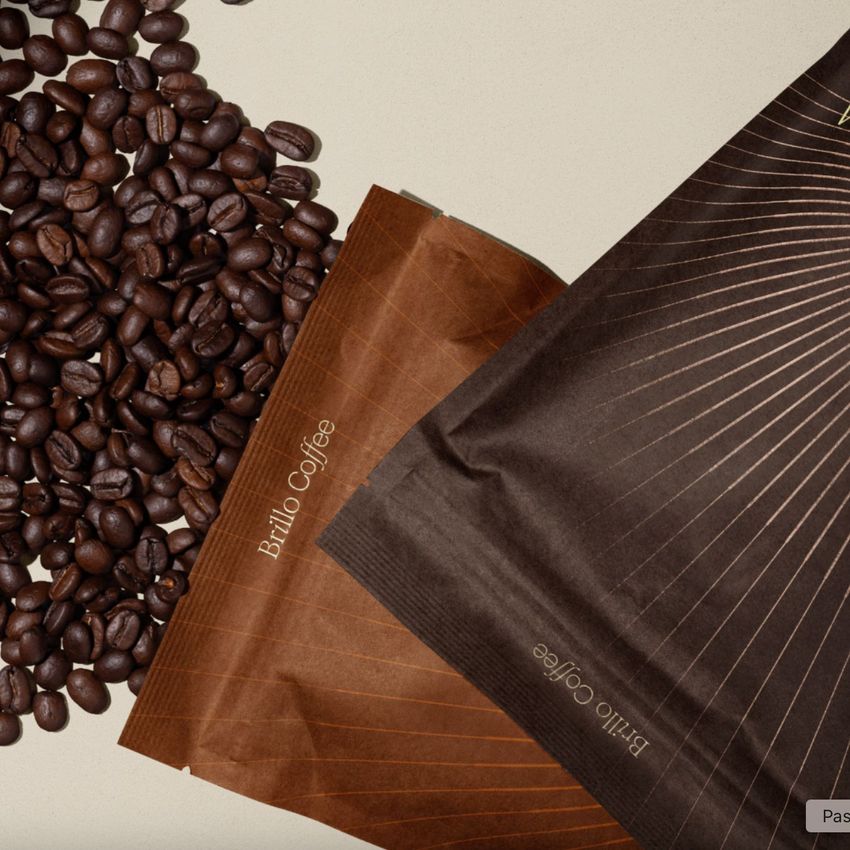
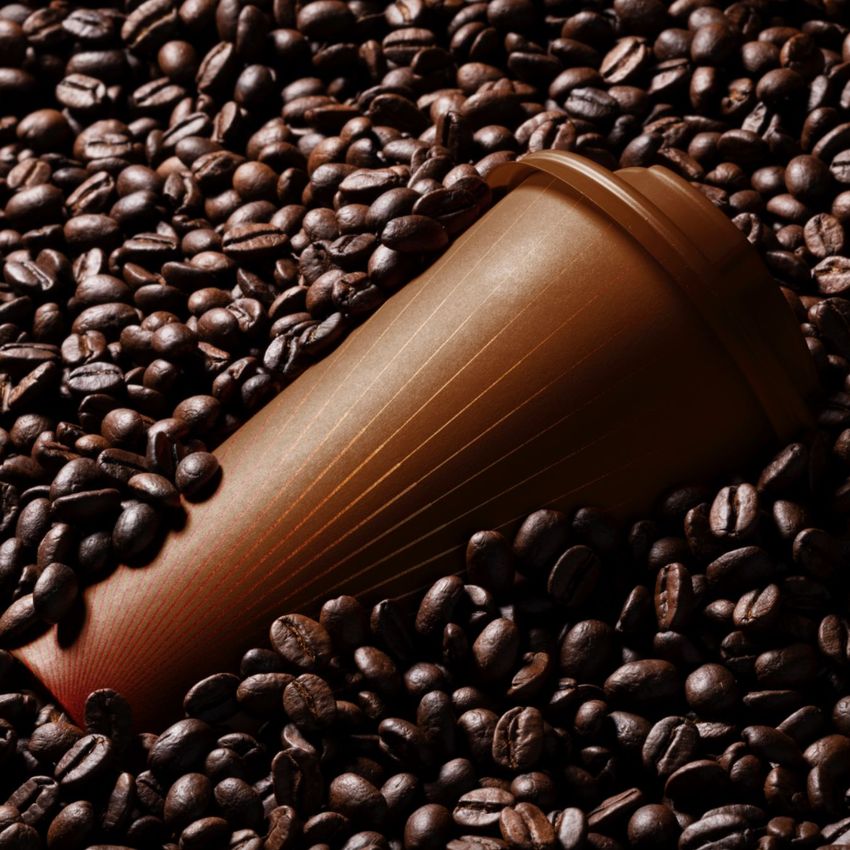
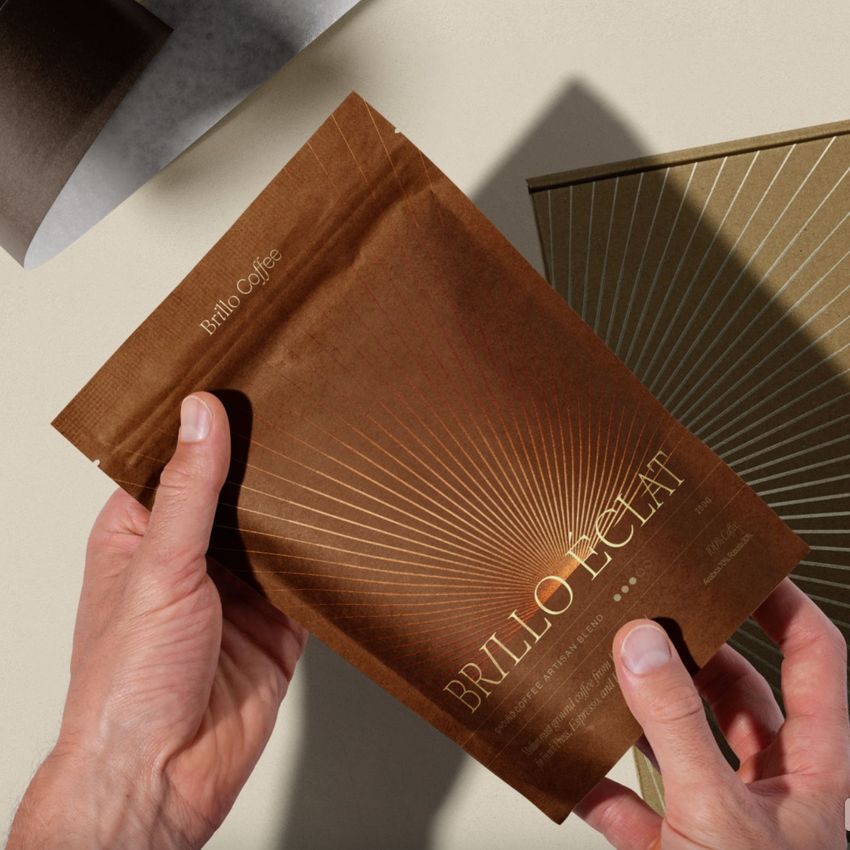
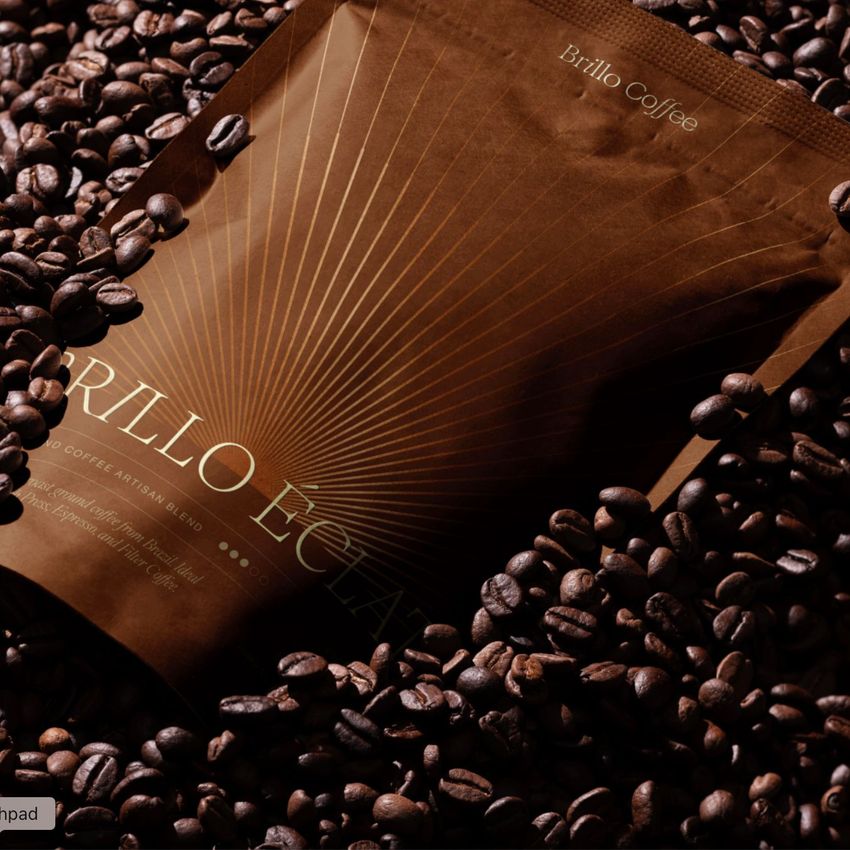
The scenes feature coffee packaging, pouches, cups, brewing props, coffee beans, cards, boxes and styled cafe details, making the set ideal for presenting a complete coffee brand system. Use it to show coffee bag designs, pouch packaging, cup artwork, labels, patterns, brand colors, logo concepts, cafe identity projects, specialty coffee collections and premium beverage packaging.
Instead of presenting your logo or packaging artwork as a flat file, you can place it into realistic coffee branding scenes and help clients or shoppers imagine the finished brand experience. The result feels more professional, more persuasive and easier to use across ecommerce listings, portfolios, presentations and marketing campaigns.
Why This Coffee Branding Mockup Set Works
Coffee packaging is more than a container. It communicates flavor, quality, atmosphere and brand personality before the customer even reads the label. This mockup set gives your design the context it needs by showing it across multiple coffee brand touchpoints, from pouches and cups to styled product scenes with beans and brewing accessories.
The dark, elegant product styling works especially well for specialty coffee, artisan roasters, premium cafe branding, luxury packaging, botanical patterns, geometric artwork, Arabic-inspired design, modern coffee shops and high-end beverage brands. The realistic lighting and carefully styled scenes help your packaging look finished, credible and ready for launch.
Use this mockup set for client presentations, Behance portfolio projects, Etsy listings, Shopify product pages, coffee roastery branding, social media campaigns, Pinterest graphics, digital catalogs, packaging previews, brand identity proposals and print-on-demand product visuals.
Perfect For
This coffee branding mockup set is a strong choice for:
Coffee roasters building a premium brand presentation
Cafe and restaurant brands creating polished packaging visuals
Branding studios presenting complete coffee identity projects
Packaging designers showcasing coffee bags, pouches and cups
Graphic designers preparing logo and label mockups
Etsy and Shopify sellers creating professional product images
Print-on-demand shops selling coffee packaging or branding assets
Agencies building client-ready cafe branding proposals
Portfolio designers creating realistic packaging case studies
Small businesses that need strong visuals before printing samples
Easy Customization with Smart Objects
The layered PSD files are built for a practical editing workflow in Adobe Photoshop and Photopea. Open the PSD, place your artwork into the smart object, save the file and the mockup applies your design with realistic lighting, shadows and product perspective. Creatsy’s page describes this workflow as placing your artwork into a smart object so the mockup wraps it with shadows, folds and lighting included.
This makes it easy to test different brand directions, compare packaging colorways, preview label layouts, create cohesive social media images and build a complete coffee branding presentation without arranging a photoshoot or producing printed samples first.
The set works especially well for coffee logos, geometric patterns, botanical illustrations, premium labels, Arabic-inspired artwork, minimalist branding, luxury packaging concepts, cafe menus, product cards and coordinated restaurant identity systems.
What You Can Showcase
Use this mockup set to present:
Coffee pouch packaging
Coffee bag designs
Coffee cup artwork
Cafe and restaurant branding
Specialty coffee packaging
Premium beverage brand identity
Coffee labels and logo concepts
Coffee box and card designs
Branded cafe product scenes
Coffee roastery collections
Packaging design portfolios
Etsy and Shopify product images
Pinterest and Instagram graphics
Client presentation visuals
Restaurant and cafe marketing campaigns
File Specifications
Includes PSD, JPG and PDF files
Pack includes 25 PSD files
50 files included in total
PSD size: approximately 6000x4000 px
Resolution: 300 DPI
Compatible with Adobe Photoshop CC 2020 or newer
Compatible with Photopea
Well organized layers
Package size listed on the page: 2.12 GB for Windows and 2.28 GB for macOS
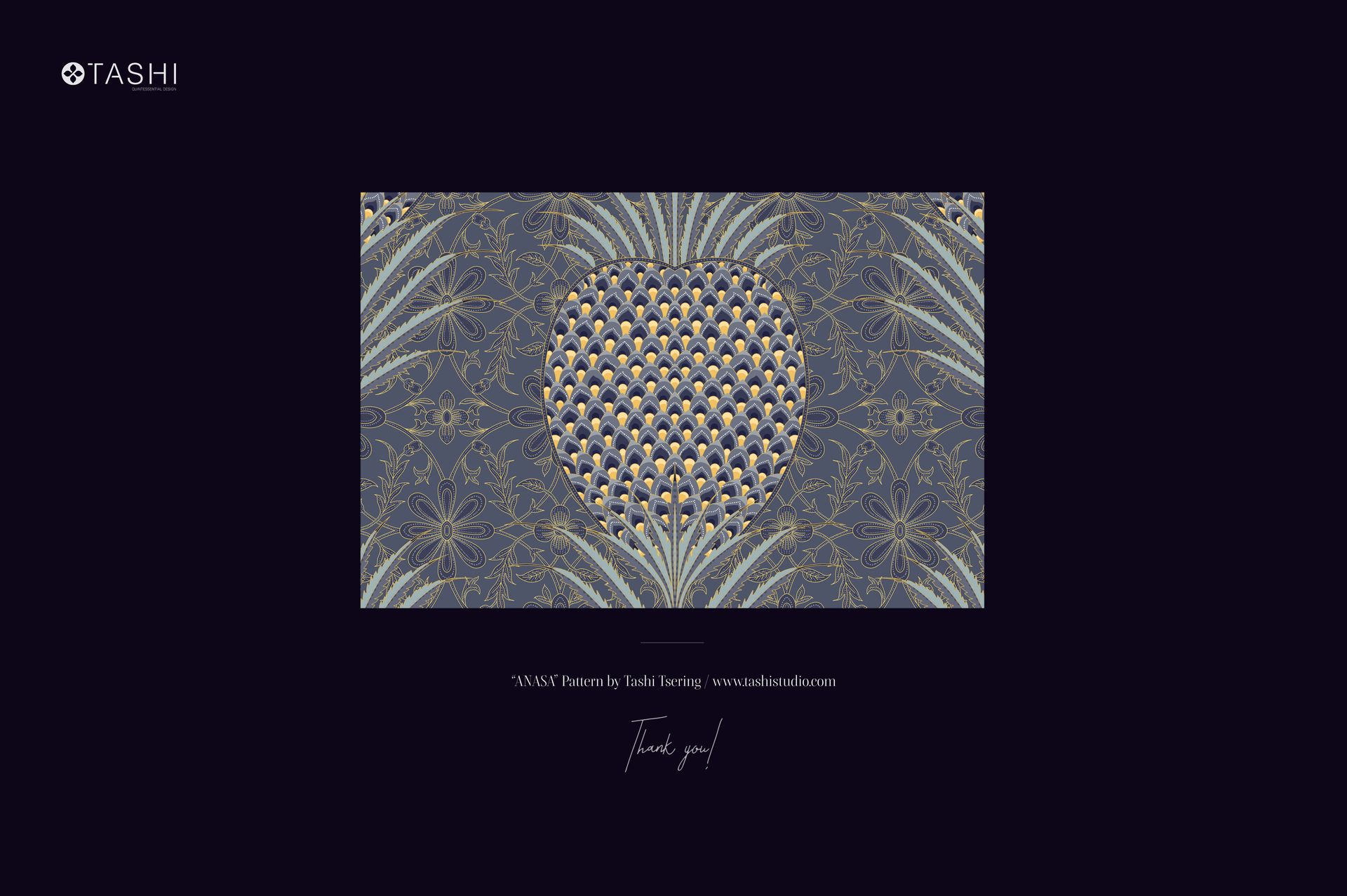
Preview pattern is used for display purposes only and is not included with the main zip file
Preview Artwork Credit
Preview pattern applied on the mockups is “Anasa” by Tashi Tsering. You can find more of their work at tashistudio.com. The artwork is shown for presentation purposes only and is not included with the mockup files.