

 $2900
$2900


 $2900
$2900


Print Templates
Layered PSD print files for posters and folded 5x7 cards, set up with bleed at 300 DPI, so you change the wording and the colors and send the export to the printer. Made for poster and card sellers, event promoters and print shops that need a finished layout today

Reviews
What print sellers and studios say after using these templates for print projects.
0
Sort by:


Good
 Free Ethereal Spectrum Man Poster Template View product
Thank you! We’re glad you’re happy with it. 😊
What you get
Print-ready layered PSD templates built for print with bleed and high-resolution, editable artwork - edit, export, and send to print.
Layered PSD Files
Every template is a fully layered Photoshop PSD with named, organized groups - so you can edit one element without disturbing the rest of the layout. Photoshop compatibility and Photopea support are listed on each product page.
- Organized, clearly named layer groups
- Edit headline, body text, and color layers separately
- Photoshop (version per product); some packs also open in Photopea
Built for Print, With Bleed
The print setup is already done - bleed and high-resolution artwork are in place before you export. Color mode (CMYK, sometimes with a separate RGB version) and resolution (commonly 300 DPI, some at 600 DPI) are listed on each product page.
- Bleed set up around the design
- High-resolution artwork (commonly 300 DPI, some 600 DPI)
- CMYK for print, with some products adding an RGB version
Editable Text and Colors
Change the wording, swap colors, and adjust the design directly in the layered file - no need to rebuild the layout from scratch for each listing.
- Replace placeholder text with your own
- Recolor design and background layers
- Reuse one layout across a card or poster set
Poster and 5x7 Card Formats
Poster designs and 5x7 greeting and invitation cards sit in one print-template library, including the Vintage Halloween series.
- Large range of poster templates
- 5x7 greeting and invitation cards
- Themed sets such as Vintage Halloween cards
Commercial License and Support
A commercial license is included, so you can sell finished prints and card sets. Real people answer if you have a question about a file or how to set it up.
- Commercial license for selling printed products
- Use for print shops, POD wall art, and Etsy listings
- Support from real people, replies within 48 hours
Who are these print templates for?
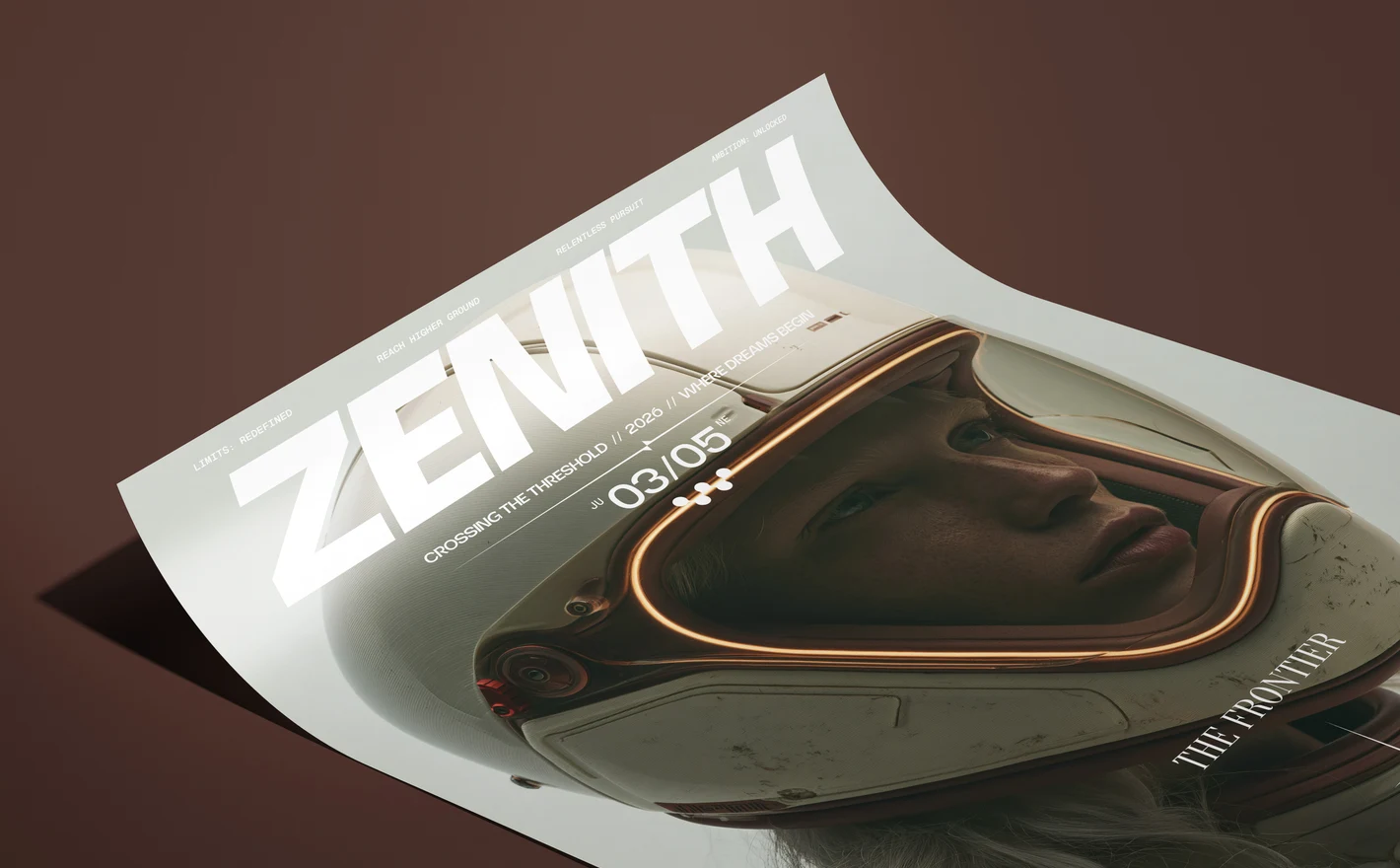
For poster sellers on Etsy & print-on-demand
Open the Zenith Space Frontier Poster Template, replace the ZENITH headline and the date line with your own words, and export the CMYK file for the print run and the RGB file for the listing image. One template gives you the poster to sell and the graphic that sells it.
Selling poster prints? Browse poster templates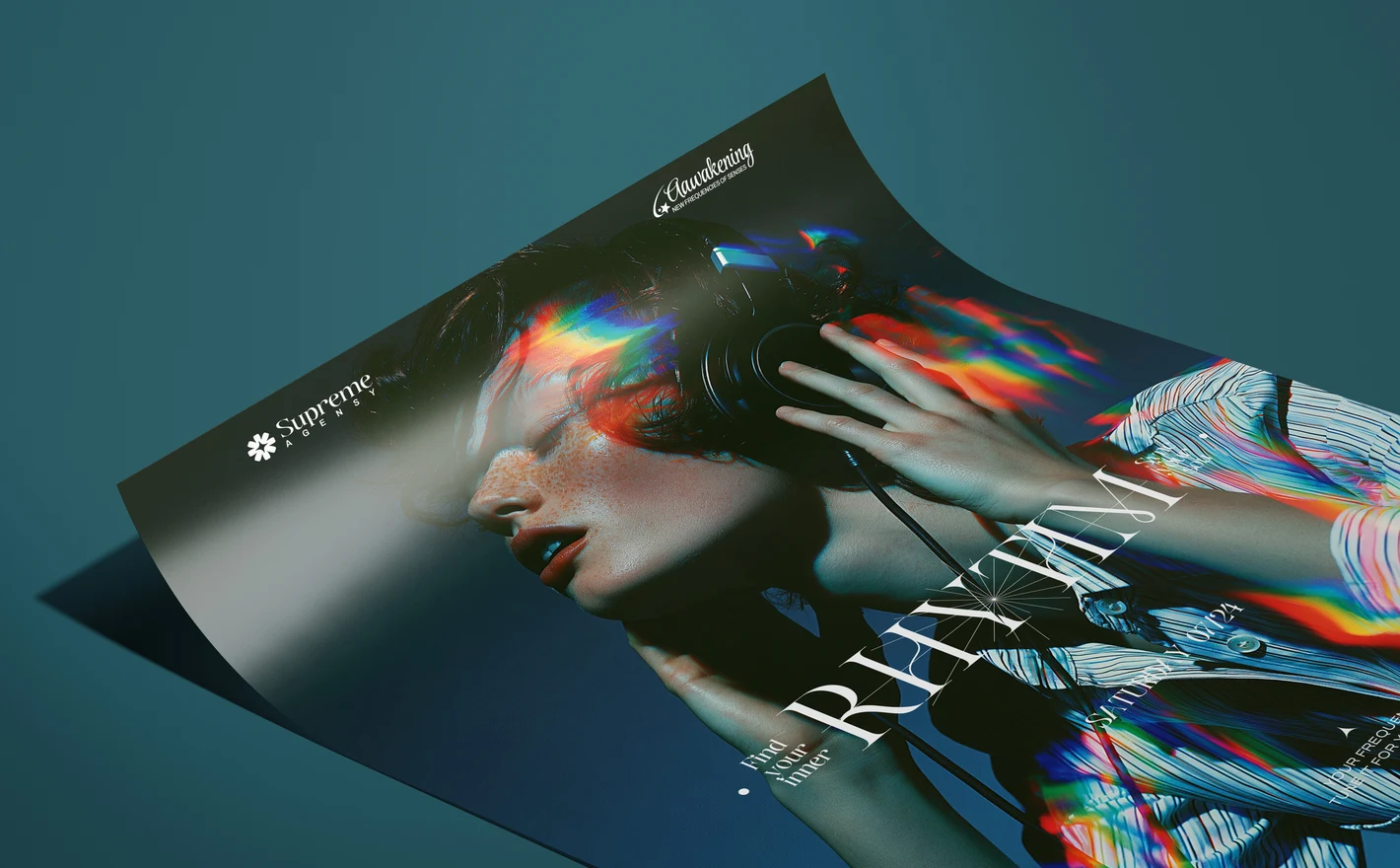
For club nights & event promoters
Put the lineup, the date and the venue into the Tune In Frequency Poster Template and the poster is ready for the printer: a CMYK file with 3 mm bleed, plus an RGB version for screens. Install the fonts listed in Fonts used.txt before you open the file.
Promoting a night? View Tune In Frequency Poster Template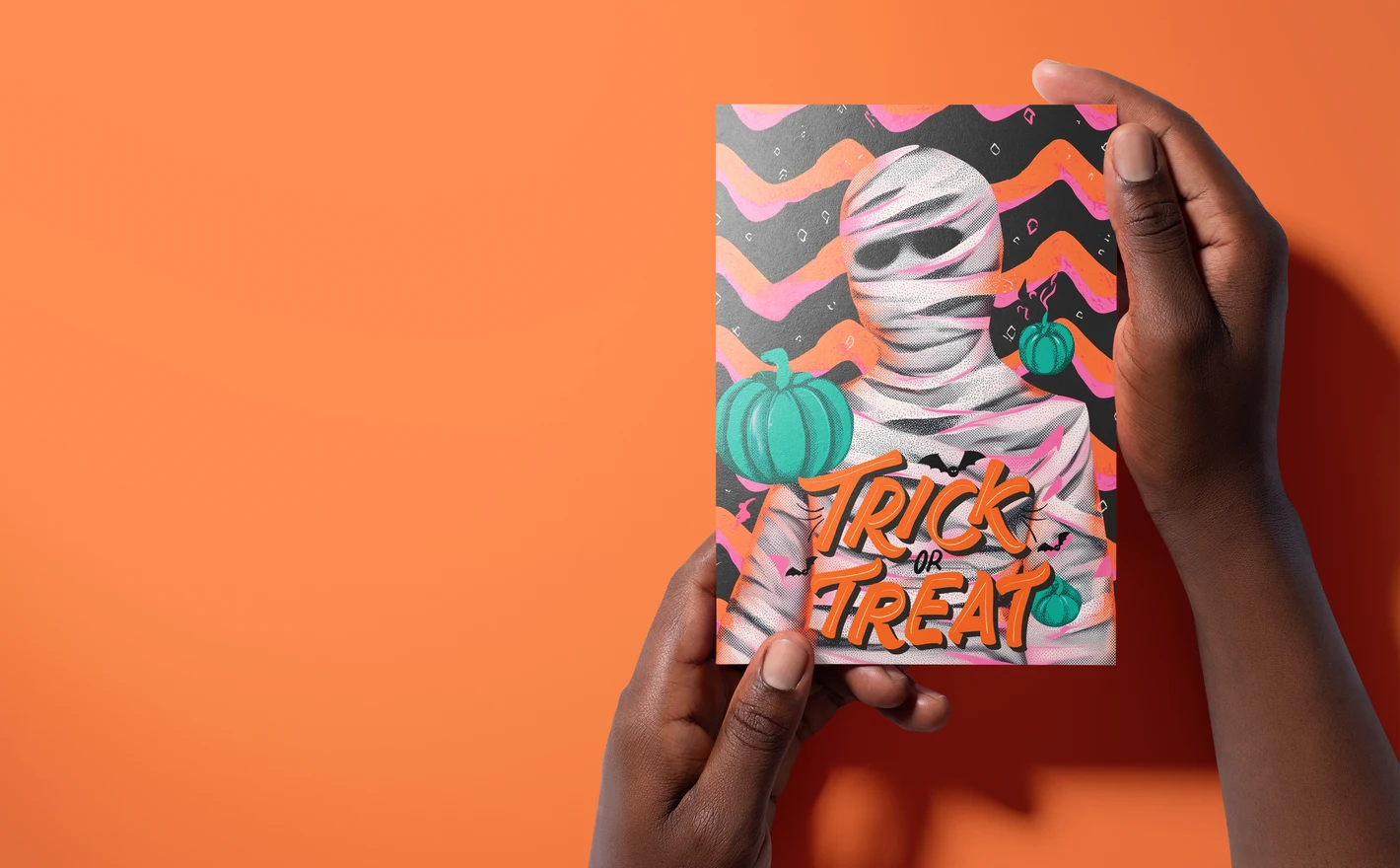
For greeting card & stationery sellers
Change the greeting on the Vintage Halloween White Wrapped Mummy 5x7 Card Template and the folded card is ready, front and back on a 10 x 7 in sheet at 300 DPI, in Photoshop or Photopea. The rest of the series uses the same setup, so a card set is a run of text swaps.
Selling card sets? View the Vintage Halloween White Wrapped Mummy 5x7 Card Template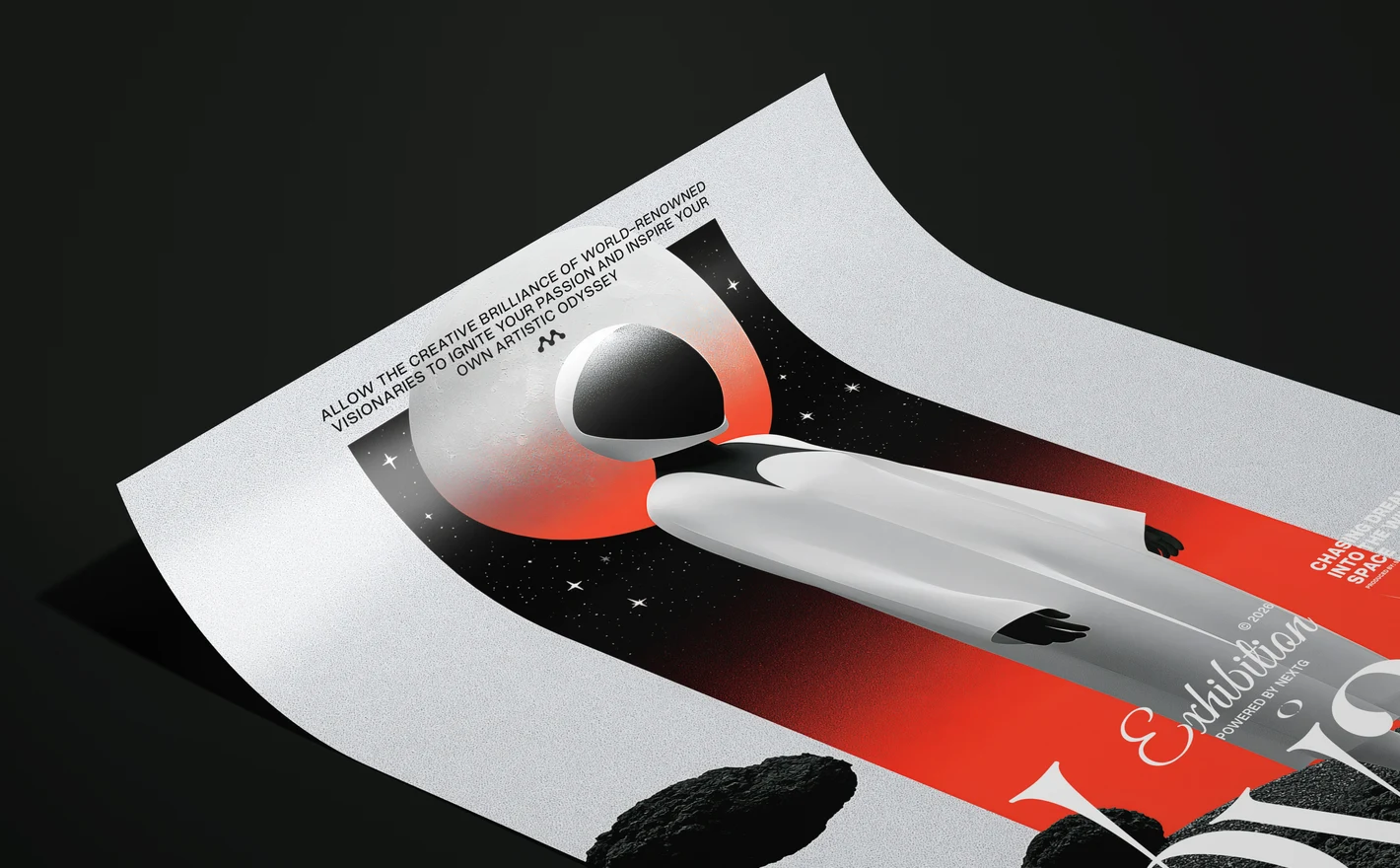
For print shops & studios on a deadline
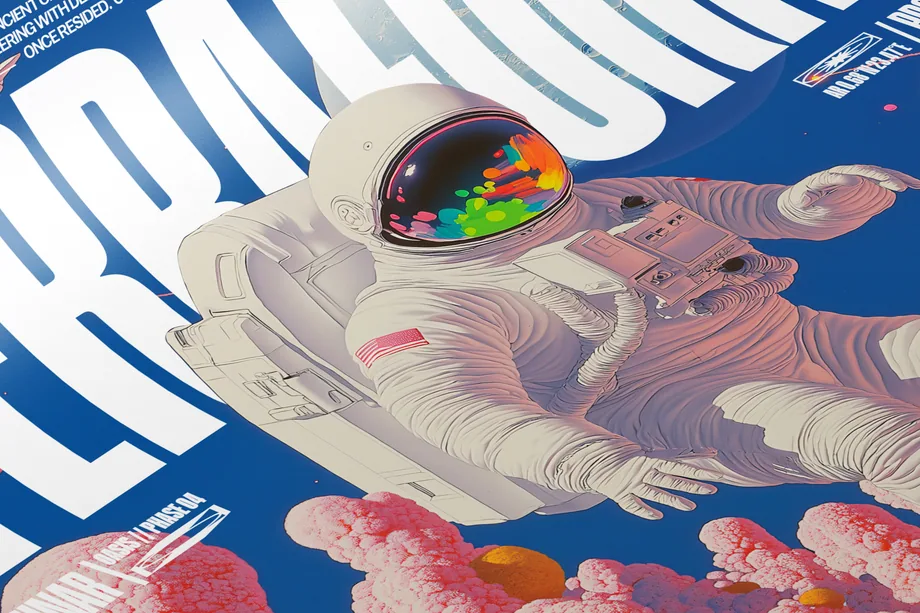
Take the Wild Space Odyssey Poster Template when a client needs a poster today: install the fonts from Fonts used.txt, drop the event name into the headline, and the A3 file with 3 mm bleed goes to press as it is. Keep the type sizes and the poster still reads from across the room.
Printing for a client? View the Wild Space Odyssey Poster Template
FAQs
Yes. The bleed is built into the canvas and the file is set at 300 DPI for its print size, so you edit and export without redoing the page setup. The current poster series is A3 with 3 mm bleed and ships as a CMYK PSD plus an RGB PSD; the older party and nature packs are 8.5 x 11.9 in with a quarter-inch bleed in CMYK; the 5x7 cards are a 10 x 7 in flat sheet that folds. The exact size and color mode are in the Product Details of each listing.
Photoshop. The minimum version differs by product, from CS4 on the older packs to CC2020 on the card series, and each listing states it. Most templates also carry the Photopea chip in the compatibility row, so they open free in the browser, and a few list Affinity Photo and Designer as well. Check the chips on the product page before you buy.
All the type: the headline, the date line, the body copy and the small text blocks. Color layers recolor the design and the background. The illustration or photograph is the design itself and stays as shown, so pick a template whose artwork you want to print and treat the words and colors as yours. Some of the older party packs mark extra design elements as editable; the listing says which.
Yes, before you open the file, or Photoshop will substitute them. The current poster series includes a Fonts used.txt that names the typefaces; the older packs link to the free fonts they use in the listing text.
Single posters in the current A3 series, older packs that bundle several posters with matching flyers and Facebook covers, and the Vintage Halloween series of folded 5x7 greeting cards. Posters have their own subcategory; the cards and the packs sit in the main grid, with the packs on the last pages.
Yes, as your own end product. The Commercial license covers one business and up to 5,000 end products for sale; Extended Commercial raises that to 250,000. The end product has to be significantly different from the template as sold, so change the text and the colors and sell the result. You can't resell or share the PSD, and you can't let your customers edit the file themselves, which rules out print-on-demand setups where the buyer customizes the design. The full terms are on the Licenses page.
A template is the file you print; a mockup is a photo scene that shows the finished print. Use the template to make the poster, then drop the export into a poster or framed print mockup for the listing photo. The two live in different categories, and the mockup categories are linked from the Prints & Wall Art hub.
Why use print templates?
Print Templates is the part of Creatsy you print from. The current poster series is a set of A3 layouts, each built around one piece of artwork and an oversized headline, delivered as a CMYK PSD for the press and an RGB PSD for screens. Behind it sit the older party and nature packs, with posters, flyers and Facebook covers together, and the Vintage Halloween series of folded 5x7 cards. All of it is layered PSD, with the Photoshop version and Photopea support shown on each listing, and a commercial license. The part of a poster that takes the time is the setup: the bleed, the resolution, the color mode, the hierarchy that makes a headline read from across a room. Here that's done. You open the file, the type is live, the fonts are listed, and the export goes to the printer as it is. One layout carries a run of jobs. Change the date and the headline and the same poster does next month's night; swap the greeting and the same card does the whole Halloween set. The artwork and the hierarchy stay, so the set looks designed instead of assembled. These are print files, not mockups, so there's no scene around them. To show a finished poster on a wall or in a frame for a listing, export the template and drop it into a poster or framed print mockup from Prints & Wall Art. Each template is its own PSD; the text you set in one poster doesn't carry into the next
thank youu
You’re very welcome! Thank you for your review. 😊