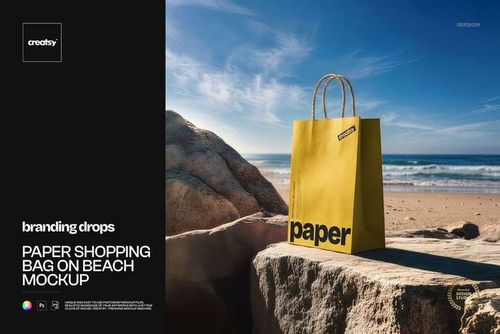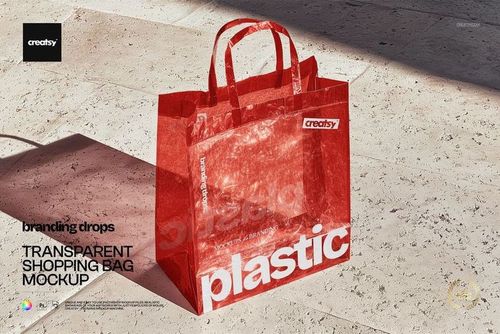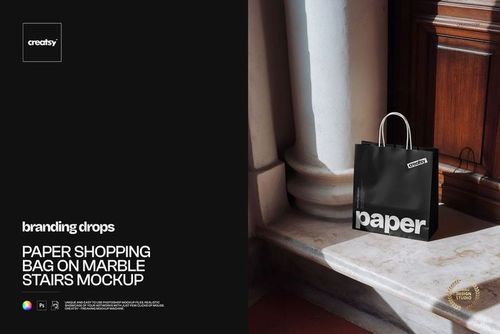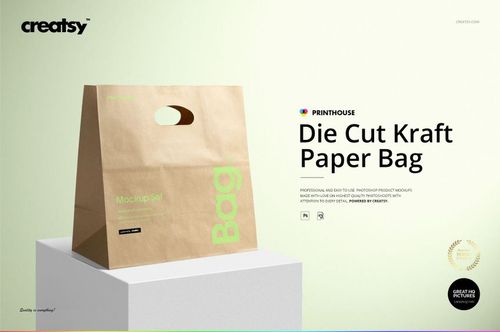
Printhouse Mockups Bundle v.1
Product Details
Printhouse Mockups Bundle v.1
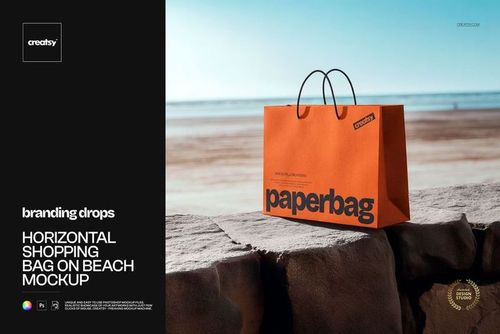
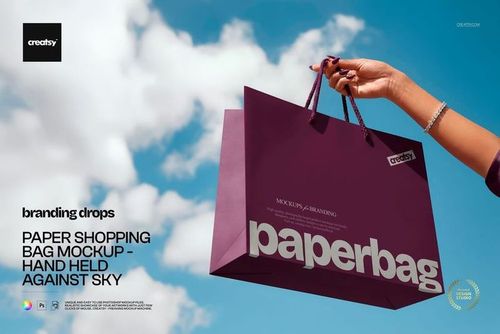
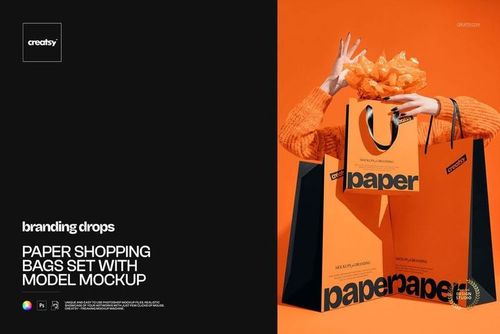
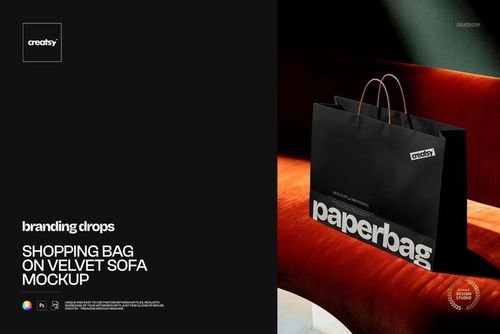
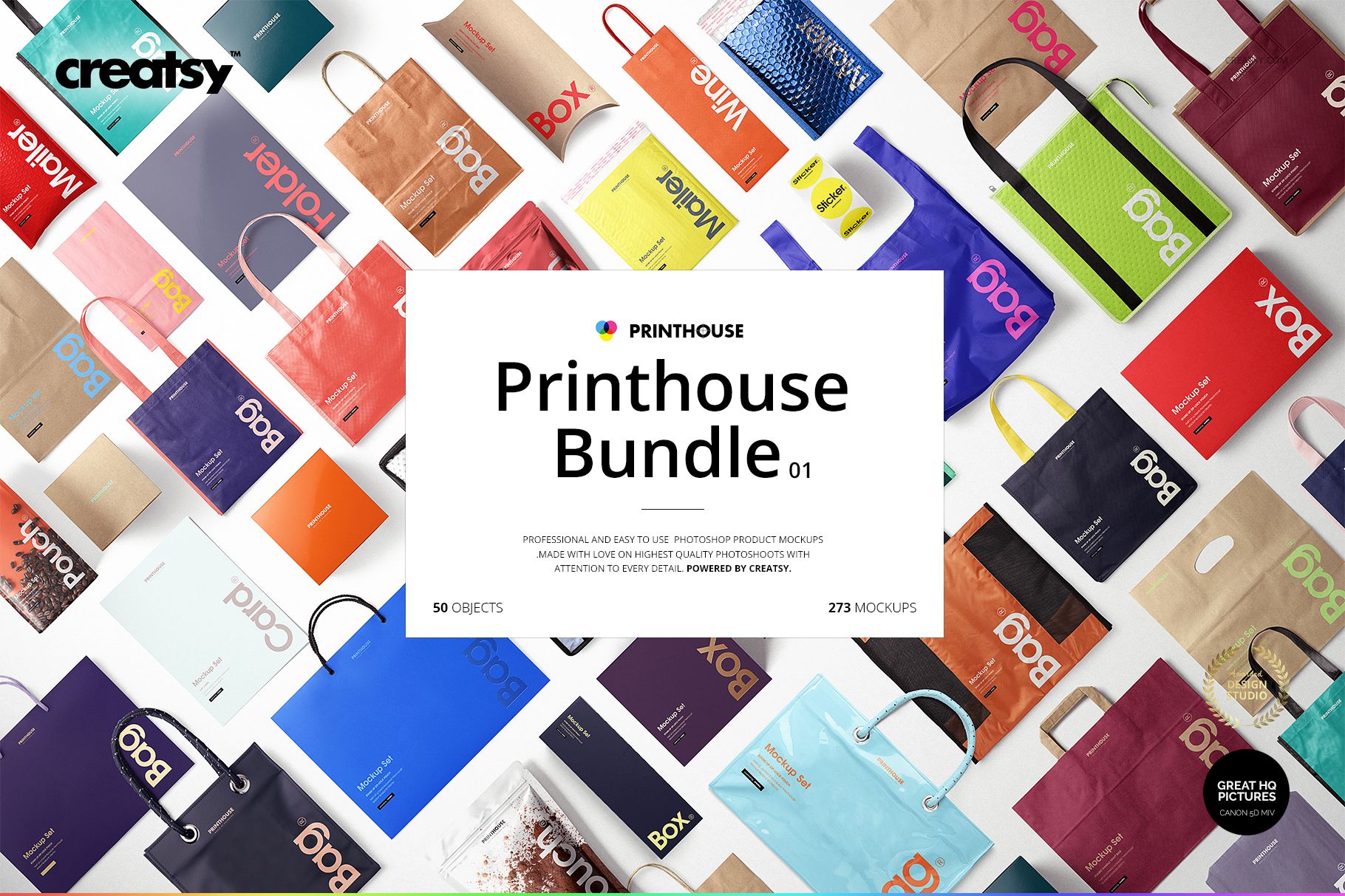
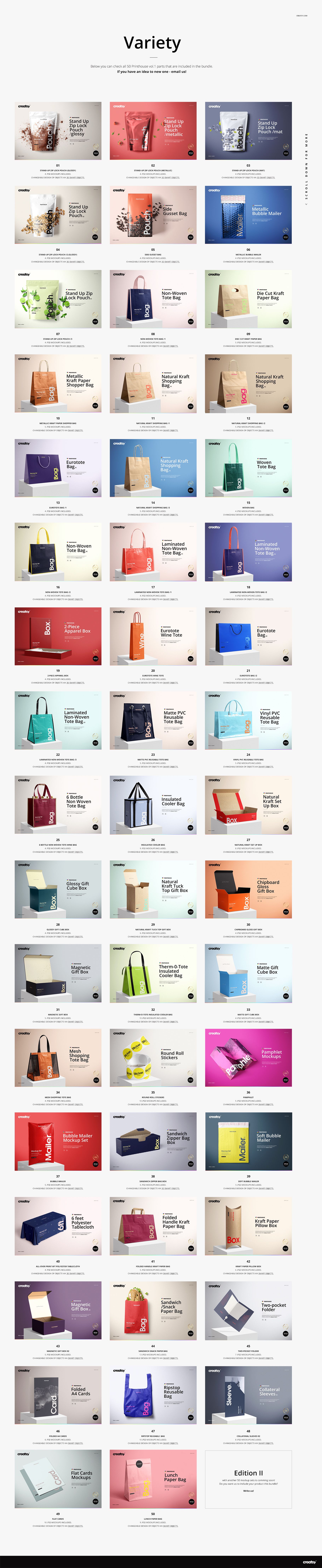
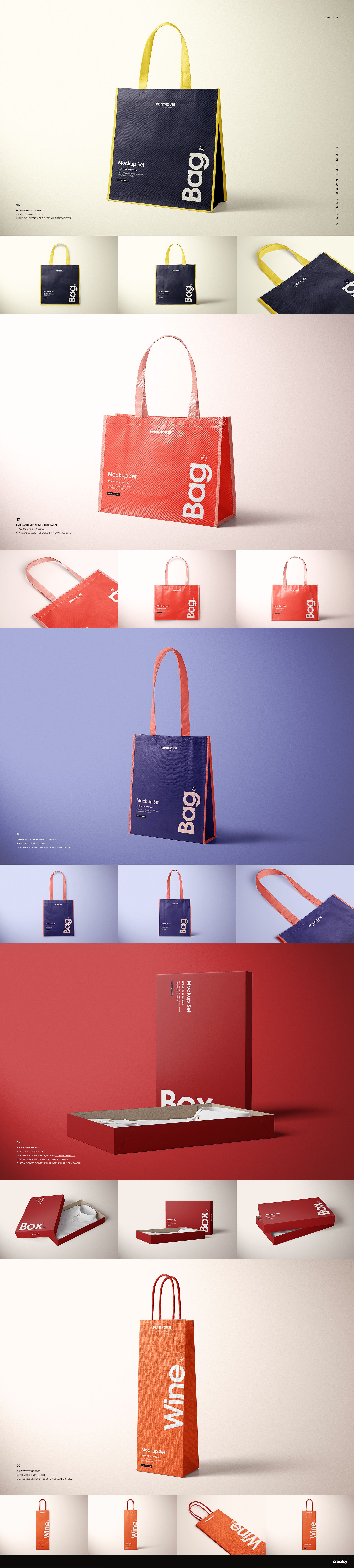
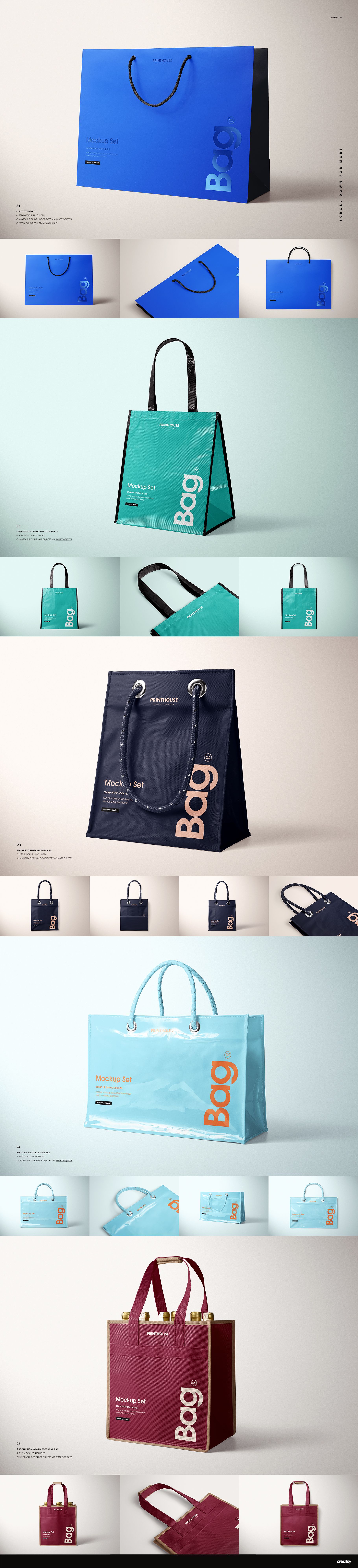
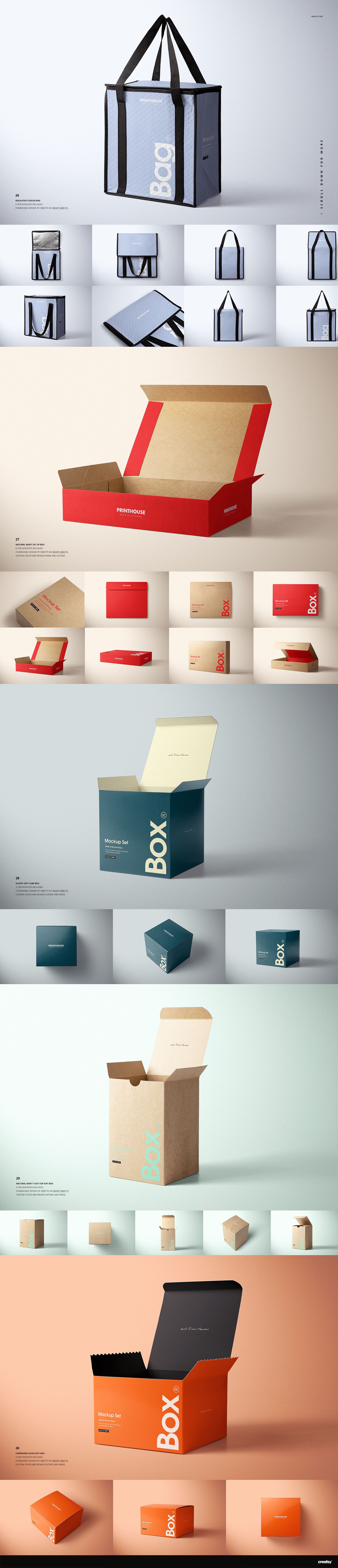
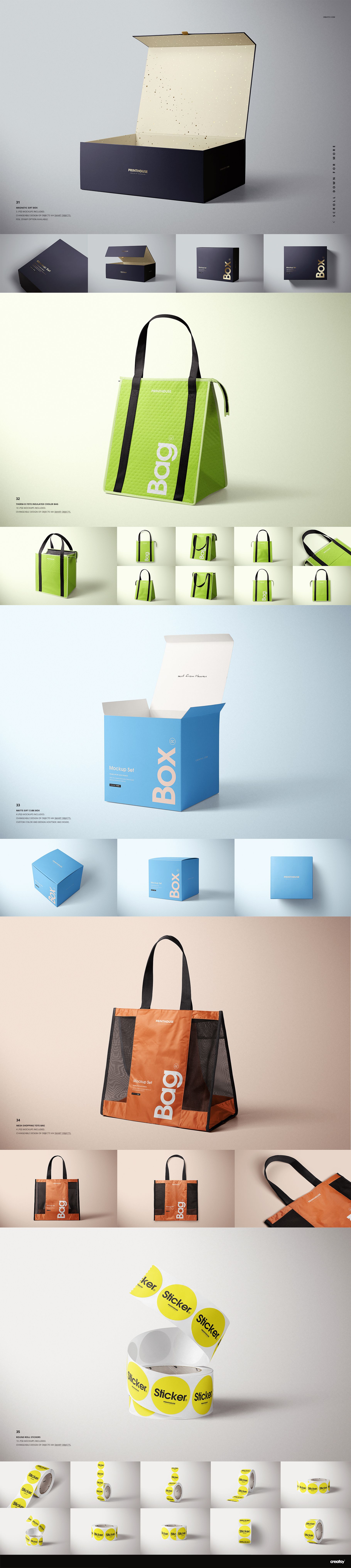
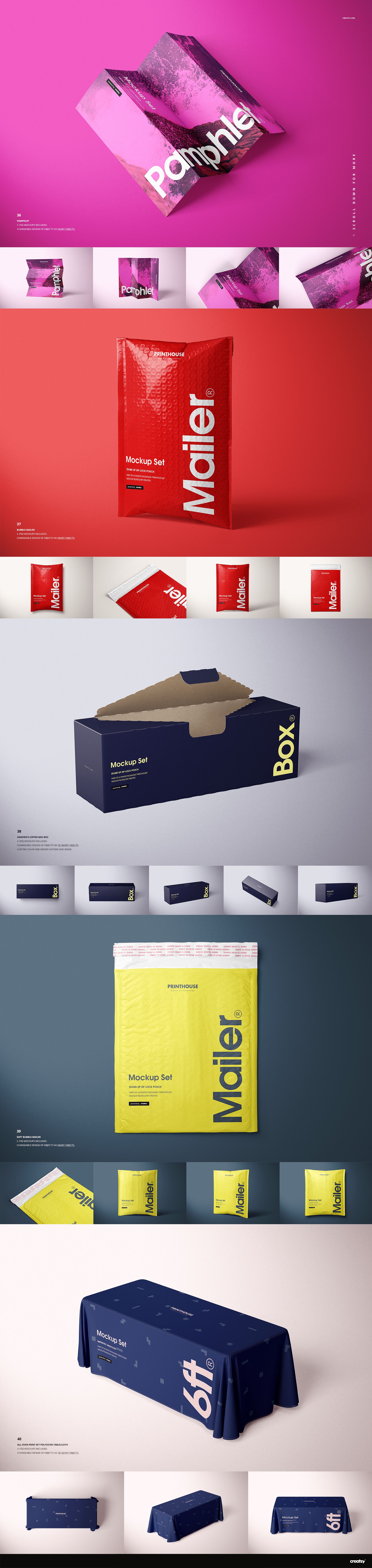
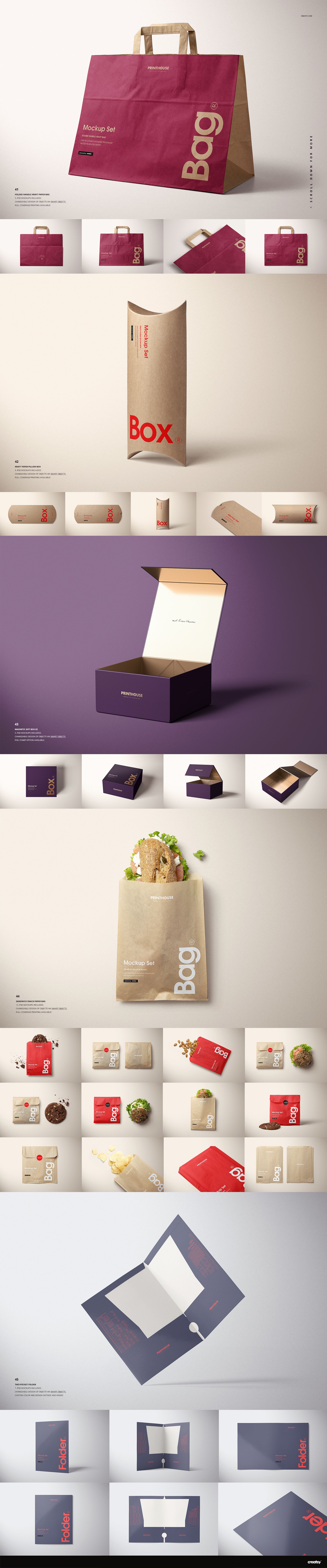
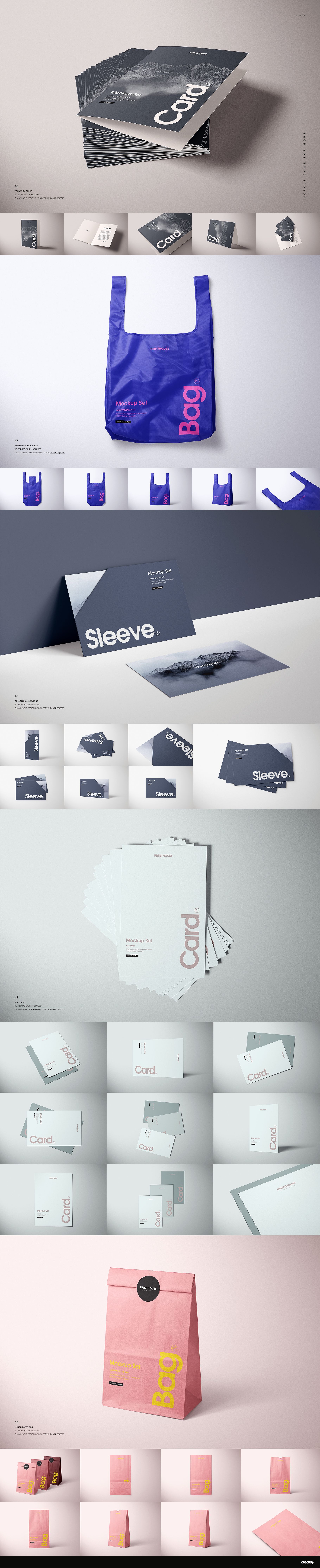
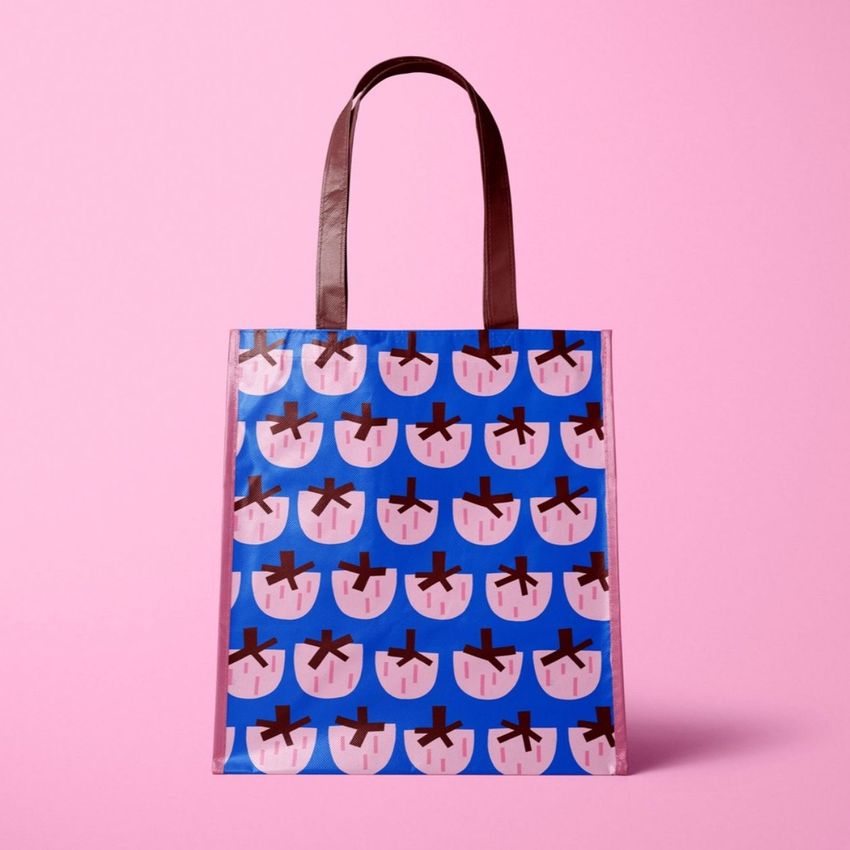
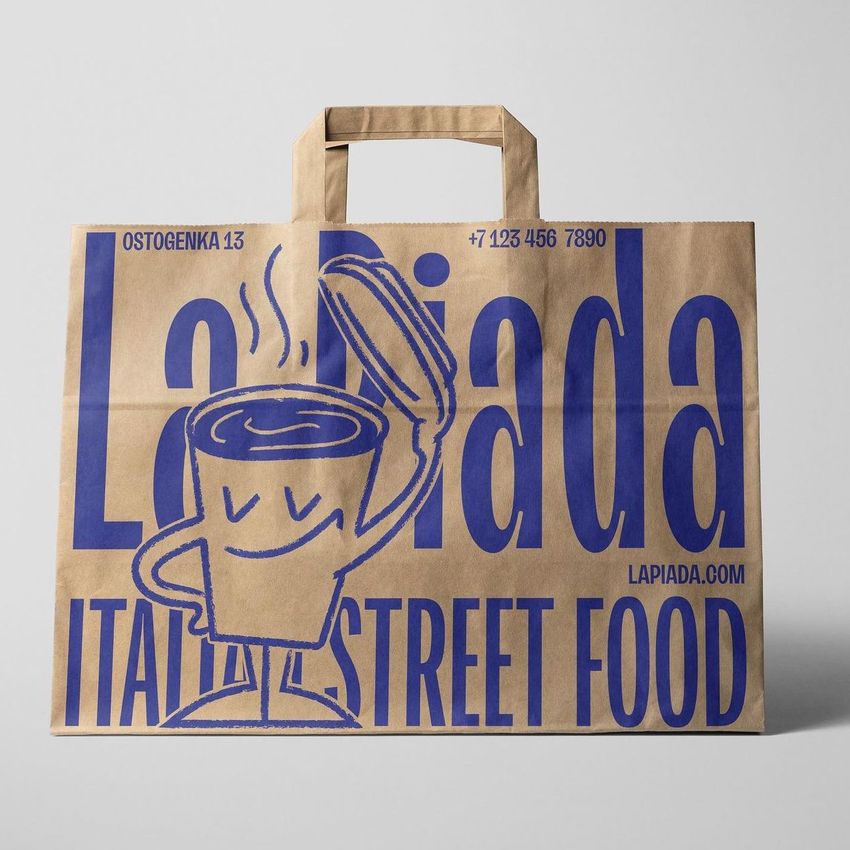
Build a varied packaging presentation from one working library. This 50-product collection covers retail carriers, reusable shoppers, gift boxes, padded mailers, resealable pouches, cards, folders, stickers and a display tablecloth, giving branding teams multiple surfaces and viewpoints without arranging dozens of photo shoots.
Use the collection to test how a logo, illustration, typography system or repeat pattern behaves across kraft paper, glossy and metallic packaging, textile totes, insulated bags and rigid boxes. The range helps a client see whether one identity remains recognizable from a hero package to supporting retail, delivery and event pieces before physical samples are produced.
What Is Included
50 complete mockup product sets
Current included-product manifests list 607 files across PSD, JPG and PDF formats
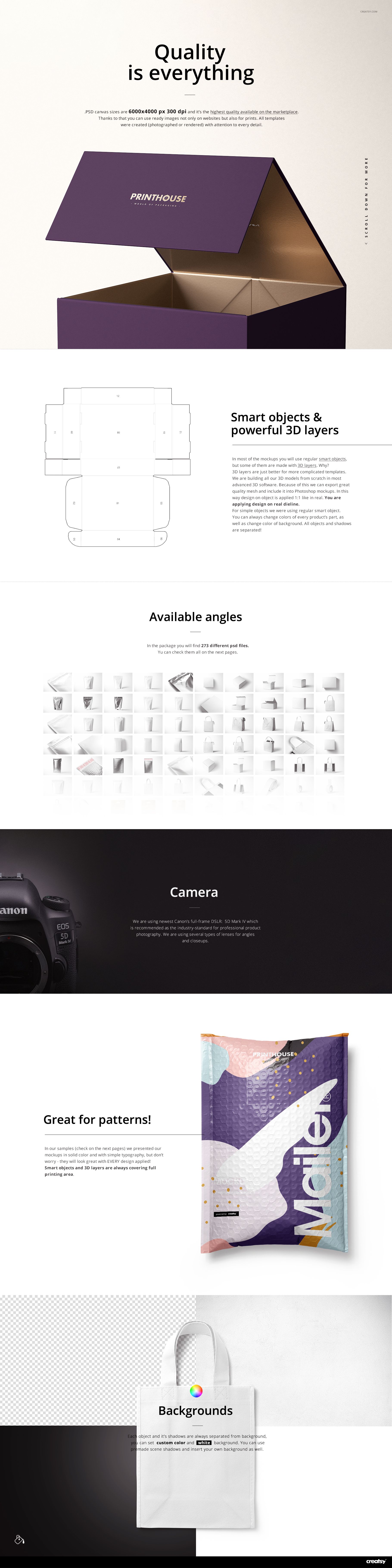
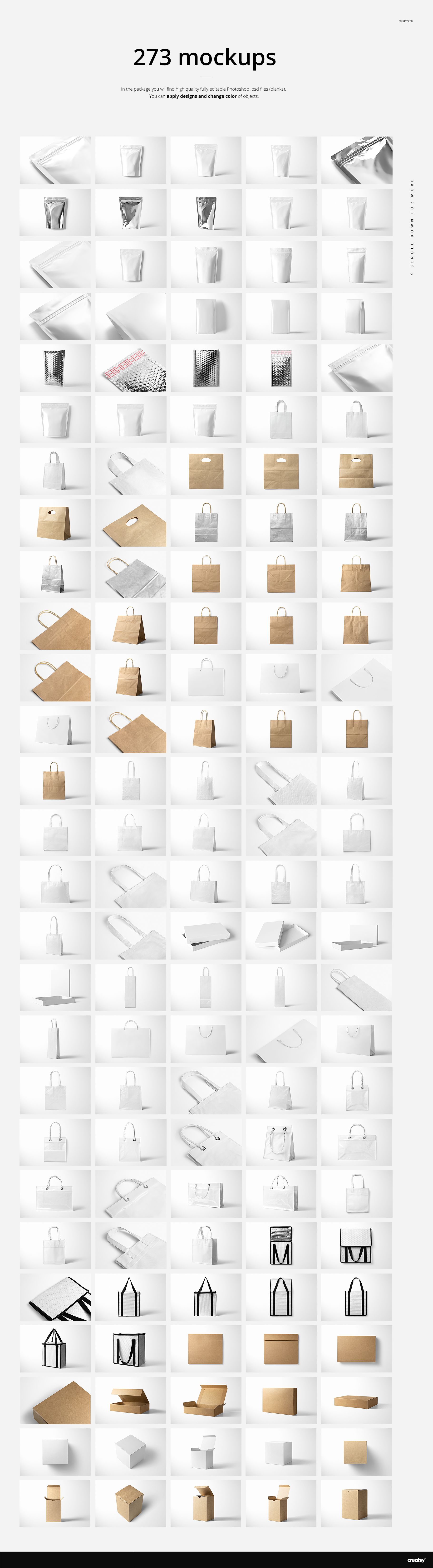
More than 270 layered PSD mockups at 6000 x 4000 px and 300 DPI
Front, angled, top, flat, inside, open, closed, group and close-up perspectives across the collection
Bundle-level compatibility for Adobe Photoshop and Photopea; the current product description specifies Adobe Photoshop CC2021 or newer
A Broad Packaging System, Not One Repeated Scene
The bundle moves from paper shopping bags, textile totes and insulated carriers to rigid boxes, flexible food packs, mailers and stationery. That variety makes it practical for developing a full brand family, comparing materials or planning a campaign in which every item needs its own realistic context.
Easy Smart Object Editing
Open the chosen PSD, replace the placeholder artwork through its Smart Object and use the color layers available in that scene. Editing controls vary between the 50 sets, so the individual product page remains the best reference when a project depends on a particular part, finish or Photopea workflow.
Perfect For
Packaging and branding studios building multi-format identity systems
Surface pattern designers comparing scale across paper, textile and flexible packaging
Print suppliers preparing client approvals before sampling
Retail, food, gifting and promotional brands planning coordinated launches
Ecommerce teams creating a varied gallery from one visual direction
This is a digital mockup bundle. It does not contain finished physical products or production dielines. Sample designs shown in the previews are not included.
File details
- Compatibility


- Products in bundle
- 50
- Package size
- 111 GB
 |119 GB
- Files type
- .psd, .jpg, .pdf
- Files size
- 6000x4000
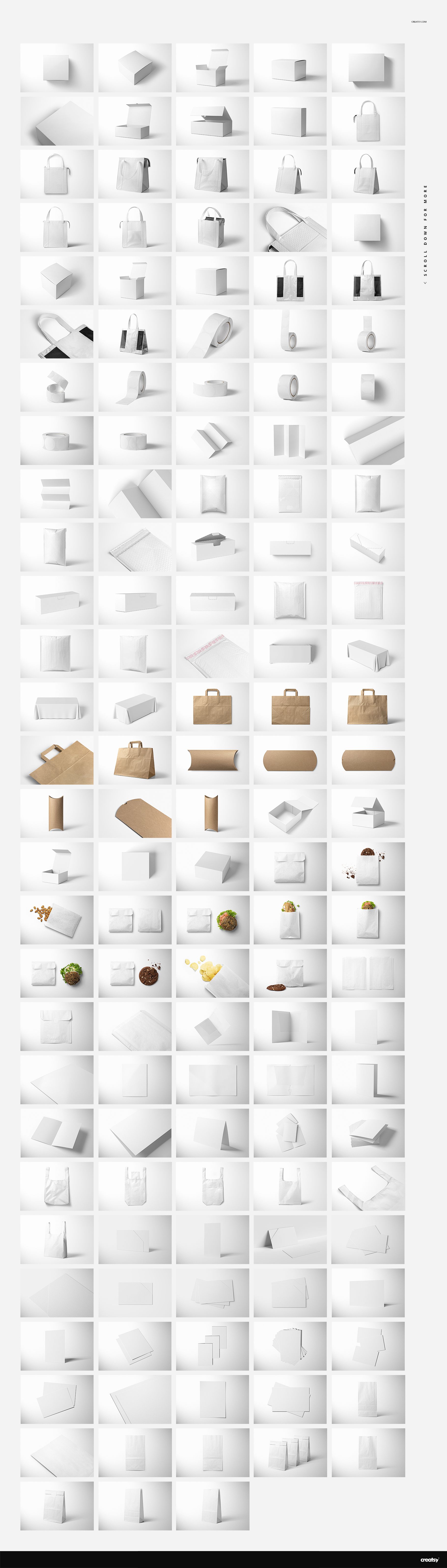
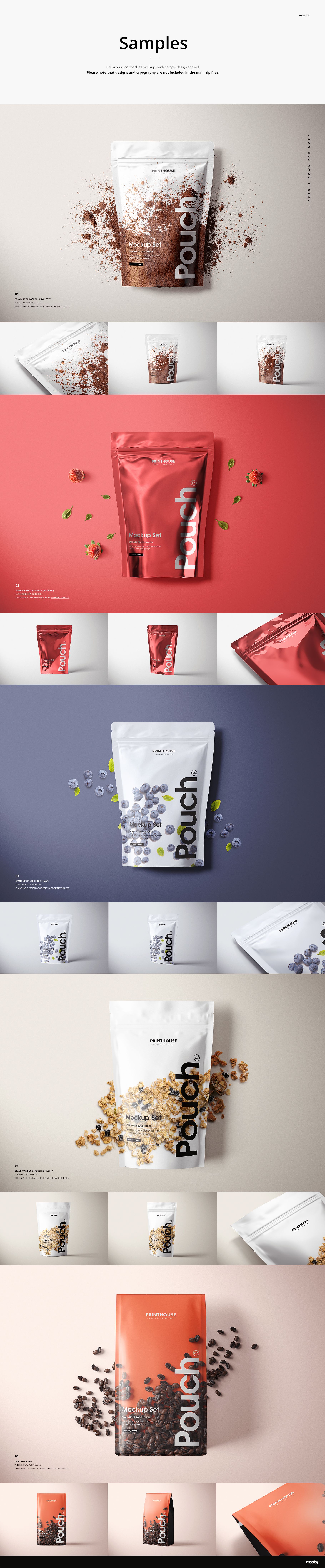
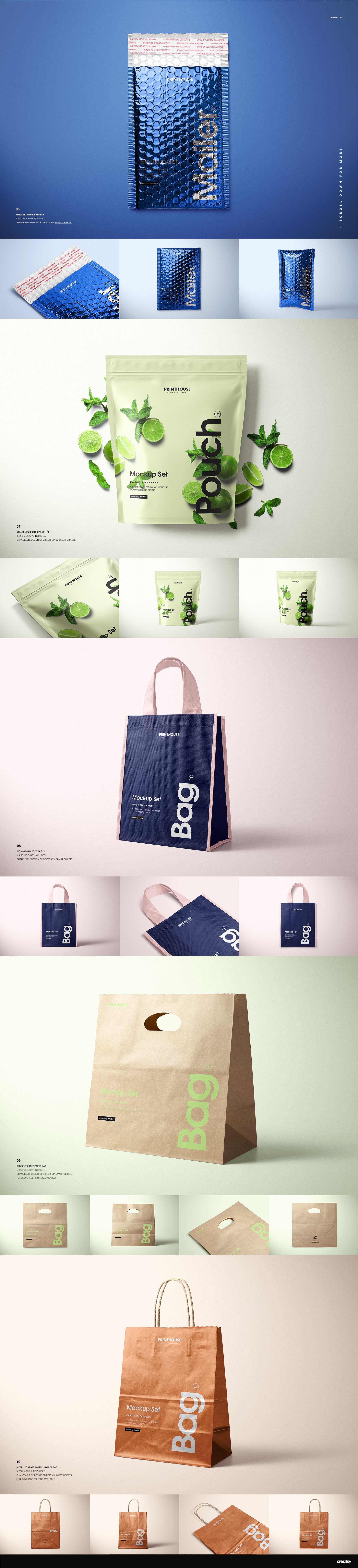
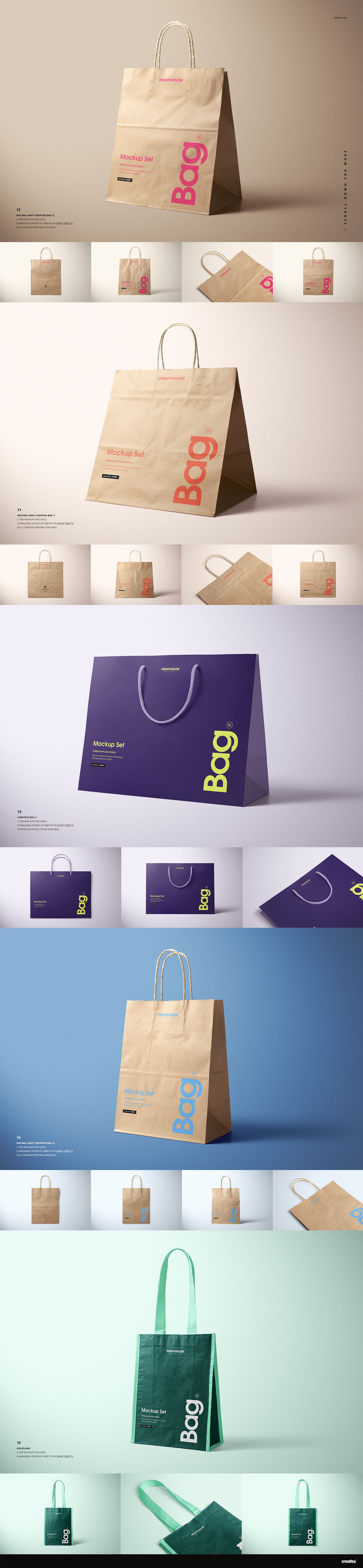
INCLUDED/50
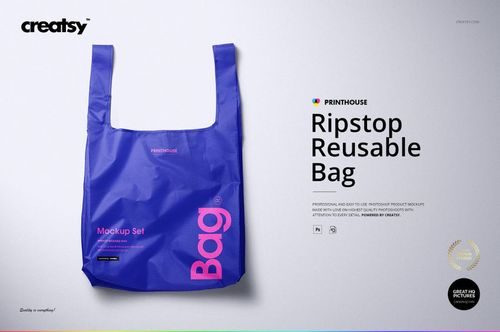
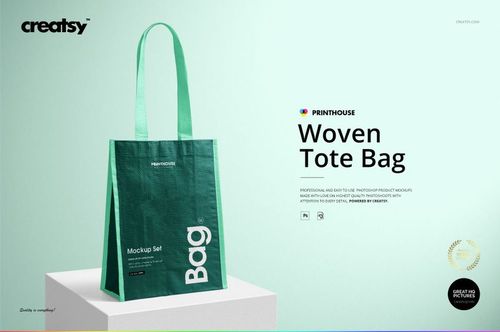
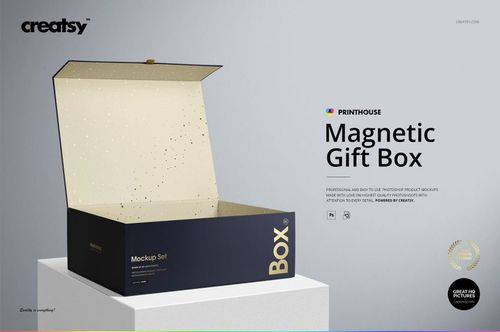
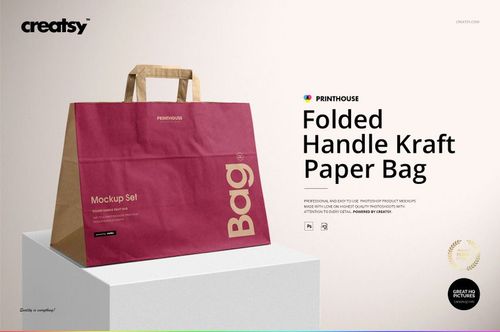
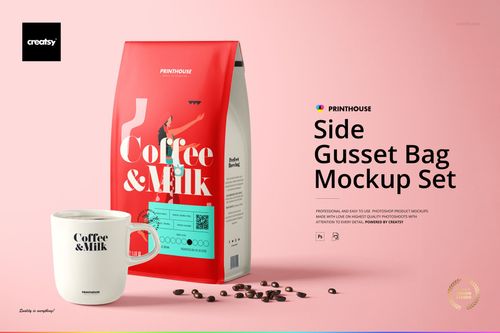
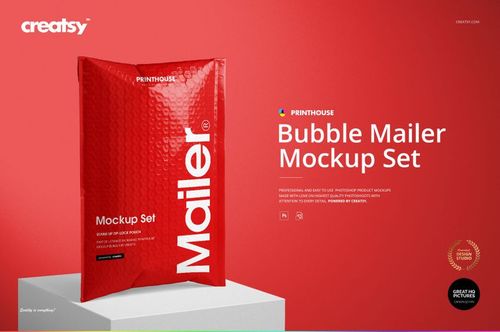
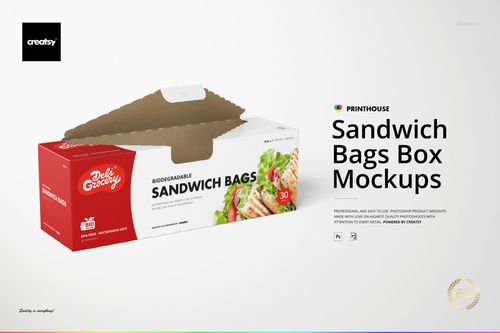
All 50 products in this bundle
Made with Creatsy
Real designs. Real customers. See how creatives use Creatsy mockups to turn their artwork, branding, and product ideas into polished visuals.
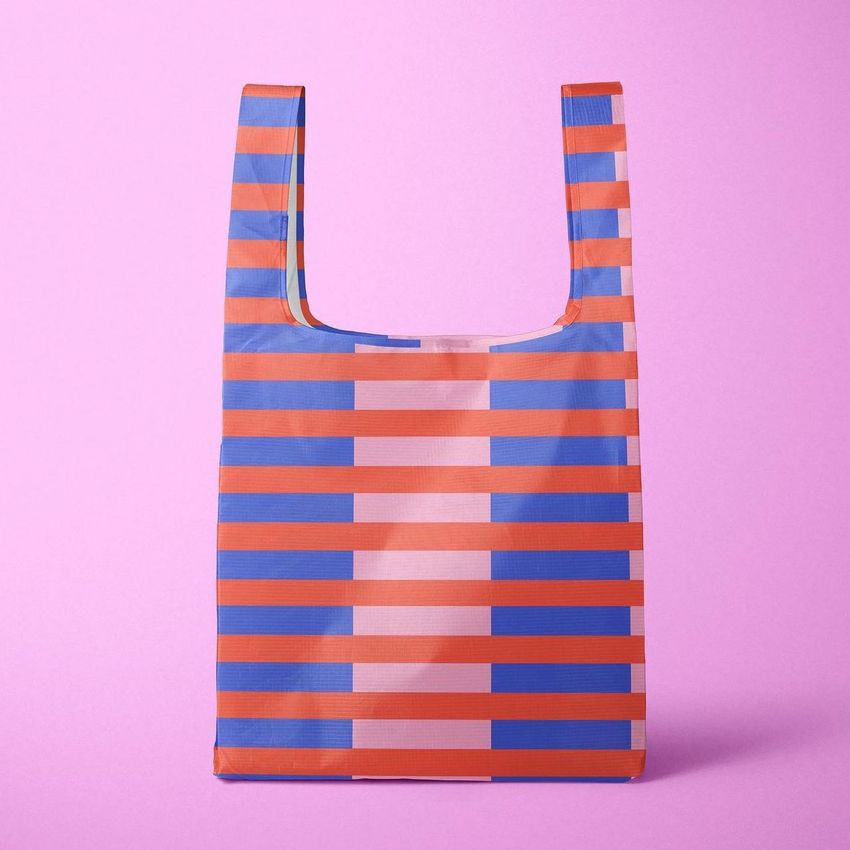
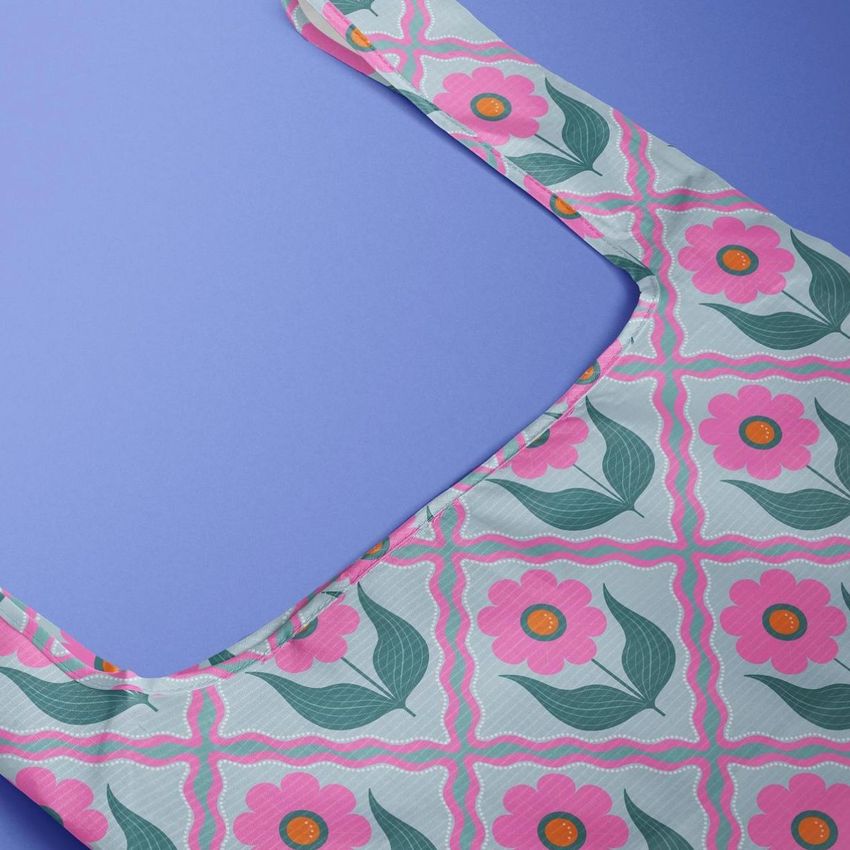
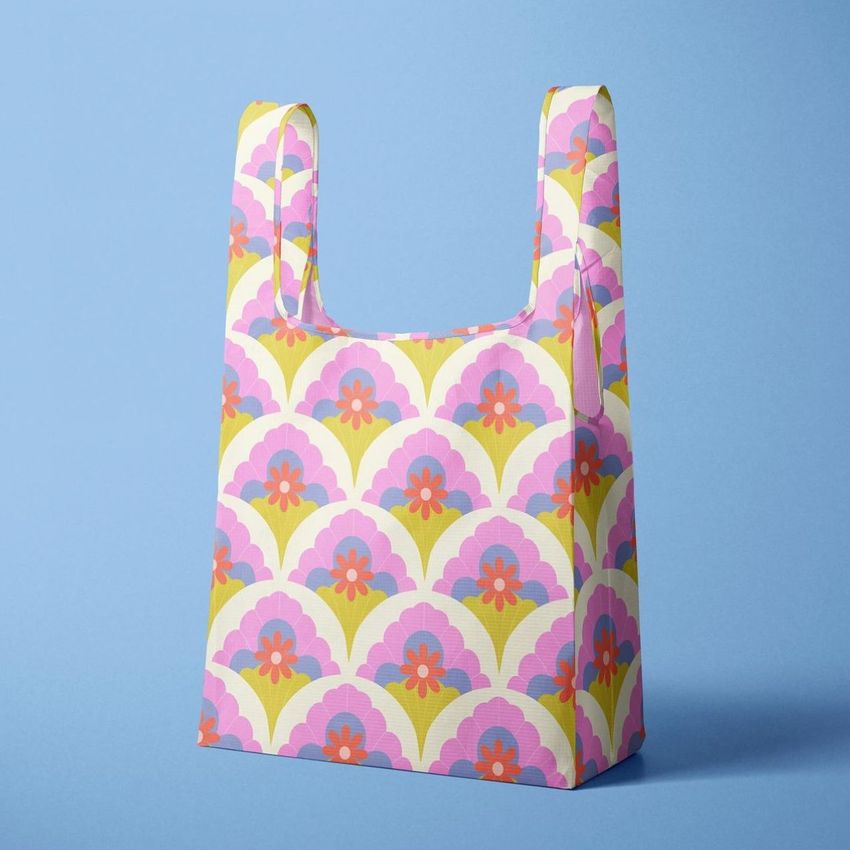
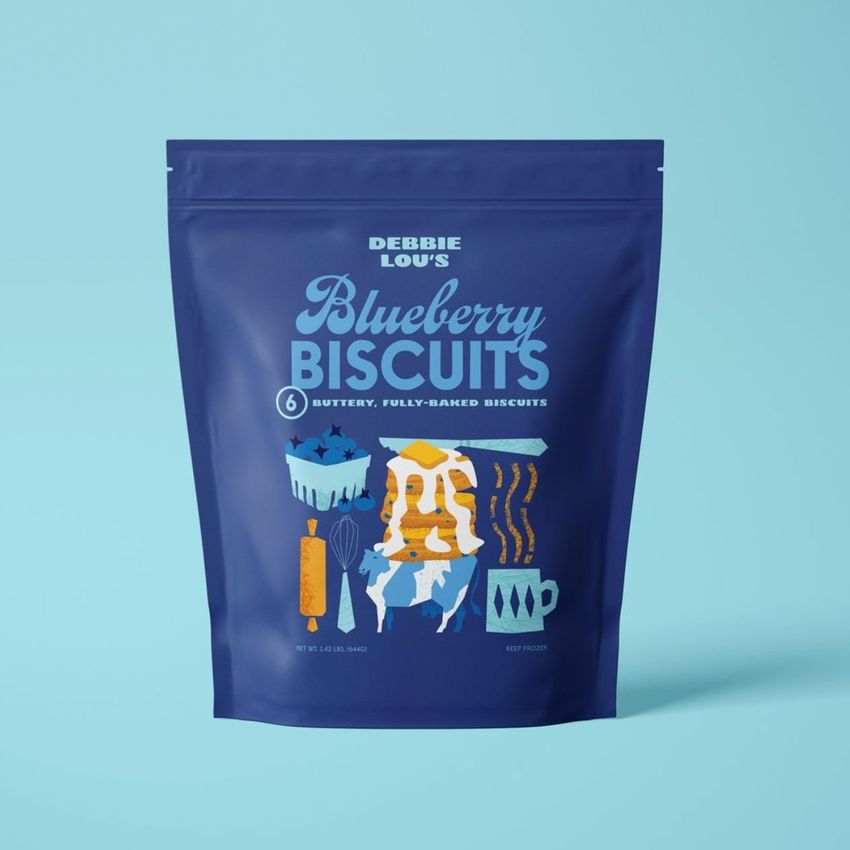
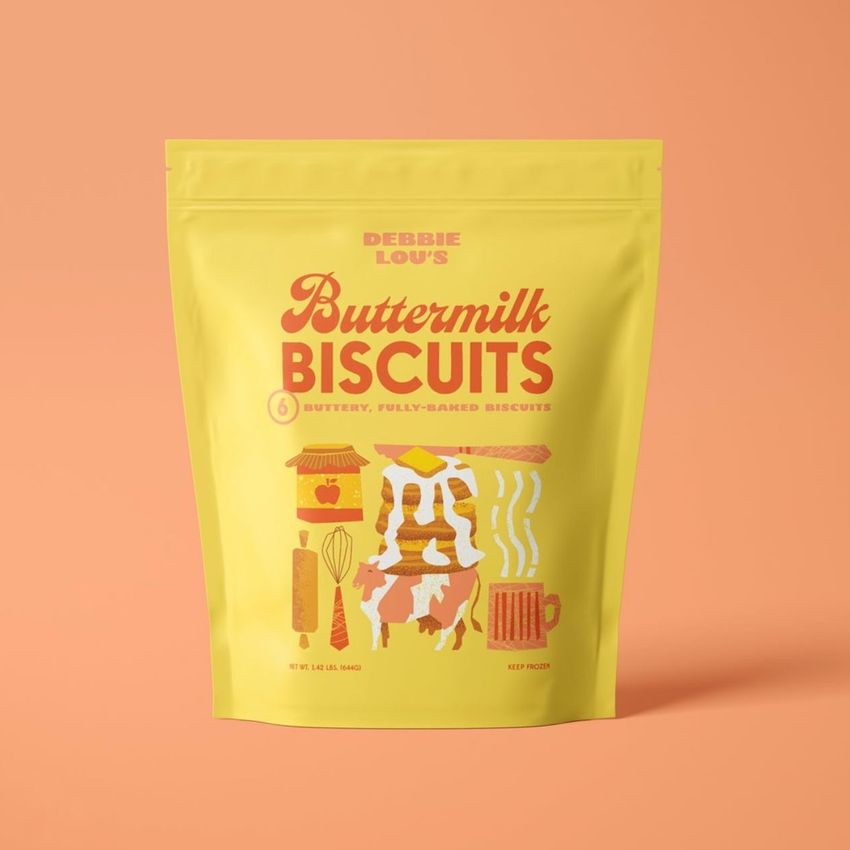
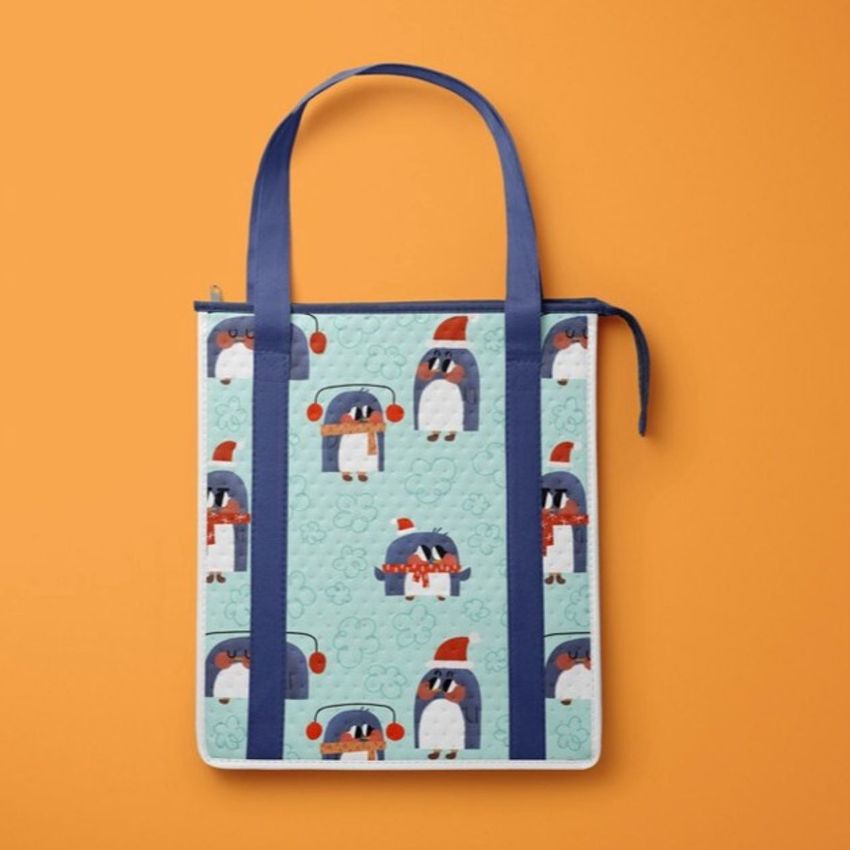
MEET THE SHOP

Creatsy
Poland
Bring your ideas to life.
We're a family-run studio in Katowice, Poland, making PSD mockups by hand since 2016. Everything in this shop starts in our own studio. We shoot the photography, build the 3D, and put together every Smart Object PSD ourselves - then we test it, organize the layers, and only ship it once it actually works...
 15$2040$24.00
 15$1955$23.00
 15$2210$26.00
 15$2040$24.00

HOW IT WORKS
3 clicks. That's it.
No tutorial needed. If you can copy-paste, you can use this.
- 1OpenDouble-click the smart object inside the PSD - in Adobe Photoshop, or free in your browser with Photopea.
- 2PasteDrop in your pattern, print, or artwork. Any design, any style.
- 3SaveHit save and the mockup wraps it in for you - shadows, folds, and lighting included.
FROM IDEA TO IMAGE
Built for real workflows
Skip the photo shoot Show your artwork on the real product type for approvals or listings - no studio, no model, no sample.
See it on the product, not a swatch Drop your file into the smart object and the scene's lighting and folds wrap around it, so you judge the real thing before you commit.
Smart Objects
Edit once and you're done. Your artwork drops into a smart object and the mockup updates itself - no masking, no warping by hand.
Perfectly Organized
Named layers and folders you can actually navigate. Find what you need, change what you want, and get out fast.
Print-Ready
High-resolution files built to hold up on screen and in print. Exact size and DPI are in this product's Details above.