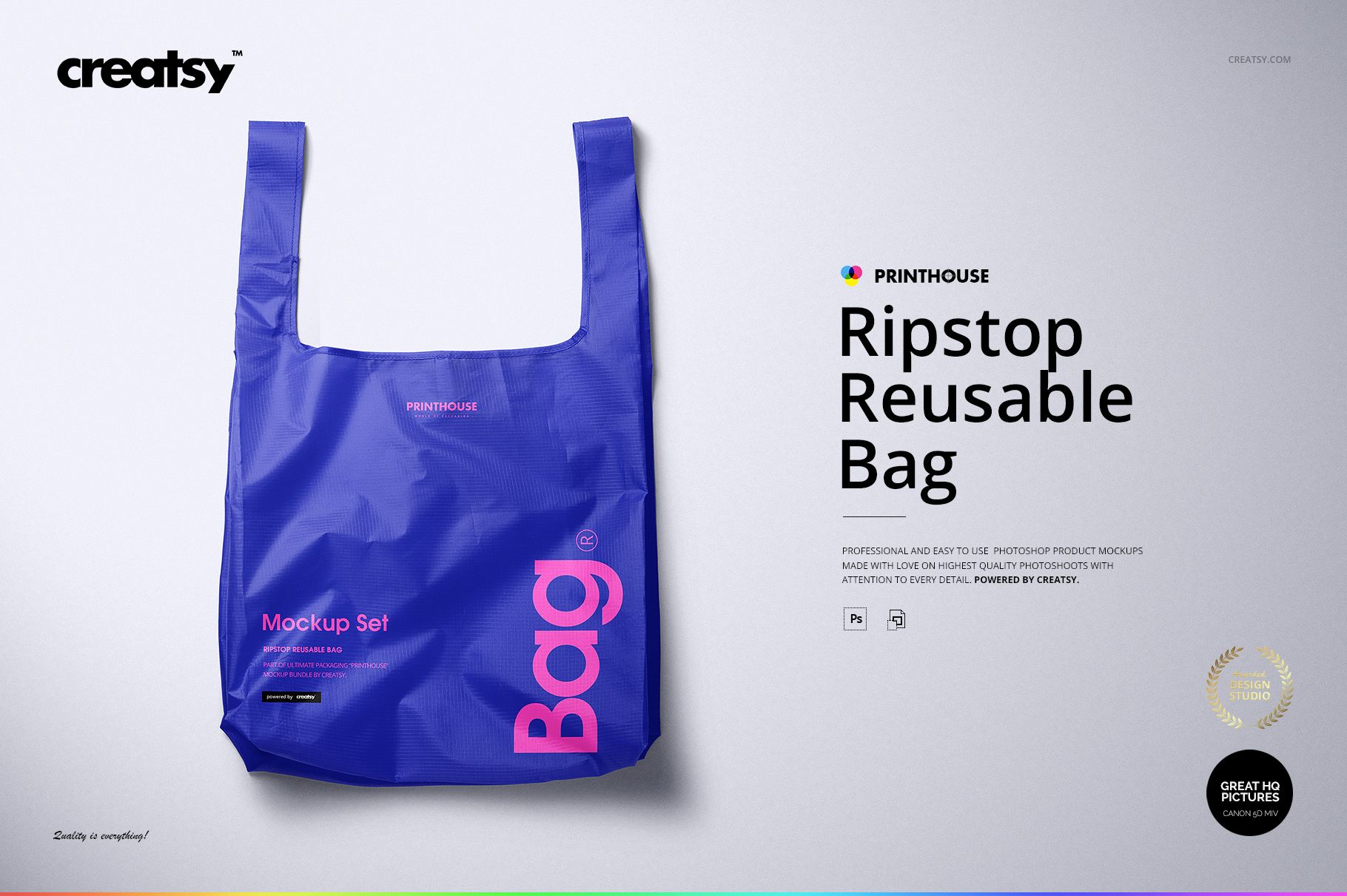
Ripstop Reusable Bag Mockup Set
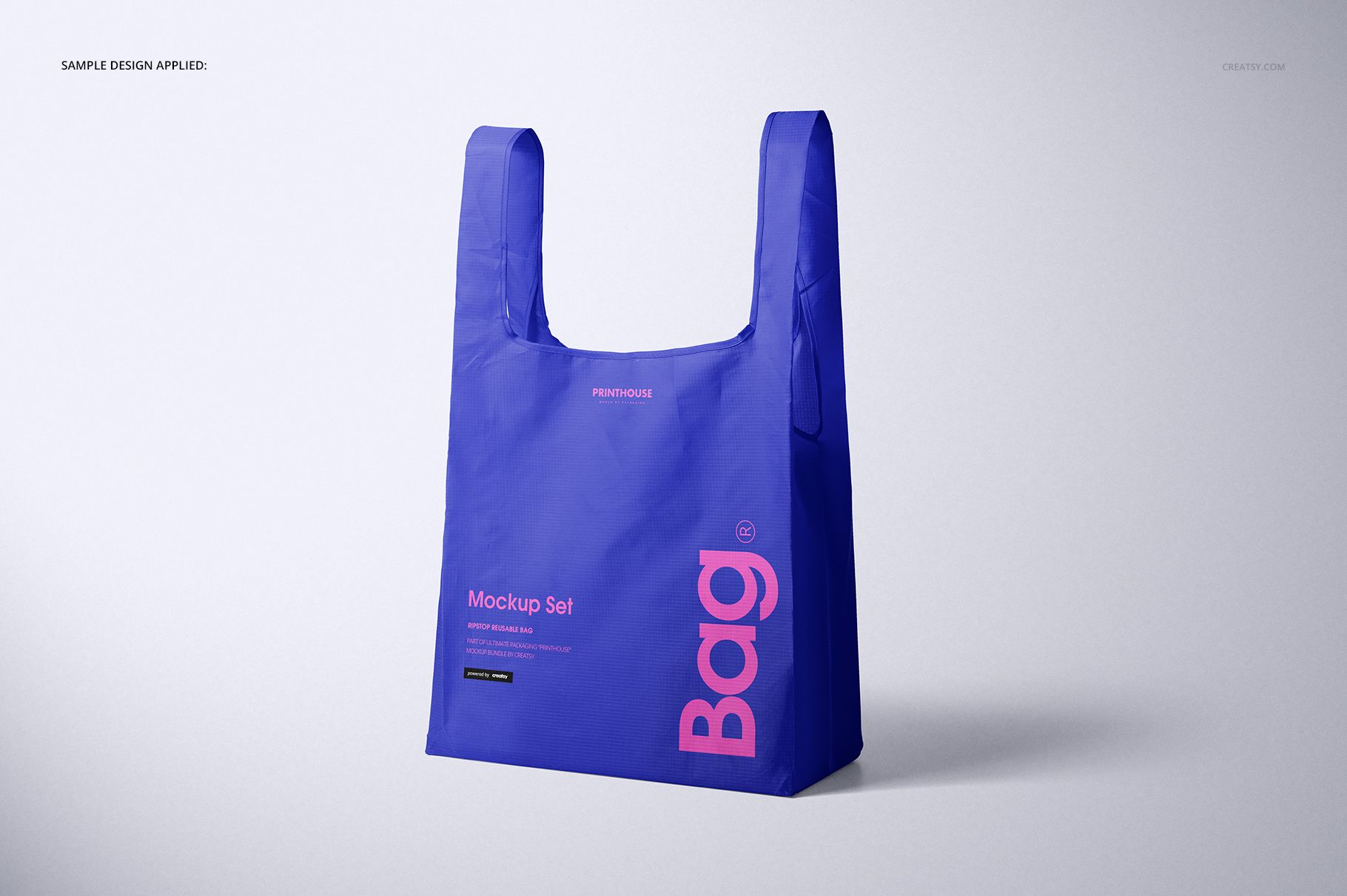
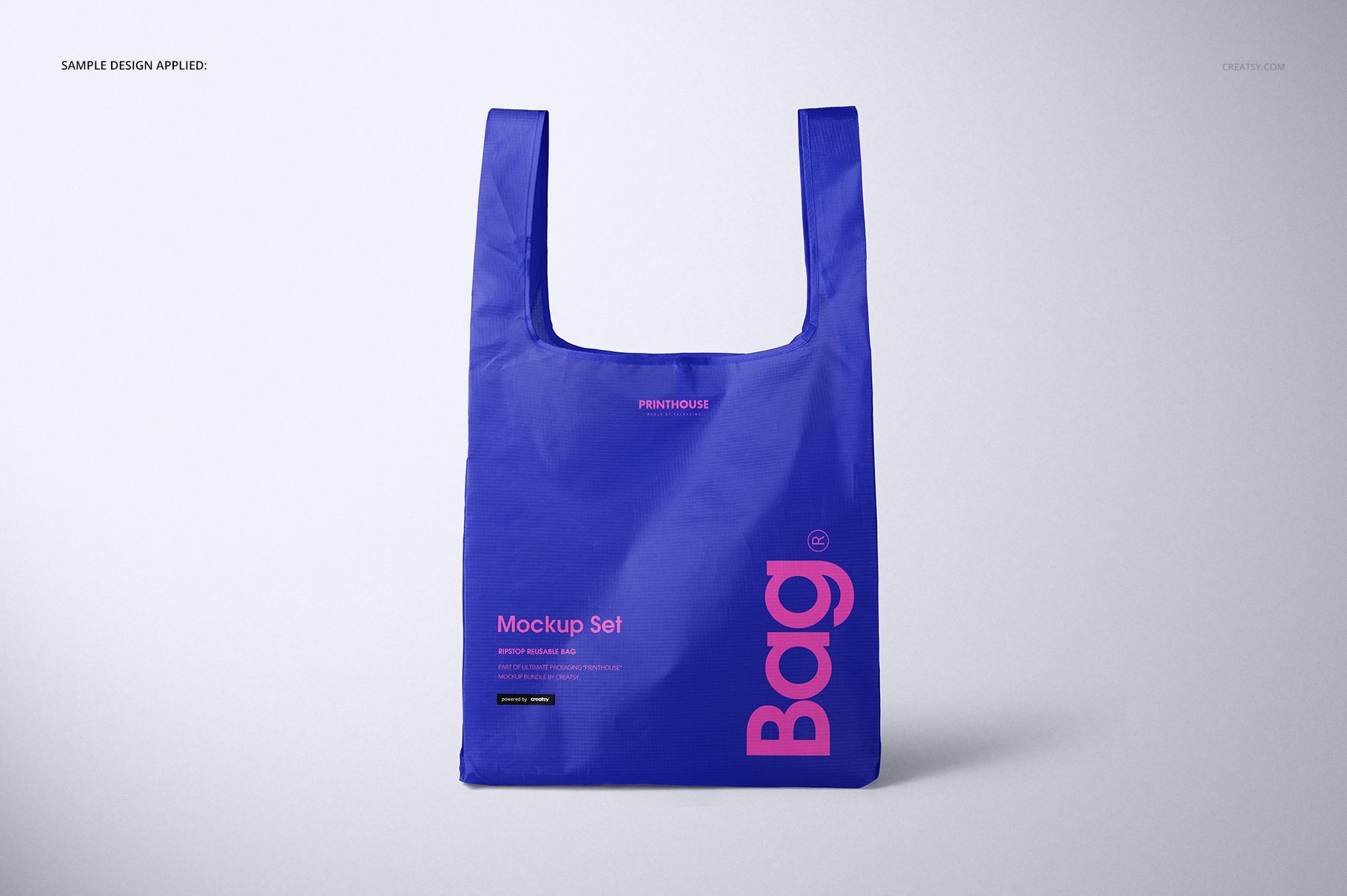
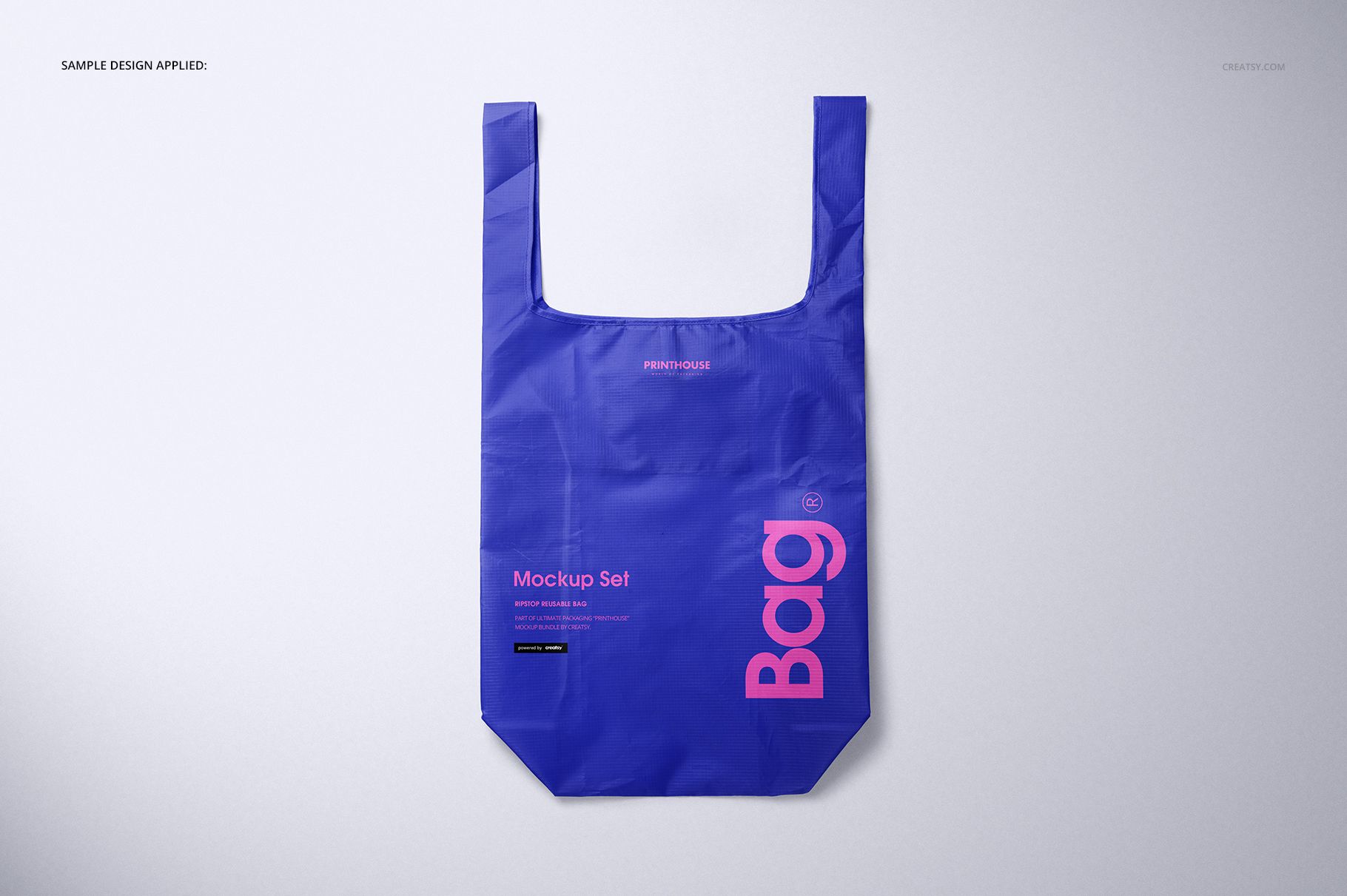
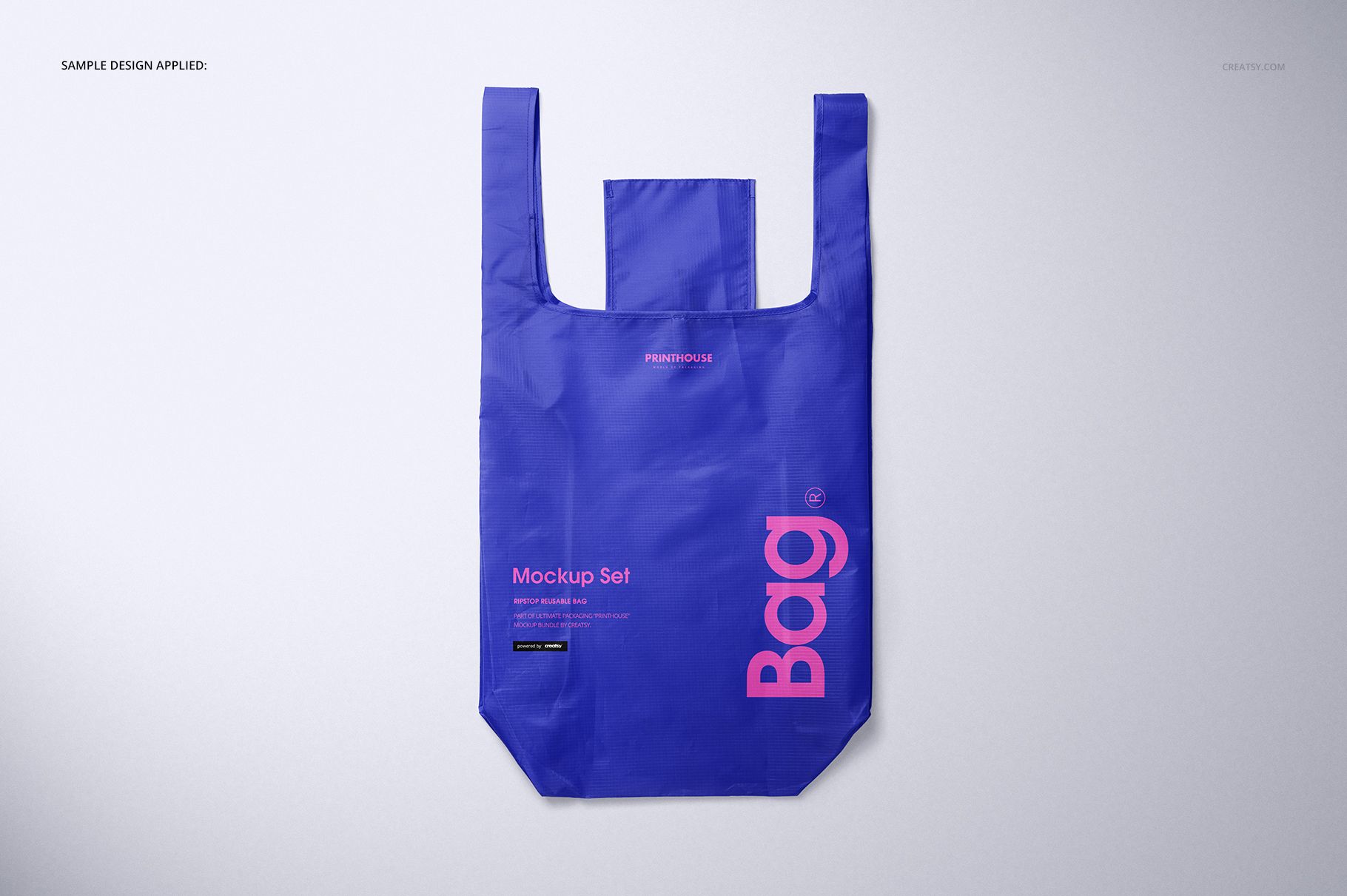
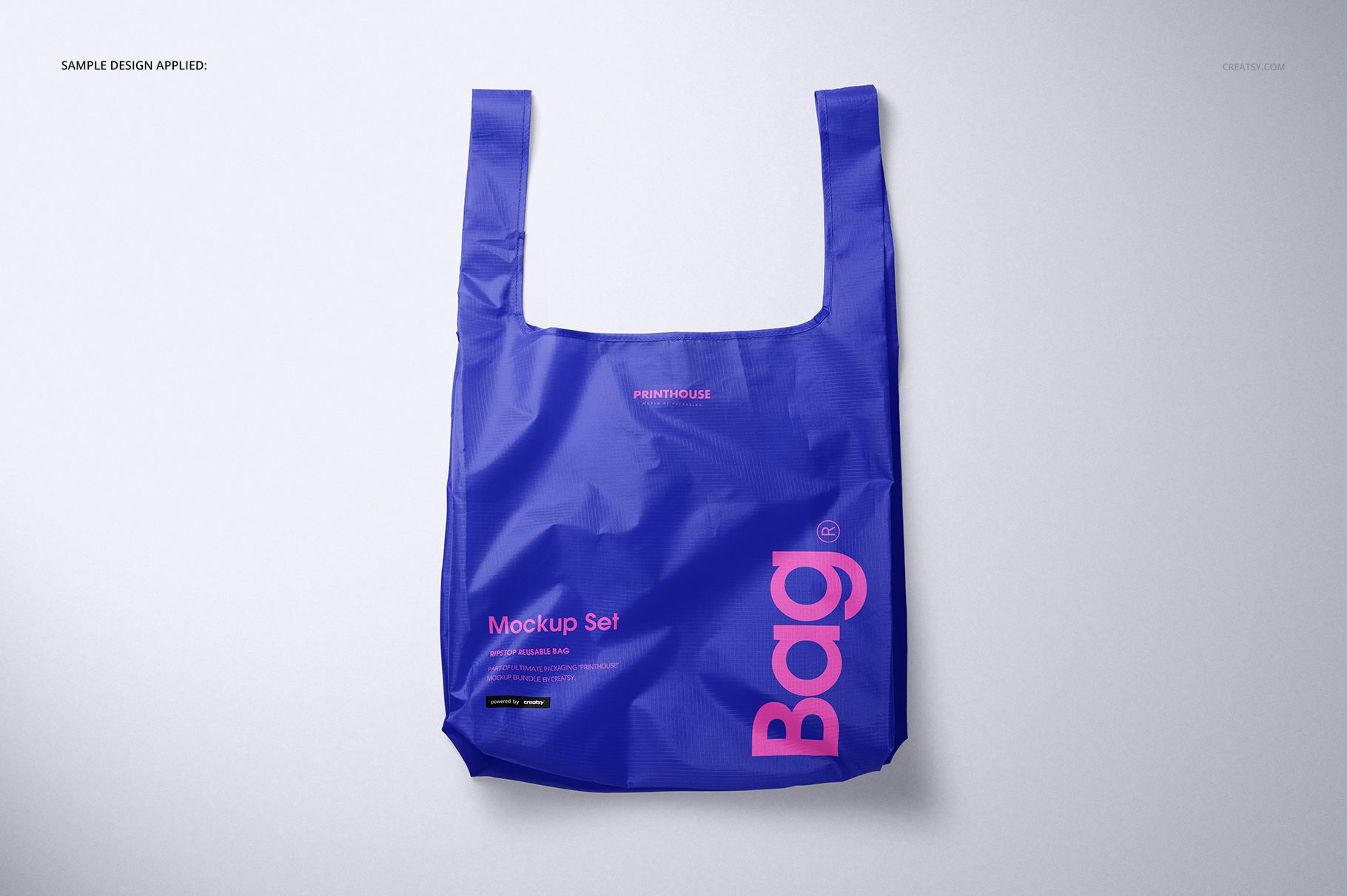
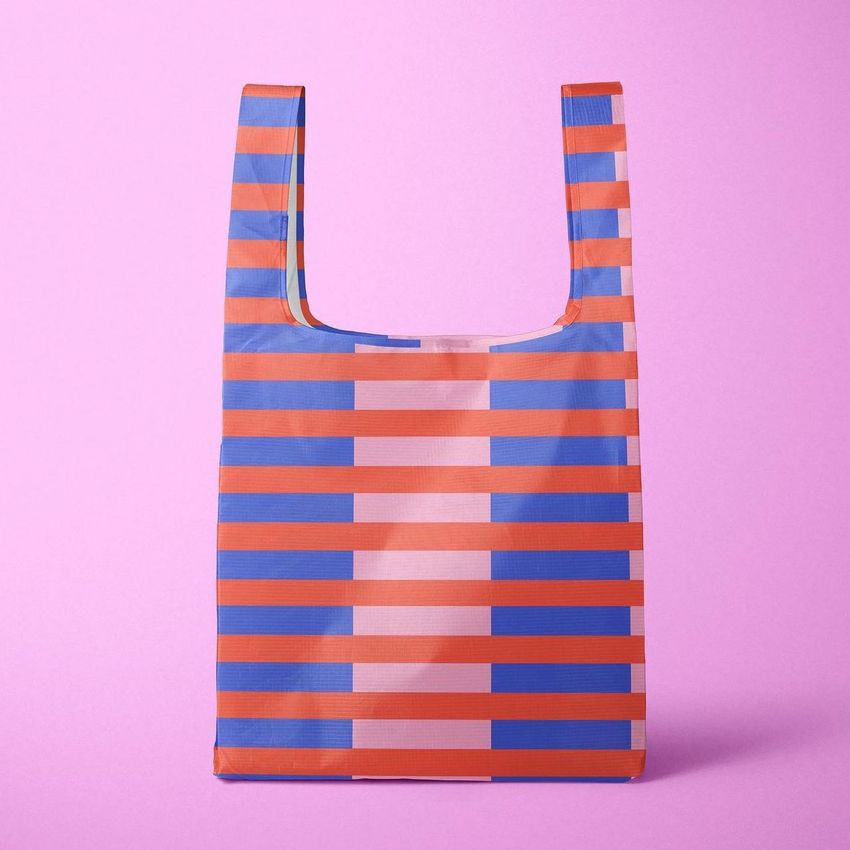
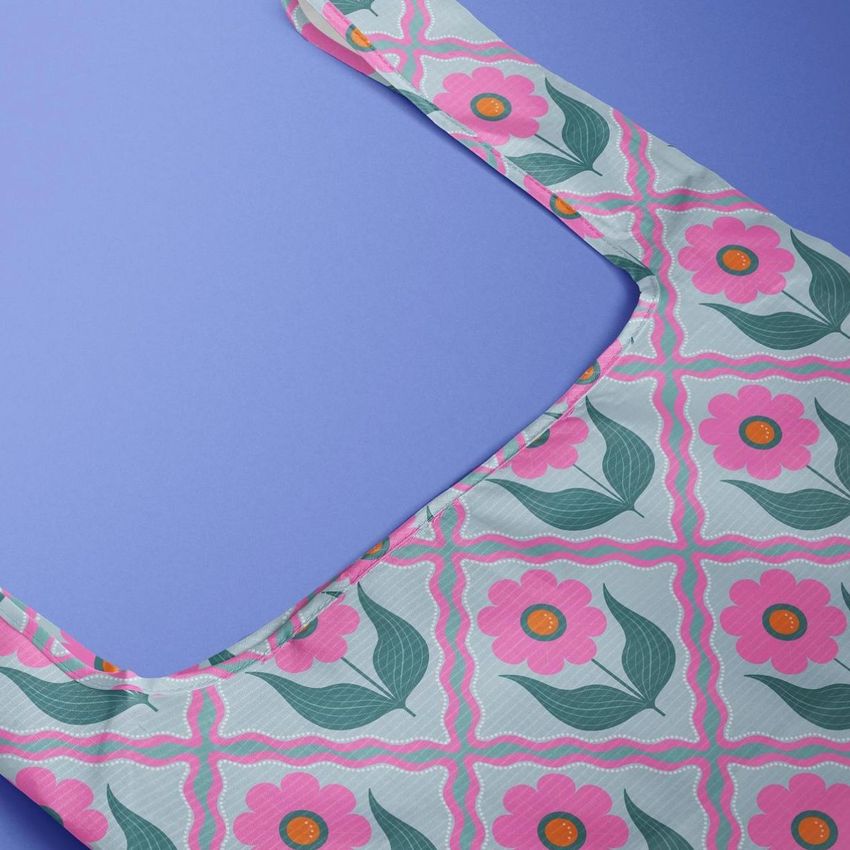
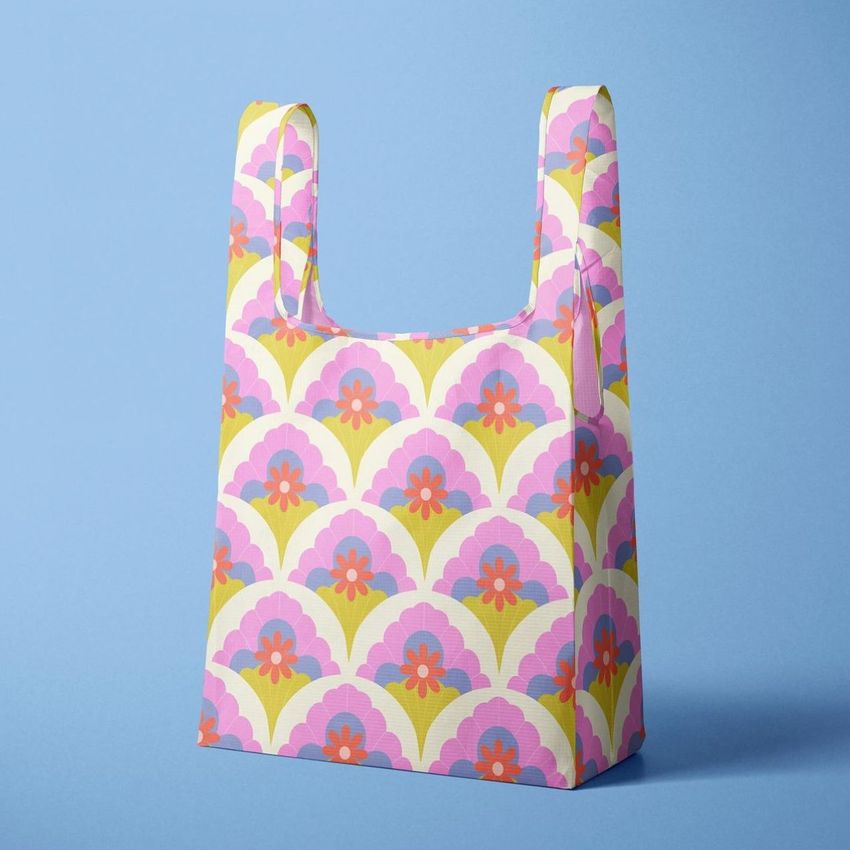
Present artwork on a tall reusable carrier while keeping the material's fine ripstop grid, natural folds, deep gusset, and long integrated handles visible. Six coordinated scenes let you assess how a logo, repeat pattern, or color-blocked identity reads when the bag stands upright, turns at an angle, lies flat, or moves closer to the camera.
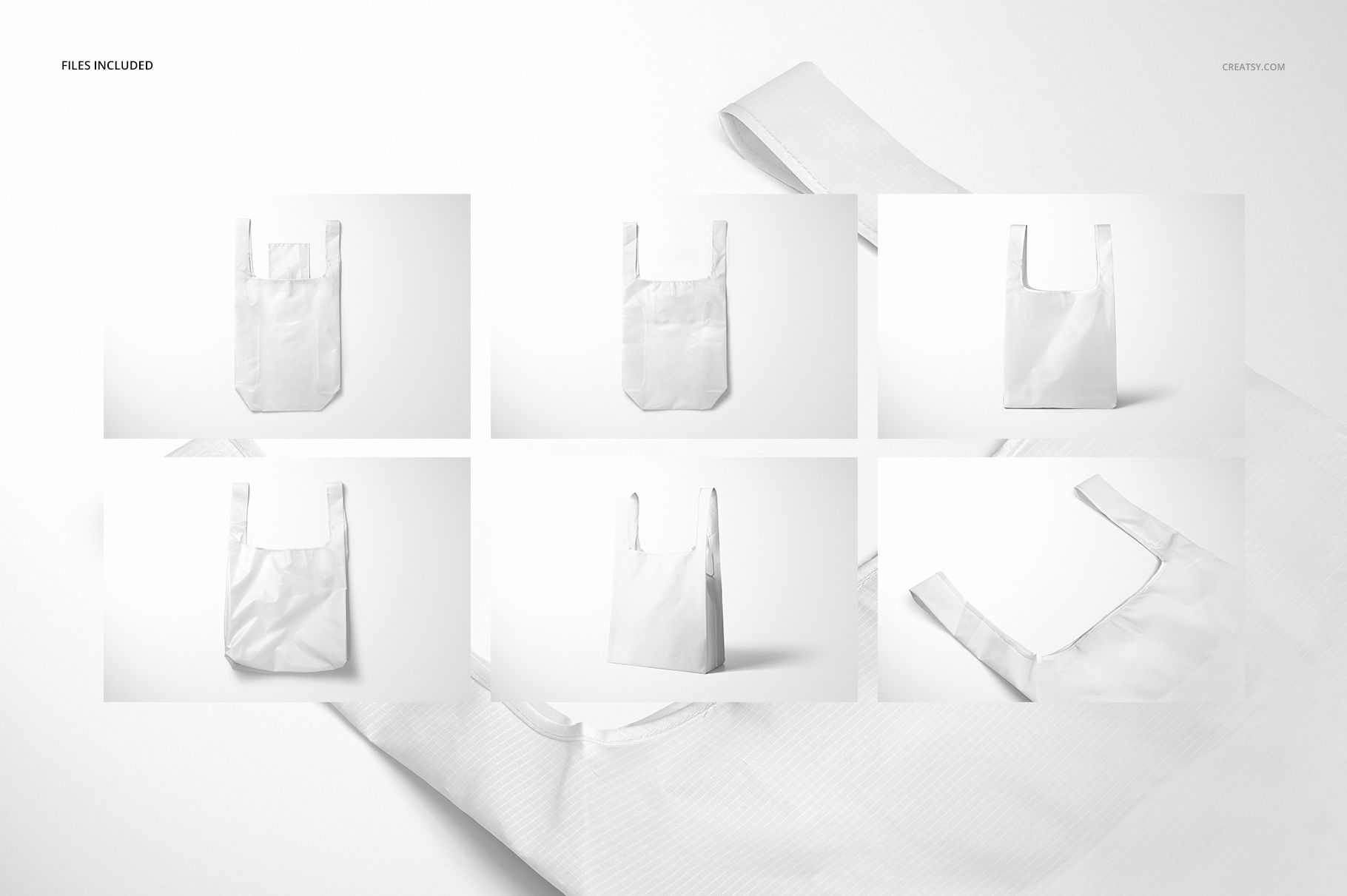
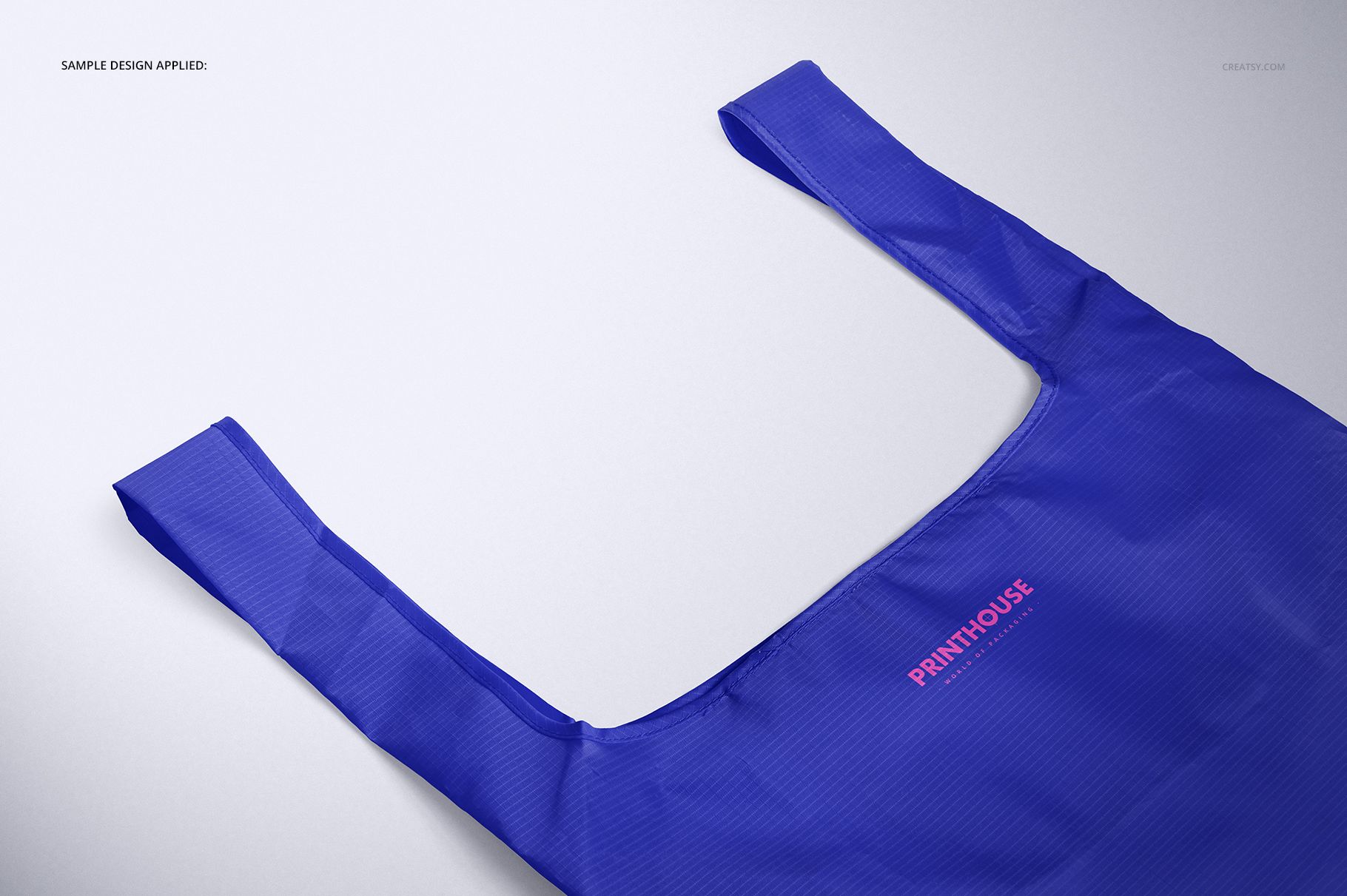
The 67 cm height with handles, 37 cm width, and 17 cm depth give the artwork a generous vertical canvas. Use Front for a direct brand statement, Angled to reveal capacity, Closeup to inspect detail against the texture, and the three Top views to study handle placement and all-over pattern flow.
What Is Included
6 layered PSD mockup scenes: Front, Angled, Closeup, Top 1, Top 2, and Top 3
6 matching JPG scene previews plus 1 JPG guide, 13 files in total
6000 x 4000 px at 300 DPI for every editable PSD
Landscape files with well-organized layers
Bag dimensions: 67 cm high with handles, 37 cm wide, and 17 cm deep
Compatibility with Adobe Photoshop CC 2015 or later and Photopea
Six Views for One Consistent Bag Identity
Move from a clean front-facing composition to depth, texture, and flat-lay perspectives without rebuilding the presentation. The view range is useful for checking hierarchy, comparing colorways, and showing customers how the same artwork behaves across the body, handles, borders, folds, and side depth.
Easy Smart Object Editing
Open a PSD in Adobe Photoshop CC 2015 or later, or in Photopea.
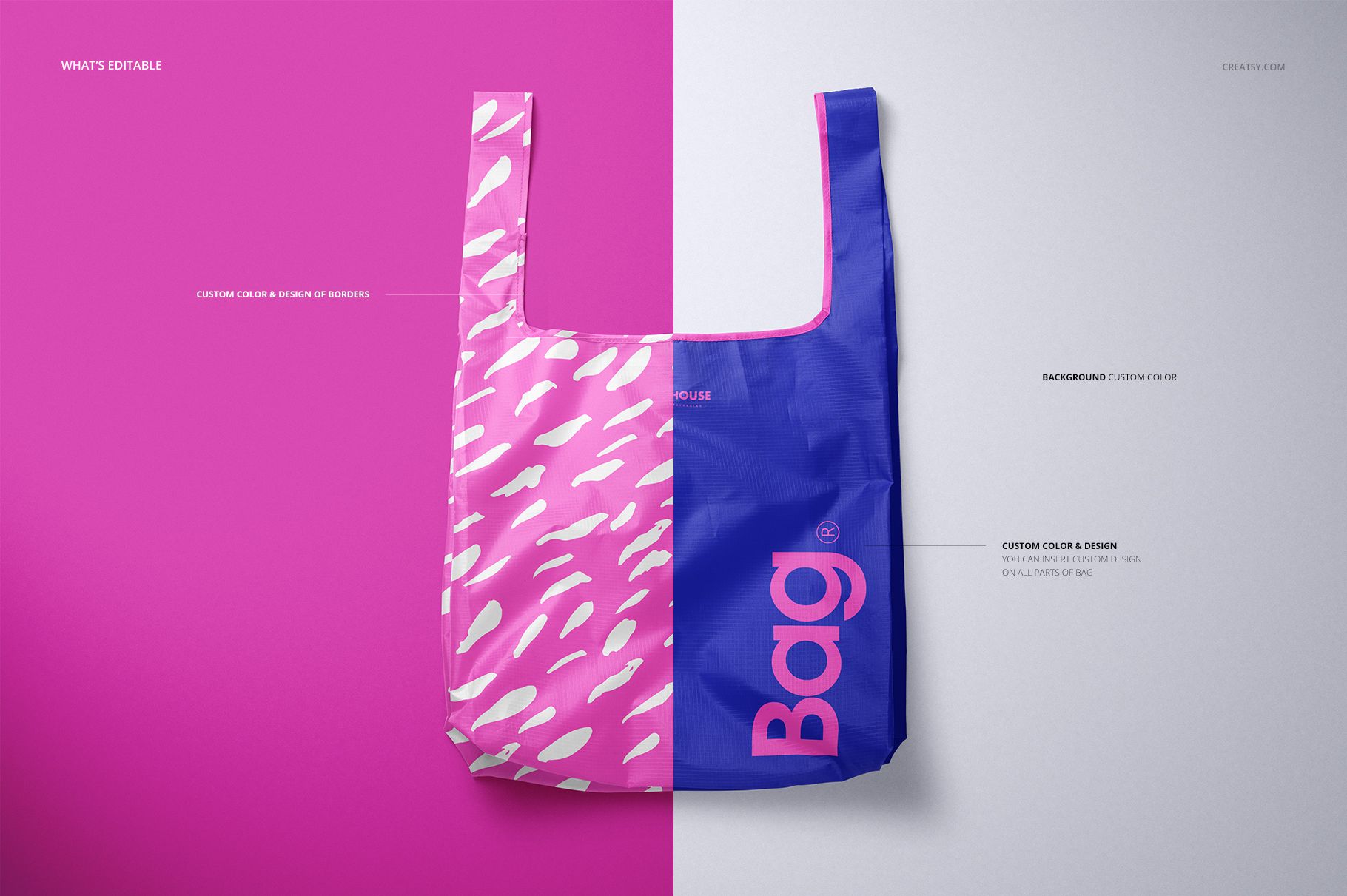
Place your artwork inside the designated Smart Object.
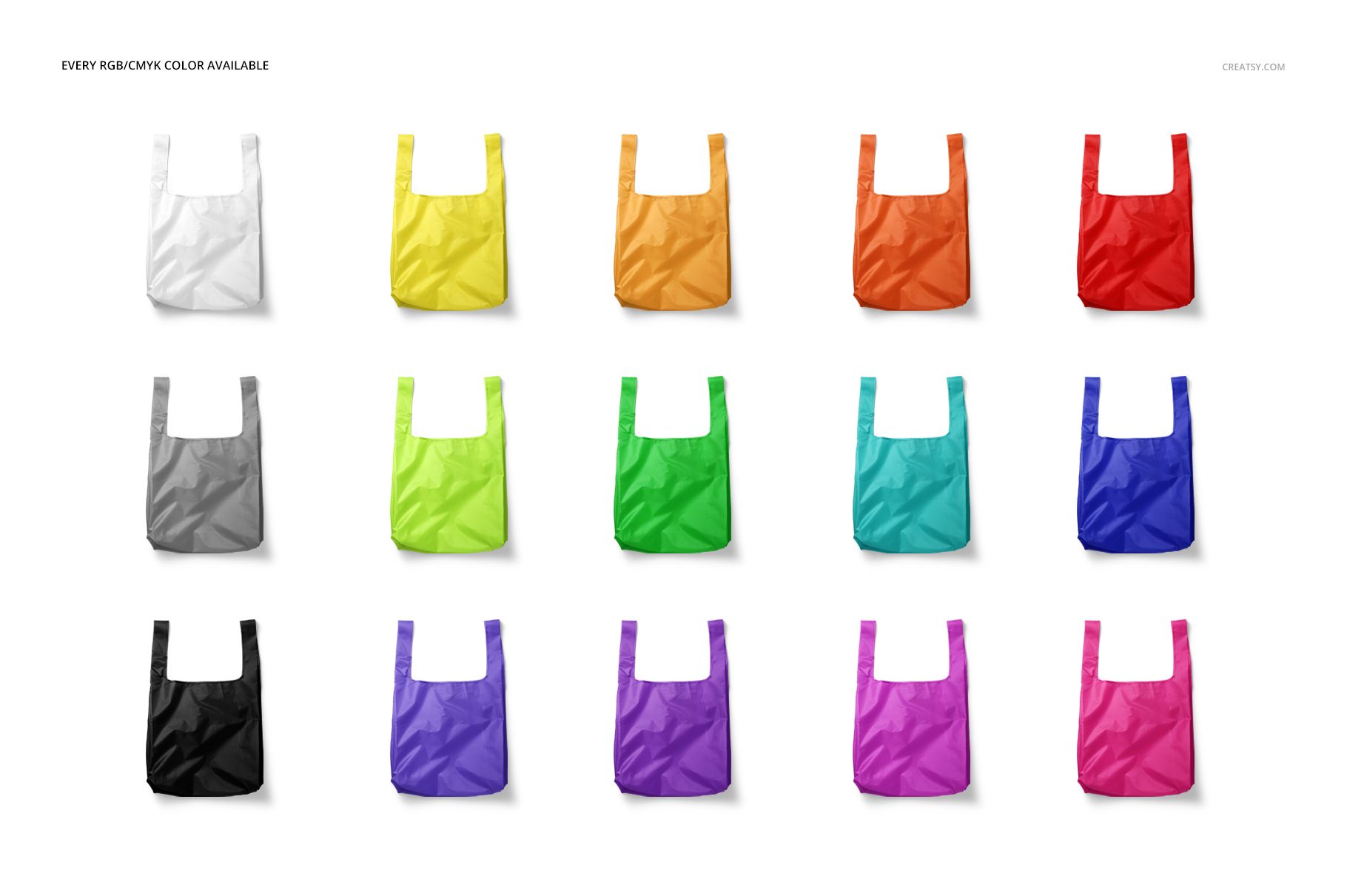
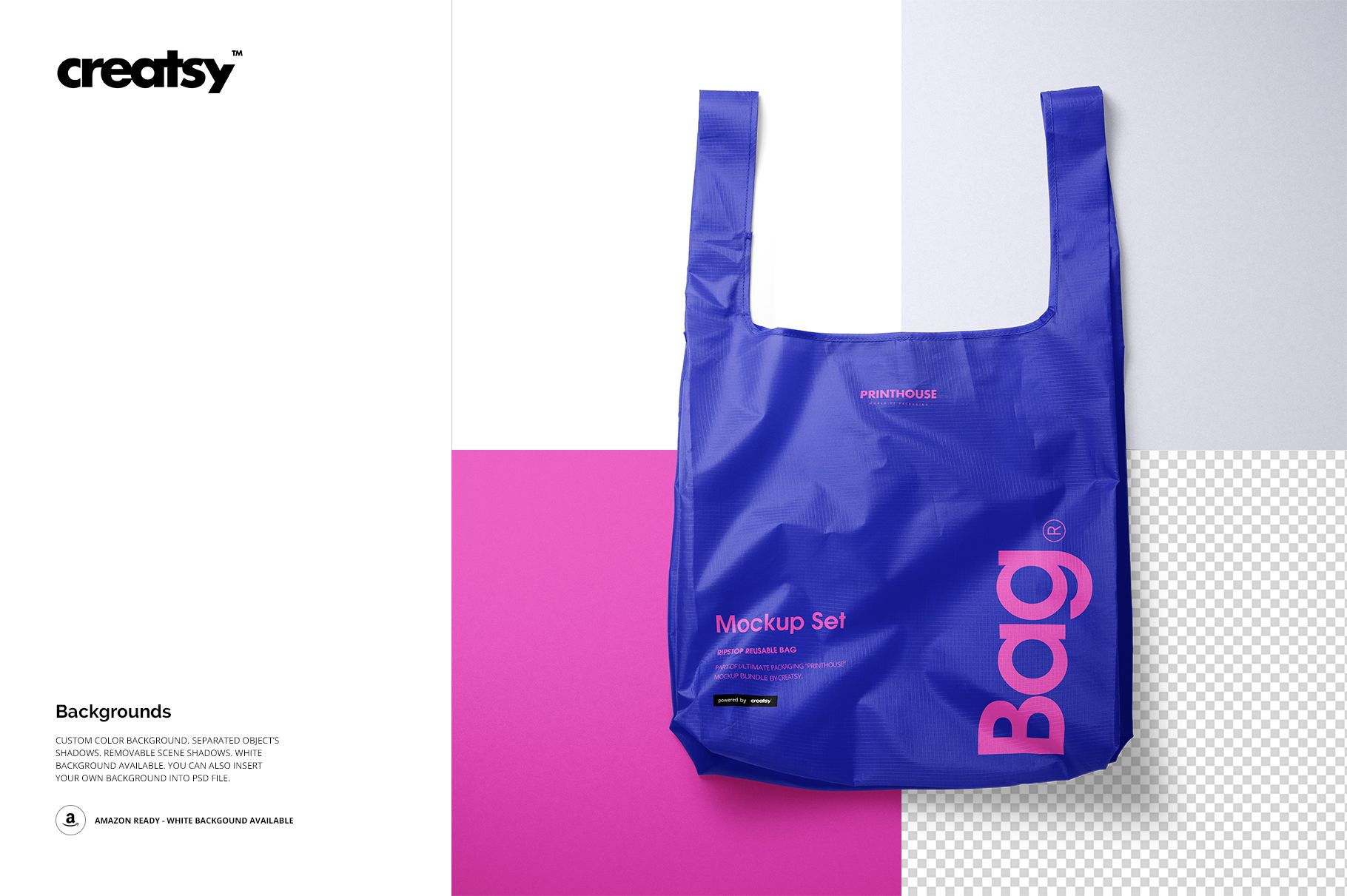
Choose RGB or CMYK colors for the bag, adjust the border and handle treatment, and set a background color.
Save the Smart Object to update the main scene, then review the design in another view.
Useful For
Surface pattern and illustration collections
Reusable retail and grocery bag branding
Promotional merchandise presentations
Client approvals and portfolio case studies
Coordinated product galleries with upright and flat views
This is a digital presentation mockup, not a manufacturing or sewing template. The example graphics and patterns shown in the previews are not included.