ID: 1383104853 | Updated: May 29, 2022

Product Details

Resealable Stand-Up Pouch Mockup Set 3

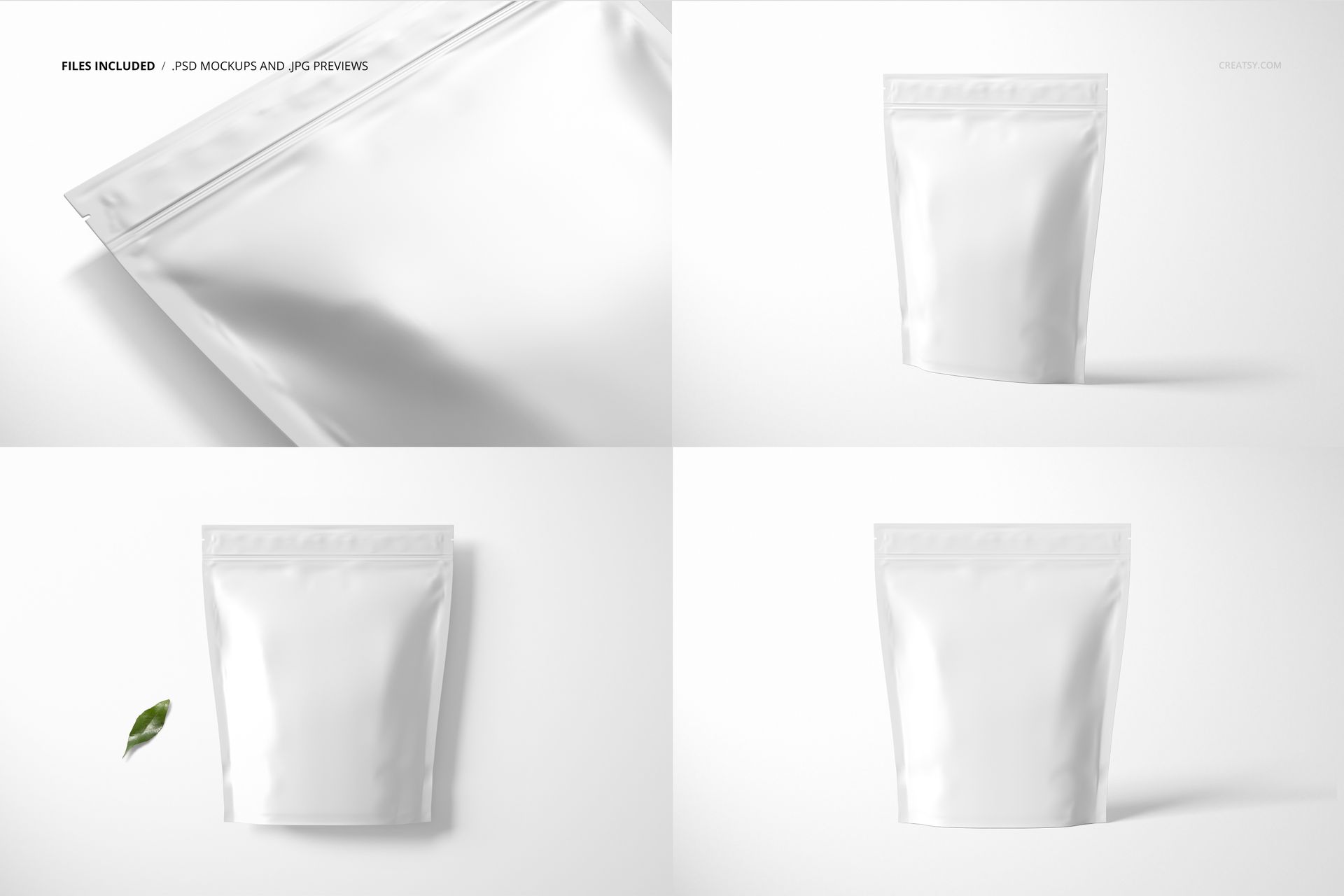
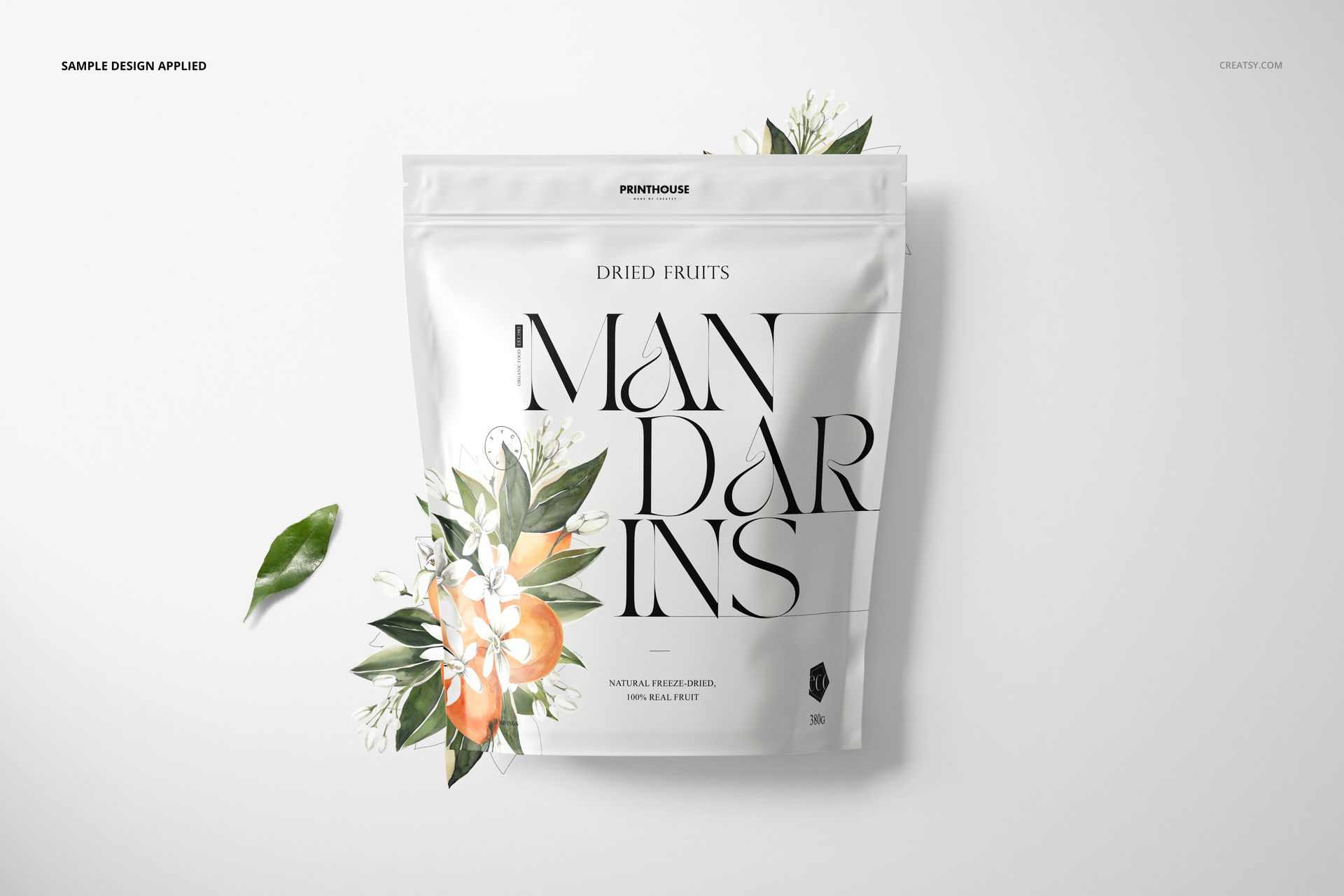
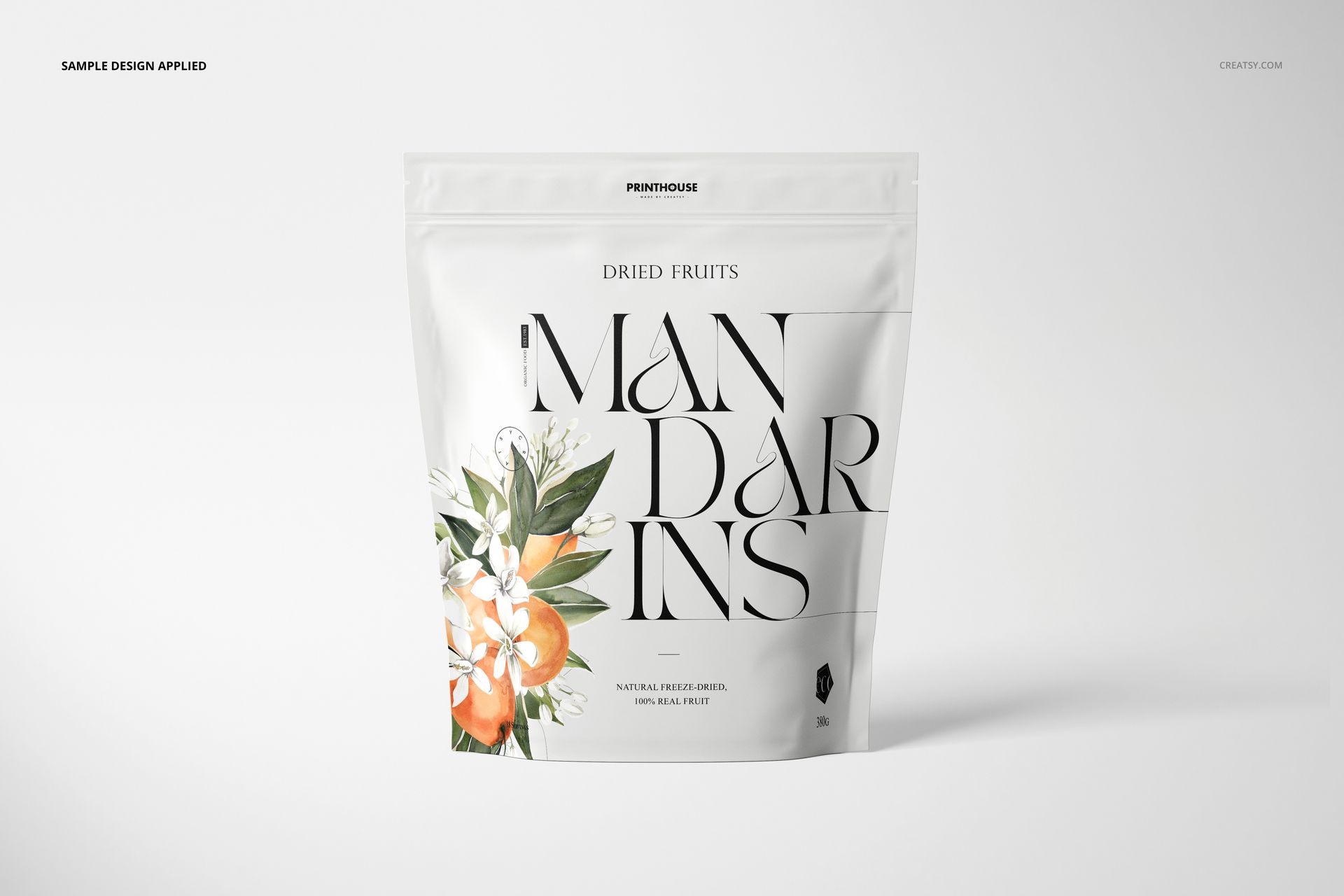
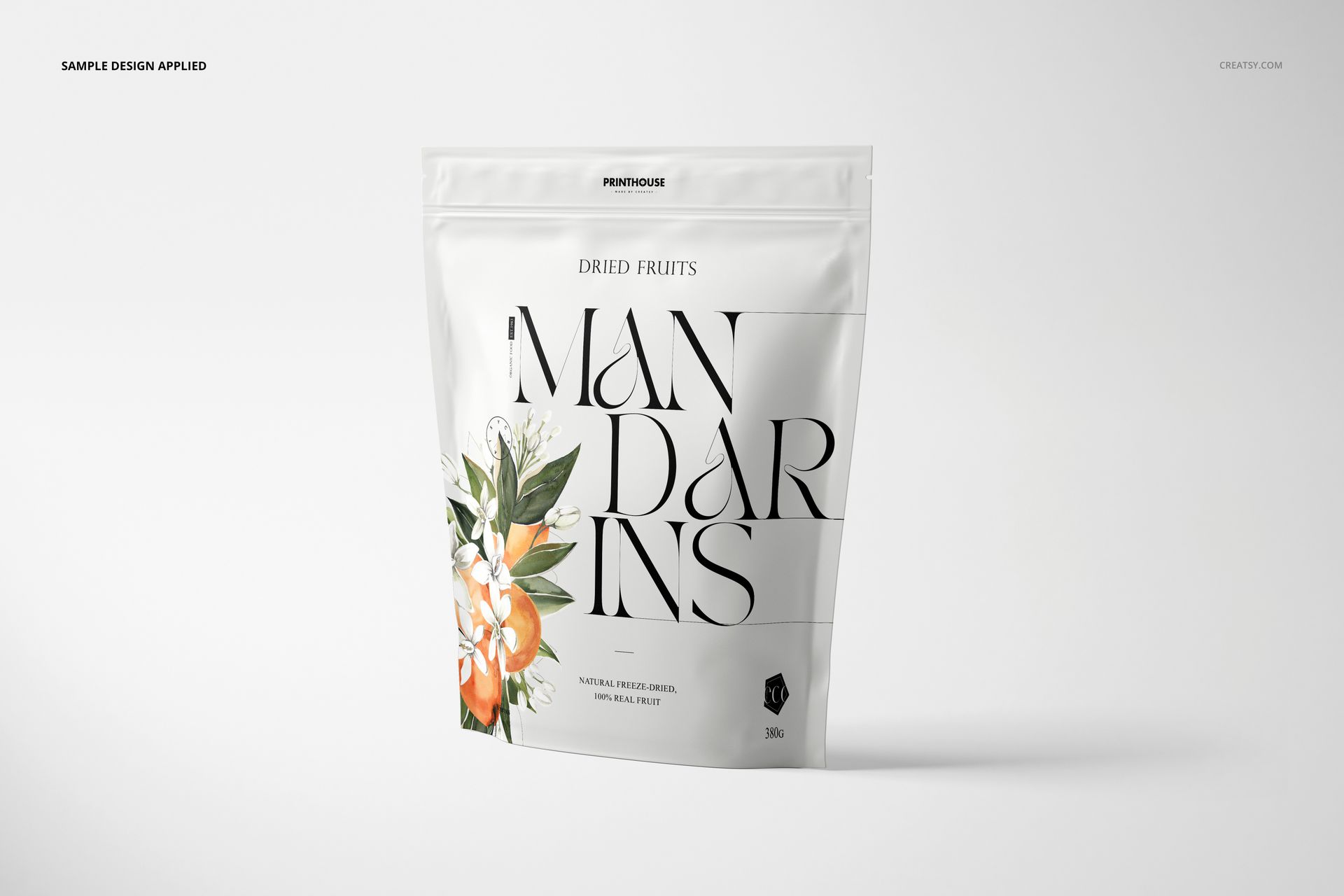
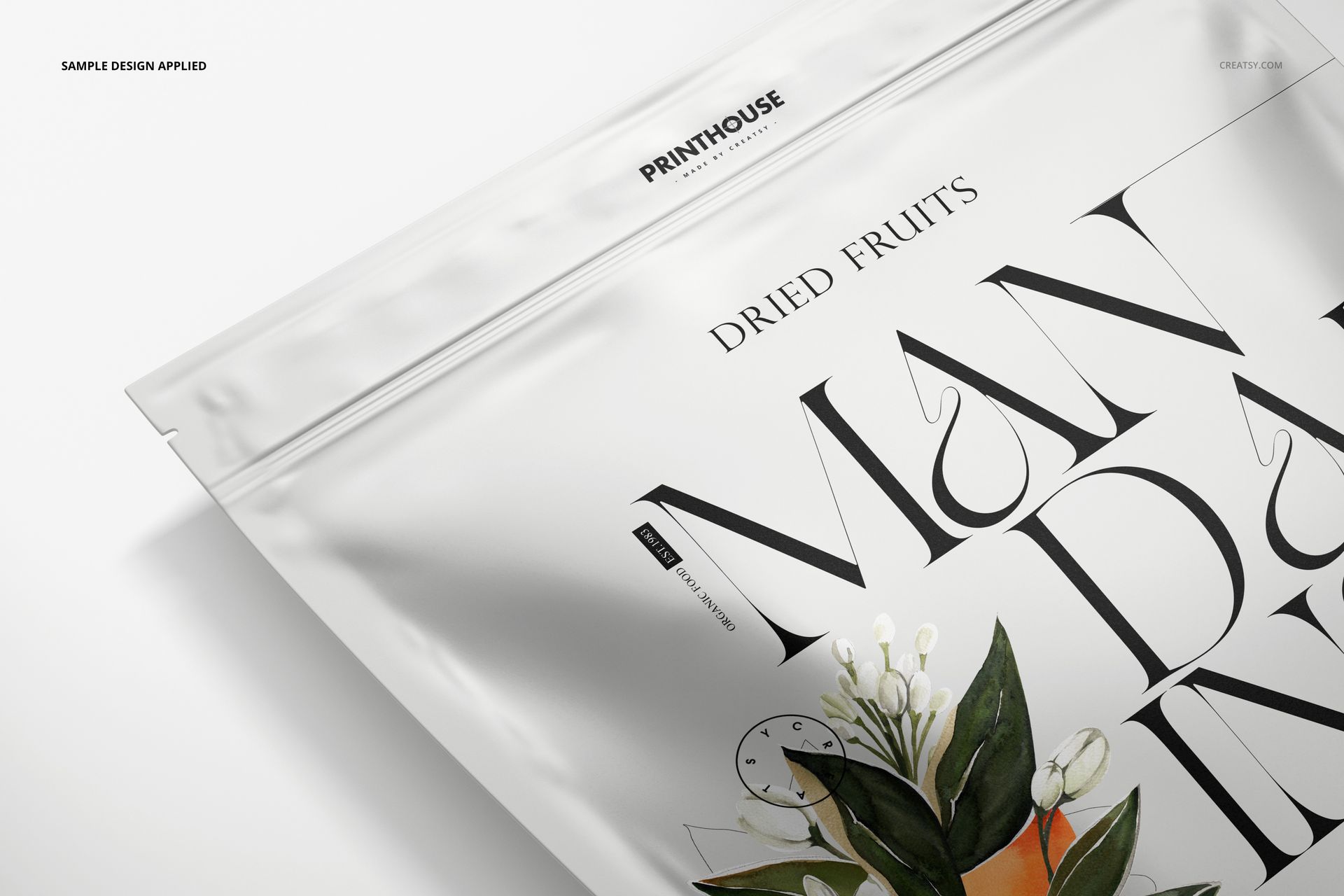
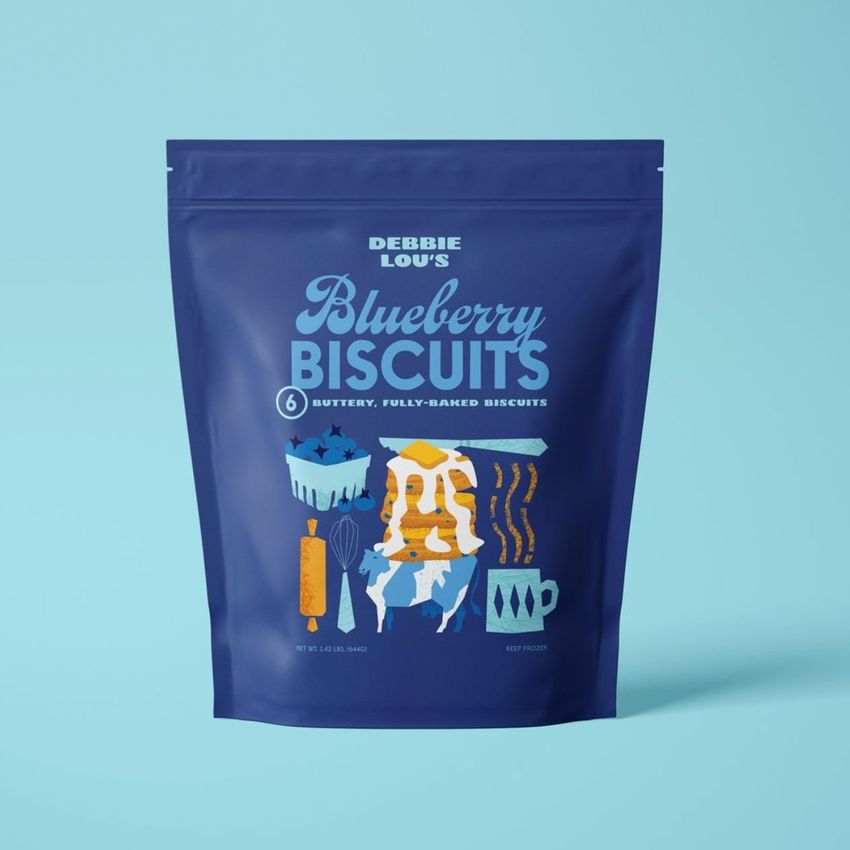
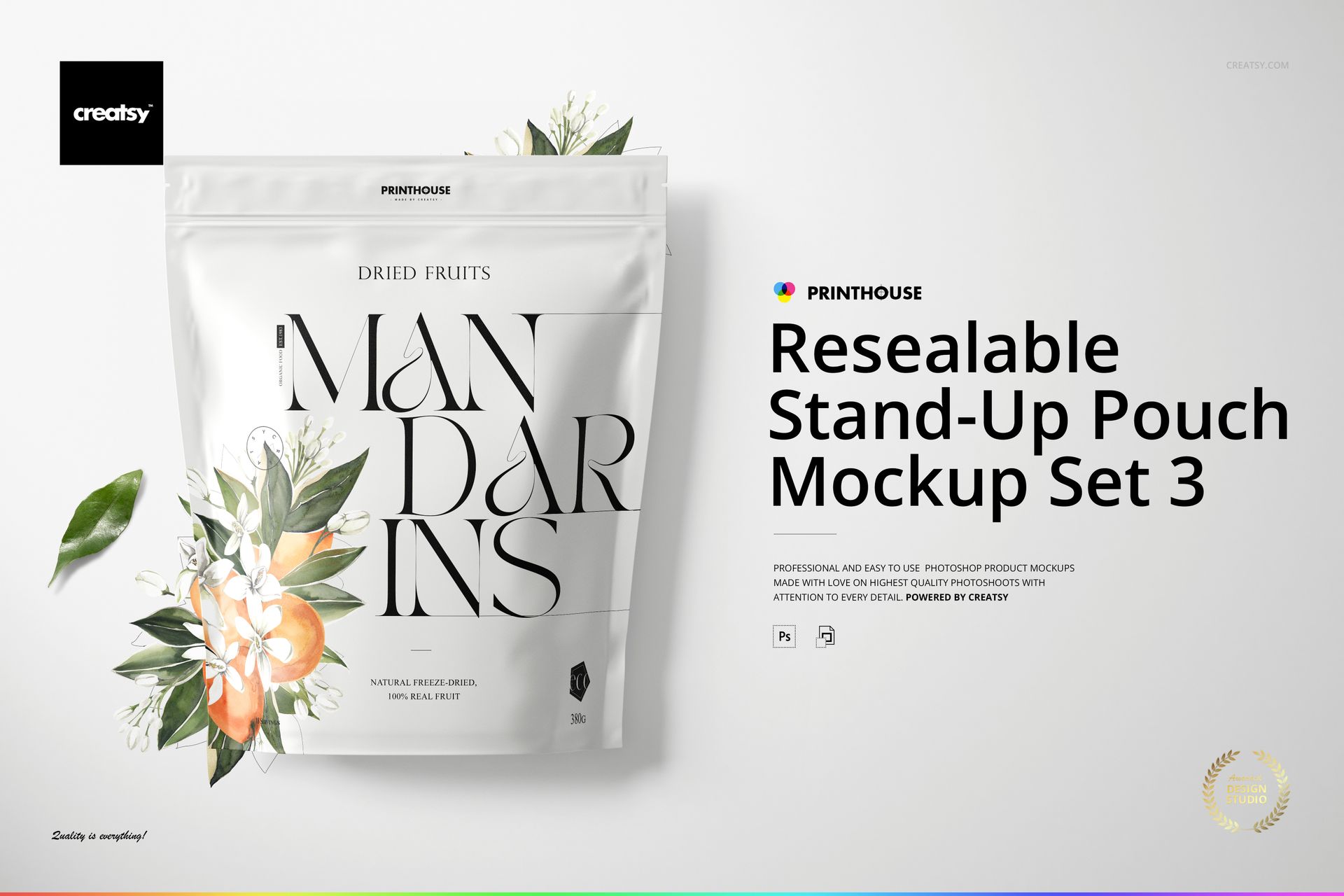
Present food and beverage packaging artwork across four coordinated stand-up pouch scenes. Each layered PSD gives you a clean, realistic view for comparing designs, colors and background treatments in product listings, client presentations and portfolio projects.

Four High-Resolution Pouch Scenes

Use the four compositions as a connected packaging gallery or choose one angle for a focused presentation. Every scene is built at 6000 × 4000 px and 300 dpi.

  • 4 layered PSD mockup files

  • 4 JPG preview files

  • 1 PDF user manual

  • 9 files in total

Quick Artwork and Color Editing

Place your packaging design through Smart Objects, change the pouch color and coordinate the scene with a custom background color or texture.

  • Editable pouch artwork and color

  • Smart Object design placement

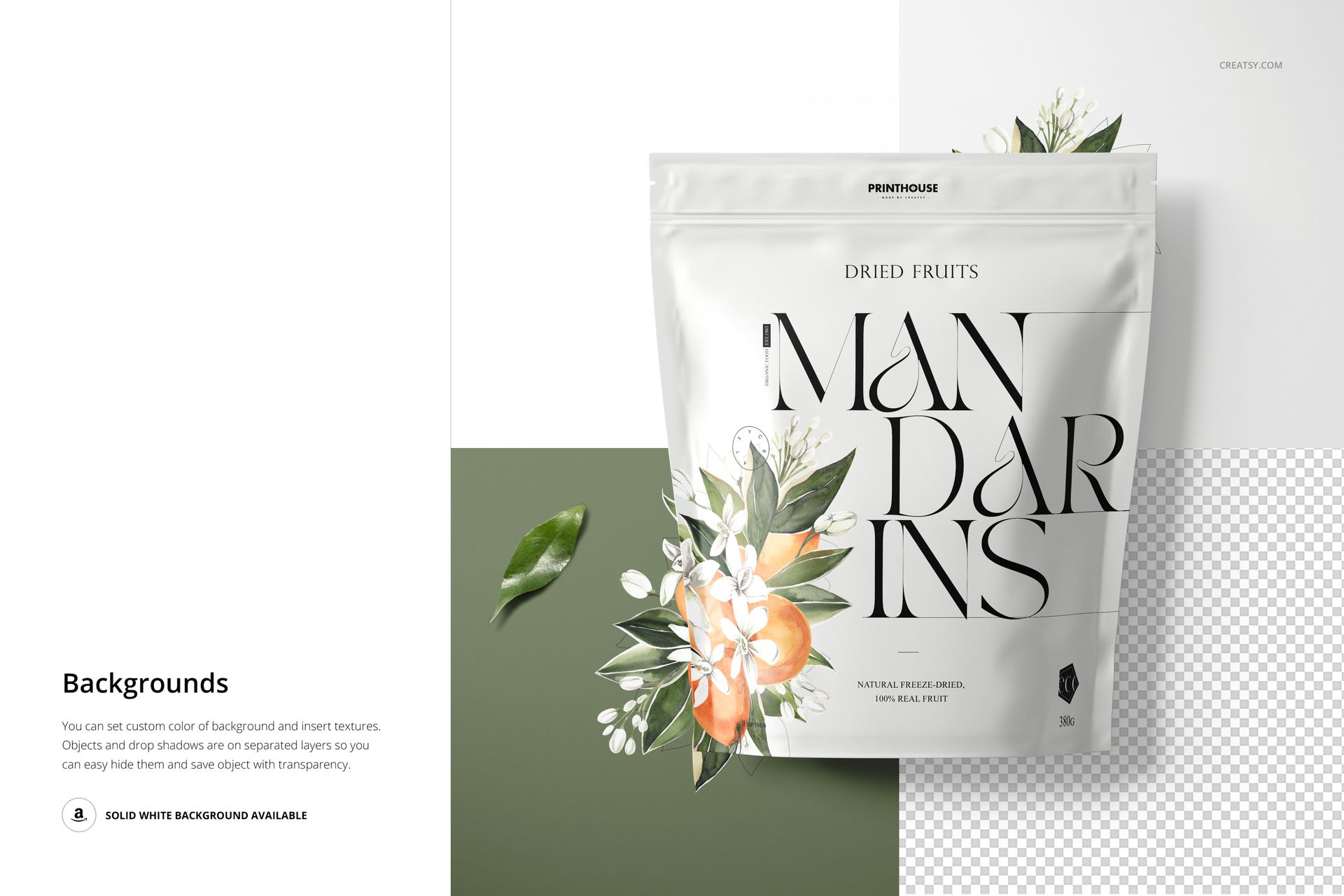
  • Custom background colors and textures

  • Separate object and drop-shadow layers

Flexible Background Controls

Hide individual scene objects and drop shadows when you need a simpler composition. You can also use the solid white background or isolate the pouch on transparency for clean catalog images.

Compatibility and Download Details

  • Adobe Photoshop CC 2020 or newer

  • Photopea editing through the Creatsy online mockup editor

  • File formats: PSD, JPG and PDF

  • Package size: 1.14 GB for Windows, followed by 1.22 GB for macOS

Example artwork by Lana Elanor. Patterns are not included; this mockup is ready for your own packaging design.

File details

Compatibility
Adobe Photoshop
Package size
1.14 GB1.14 GB|1.22 GB1.22 GB
Files type
.psd, .jpg, .pdf
Files size
6000x4000
TEST FOR FREE

Made with Creatsy

Real designs. Real customers. See how creatives use Creatsy mockups to turn their artwork, branding, and product ideas into polished visuals.

MEET THE SHOP

Creatsy logo

Creatsy

Poland
4.7 (669)

Bring your ideas to life.

We're a family-run studio in Katowice, Poland, making PSD mockups by hand since 2016. Everything in this shop starts in our own studio. We shoot the photography, build the 3D, and put together every Smart Object PSD ourselves - then we test it, organize the layers, and only ship it once it actually works...
GO TO SHOP

HOW IT WORKS

3 clicks. That's it.

No tutorial needed. If you can copy-paste, you can use this.

  1. 1OpenDouble-click the smart object inside the PSD - in Adobe Photoshop, or free in your browser with Photopea.
  2. 2PasteDrop in your pattern, print, or artwork. Any design, any style.
  3. 3SaveHit save and the mockup wraps it in for you - shadows, folds, and lighting included.

FROM IDEA TO IMAGE

Built for real workflows

Get the label signed off before the print run Wrap your design onto the box, pouch, or bottle and show the client exactly what ships.

See it on the product, not a swatch Drop your file into the smart object and the scene's lighting and folds wrap around it, so you judge the real thing before you commit.

Smart Objects

Edit once and you're done. Your artwork drops into a smart object and the mockup updates itself - no masking, no warping by hand.

Perfectly Organized

Named layers and folders you can actually navigate. Find what you need, change what you want, and get out fast.

Print-Ready

High-resolution files built to hold up on screen and in print. Exact size and DPI are in this product's Details above.