Natural Kraft Set Box Mockup Set
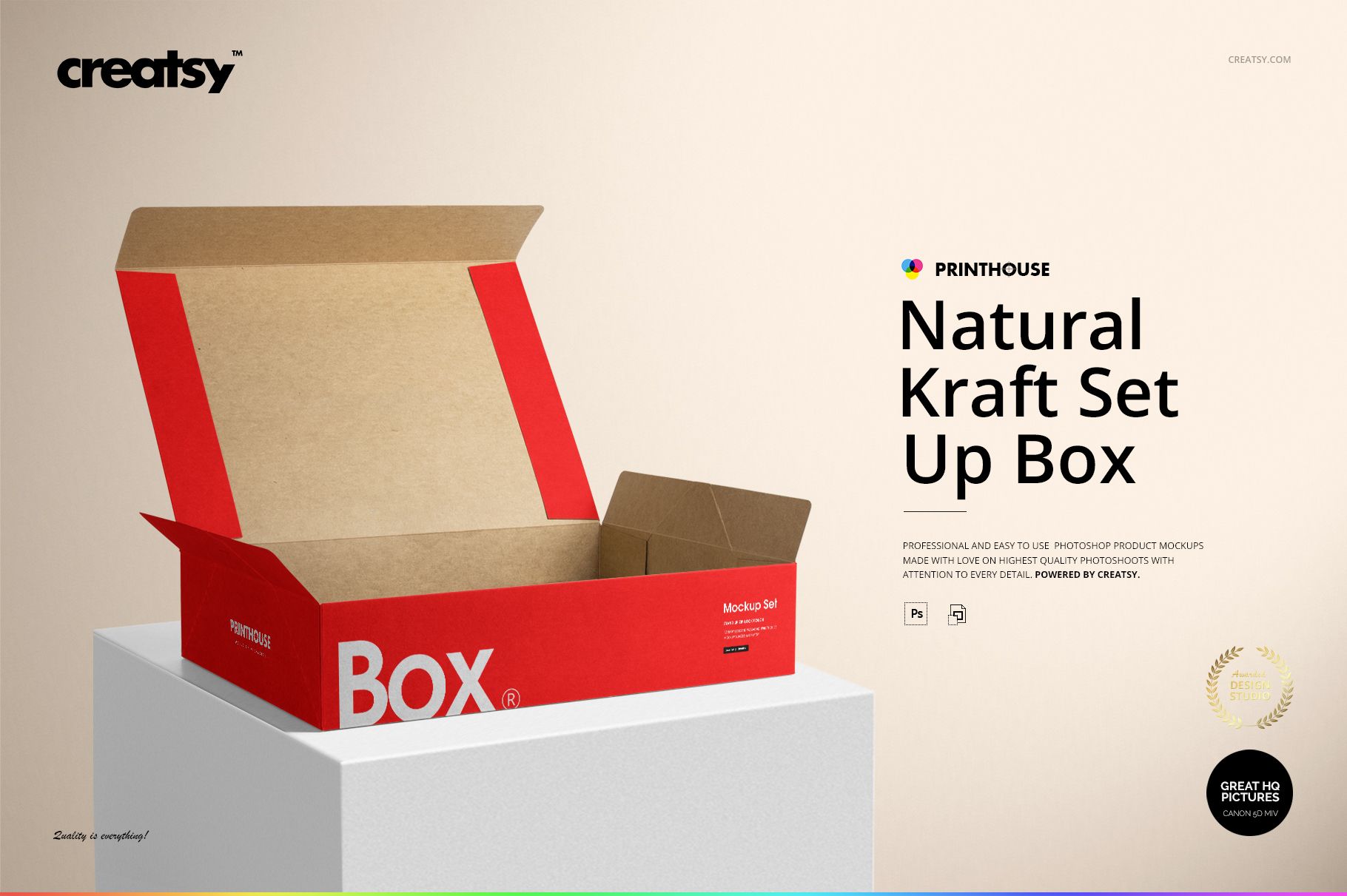
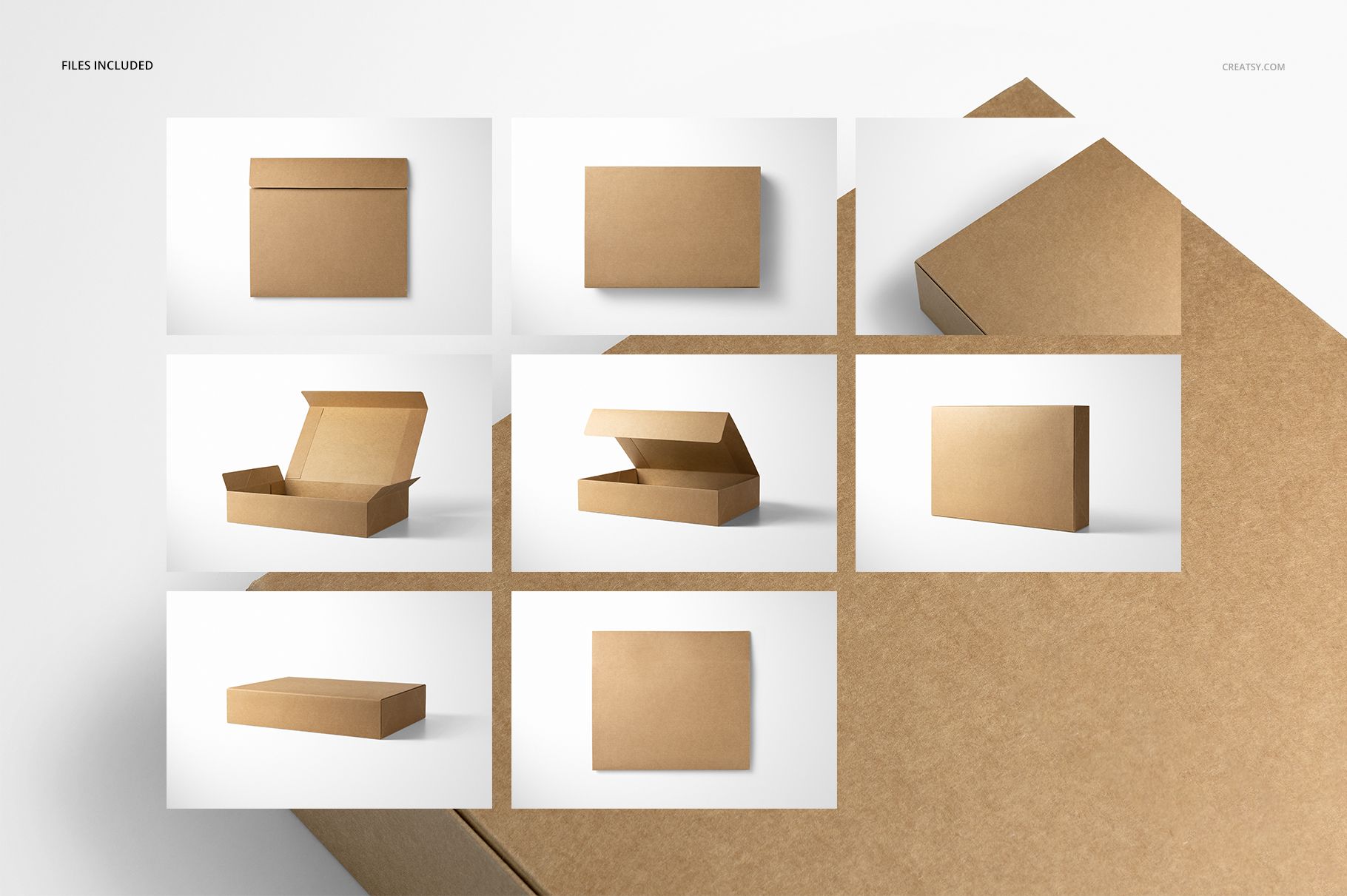
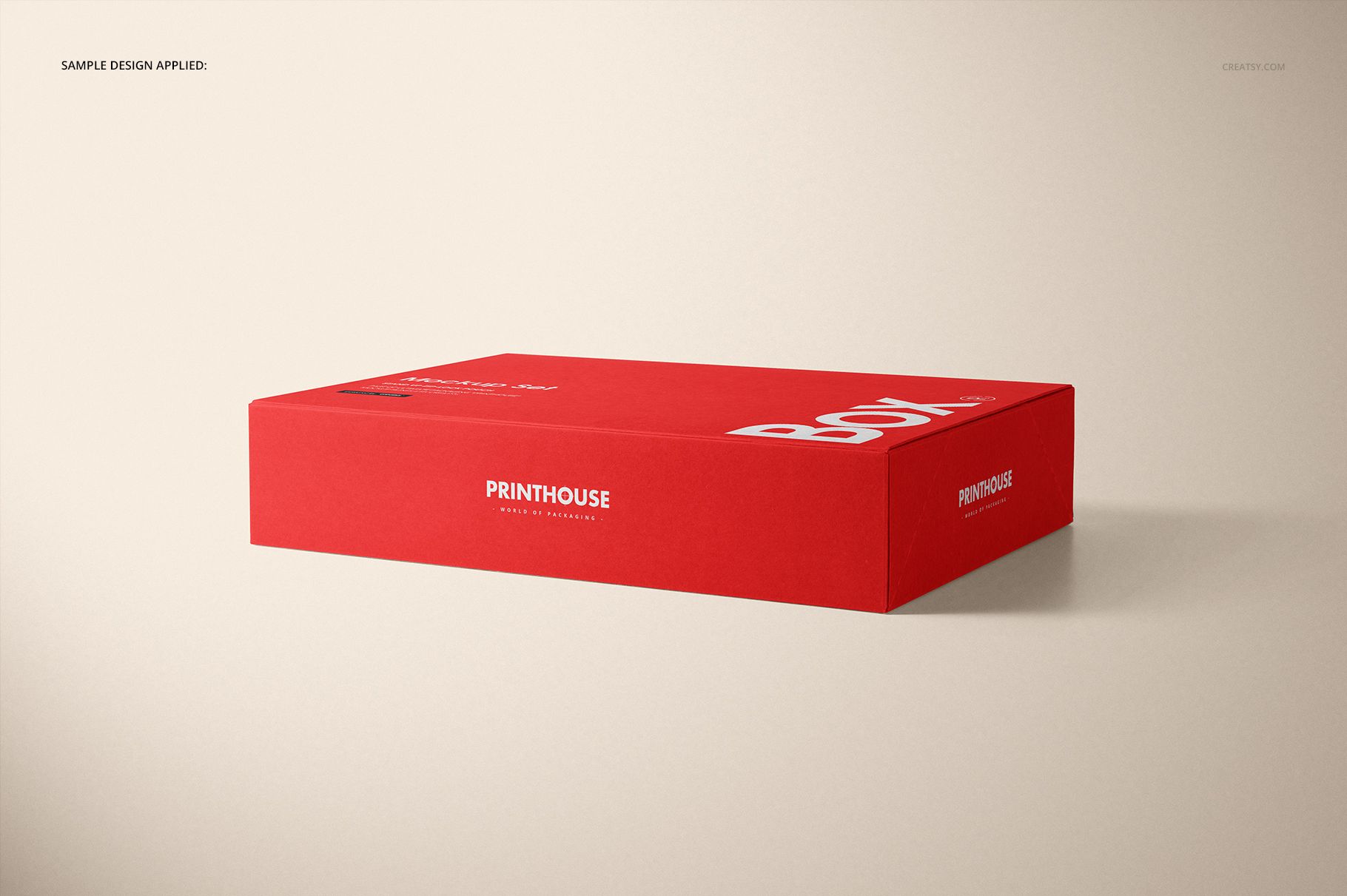
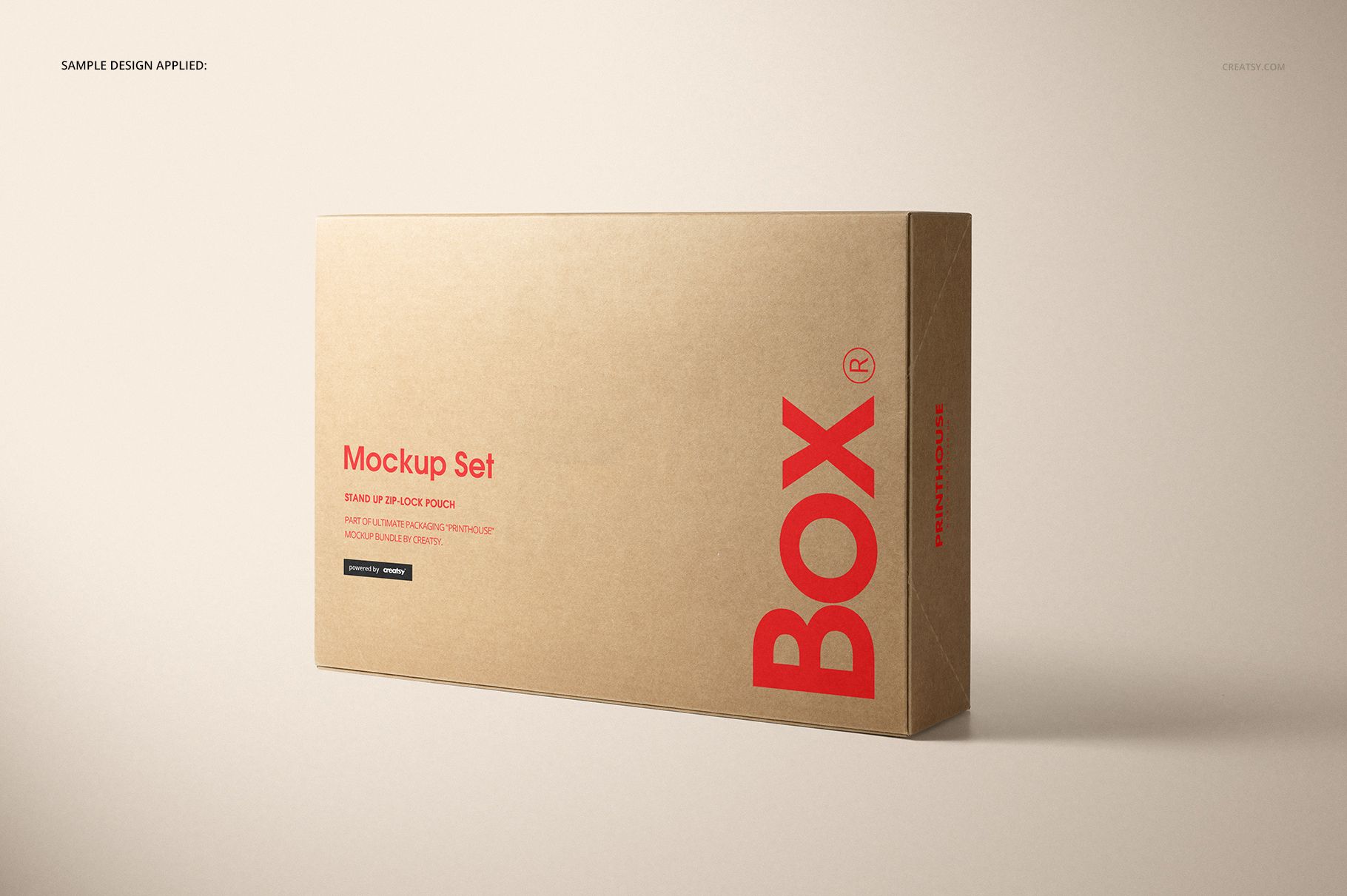
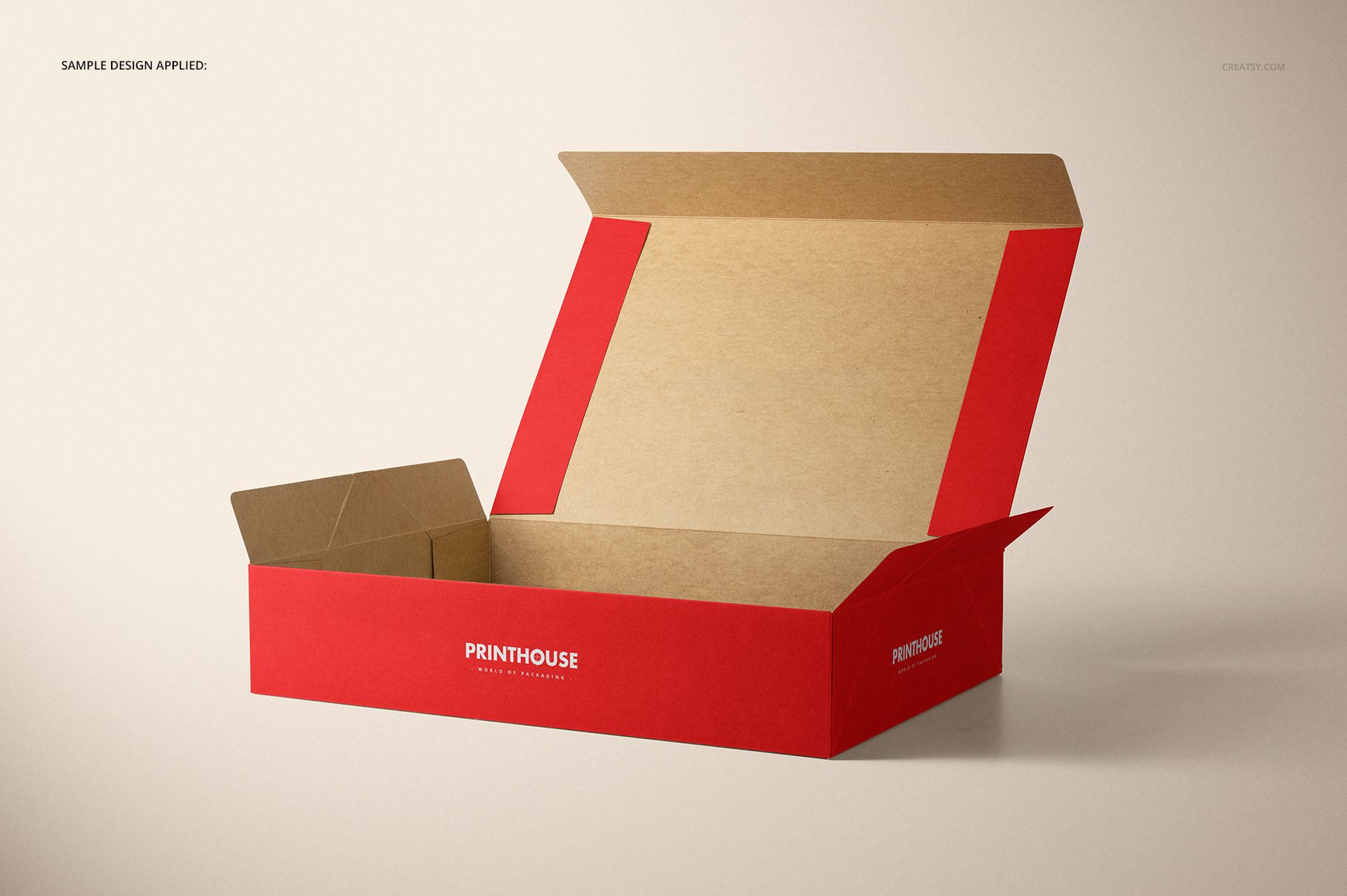
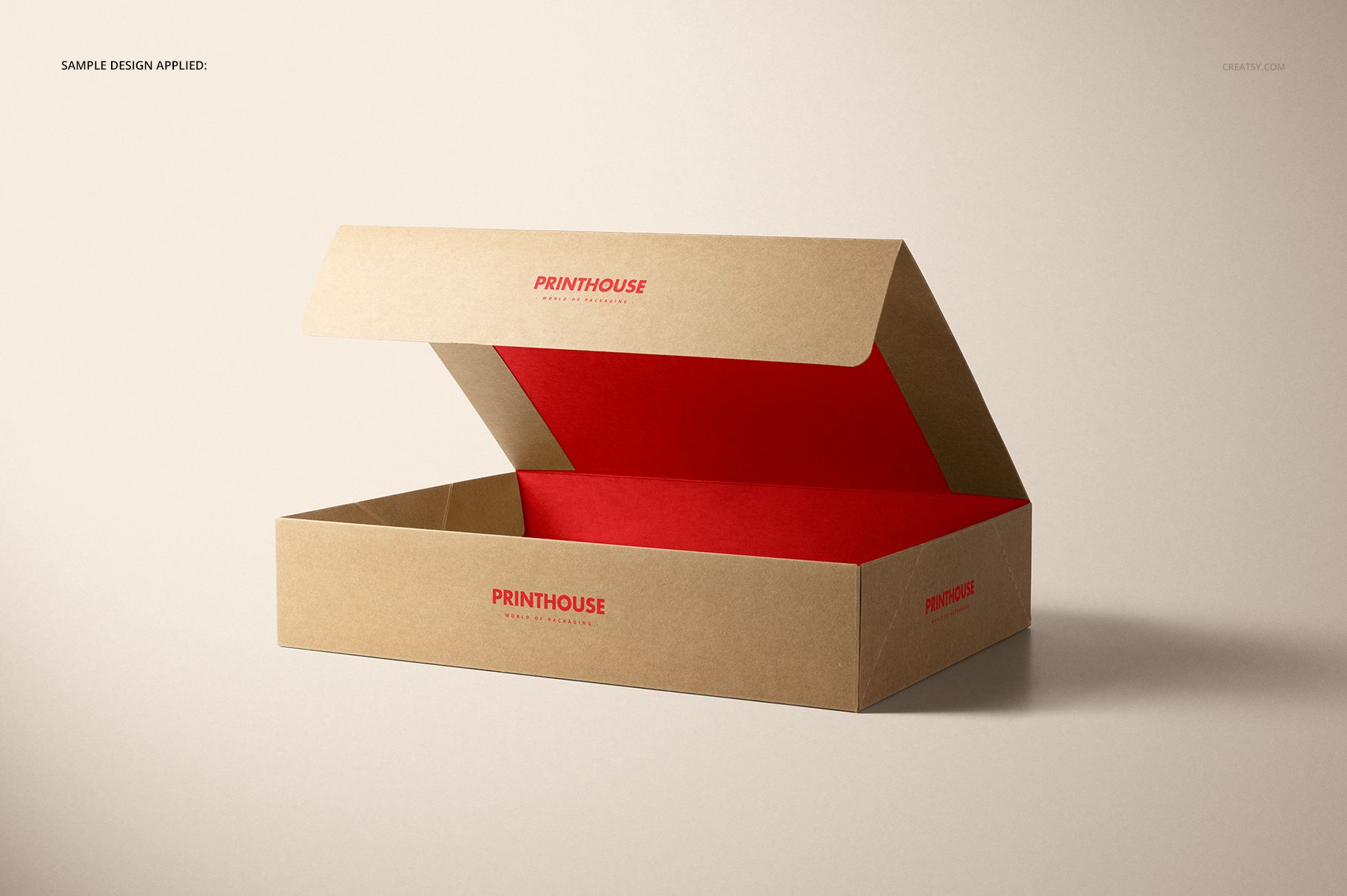
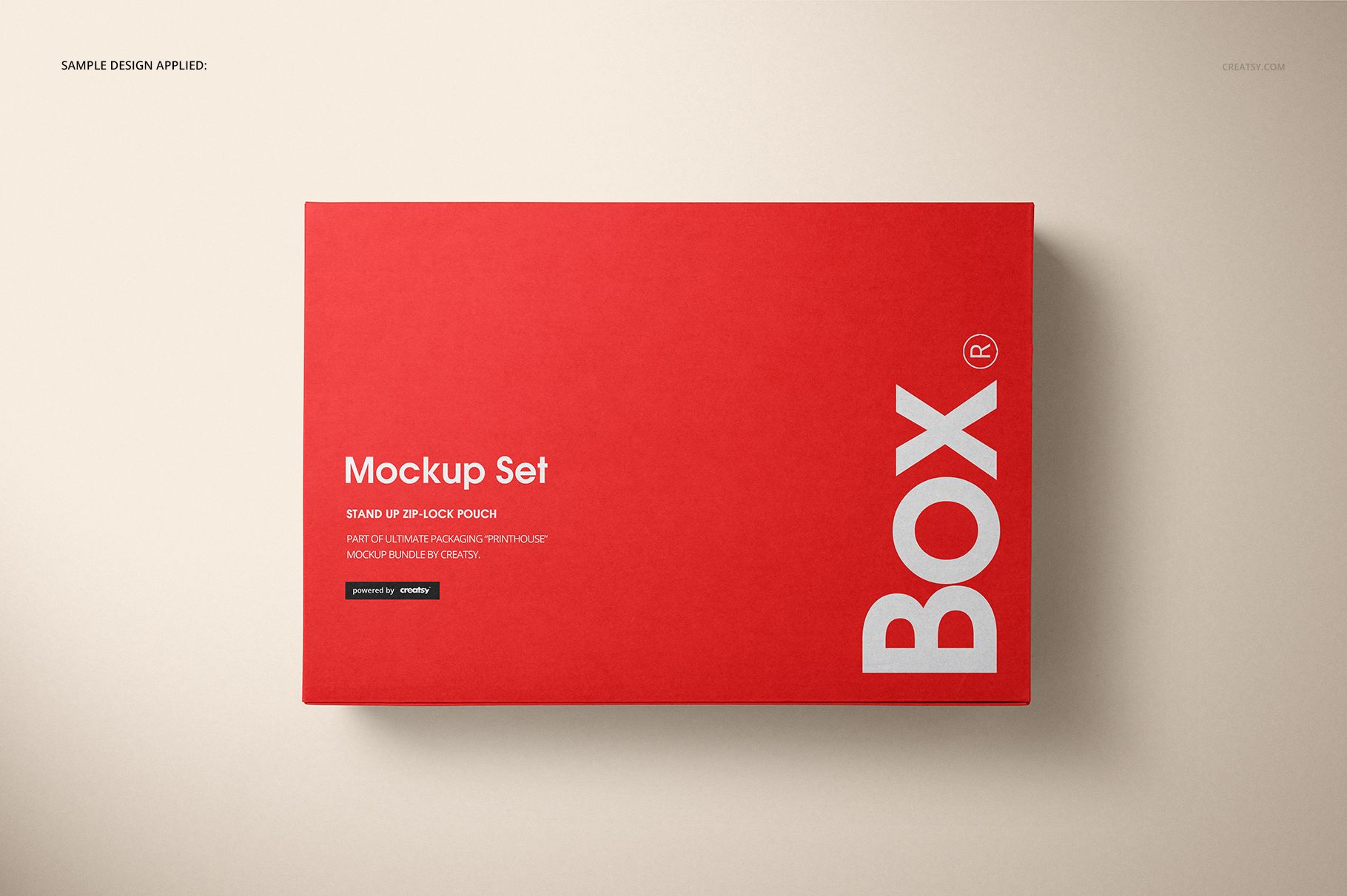
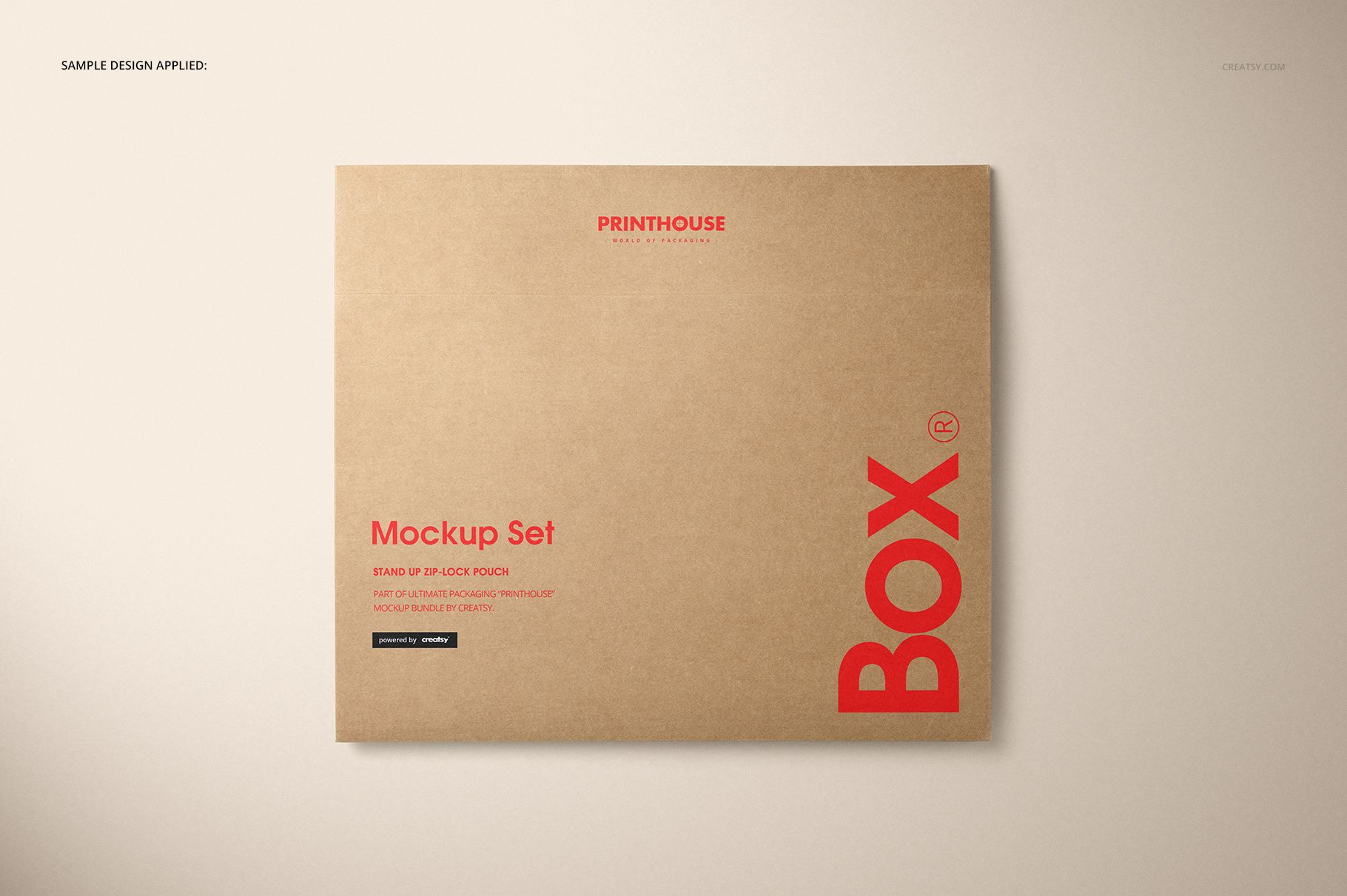
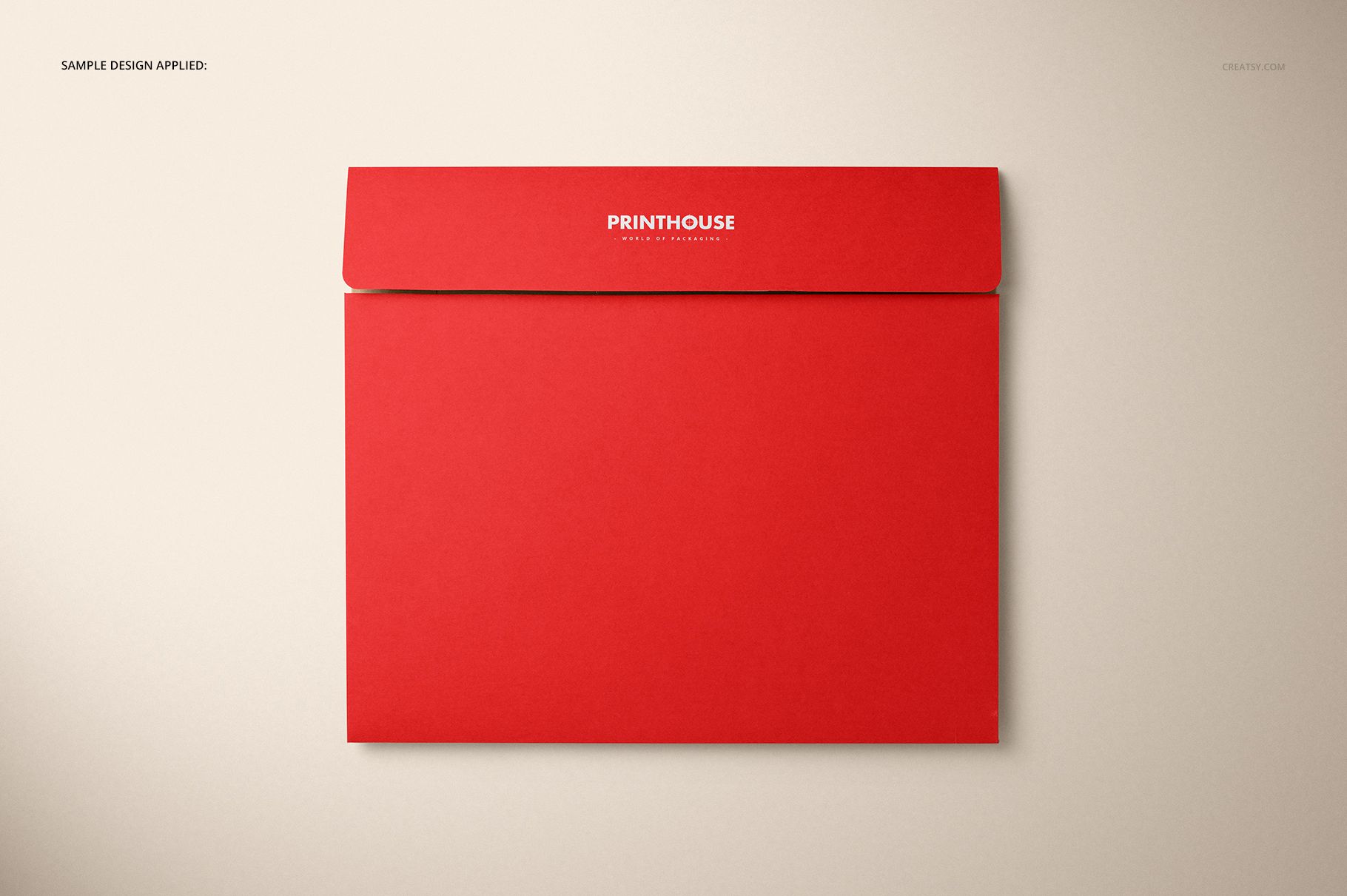
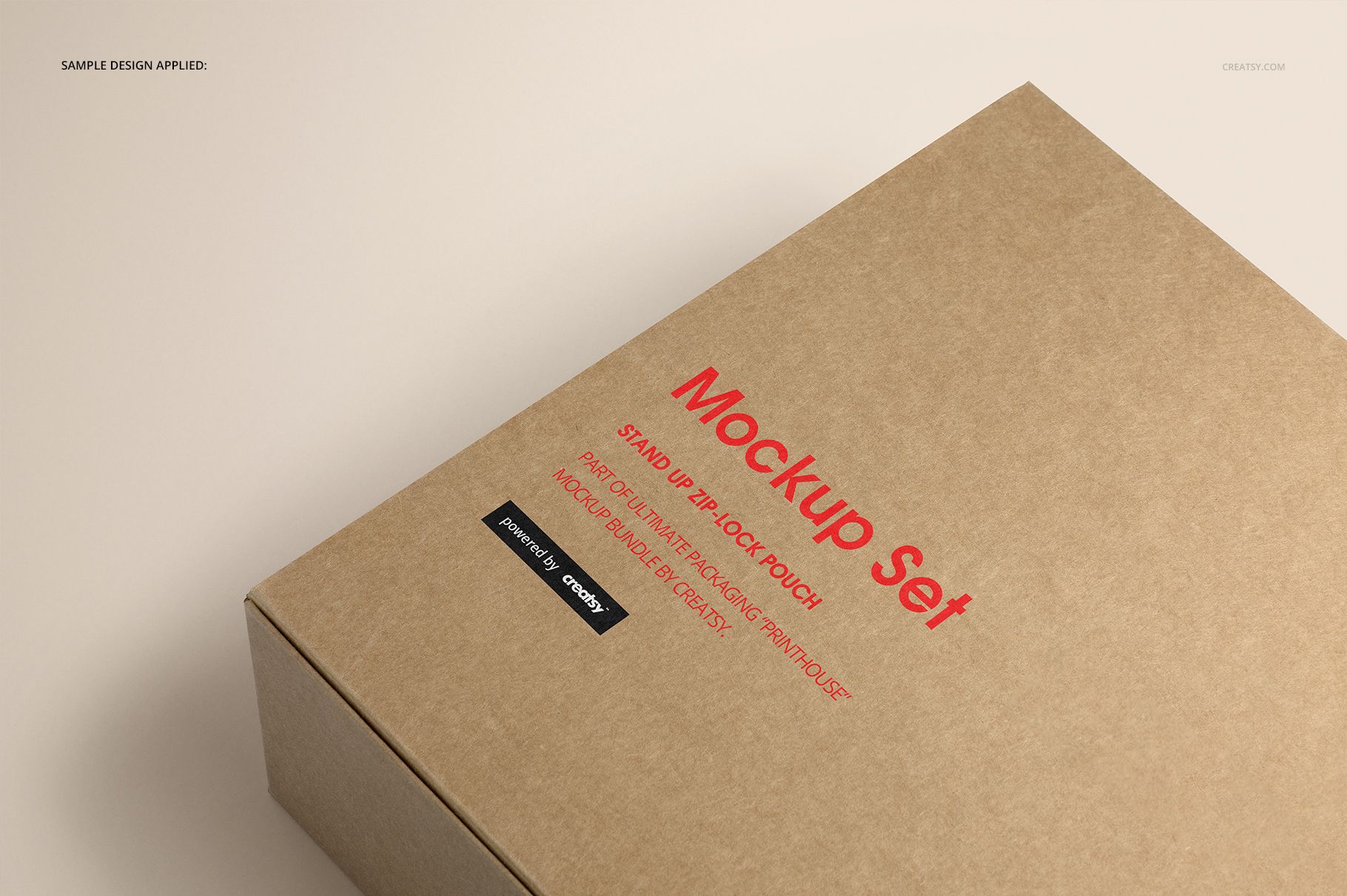
Plan the outside impression and the inside reveal of a shallow rectangular kraft box. Eight editable PSD mockups show the packaging opened, closed, from above and at an angle, with a close-up for checking smaller artwork details. The long lid gives illustrations and repeating patterns room to breathe, while the interior offers a second surface for a coordinated brand story.
What Is Included
8 layered PSD mockups with different views of the same box.
8 JPG scene previews and a separate JPG guide.
Smart Objects for artwork, color controls and organized layers.
One Box, Inside and Out
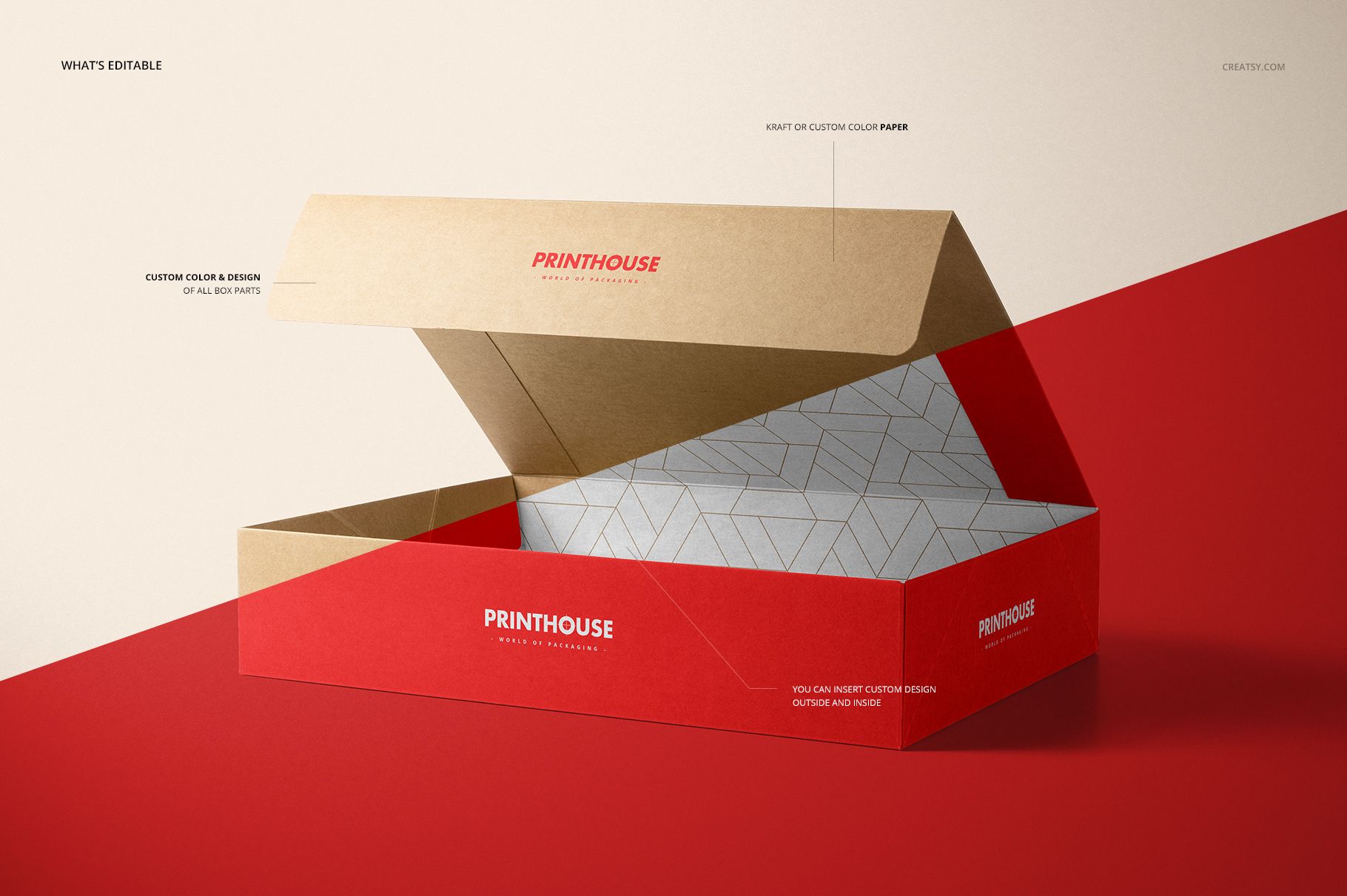
The represented box measures 36.8 cm long, 25.5 cm wide and 7.5 cm deep. Its attached lid and side flaps make the relationship between outer graphics and inner panels visible in the open views. Change the color and design of all parts, inside and outside, to compare a restrained kraft concept with a more colorful printed treatment.
Easy Smart Object Editing
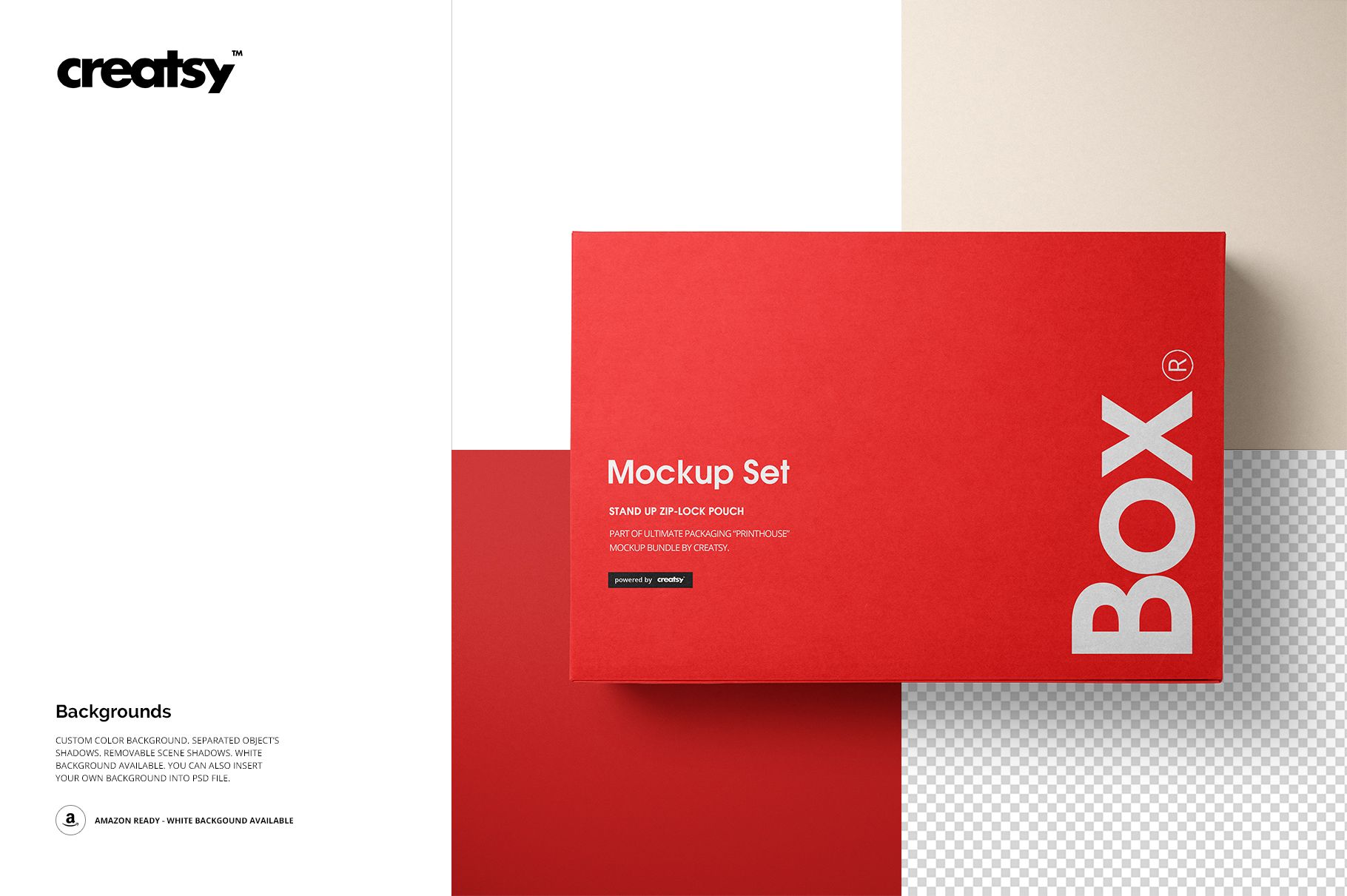
Open a PSD in Adobe Photoshop CC2015 or newer, place your artwork in the relevant Smart Object, save it and return to the scene. Adjust the color layers, then choose a custom-color or transparent background. Separate object shadows and removable scene shadows help the presentation fit your layout.
Perfect For
Use the set for coordinated gift packaging, stationery collections, illustrated retail boxes and packaging client presentations. Pair an overhead view with an open view to explain both the cover design and the unboxing experience.
This is a digital mockup product, not a physical box or production dieline. Sample patterns and preview artwork are not included.