Lunch Bag Mockup Set
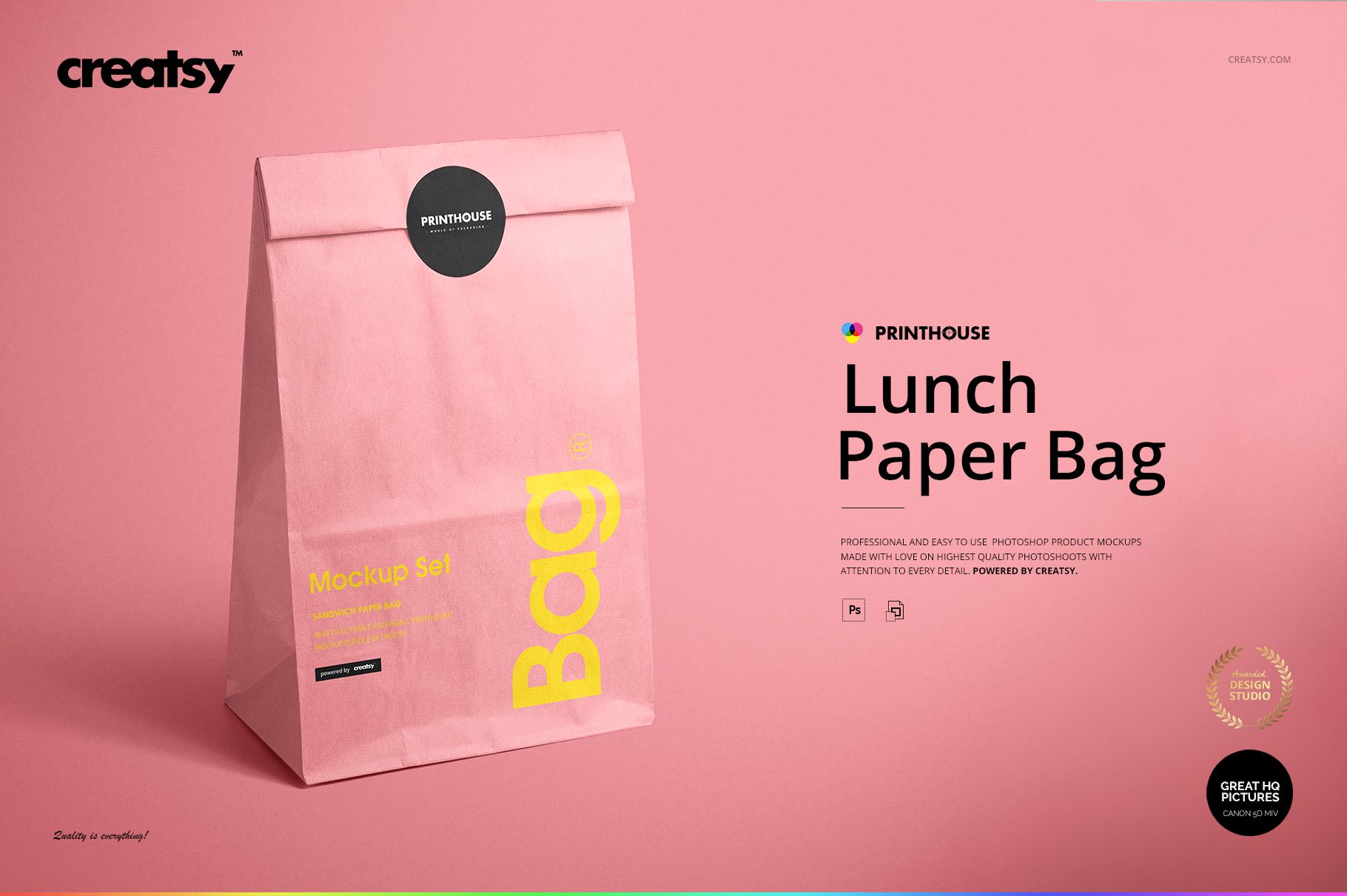
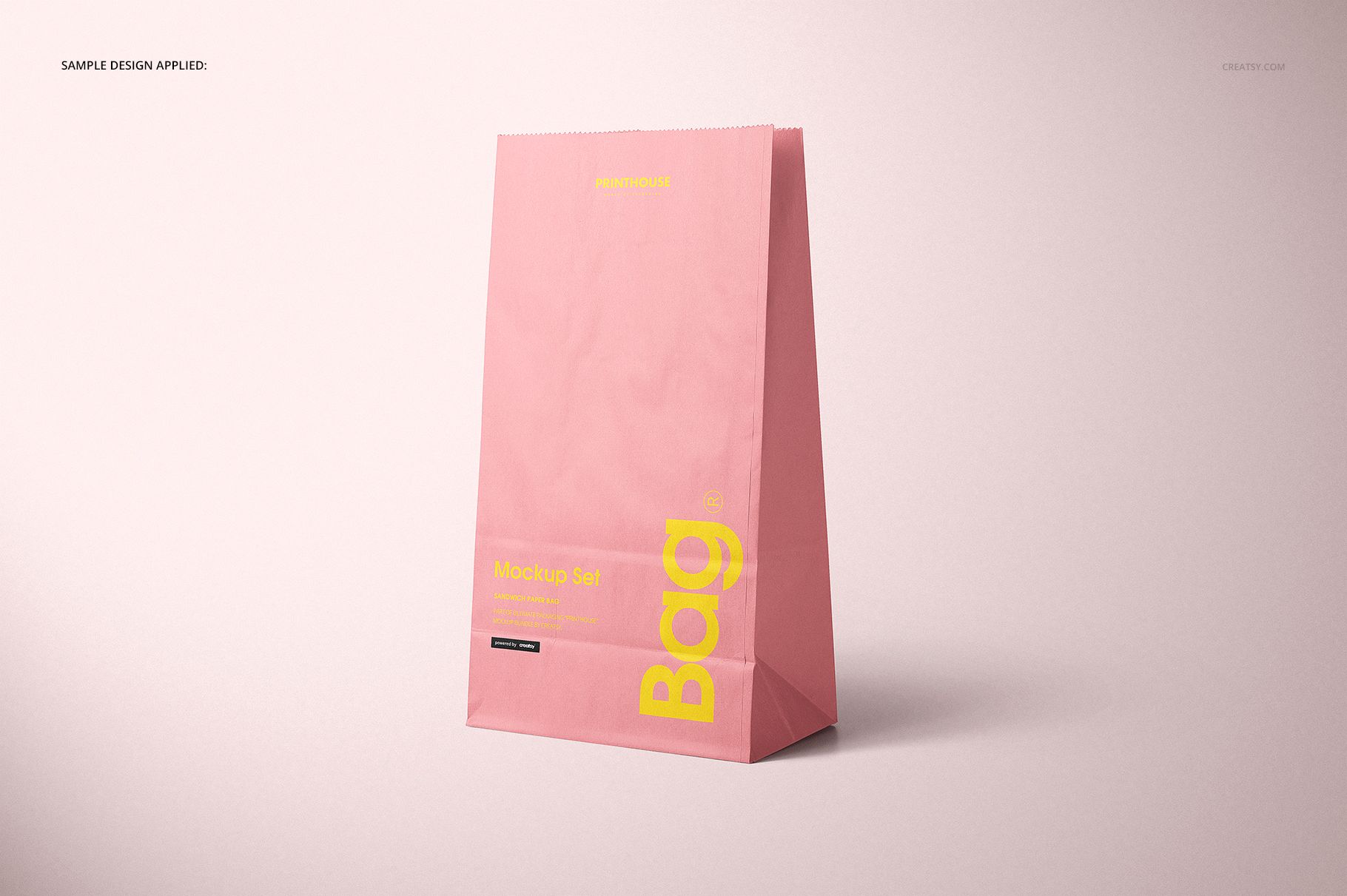
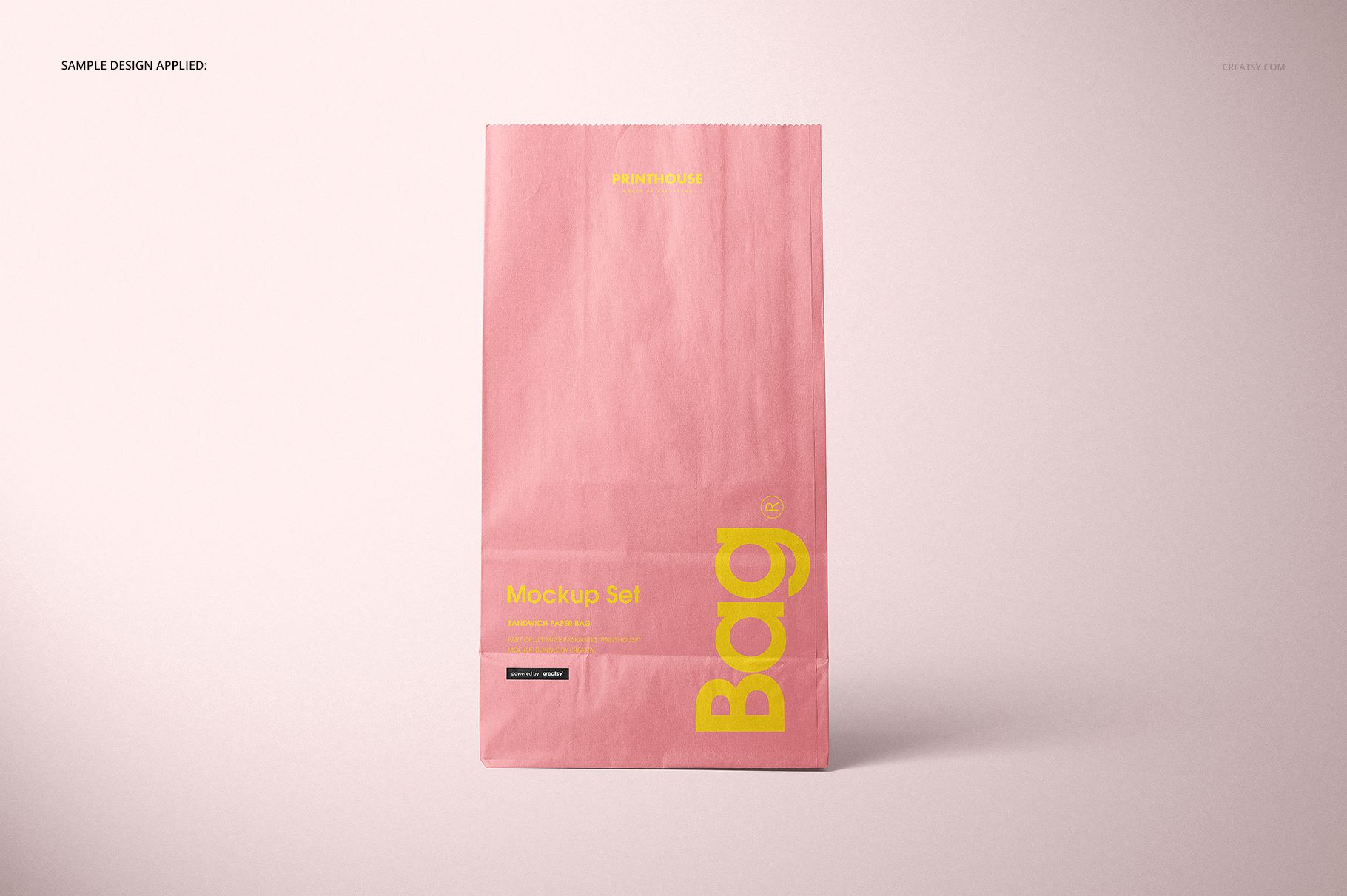
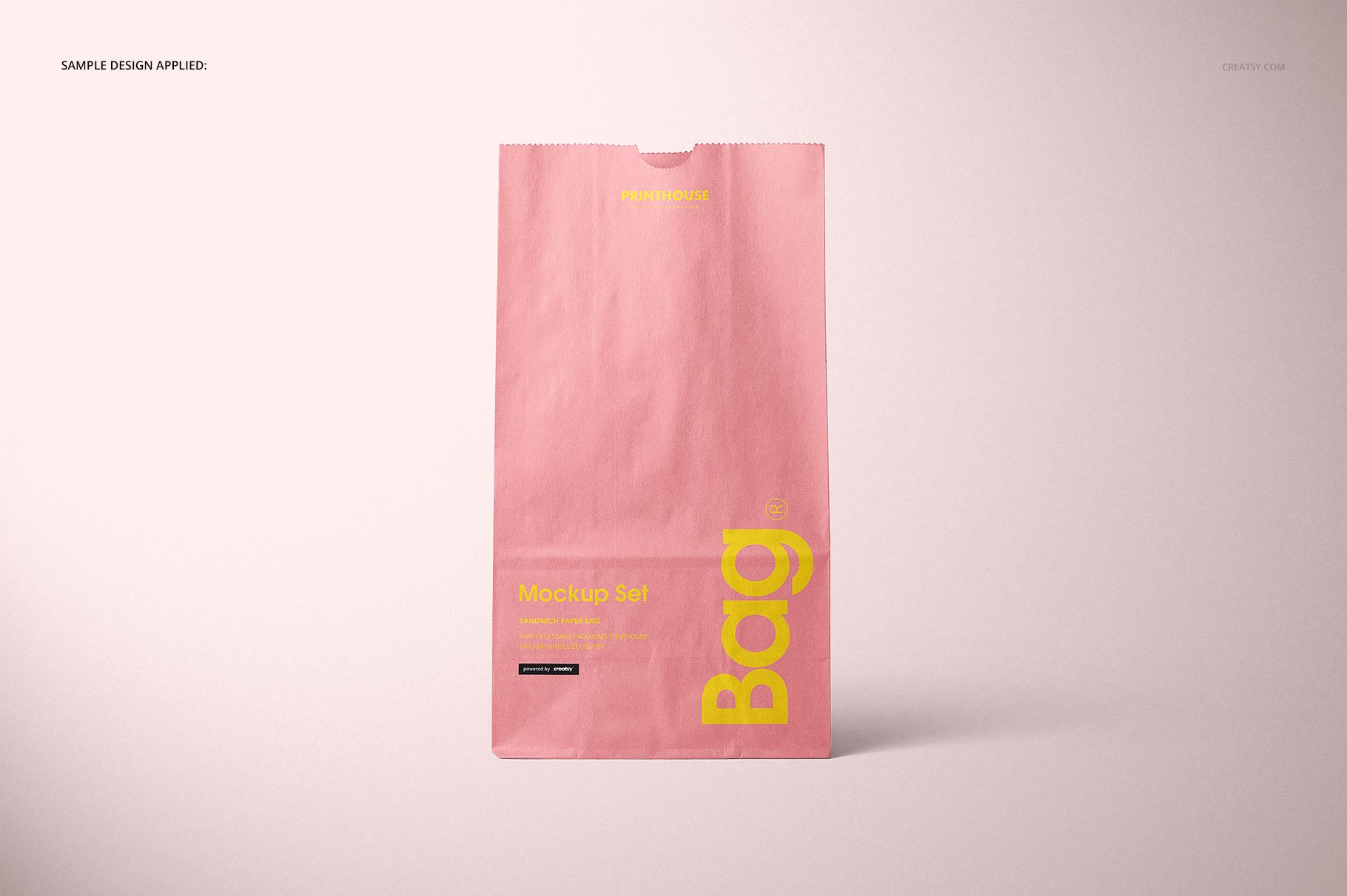
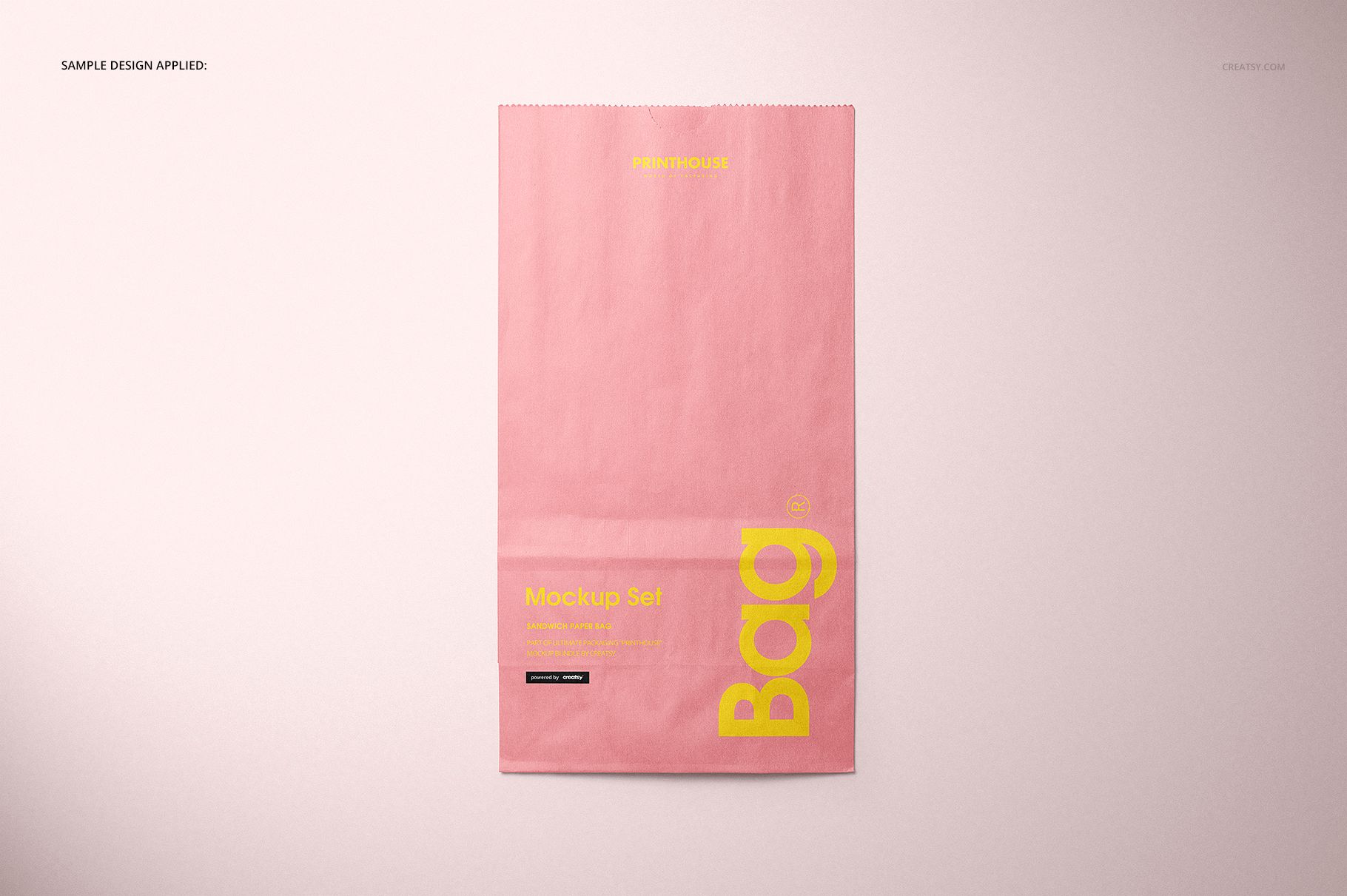
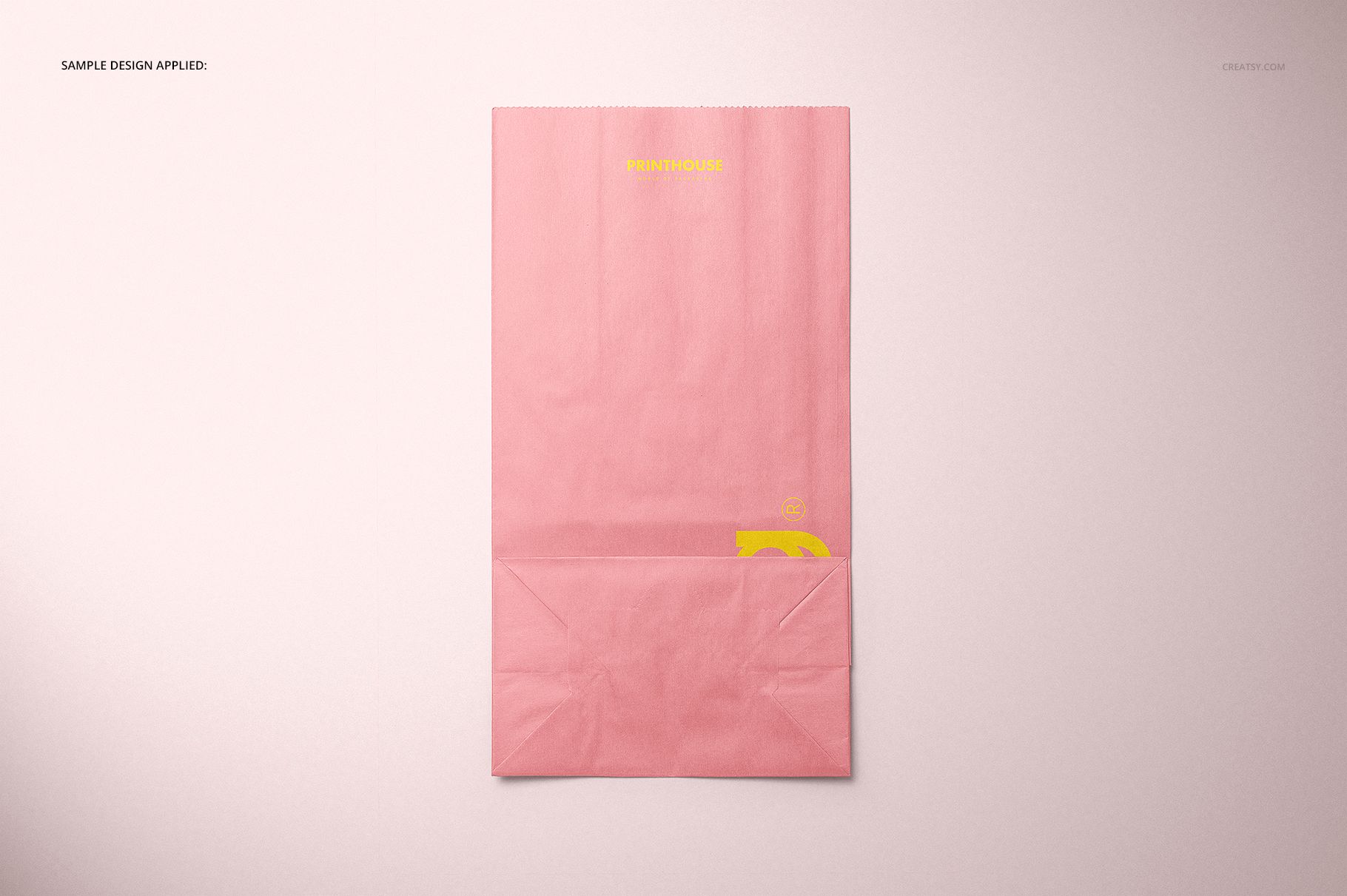
A flat logo tells only part of a packaging story. This standing lunch paper bag mockup set shows how your identity works across a tall front panel, folded sides and a closed top, with nine PSD scenes that also cover the back, flat views and a grouped presentation. The focus is printed paper takeaway packaging, not fabric lunch totes.
What Is Included
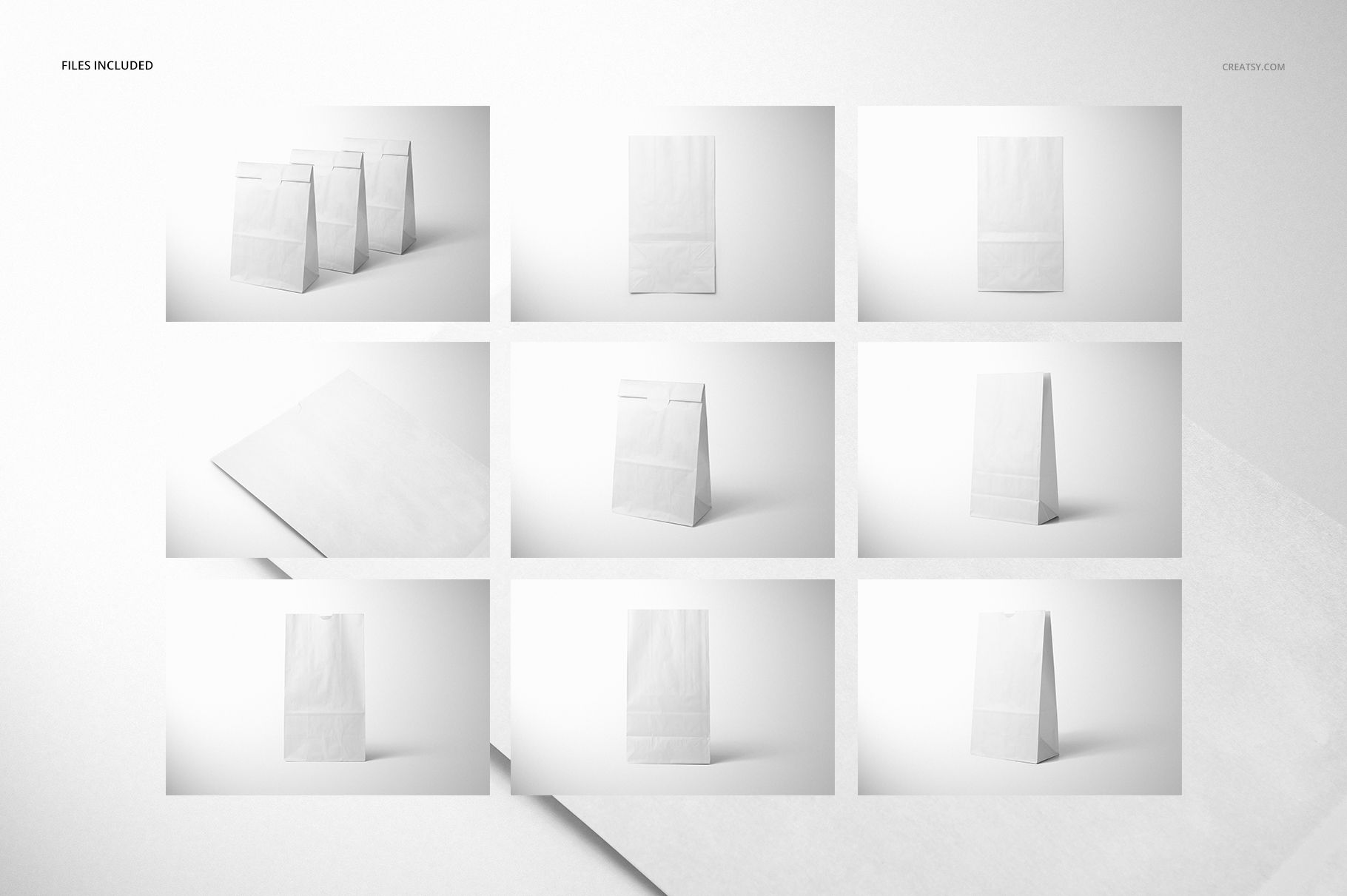
9 layered PSD mockup files, each 6000 × 4000 px at 300 DPI.
9 JPG previews and 1 JPG guide, 19 files in total.
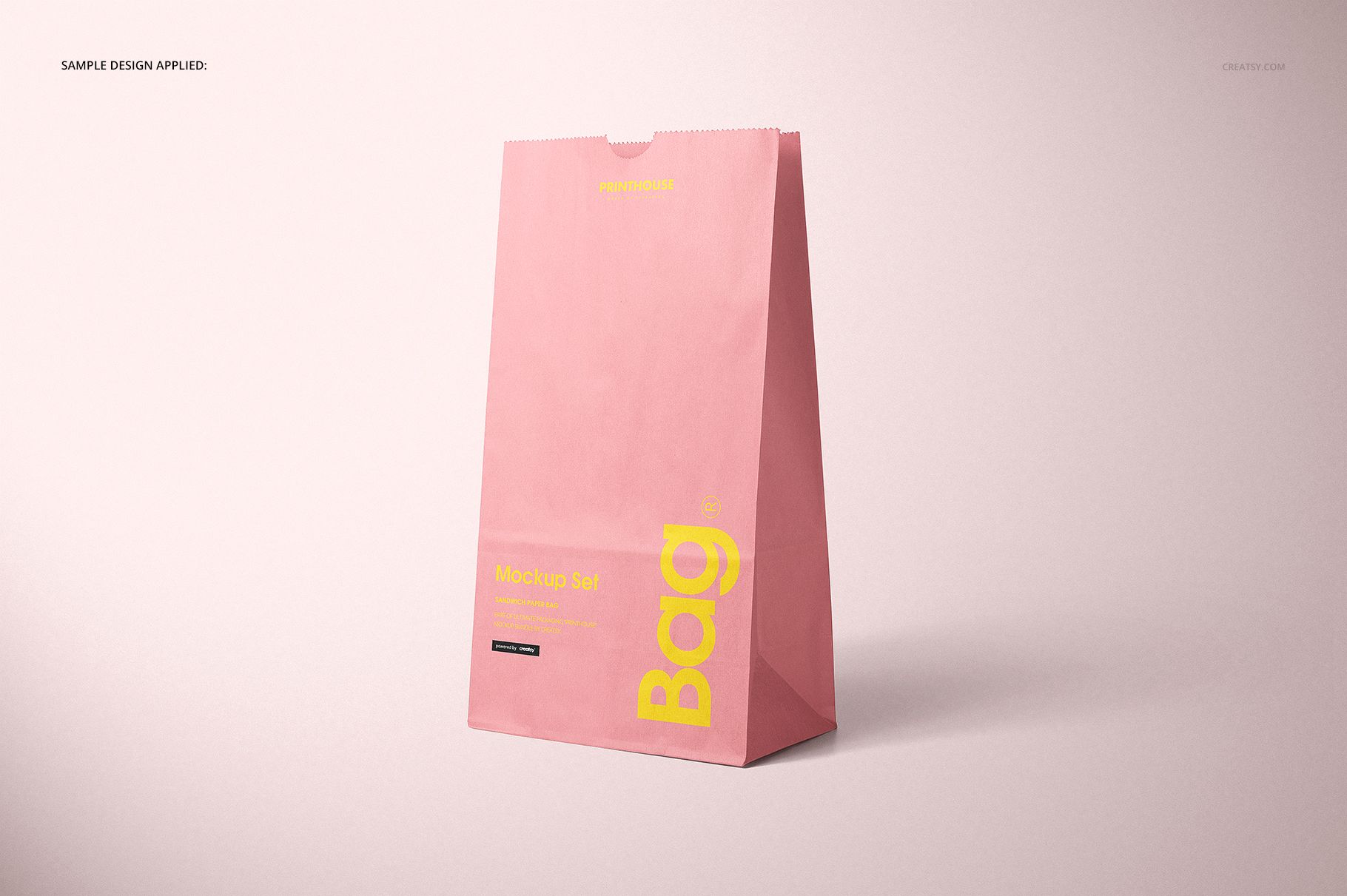
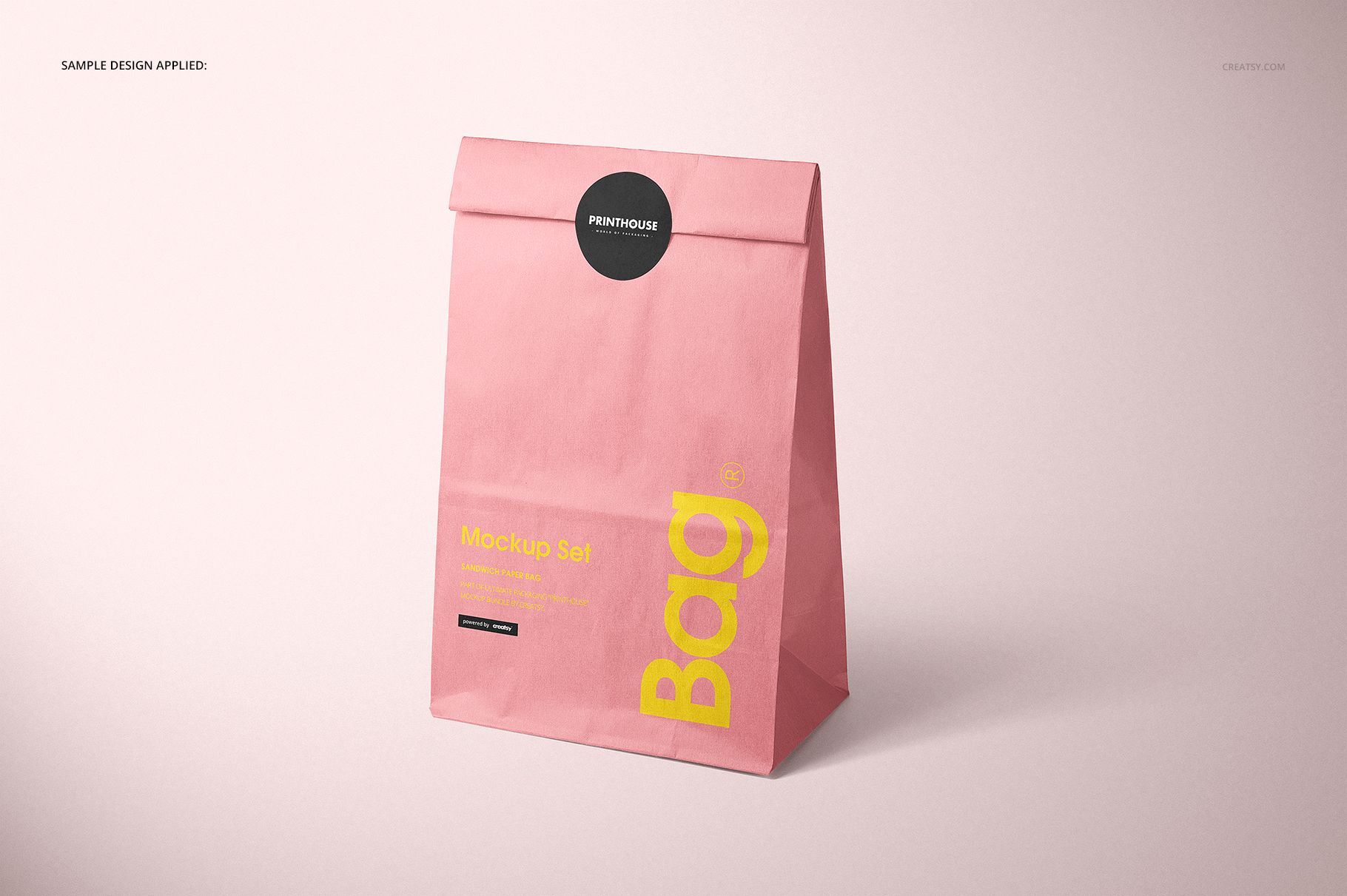
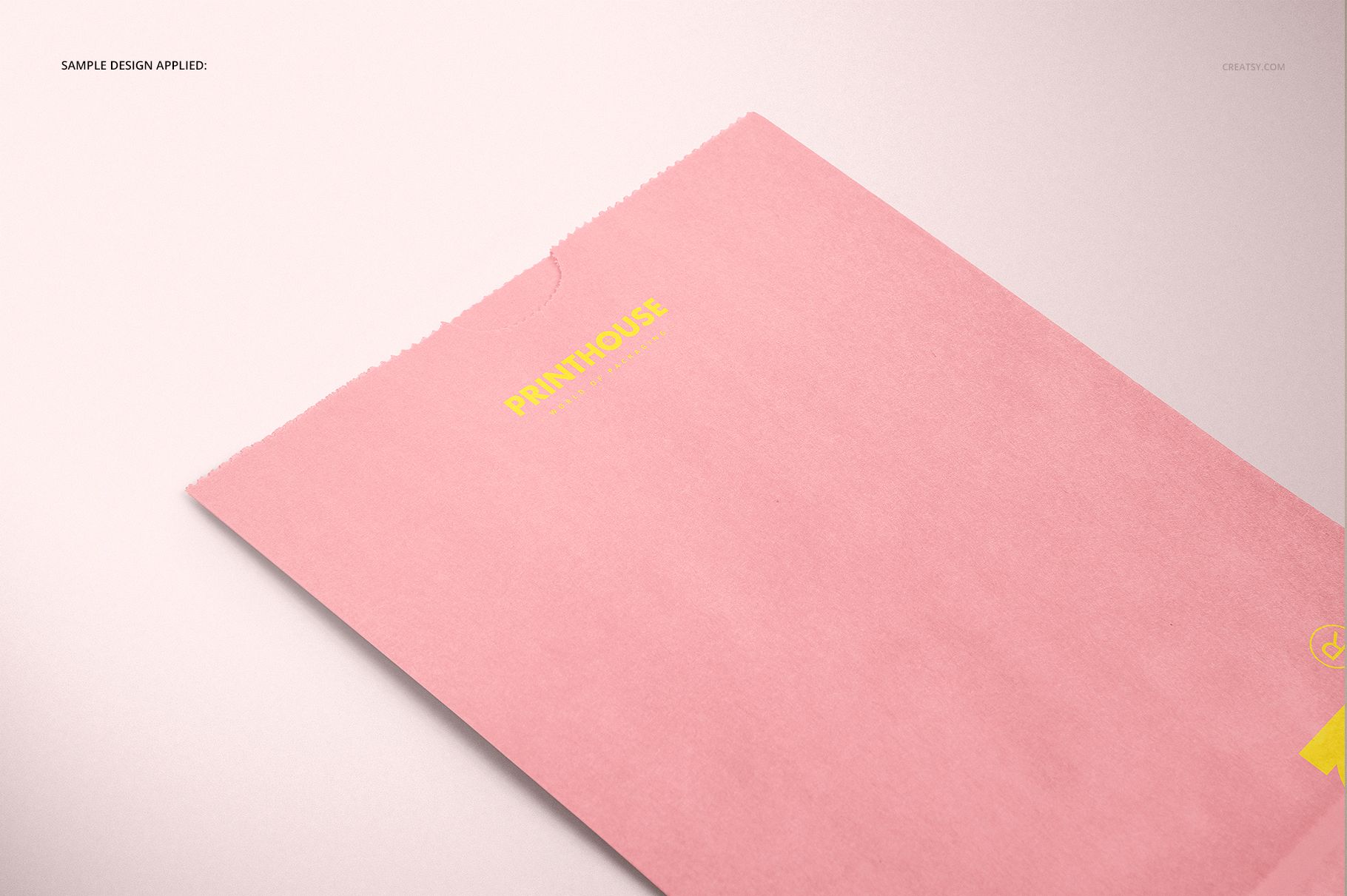
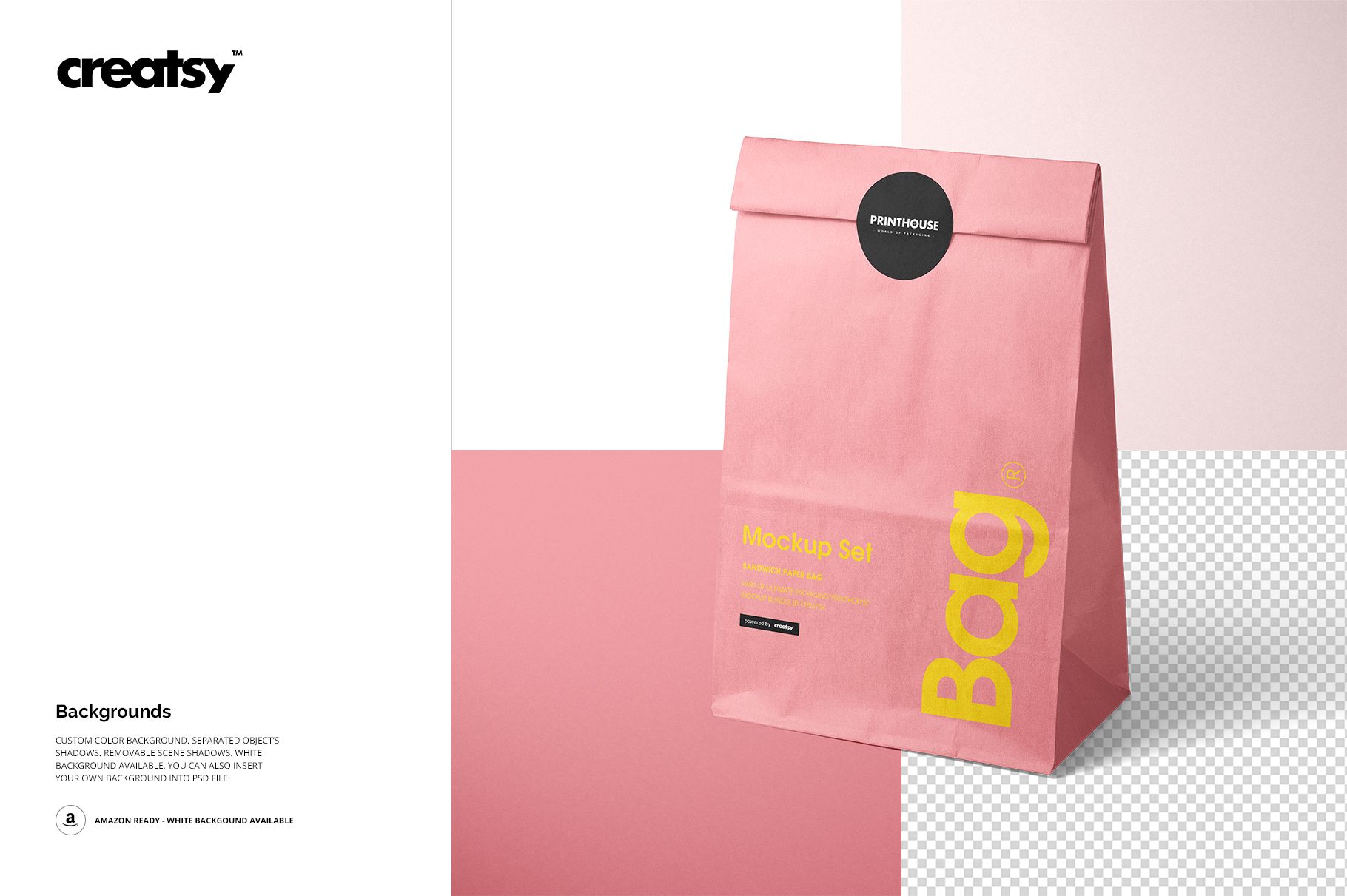
Standing and angled front-and-back views, flat front and back views, a close-up, a grouped scene and an angled bag with a sticker.
Organized layers for artwork and color changes.
Show the Front, Back and Folded Form
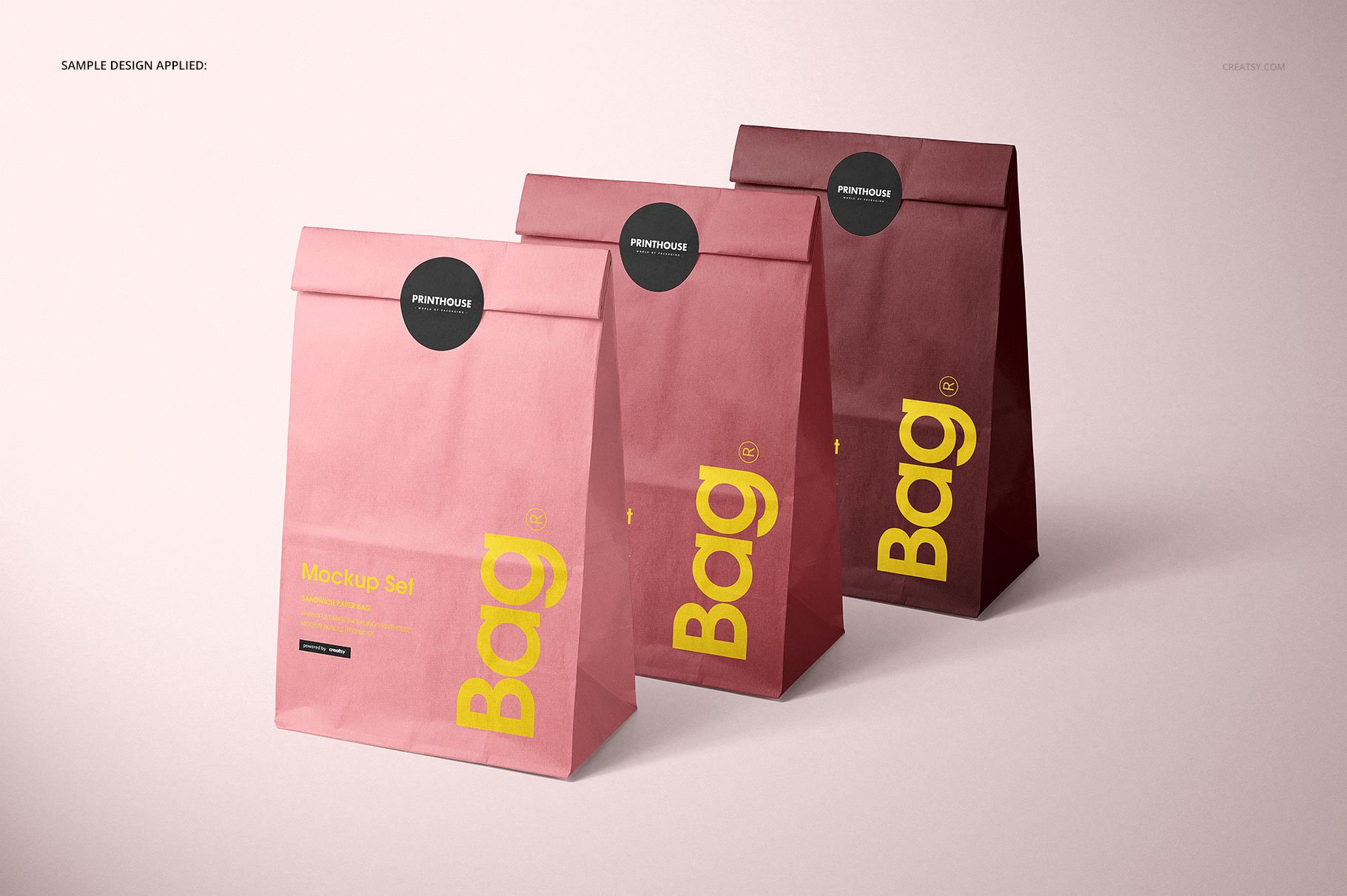
The bag's gusseted shape makes the side folds part of the presentation. Move between front-facing, angled and flattened views to see how the design reads in each position. The three-bag composition is useful for comparing coordinated colors, while the sticker-closed version shows a finished takeaway presentation.
Easy Smart Object Editing
Open the PSD files in Adobe Photoshop CC2015 or newer, replace the artwork through Smart Objects and adjust the color layers. Save the edited Smart Object to update the scene, then check the front, back and folded areas in the views you plan to use.
Perfect For
Cafe, deli and lunch takeaway branding.
Printed paper-bag graphics and packaging color studies.
Client presentations, packaging portfolios and campaign visuals.
This is a digital mockup product. Physical lunch bags and the sample artwork or patterns shown in the previews are not included.