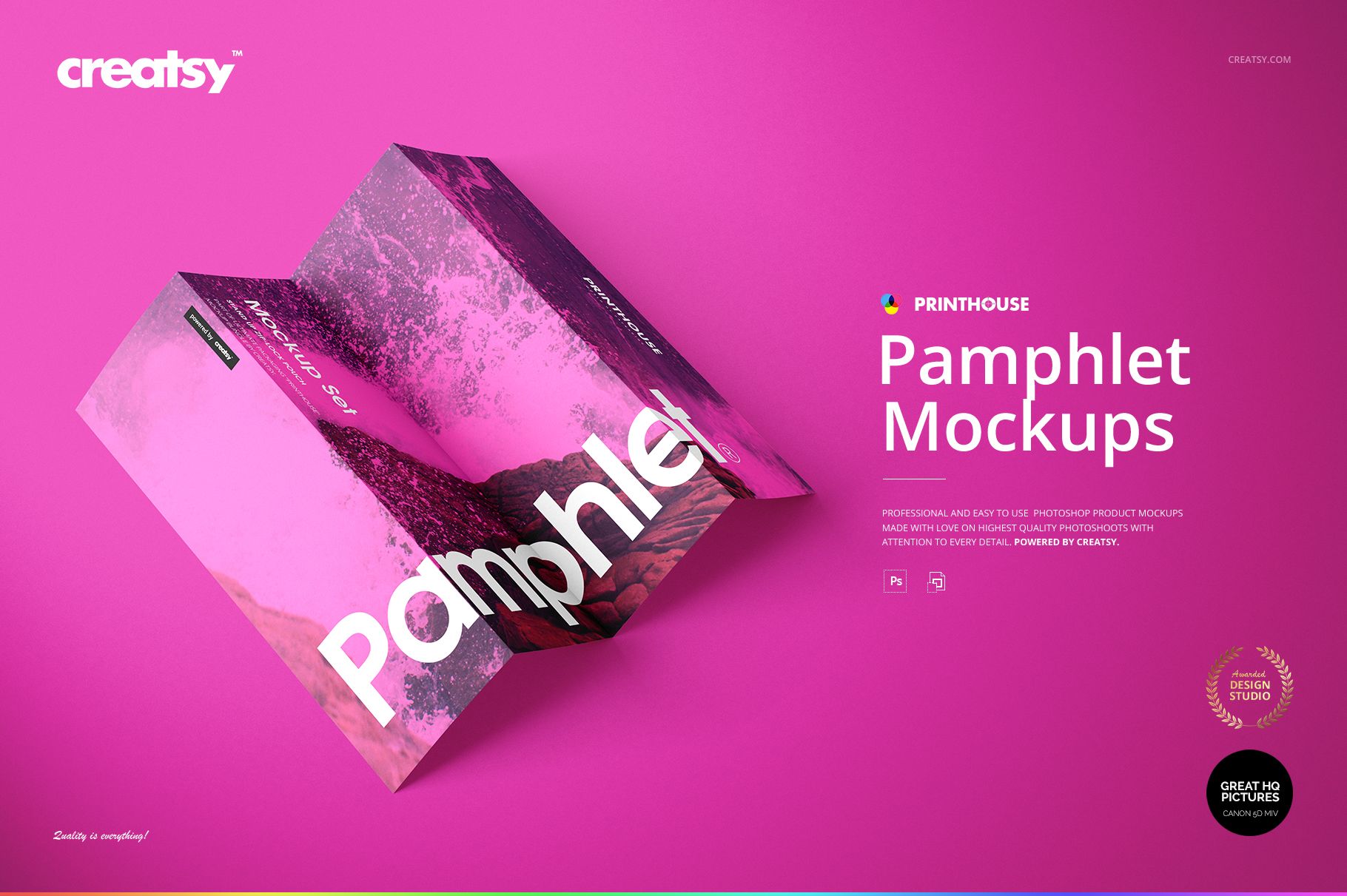
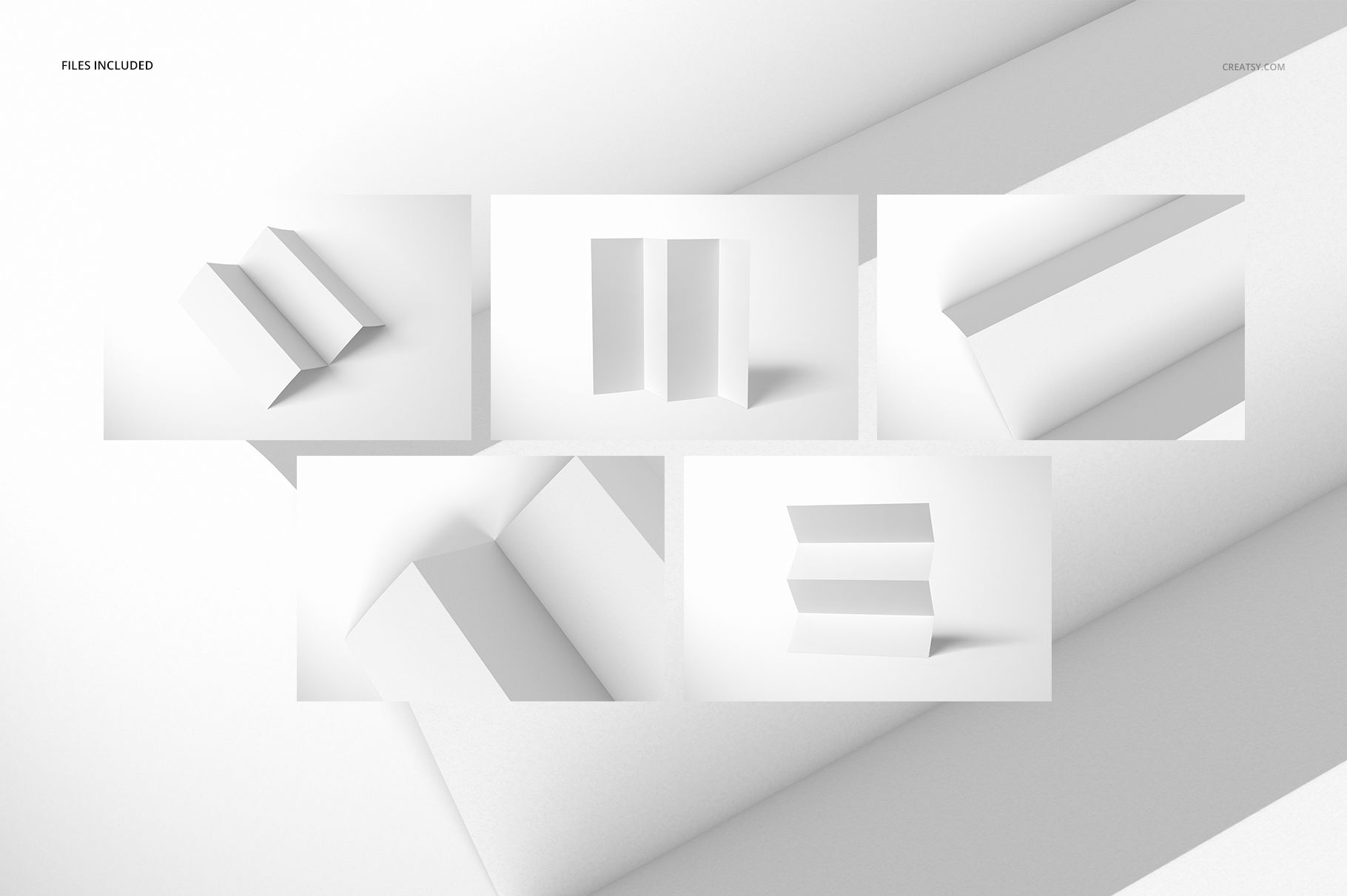
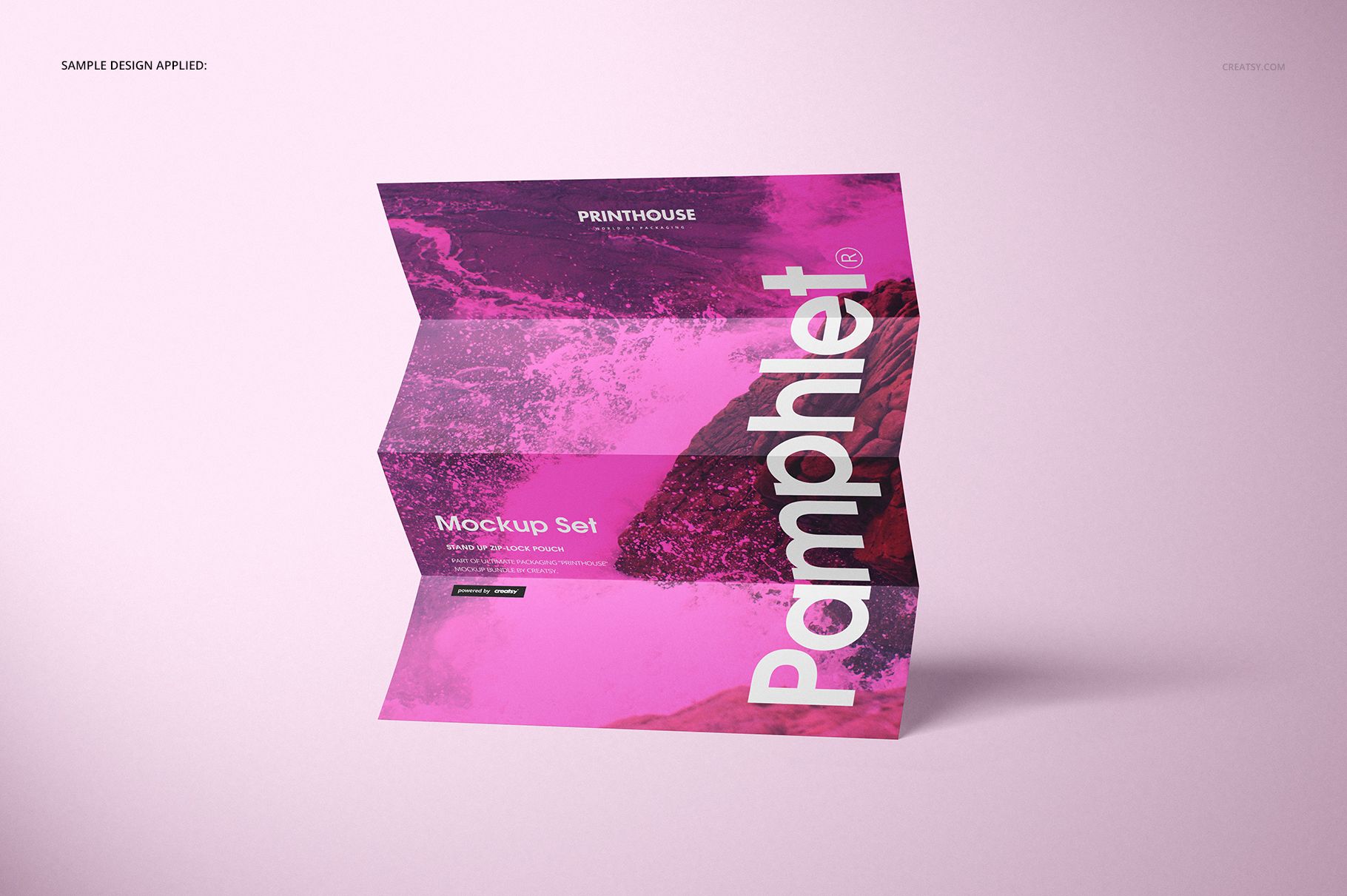
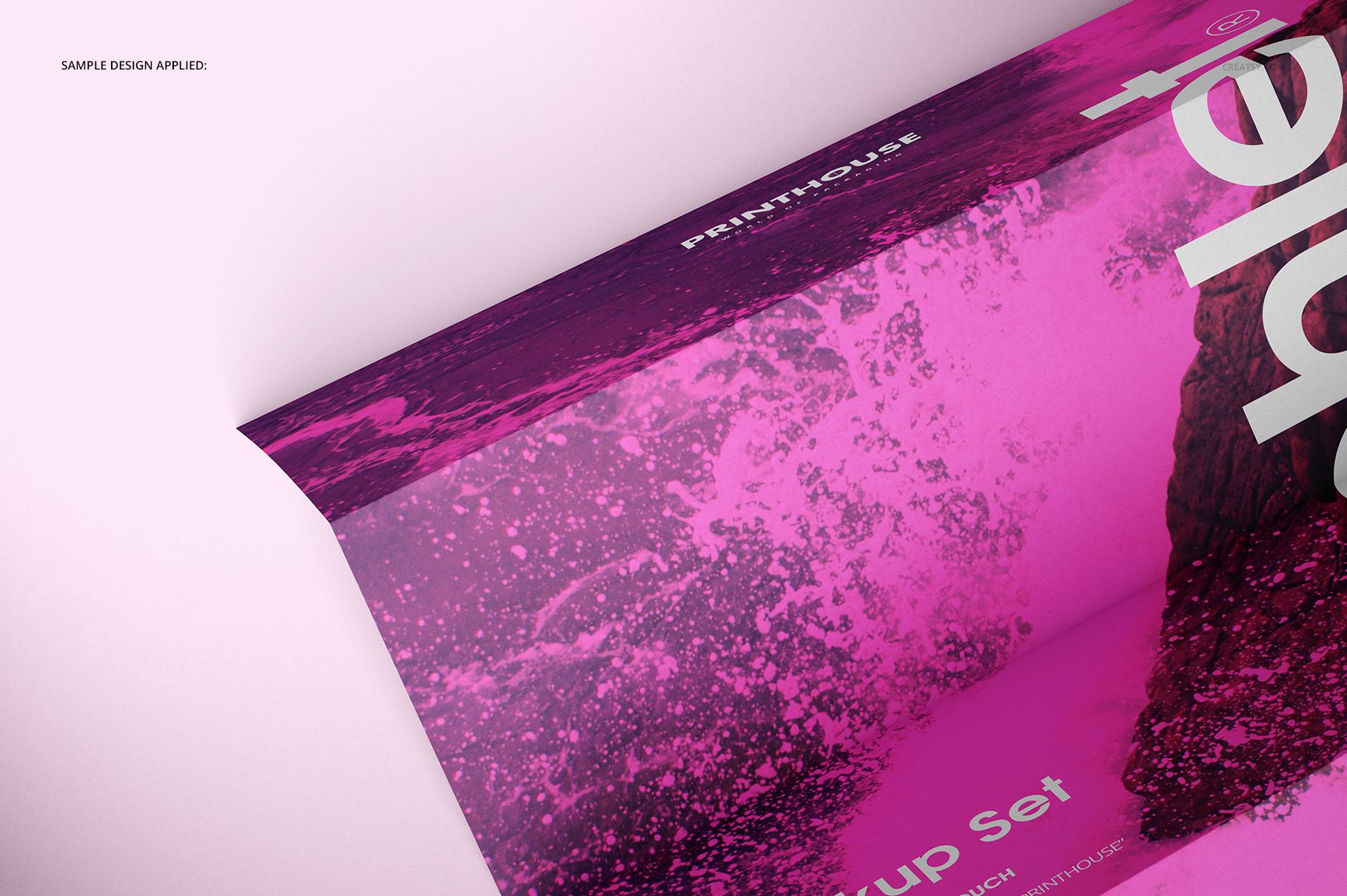
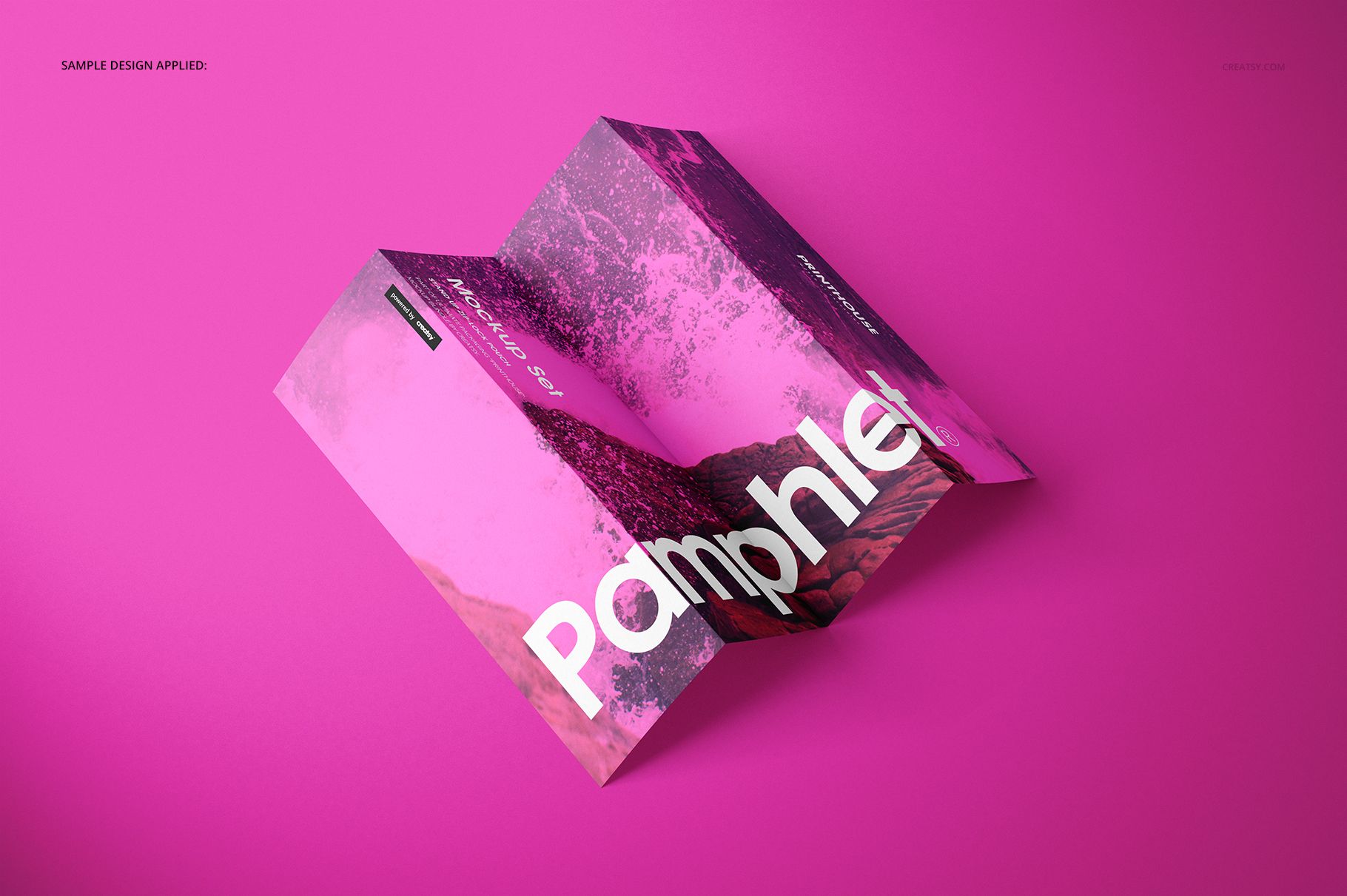
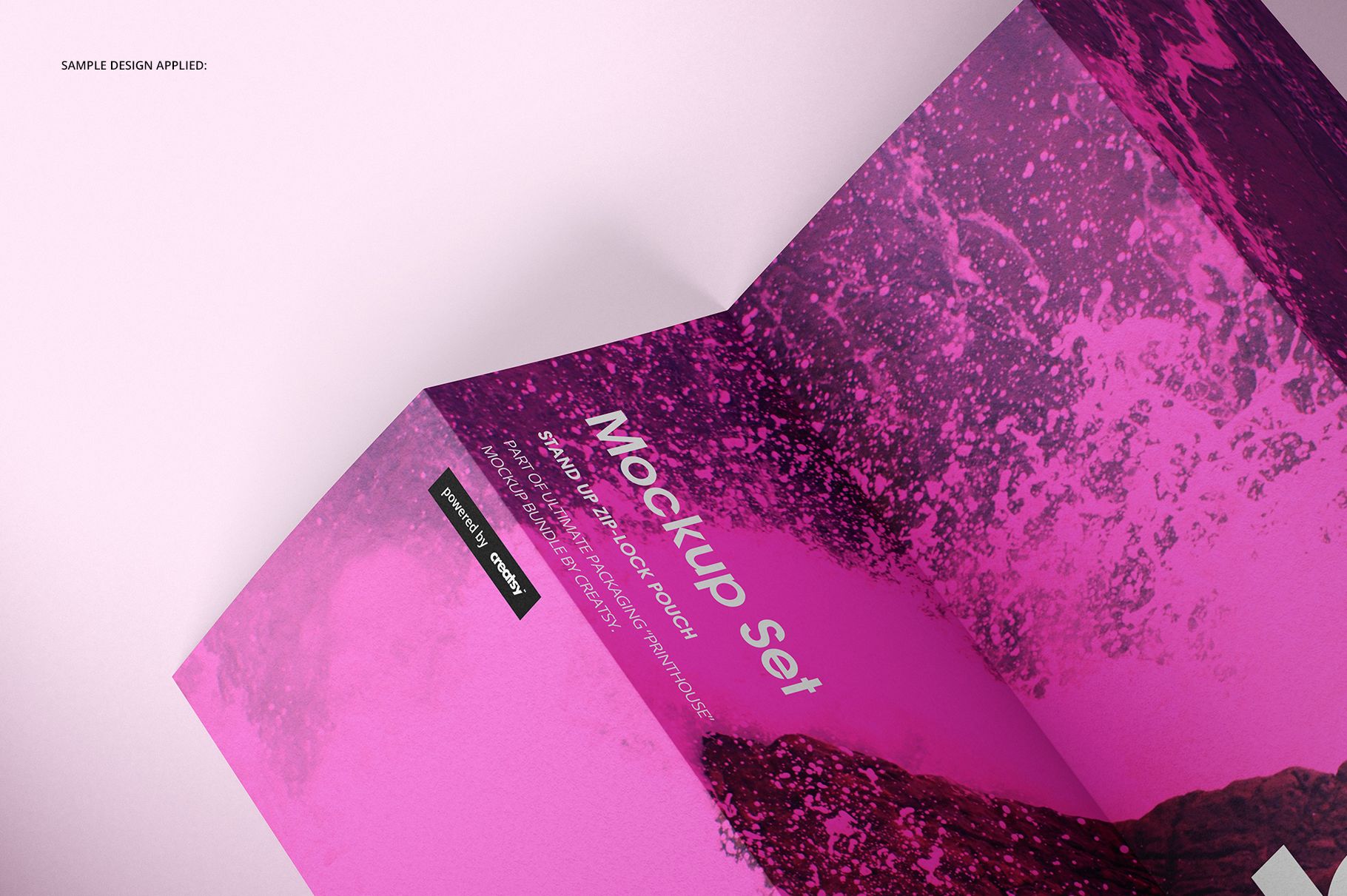
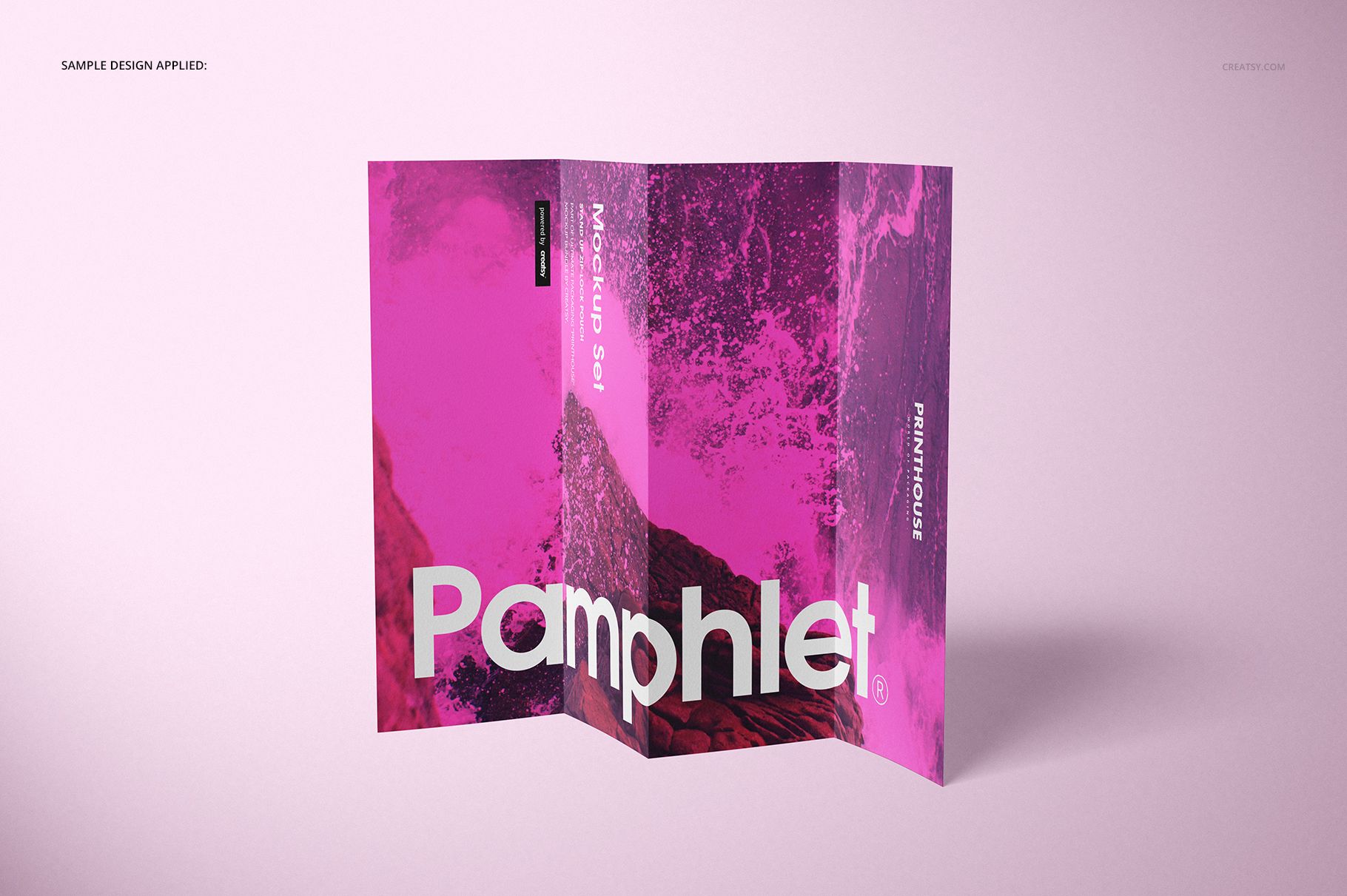
The Pamphlet Mockup Set from Creatsy includes 5 PSD files showing an A4 pamphlet from multiple angles and compositions. Each file captures a different view of the printed pamphlet - open spreads, folded covers, angled perspectives, and close-up detail shots - giving you the variety needed to present your pamphlet design as a complete printed product rather than a flat digital file. The set is built for graphic designers, marketing teams, and print shops who need to show clients and stakeholders how a pamphlet will actually look and feel before it goes to press.
Why This Mockup Set Works
Sending a client a flat PDF proof of a pamphlet design tells them what the layout looks like, but it does not communicate the physical presence of the printed piece. A pamphlet shown folded at an angle on a surface, with realistic paper texture and natural shadows, communicates print quality, paper weight, and professional finishing in a way flat proofs cannot. This five-file set gives you enough compositions to build a convincing case study, portfolio entry, or client presentation that makes your design work look like it has already been printed and photographed in a studio. The consistent lighting across all files creates a cohesive visual narrative.
What Is Included
You receive 5 layered PSD files at 6000x4000 px and 300 DPI resolution. The compositions cover the essential views for presenting a pamphlet design - front cover, back cover, open interior spreads, folded standing views, and angled detail perspectives. Each file is built from real photography with authentic paper texture, fold creases, and shadow behavior. All elements are organized in clearly labeled layers with smart objects for your front, back, and interior page artwork, plus adjustable color layers for customizing background and paper tones.
What You Can Customize
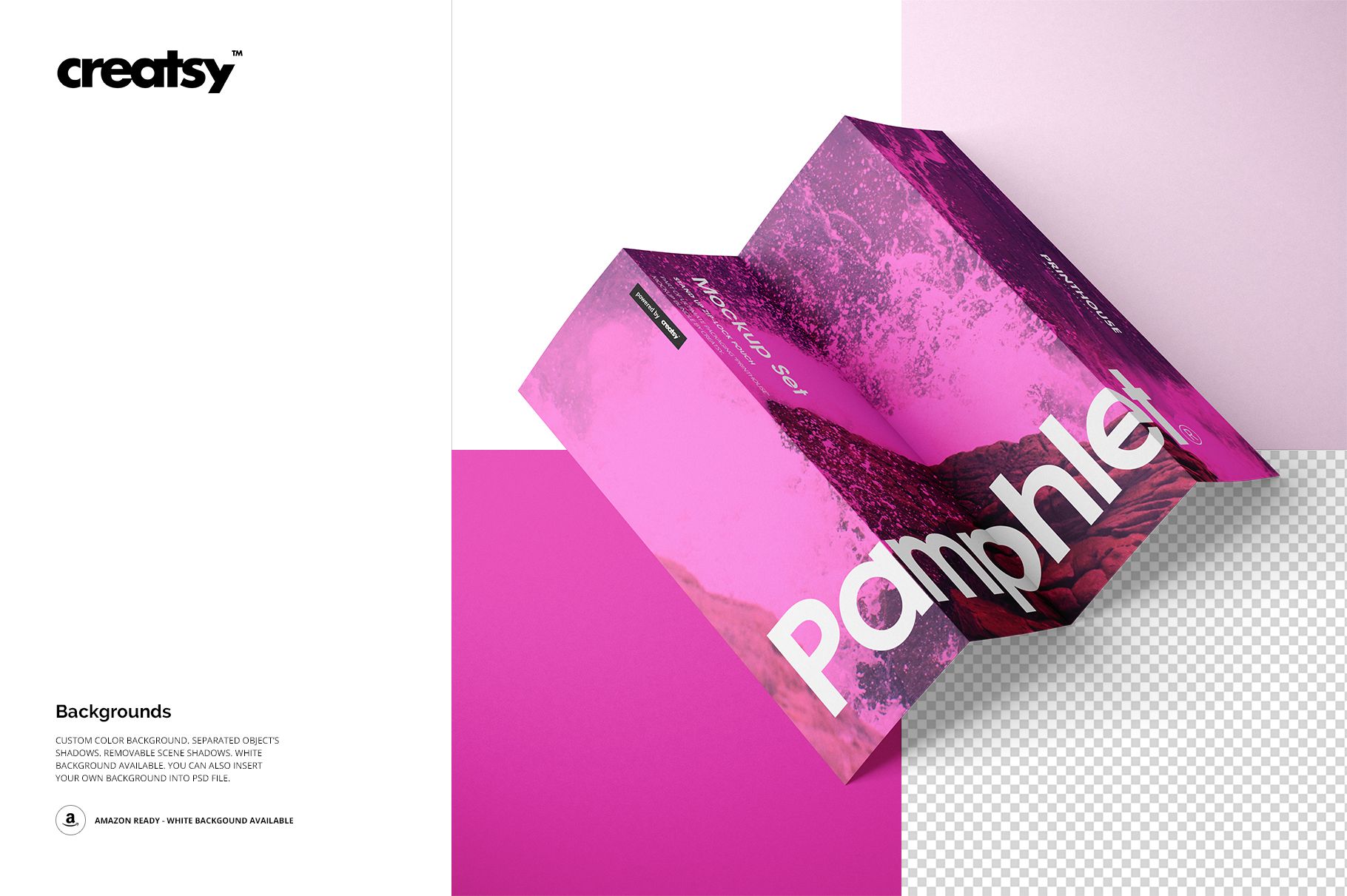
Each PSD file includes smart object layers for placing your pamphlet artwork. Double-click the smart object, paste your design, save, and the main canvas updates with your artwork applied to the pamphlet surface with accurate perspective, page curvature, and fold lines. Paper color is adjustable through dedicated layers, so you can simulate different paper stocks from bright white to cream or kraft tones. Background color and surface material can be changed to match your presentation style. Shadows and highlights are on separate layers that you can adjust for intensity or toggle off for transparent background exports.
Who This Mockup Set Is For
This set serves graphic designers presenting pamphlet and brochure layouts to clients before print production. Marketing agencies use these mockups in campaign pitch decks to show how printed collateral will look alongside digital assets. Print shops and studios showcase their pamphlet printing capabilities on websites and in sales materials. Event organizers preview program guides, conference pamphlets, and informational handouts. Nonprofit organizations and government agencies visualize educational pamphlets and outreach materials. Portfolio designers use the set to present completed projects in case studies that demonstrate real-world application.
File Specifications
Format: 5 PSD files with organized smart object layers. Size: A4 pamphlet format. Canvas: 6000x4000 px. Resolution: 300 DPI for web, social media, print portfolio, and catalog use. Compatibility: Adobe Photoshop CC 2015 or newer. Also works in Photopea, a free browser-based PSD editor with smart object support. File size: 2.31 GB total.