Vinyl PVC Reusable Tote Bag Mockup Set
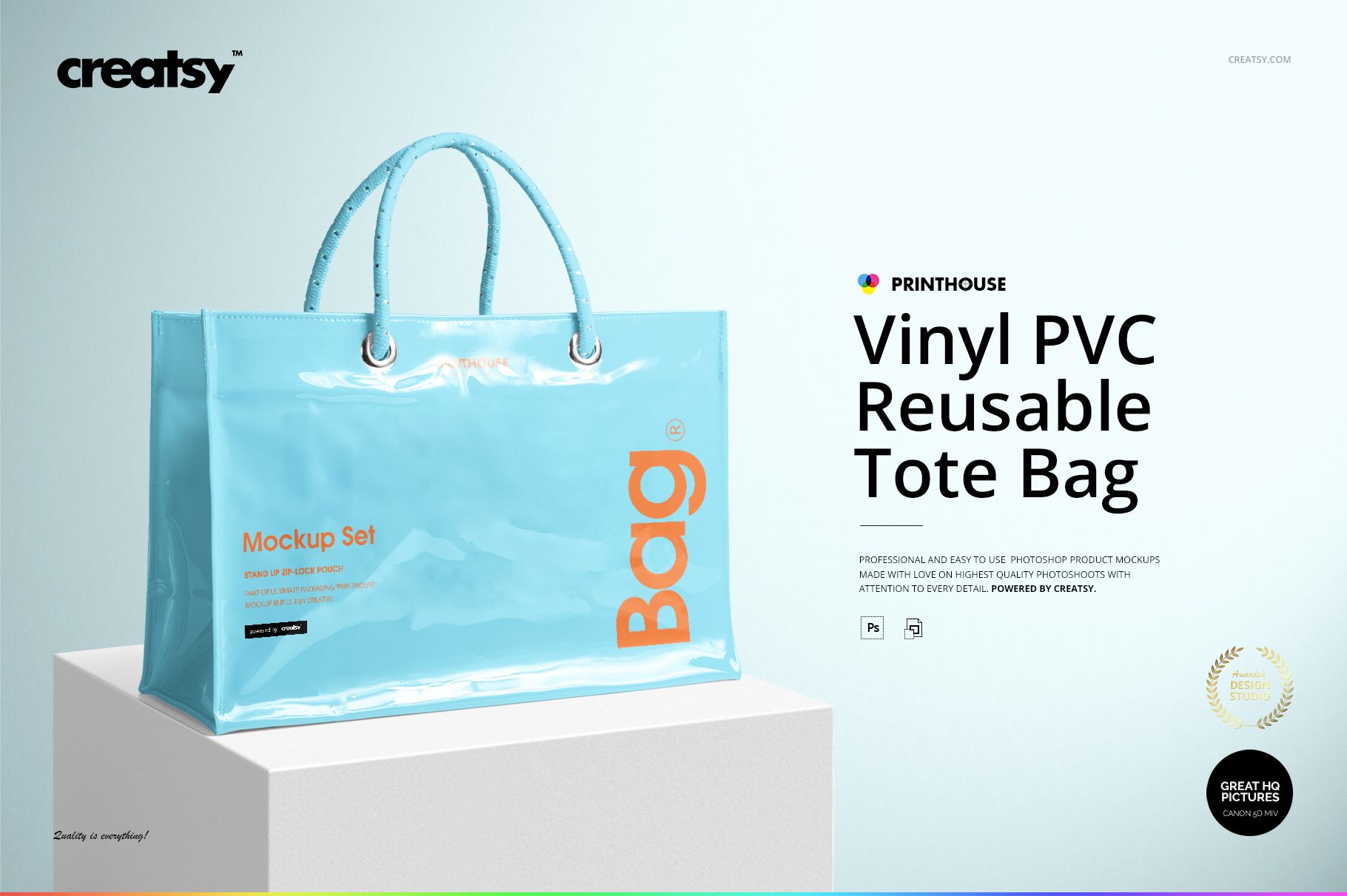
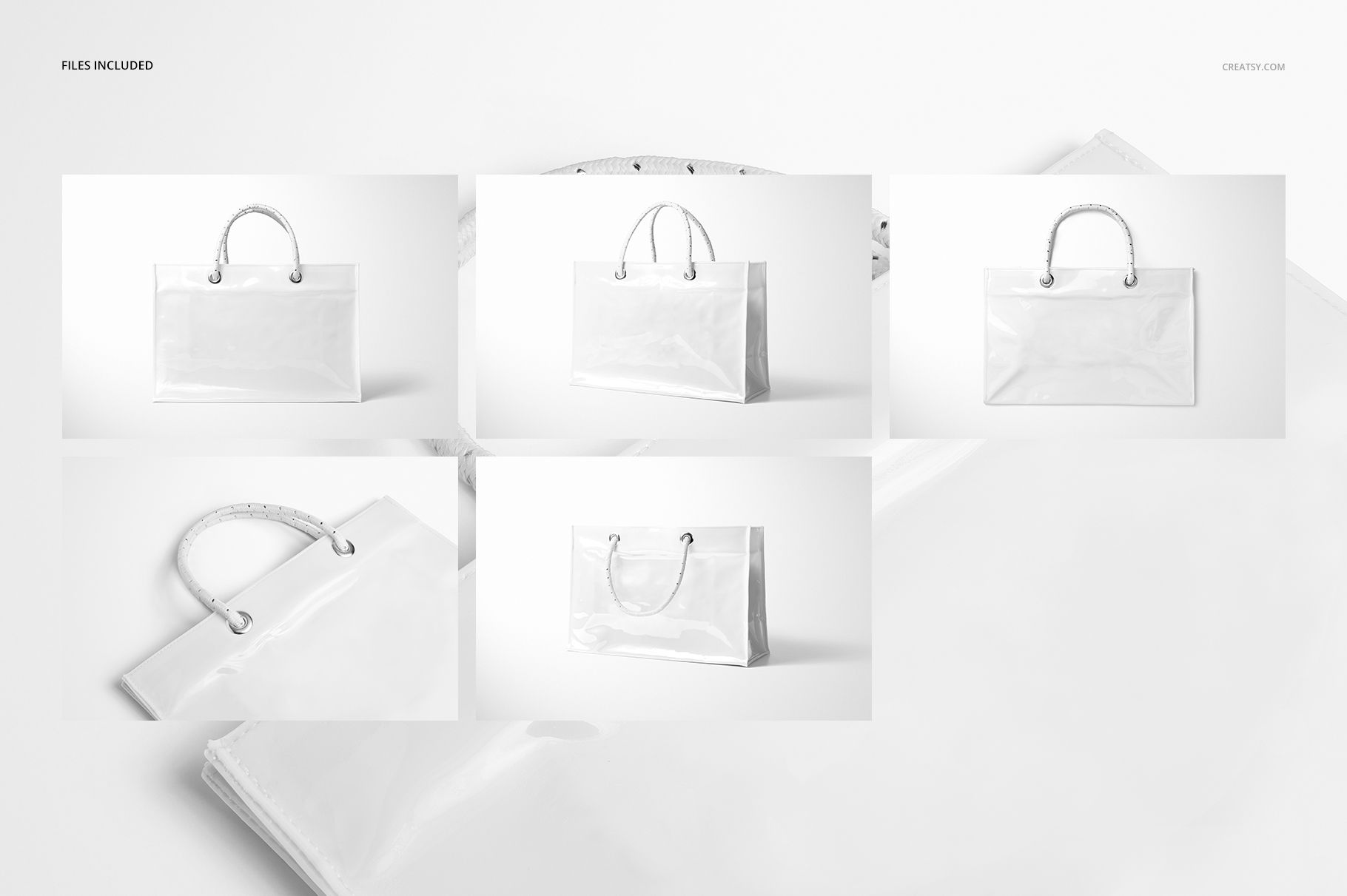
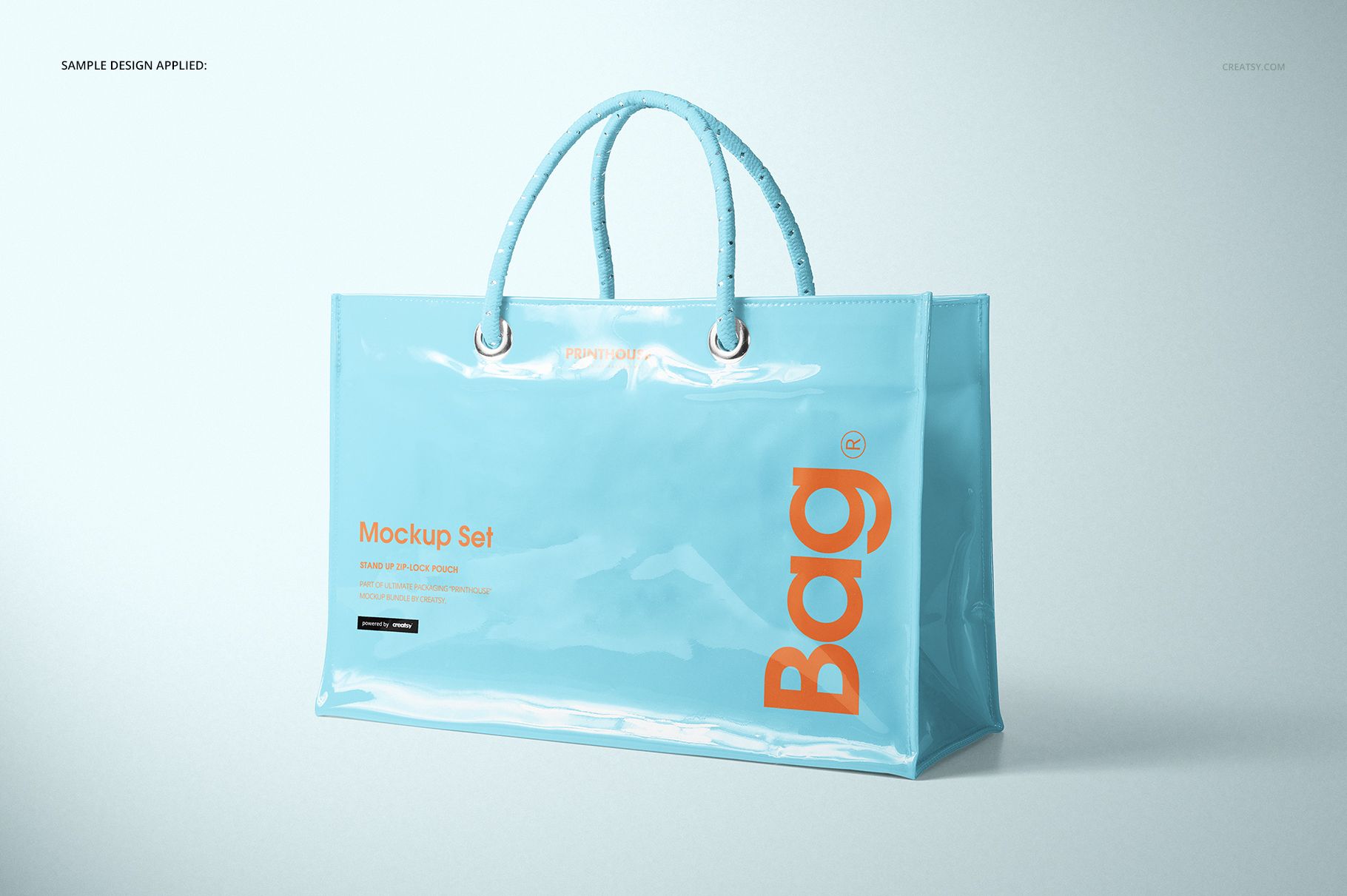
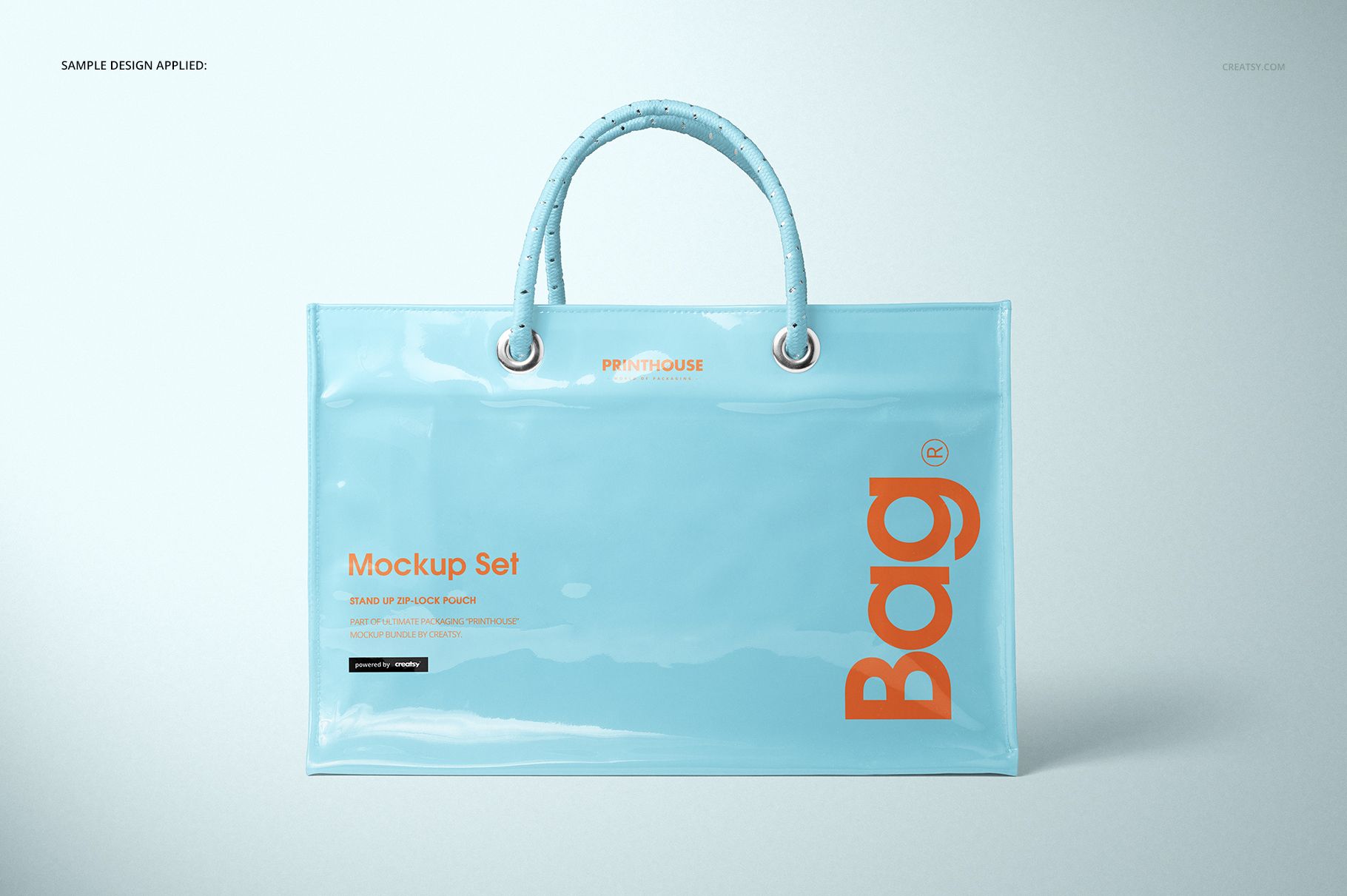
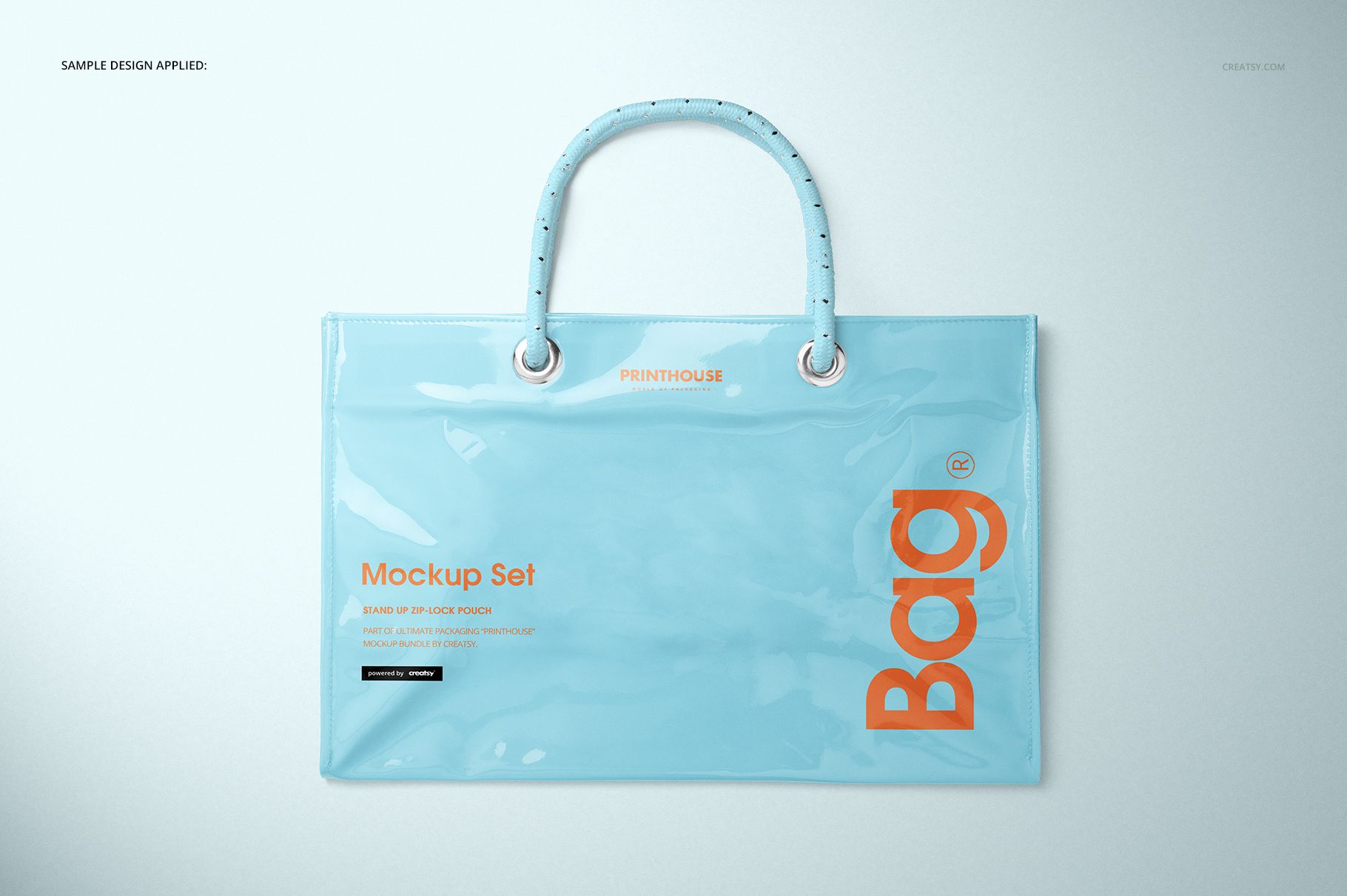
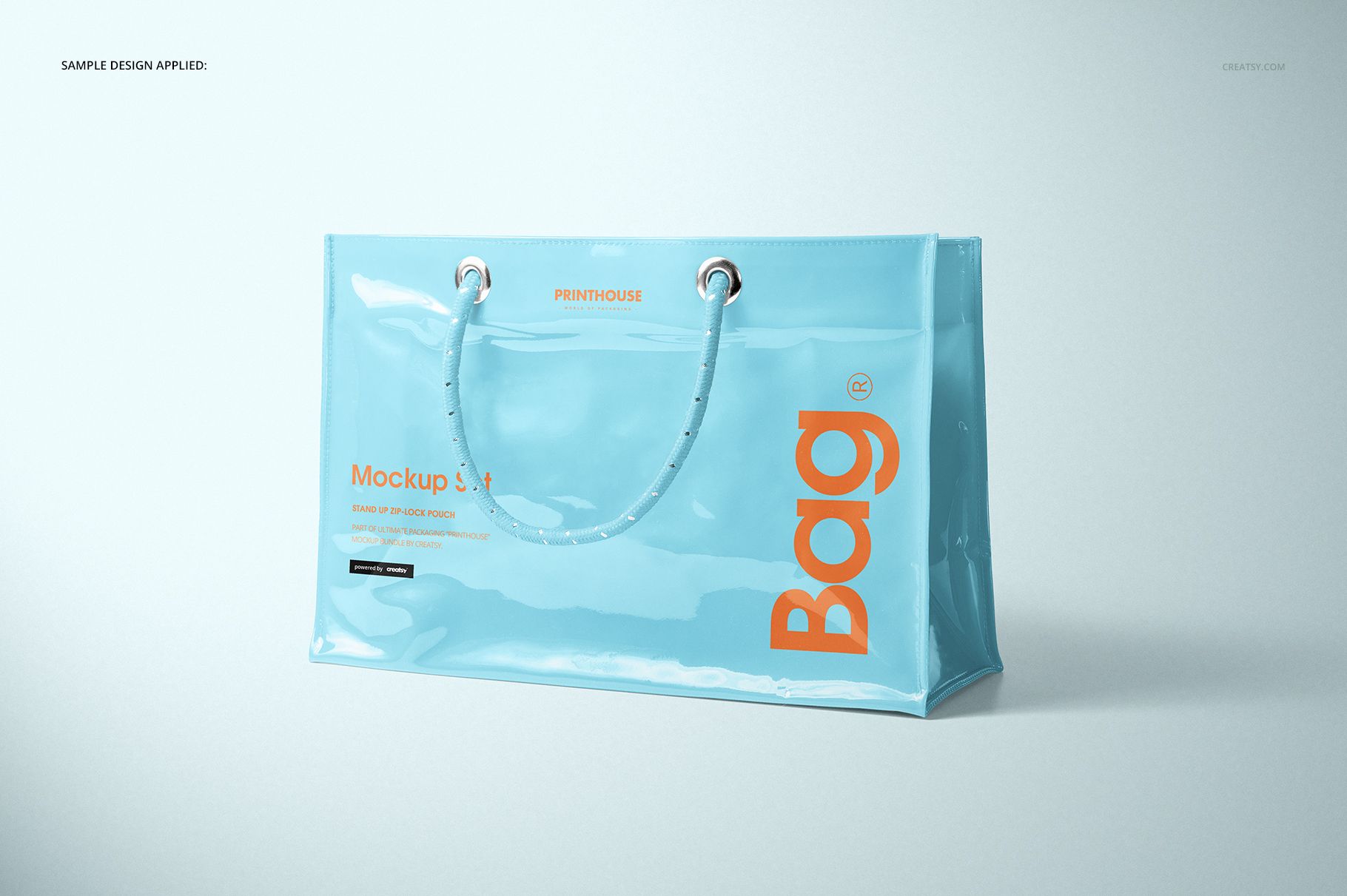
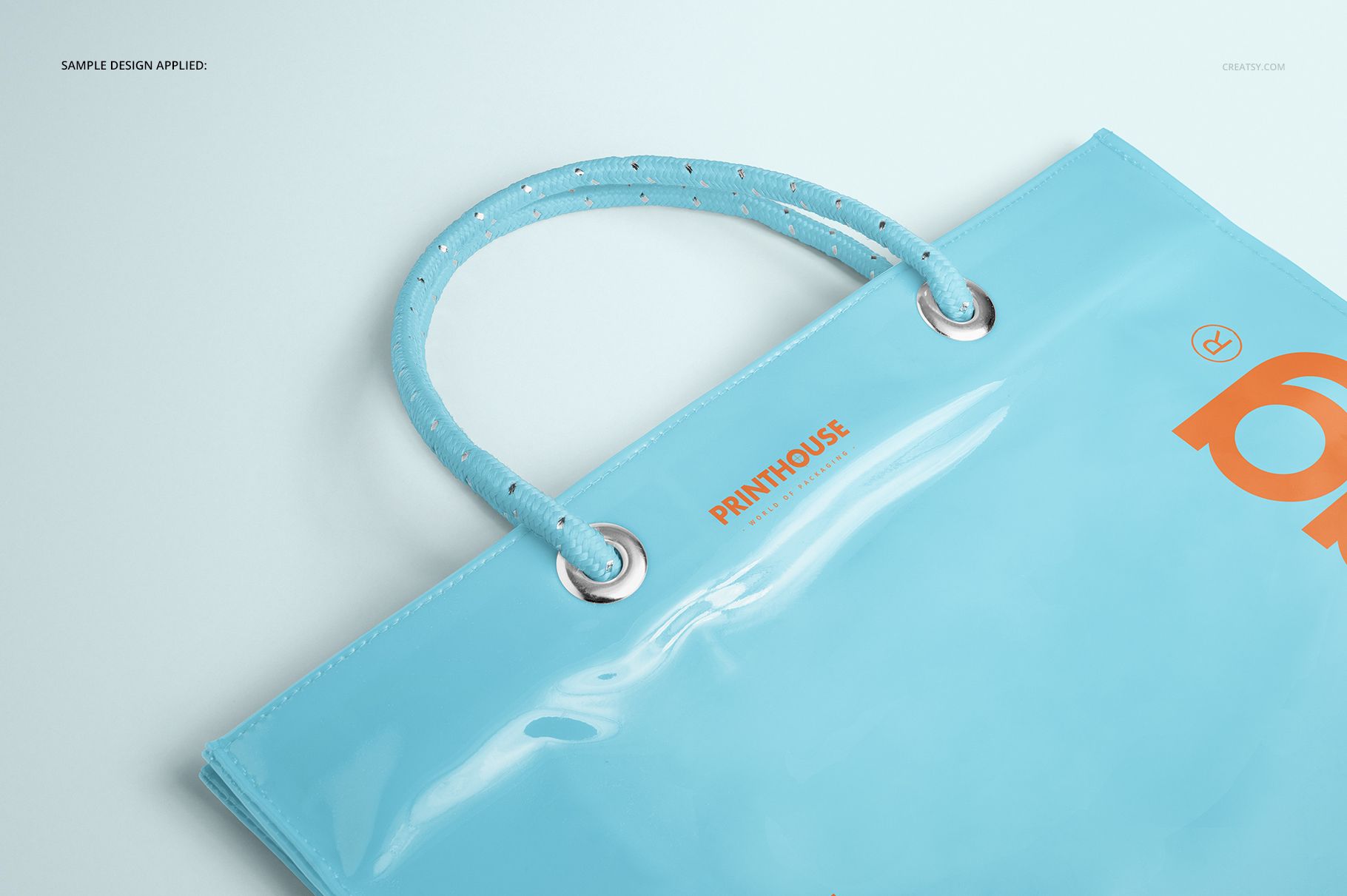
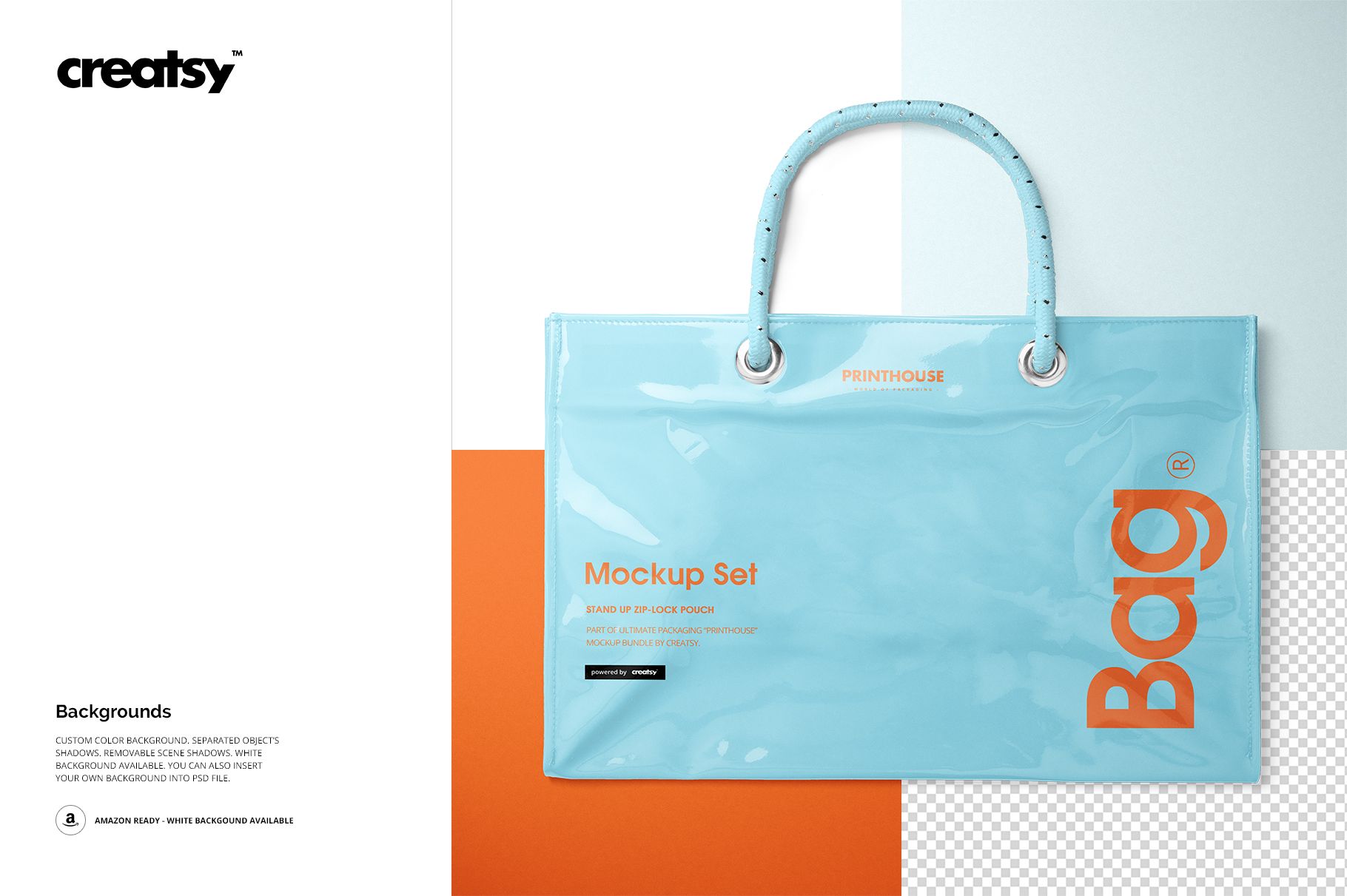
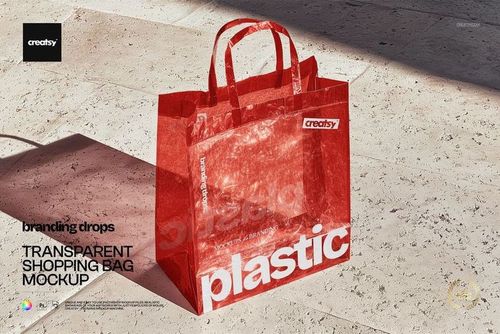
Show how a logo, pattern, or retail graphic reads through a glossy, semi-transparent shopper before ordering a physical sample. This set follows the bag from a clean front presentation to two angled views, an overhead detail, and a tighter closeup, helping clients judge scale, alignment, depth, handles, seams, and reflections.
The 40 cm wide tote pairs a 27 cm body height, measured without the handles, with a 15 cm gusset. Rope-style handles, metal grommets, stitched edges, and a shiny vinyl PVC surface give branding a distinctly different character from paper or matte fabric shoppers.
What Is Included
5 layered PSD scenes named Front, Angled, Angled 2, Top, and Closeup
5 matching JPG scene previews plus 1 JPG guide, 11 files in total
6000 x 4000 px mockup scenes at 300 DPI
Approximate bag size: 40 cm wide x 27 cm high without handles x 15 cm deep
Compatibility with Adobe Photoshop CC 2015 or newer
Glossy Color and Material Detail
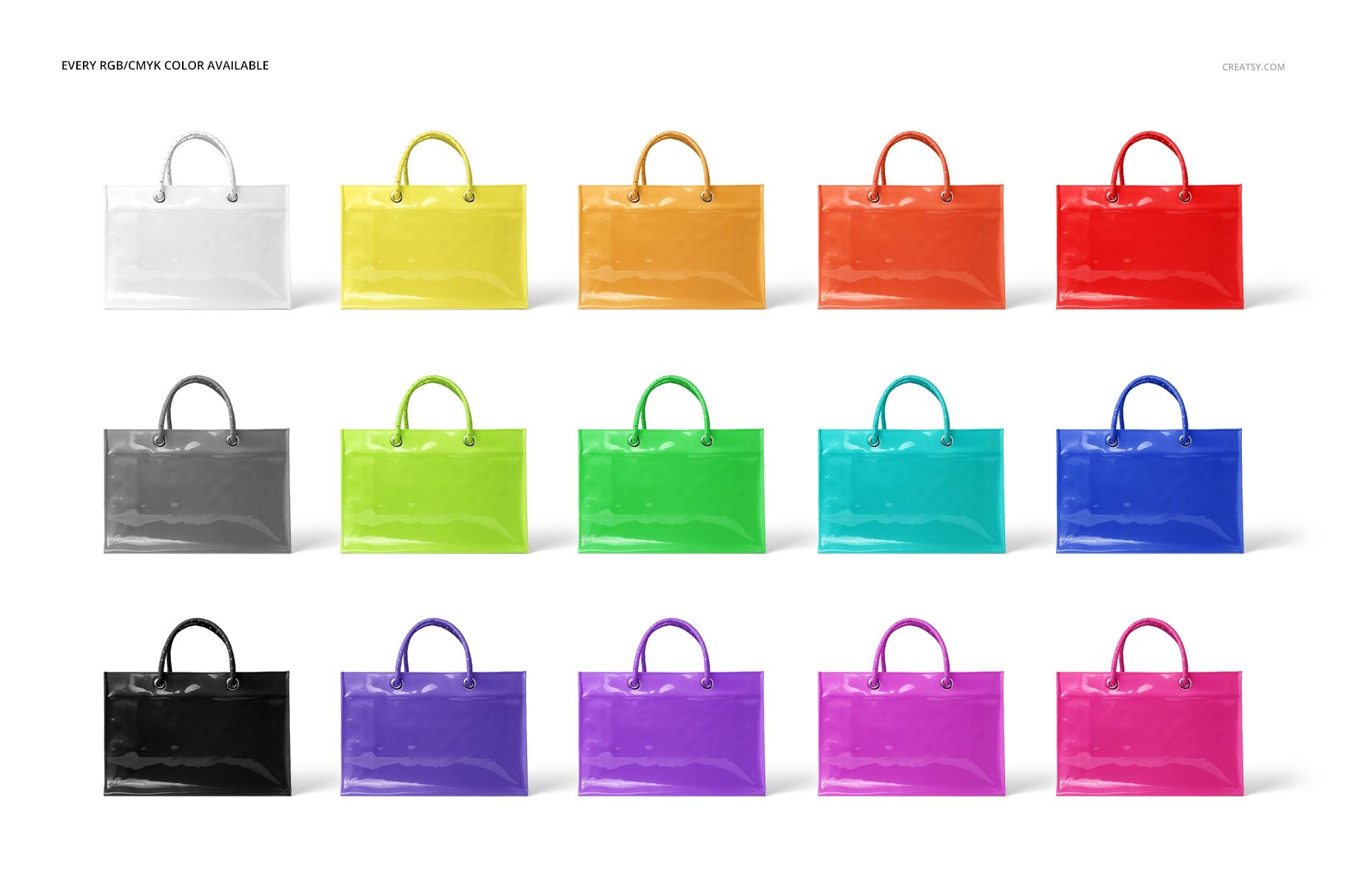
The prepared color layers support RGB and CMYK choices while preserving the material's transparency, creases, stitched borders, and bright reflections. Compare restrained translucent tones with saturated options to see how contrast changes across the reflective surface.
Easy Smart Object Editing
Open a PSD in Adobe Photoshop and enter the prepared Smart Object.
Place your logo, illustration, typography, or pattern and save the Smart Object.
Adjust the bag color and choose a flat, white, or inserted background.
Refine the separated object shadows or remove the scene shadows before export.
Useful For
Brand and packaging designers presenting retail bag concepts
Surface pattern designers and illustrators testing artwork on glossy material
Promotional product suppliers preparing customer approvals
Ecommerce sellers building a consistent multi-view gallery
This is a digital mockup product, not a physical bag or production template. The sample artwork is not included. Use the manufacturer's final dimensions, material specifications, and print requirements for production.