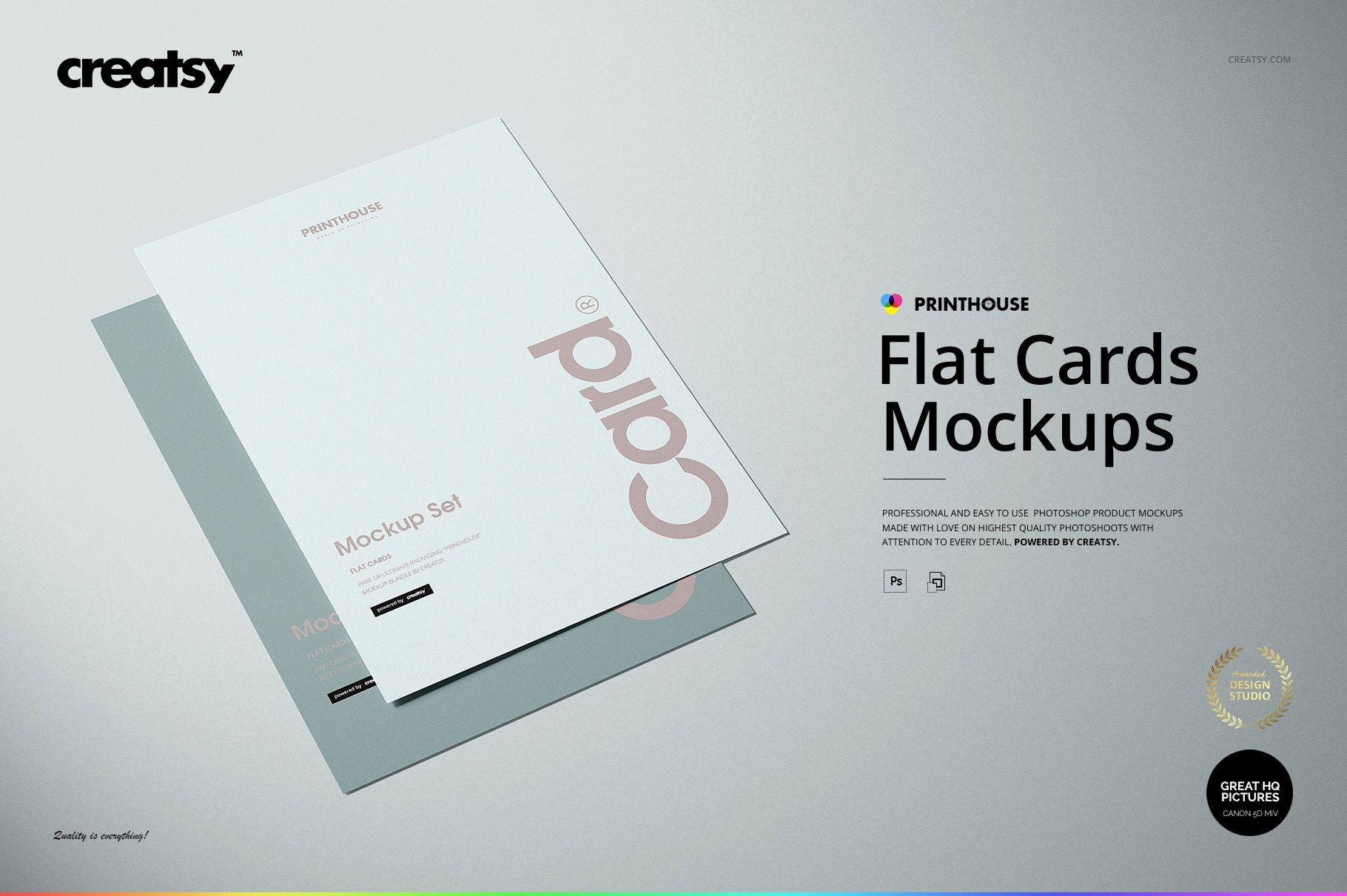
Flat Cards Mockup Set
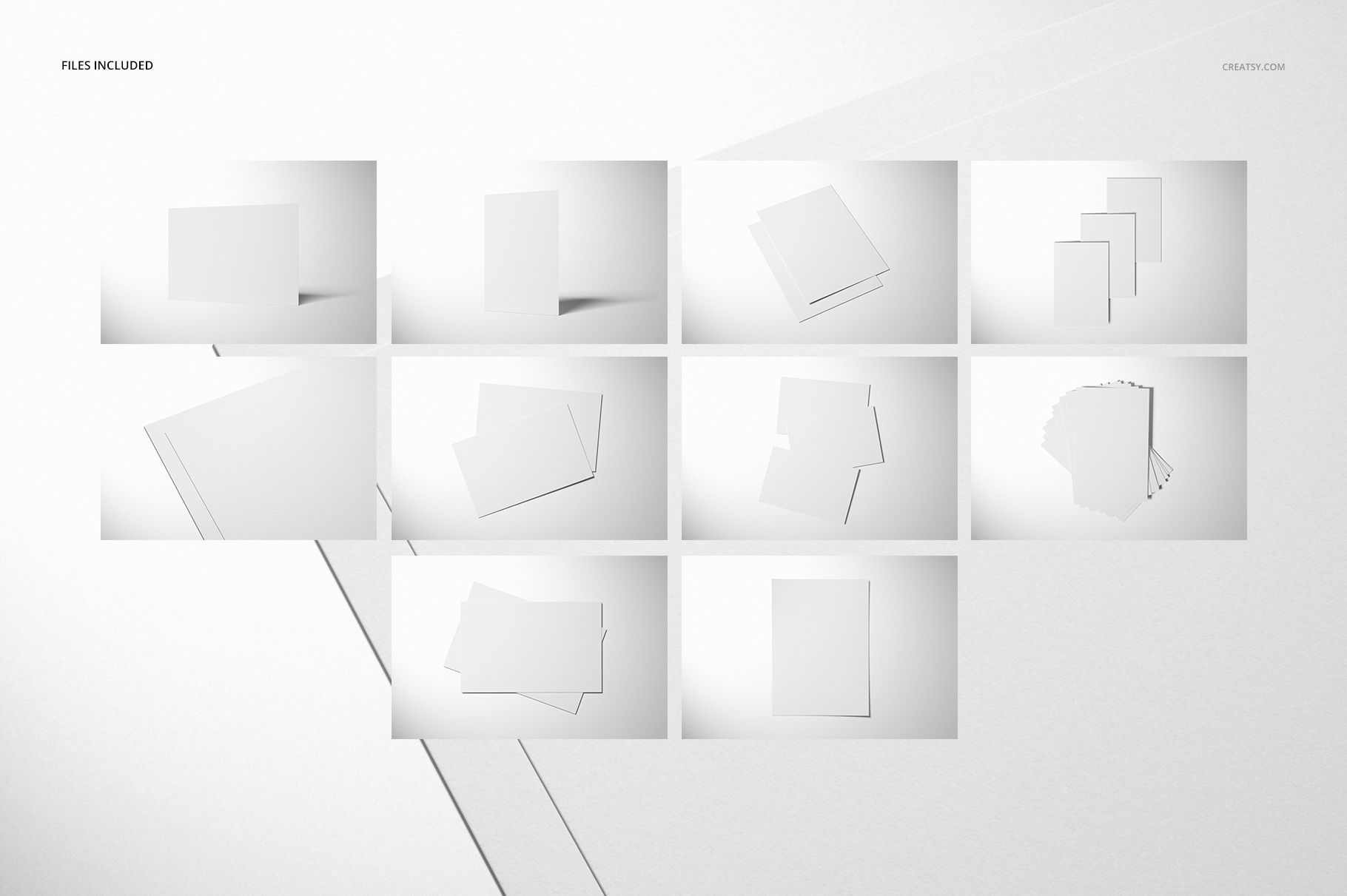
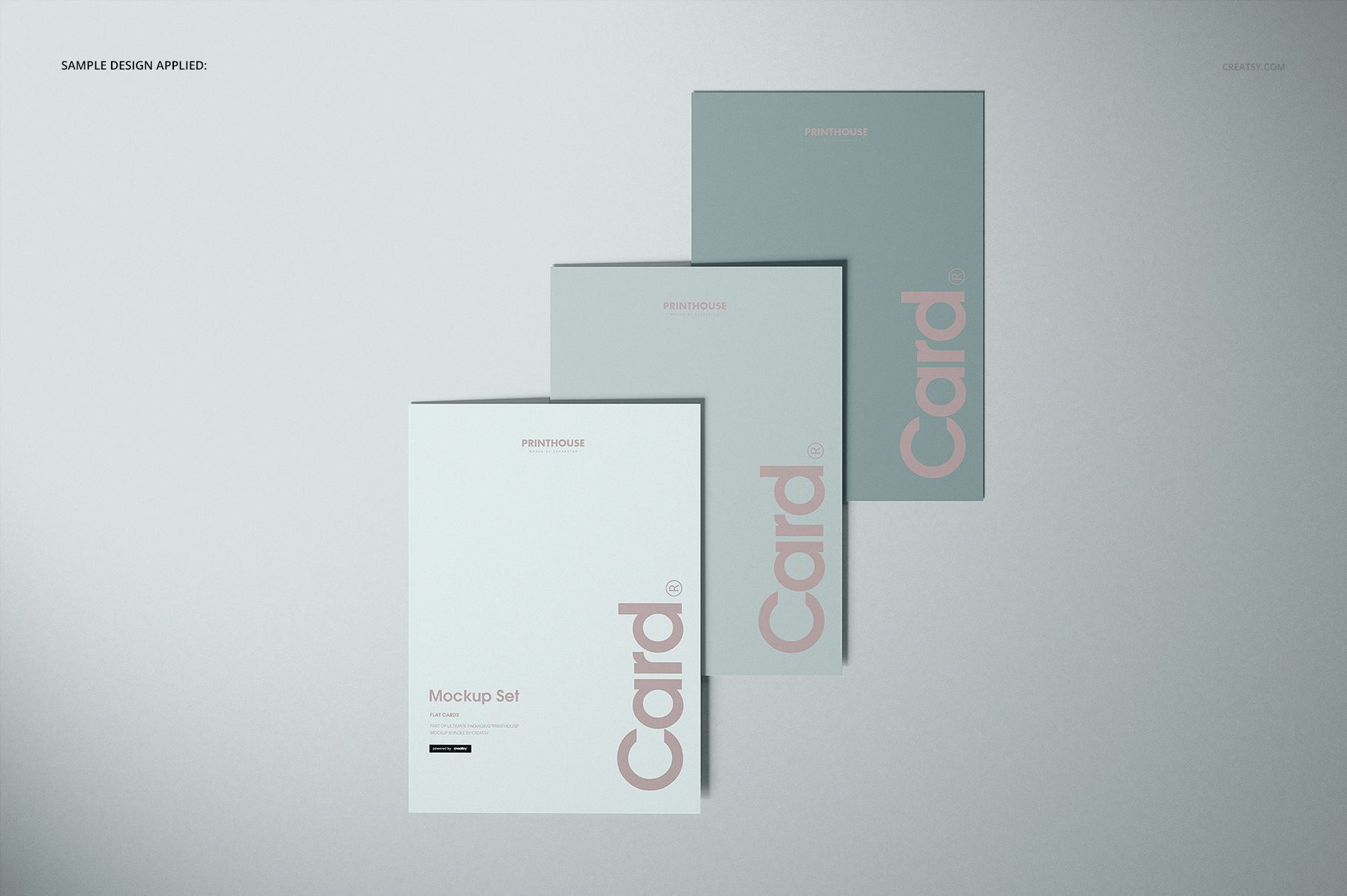
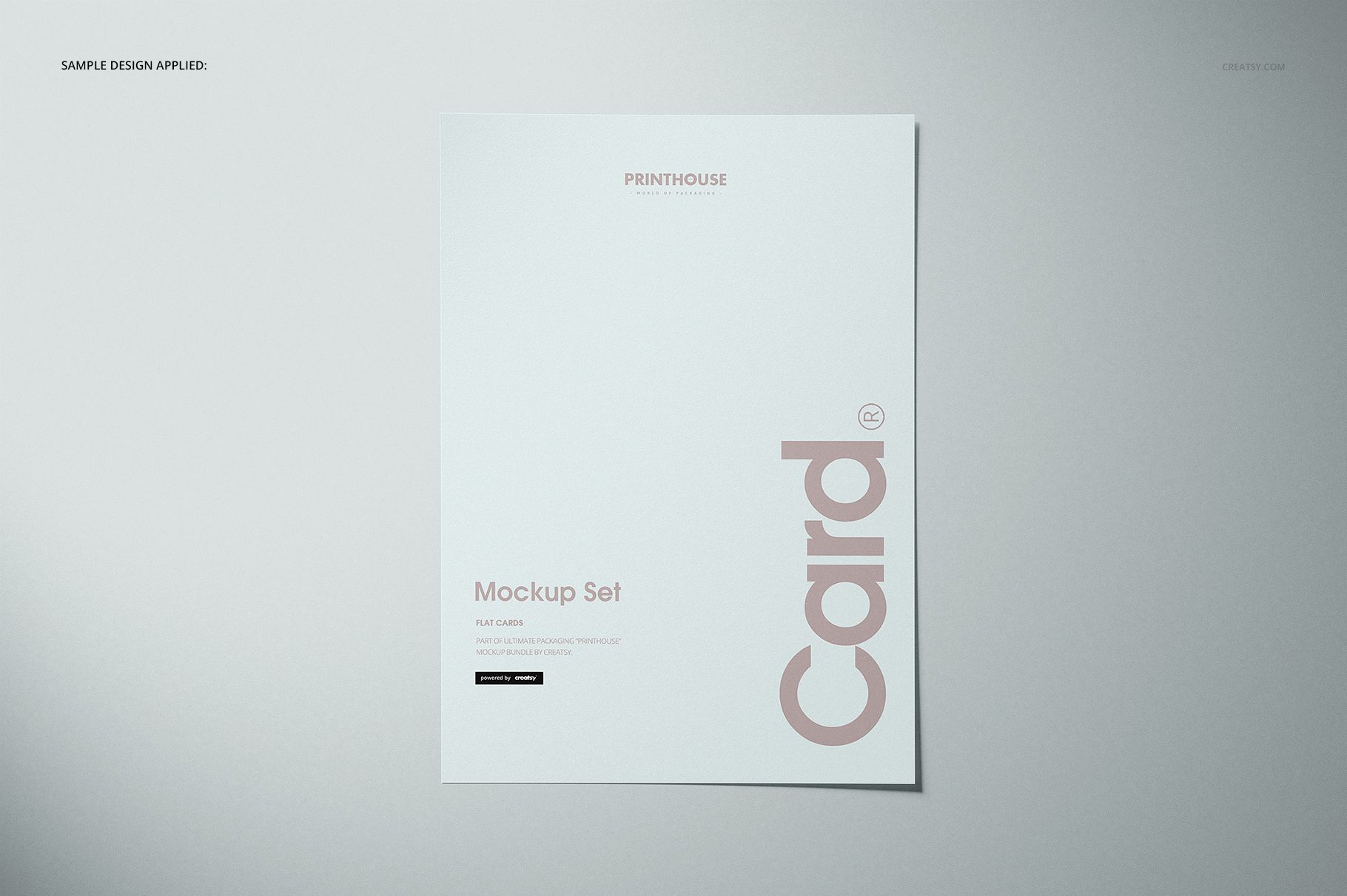
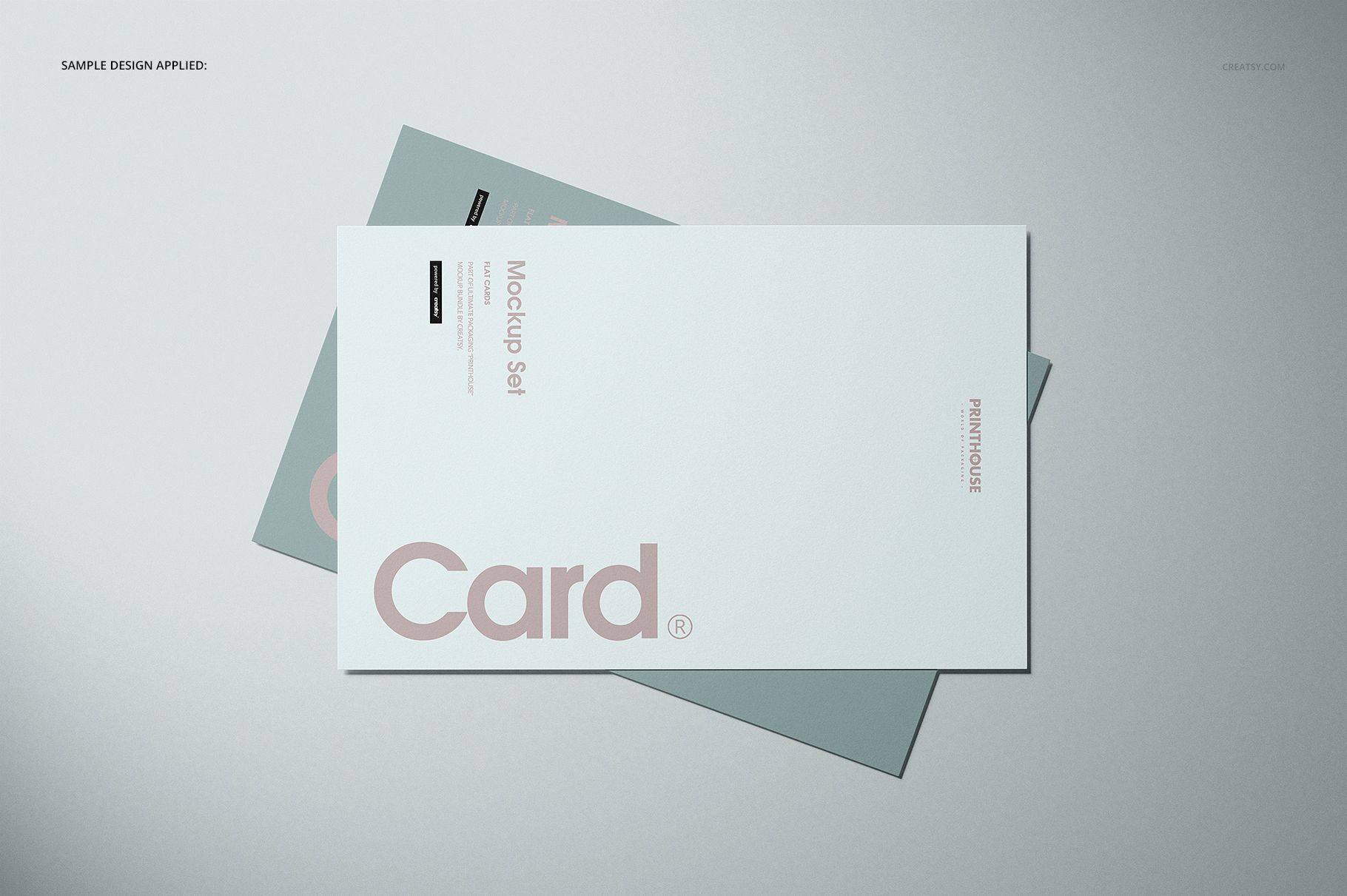
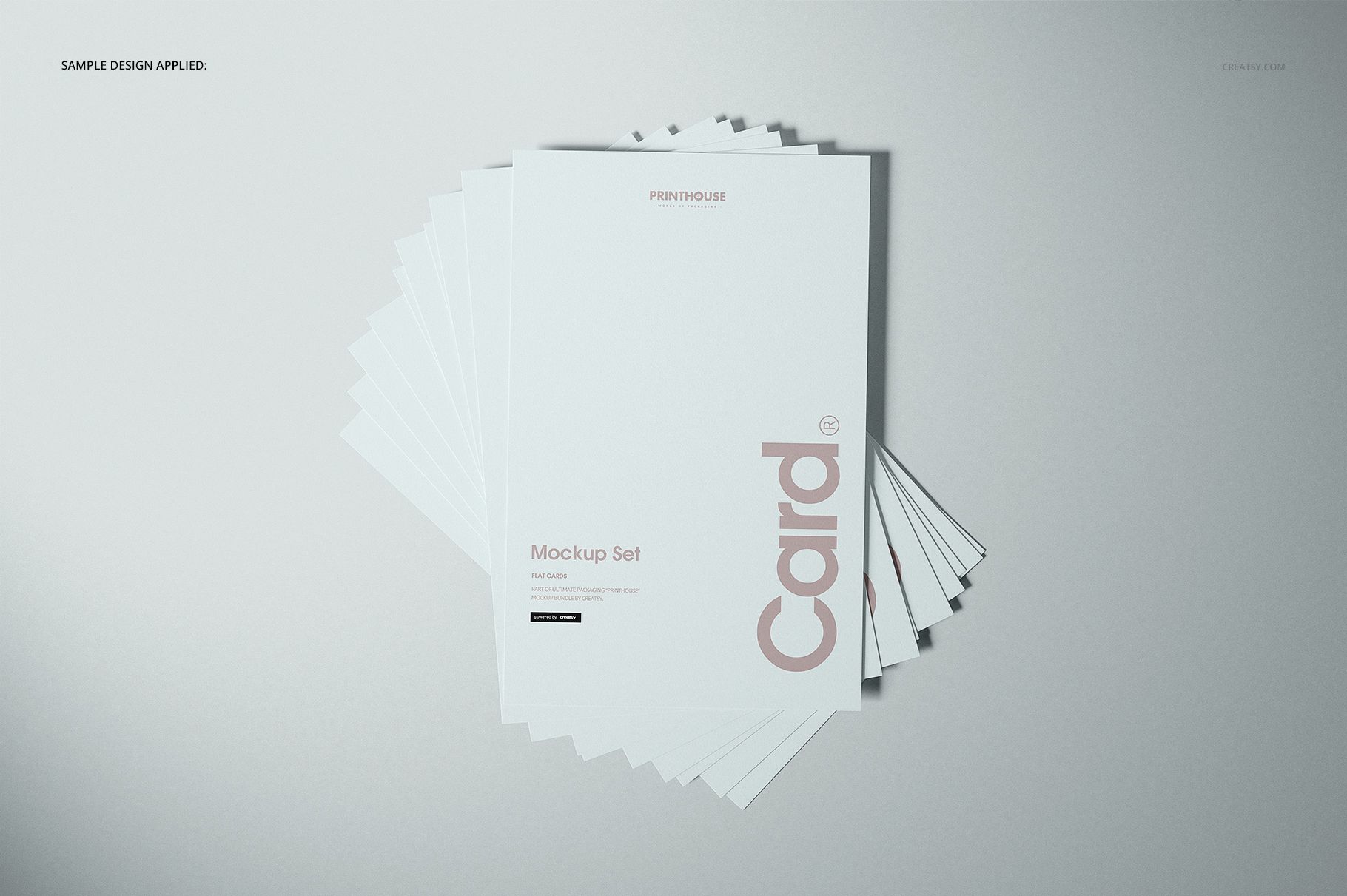
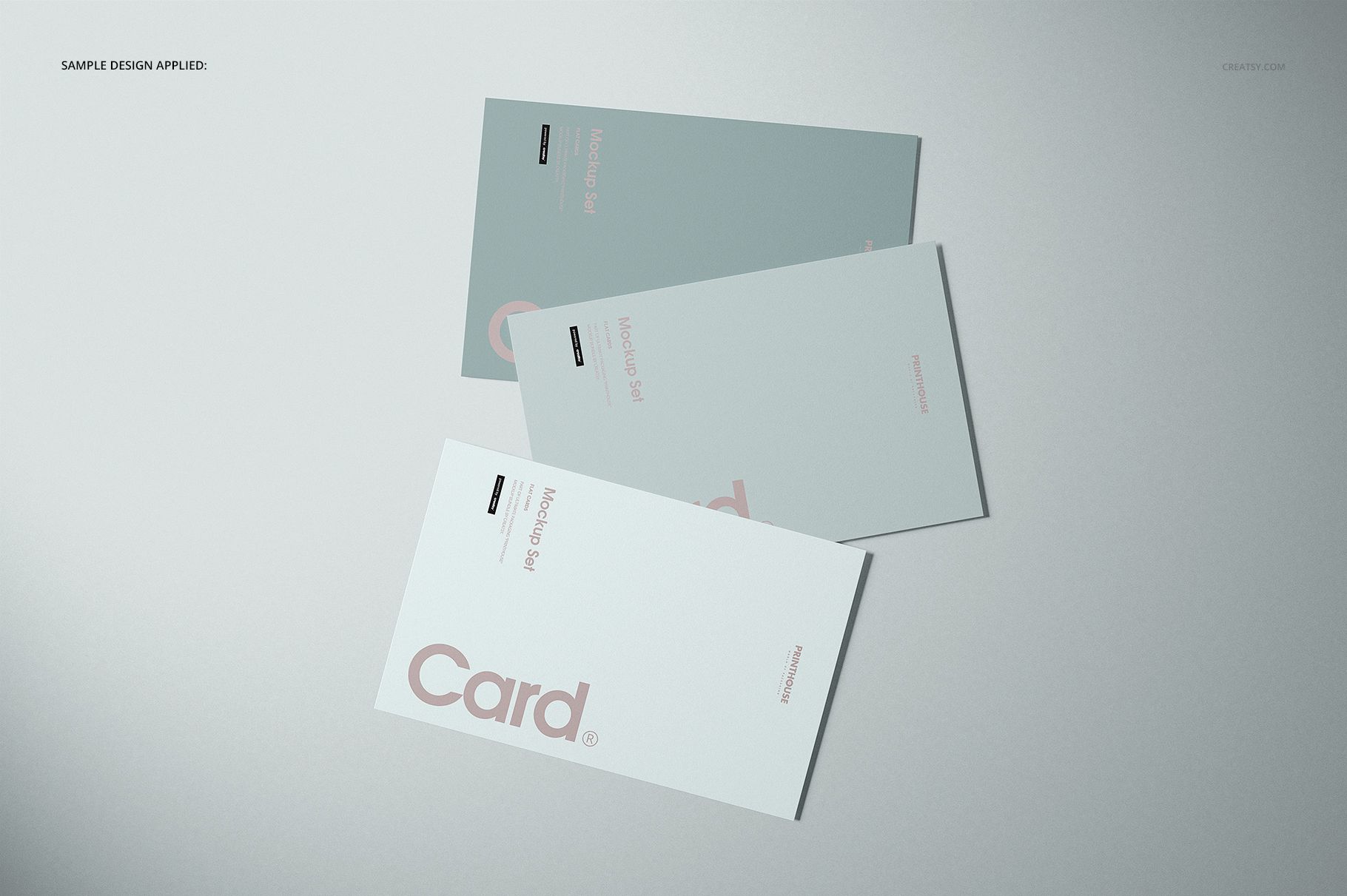
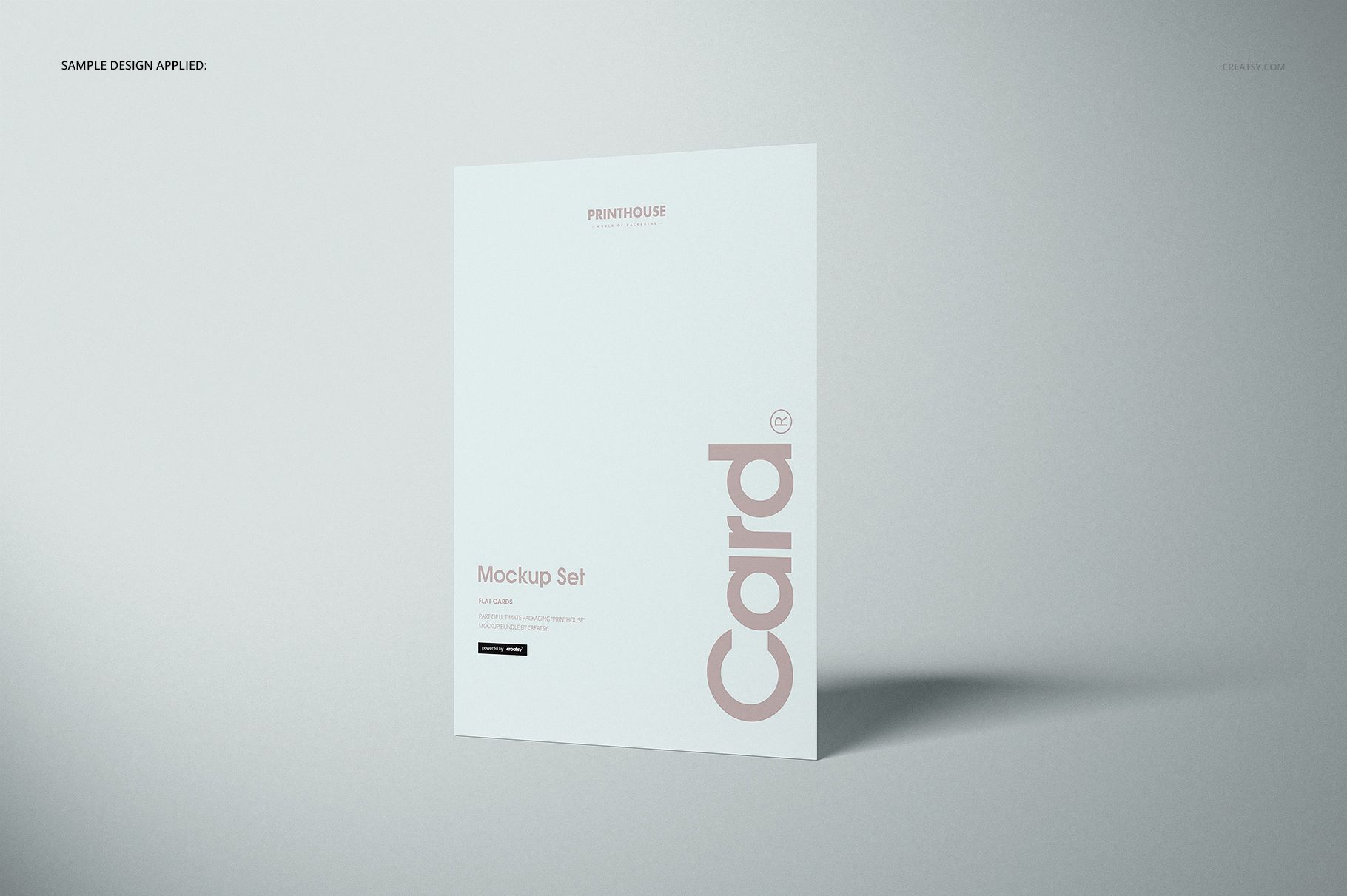
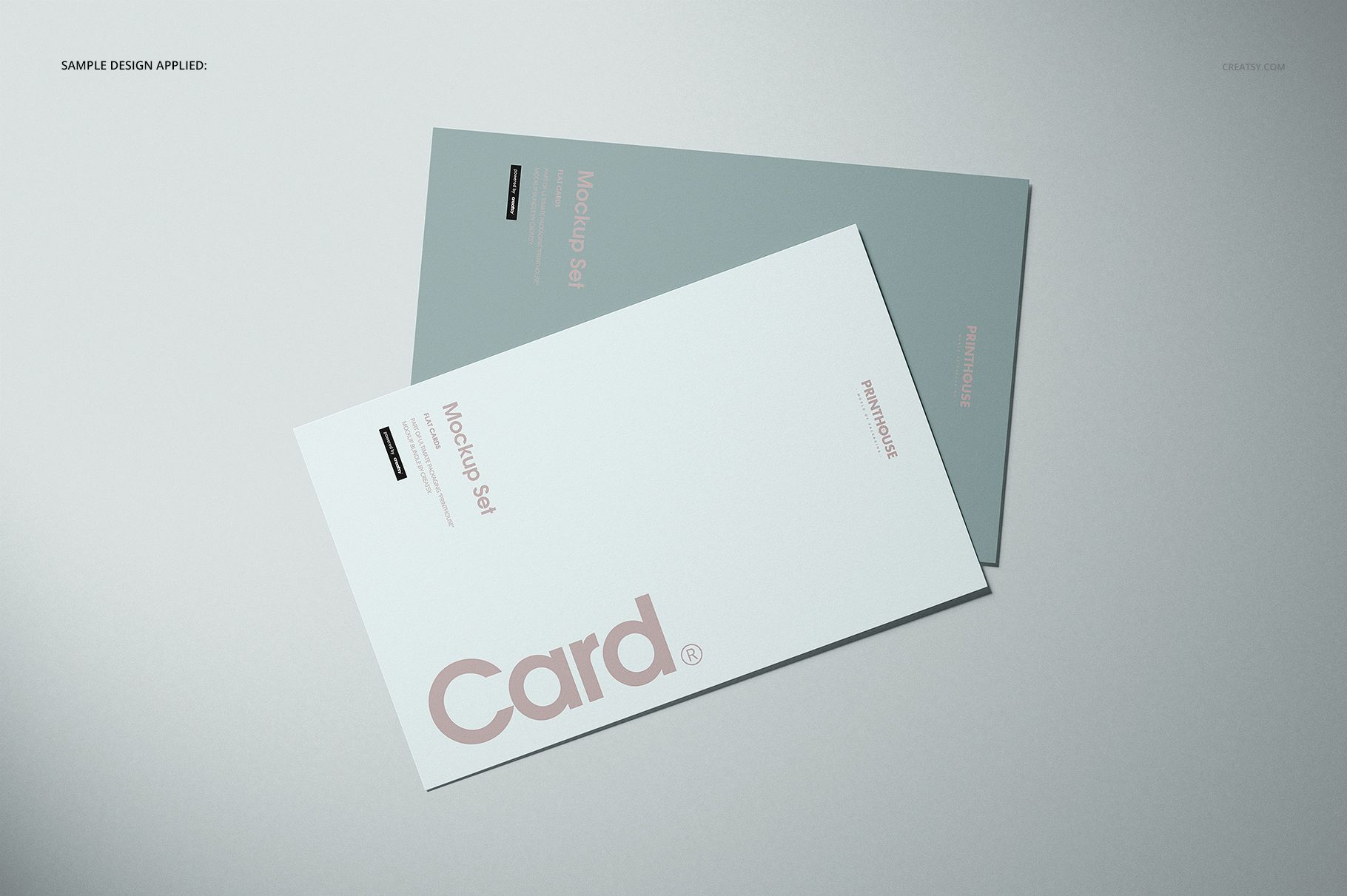
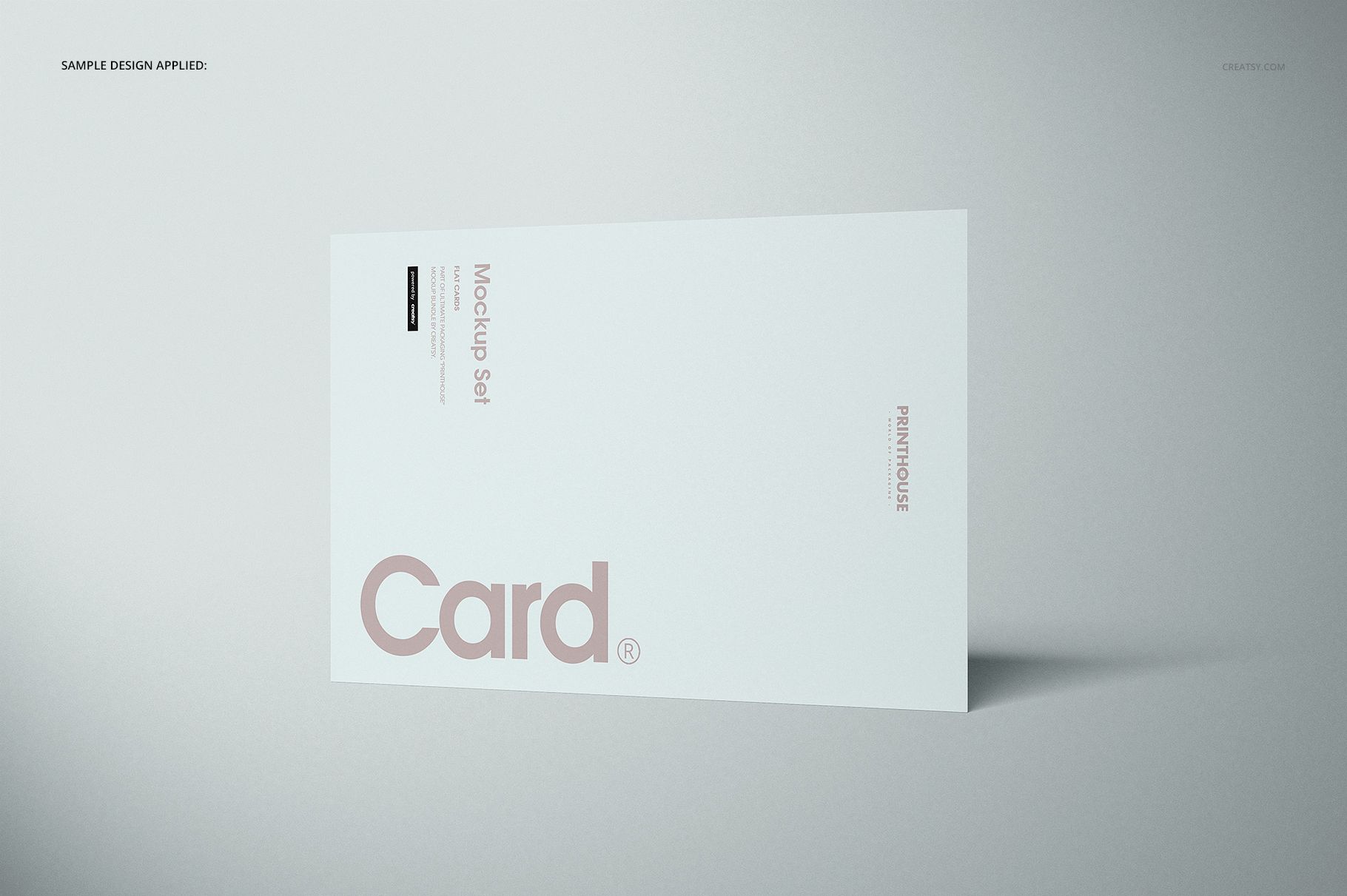
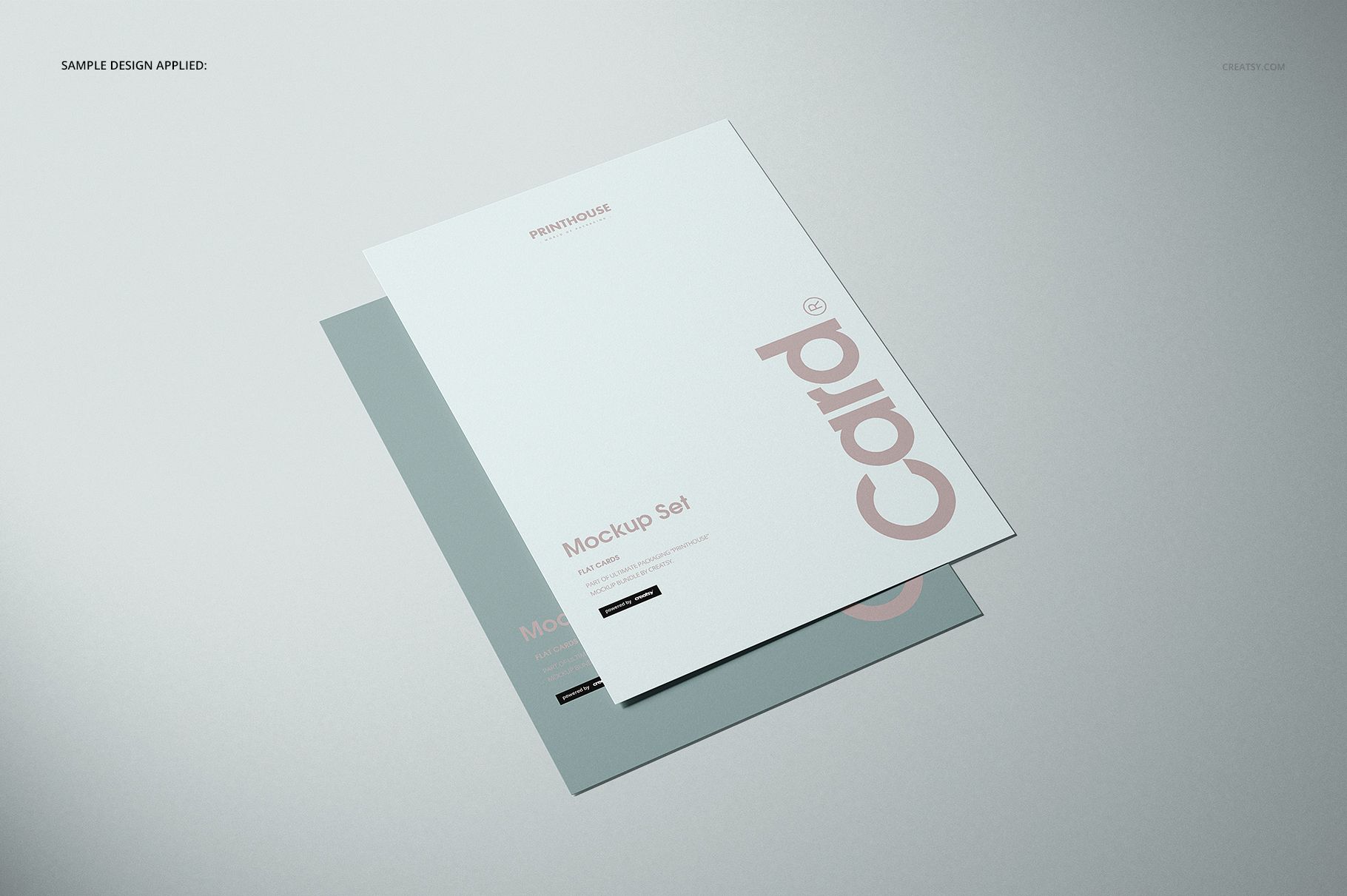
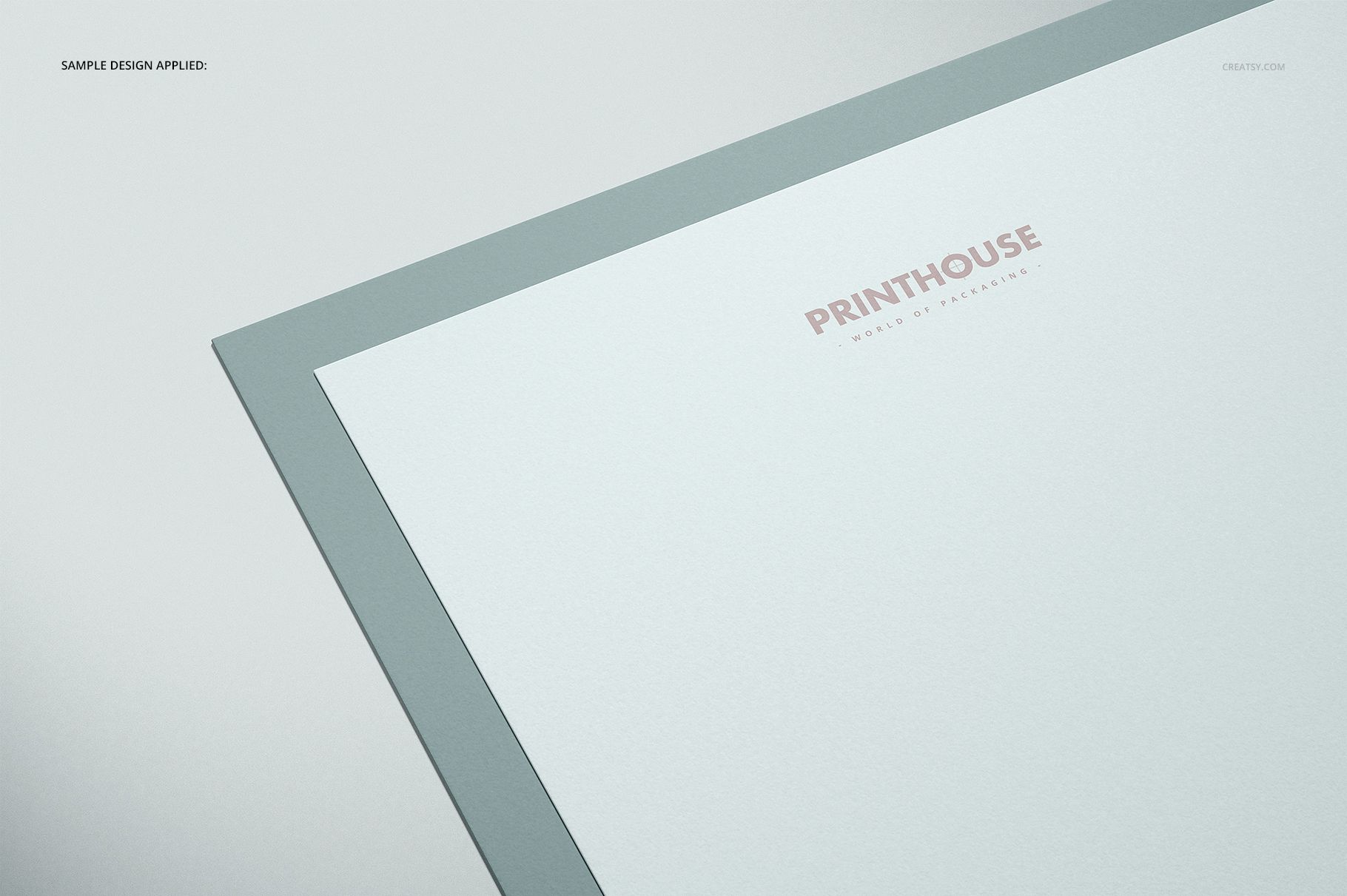
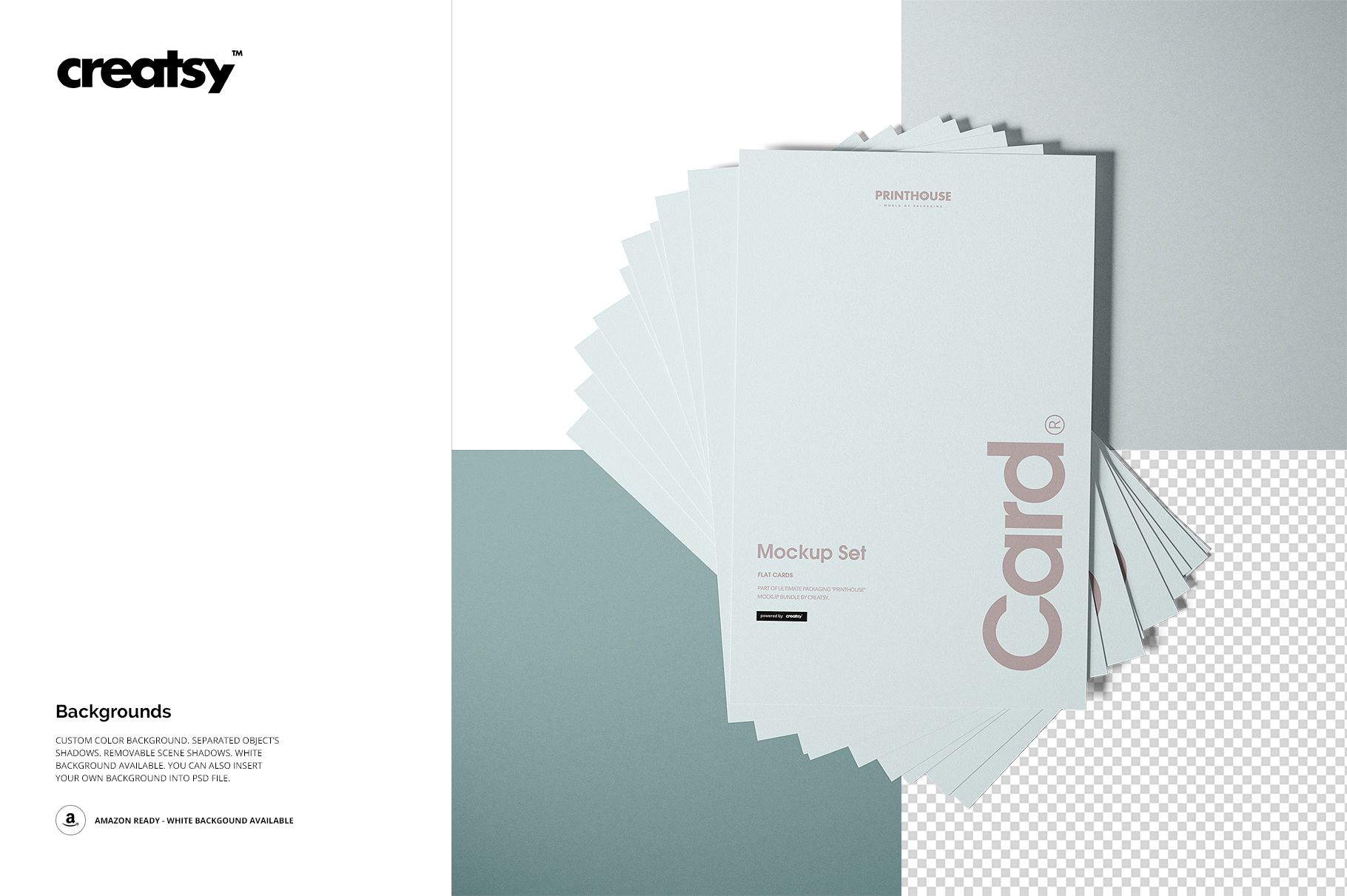
Show flat card artwork across ten clean, high-resolution scenes built for flexible stationery and print design presentations. The collection combines portrait and landscape cards with single, paired, triple, stacked, fanned, overlapping, top-view, angled, and standing arrangements, helping you create a varied gallery with a consistent visual style.
What Is Included
10 layered PSD mockup scenes with well-organized layers
10 matching JPG previews plus 1 JPG guide, 21 files in total
6000 × 4000 px canvases at 300 DPI for every PSD
Paper card aspect ratio of approximately 1.55
Portrait and landscape layouts in minimalist neutral settings
Flexible Backgrounds and Shadows
Adapt each scene with a custom background color or your own background design. Object shadows are separated, scene shadows can be removed, and a clean white-background option is available for straightforward catalog presentation.
Easy Smart Object Editing
Add your artwork through Smart Objects, then adjust the confirmed card colors and designs while keeping the organized layer structure intact. Edit in Adobe Photoshop CC 2015 or newer, or in Photopea.
Perfect For
Flat card, postcard, invitation, and announcement concepts
Stationery branding and coordinated design collections
Print shop product images and online portfolio projects
Client presentations and design approval previews
Please note: This is a digital mockup product. No physical cards are shipped. Preview designs and sample patterns are shown for demonstration and are not included.
This set is also included in the Printhouse Mockups Bundle v.1.