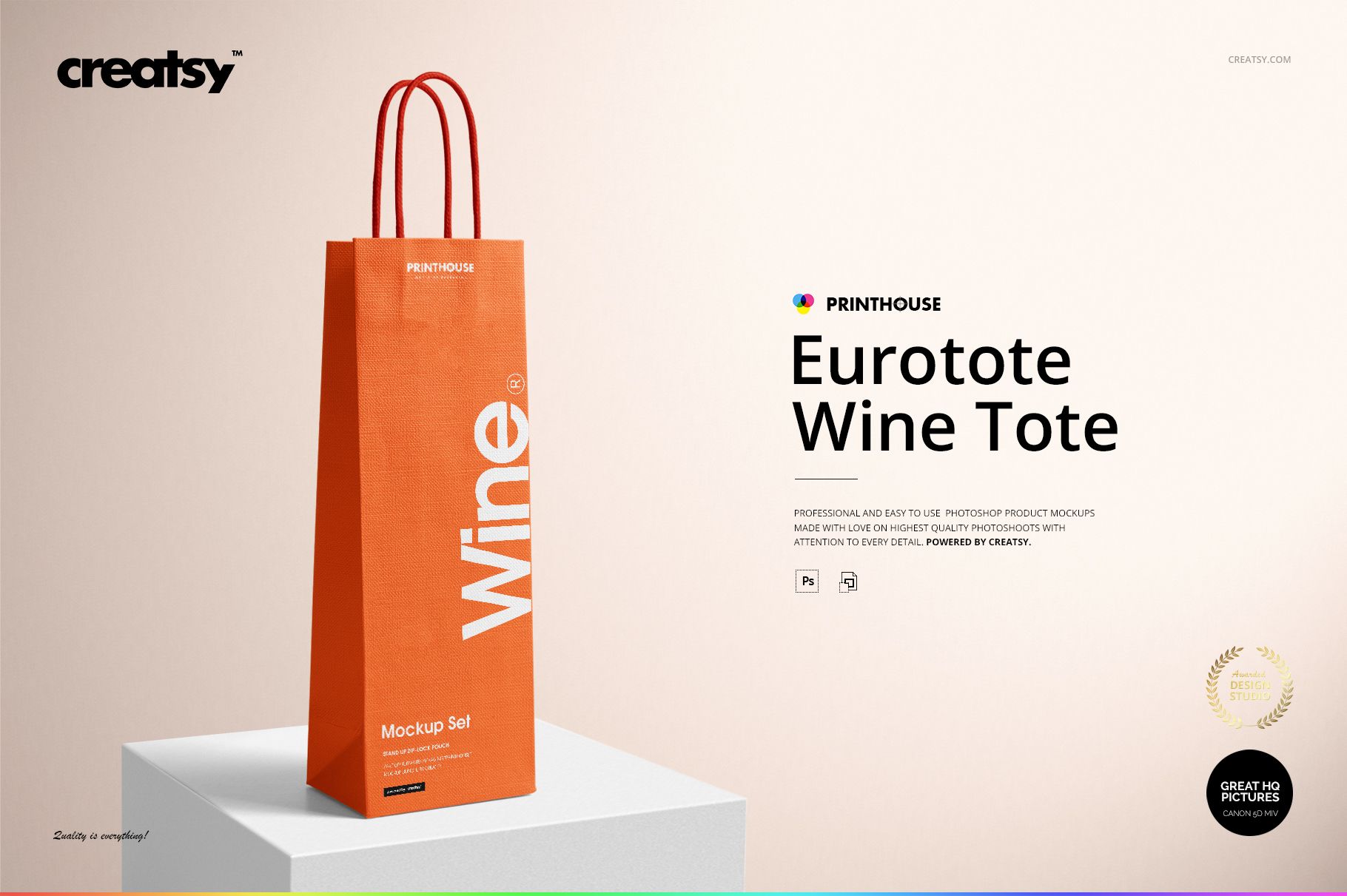
Eurotote Wine Tote Bag Mockup Set
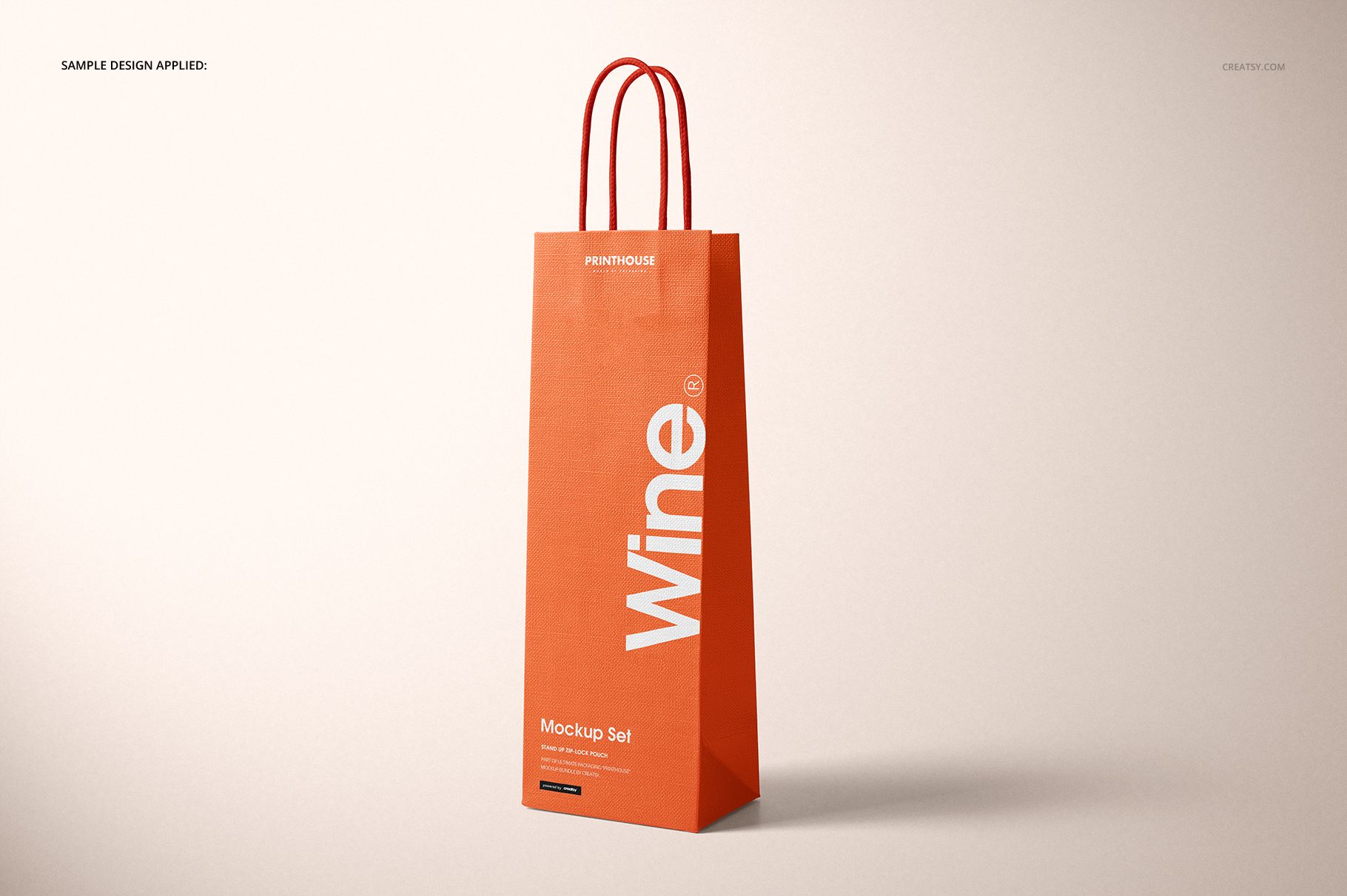
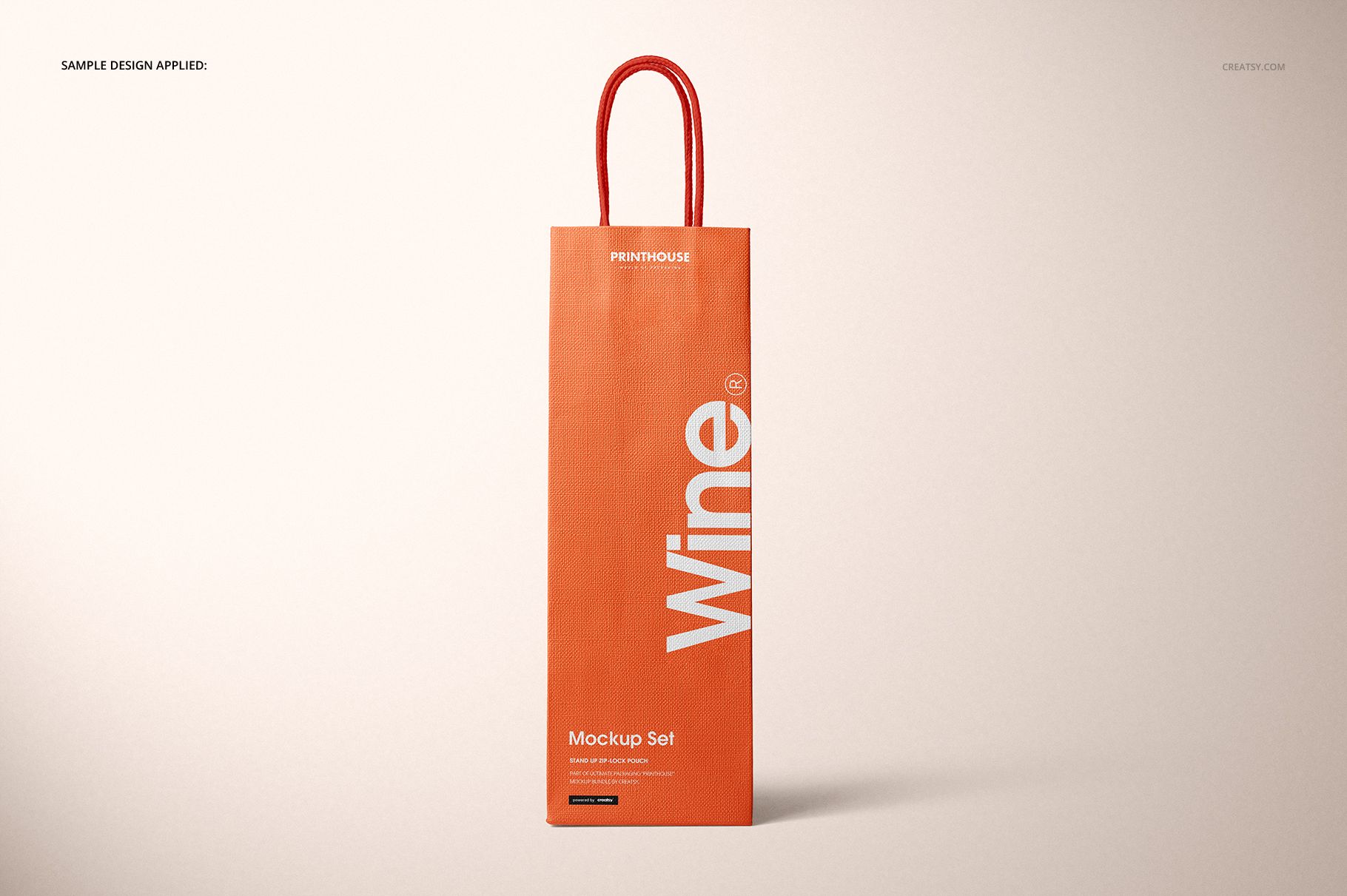
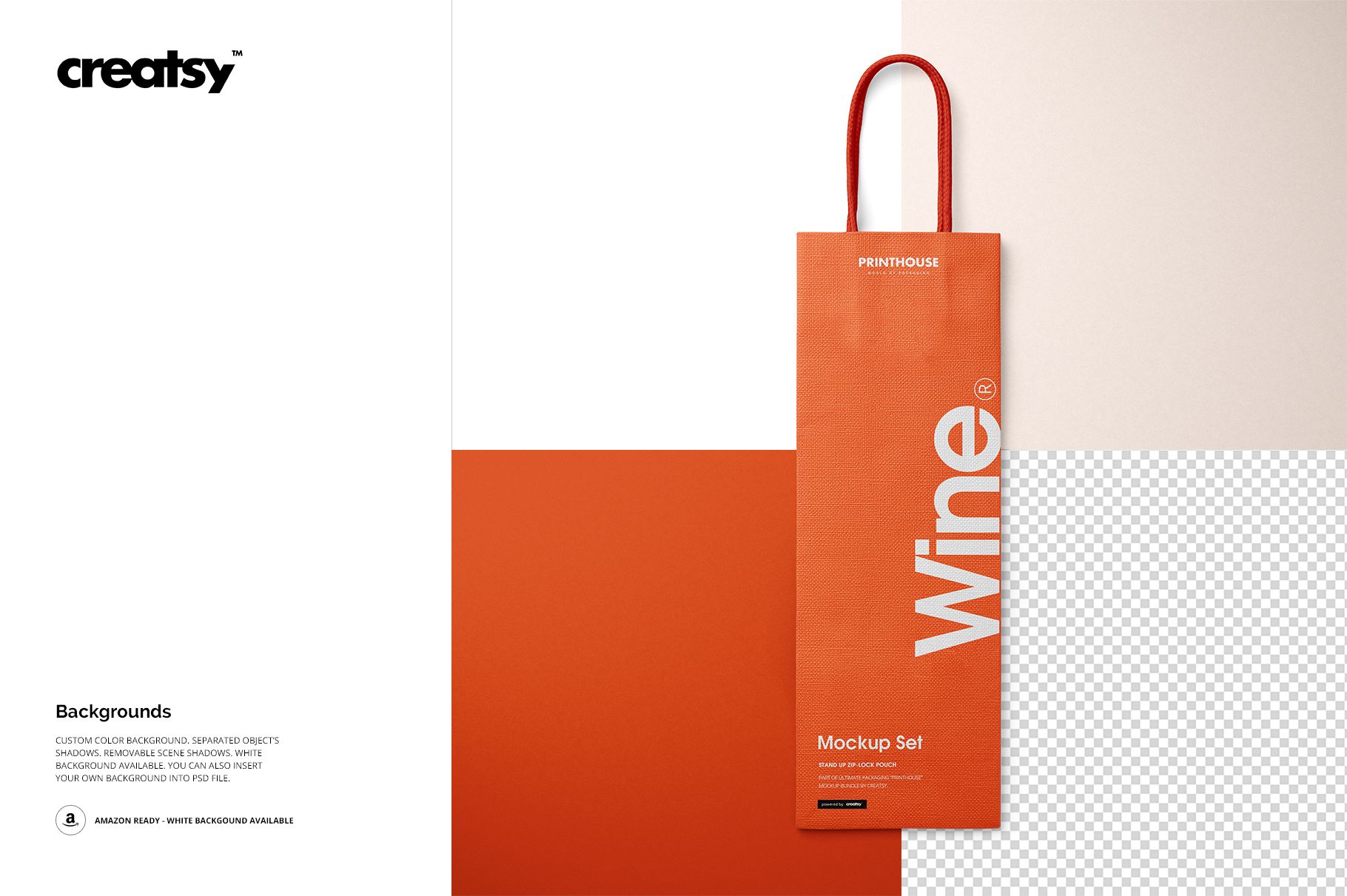
Give narrow-format wine packaging a realistic presence before it reaches production. This five-scene set places logos, vertical typography, illustrations, and gift-ready branding on a tall Eurotote made for a single-bottle presentation. The textured surface, rope handles, bottom folds, side depth, and natural shadows help buyers and clients understand how the design will read on the finished carrier.
Use the different angles to assess scale, spacing, alignment, and how artwork approaches the gusset. The set is useful when one front image is not enough to explain a wine shop, vineyard, hospitality, or corporate gift concept.
What Is Included
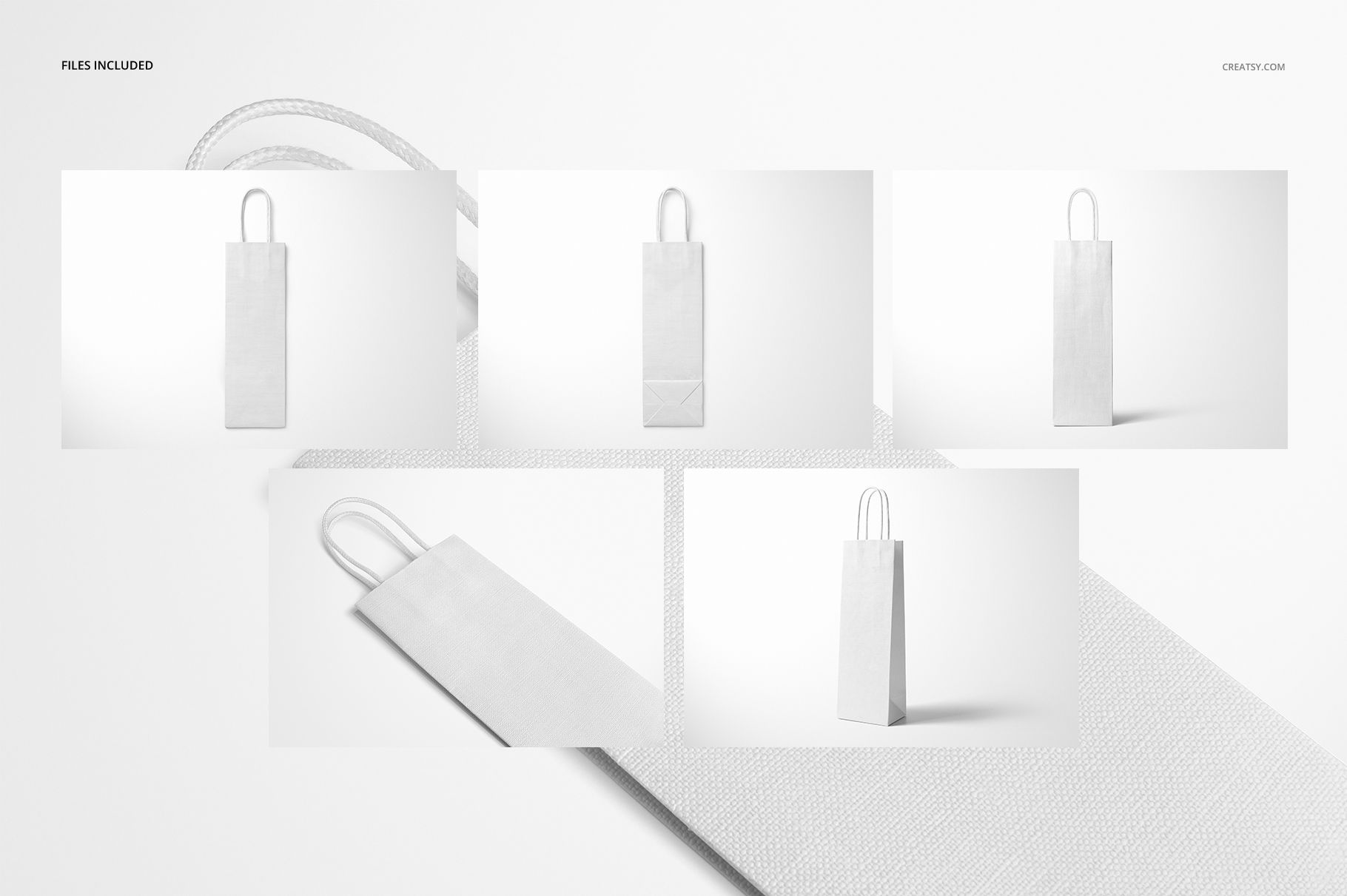
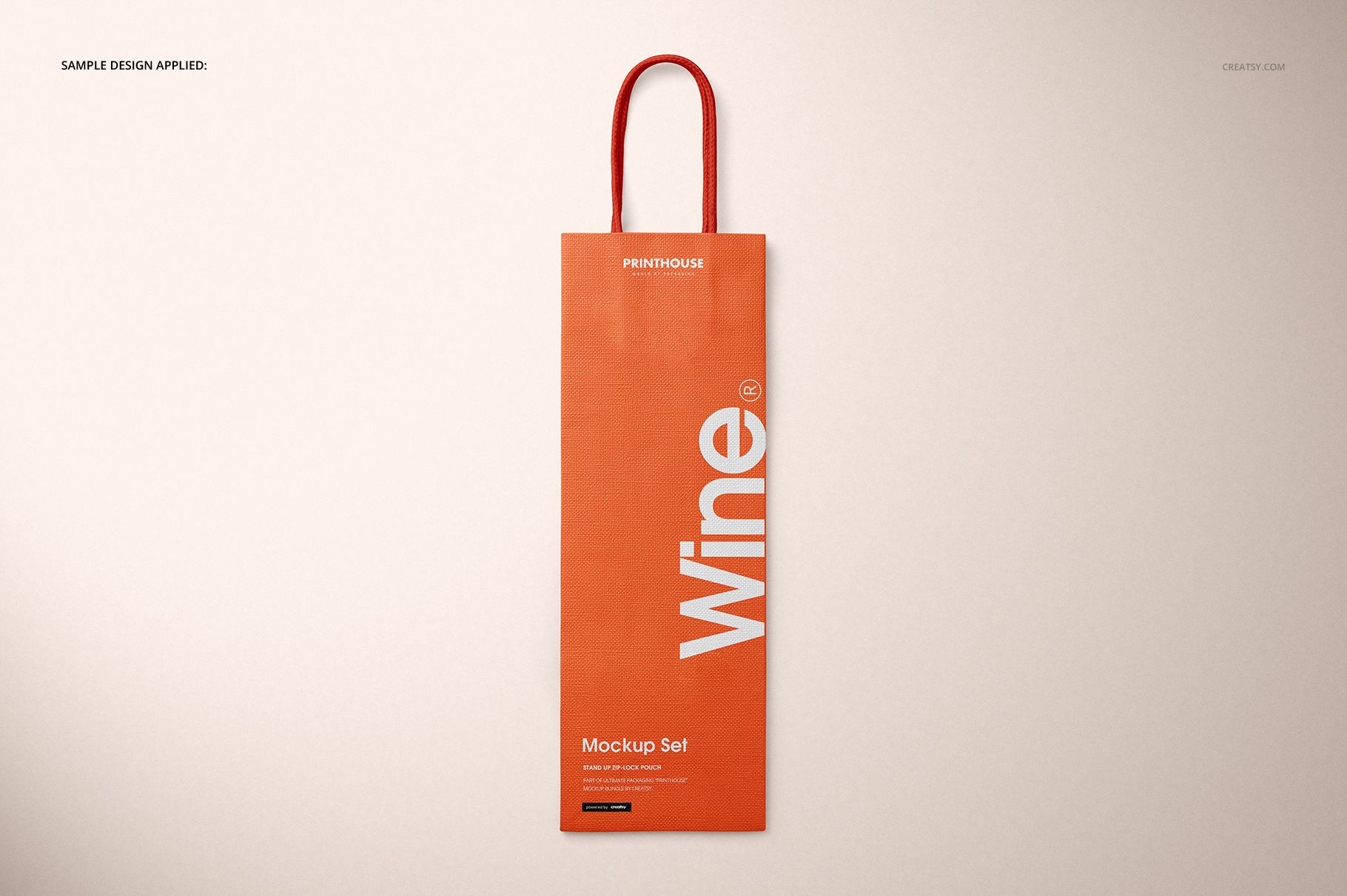
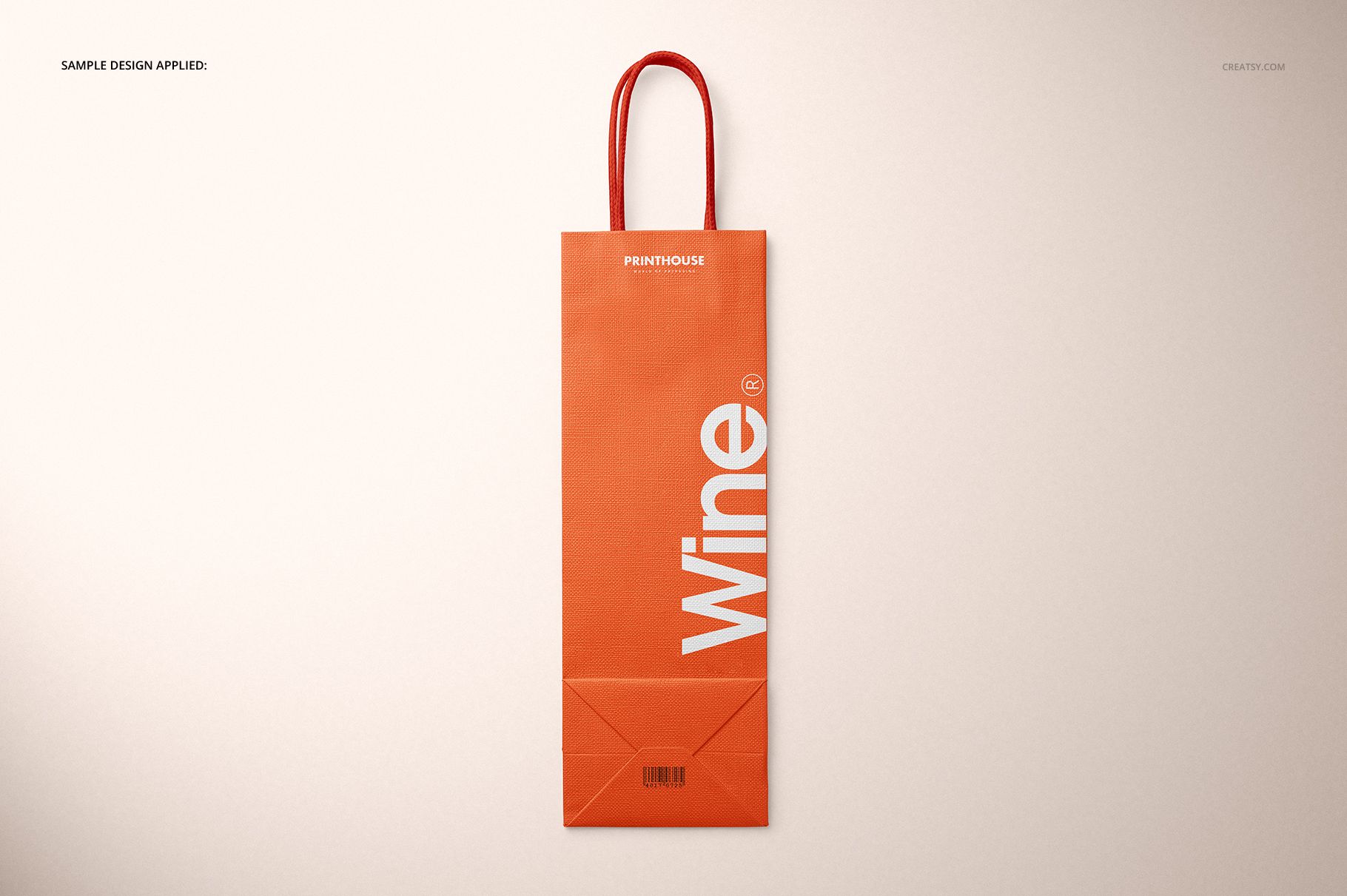
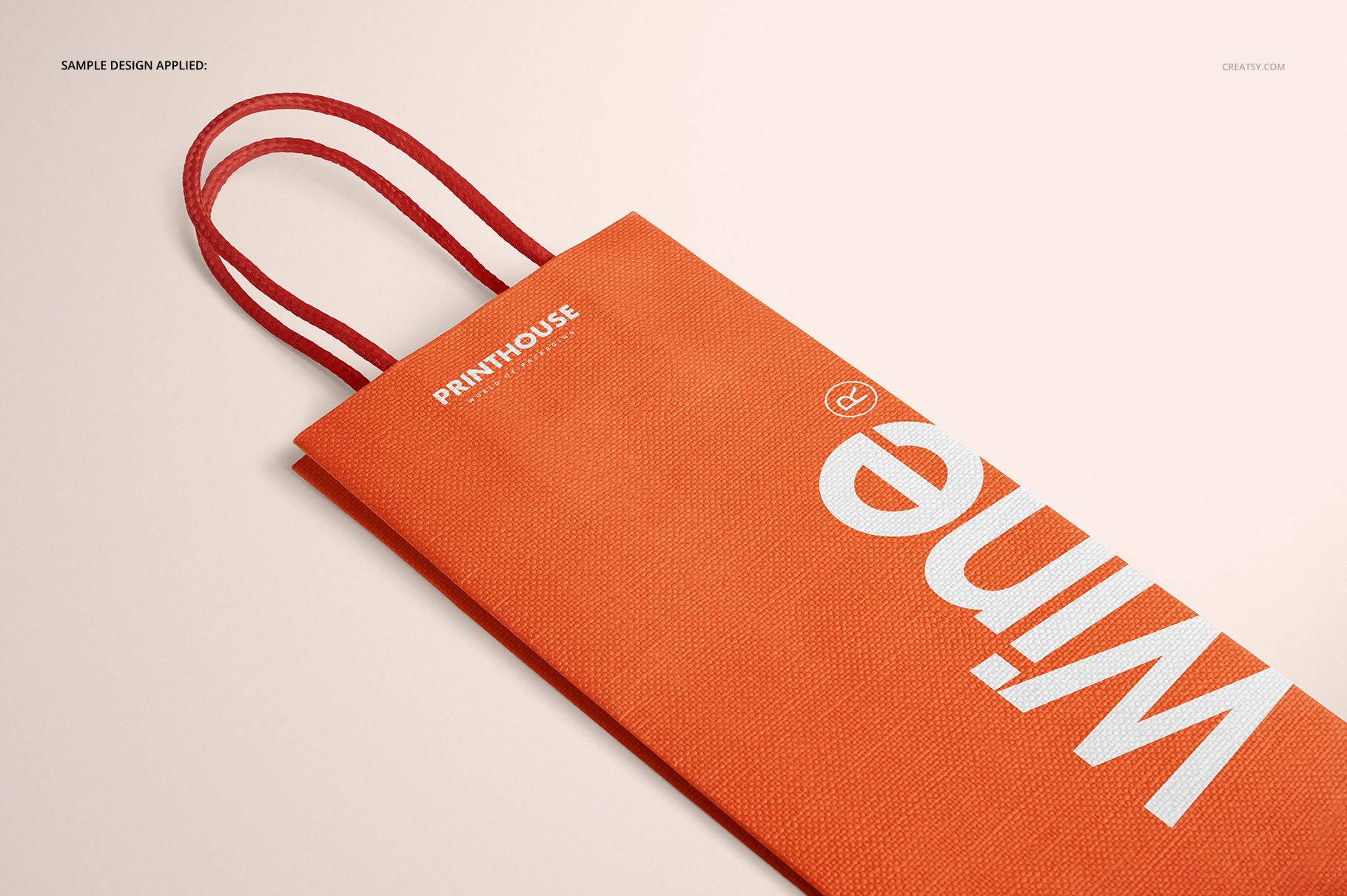
5 layered PSD mockup scenes: Front, Angled, Top Front, Top Back, and Closeup
5 JPG scene previews plus 1 JPG guide, 11 files in total
Main scene files at 6000 × 4000 px and 300 DPI
Bag dimensions: 32 cm high without handles, 11 cm wide, and 8 cm deep
Compatibility with Adobe Photoshop CC 2015 or newer
Five Views for a Complete Wine Bag Presentation
Start with Front and Angled for primary branding, use Top Front and Top Back to review the upper edge and the front-to-back relationship, then bring in Closeup when surface texture or small print details matter. Together, the views can form an informative product gallery instead of repeating one angle.
Easy Smart Object Editing
Open the selected PSD in Adobe Photoshop.
Place your artwork inside the designated Smart Object.
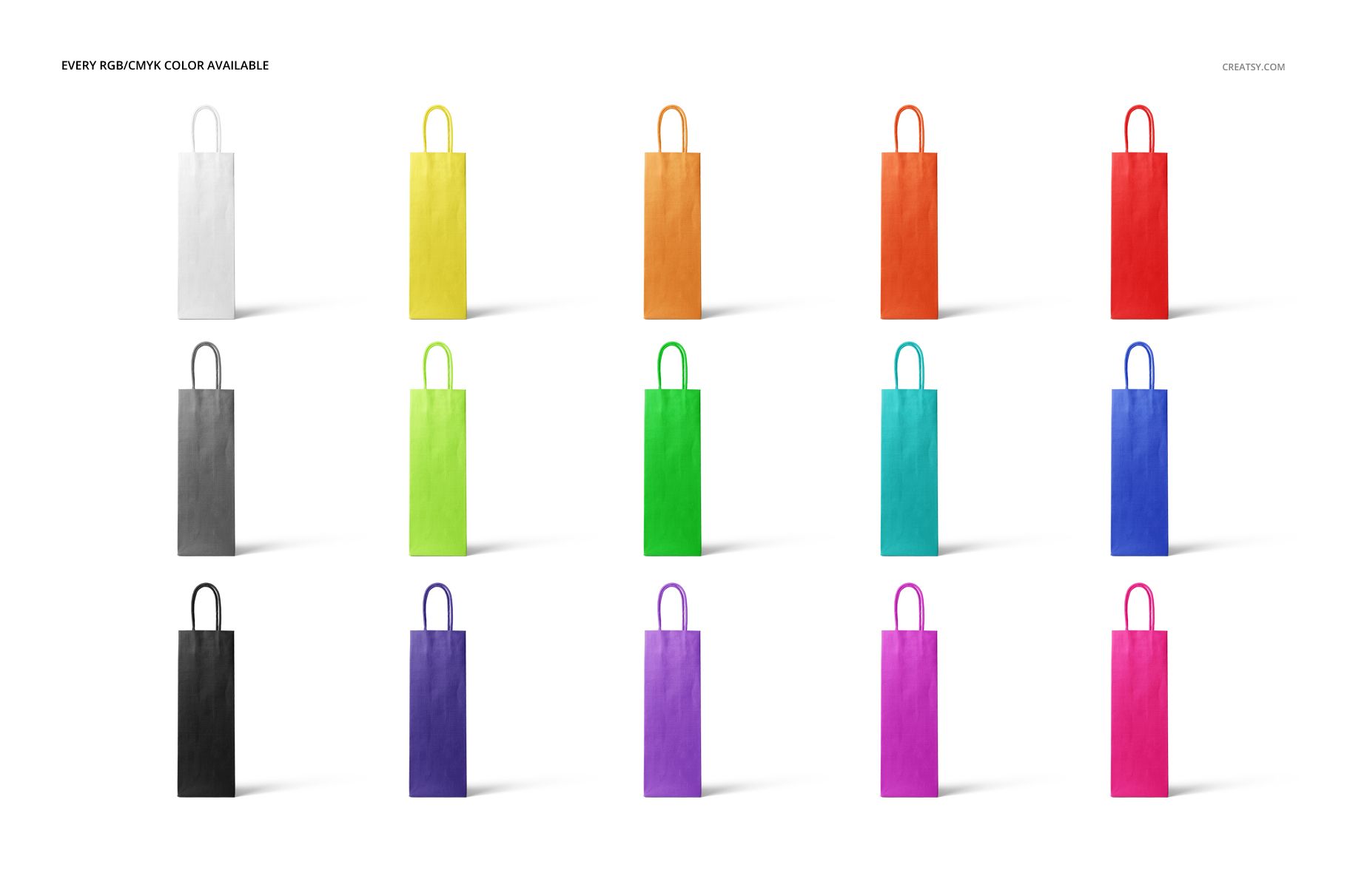
Choose the bag colors and prepare a white, custom-color, or inserted background.
Refine the separated object shadows or remove the scene shadows before export.
Useful For
Wineries, bottle shops, and beverage retailers presenting branded wine carriers
Packaging designers comparing vertical logos, patterns, and typography
Gift businesses and hospitality teams planning seasonal or corporate packaging
Studios building client presentations, portfolios, catalogs, and product galleries
This is a digital mockup product, not a physical bag or manufacturing dieline. The sample artwork shown in the previews is for presentation only and is not included.