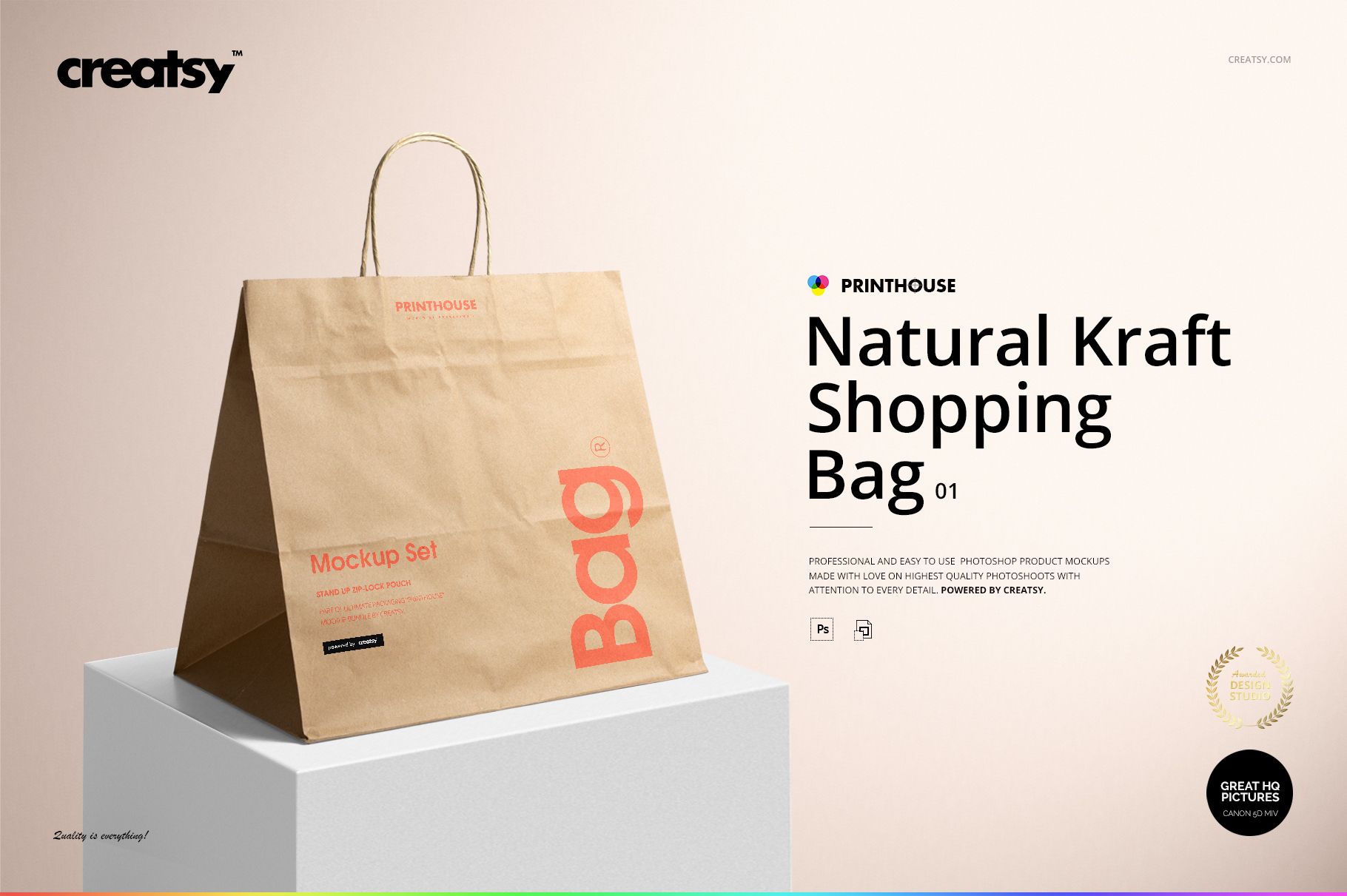
Natural Kraft Shopping Bag 1 Mockup Set
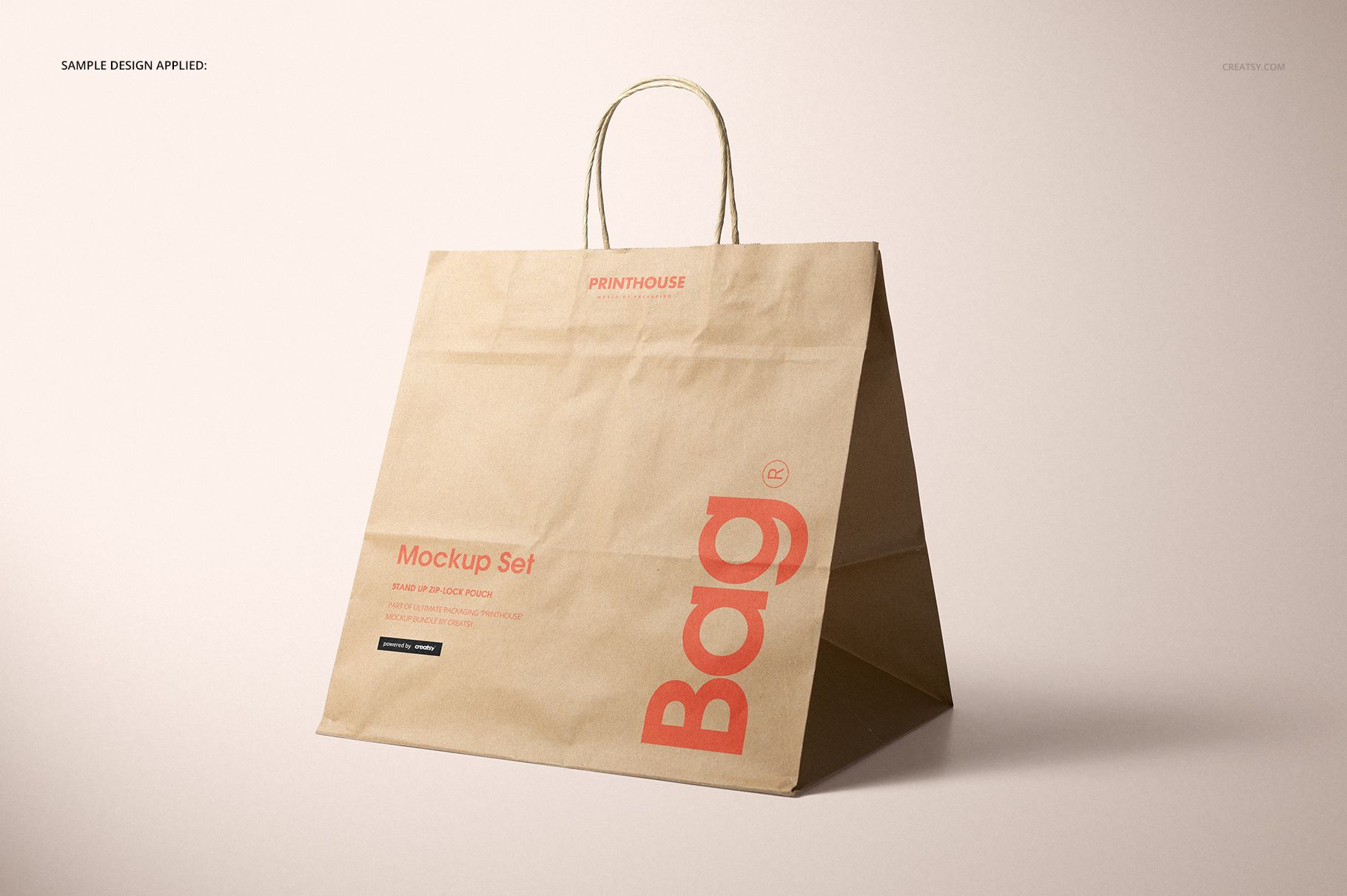
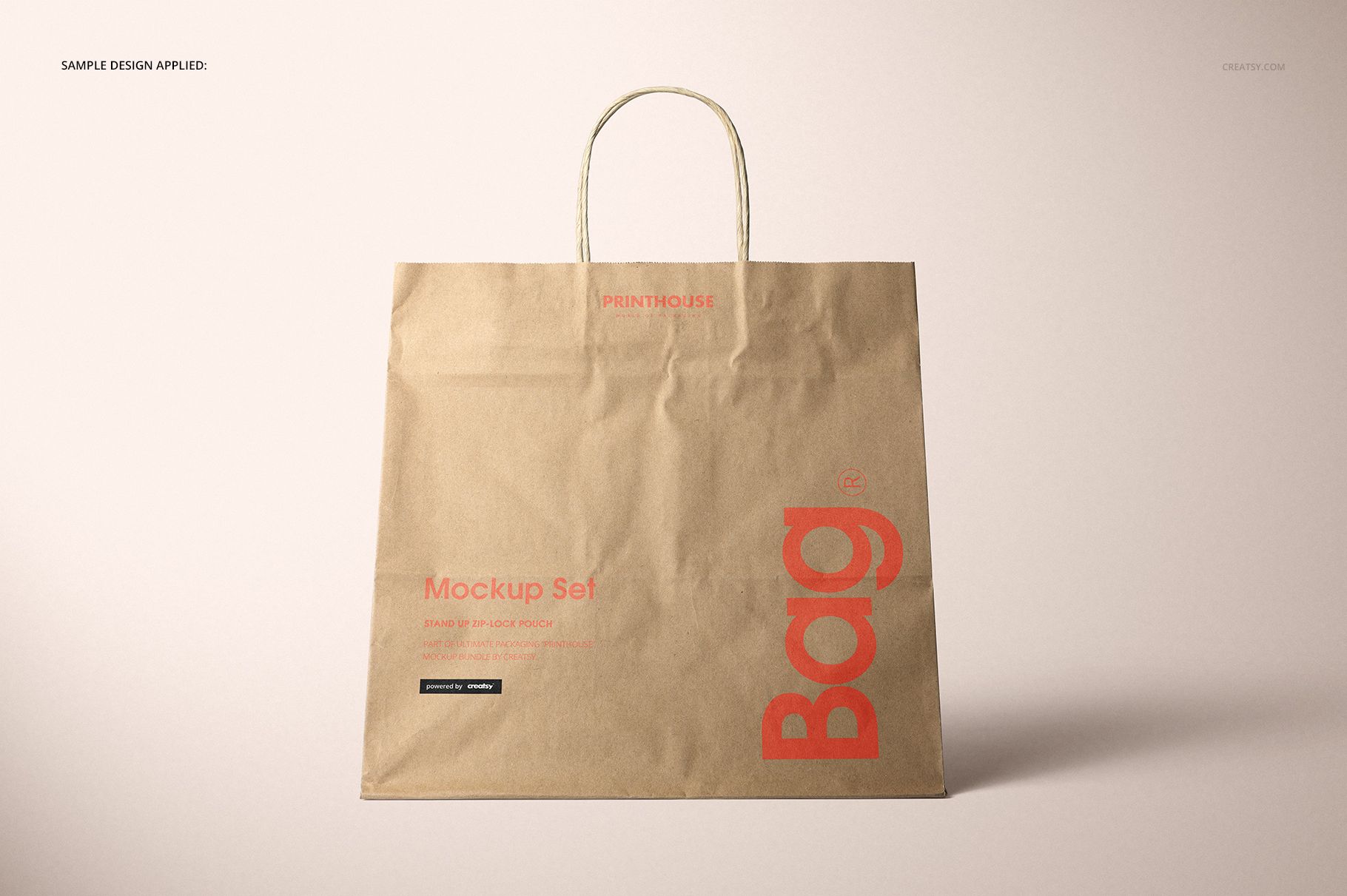
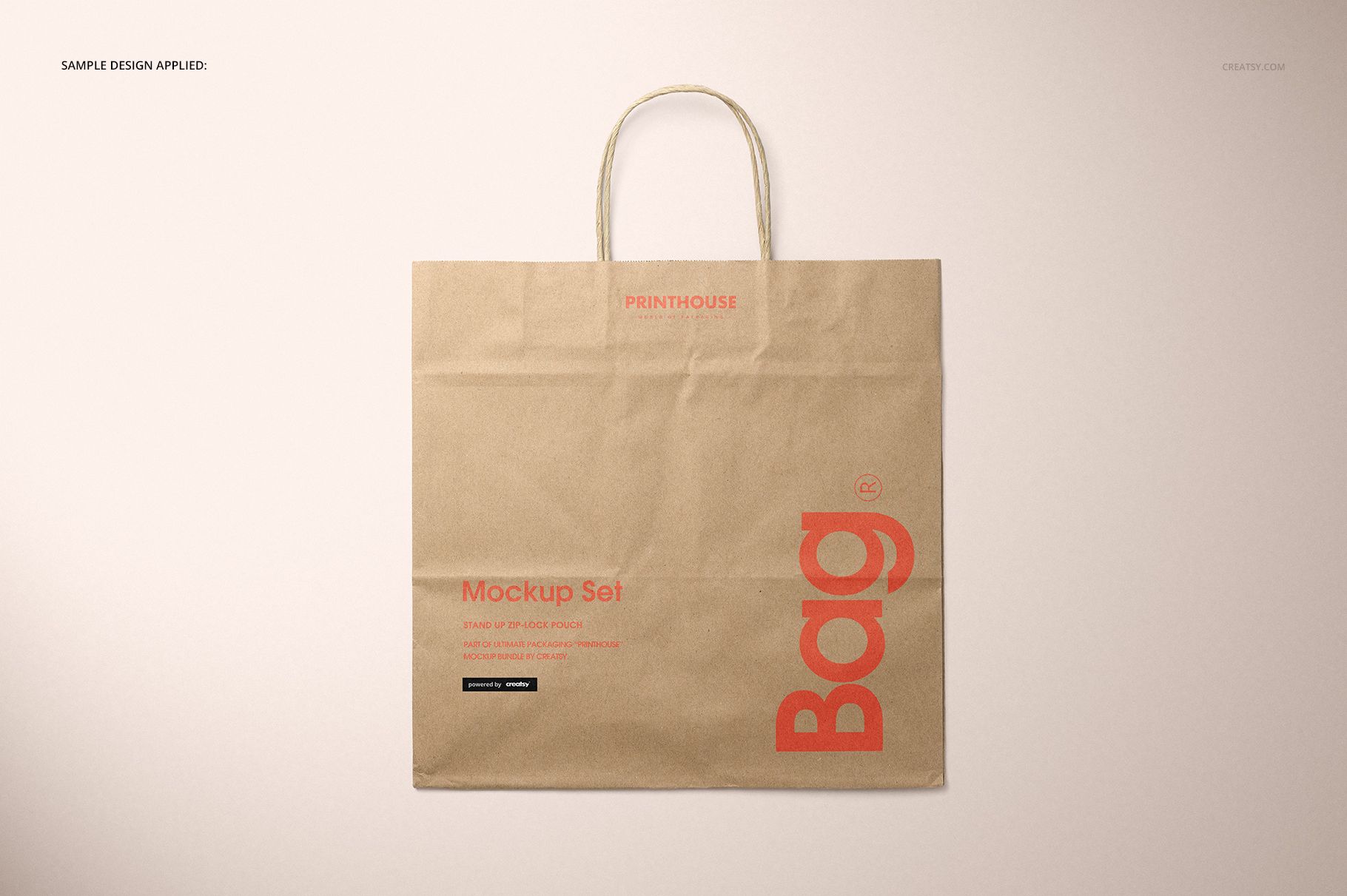
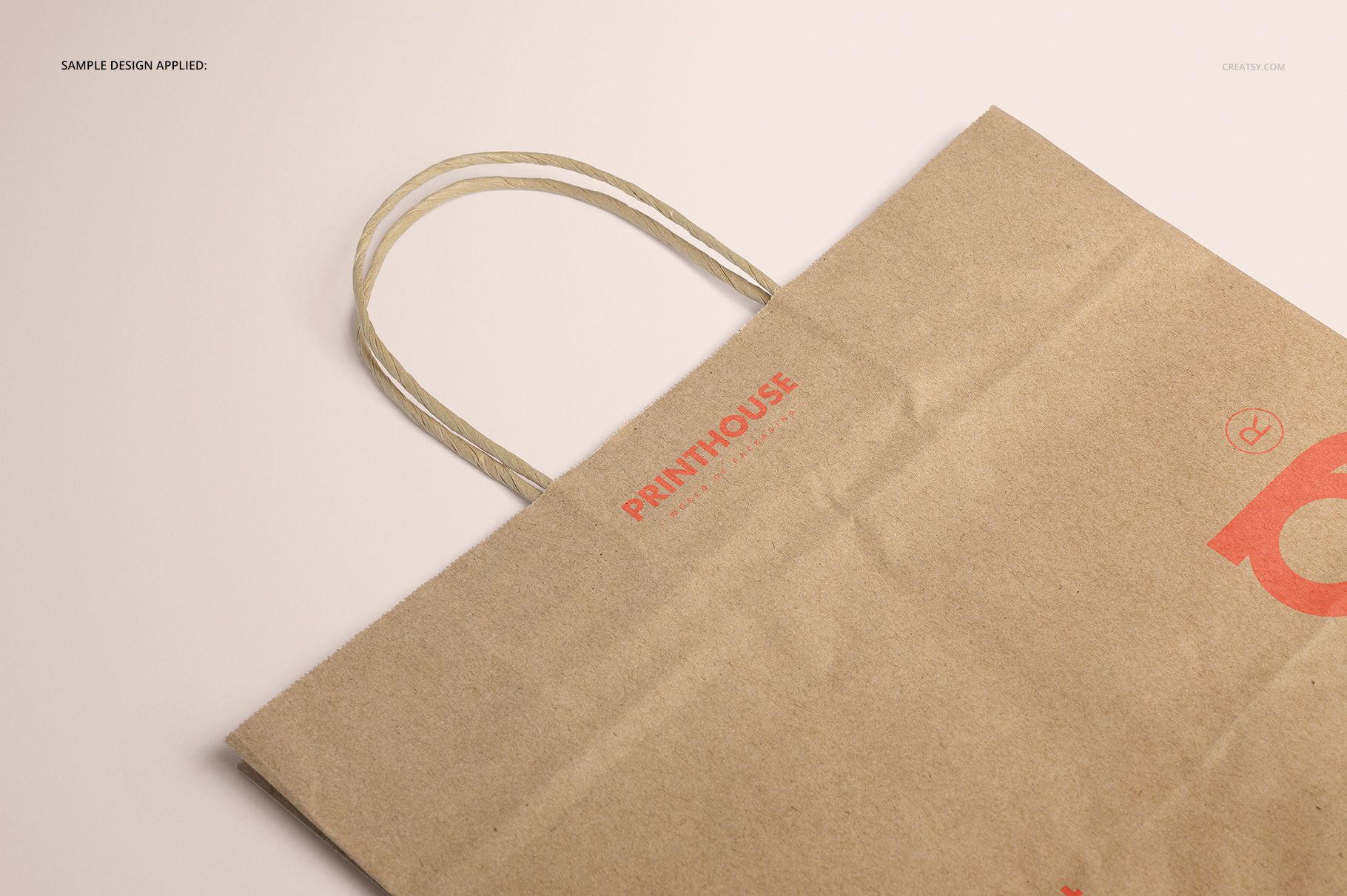
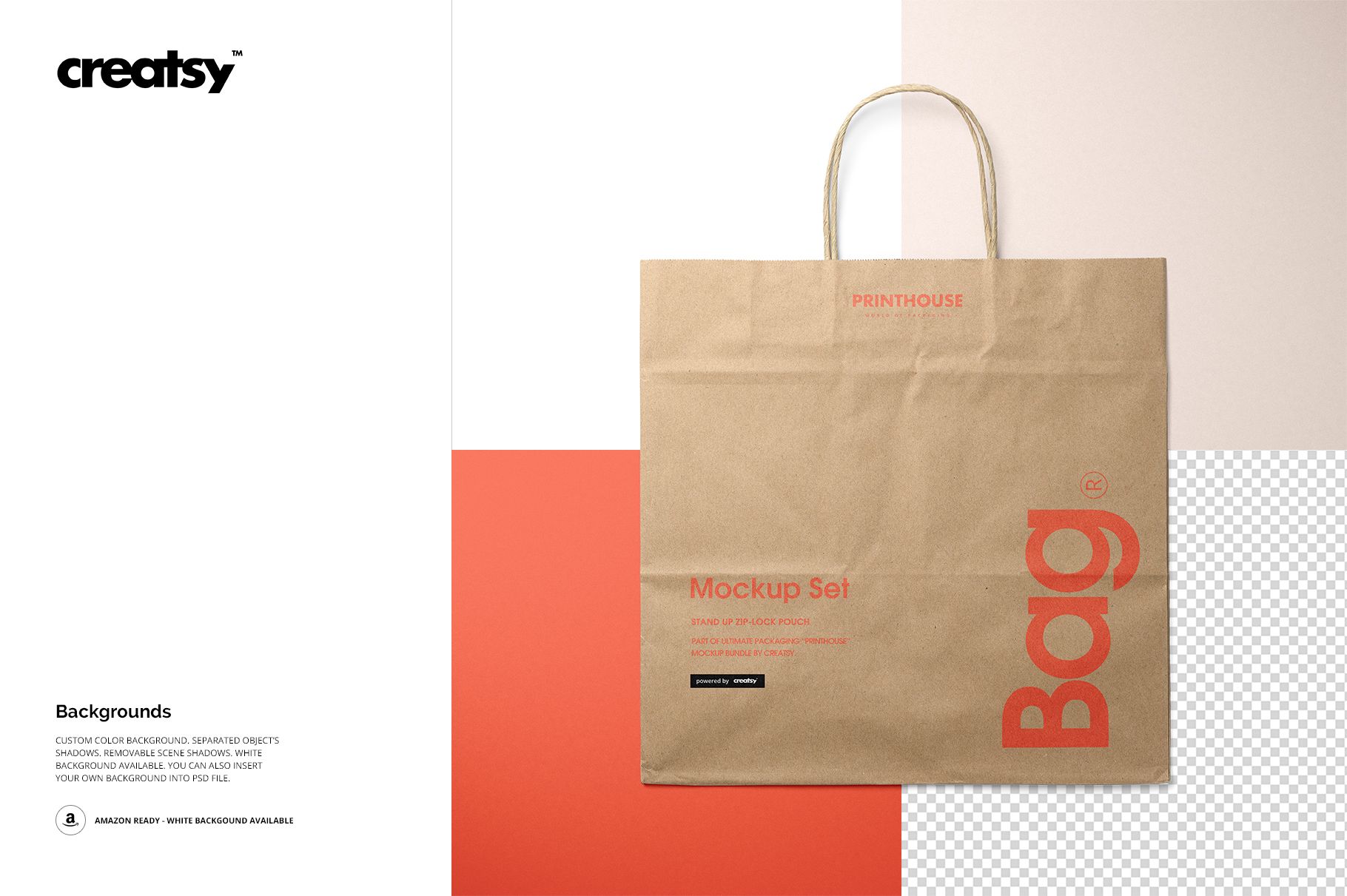
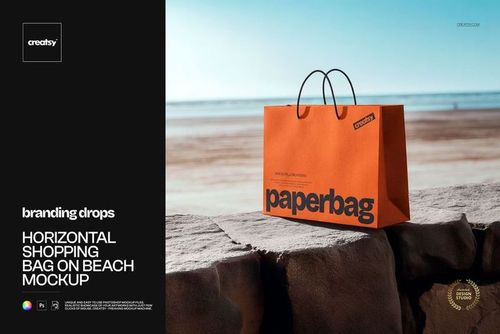
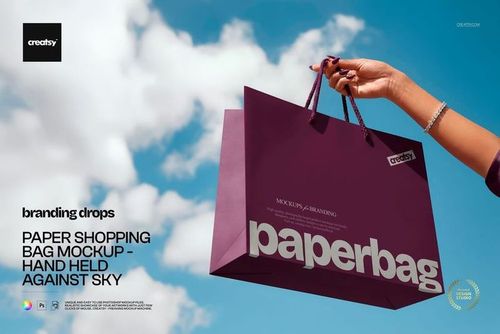
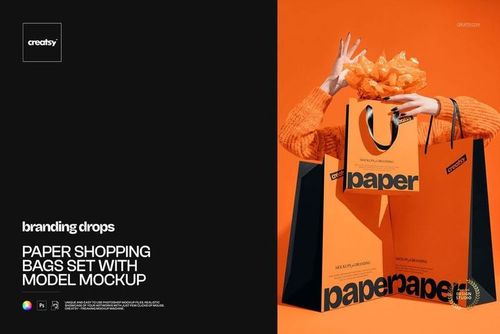
When natural paper is part of the brand story, the base texture matters as much as the artwork. This five-scene set presents a large kraft shopping bag from the front, at an angle, from two upper viewpoints, and in closeup, giving clients a clearer picture of placement, scale, folds, and full-surface print coverage.
What Is Included
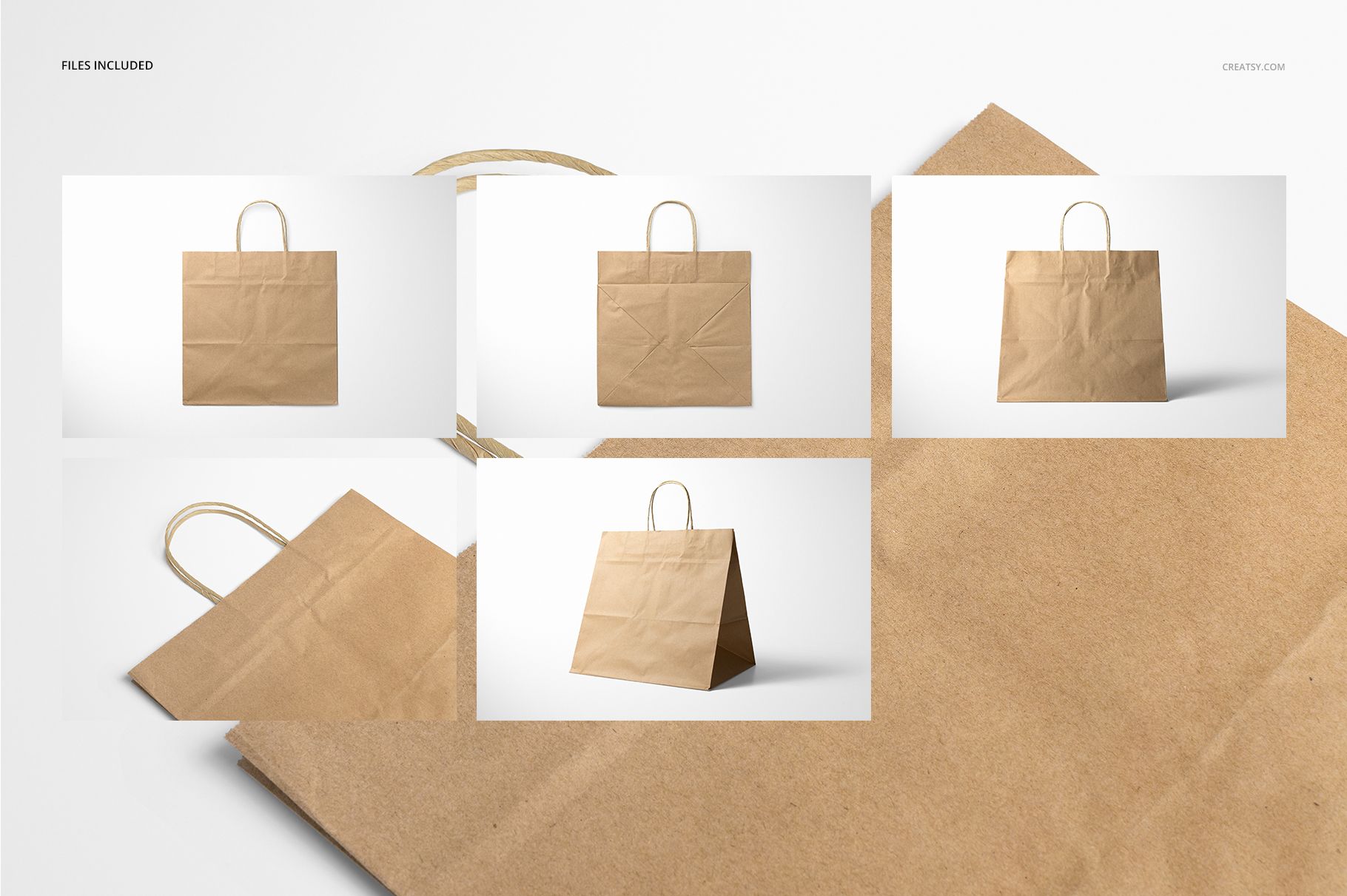
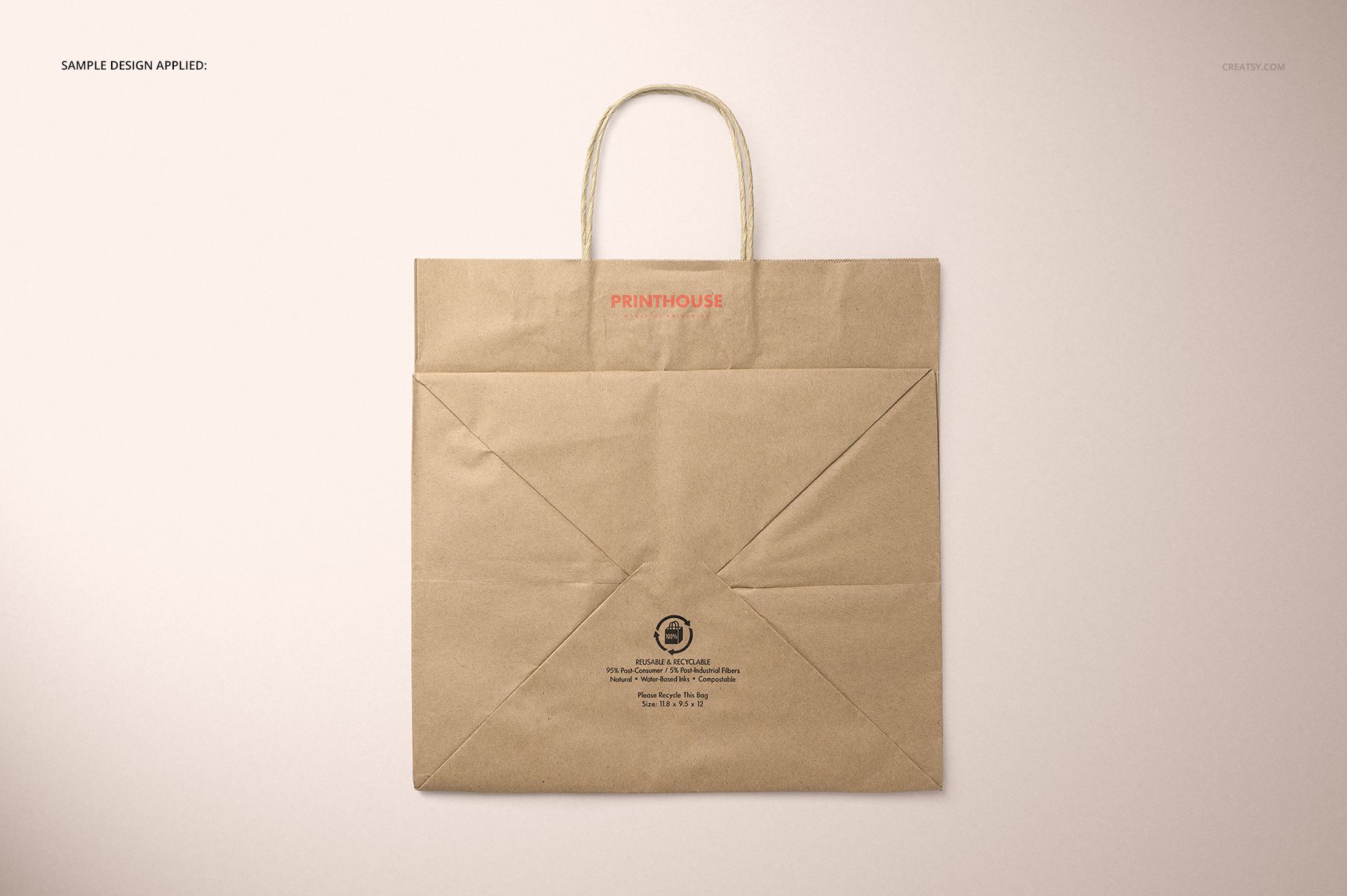
5 layered PSD scenes: Front, Angled, Closeup, Top Front, and Top Back
5 matching JPG previews plus 1 JPG guide, 11 files in total
Main scenes at 6000 x 4000 px and 300 DPI
A large bag format measuring 11.8 x 9.5 x 12 inches
2.2 GB for Windows and 2.36 GB for Mac
Keep the Natural Kraft Character Visible
The bag retains its kraft paper base, helping you assess how dark ink, fine type, pale colors, patterns, and all-over artwork interact with the natural surface. Five viewpoints make it easier to check the front panel, upper folds, bottom area, twisted handles, and close detail before approval.
Easy Smart Object Workflow
Place your artwork through the designated Smart Objects
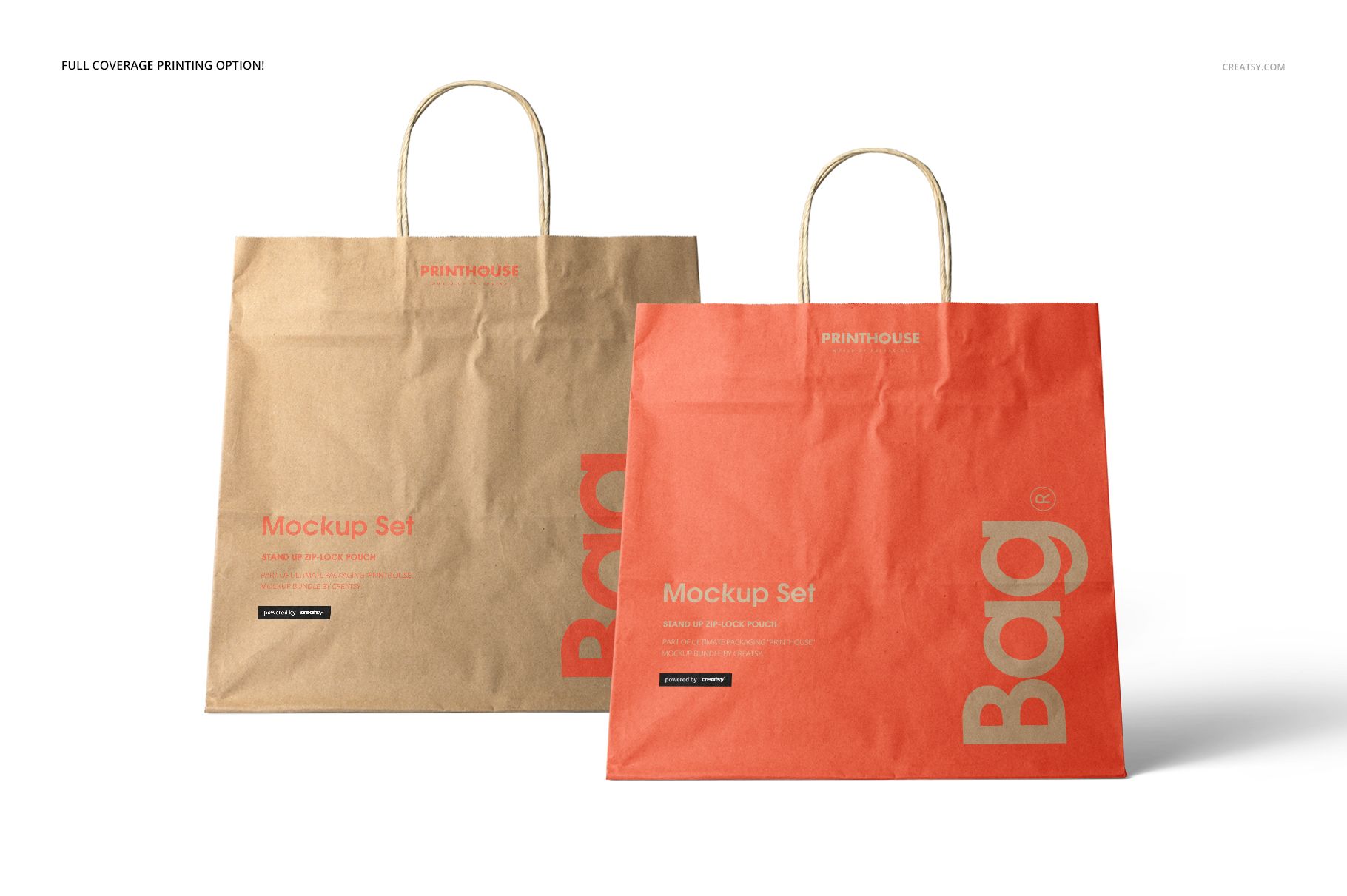
Test a focused logo or a full-coverage print concept
Use white, choose another background color, or add your own backdrop
Adjust separated object shadows or remove scene shadows
Export a coordinated gallery from five complementary angles
From Approval to Store Gallery
The mockups suit retail and boutique branding, paper bag print reviews, packaging portfolios, and e-commerce imagery. They work in Adobe Photoshop CC2015 or newer and Photopea. This is a digital visualization product, not a manufacturing template, and the sample artwork is not included.