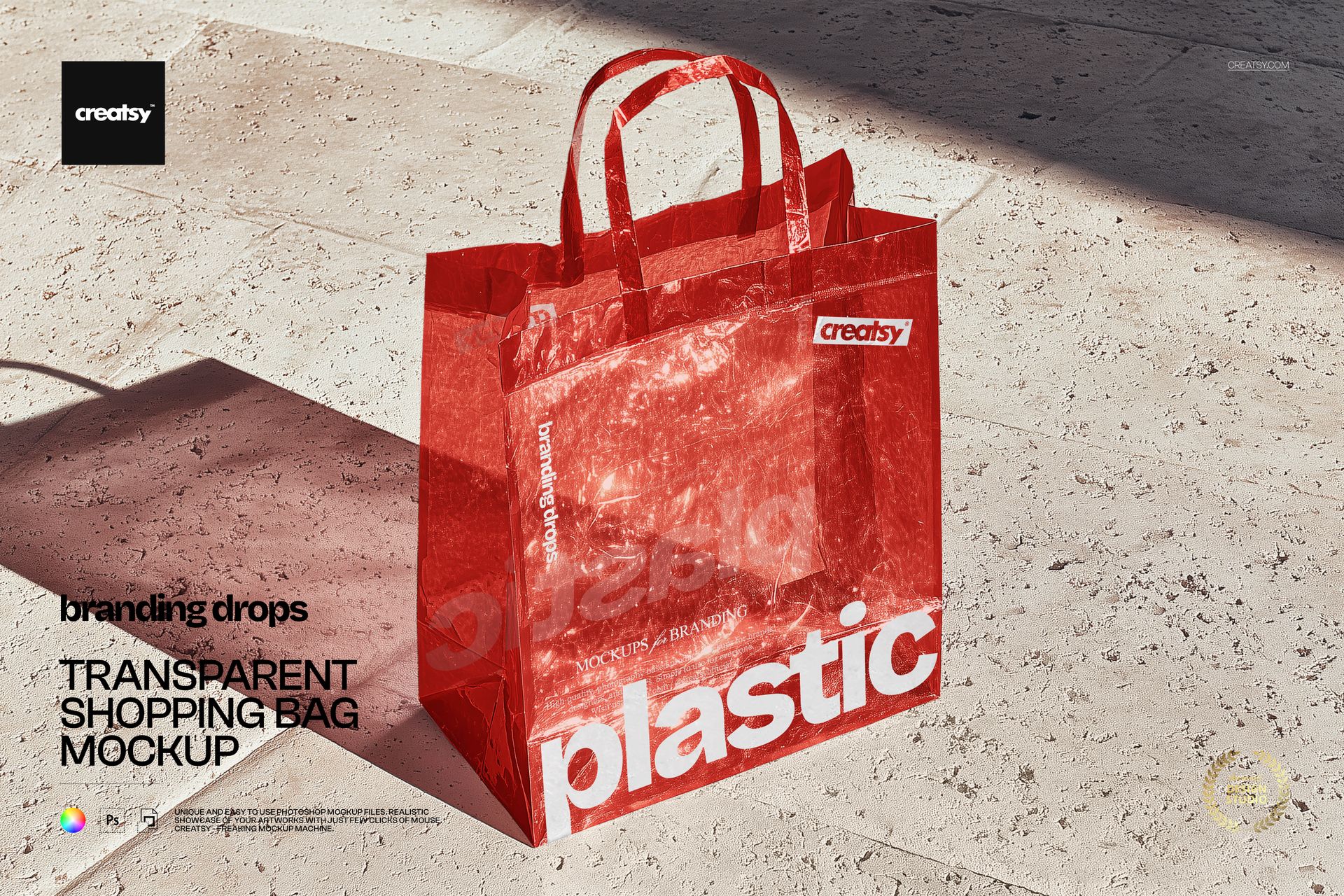
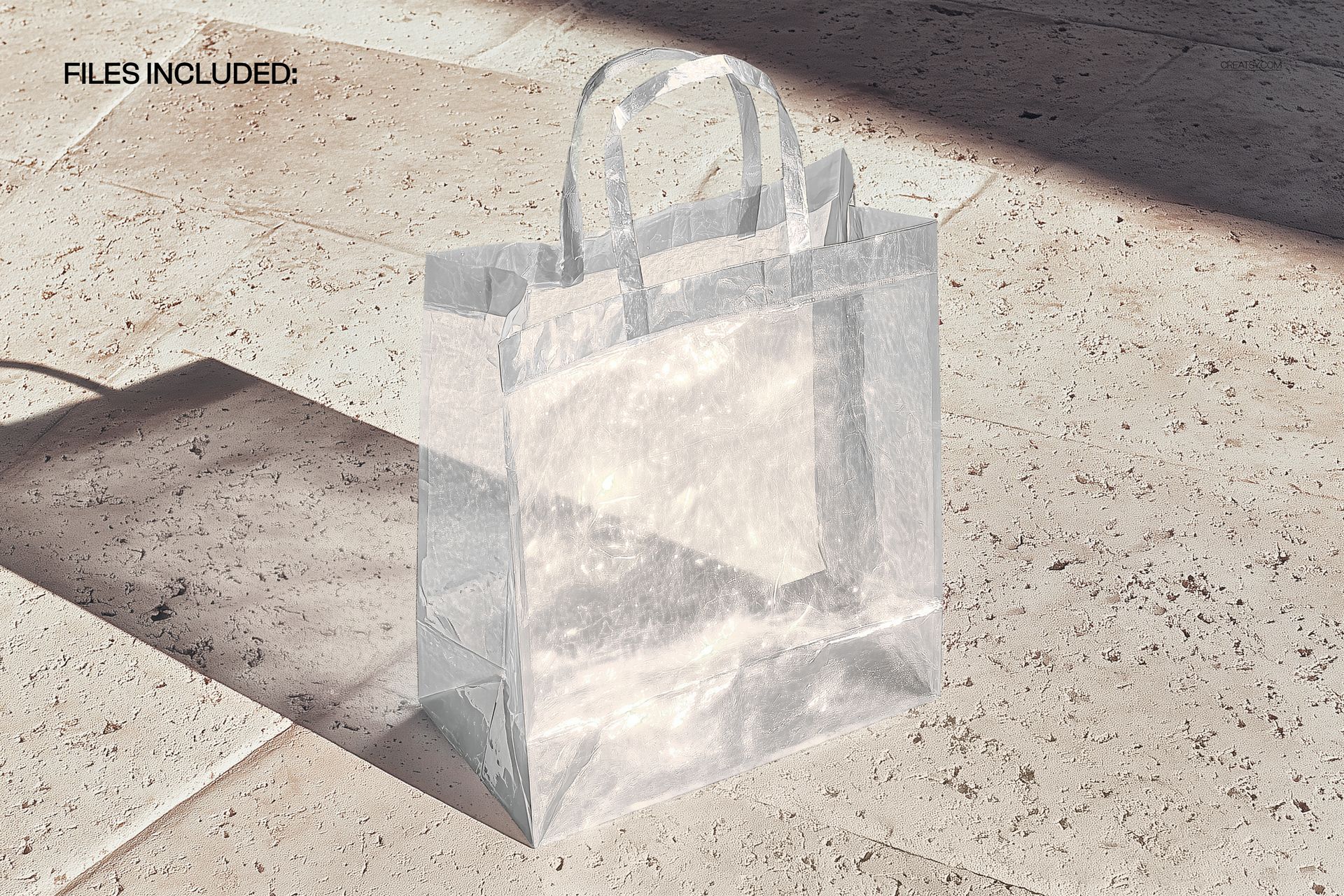
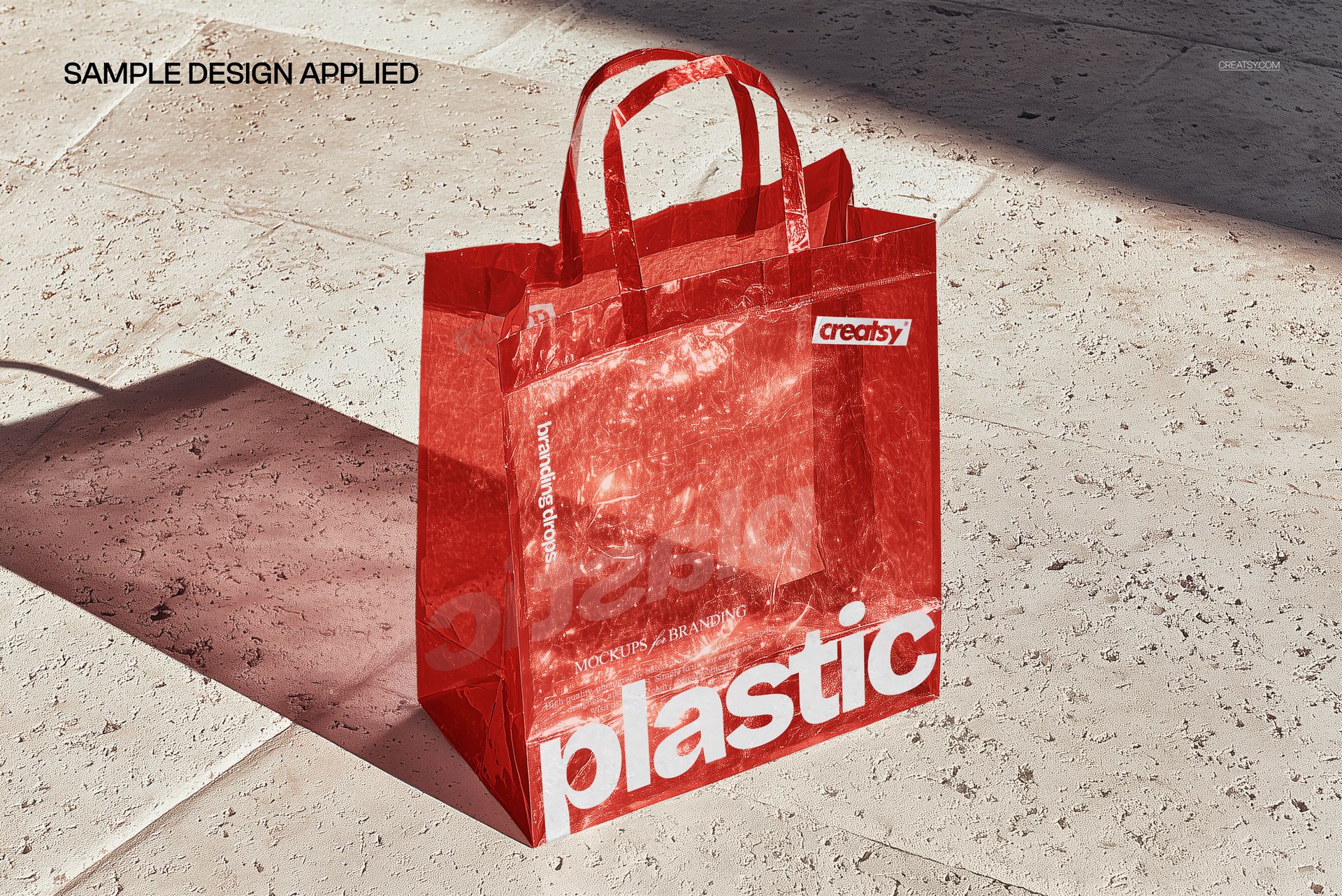
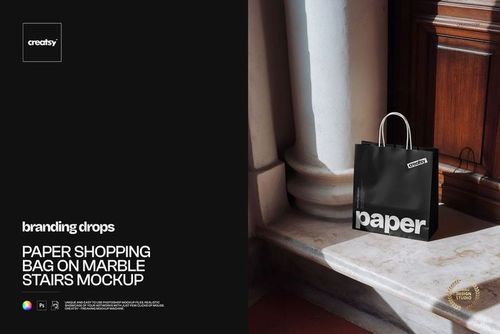
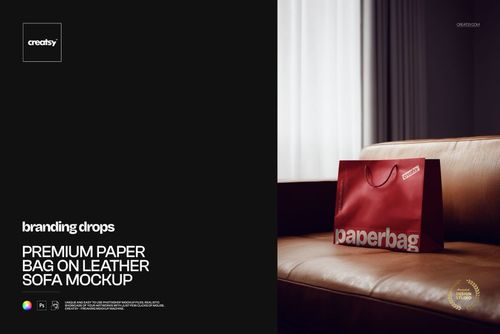
A transparent plastic shopping bag photographed on a textured stone surface, showing the clear material and colored handles that define retail-quality see-through packaging. This Transparent Shopping Bag Mockup presents your branding, logo, or artwork on a clear bag where the design floats visually against whatever is visible through the material, creating a distinctive look that opaque bag mockups cannot achieve. The stone surface backdrop adds texture and contrast that highlights the transparency effect, making this mockup ideal for retail brands, boutiques, and packaging designers who work with clear or frosted shopping bags.
Why This Mockup Works
Transparent bags present a unique design challenge because the artwork interacts with the background showing through the material. A logo on a clear bag looks fundamentally different than the same logo on a solid-color bag, and clients need to see that difference before approving production. This mockup captures that transparency accurately, showing how printed elements appear when the surface behind them is partially visible through the plastic. The realistic material rendering includes subtle reflections, creases, and light behavior that make the bag look genuinely transparent rather than just a flat overlay on a background image. This level of realism gives designers and brand teams confidence that the mockup accurately represents how the final printed bag will look when used in a retail setting.
What Is Included
The download contains 1 PSD file at 5300x3500 pixels and 300 DPI resolution. The scene features a transparent shopping bag with colored handles placed on a textured stone surface. The bag surfaces are editable through organized smart object layers, allowing you to apply your branding, patterns, or artwork to the clear material. The total file size is 254.98 MB, and the file opens in Adobe Photoshop CC2020 or newer as well as in Photopea for browser-based editing.
What You Can Customize
Replace the artwork on the bag surface using smart object layers. Apply your brand logo, typographic elements, patterns, or promotional graphics to the transparent material. The smart object preserves the transparency effect, so your design appears as it would when actually printed on clear plastic rather than as a solid block of color. You can adjust colors for the handles and other accent elements through the layer structure. Well-organized layers support quick iterations for designers who need to test multiple branding concepts, color options, or print placement variations without rebuilding the scene from scratch.
Who This Mockup Is For
Retail brand designers working with transparent packaging for fashion boutiques, cosmetics shops, gift stores, or specialty retailers will find this mockup essential for presentations where the bag material itself is part of the brand strategy. Packaging studios pitching clear bag options to clients need to show how branding translates to transparent substrates, which requires a specialized mockup rather than a generic bag template. E-commerce sellers offering custom printed bags, packaging suppliers showcasing their clear bag product line, and freelance designers building retail branding portfolios all benefit from the realistic transparency rendering that this mockup provides.
File Specifications
Format: PSD (Adobe Photoshop CC2020 or newer, also compatible with Photopea). Files included: 1. Resolution: 5300x3500 pixels at 300 DPI. File size: 254.98 MB. Layers: well organized with smart objects for bag surfaces.