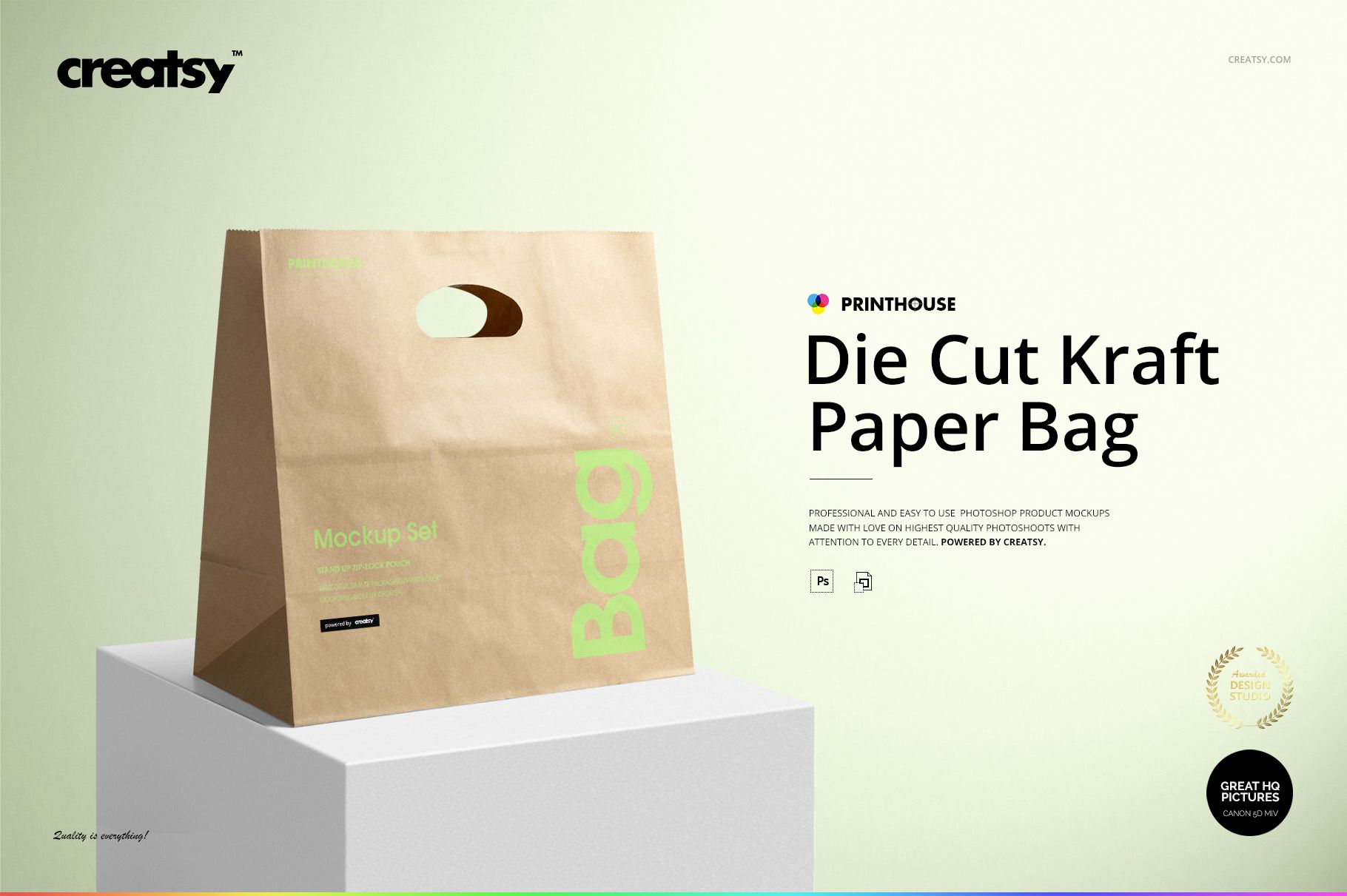
Die Cut Kraft Paper Bag Mockup Set with Five Viewing Angles
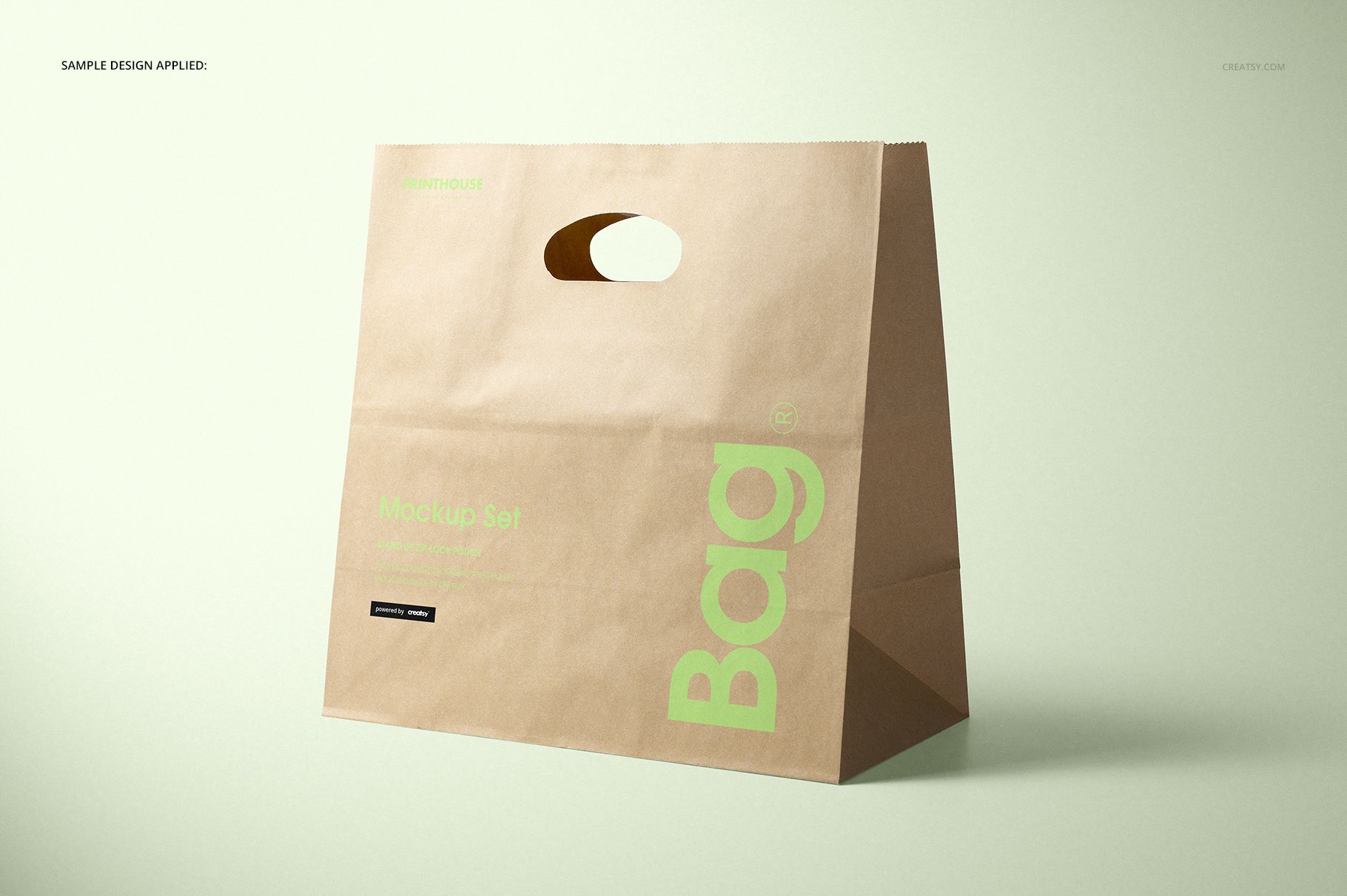
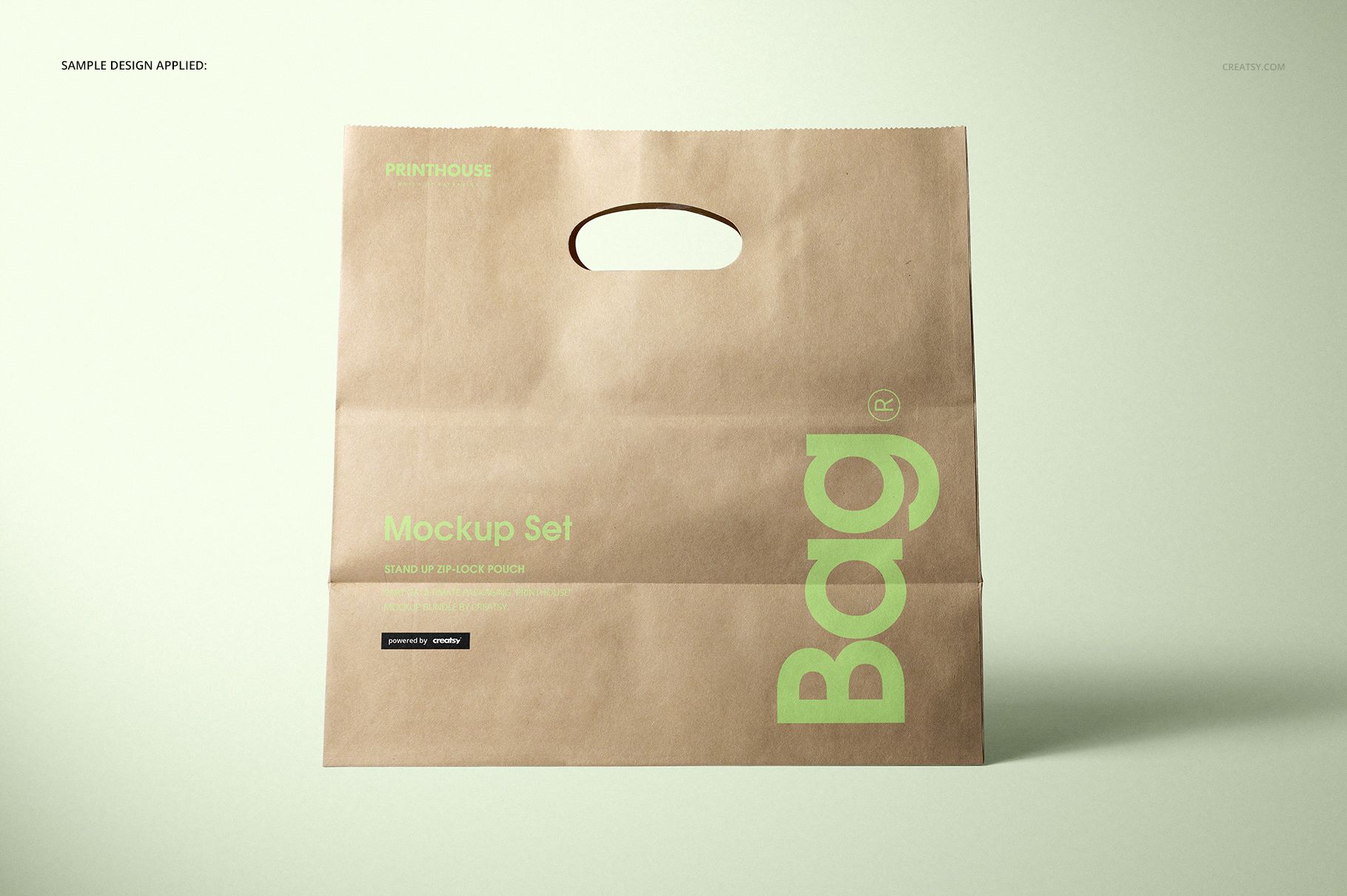
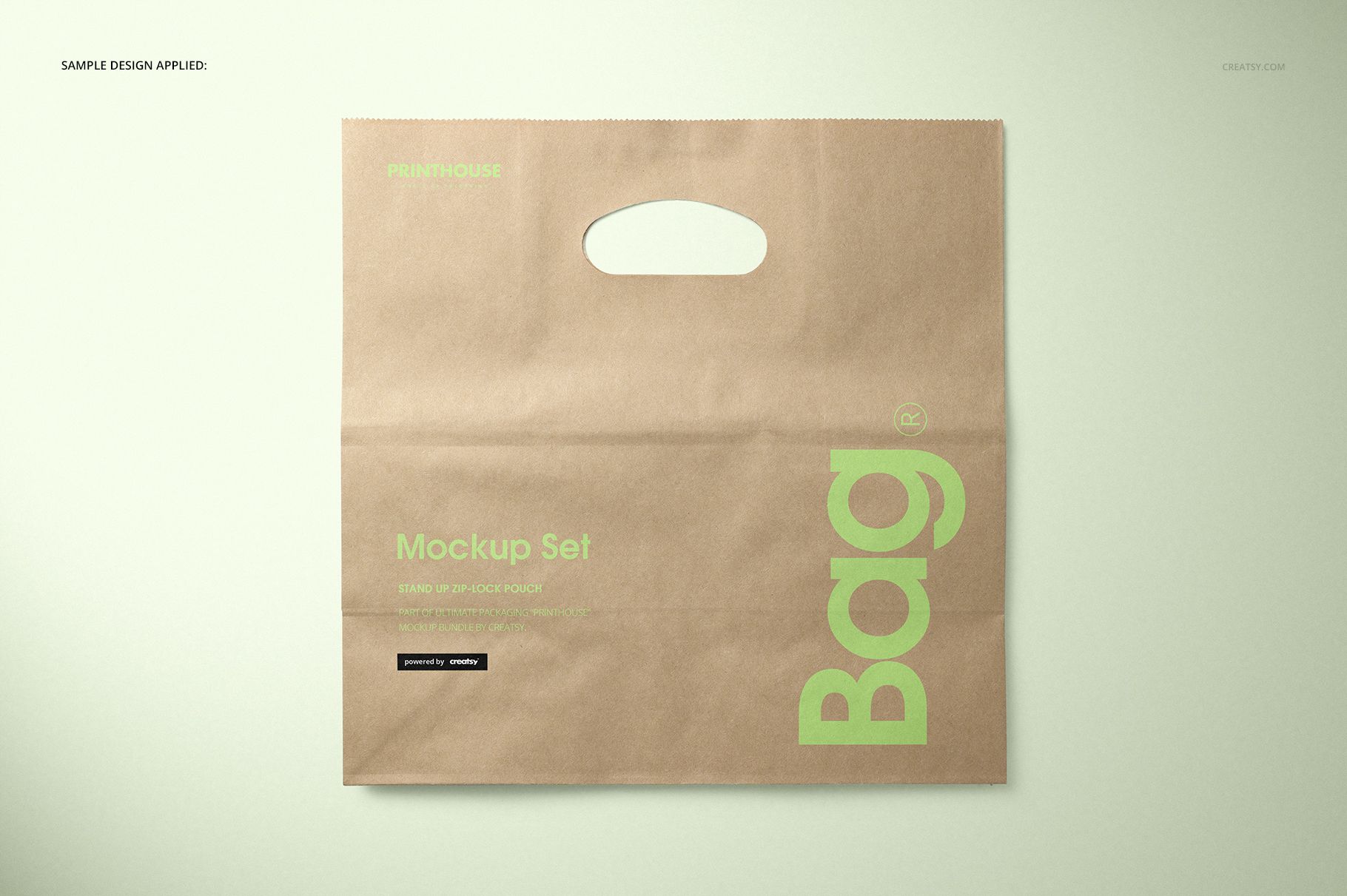
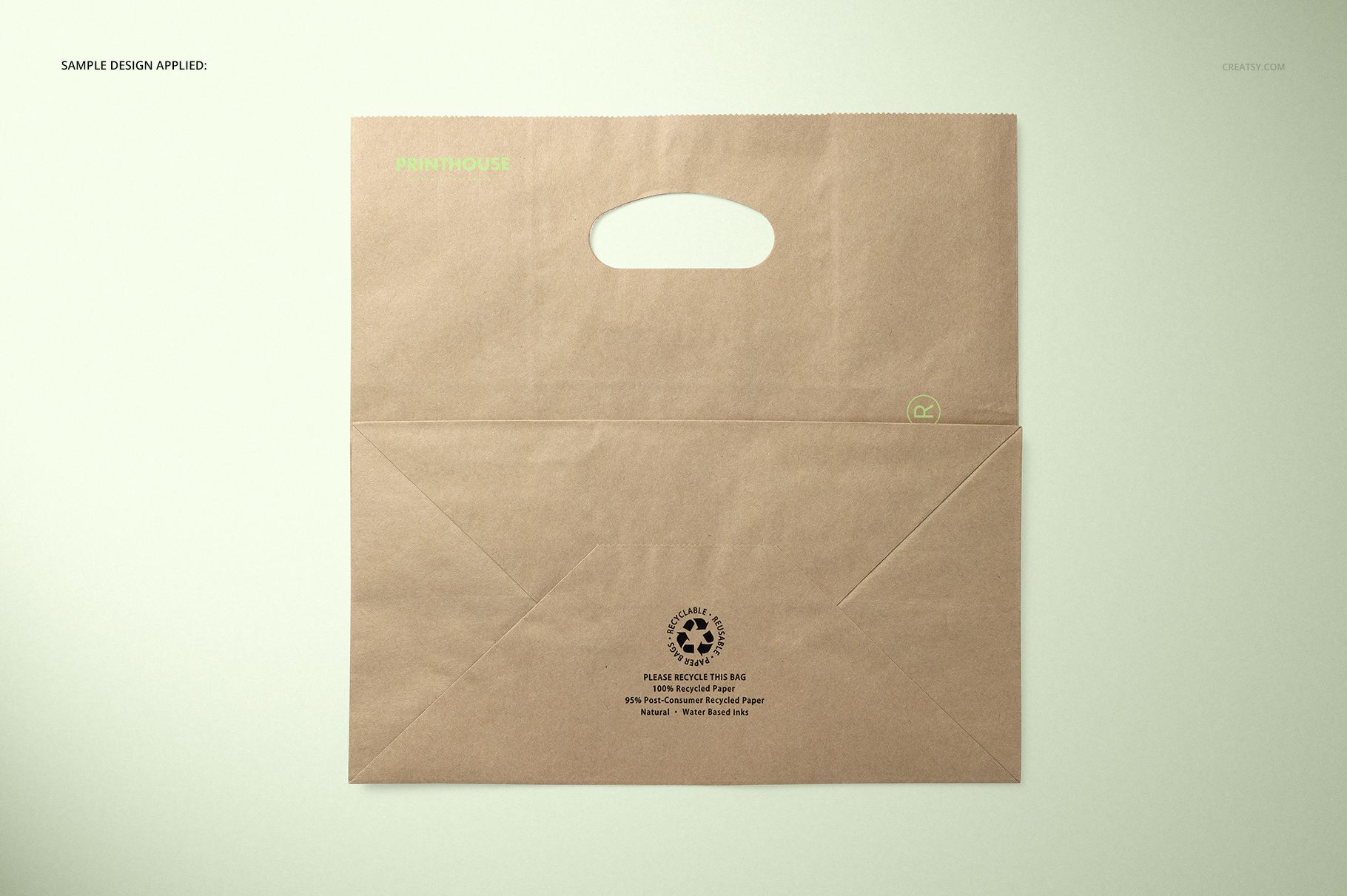
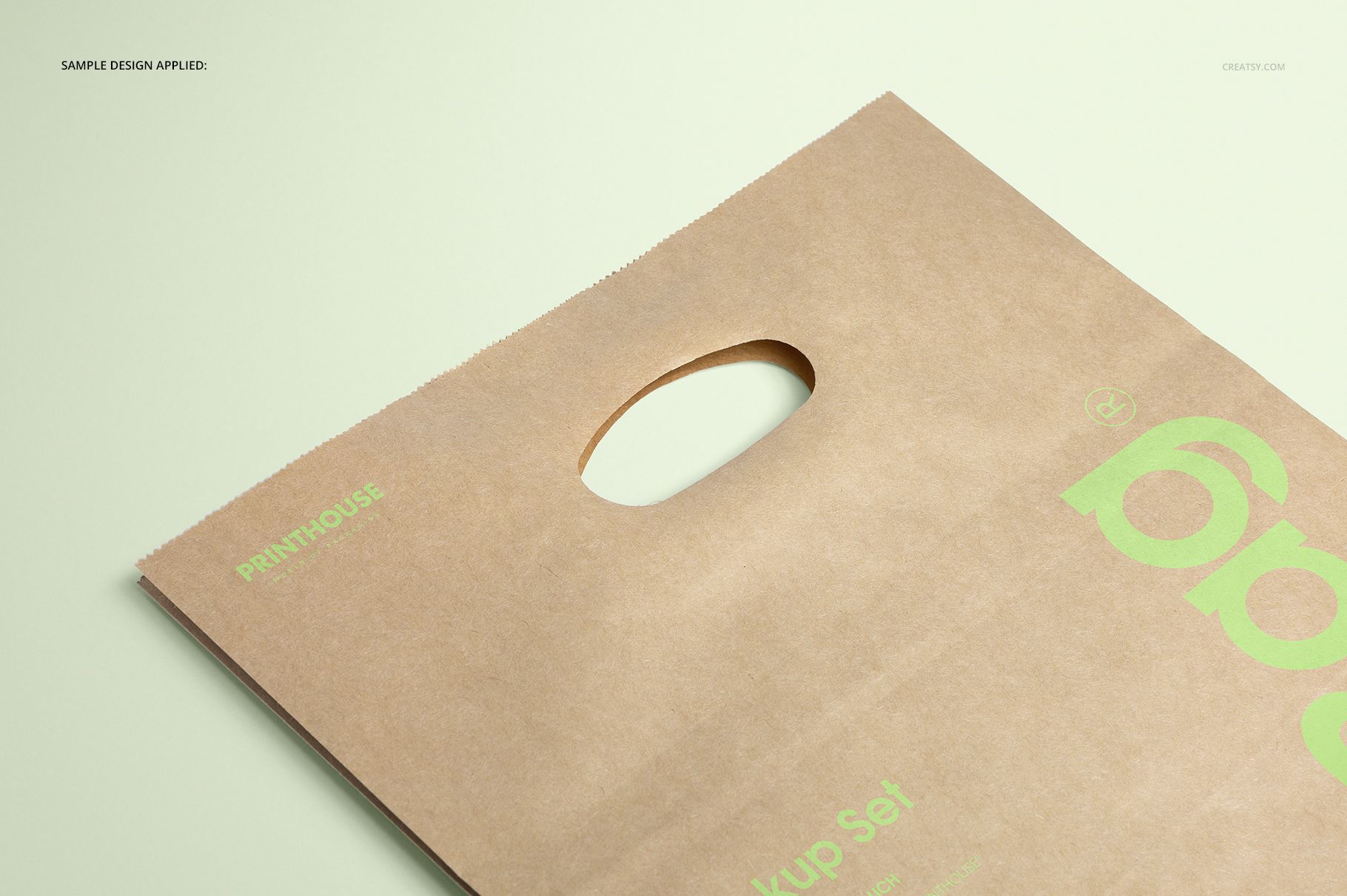
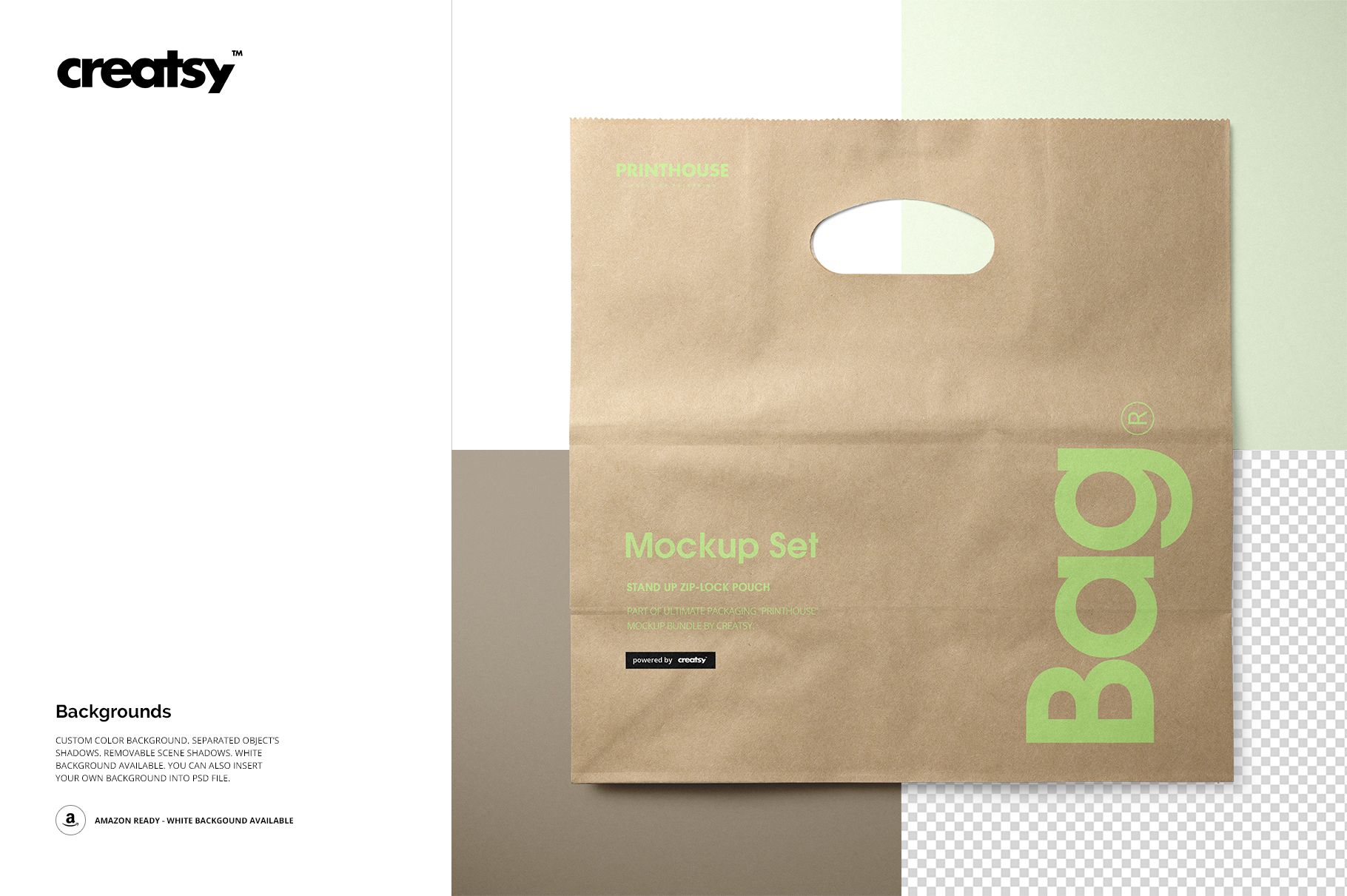
This Die Cut Kraft Paper Bag Mockup Set presents a structured retail carrier with an integrated handle opening. Its five complementary views make it easier to assess logo placement, full-surface graphics, folds, and the relationship between a design and the die cut before a client review or print handoff.
Bag format and viewing angles
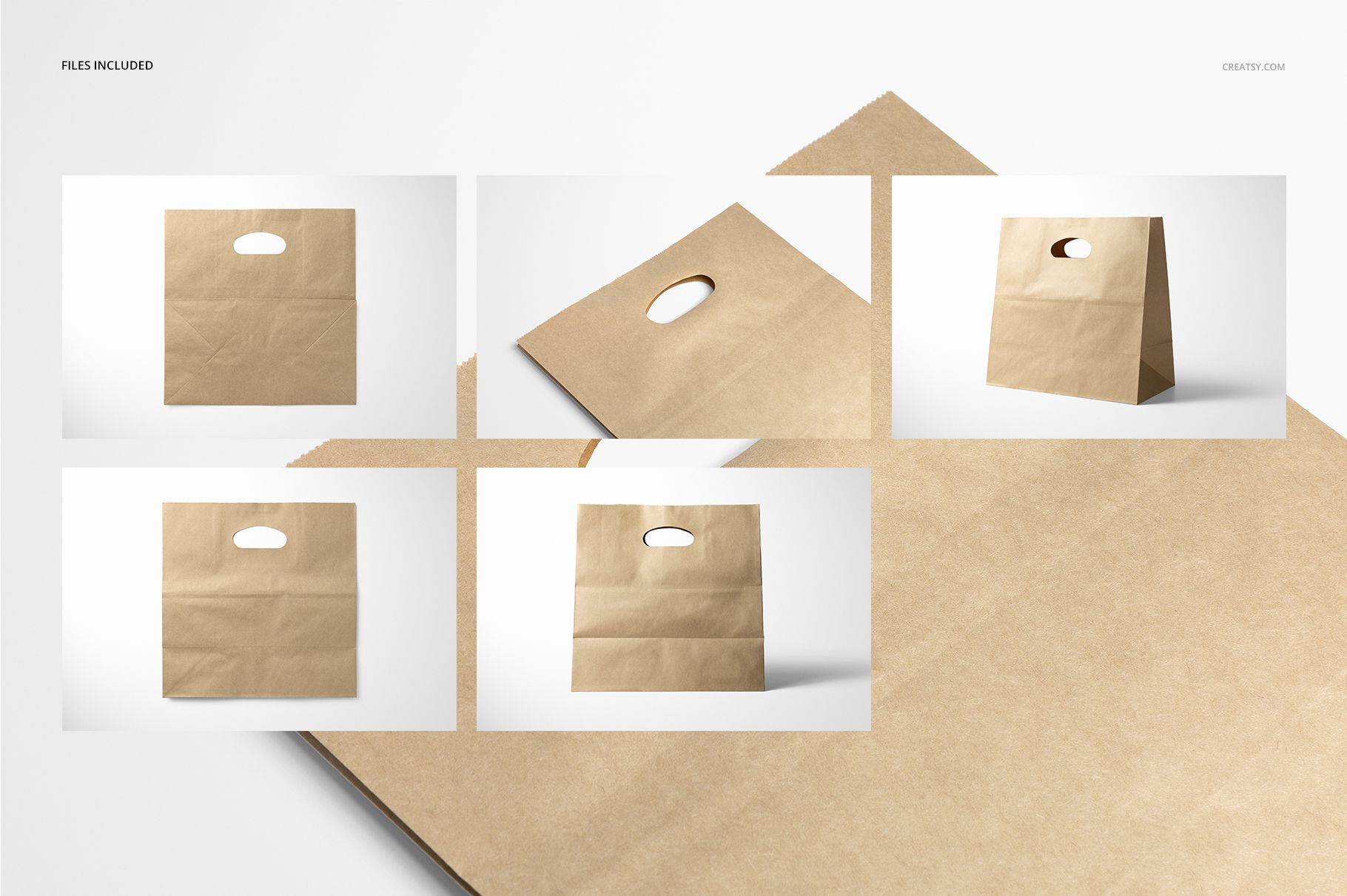
The represented bag measures 11 x 6 x 11 inches. Front, two top-side views, an angled scene, and a closeup provide a practical sequence for explaining a packaging concept from overall composition to small design details.
Verified files and specifications
5 layered PSD scenes: Front, Top side 1, Top side 2, Angled, and Closeup
5 matching JPG previews plus 1 JPG guide
Main scenes at 6000 x 4000 px and 300 DPI
2.45 GB for Windows and 2.63 GB for Mac
Editable presentation controls
Replace the design through Smart Objects
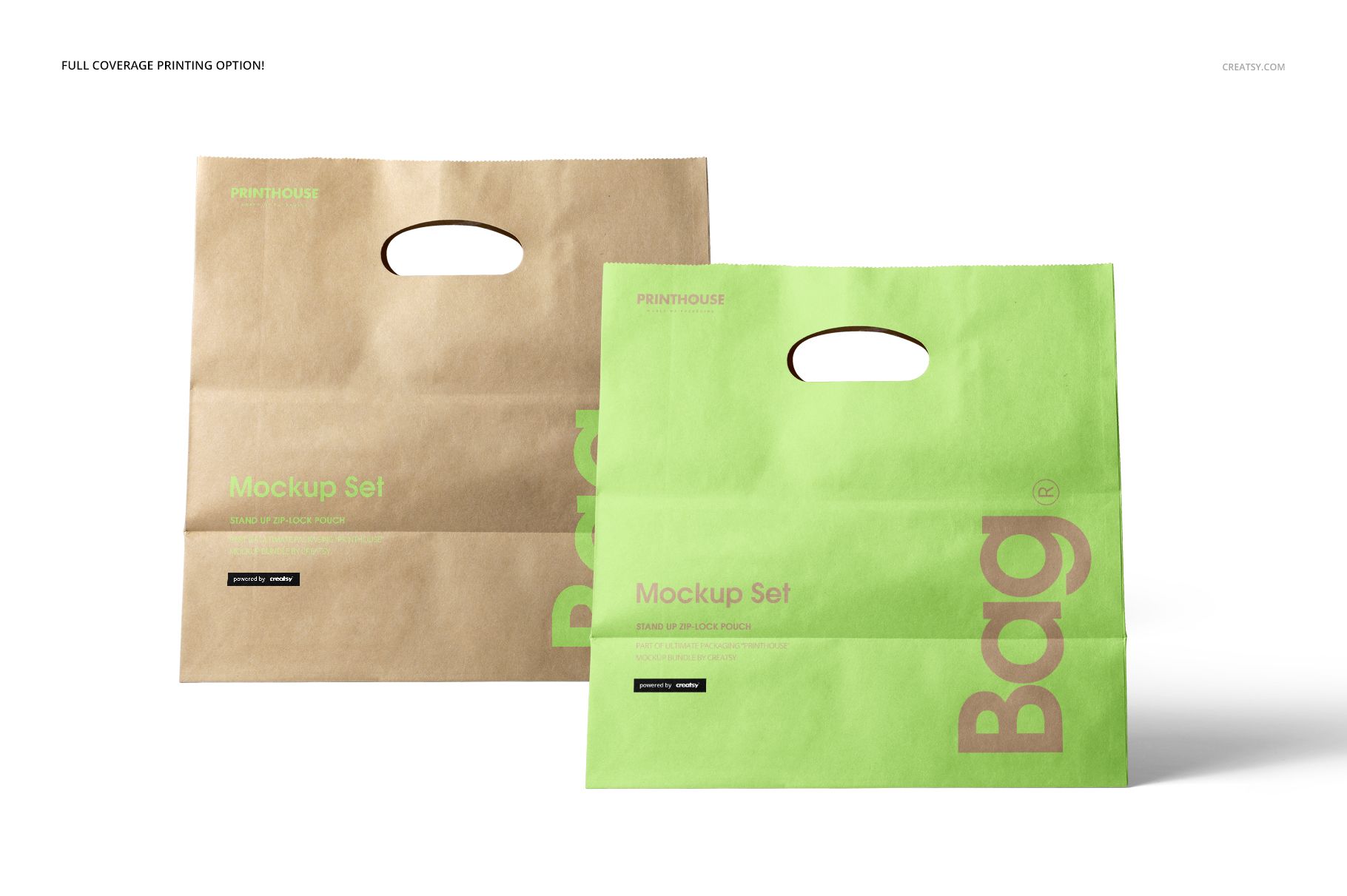
Change the kraft bag color or prepare a full-coverage print concept
Use a white background, select another color, or add a custom backdrop
Control separated object shadows and remove scene shadows when needed
Software and intended use
The PSD files support Adobe Photoshop CC2015 or newer and Photopea. They suit retail identity systems, boutique packaging, merchandise concepts, and e-commerce presentations that need both wide context and close detail. Preview graphics are not included.