Paper Shopping Bag Mockup - Hand Held against Sky
A paper shopping bag does not have to sit still to make an impact.
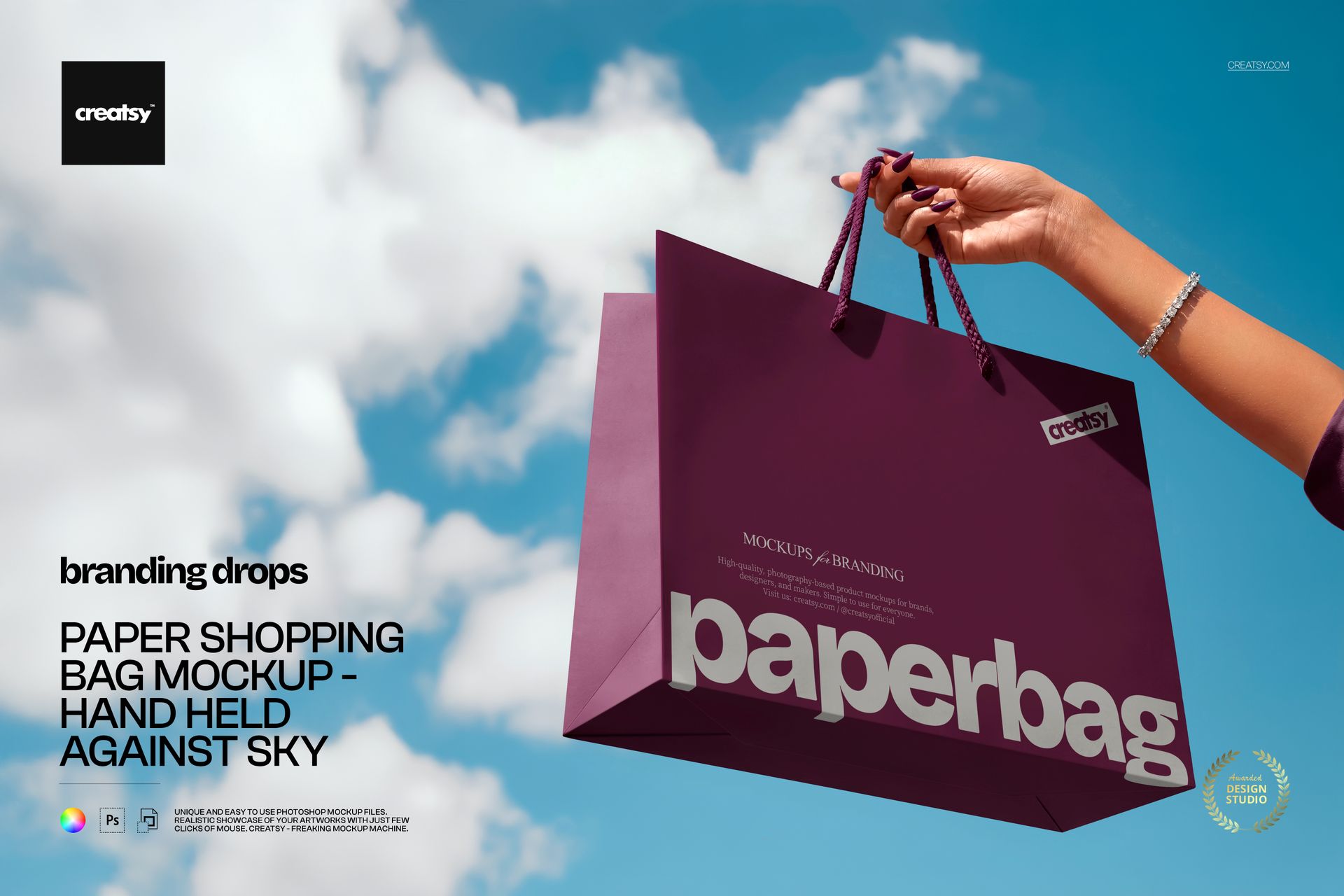
This Paper Shopping Bag Mockup - Hand Held against Sky lifts your packaging design into an open outdoor scene. A hand holds the bag high against a bright blue sky and scattered clouds, creating a fresh composition that feels energetic, optimistic and ready for a real campaign.
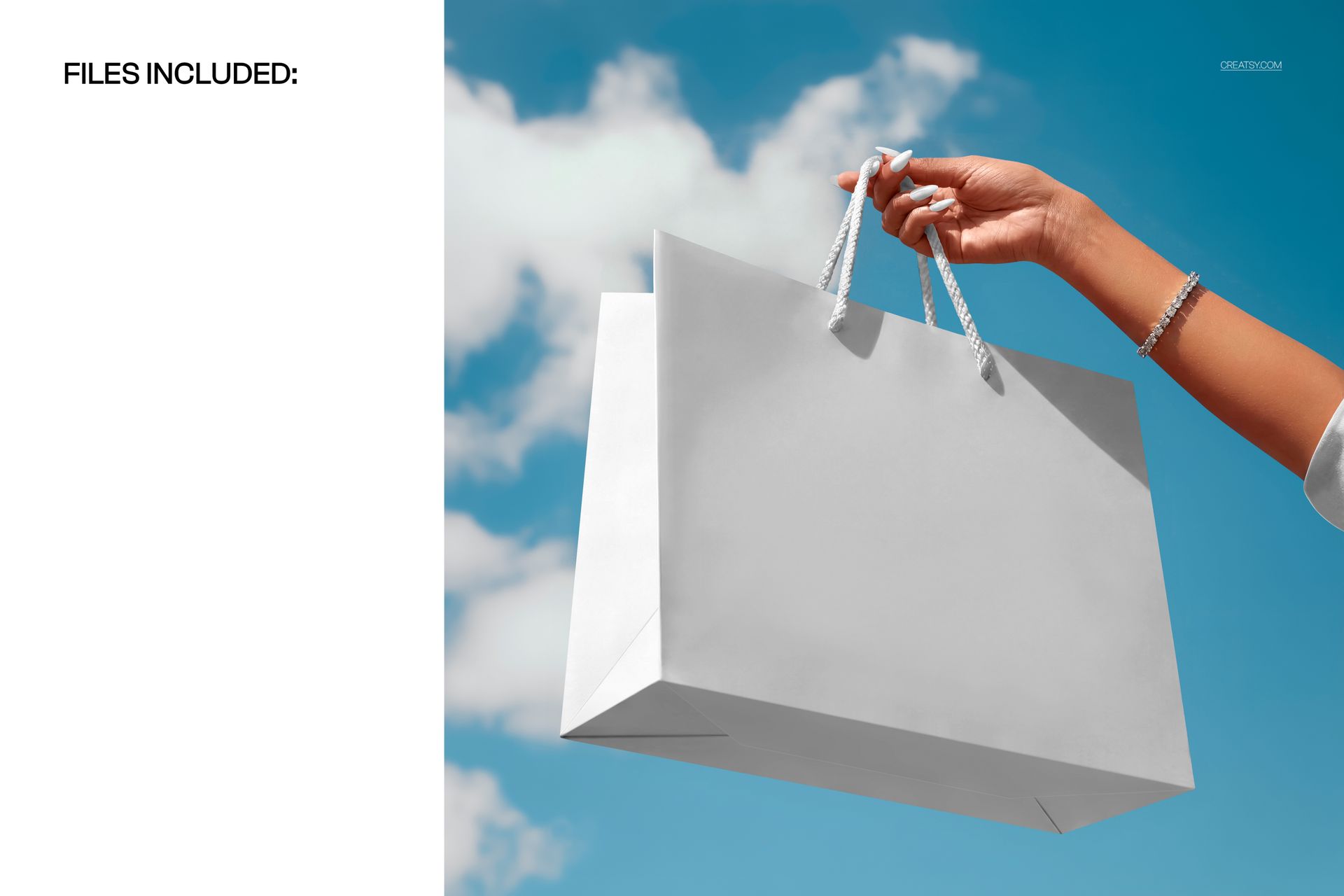
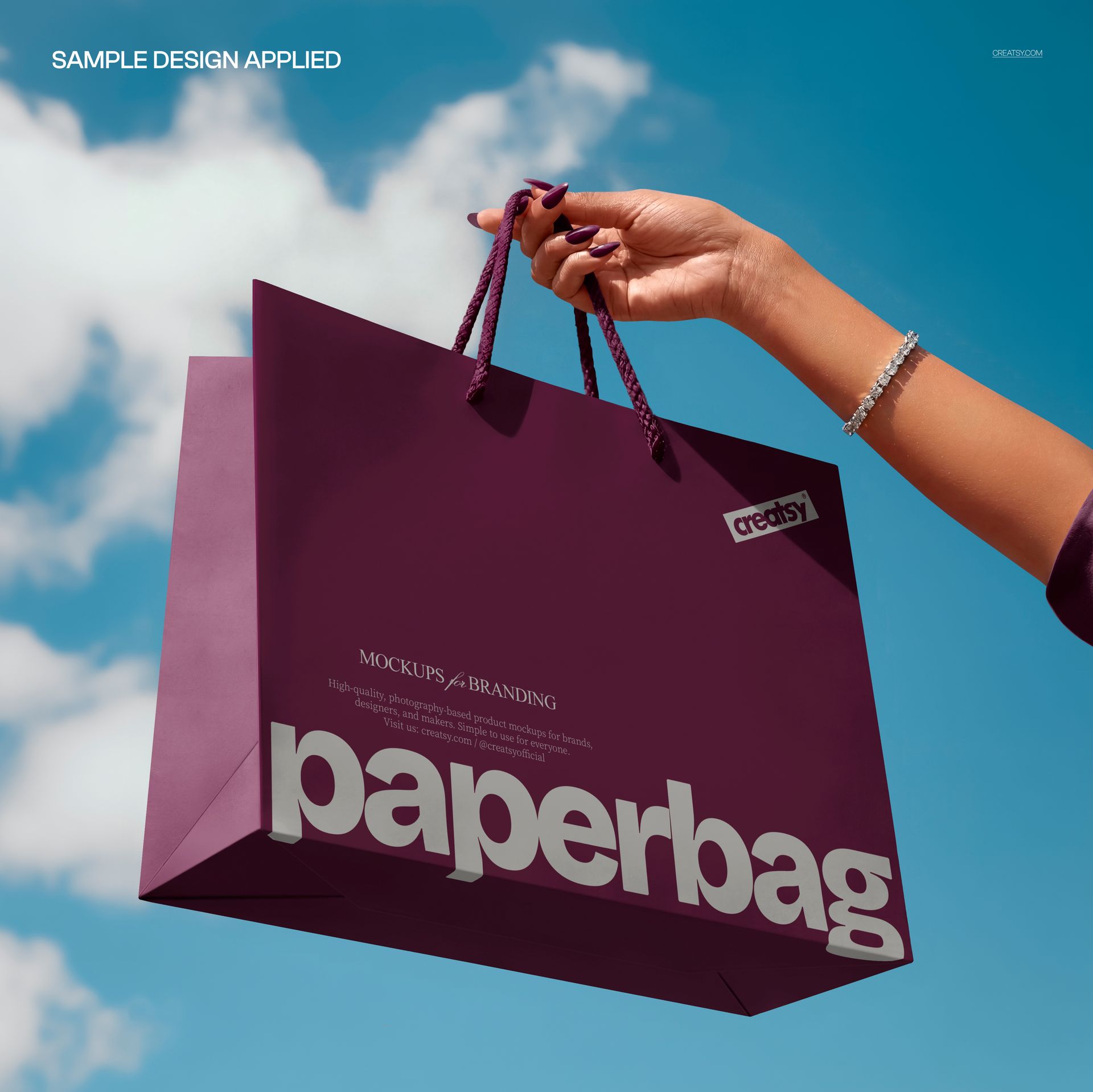
The upward viewpoint gives the bag a clear sense of scale while keeping the packaging artwork at the center of the image. Preview variations demonstrate both a clean white bag and a vivid purple branding direction, with rope handles adding realistic retail detail.
More Than a Standard Packaging Preview
Many paper bag mockups are designed as quiet studio still lifes. This scene takes a different approach.
The hand introduces movement and human interaction. The open sky creates space around the product. The low camera angle gives the bag a stronger visual presence. Together, these elements turn a simple packaging preview into an image that can support a product launch, fashion campaign or social media announcement.
It is particularly effective when your design needs to feel:
Fresh and contemporary
Confident and highly visible
Light, positive and energetic
Connected to an outdoor lifestyle
Ready for a seasonal campaign
More human than an isolated product render
The composition shows how the bag might look while being carried, photographed or shared outside the store.
Give Your Branding More Room to Breathe
The sky creates a naturally uncluttered background, allowing logos, patterns and typography to remain easy to read.
Use a centered logo for a clean boutique presentation. Add oversized lettering for a more expressive fashion campaign. Apply a repeat pattern to turn the entire bag into a recognizable brand surface. Introduce a strong bag color to create contrast with the blue sky.
The scene works well with:
Minimal logo systems
Bold campaign typography
Geometric and abstract patterns
Illustrated retail packaging
Fashion and beauty branding
Museum and gallery shop bags
Event and conference merchandise
Seasonal store packaging
Limited edition collections
Color-led brand identities
Because the environment is simple, the design on the bag can be quiet or highly decorative without making the image feel overloaded.
Designed for Campaign Content
This mockup can be used as more than a client approval image. Its square format and clear focal point make it suitable for outward-facing marketing content.
Use the finished visual for:
Instagram launch posts
Pinterest campaign graphics
Website hero sections
Online store announcements
Newsletter headers
Fashion collection previews
Packaging design portfolios
Behance case studies
Retail branding presentations
Seasonal sales campaigns
Client pitch decks
Paid social advertising
The negative space around the bag may also leave room for a headline, launch date or short promotional message when building a wider campaign layout.
A Human Touch Without a Full Model
A full lifestyle photo can sometimes pull attention away from the product. This composition includes only the hand, giving the bag a human context while keeping the design as the main subject.
The hand helps viewers understand the physical size of the bag and makes the scene feel more natural. At the same time, the absence of a full person keeps the image versatile across different brands, audiences and campaign styles.
This makes the mockup useful for designers who want the realism of a lifestyle scene without committing to a specific model, outfit or location.
Useful Before Production
A flat artwork file cannot fully communicate how a logo, pattern or color treatment will feel on an actual shopping bag.
Use the mockup to evaluate:
Logo size and placement
Pattern scale across the front panel
Contrast between artwork and bag color
The relationship between the handles and design
How branding reads from a distance
Whether the concept feels strong enough for a campaign
How the bag may appear in customer photos
This can help you refine the design before printing samples, presenting the concept to a client or preparing launch content.
Easy Smart Object Editing
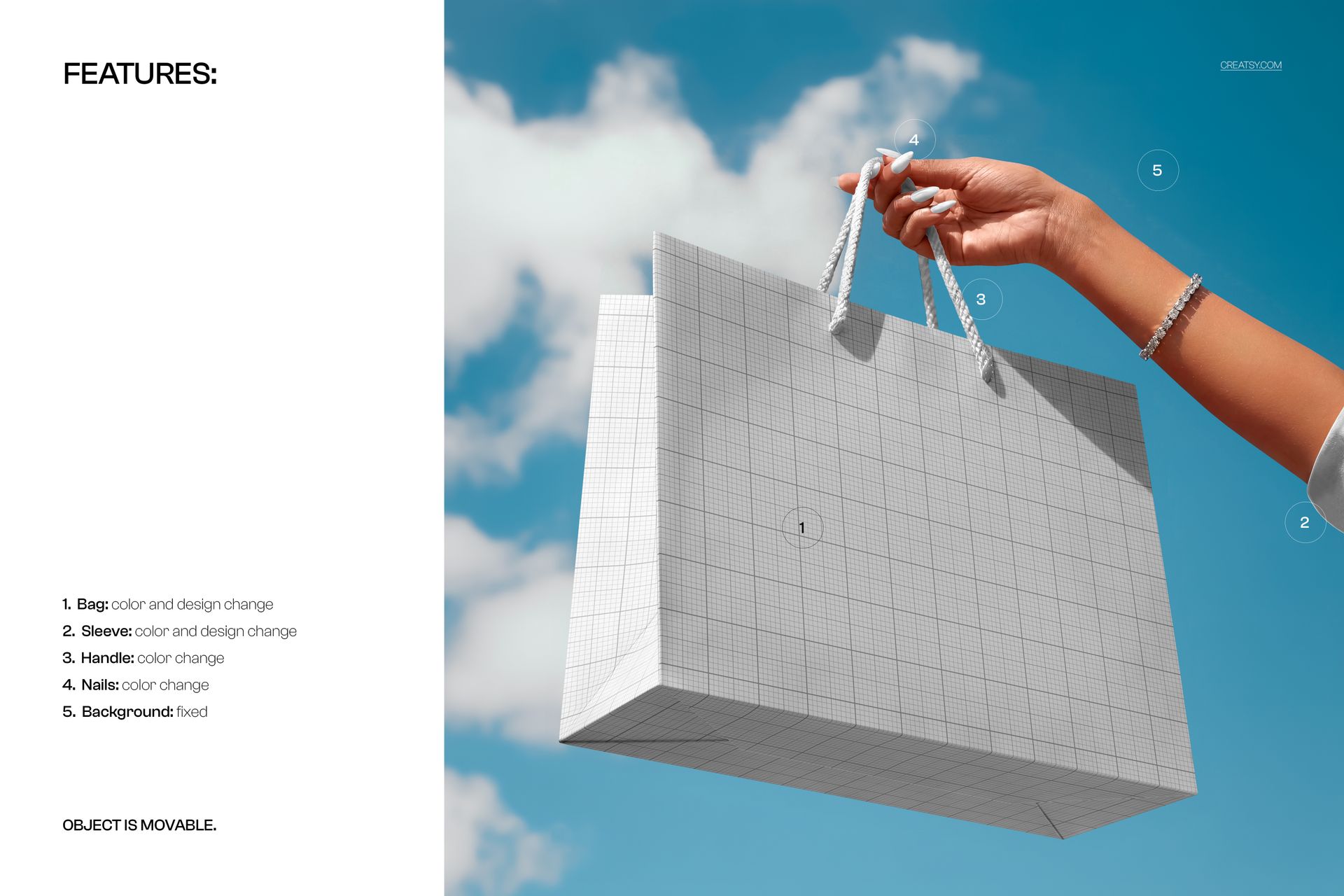
Open the PSD in Adobe Photoshop or Photopea, double-click the Smart Object, add your artwork and save the file. The mockup places your design into the original perspective while preserving the scene’s lighting, shadows and bag shape.
The file uses clearly organized layers and folders, so you can move from artwork to a finished image without manually masking or warping the design.
Use the same scene to compare several visual directions, prepare different bag colors or create a coordinated series of campaign images.
What You Can Showcase
Use this mockup to present:
Paper shopping bag designs
Retail packaging identities
Boutique shopping bags
Fashion and accessory branding
Beauty store packaging
Logo and monogram concepts
Surface patterns and illustrations
Typography-led bag designs
Promotional retail bags
Event merchandise packaging
Seasonal shopping bag collections
Limited edition packaging
Client approval visuals
Social media campaign images
File Specifications
Product title: Paper Shopping Bag Mockup - Hand Held against Sky
Category: Retail Bags & Reusable Shoppers
Part of Branding Drops Mockup Bundle
Pack includes 1 PSD file
2 files included in total
File formats: PSD and JPG
PSD dimensions: 4000x4000 px
Resolution: 300 DPI
Compatible with Adobe Photoshop CC2020 or newer
Compatible with Photopea
Smart Object editing workflow
Well organized layers