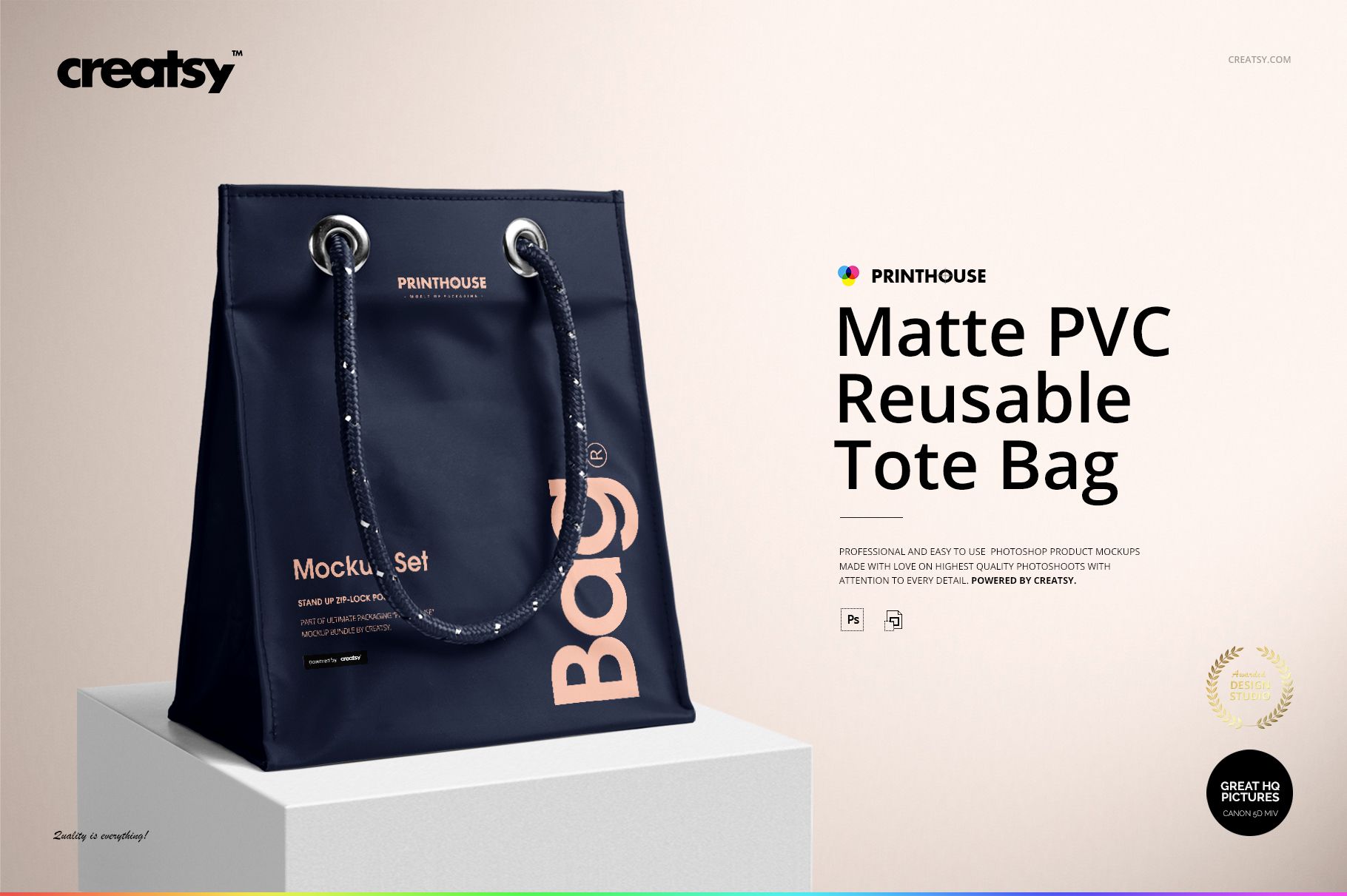
Matte PVC Reusable Tote Bag Mockup Set
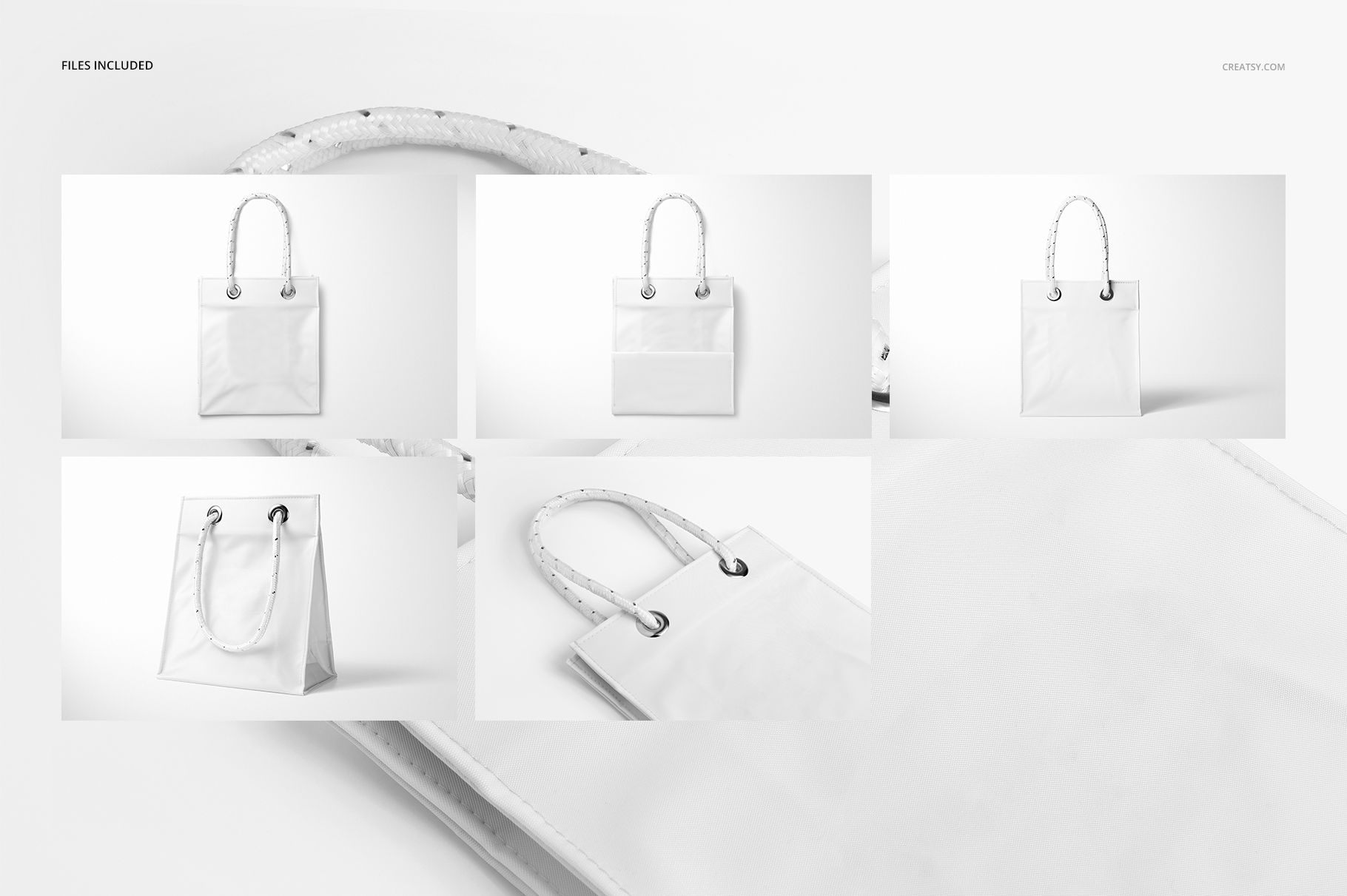
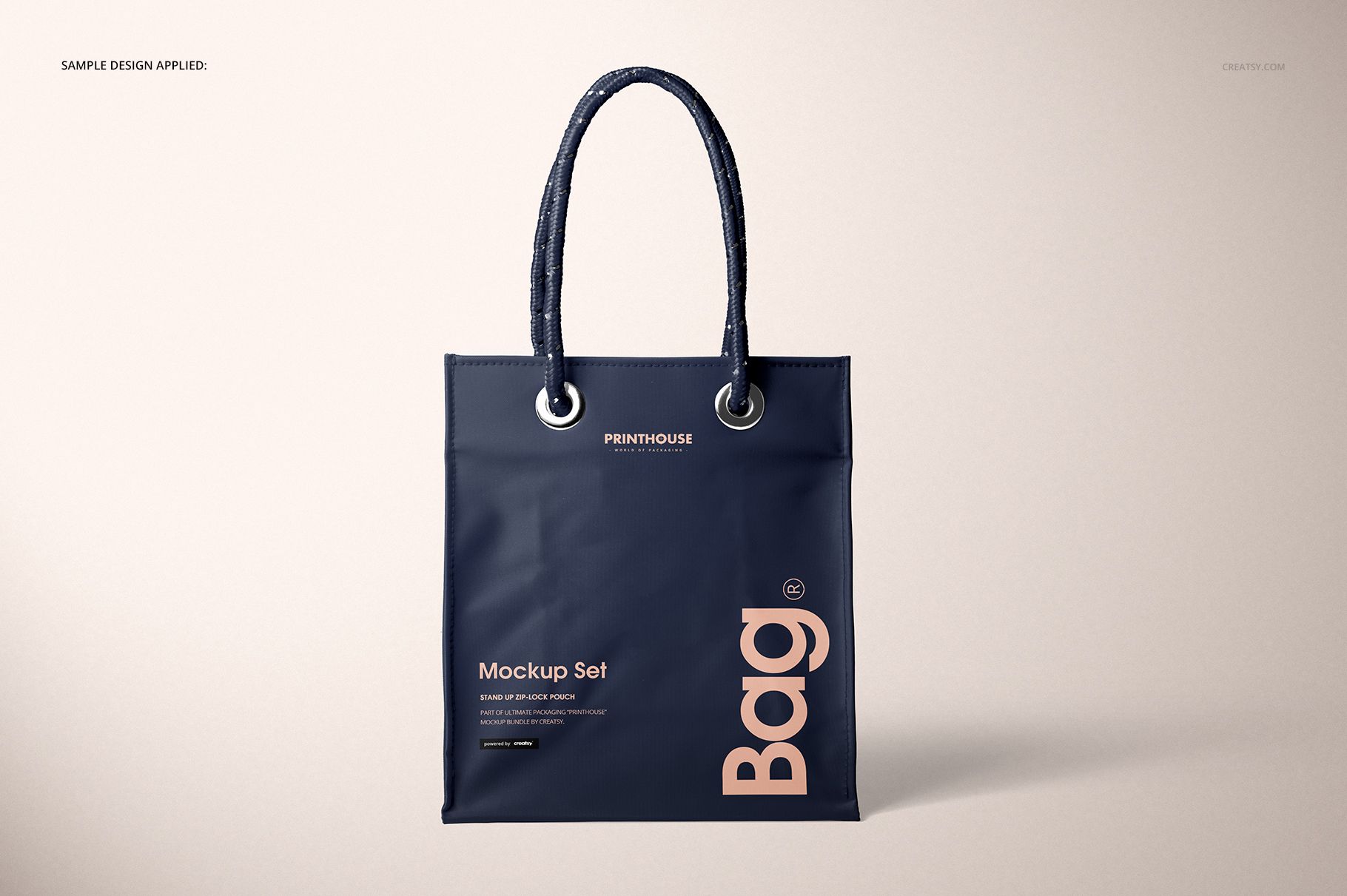
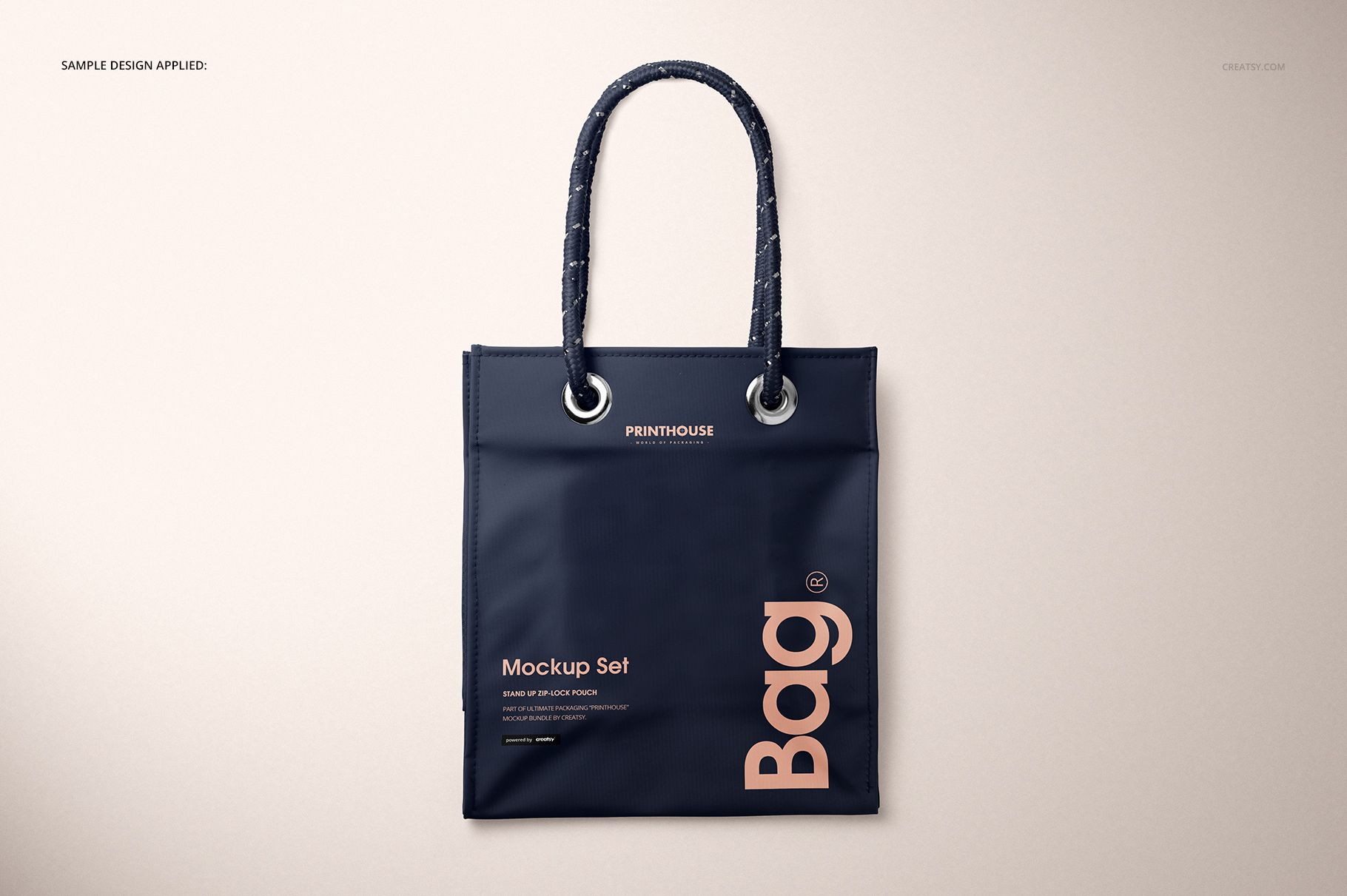
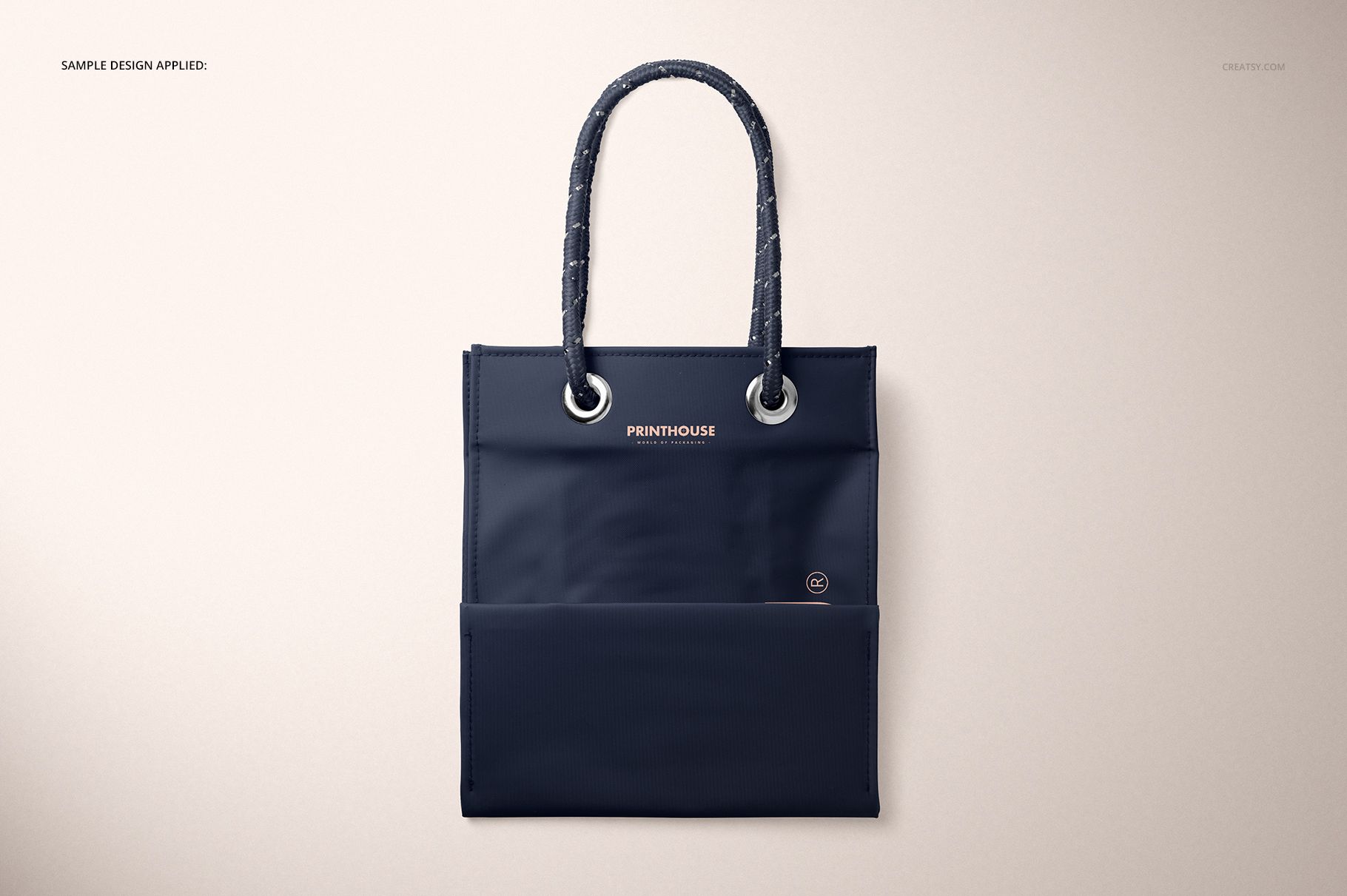
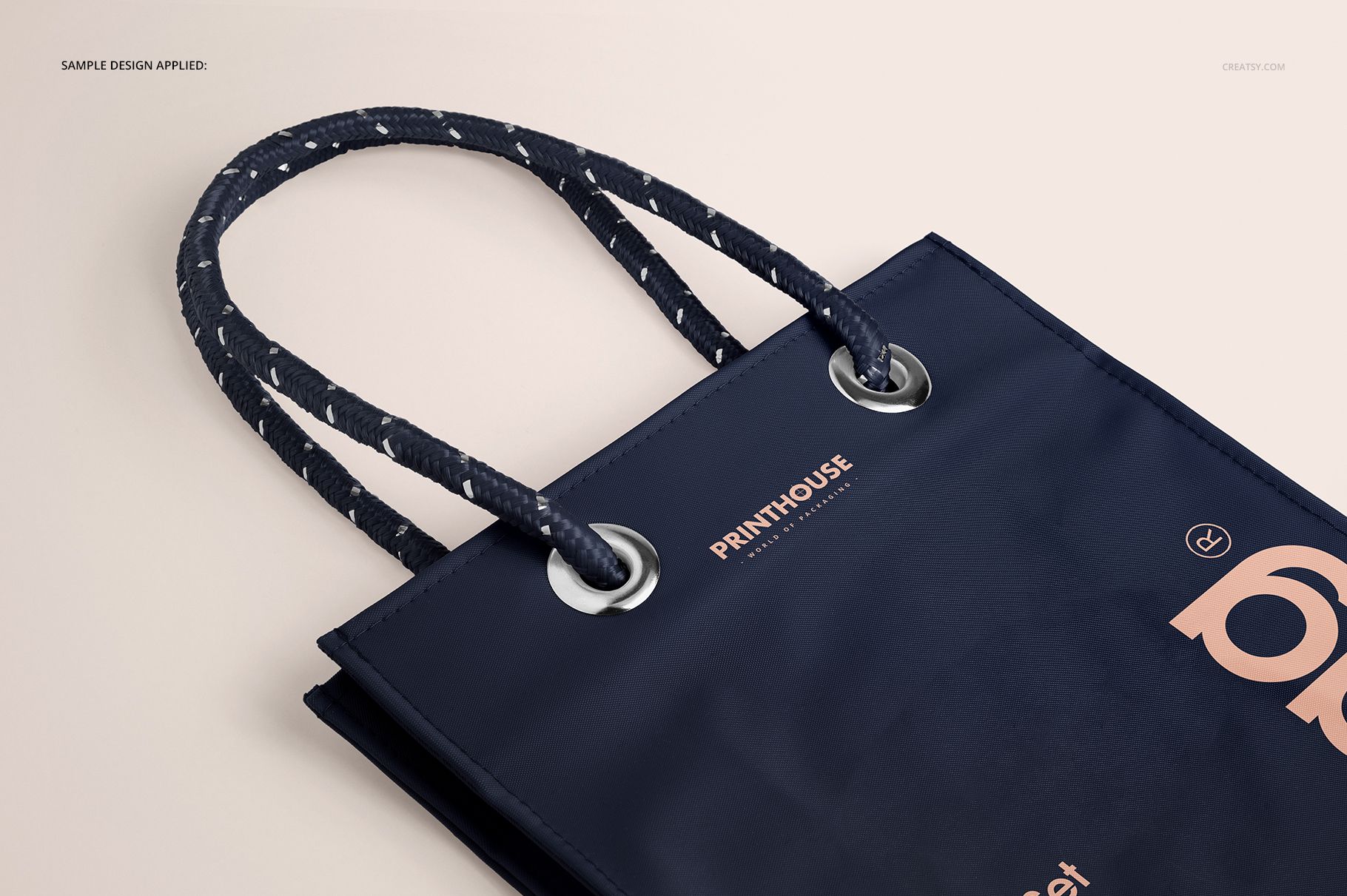
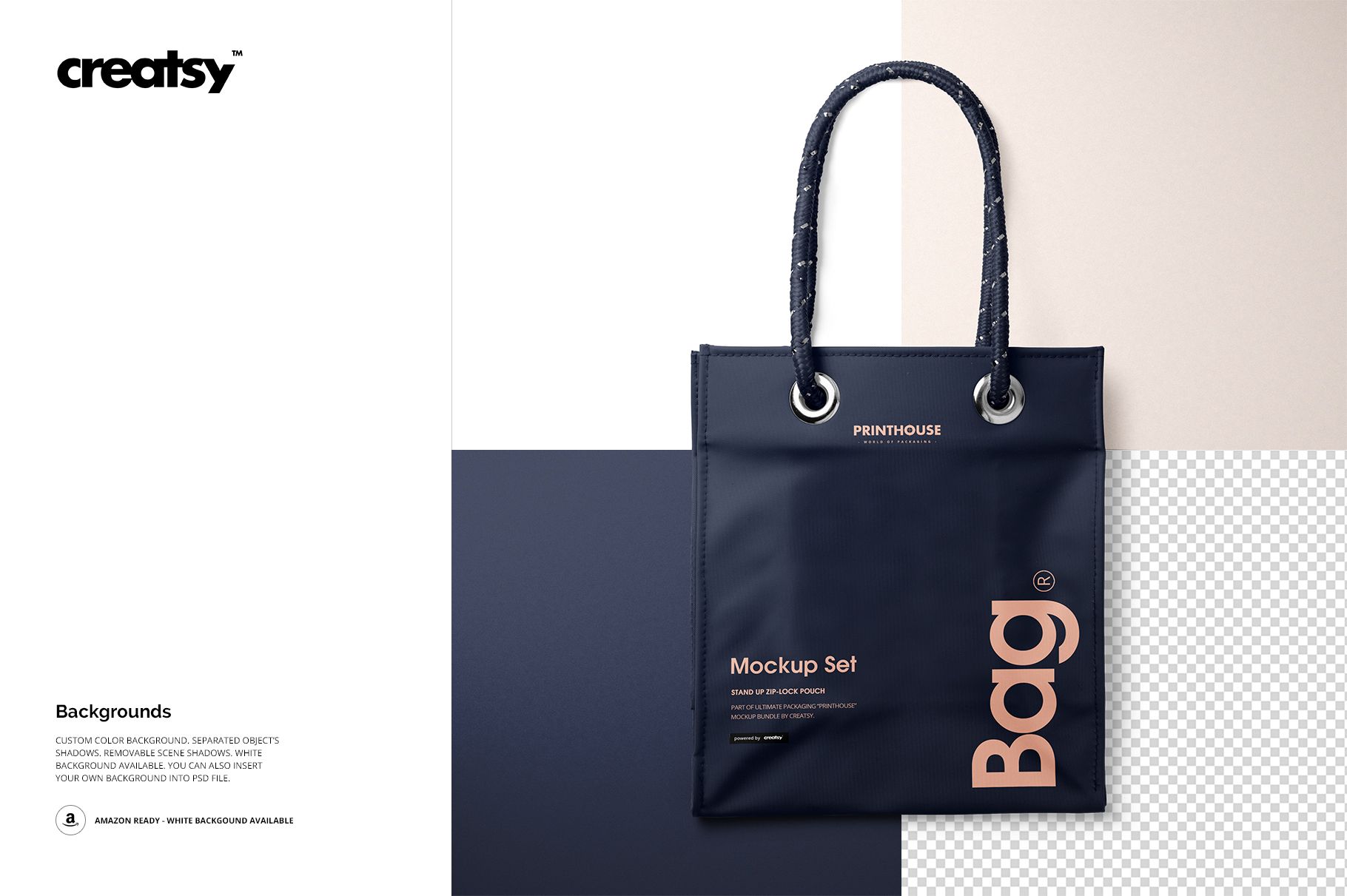
See how branding sits on a compact matte PVC shopper before production. Five high-resolution PSD scenes cover the front, angled structure, close-up material detail, and two top views, so the rope handles, metal grommets, folds, and 11 cm gusset can all be checked from useful angles.
The opaque matte surface gives logos, typography, and repeating artwork a controlled backdrop. Use the coordinated views to present one design consistently, compare colorways, or build a product gallery without arranging a physical sample shoot.
What Is Included
5 layered PSD mockups: Front, Angled, Closeup, Top Front, and Top Back
5 matching JPG previews at 6000 x 4000 px
1 JPG guide at 1918 x 1414 px, 11 files in total
Package size: 1.97 GB on Windows and 2.12 GB on Mac
Compatibility with Adobe Photoshop CC 2015 or later
A Compact Shopper with Retail Details
The modeled tote measures approximately 21 cm wide, 24.5 cm high without handles, and 11 cm deep. Its upright proportions, side gusset, rope handles, and metal grommets suit small retail purchases, promotional kits, branded gifts, and event merchandise.
Easy Smart Object Editing
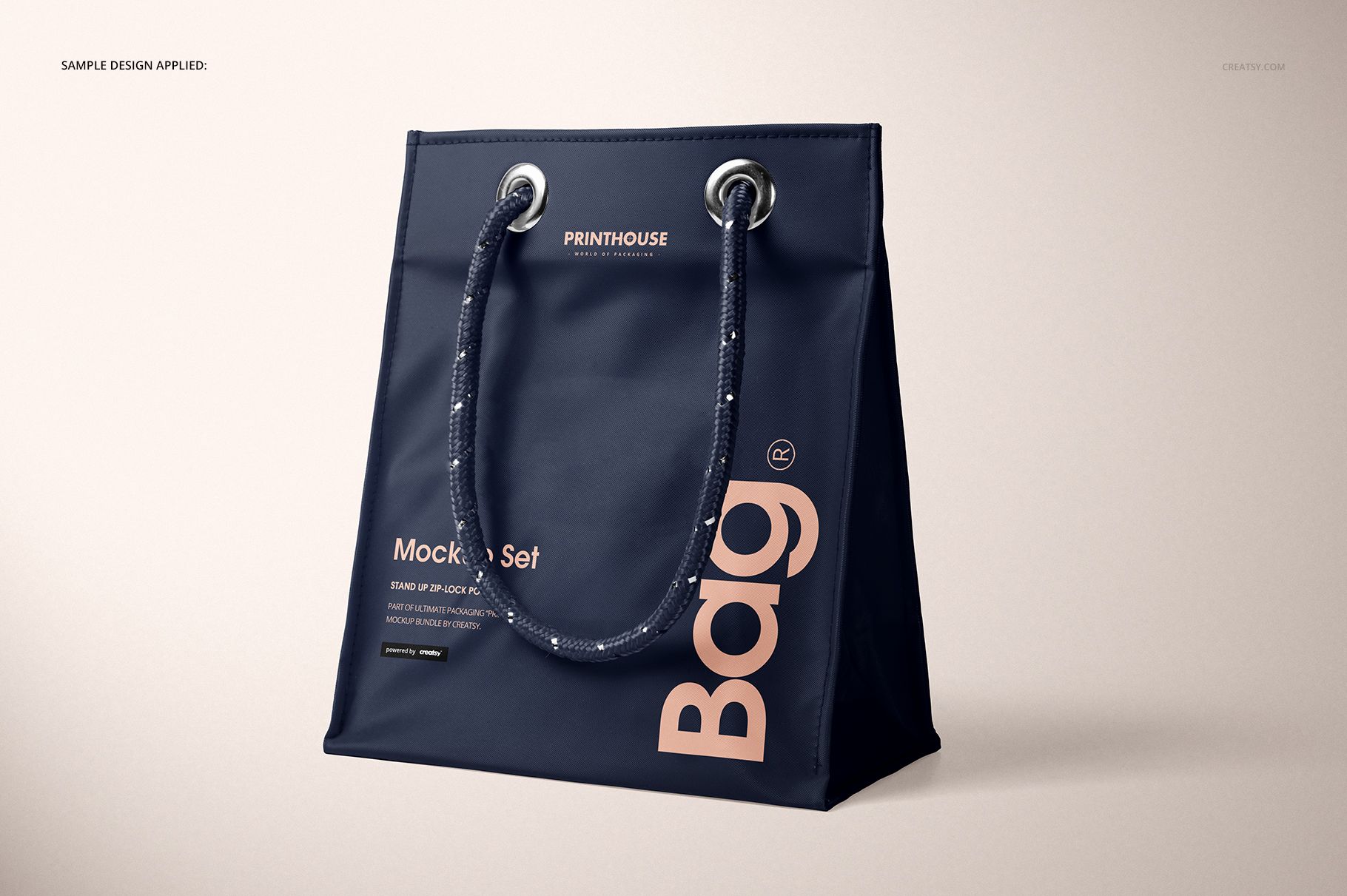
Place your logo, pattern, typography, or illustration through the Smart Object.
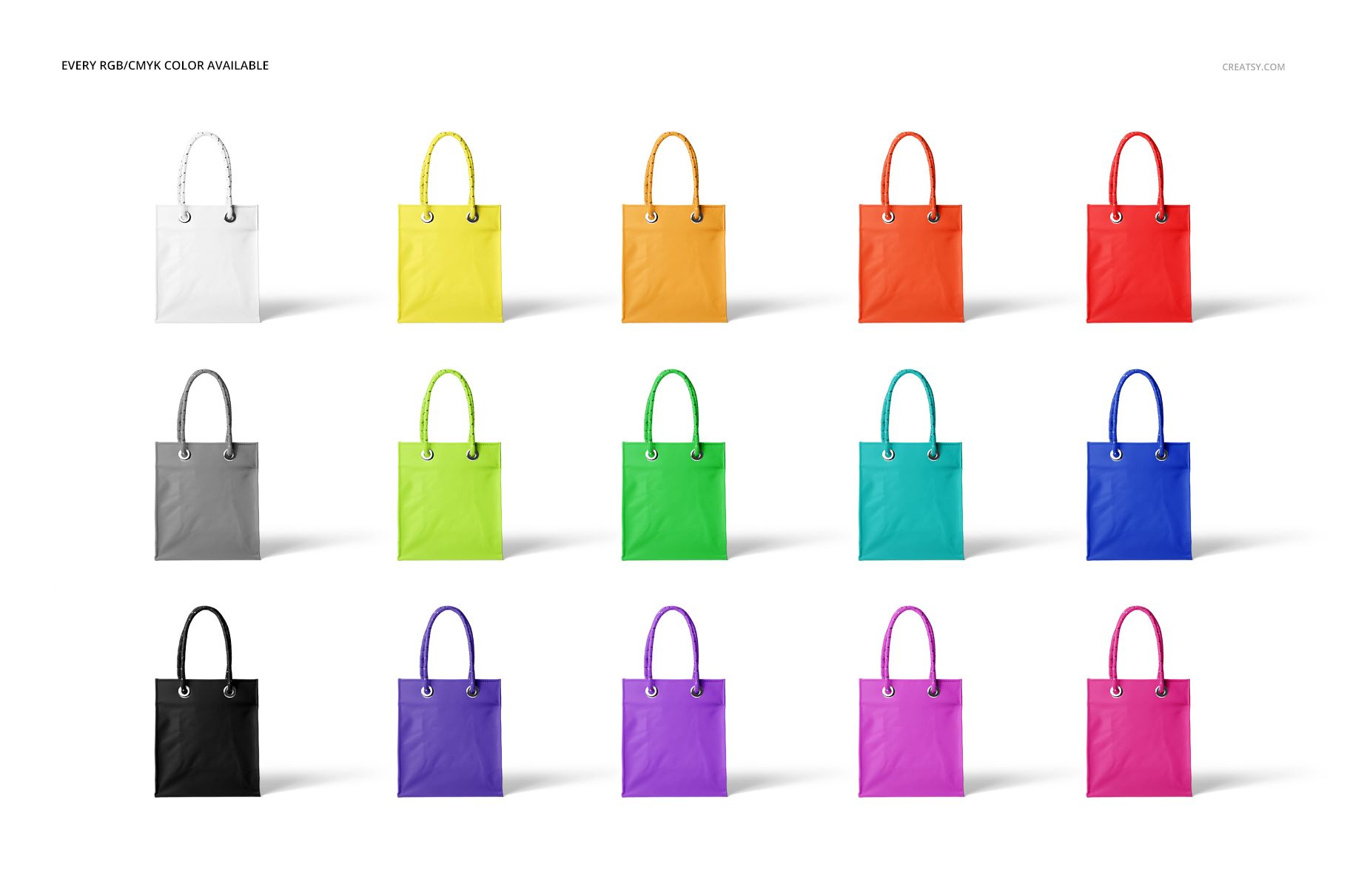
Adjust the bag color with the available RGB or CMYK controls.
Choose a solid color, white, or your own inserted image for the background.
Refine the separated object shadows or remove scene shadows before export.
Useful For
Logo and identity presentations
Surface pattern and illustration previews
Retail, promotional, and event bag concepts
Client approvals and ecommerce image galleries
This is a digital mockup product. The example artwork and physical bag are not included.