ID: 1879701845 | Updated: Jan 21, 2026

Product Details

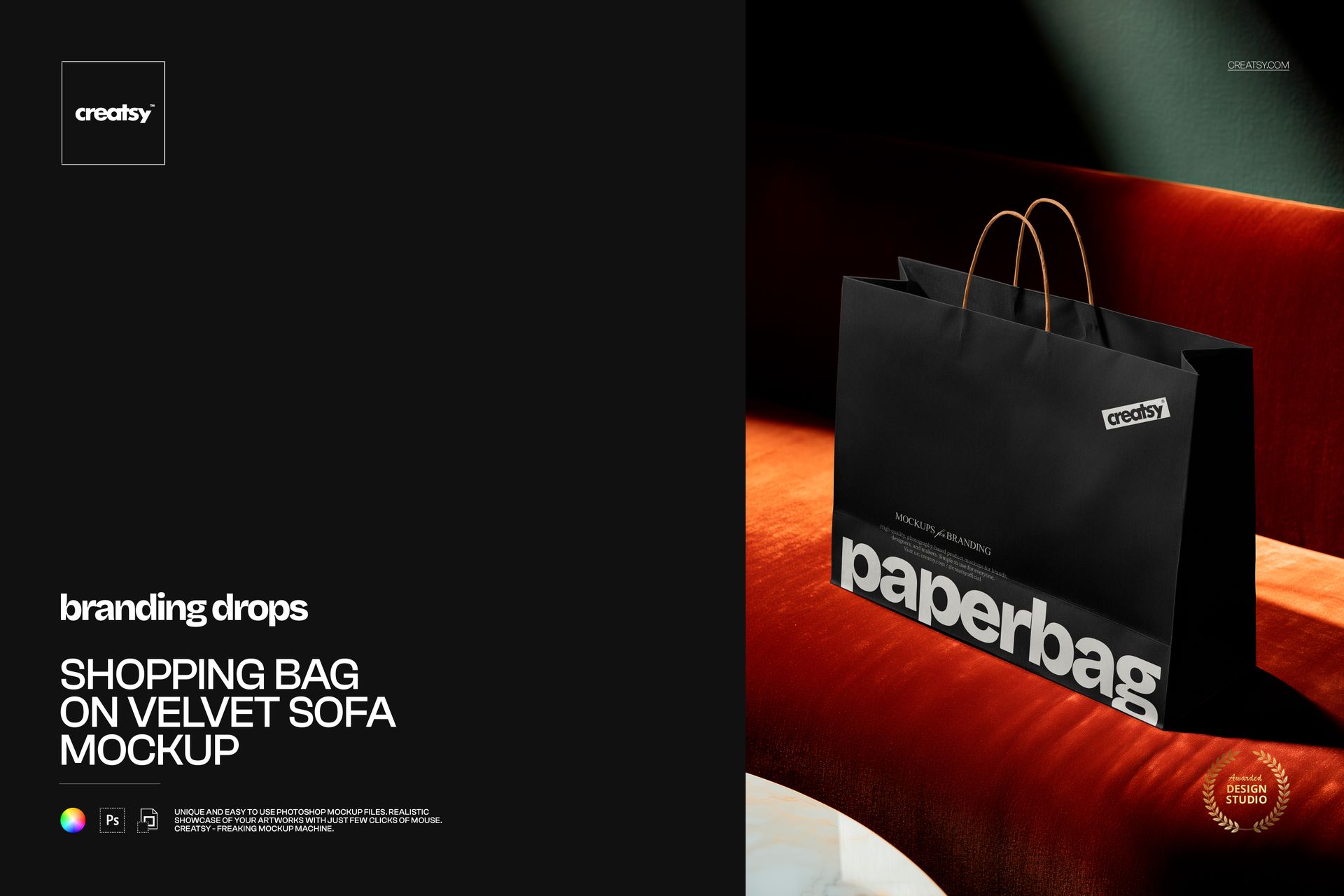
Shopping Bag on Velvet Sofa Mockup

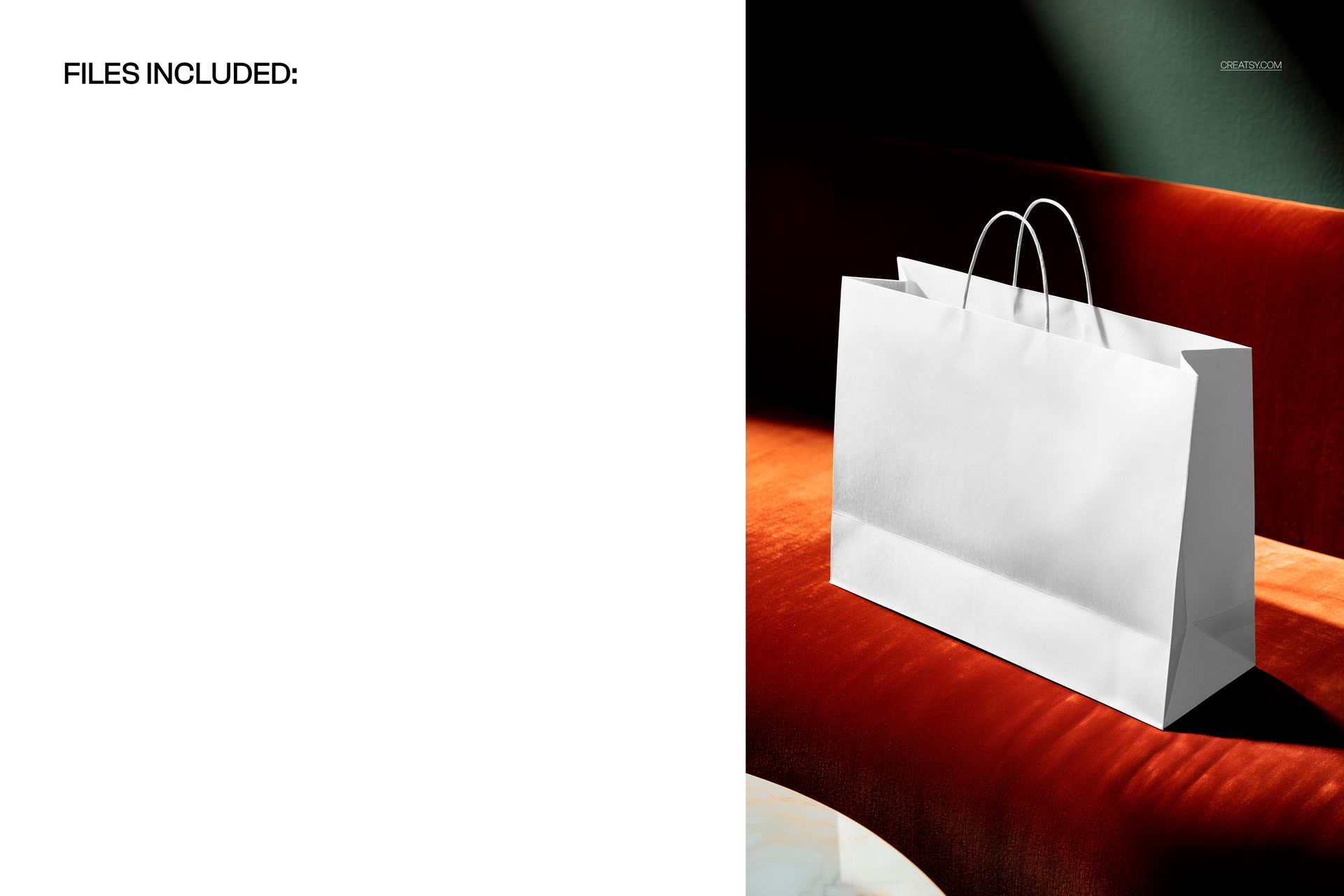
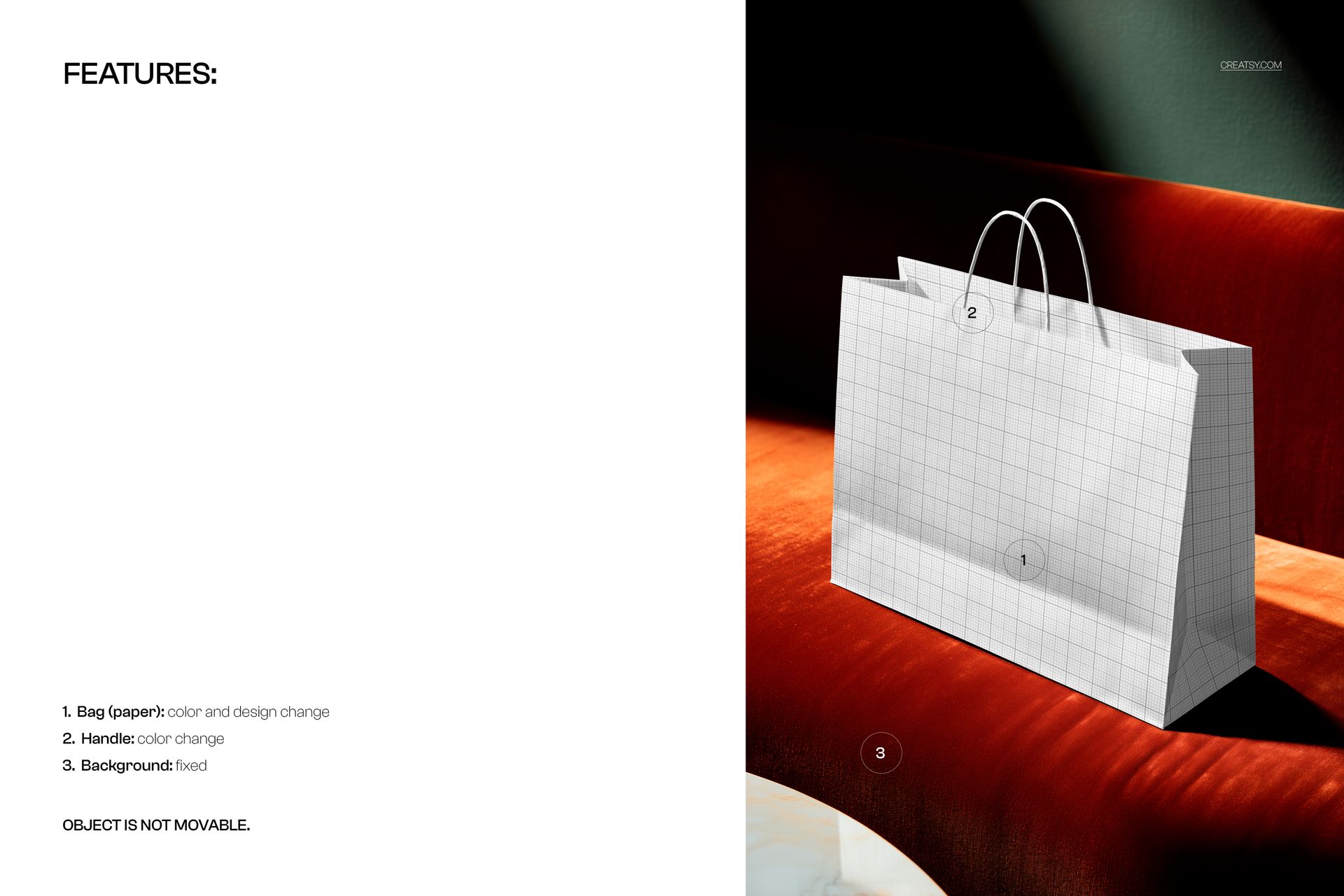
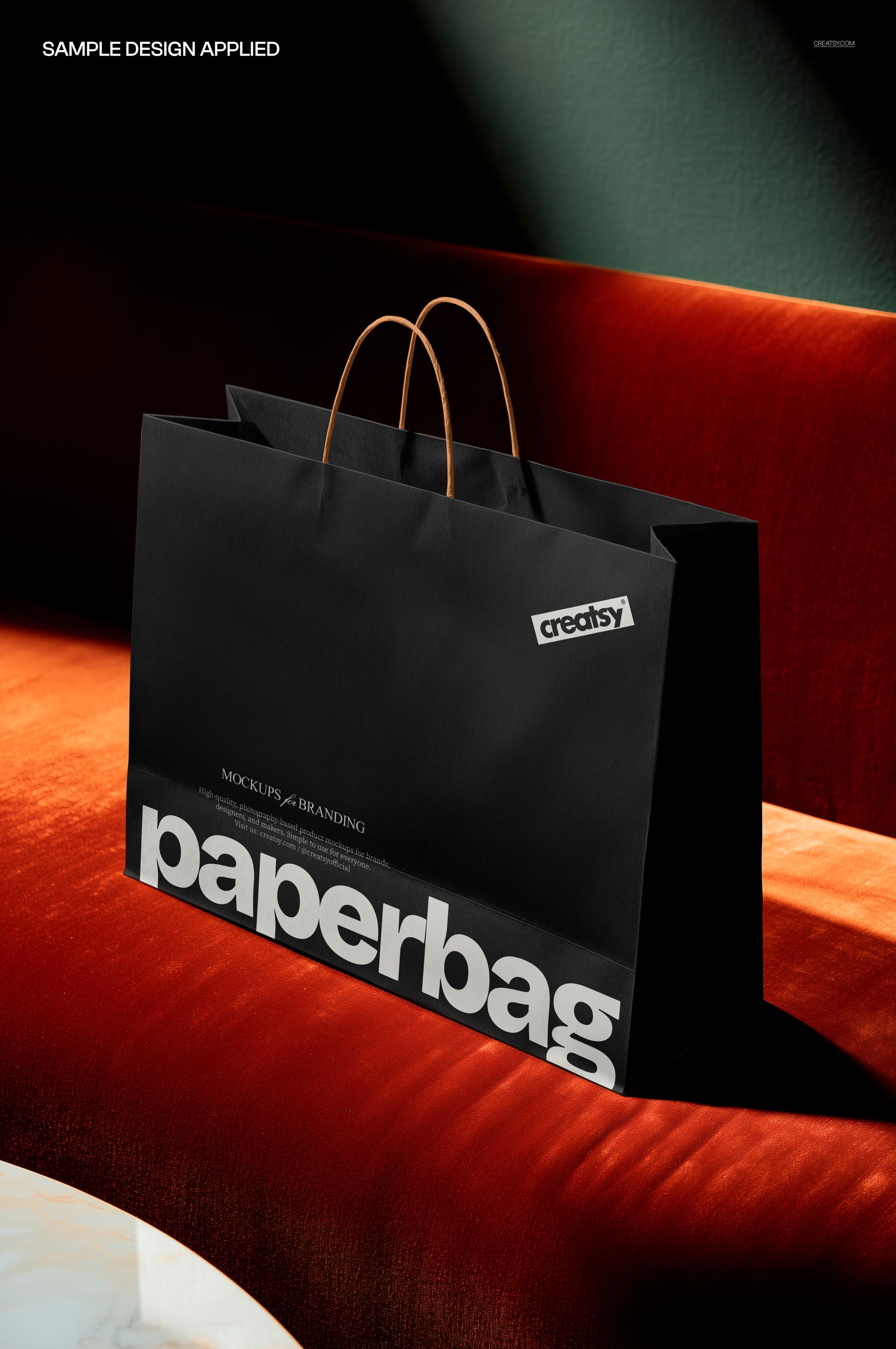
A wide paper shopping bag rests on a rust-red velvet sofa in a dramatic editorial interior. The three-quarter view keeps the front artwork panel prominent while revealing the side gusset, slim cord handles, paper folds, and a deep directional shadow against a muted green wall.

The rich upholstery gives branding a tactile setting that feels different from a neutral studio or outdoor scene. Use it to evaluate a logo, campaign headline, or repeating pattern for boutique, fashion, beauty, gift, and lifestyle retail concepts.

What Is Included

  • 1 layered PSD working file

  • 1 JPG reference image at 3500 x 5250 px

  • 2 files in total

  • 121 MB for Windows and 126 MB for Mac

Editorial Contrast Without Rebuilding the Scene

The velvet texture, dark wall, and hard side light create clear separation around the paper bag. Because the camera, background, and object position stay fixed, several artwork and color directions can be compared in the same composition.

Easy Smart Object Editing

Place artwork through the prepared Smart Object, then change the paper color and handle color. Perspective, folds, highlights, and shadows remain aligned with the photographed surface in Adobe Photoshop CC2020 or newer and Photopea.

Perfect For

  • Boutique, fashion, beauty, and gift branding

  • Logos, editorial typography, and repeat patterns

  • Packaging proposals and client approvals

  • Lookbooks, portfolios, campaigns, and online shop imagery

This is a digital mockup product. No physical bag or sofa will be shipped, and the sample graphics are not included.

File details

Compatibility
PhotopeaAdobe Photoshop
Package size
121 MB121 MB|126 MB126 MB
Files type
.psd, .jpg
TEST FOR FREE

MEET THE SHOP

Creatsy logo

Creatsy

Poland
4.7 (681)

Bring your ideas to life.

We're a family-run studio in Katowice, Poland, making PSD mockups by hand since 2016. Everything in this shop starts in our own studio. We shoot the photography, build the 3D, and put together every Smart Object PSD ourselves - then we test it, organize the layers, and only ship it once it actually works...
GO TO SHOP

HOW IT WORKS

3 clicks. That's it.

No tutorial needed. If you can copy-paste, you can use this.

  1. 1OpenDouble-click the smart object inside the PSD - in Adobe Photoshop, or free in your browser with Photopea.
  2. 2PasteDrop in your pattern, print, or artwork. Any design, any style.
  3. 3SaveHit save and the mockup wraps it in for you - shadows, folds, and lighting included.

FROM IDEA TO IMAGE

Built for real workflows

Skip the photo shoot Show your artwork on the real product type for approvals or listings - no studio, no model, no sample.

See it on the product, not a swatch Drop your file into the smart object and the scene's lighting and folds wrap around it, so you judge the real thing before you commit.

Smart Objects

Edit once and you're done. Your artwork drops into a smart object and the mockup updates itself - no masking, no warping by hand.

Perfectly Organized

Named layers and folders you can actually navigate. Find what you need, change what you want, and get out fast.

Print-Ready

High-resolution files built to hold up on screen and in print. Exact size and DPI are in this product's Details above.