Chipboard Gloss Gift Box Mockup Set
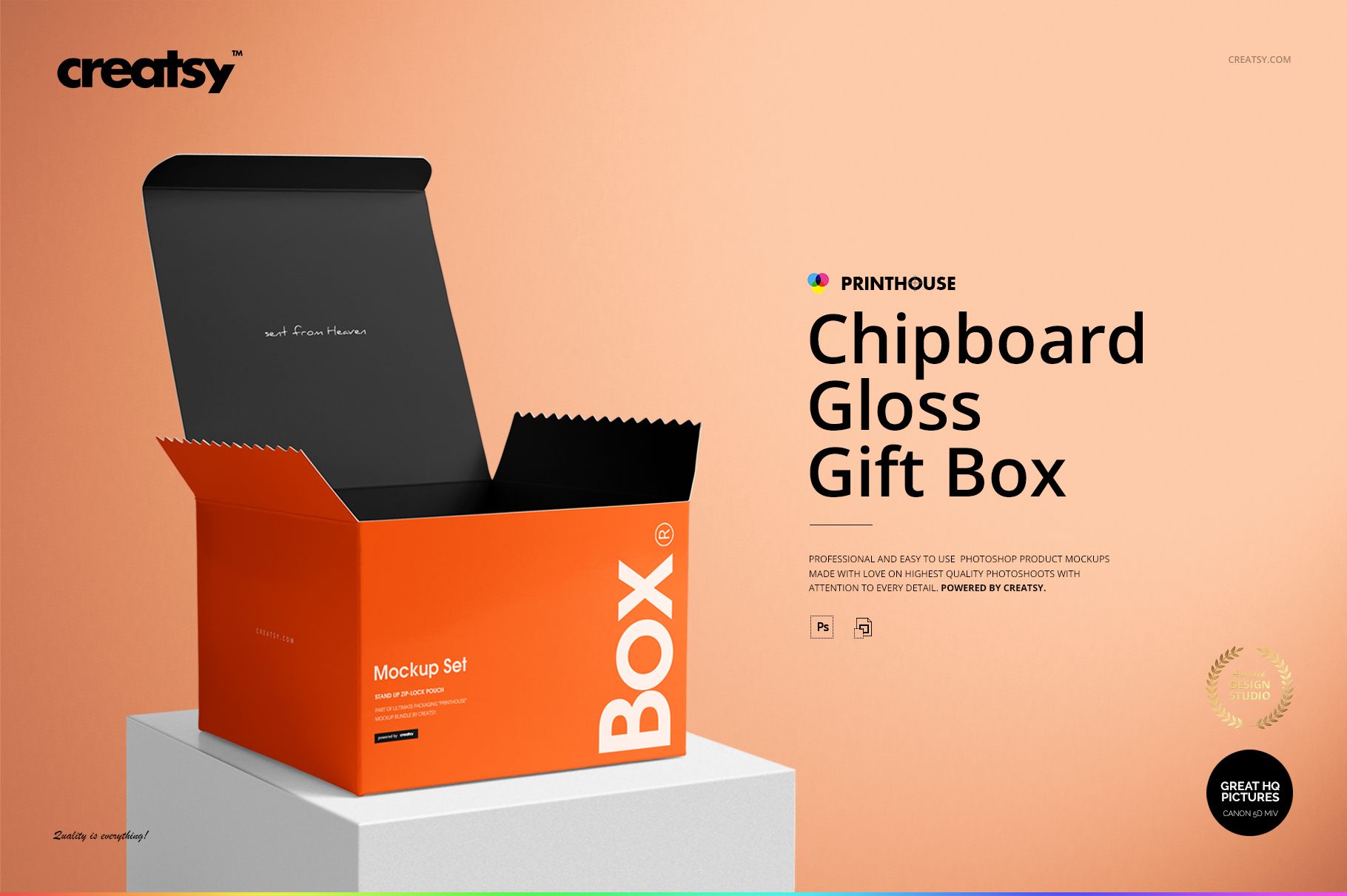
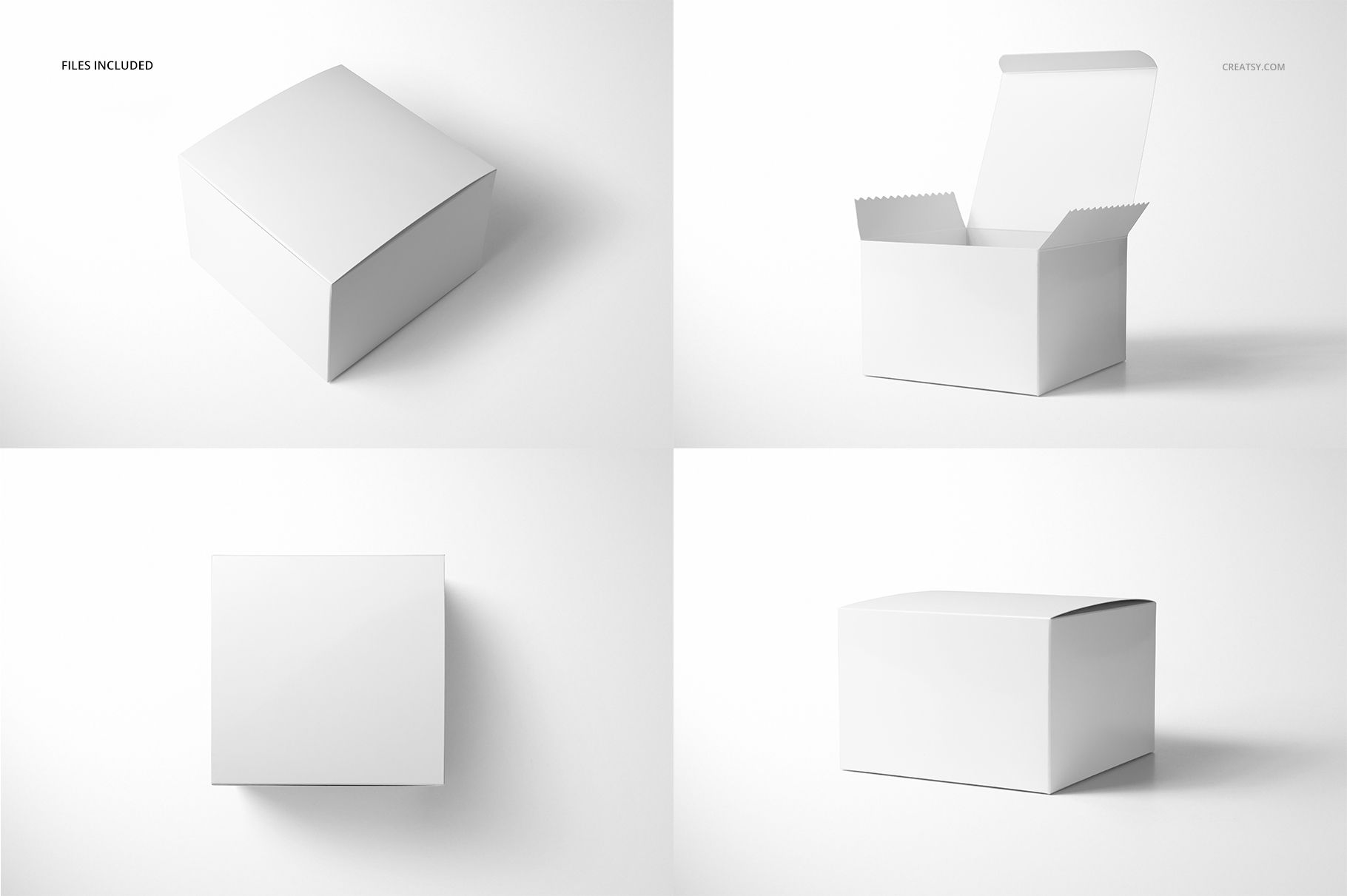
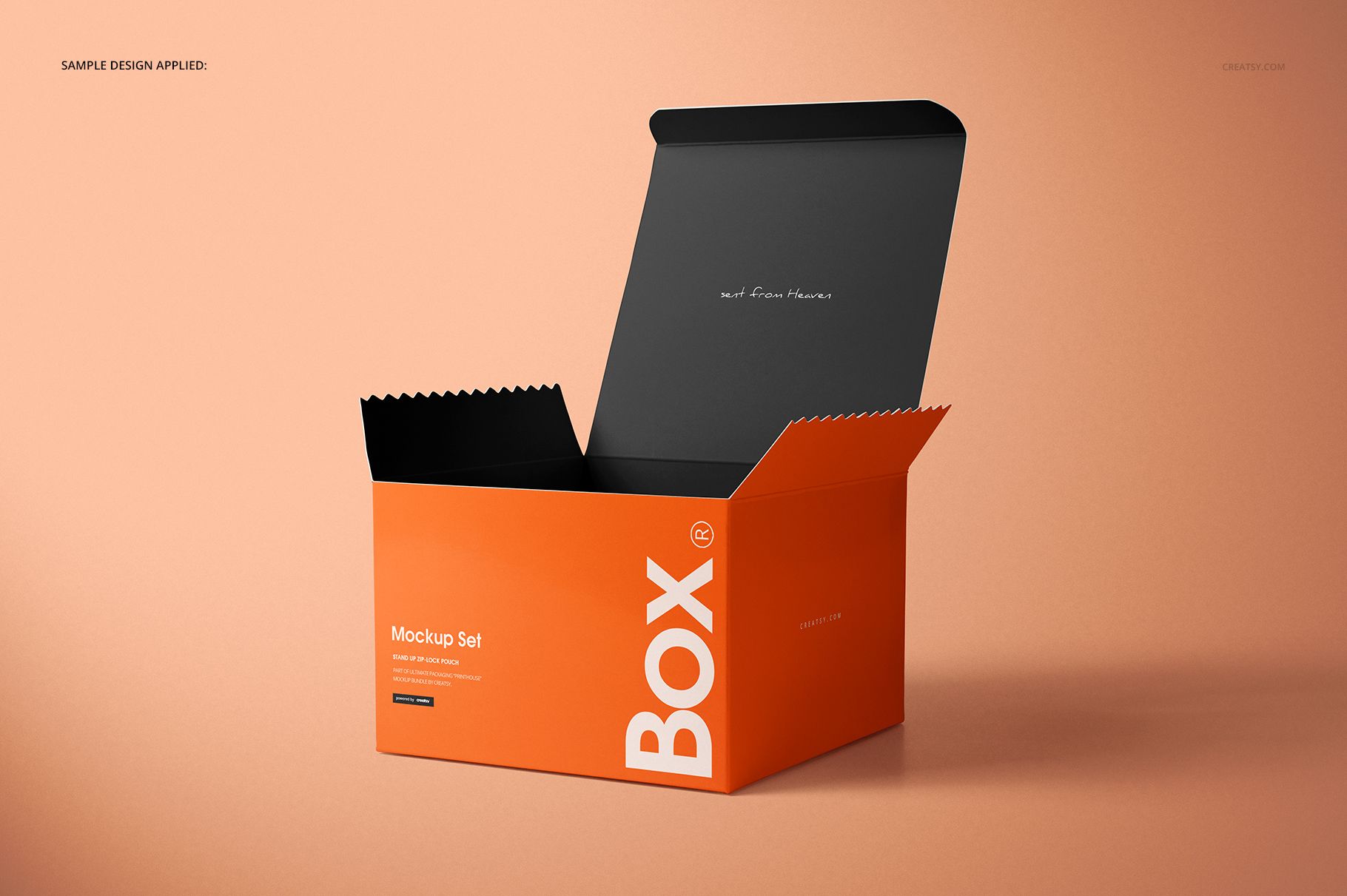
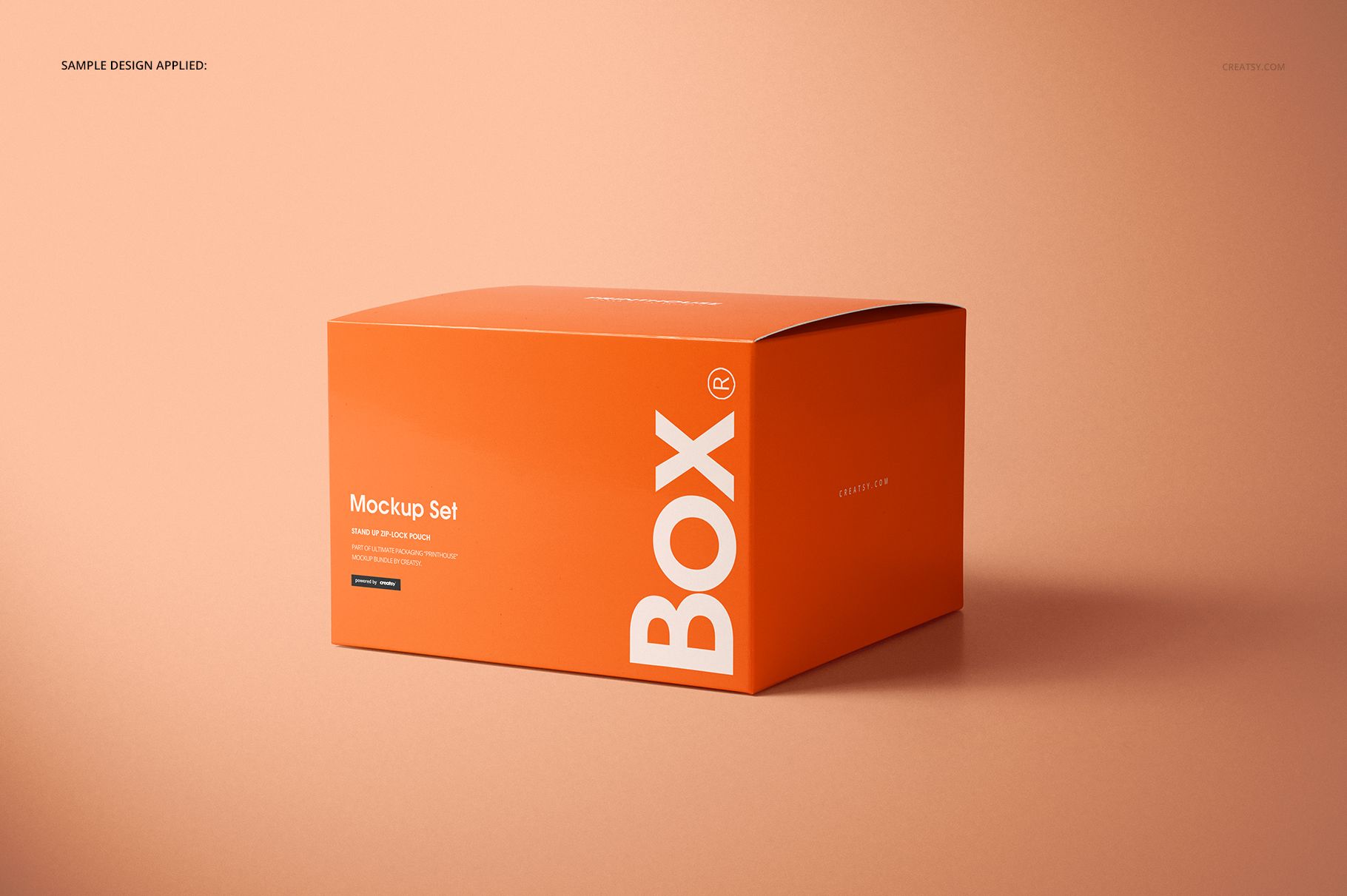
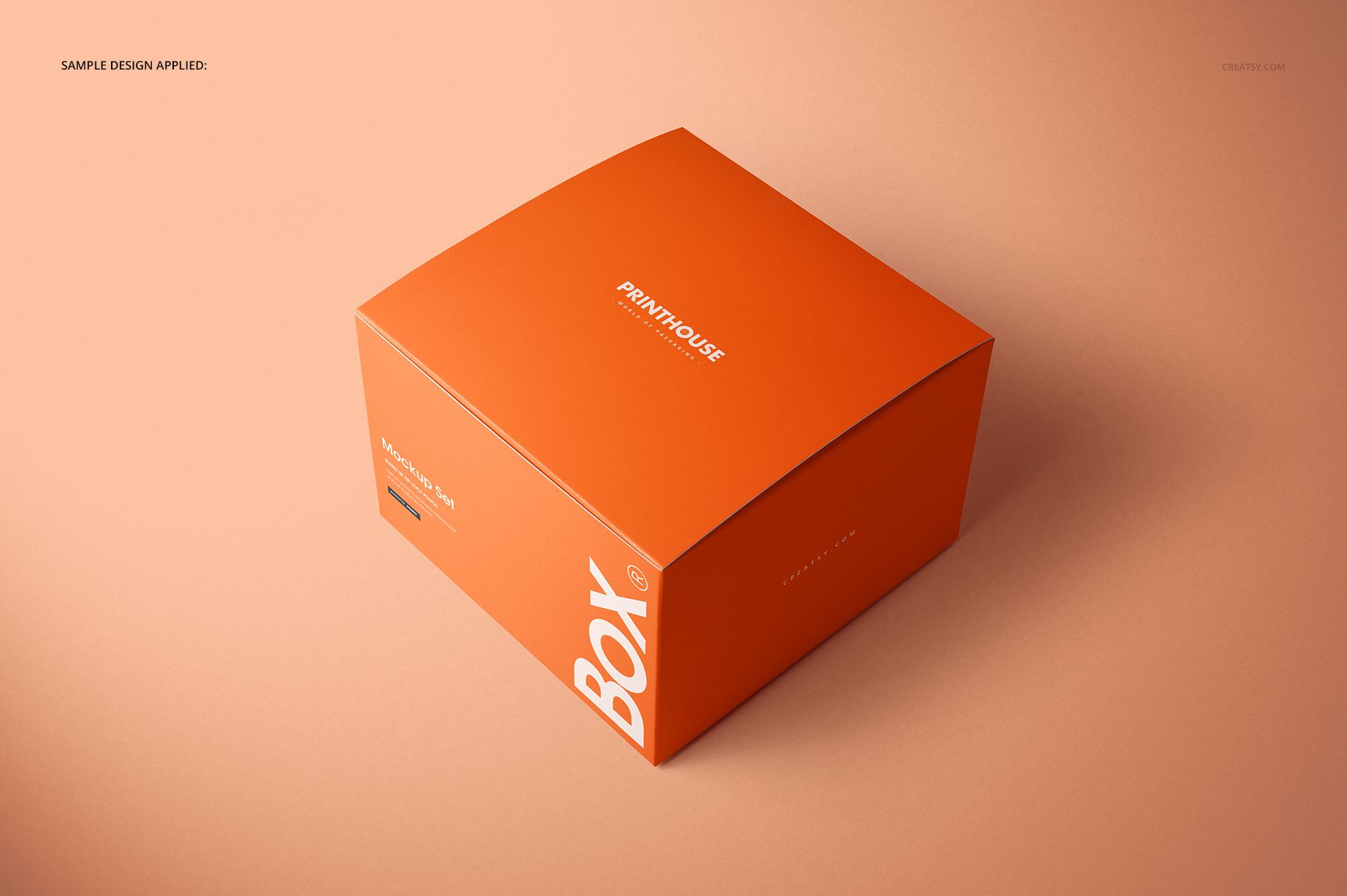
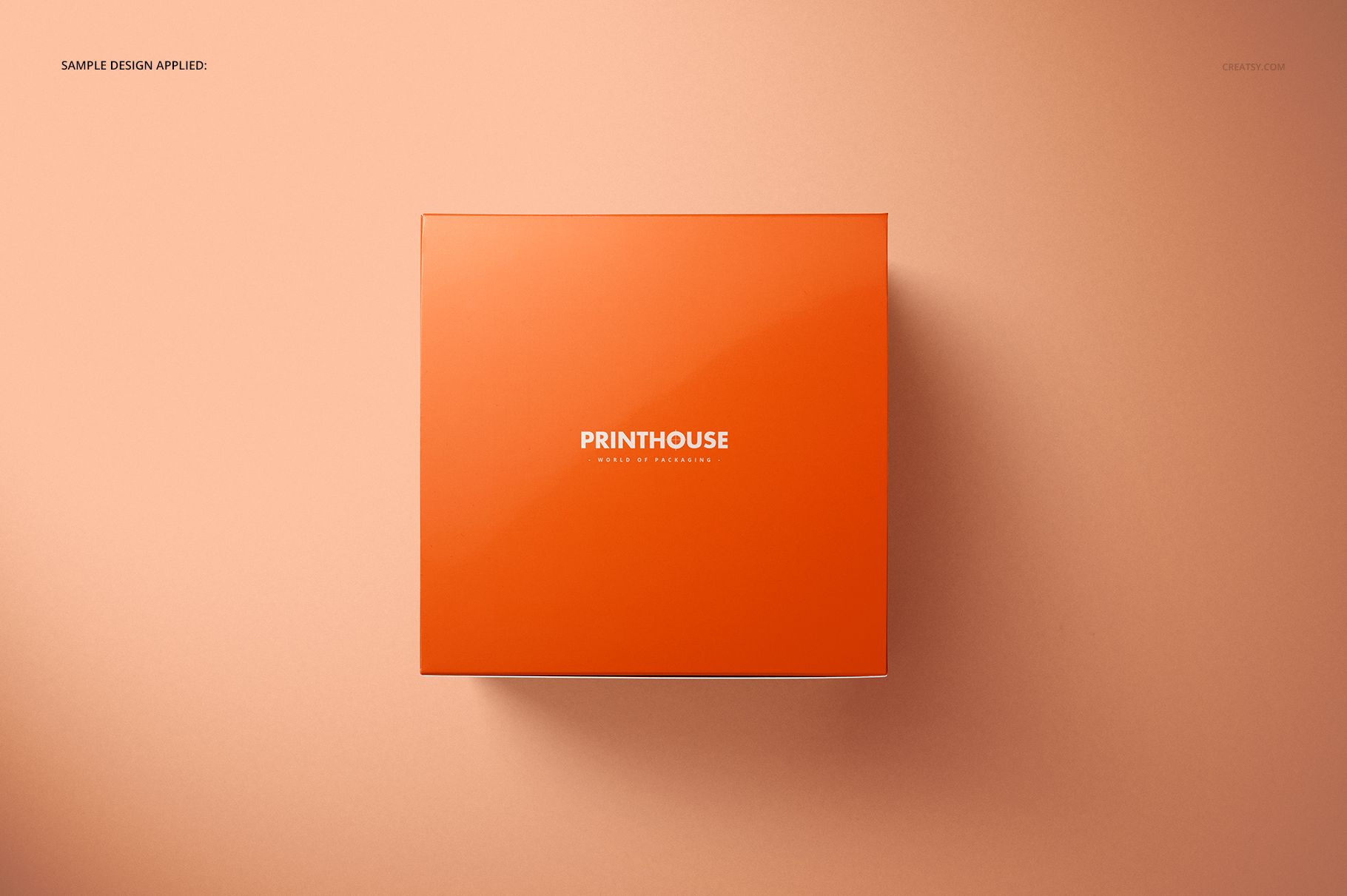
Show a glossy chipboard gift box with a square base and a lower profile than a cube. Four PSD views cover the top, an angle, the closed box and the open box, revealing the attached lid and distinctive zigzag edges of the side flaps. This combination makes it useful for presenting both a finished cover design and the package’s opening structure.
What Is Included
4 layered PSD mockups: Angled, Angled Closed, Angled Opened and Top.
4 JPG scene previews and 1 JPG guide.
Smart Objects for artwork, editable color layers and background controls.
A Compact Shape with Visible Closure Details
The represented box is 15.2 cm wide, 15.2 cm deep and 10.3 cm high. Its proportions give the lid a strong visual role without the height of a cubic package. Use the open scene to show the flap construction, then switch to a closed angle to review how the graphics meet at the edges.
Easy Smart Object Editing
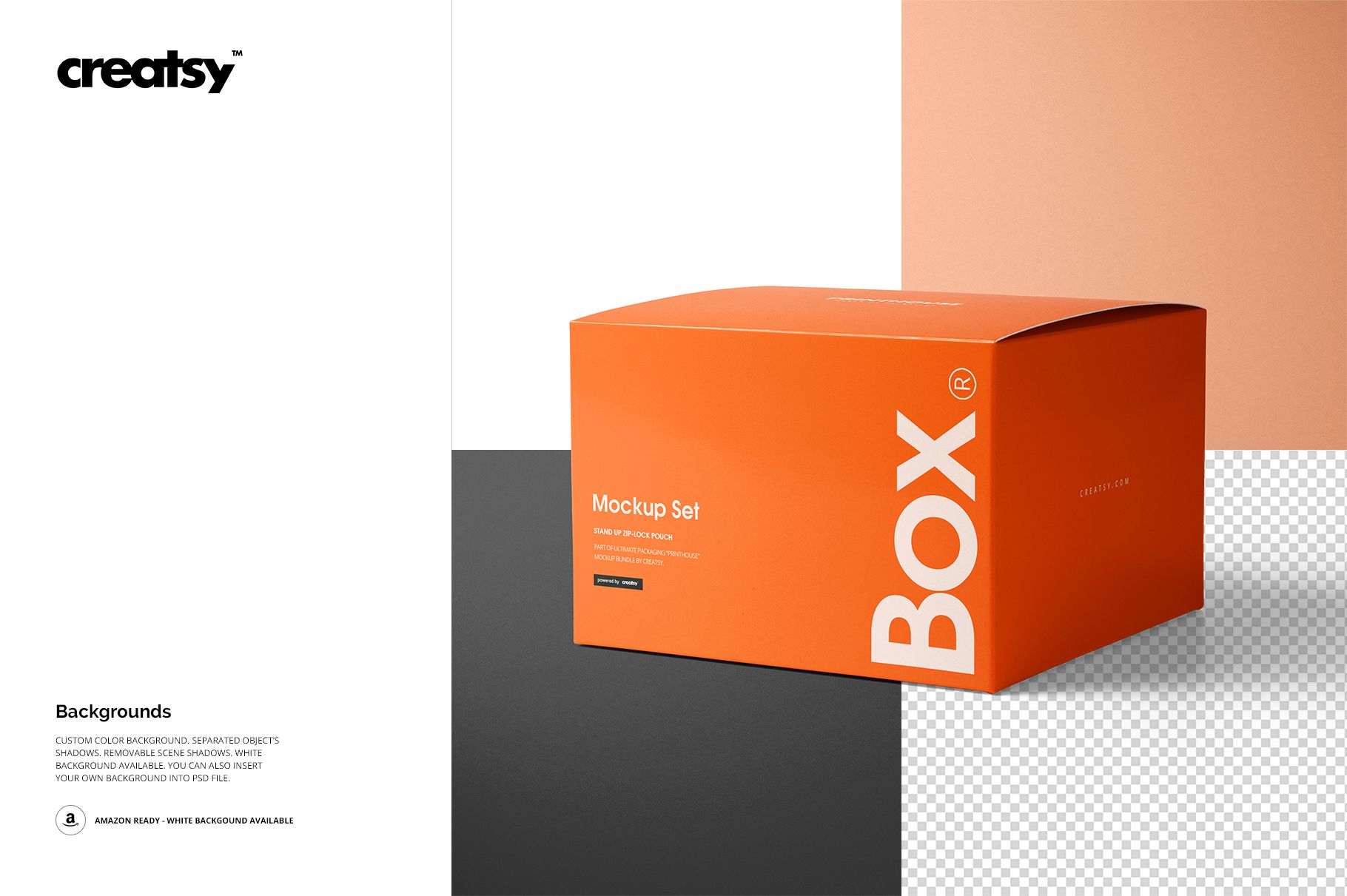
In Adobe Photoshop CC2015 or newer, replace the artwork inside the relevant Smart Objects, save and return to the main scene. Adjust the color layers to suit the concept. Custom-color, white and transparent backgrounds, separate object shadows and removable scene shadows support different presentation layouts.
Perfect For
A practical set for illustrated gift packaging, compact retail branding, seasonal box patterns and design approval boards. Top and angled views can show the same concept at different scales without introducing another package format.
This is a digital presentation mockup, not a physical box or a technical cutting template. Sample designs and patterns shown in the previews are not included.