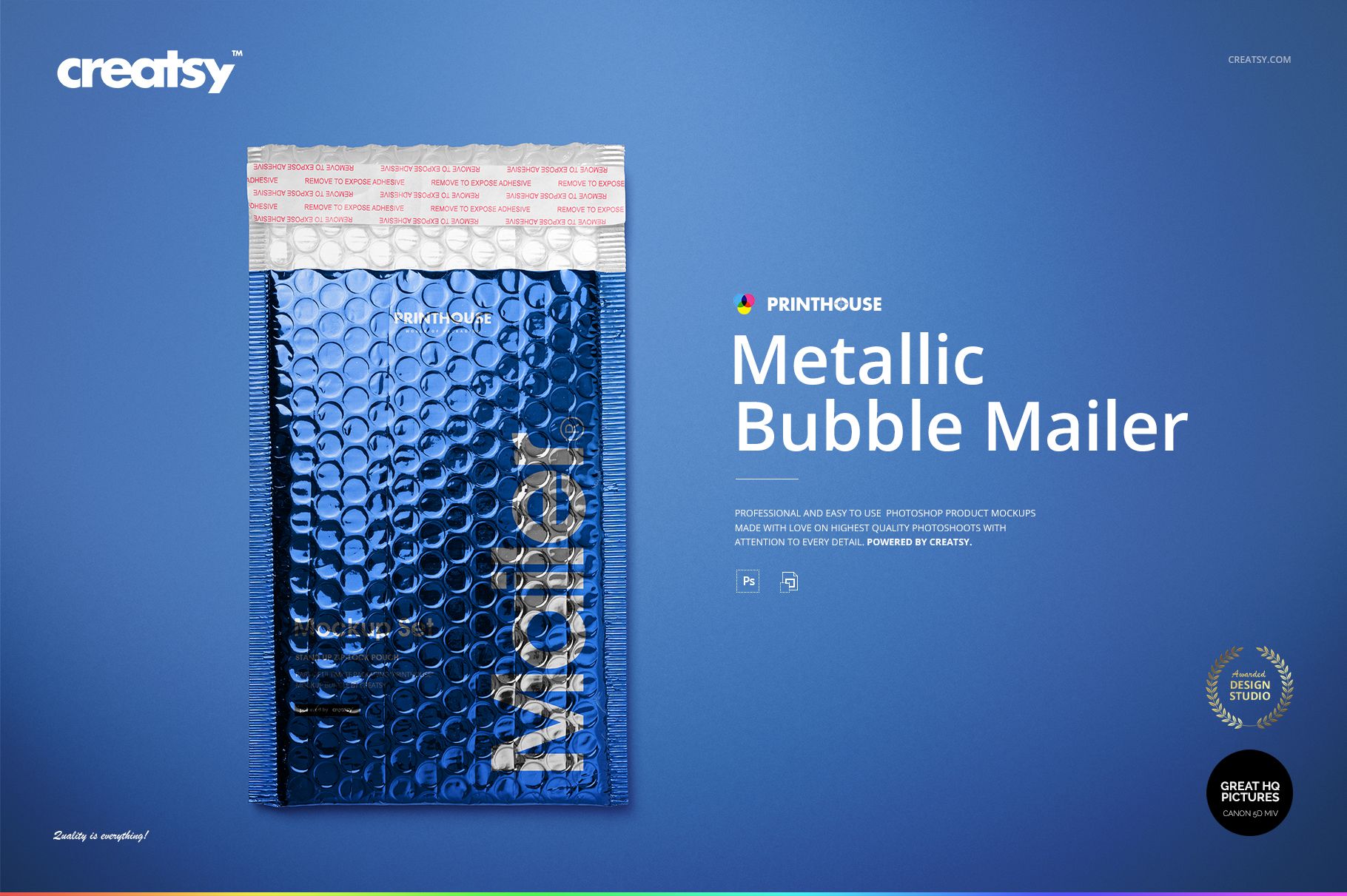
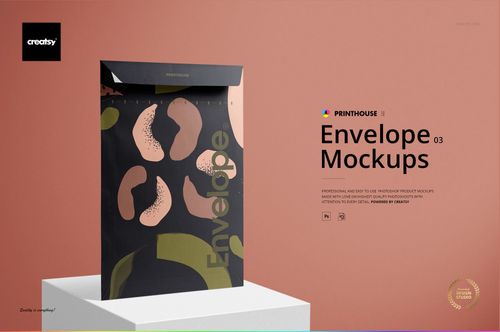
Metallic Bubble Mailer Mockup Set
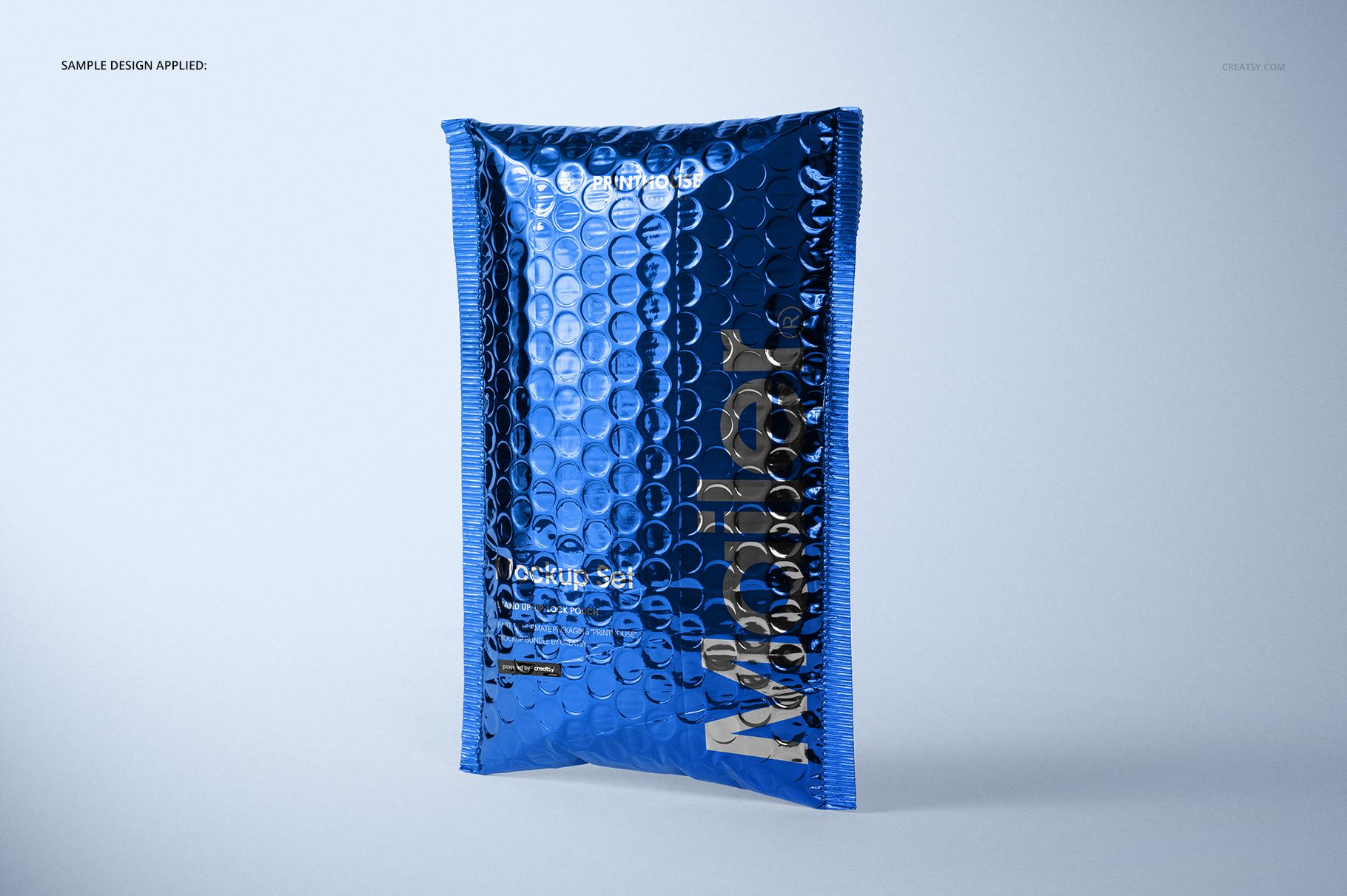
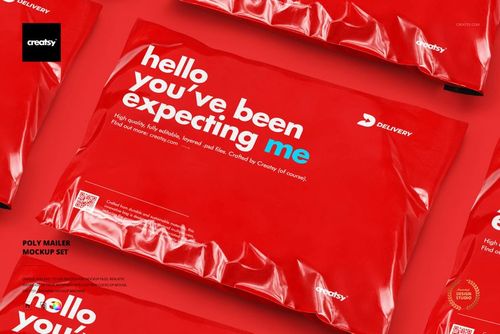
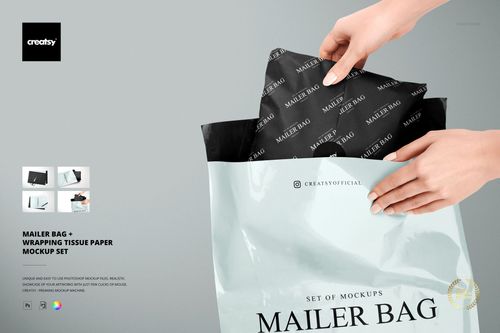
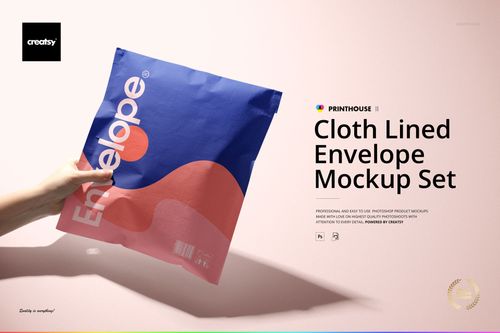
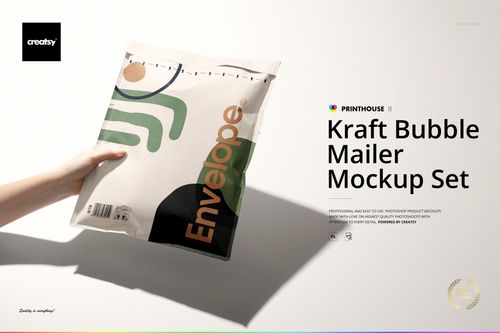
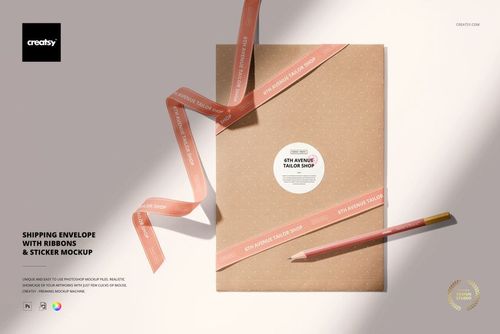
A reflective surface changes the way a logo is seen. This metallic bubble mailer mockup set places your branding over rounded bubble texture, crimped edges and bright highlights, giving a flat packaging design a much more tangible presentation.
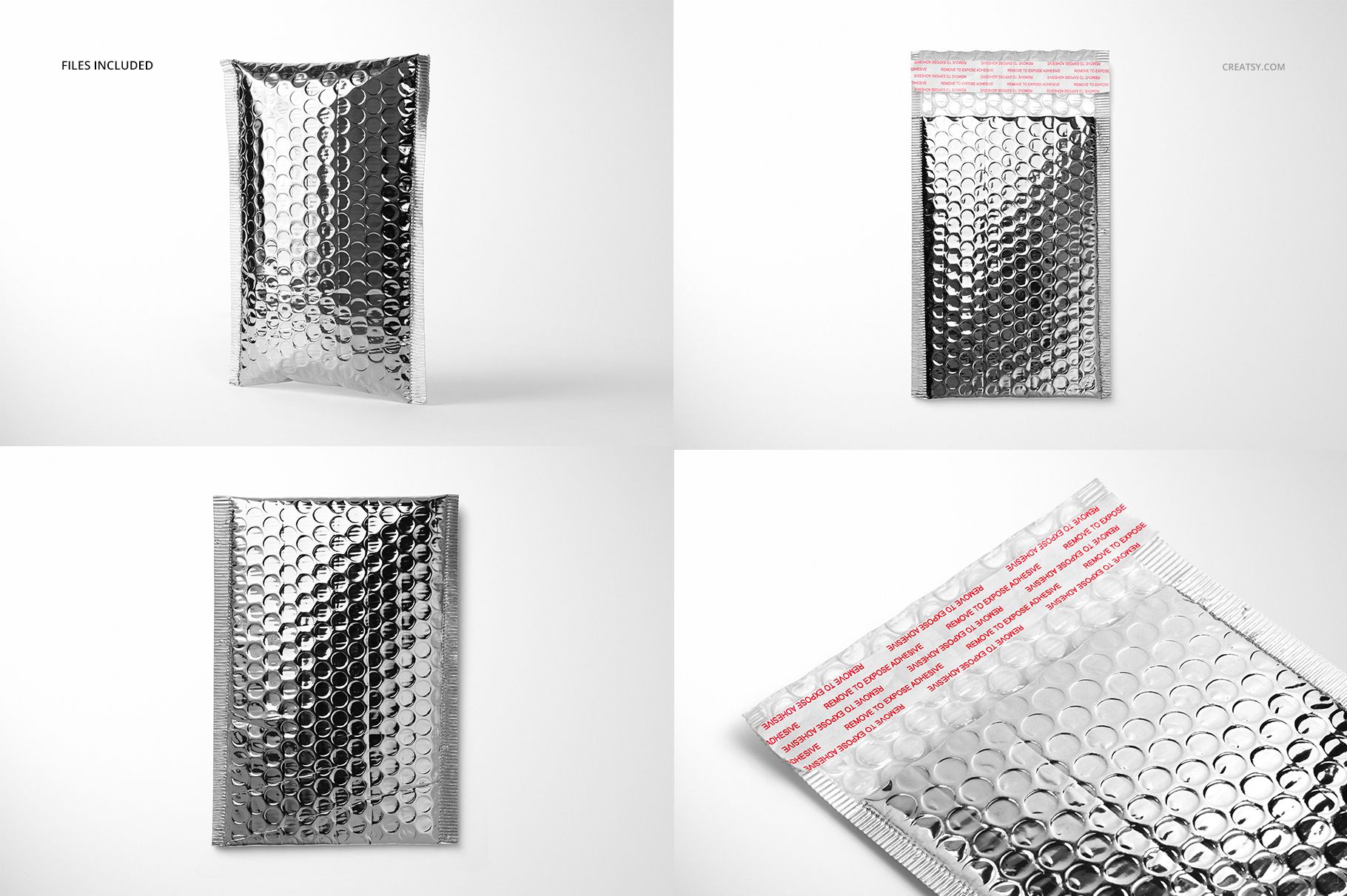
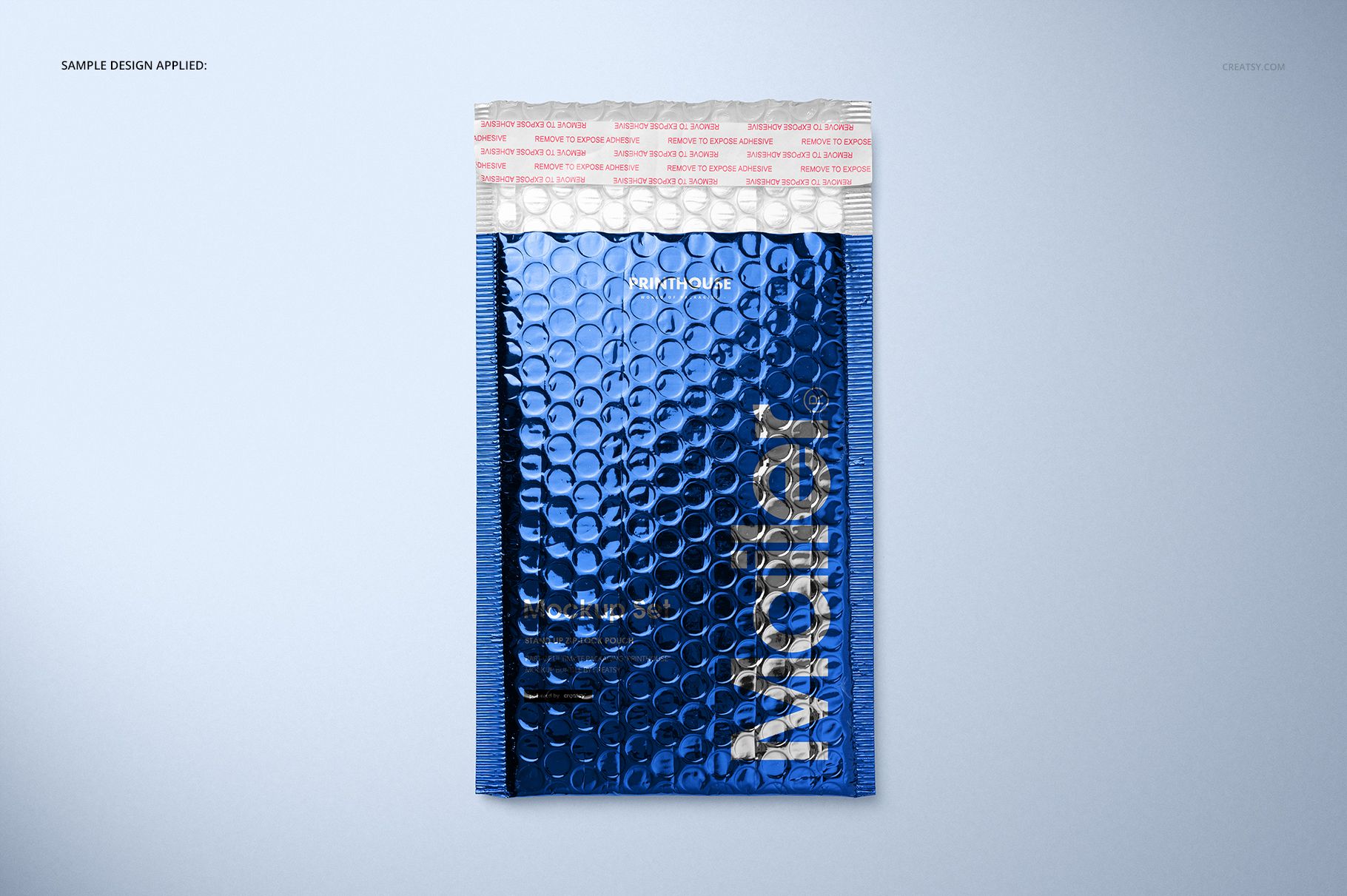
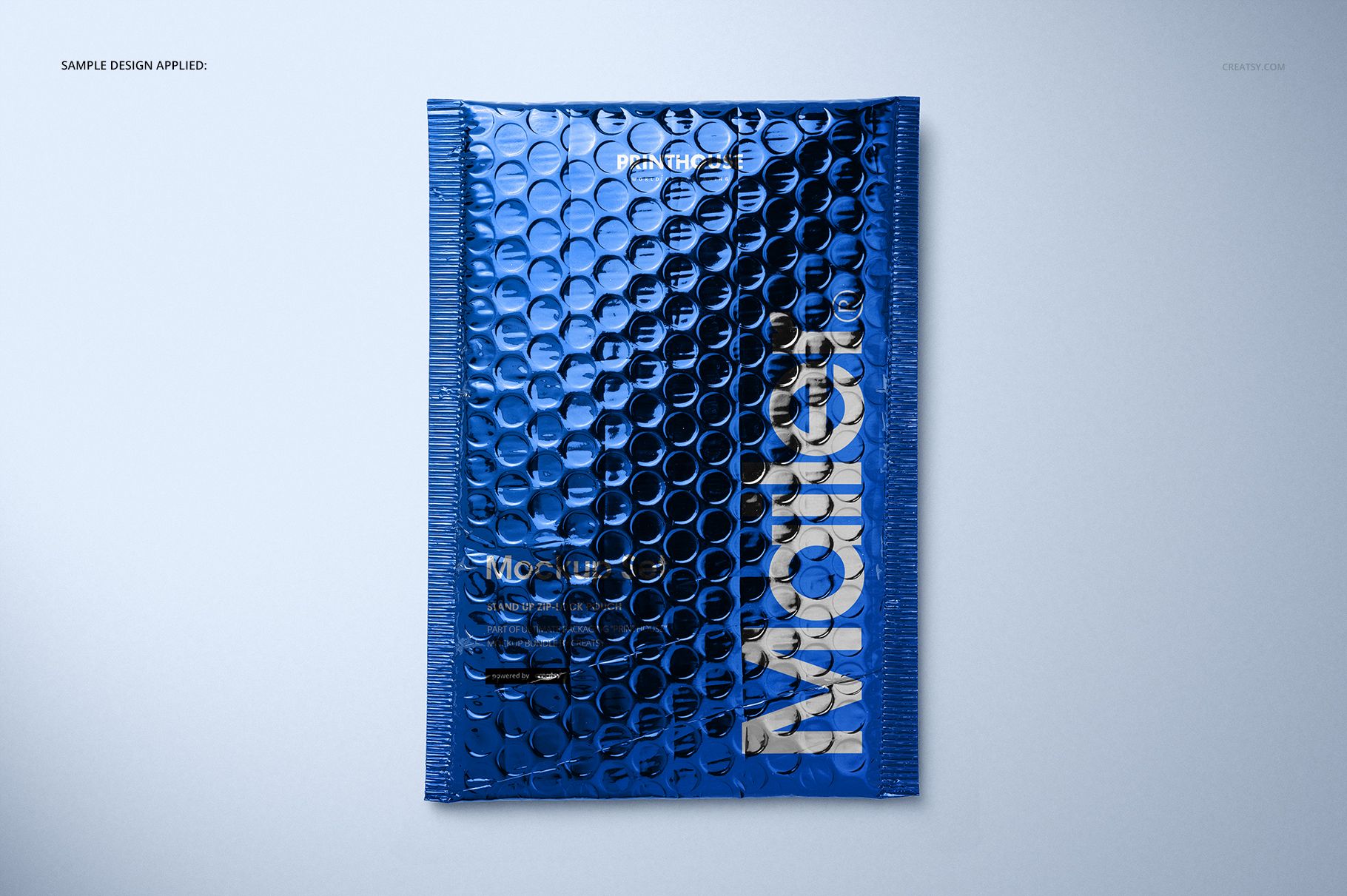
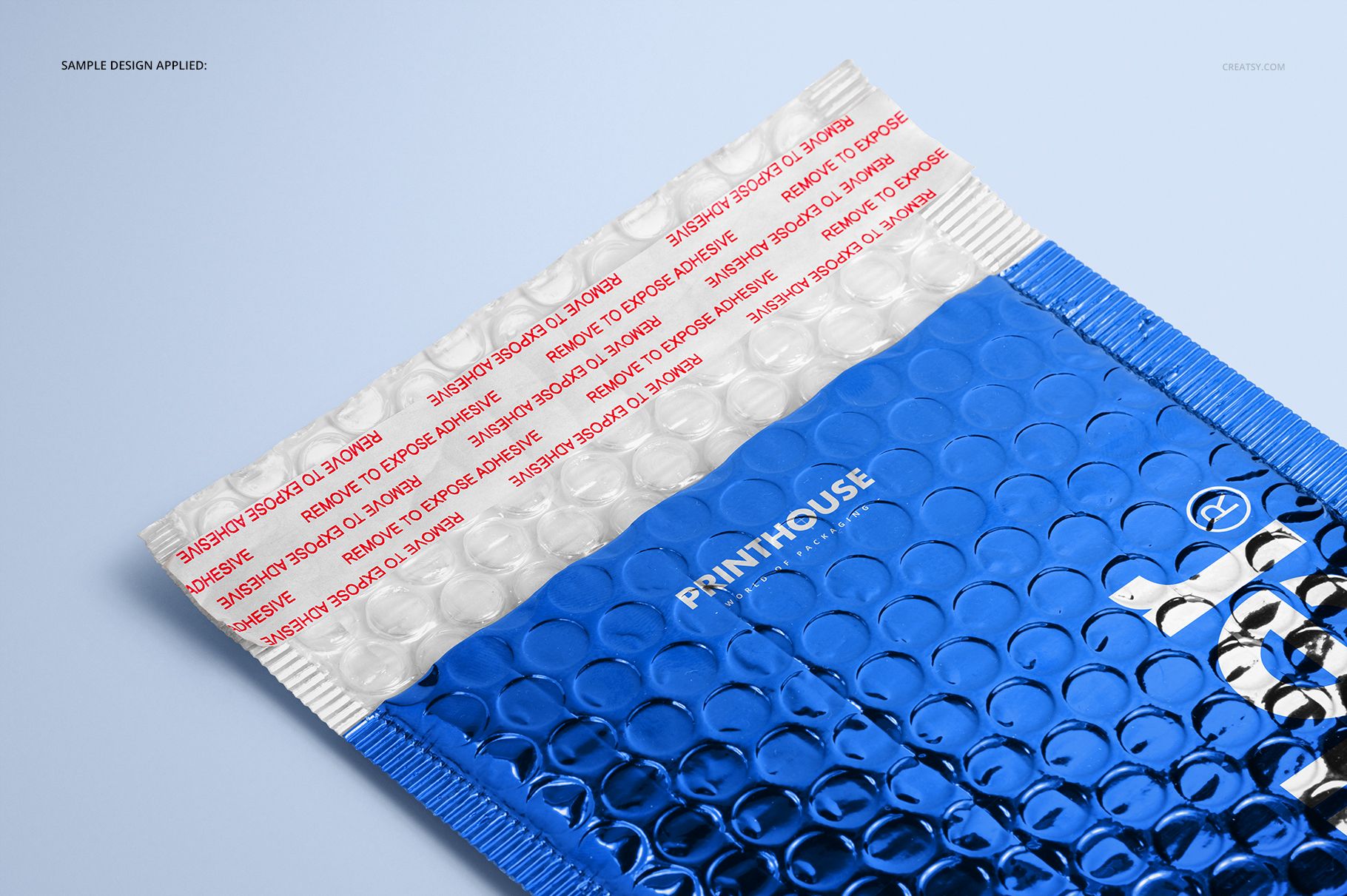
Four prepared scenes include a standing closed mailer, a flat closed view, an open-flap view and a close-up of the opening. Use the broader views to introduce the identity, then let the detail image show how lettering and graphic shapes sit across the textured surface.
What Is Included
4 layered PSD mockup files with four prepared scenes.
6000 × 4000 px at 300 DPI per PSD.
4 JPG previews at 6000 × 4000 px.
1 Guide.jpg reference image, 9 files in total.
Let the Finish Carry Part of the Design
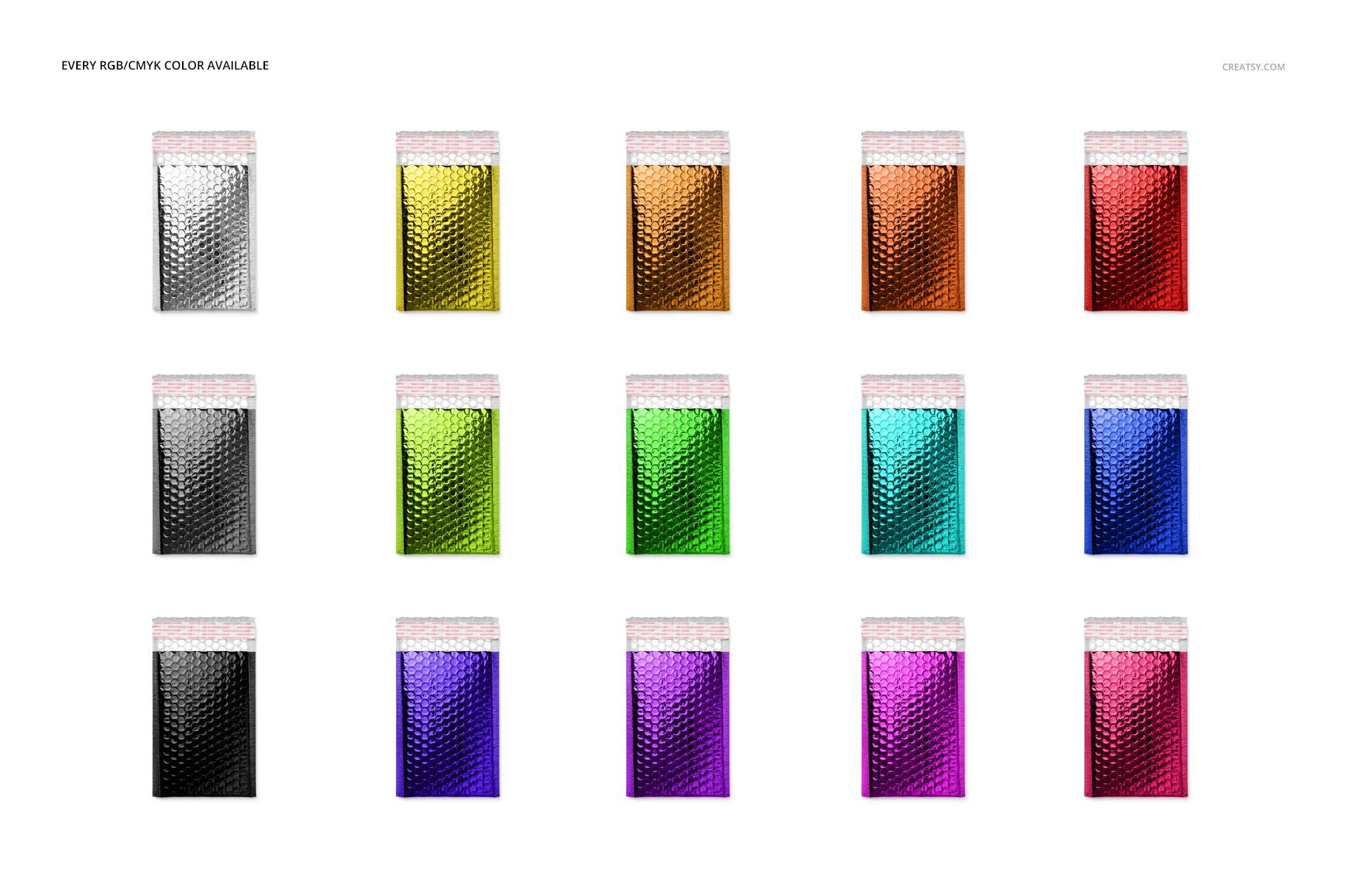
Change the mailer color and apply your own artwork to explore a restrained silver presentation or a more saturated metallic direction. The color chart in the previews illustrates variations of the same mailer, not additional scene files. Leave some visual breathing room around the logo so the bubble pattern and reflections can remain part of the identity.
Easy Smart Object Editing
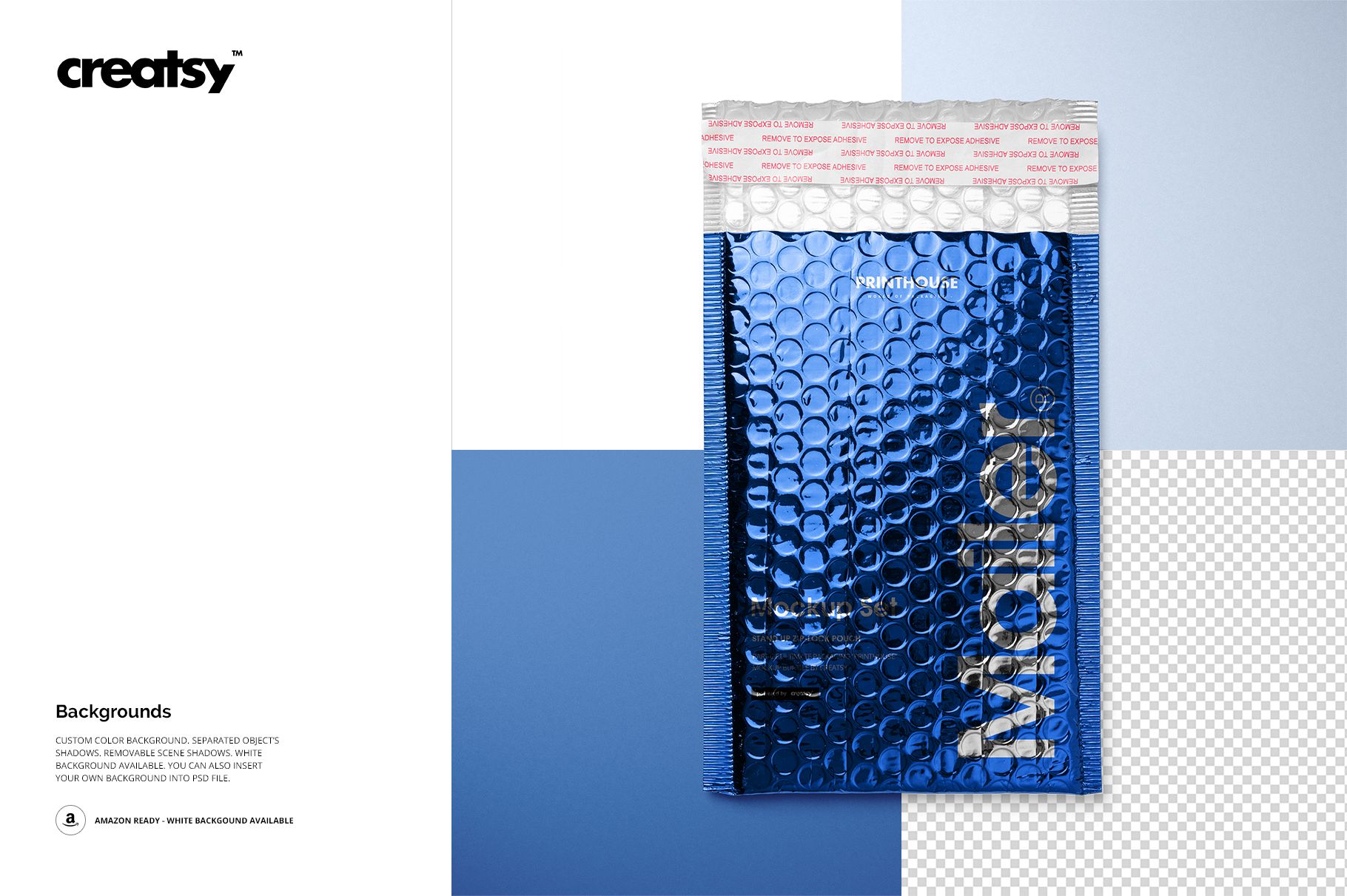
Open a PSD in Adobe Photoshop CS6 or newer, or Photopea, and replace the artwork in the Smart Object. Adjust the color layers and review the result in the prepared scene. Background options include custom colors, your own background and transparency, with separate object shadows and removable scene shadows.
Perfect For
Packaging designers, branding studios and custom mailer suppliers can use the set for metallic shipping-envelope concepts, colorway comparisons, client approval images and packaging portfolio pages.
This is a digital mockup, not a physical mailer. Sample artwork and patterns shown in the previews are not included.