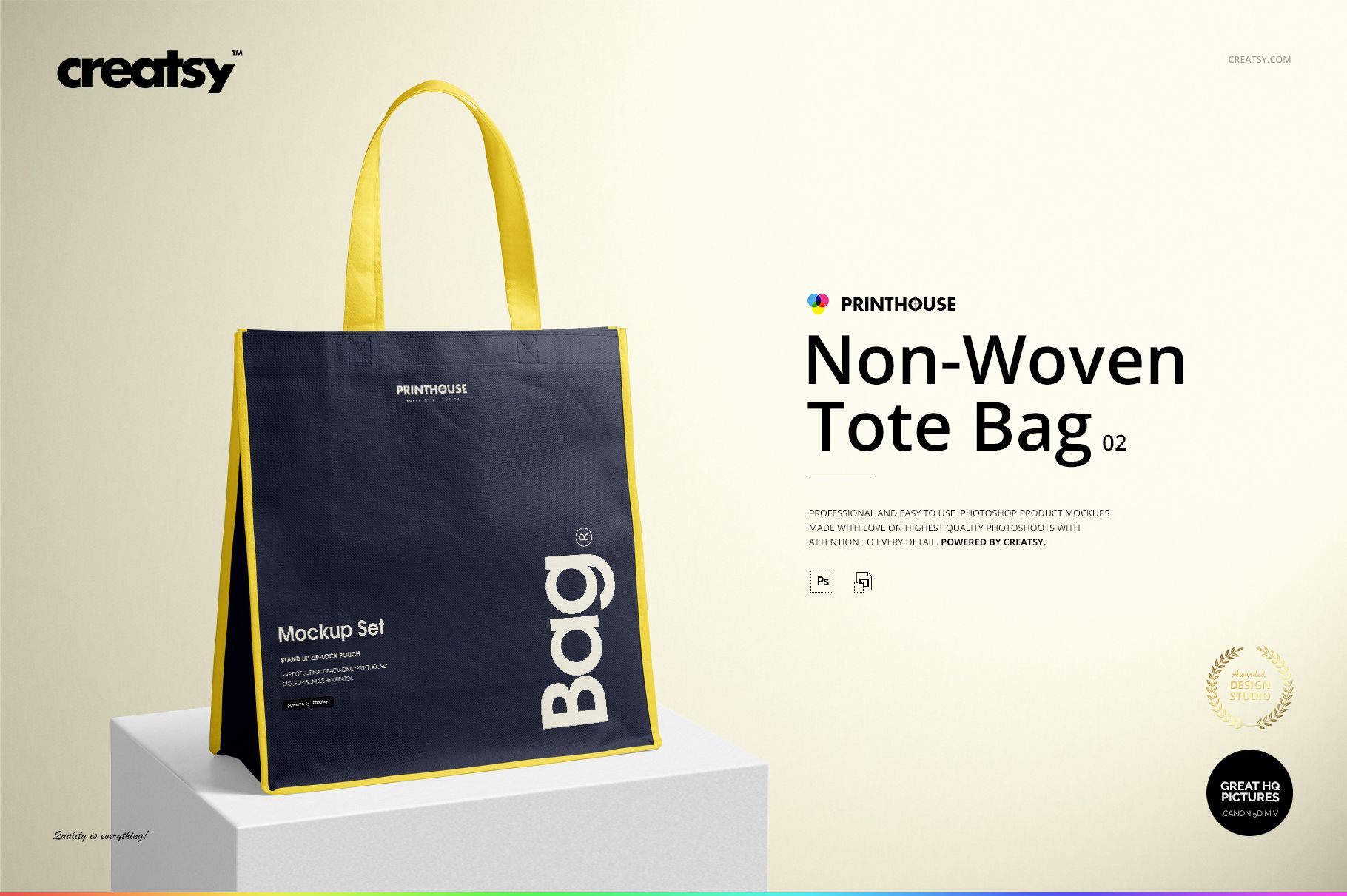
Non-Woven Tote Bag 02 Mockup Set
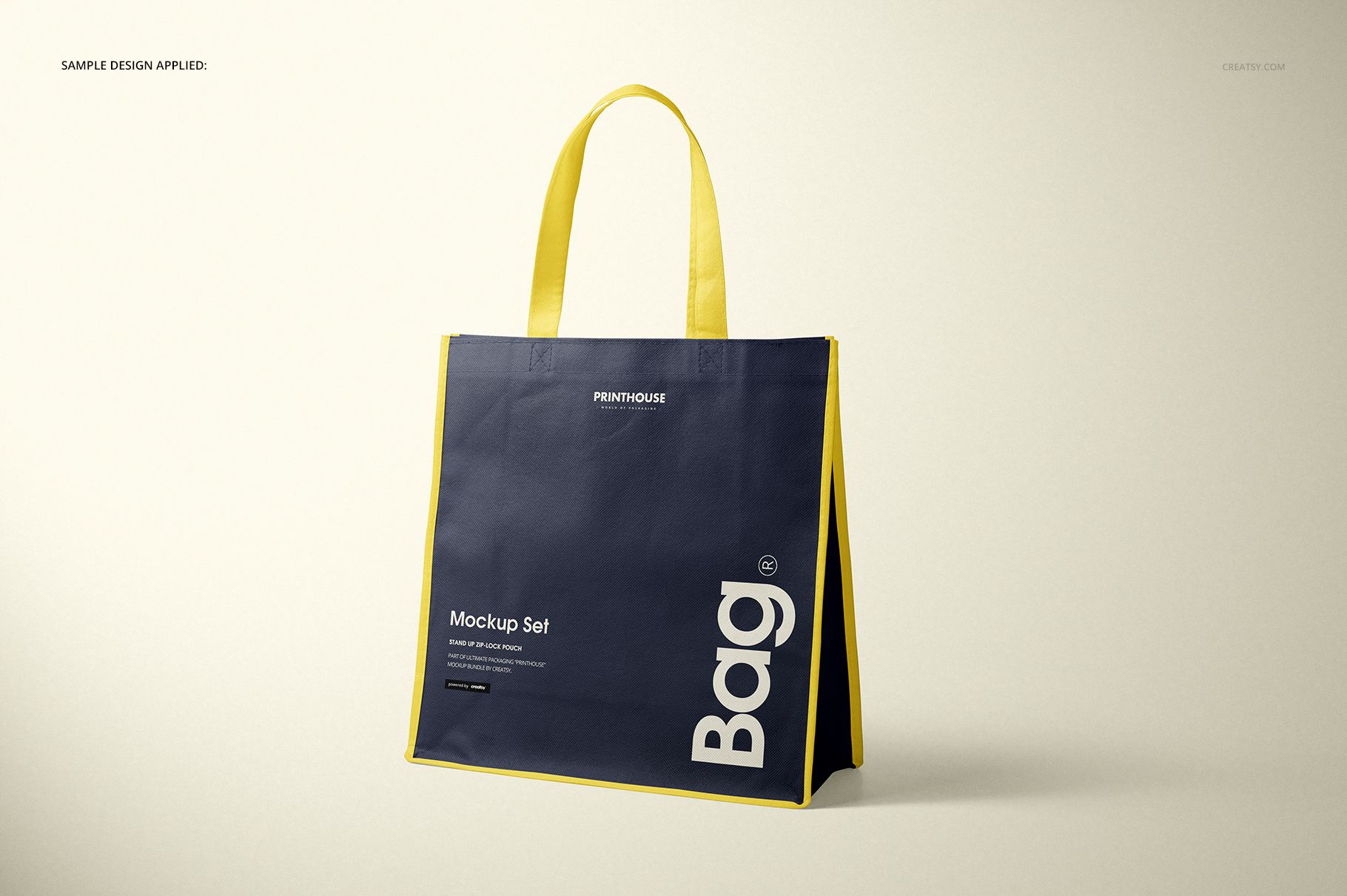
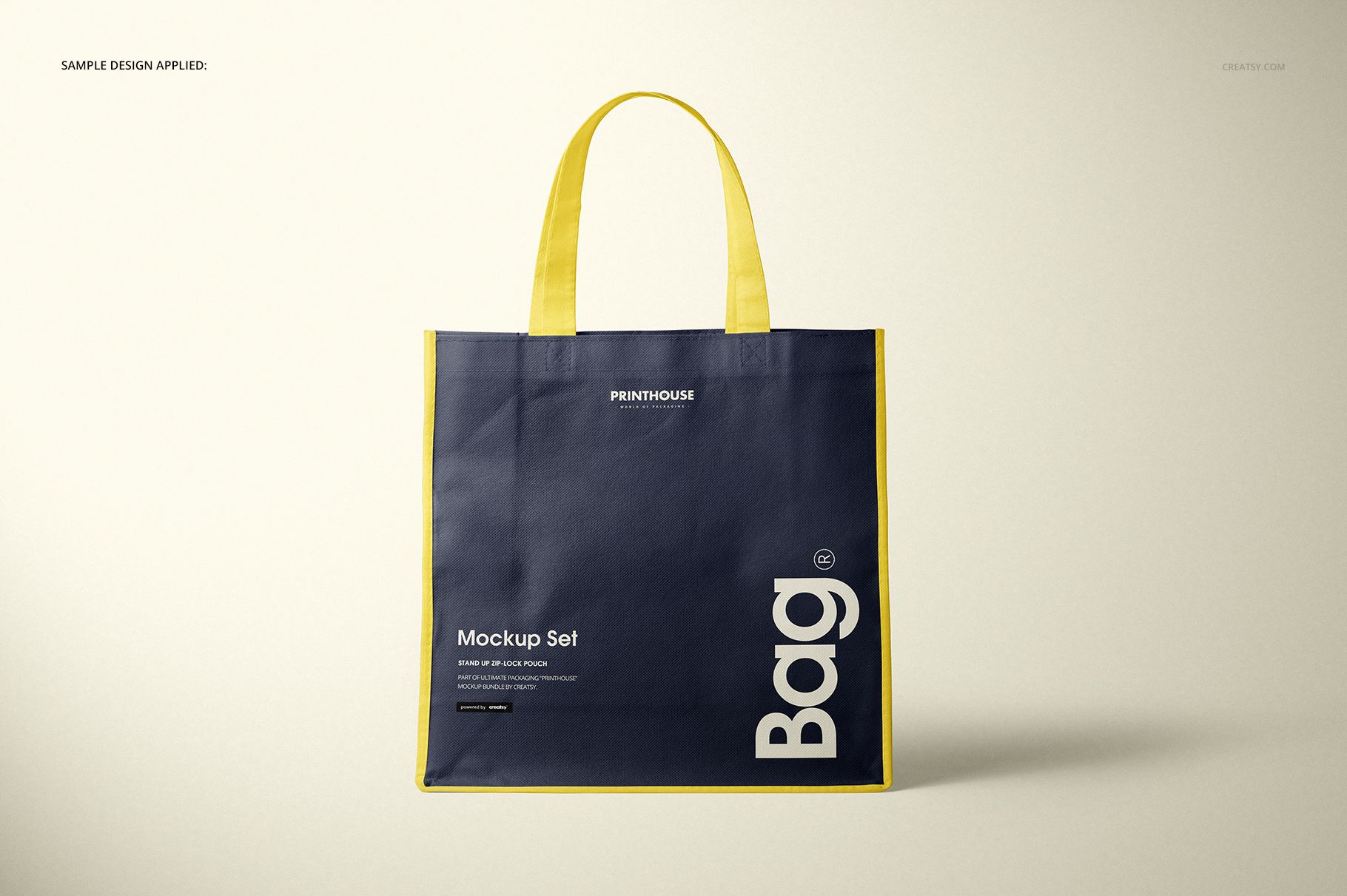
Present a square retail carrier with long handles, a broad printable front panel, visible side depth, and contrasting edge details. Four high-resolution scenes make it easy to compare a direct logo view with the bag's proportions, opening, folds, and non-woven surface.
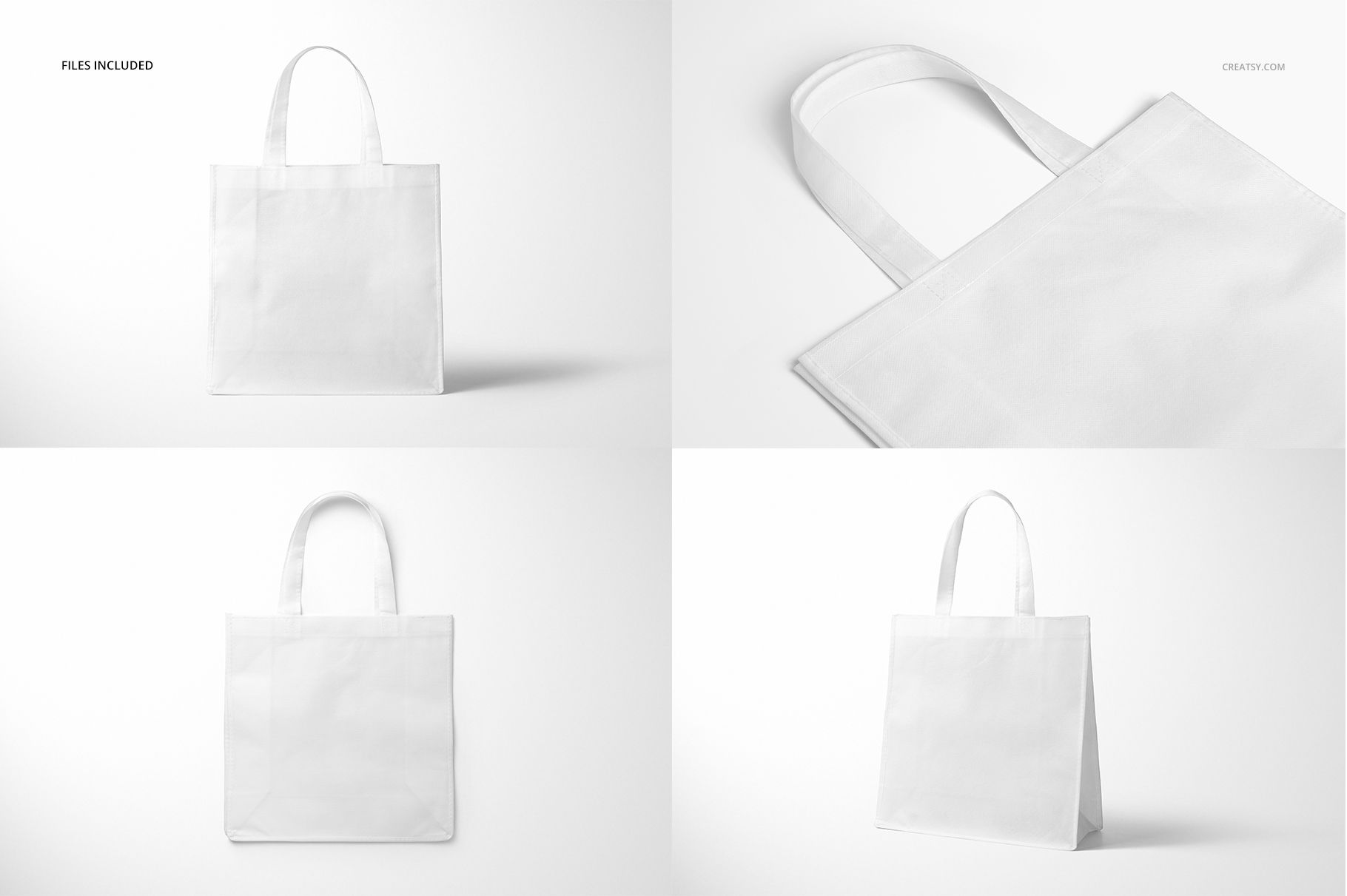
Four Coordinated PSD Views
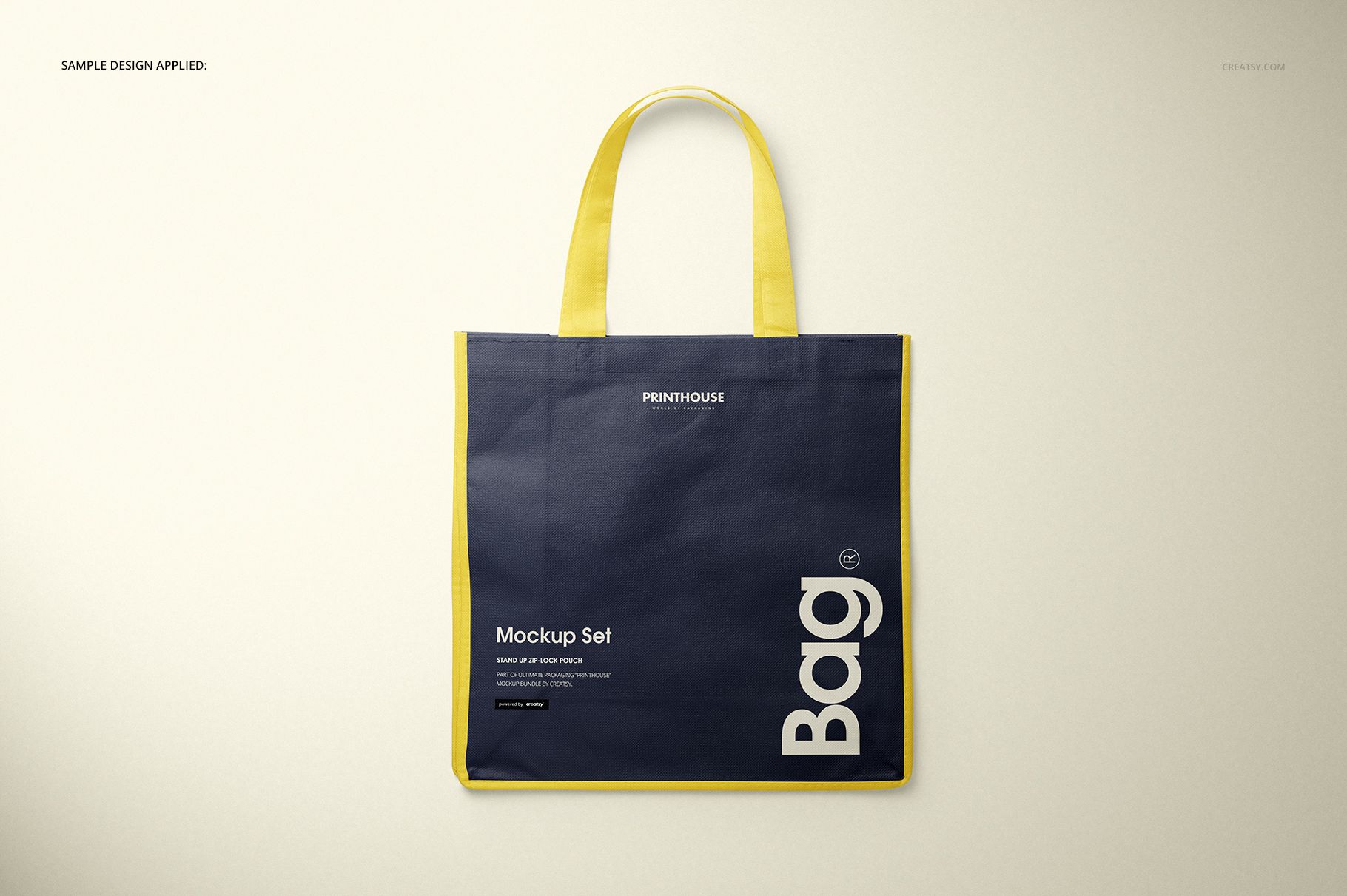
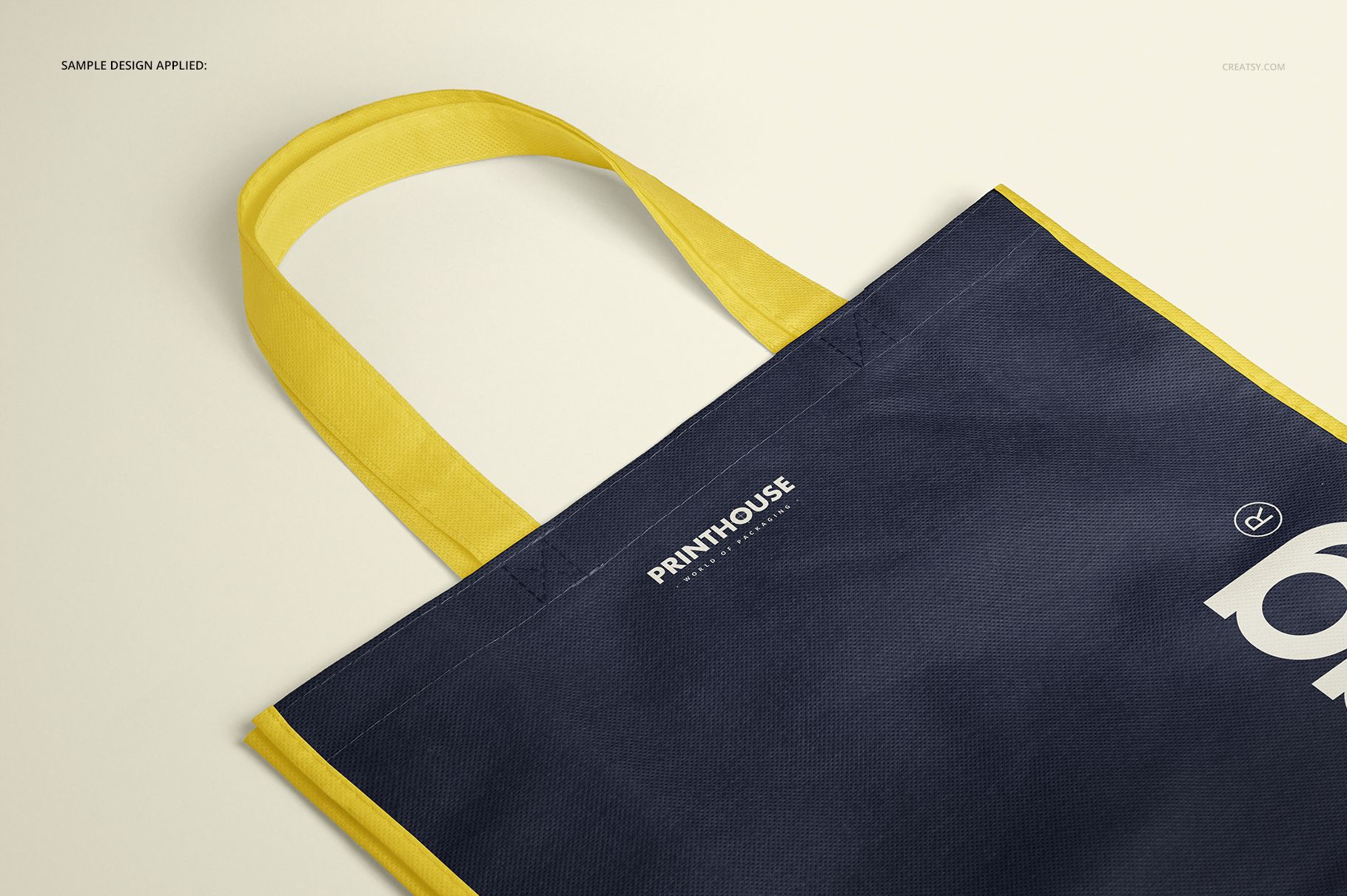
4 layered PSD scenes: Front, Angled, Top, and Closeup
4 matching JPG previews plus 1 JPG guide, 9 files in total
Every main scene is 6000 x 4000 px at 300 DPI
Bag dimensions: 34 cm high without handles, 34 cm wide, and 13.5 cm deep
Package size: 1.64 GB for Windows and 1.76 GB for Mac
Use Color Blocking With Purpose
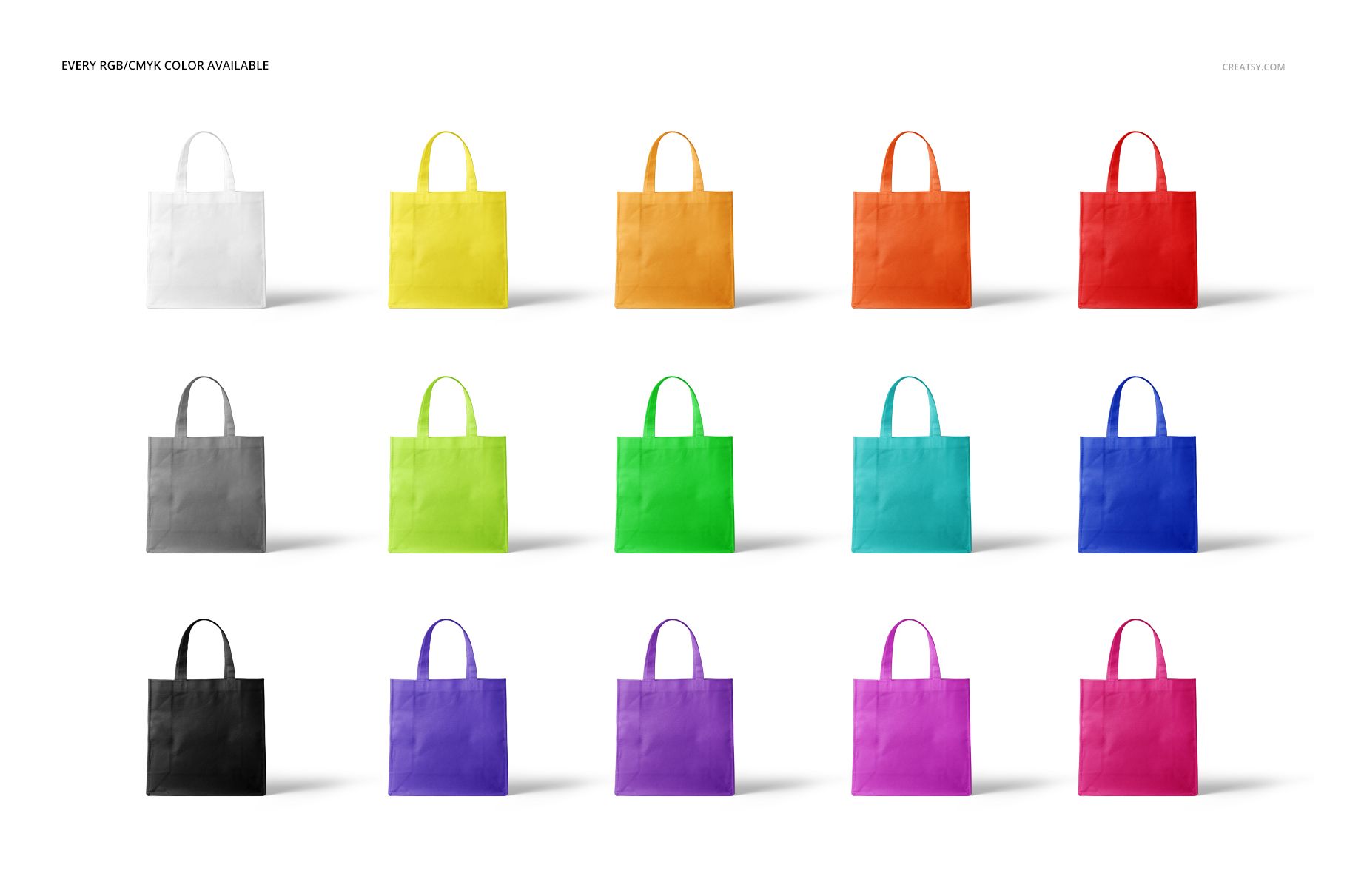
The square body, long handles, and edge trim form a clear visual system. Test a single-color direction for simplicity or pair a darker body with contrasting handles and trim for stronger recognition. The files support RGB and CMYK color choices, while the Closeup view helps you assess smaller marks against the non-woven texture. Preview graphics and patterns are not included.
A Repeatable Smart Object Workflow
Open a PSD in Adobe Photoshop CC 2015 or later, or in Photopea.
Place the artwork inside the designated Smart Object.
Save it to update the bag surface in the main scene.
Set a suitable bag and background color direction.
Review the result in another angle before exporting.
Match the View to the Message
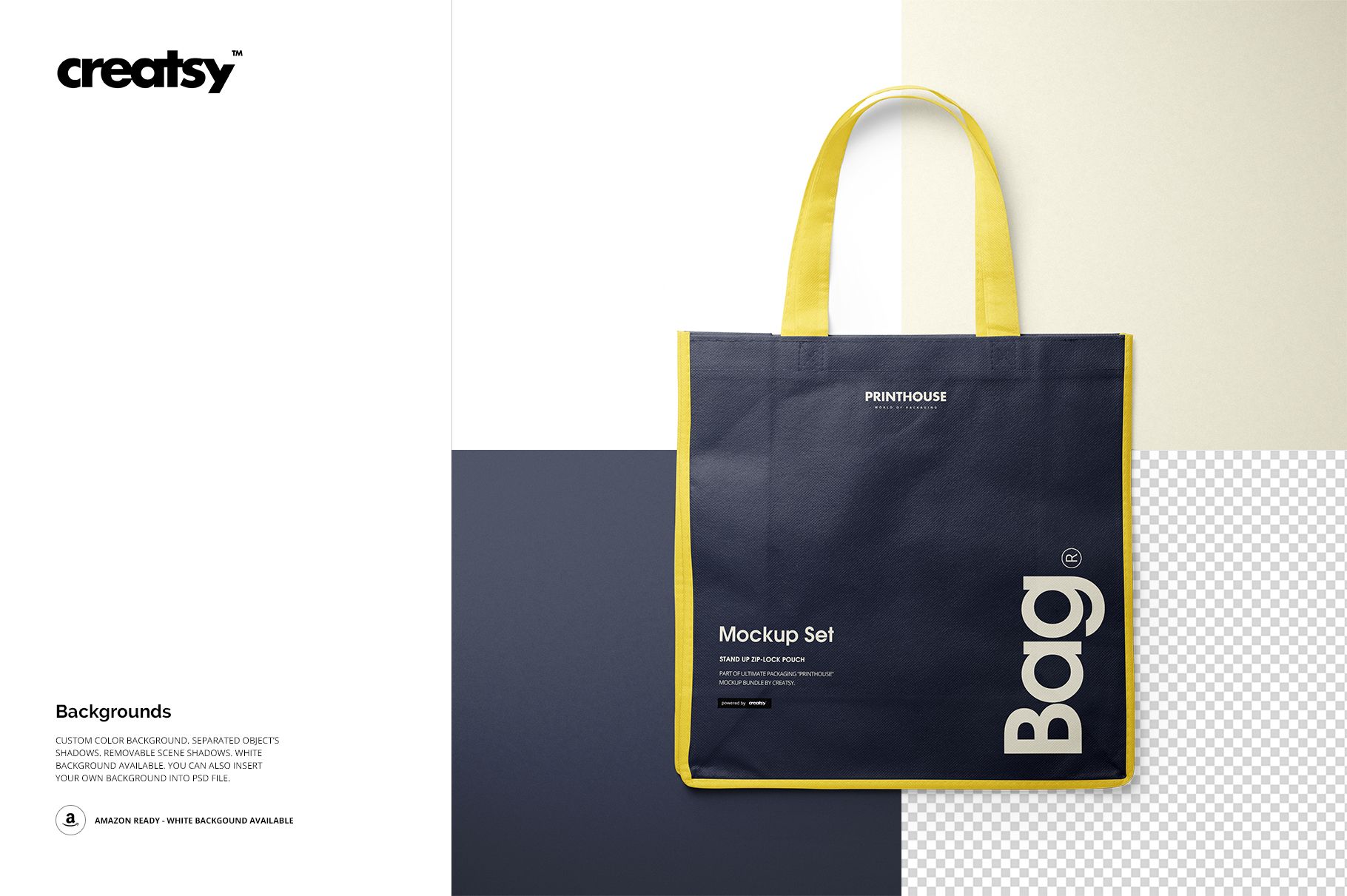
Use Front for a direct product listing or client cover, Angled to reveal the 13.5 cm depth, Top to communicate the opening and handle placement, and Closeup to inspect fine lettering and surface response. Separate object shadows and removable scene shadows help the presentation move between a grounded studio look and a lighter marketplace image. This is a visual presentation mockup, not a sewing pattern or production specification.