Sandwich Zipper Bags Box Mockup Set
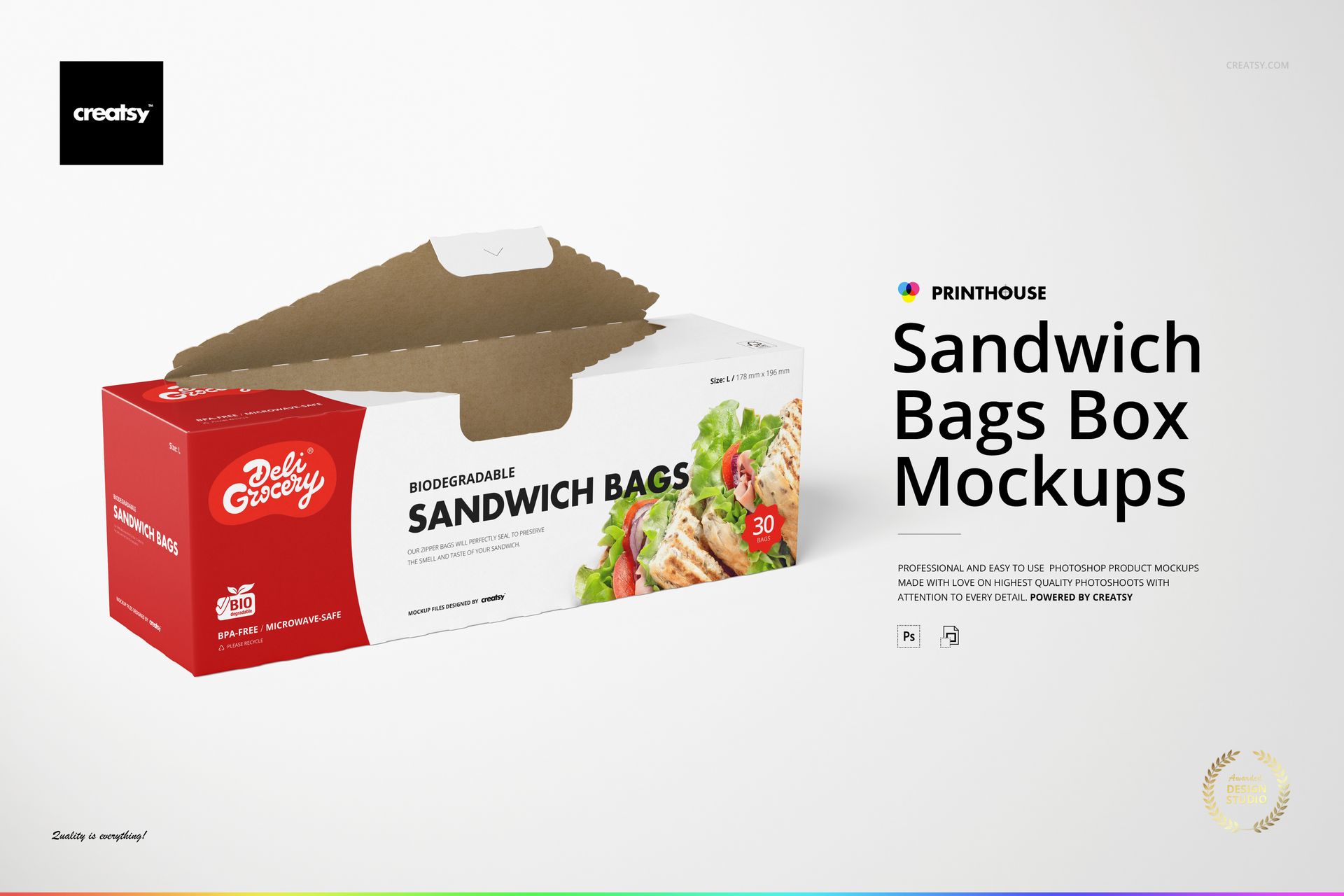
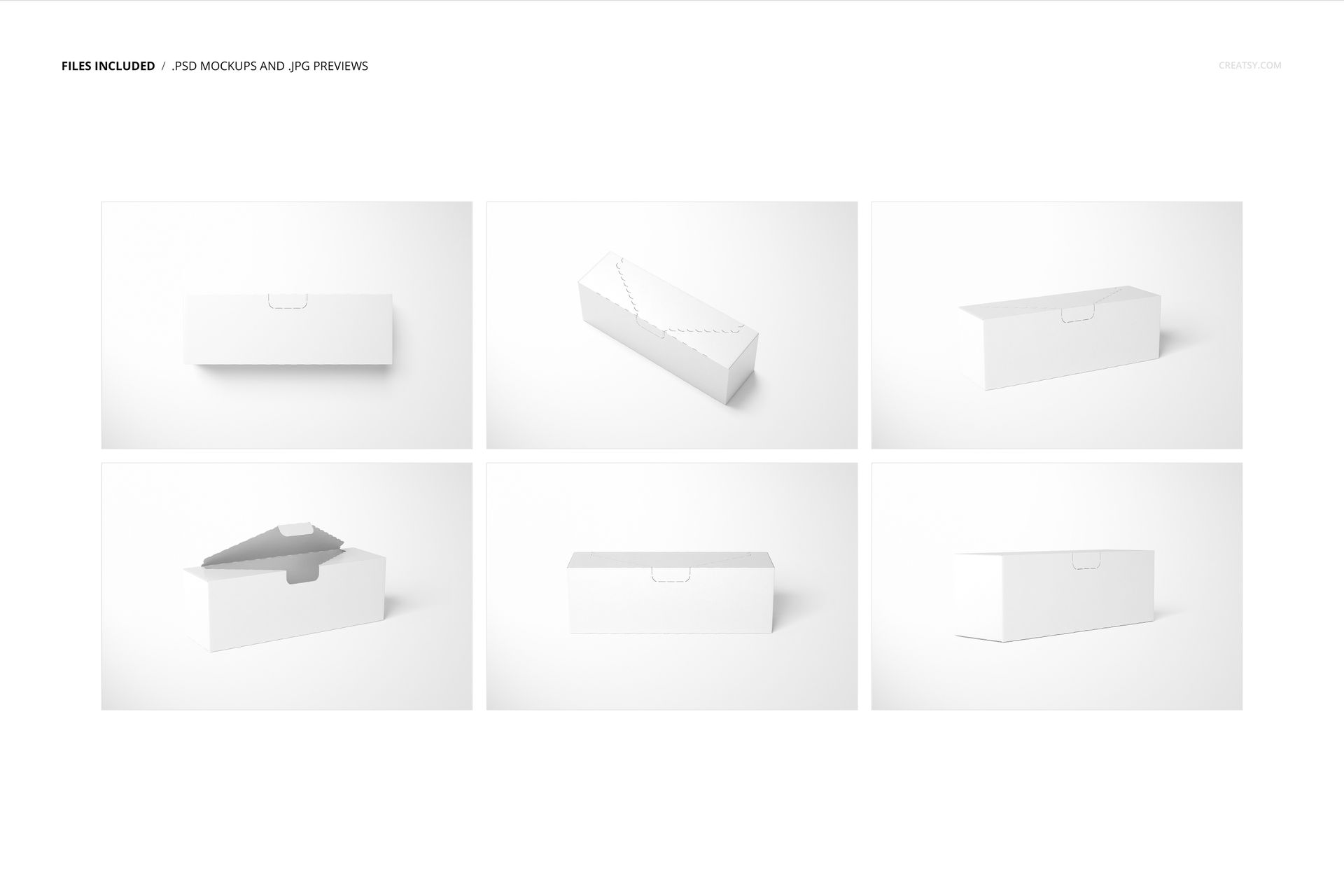
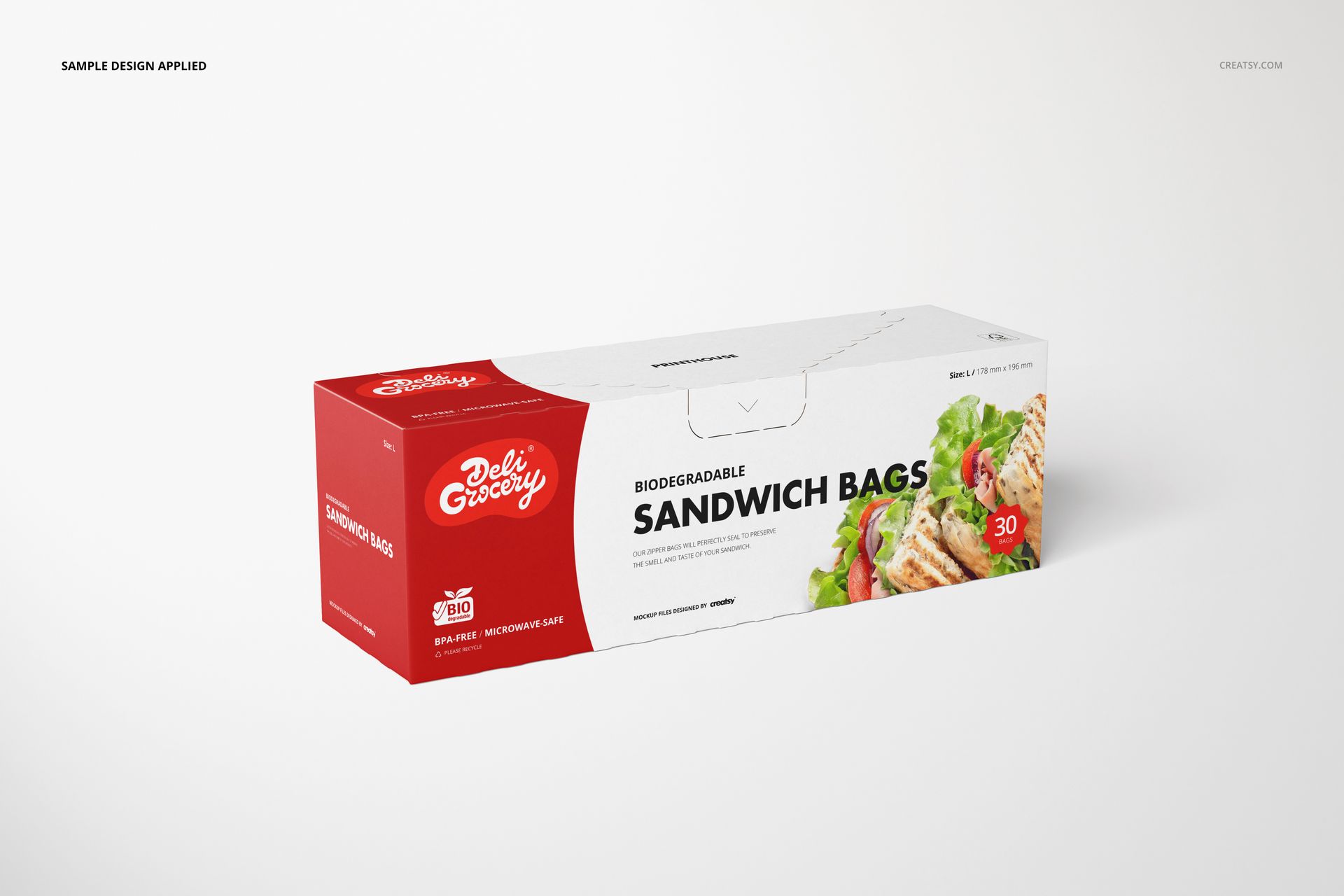
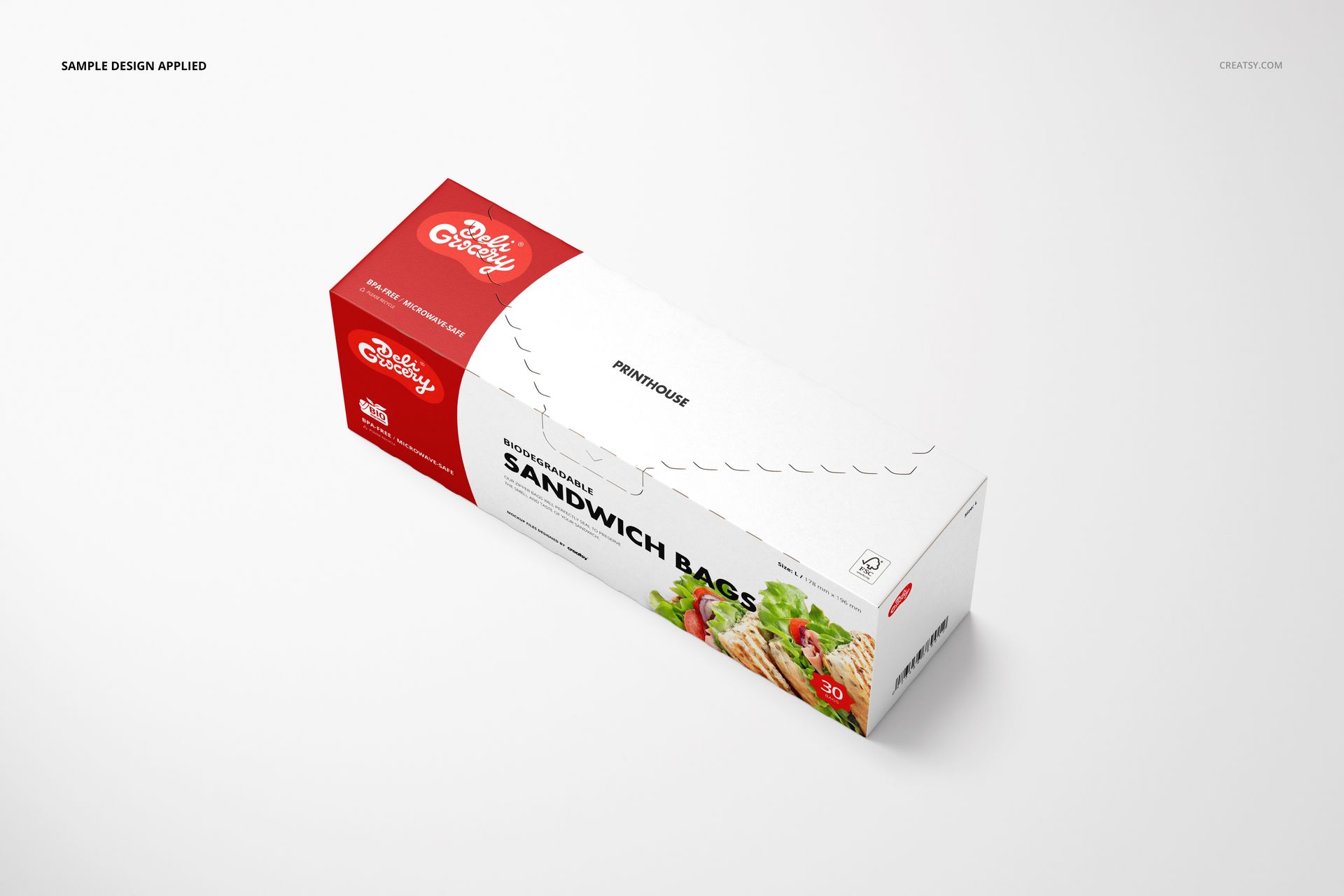
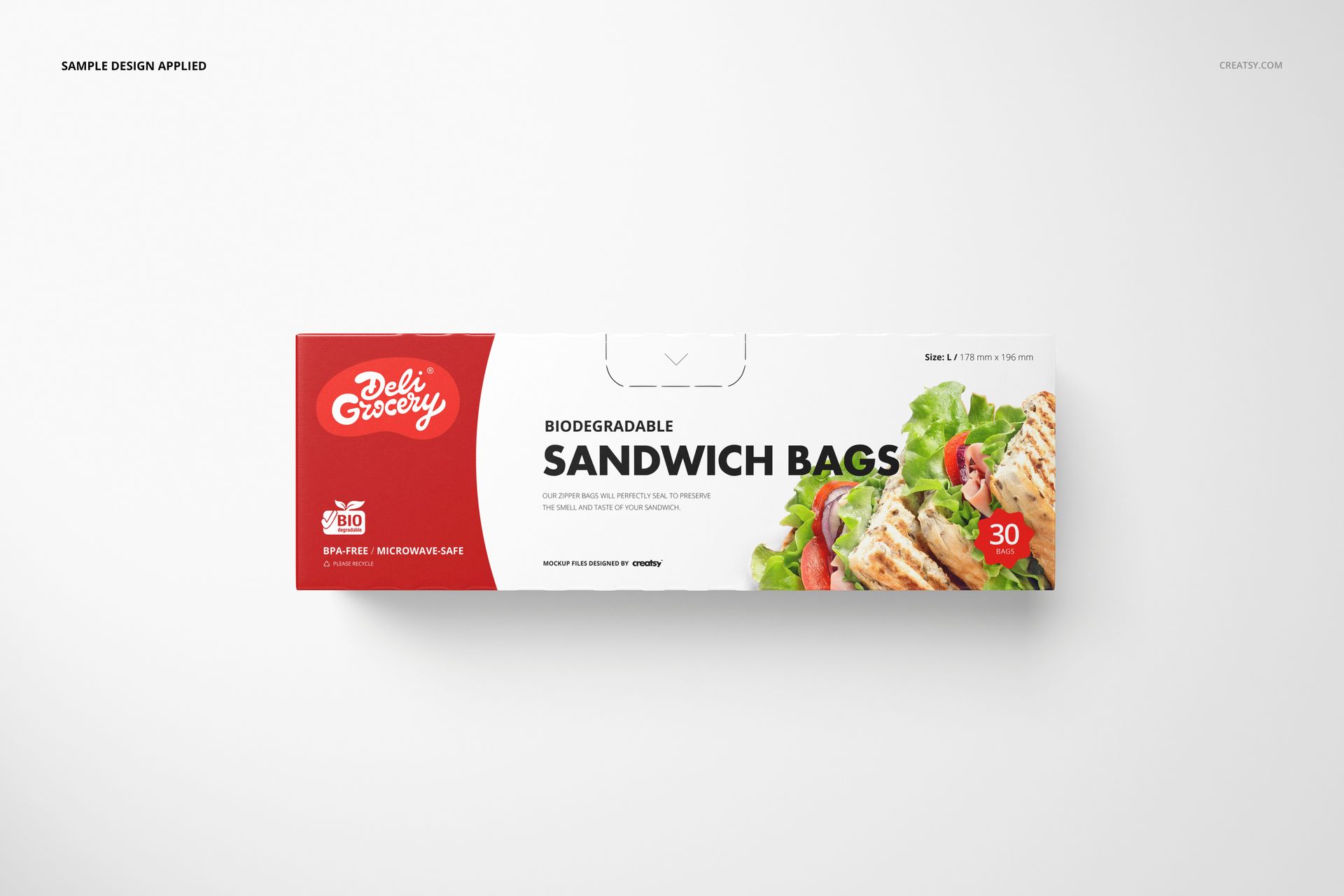
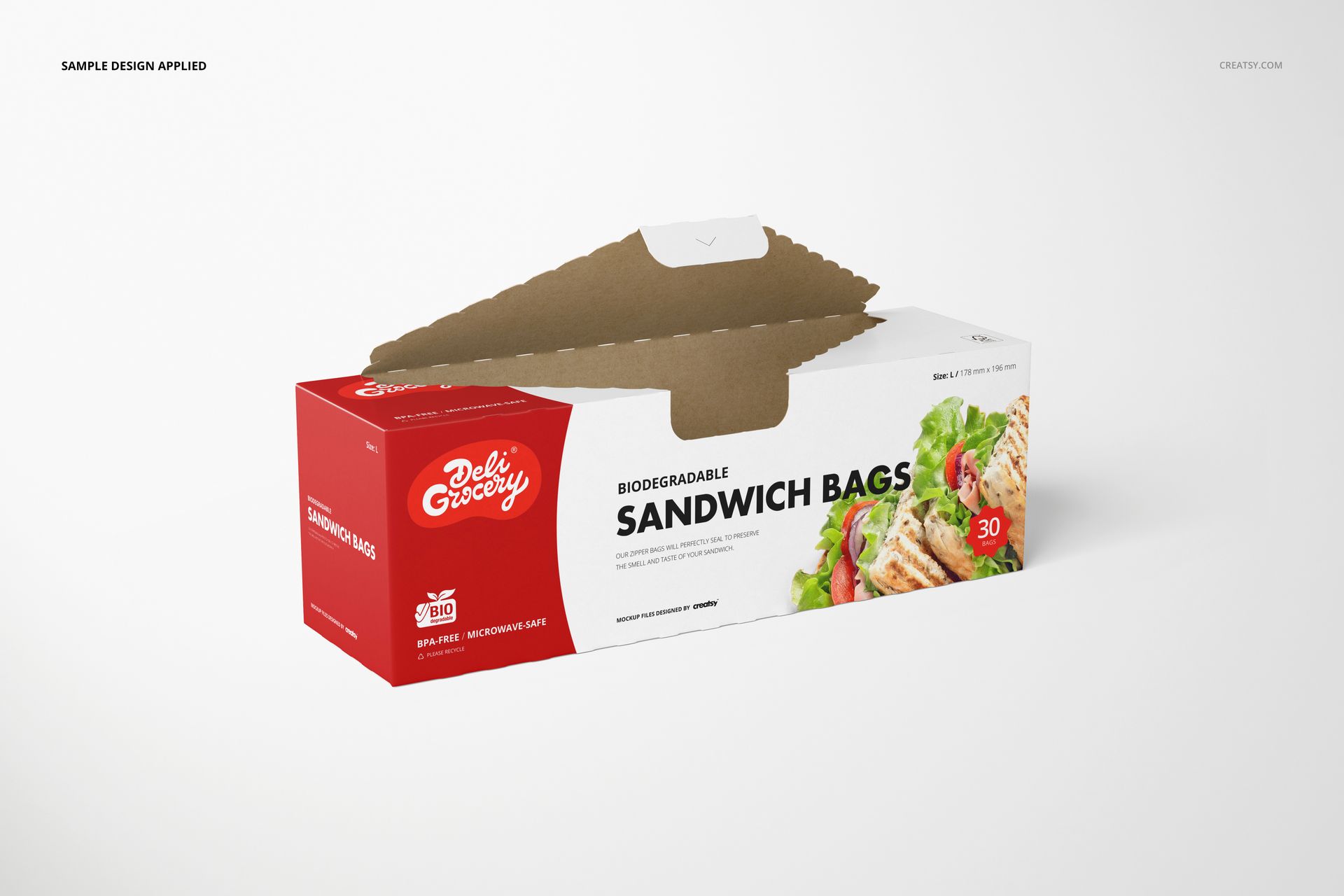
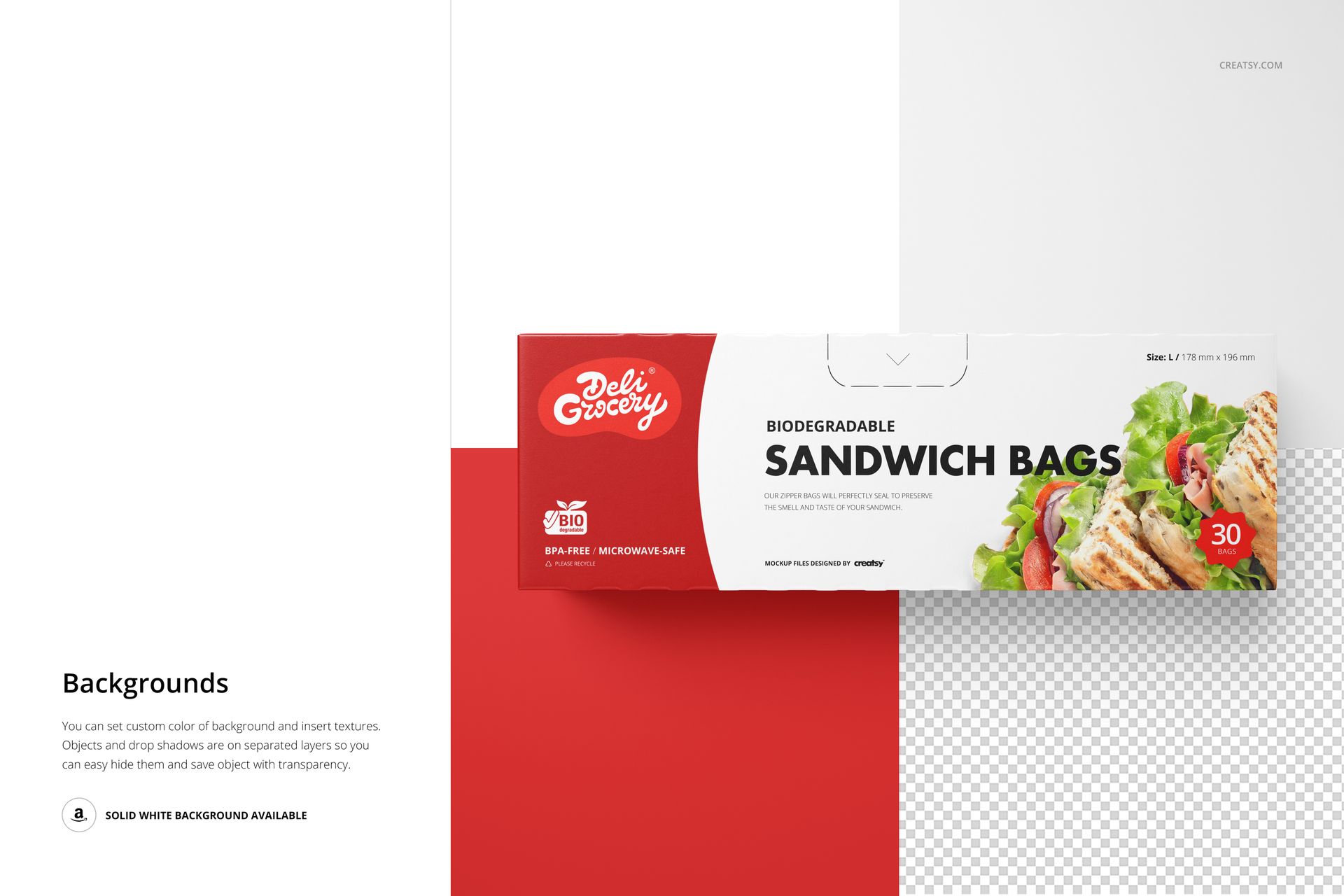
Present a retail carton for sandwich storage bags with six coordinated Photoshop mockup scenes. The set combines clean front views, angled perspectives and an open-lid composition, so you can show more than a flat packaging design.
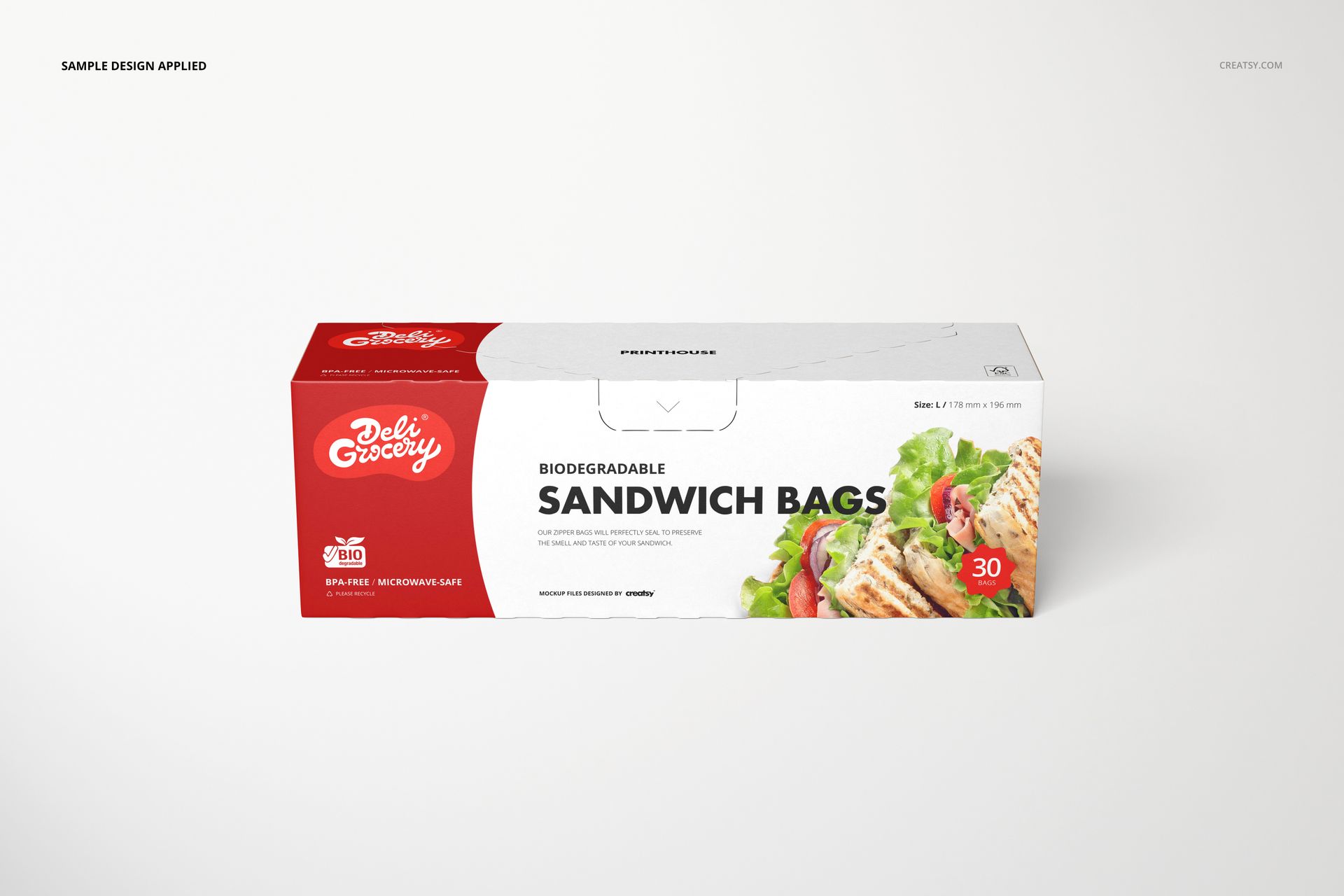
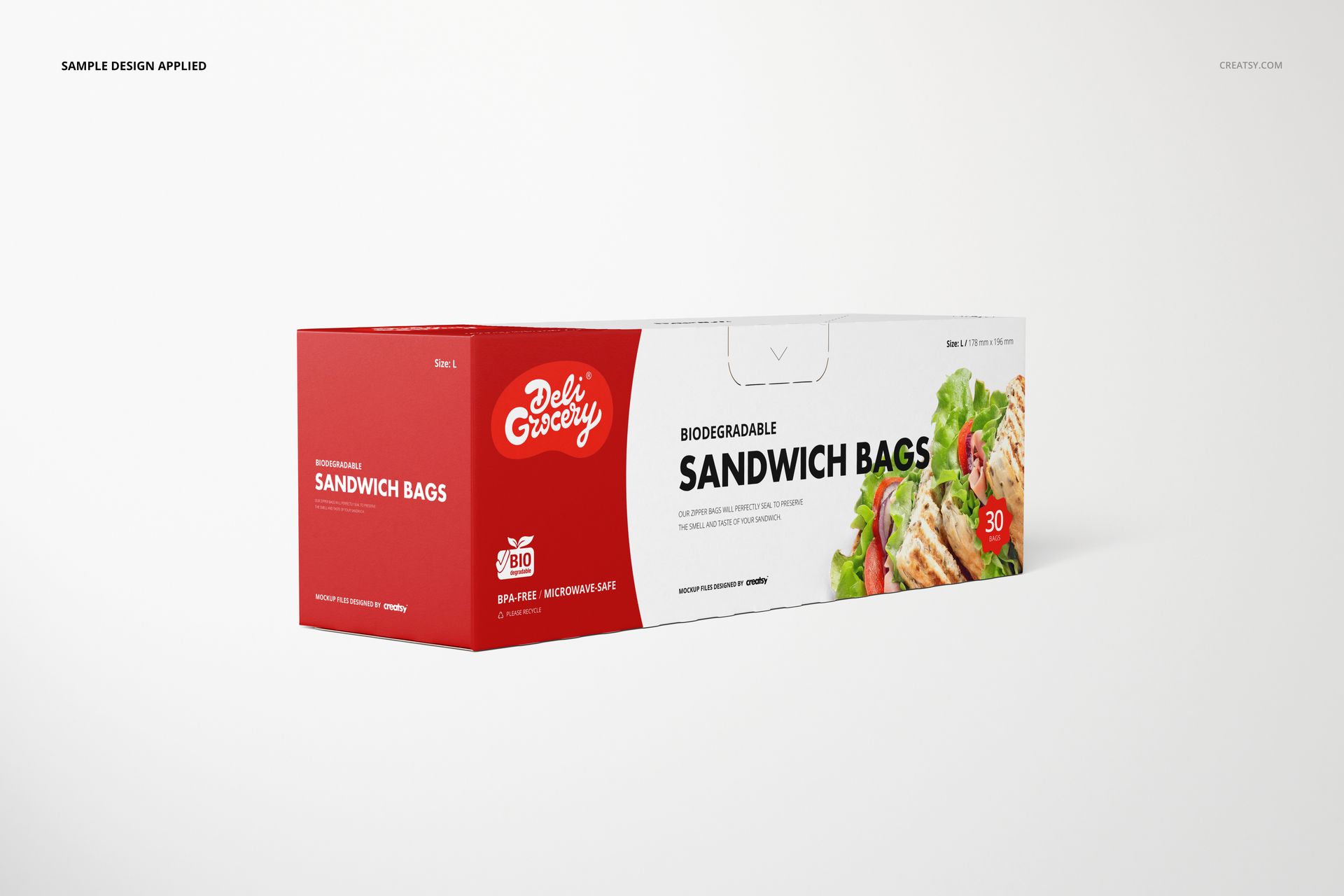
Customize the carton artwork and color to compare brand identities, prepare a client presentation or build a product gallery with a consistent visual style.
What Is Included
6 layered PSD mockup scenes at 6000 × 4000 px and 300 DPI
6 JPG previews and 1 PDF user manual, 13 files in total
Closed-carton and open-lid views from front, angled and elevated perspectives
Adobe Photoshop CC2015 or newer
A Dispenser Carton Seen from Six Angles
The long rectangular box, perforated opening and raised lid give this set a specific retail-packaging role: presenting the carton that holds sandwich storage bags. The closed views show how the front, top and side panels work together; the open scene adds a useful view of the dispensing opening and cardboard interior.
Easy Smart Object Editing
Open a PSD in Photoshop, place your artwork in the designated Smart Object, save that Smart Object and return to the main scene. Adjust the box colors and use the available background options to support your design. Choose among the supplied camera views rather than treating the file as a 3D model.
Perfect For
Food-storage and household-product packaging concepts
Private-label grocery ranges and carton colorway comparisons
Client presentations, ecommerce image galleries and packaging portfolios
Digital mockup files only. No physical cartons or bags are supplied. The sample artwork and patterns shown in the previews are not included.