Eurotote Bag 2 Mockup Set
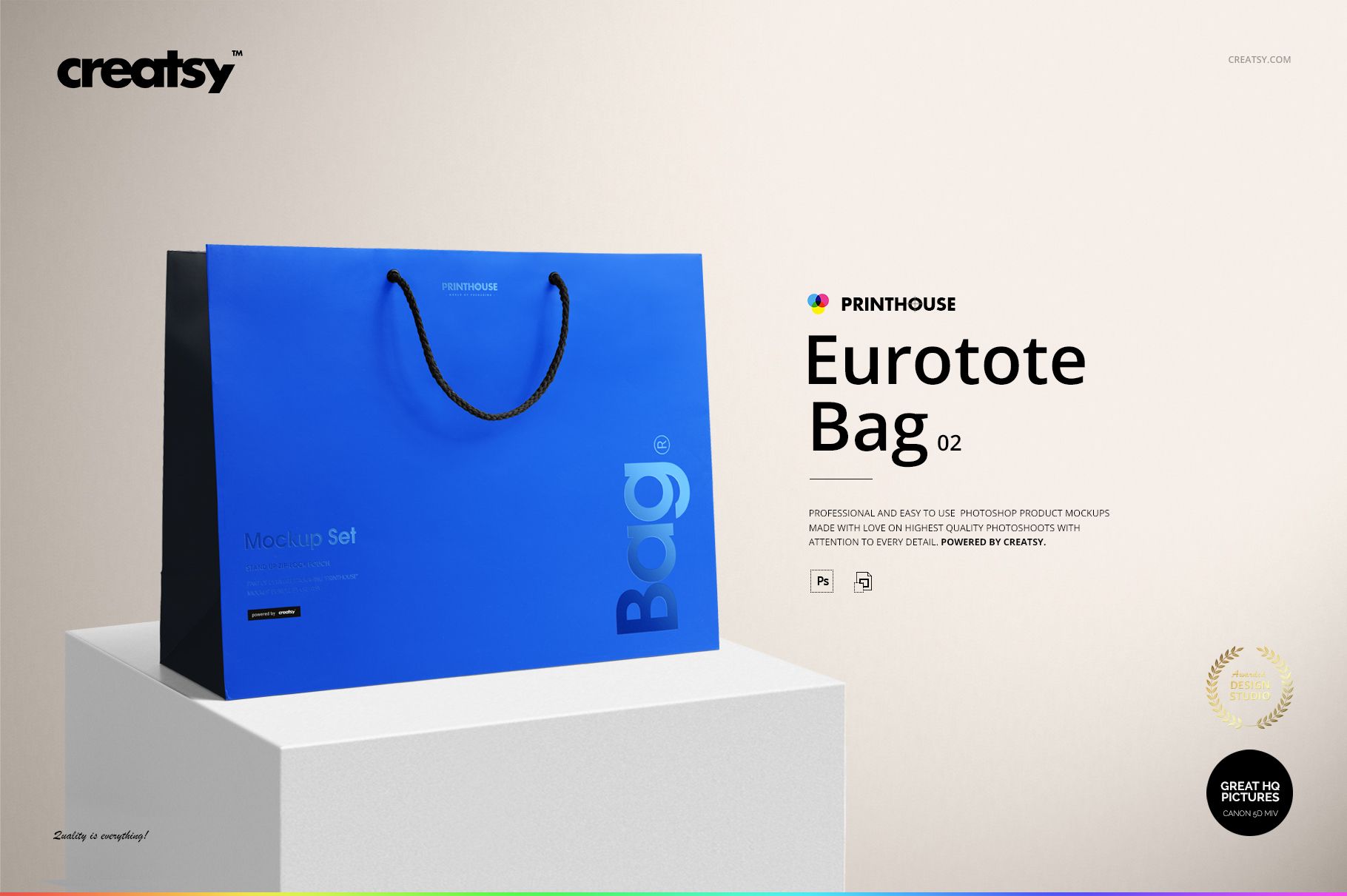
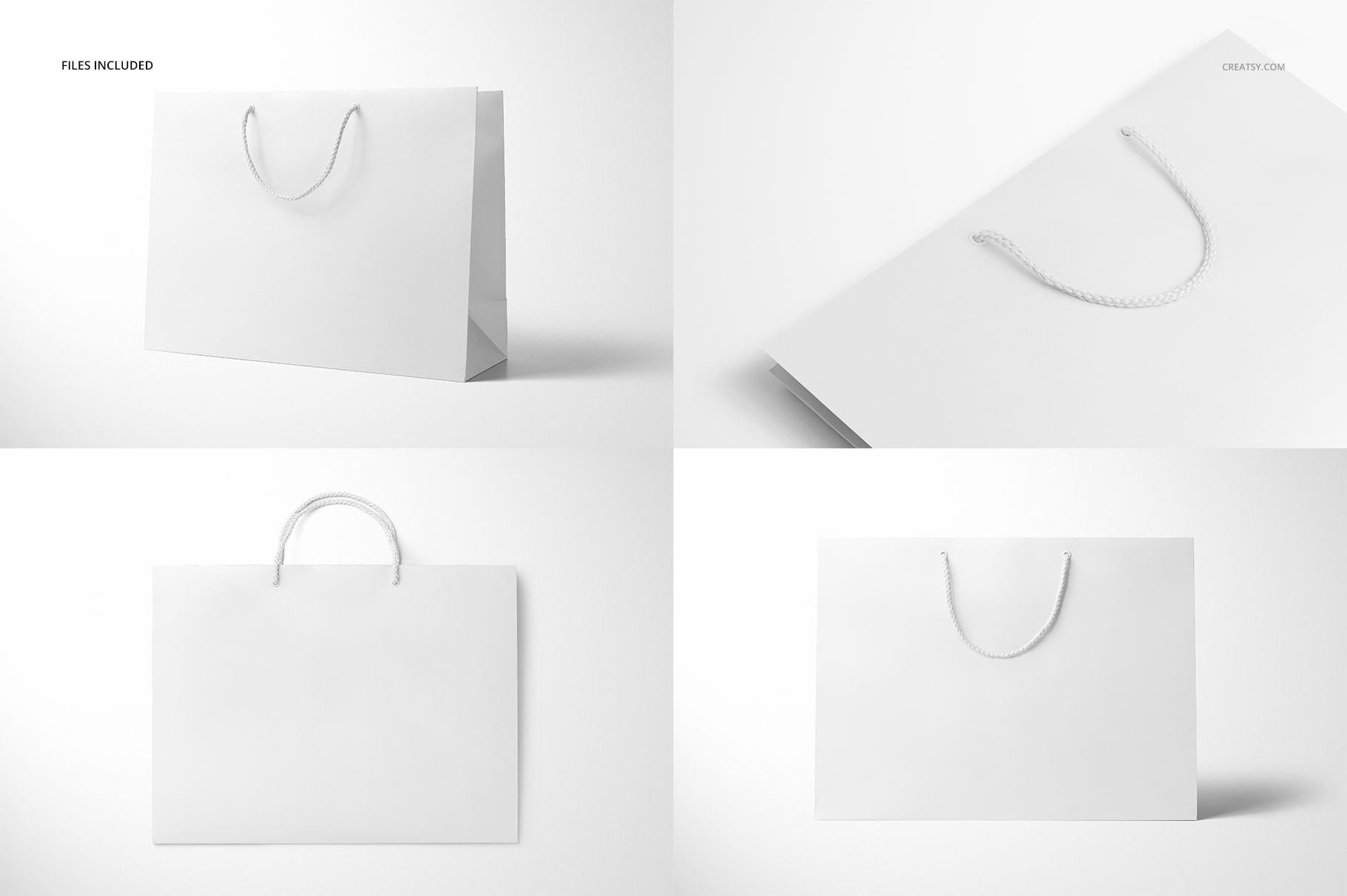
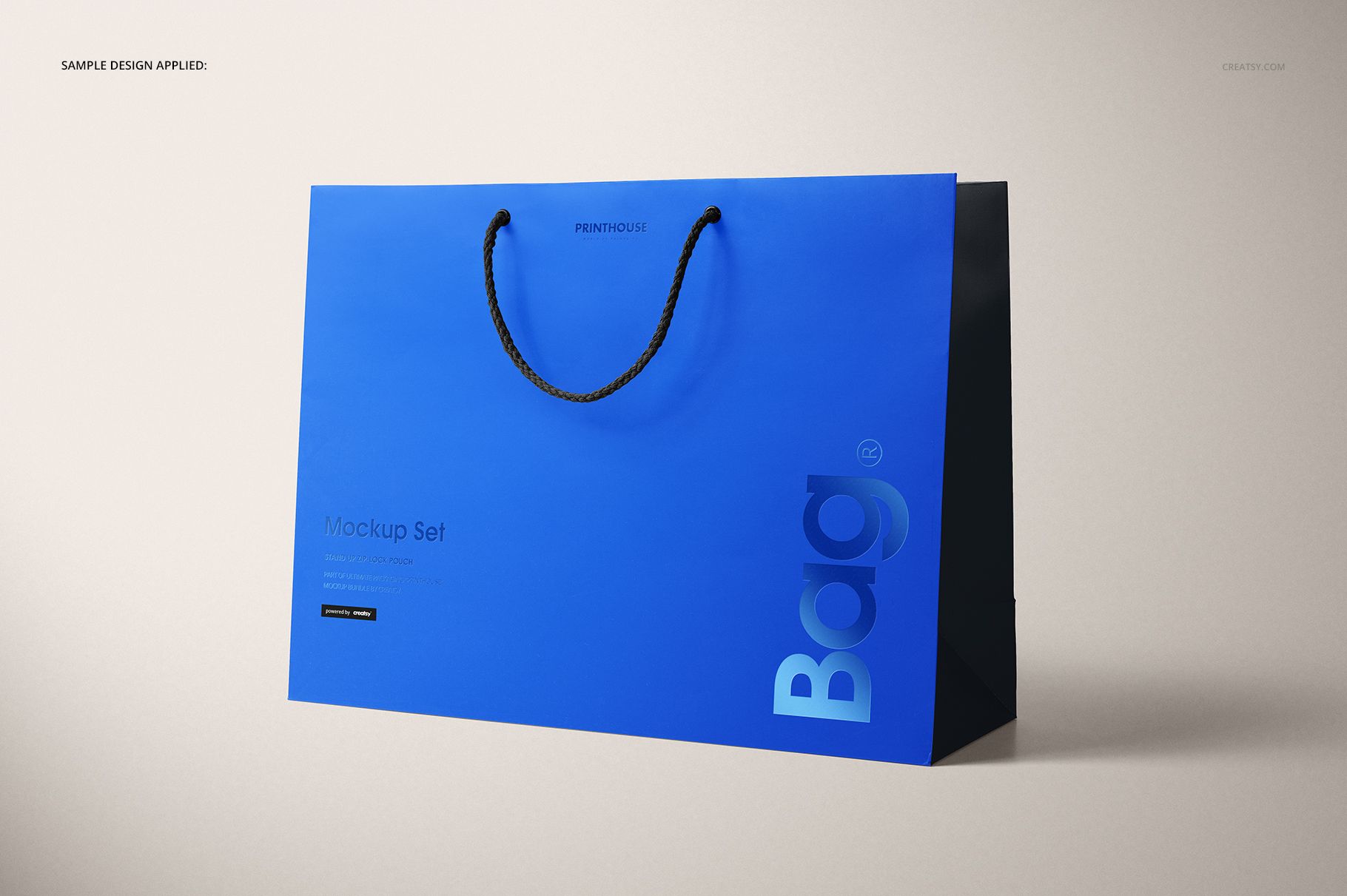
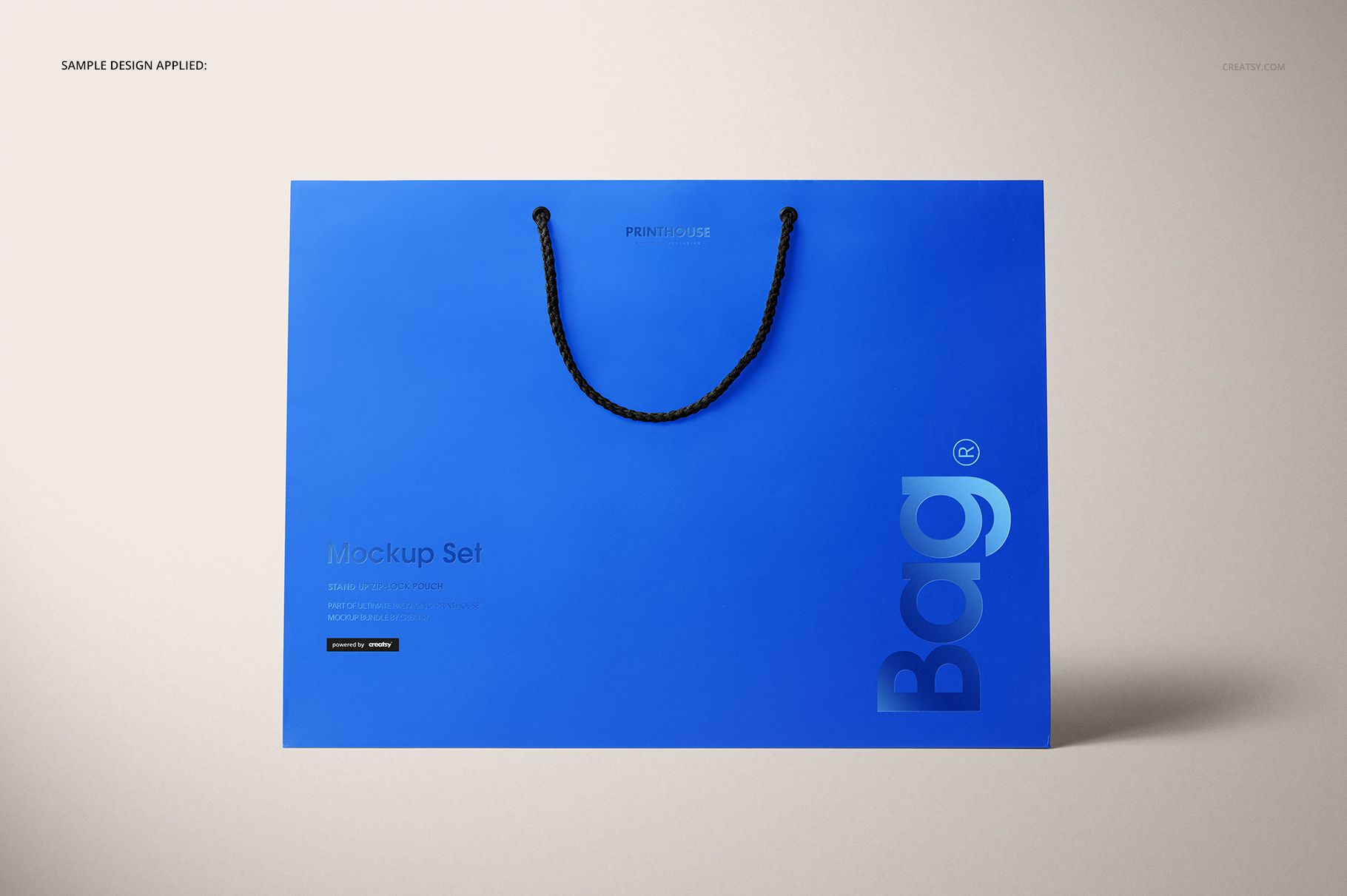
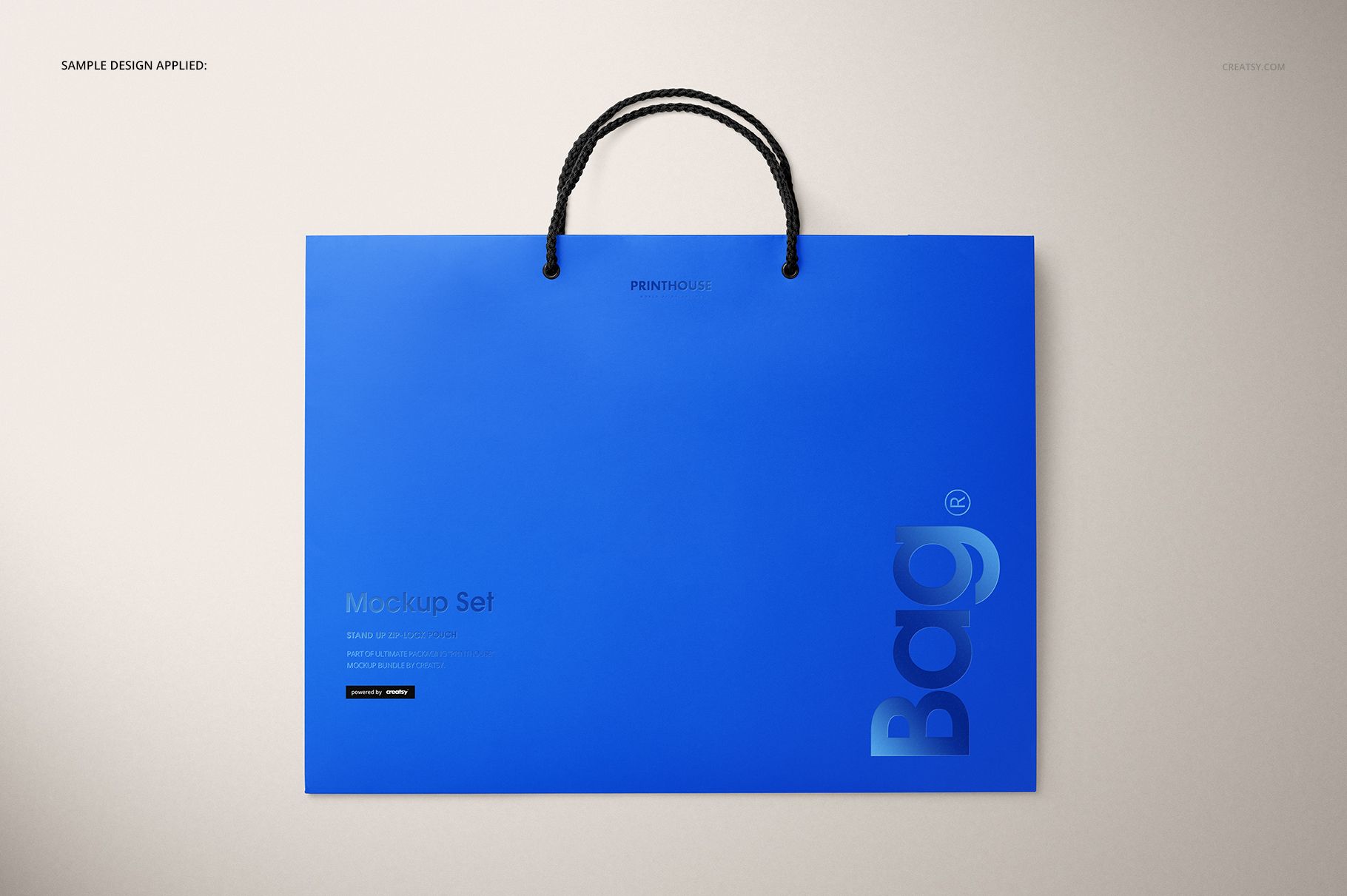
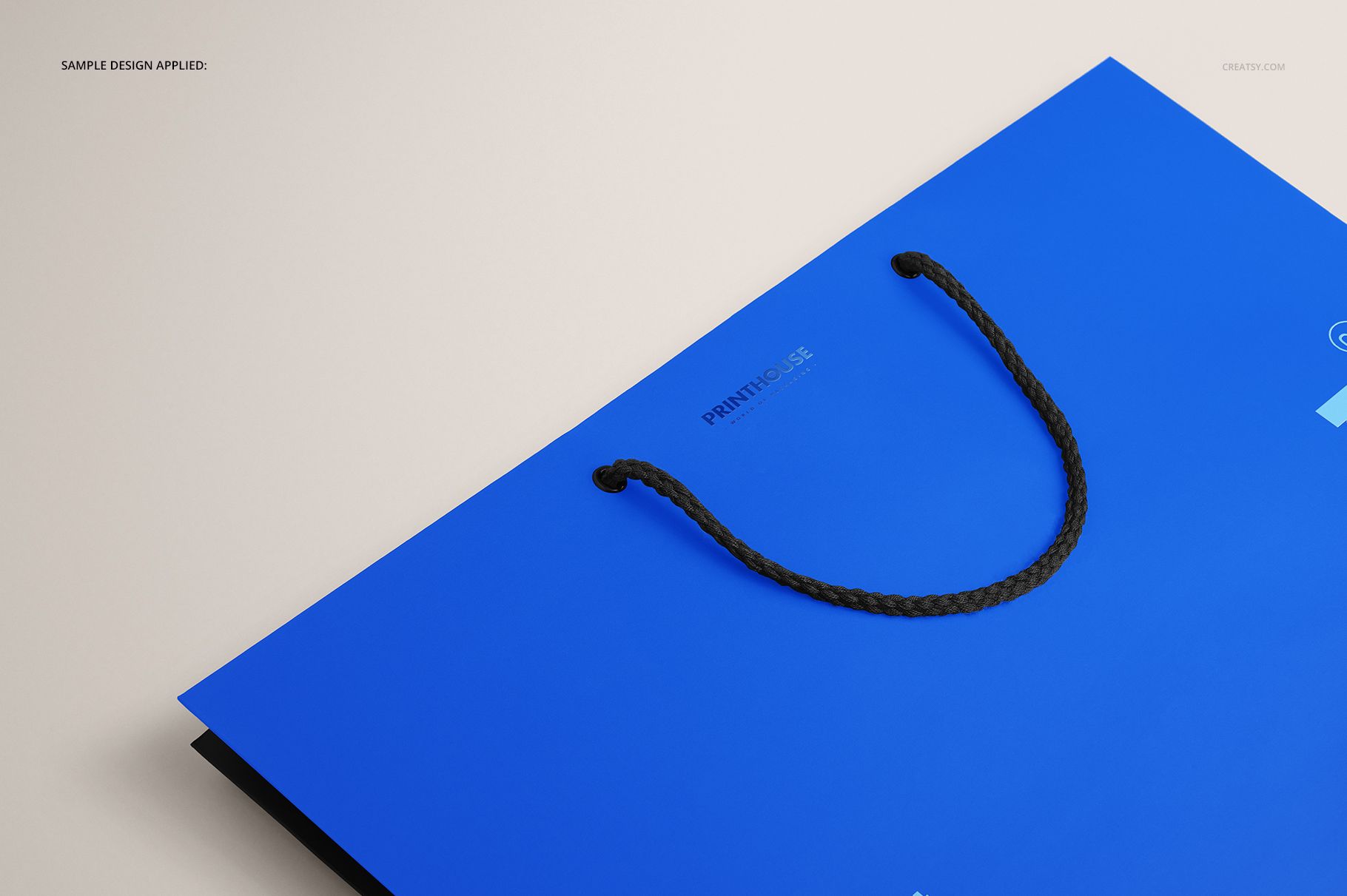
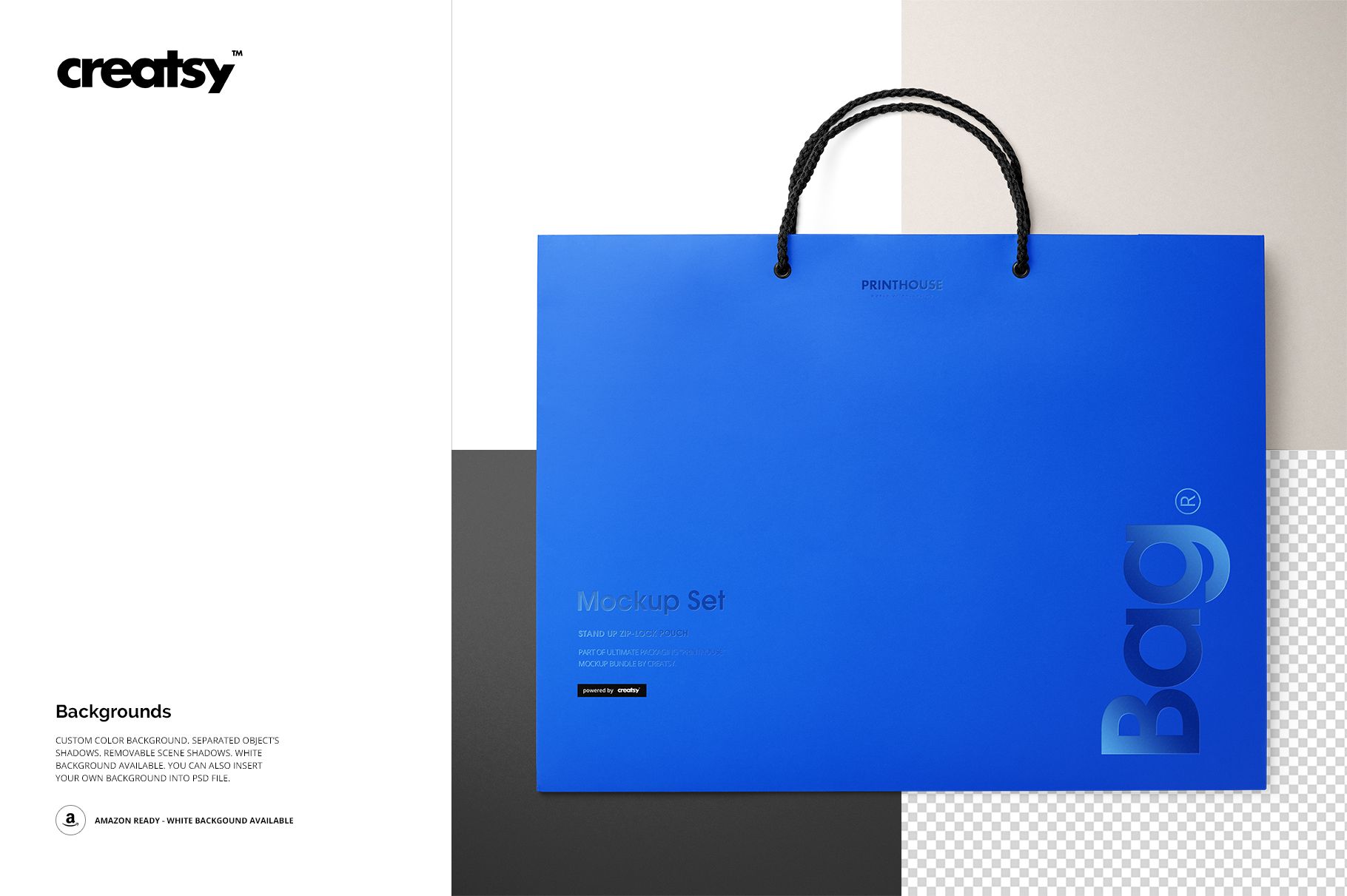
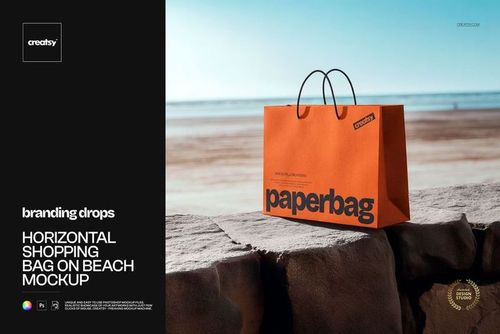
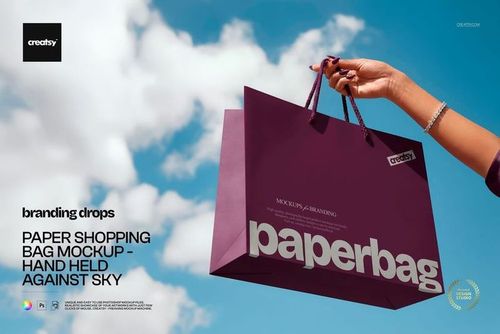
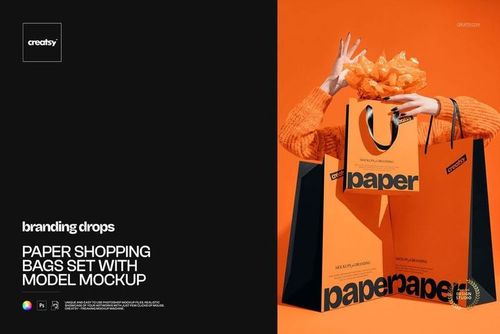
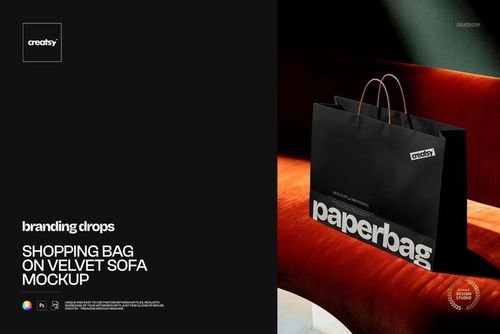
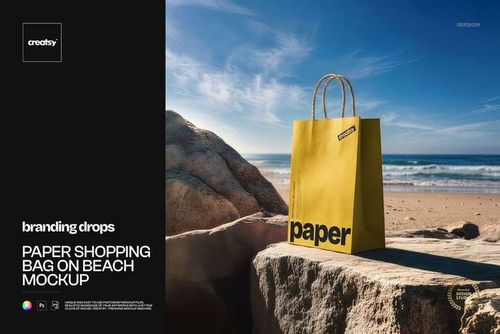
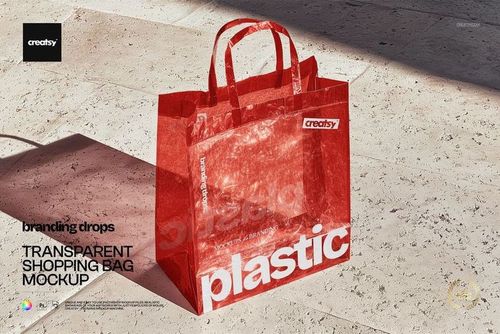
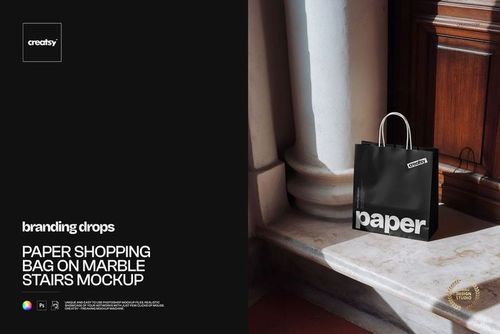
A wide 42 cm Eurotote gives horizontal wordmarks, repeating patterns, and retail identities a generous display area. This four-scene set presents the same rope-handle shopping bag from the front, at an angle, from above, and in closeup, so you can show both the full silhouette and finishing details in one coherent presentation.
The represented bag measures 31.5 cm high without handles, 42 cm wide, and 14.5 cm deep. Its landscape proportion and visible gusset make it especially useful for judging wide logos, border spacing, and how a repeat moves from the front panel toward the side.
Wide-Format Set Contents
4 layered PSD scenes: Angled, Front, Top, and Closeup
4 matching JPG previews plus 1 JPG guide, 9 files in total
Main scenes at 6000 × 4000 px and 300 DPI
Package size: 1.62 GB on Windows and 1.74 GB on Mac
Compatibility with Adobe Photoshop CC 2015 or later
Coordinate Artwork and Foil
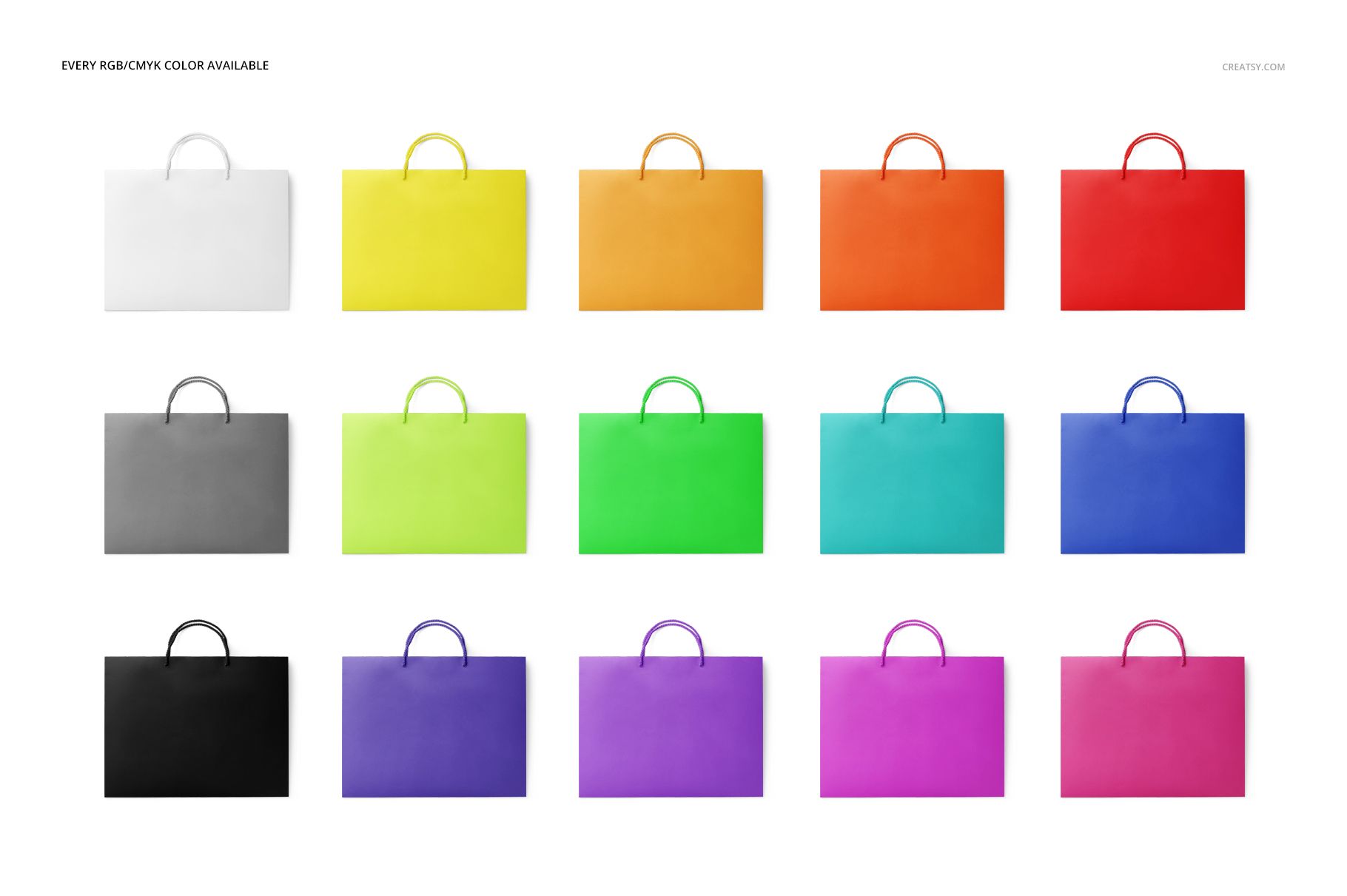
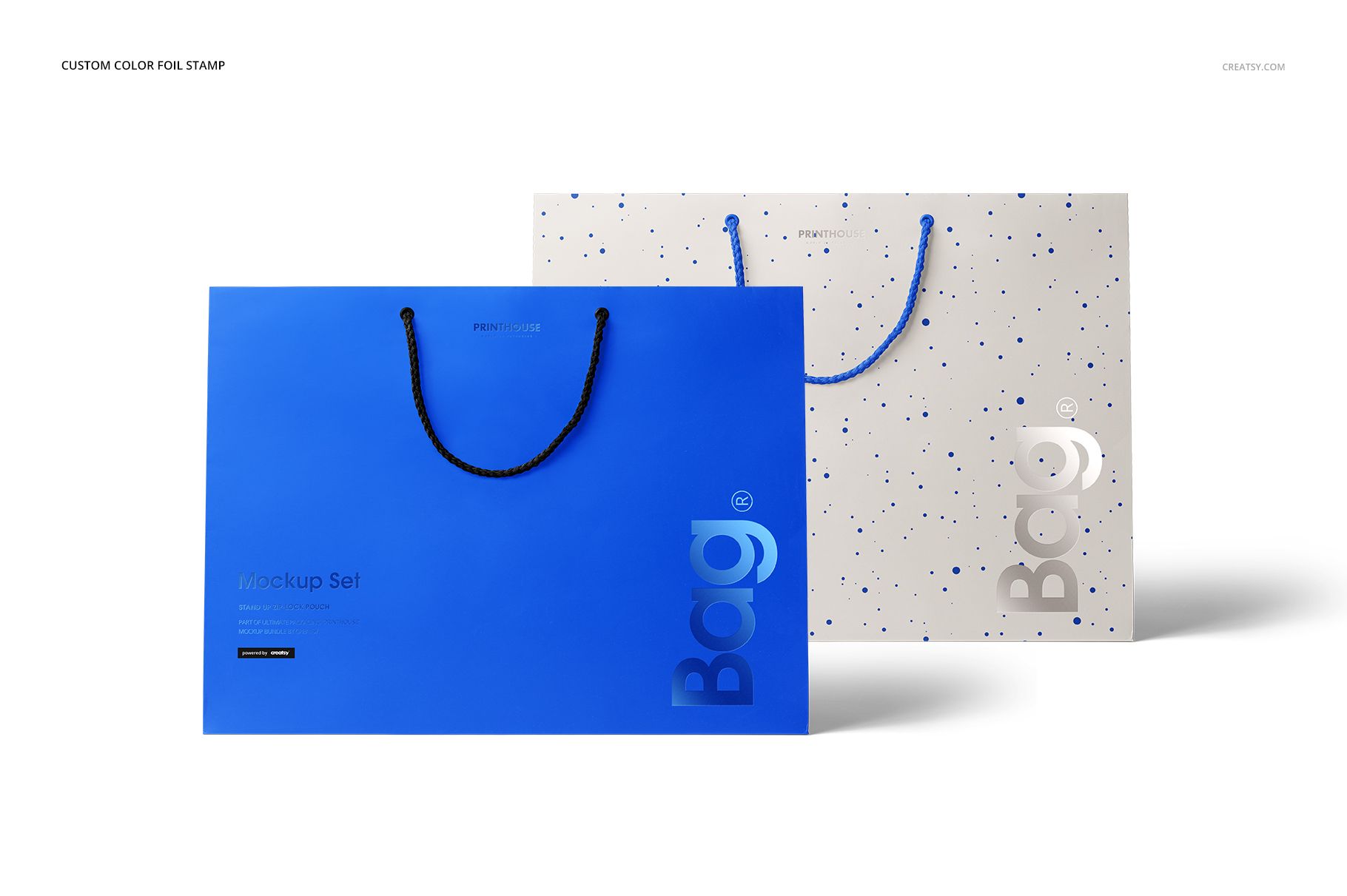
Explore the bag in RGB or CMYK colors, then set a separate foil-stamp color to test bold contrast, tonal branding, or a restrained boutique direction. The broad front panel provides room to compare lettering, illustration, and repeat scale without losing sight of the bag's structure.
A Four-Scene Smart Object Workflow
Place the artwork through the Smart Object in the chosen PSD.
Adjust the bag and foil-stamp colors.
Select a custom color, white, or your own image for the background.
Refine the separated object shadows or remove the scene shadows before export.
Built for Clear Brand Presentations
Use the set for gift-shop branding, fashion and beauty packaging, event merchandise, corporate presentation bags, print-shop approvals, and ecommerce galleries. This is a digital mockup, not a manufacturing dieline or production template. The sample branding and patterns shown in the previews are not included.