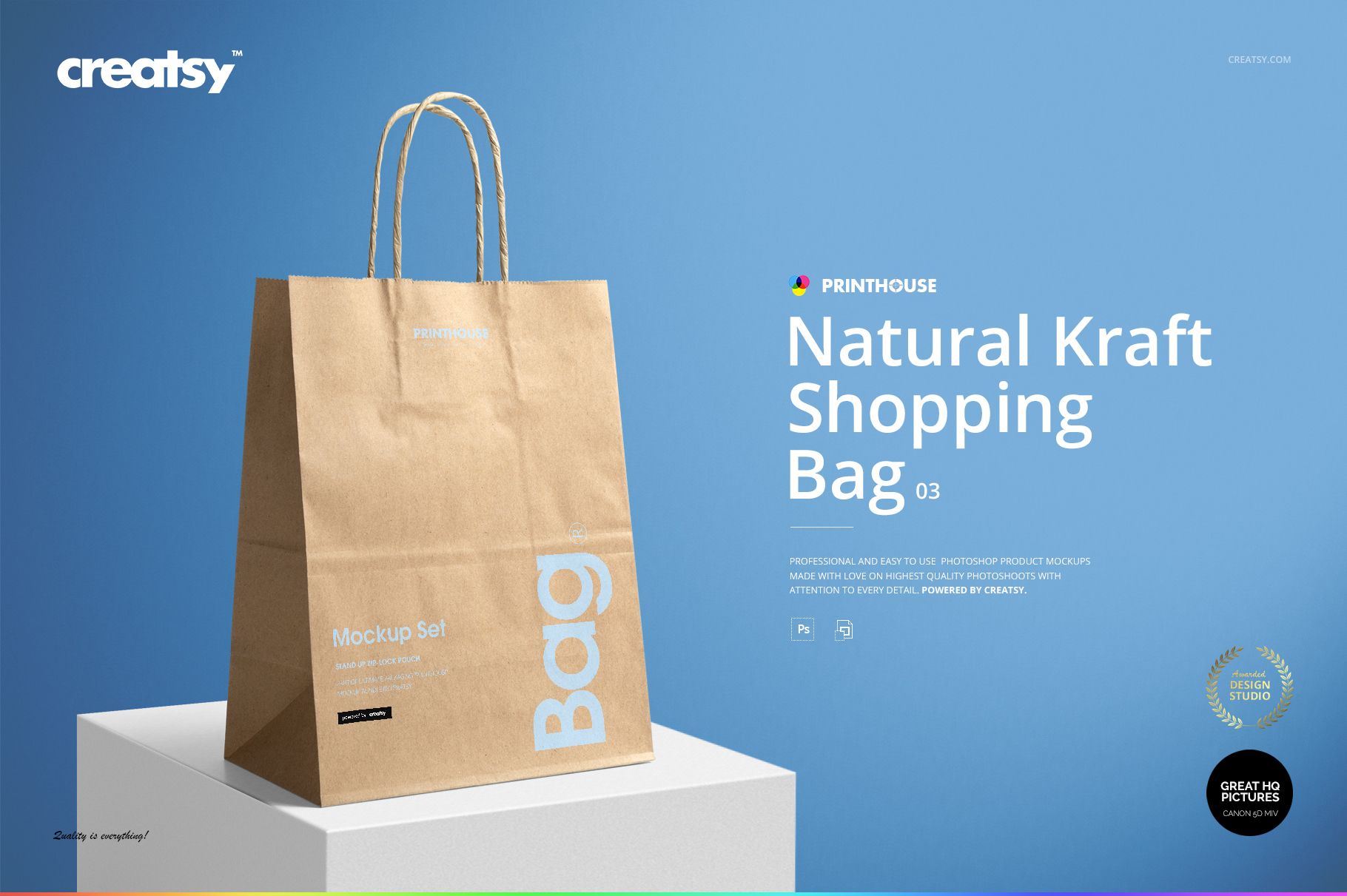
Natural Kraft Shopping Bag 3 Mockup Set
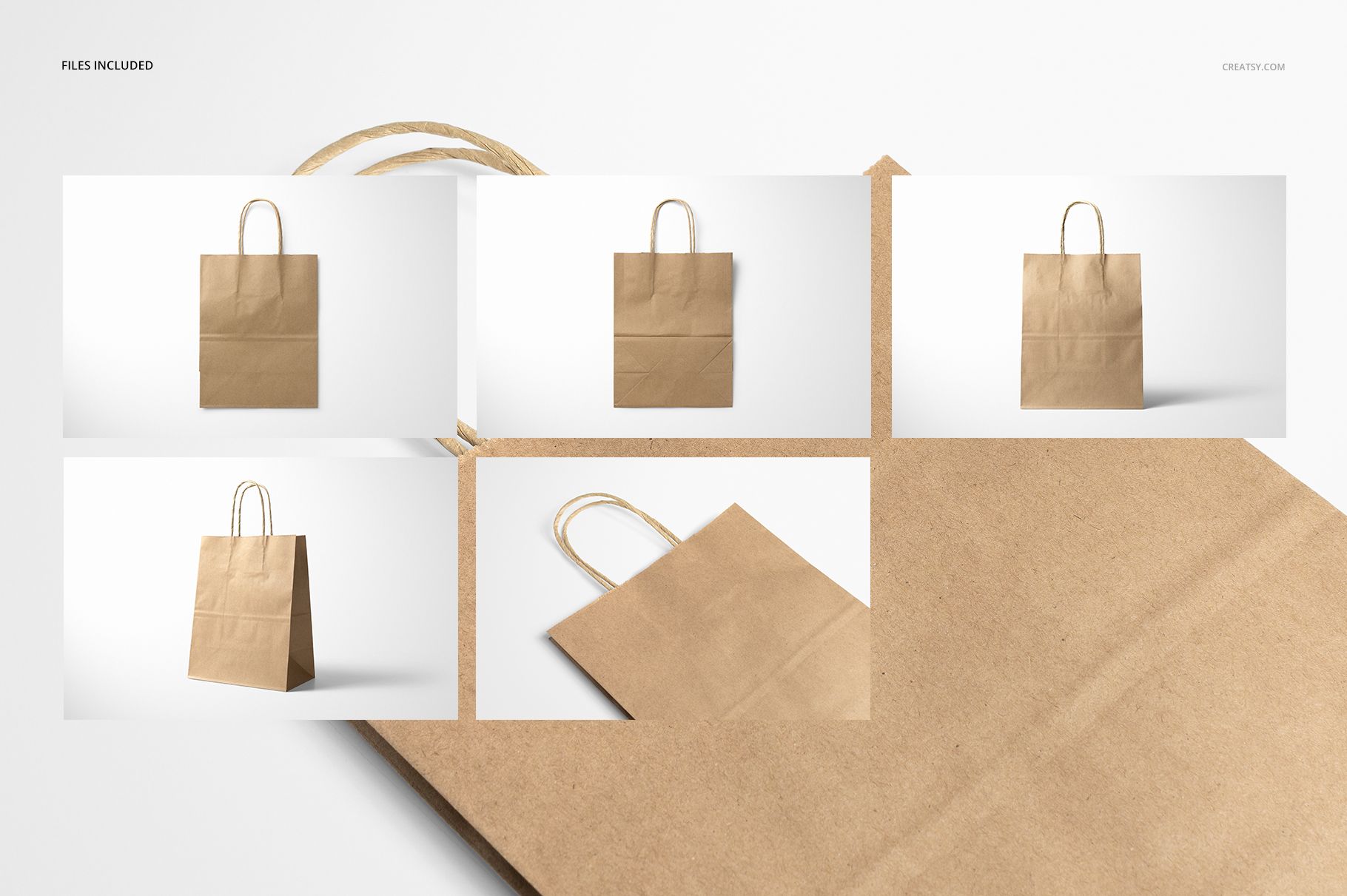
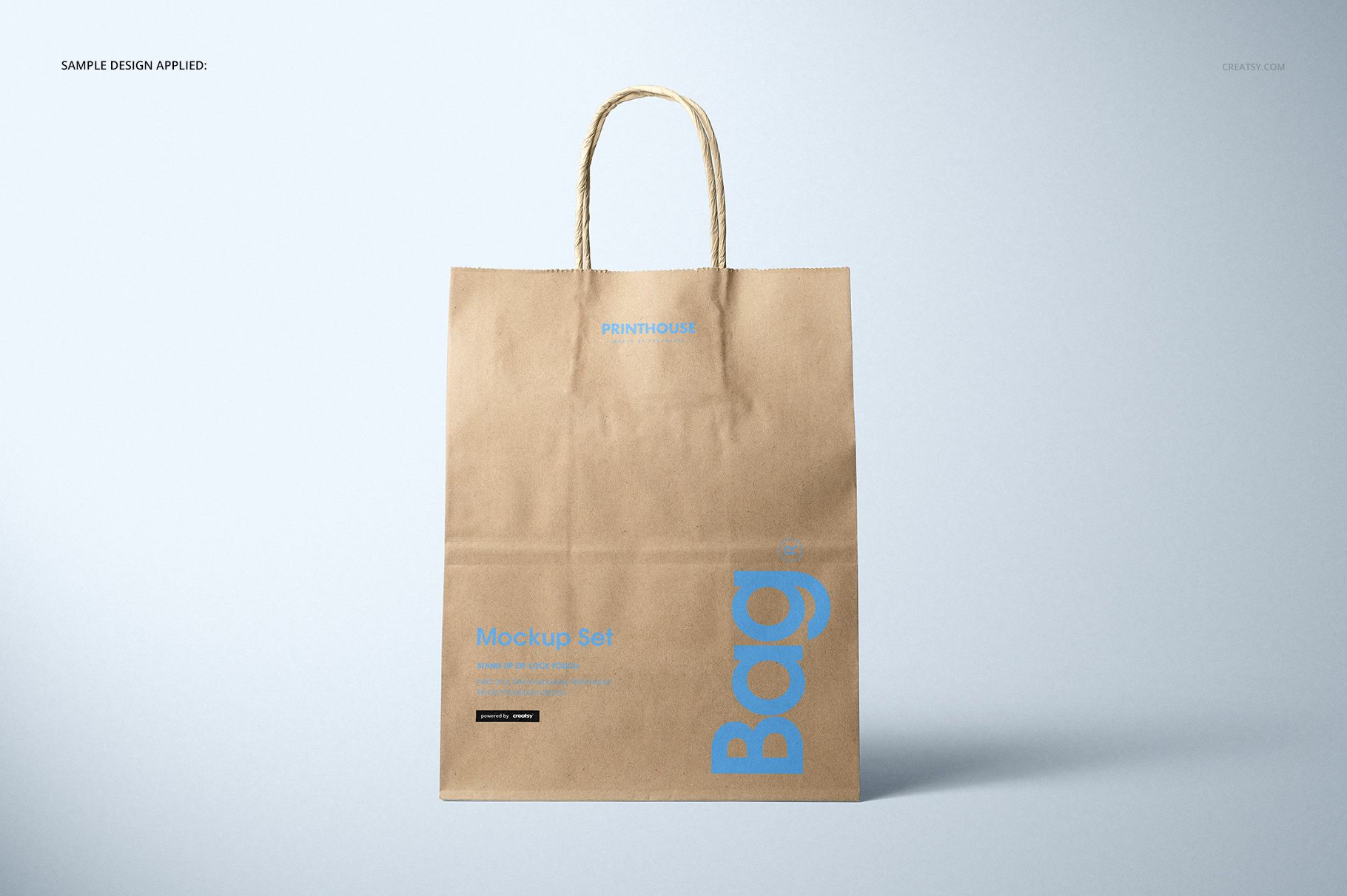
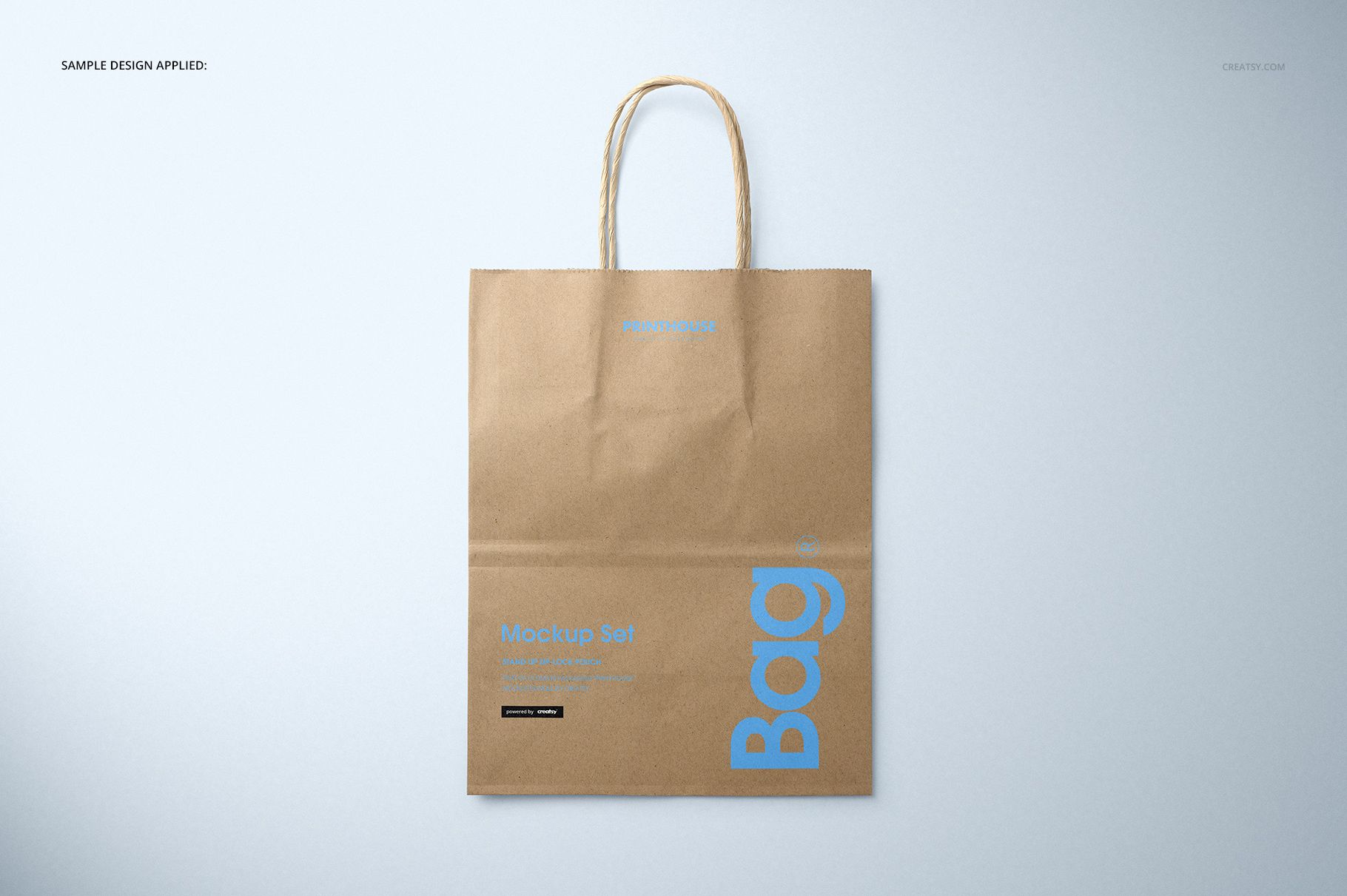
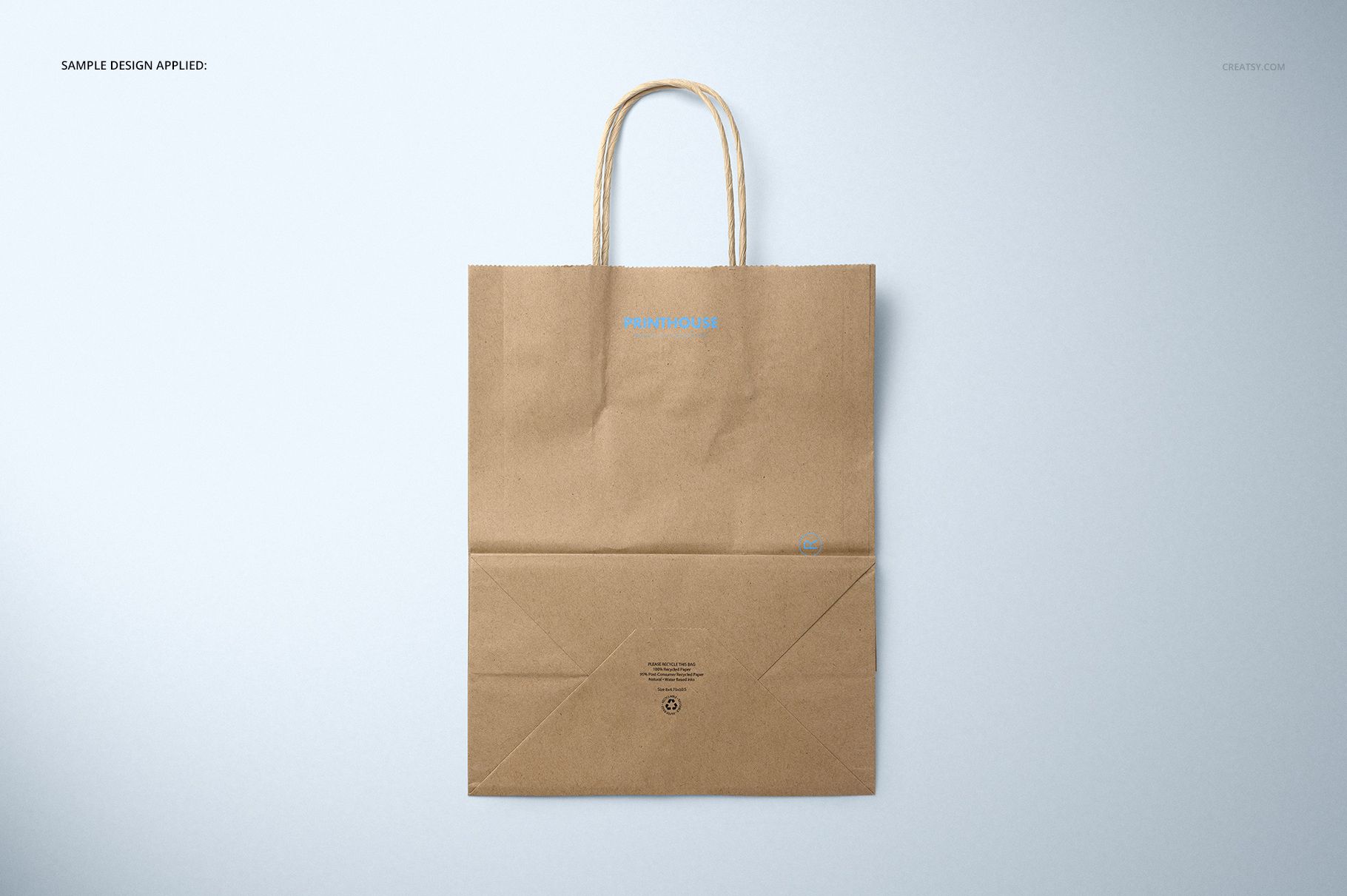
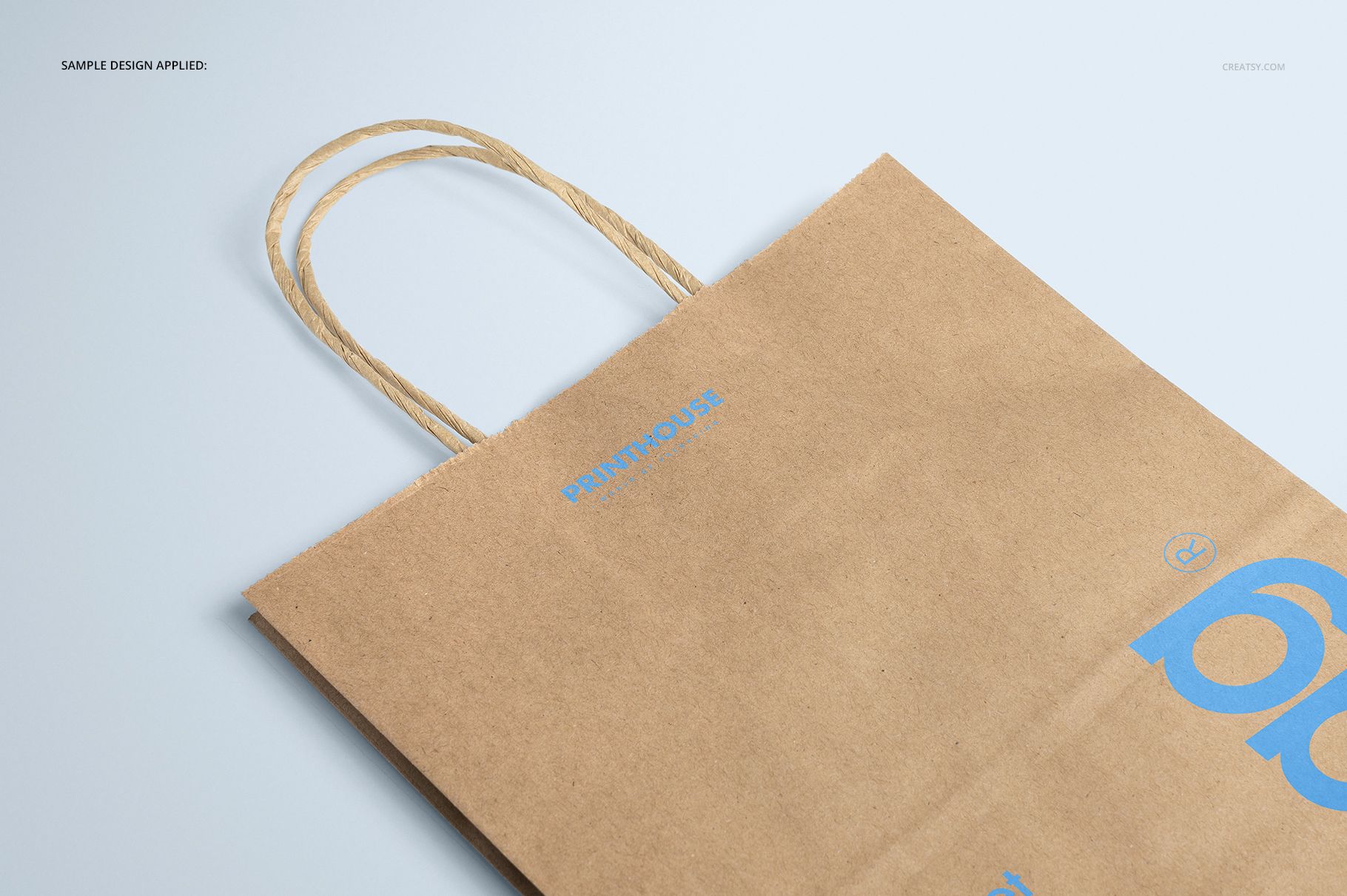
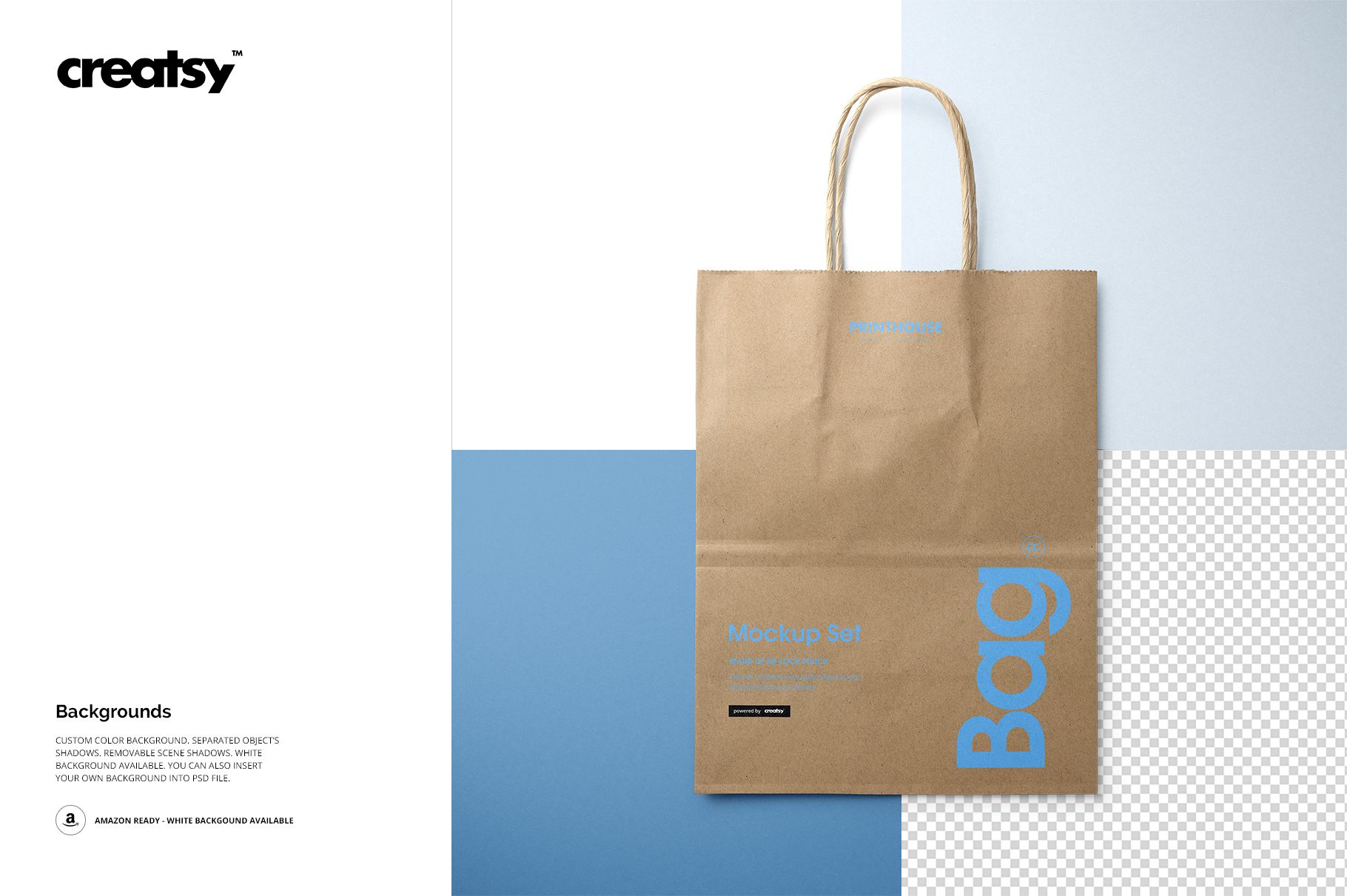
Present a retail identity on a tall natural kraft paper carrier with twisted paper handles, a visible gusset, and the creases that give uncoated packaging its character. Five viewpoints help you move from a direct logo presentation to closer checks of the top, back, base, and paper texture.
Five Views for Shape, Print, and Construction
5 layered PSD scenes: Front, Angled, Top Front, Top Back, and Closeup
5 matching JPG previews plus 1 JPG guide, 11 files in total
Every main scene is 6000 x 4000 px at 300 DPI
Bag size: 8 x 4.75 x 10.5 inches
Package size: 2.23 GB for Windows and 2.39 GB for Mac
Keep the Natural Kraft Character Visible
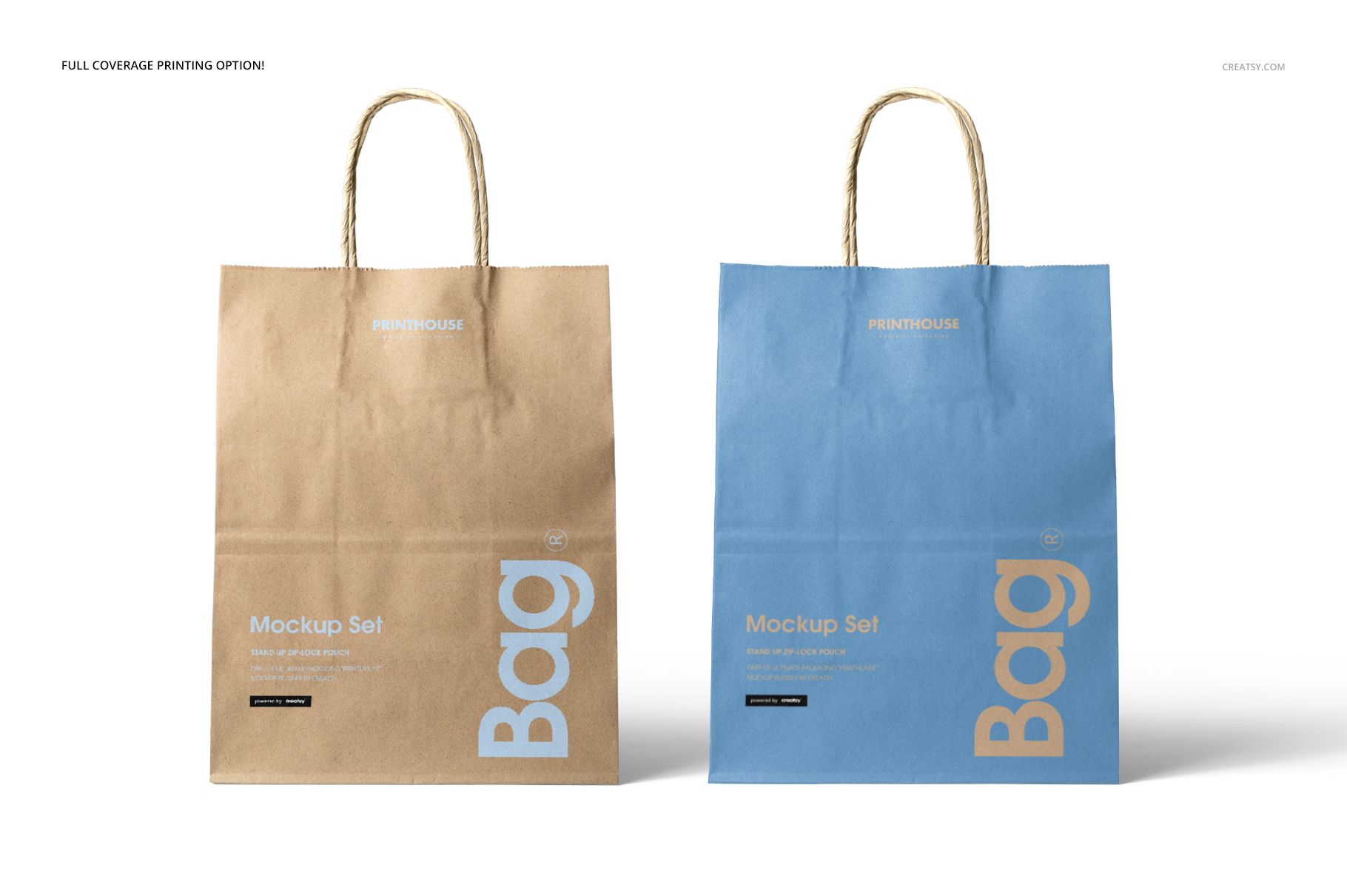
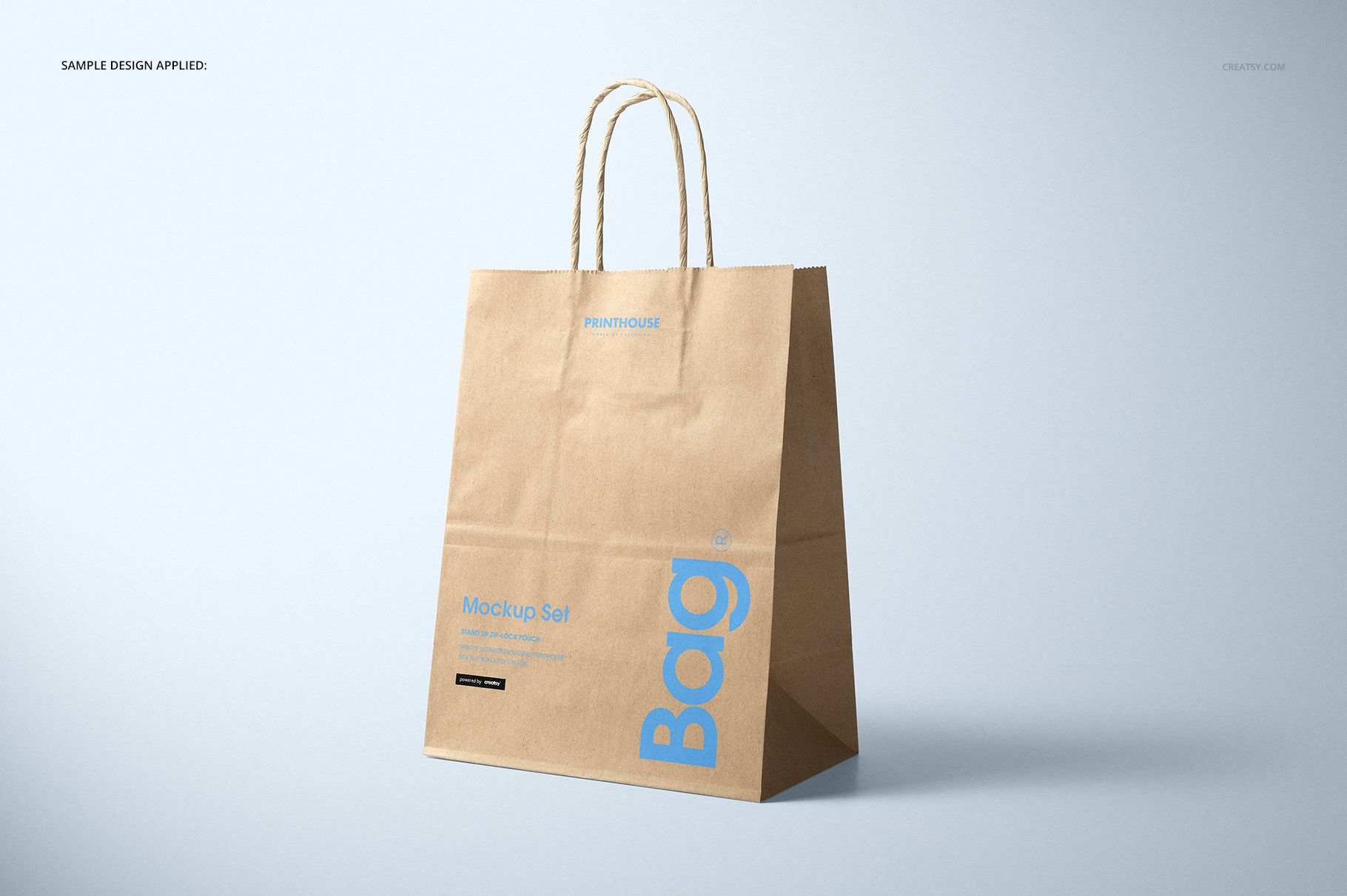
The paper grain, folds, and warm brown base become part of the design. Solid logos, bold typography, and well-spaced patterns remain easy to assess across the Front and Angled scenes, while the Closeup helps you check smaller details. Color controls retain the look of kraft paper rather than replacing it with a smooth coated surface. Preview graphics are examples only and are not included.
A Direct Smart Object Routine
Open the selected PSD in Adobe Photoshop CC 2015 or later, or in Photopea.
Enter the designated Smart Object and place your artwork.
Save the Smart Object to update the bag scene.
Adjust the kraft paper color direction where the file allows it.
Review scale and contrast in more than one view before export.
Build a Useful Approval Sequence
Lead with Front for immediate brand recognition, follow with Angled to show depth, and use the top views to explain the opening and folded construction. Finish with Closeup when a client or production partner needs to inspect logo edges and the interaction between print and paper. This is a presentation mockup, not a dieline or manufacturing template.