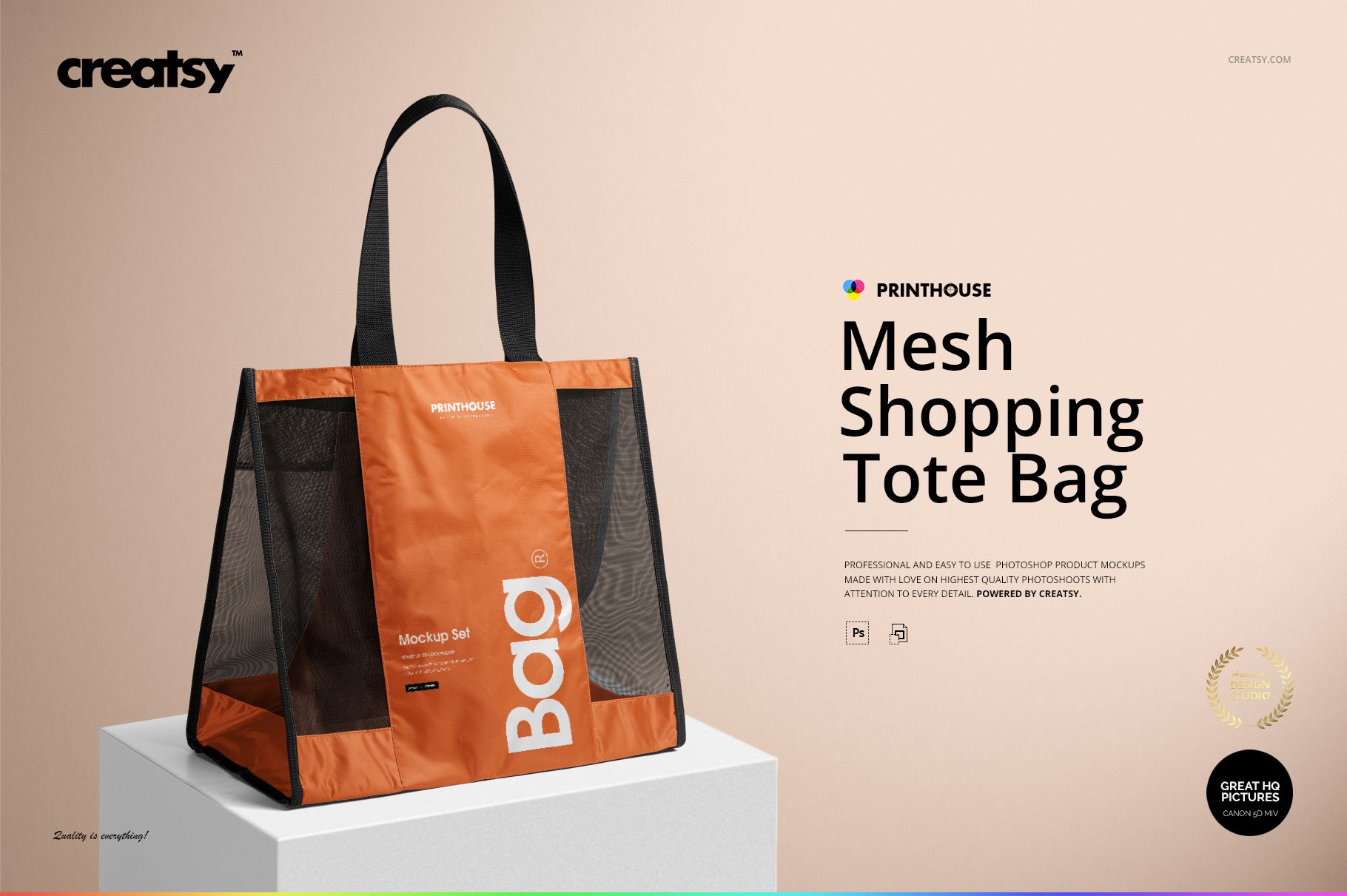
Mesh Shopping Tote Bag Mockup Set
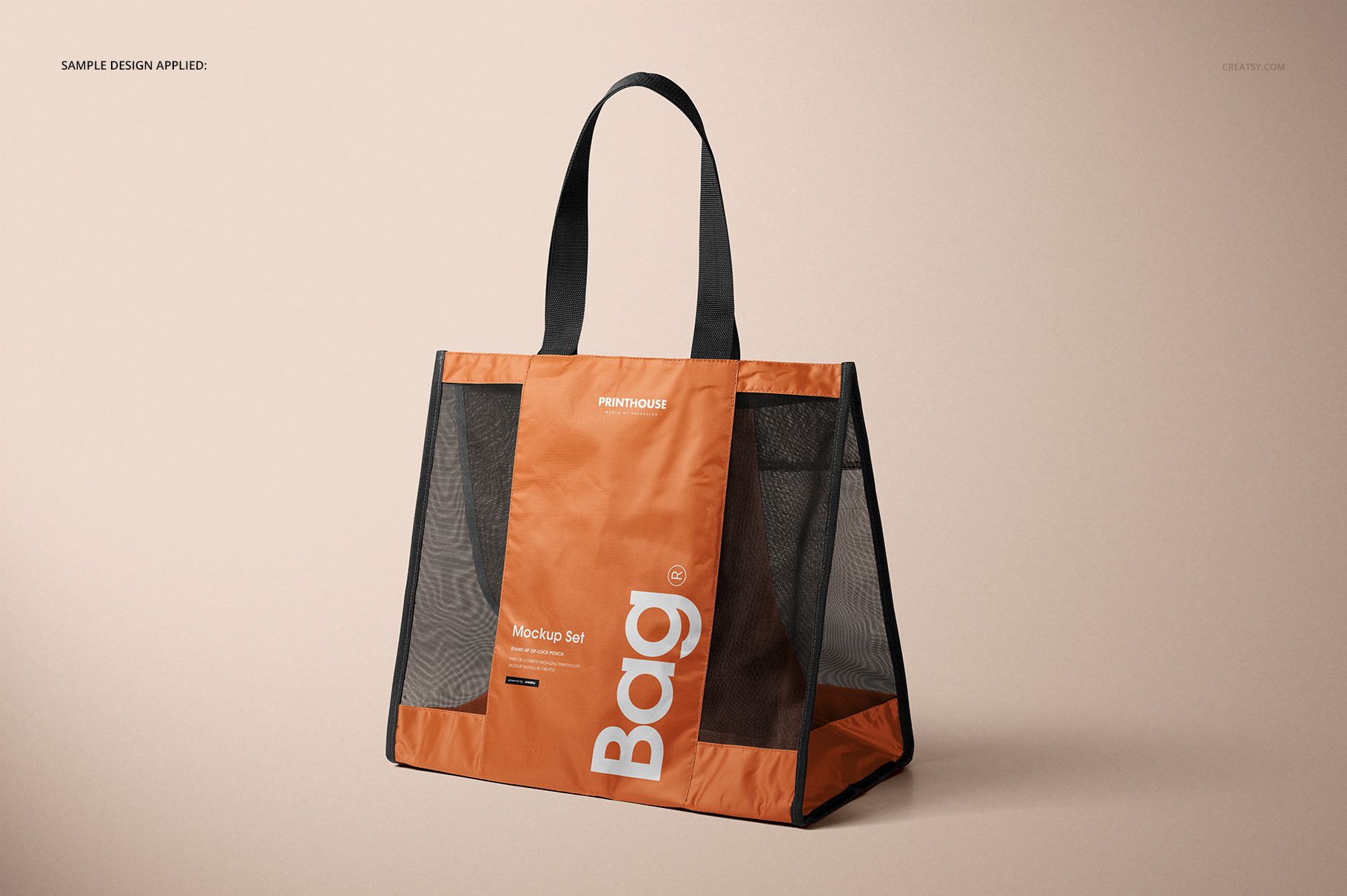
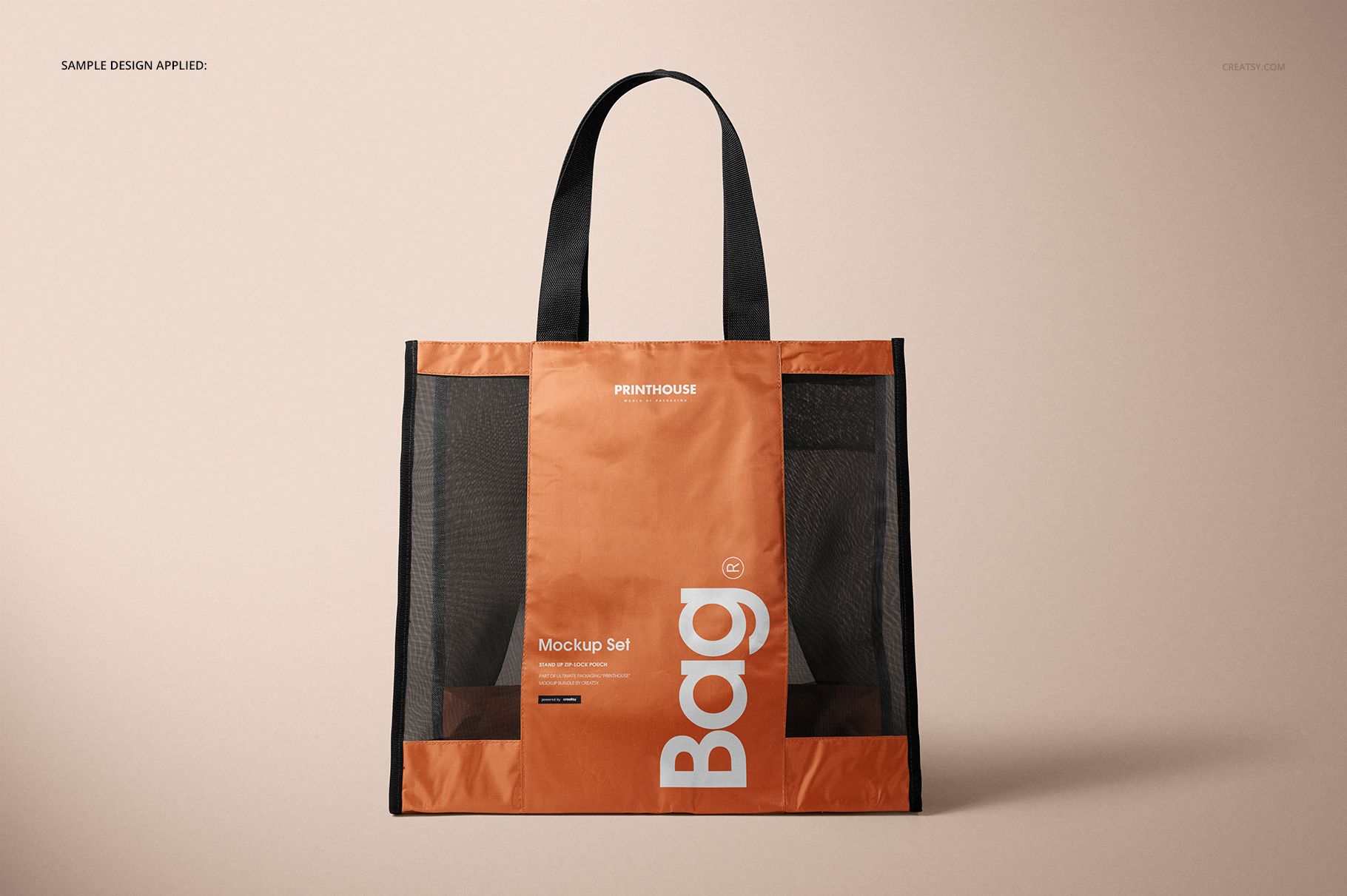
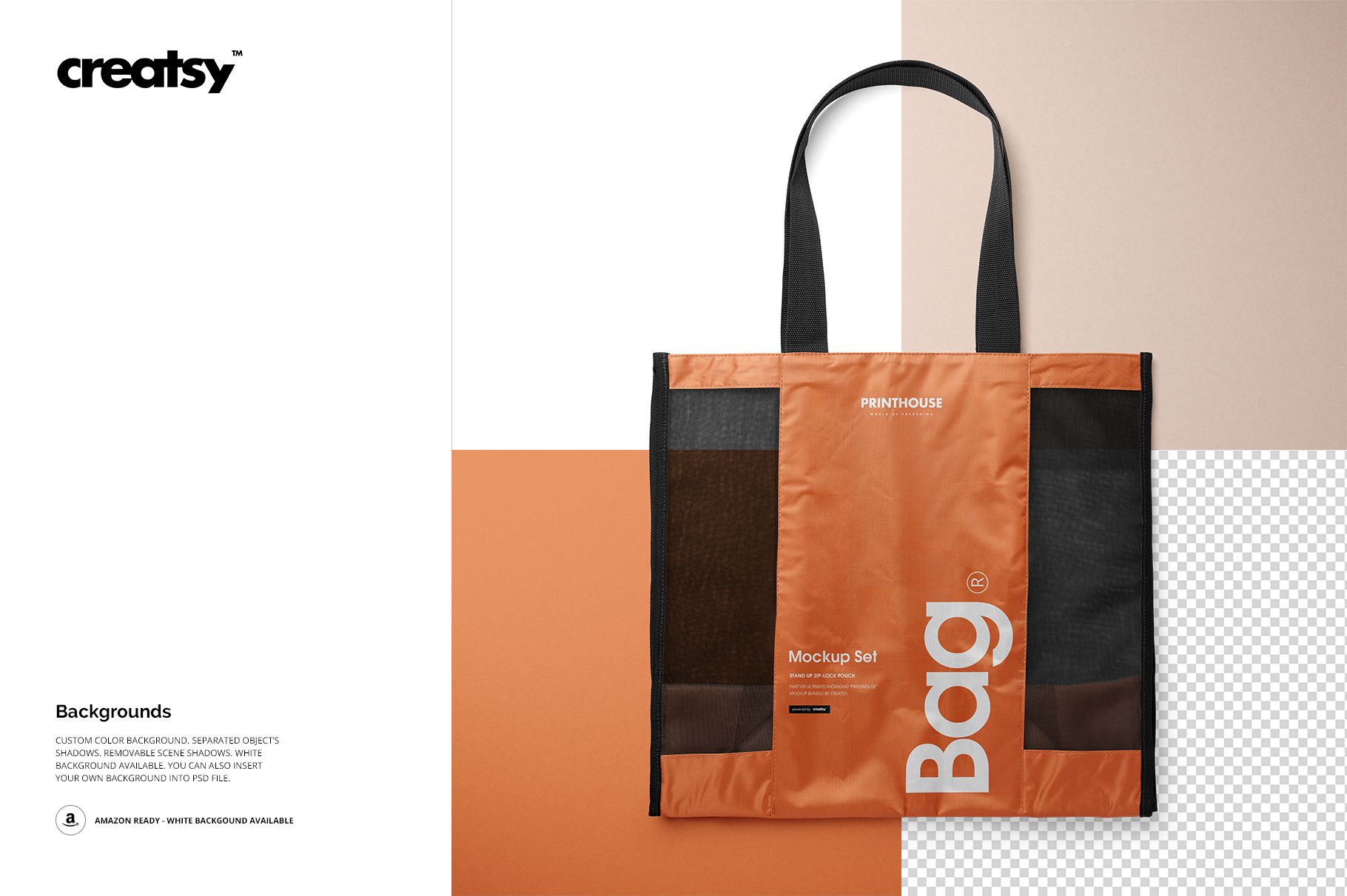
A mesh shopper calls for more than a flat logo preview. Its wide printable panels, open side mesh, long handles, and deep gusset all affect how branding is read. This four-scene set lets you present a complete retail bag concept while keeping the structure and transparency of the carrier visible.
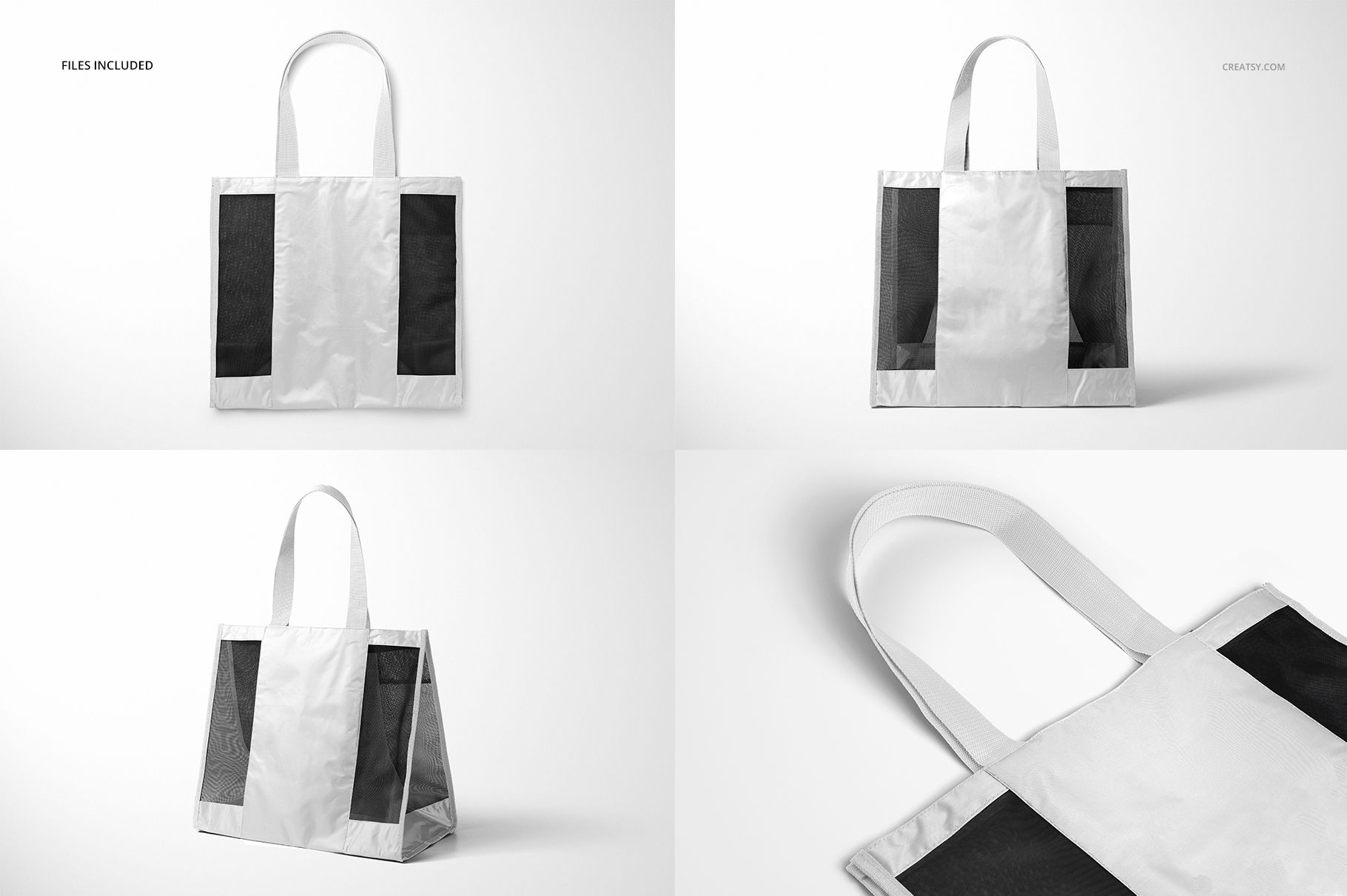
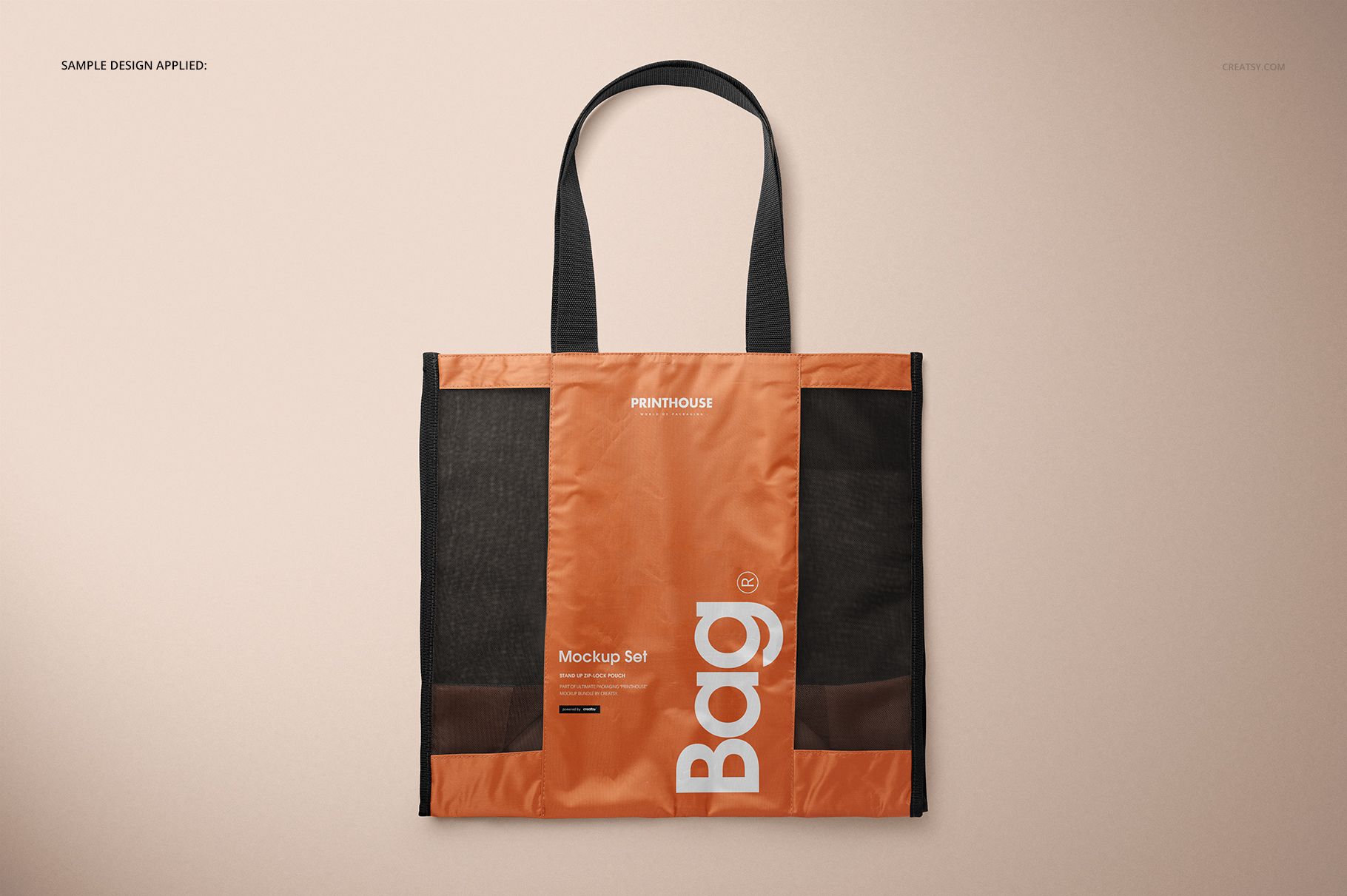
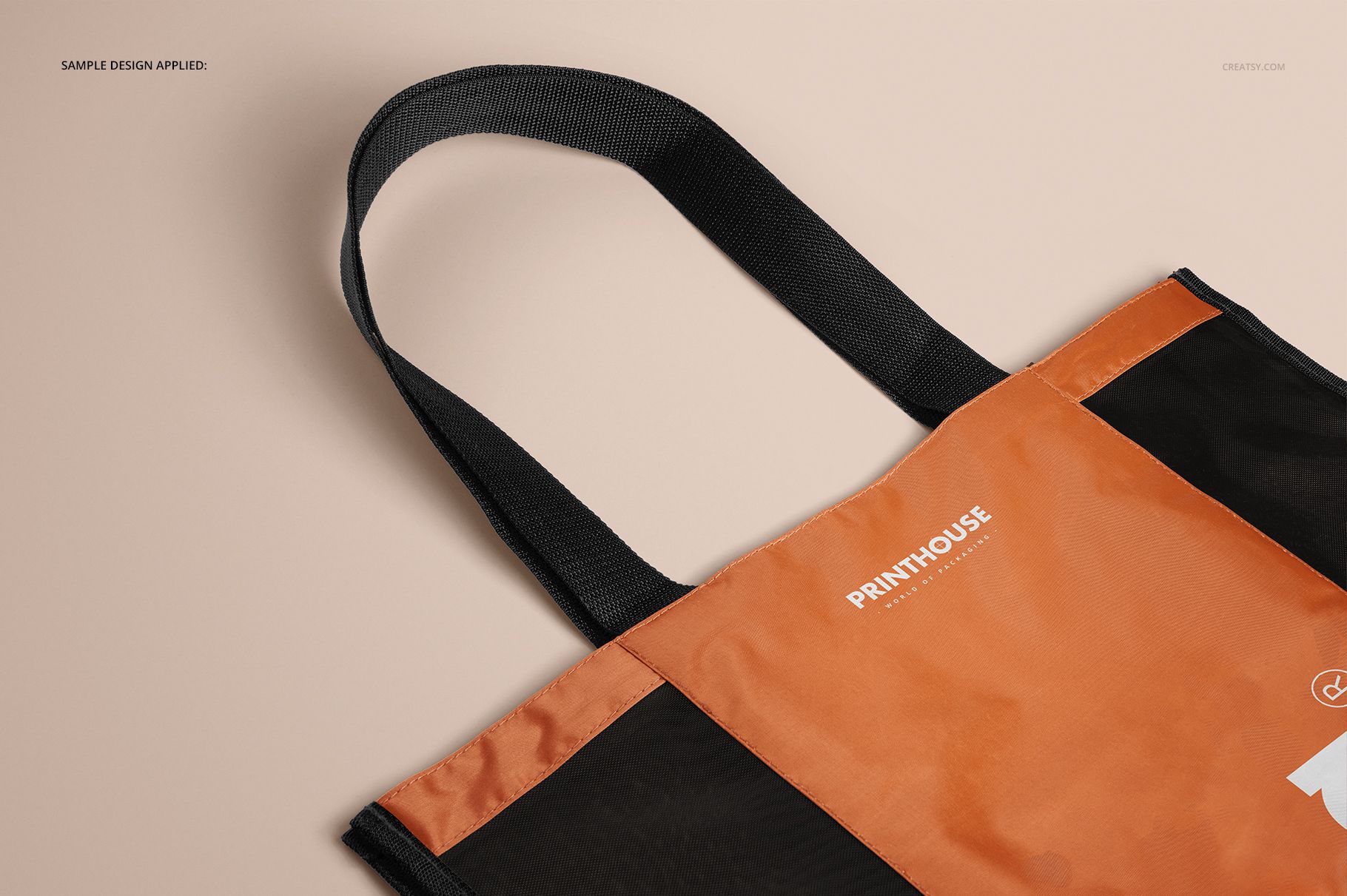
Use Front for the main brand statement, then move through Angled, Top, and Closeup to explain volume, handle placement, edge construction, and material detail. High-resolution scenes support client approvals, campaign boards, catalog imagery, and surface design portfolios.
What Is Included
4 layered PSD mockup files: Front, Angled, Top, and Closeup
4 JPG scene previews plus 1 JPG guide, 9 files in total
6000 x 4000 px main scenes at 300 DPI
Bag size: 40 cm high without handles, 44 cm wide, and 23 cm deep
Compatibility with Adobe Photoshop CC 2015 or later and Photopea
Brand the Solid Panels, Keep the Mesh Visible
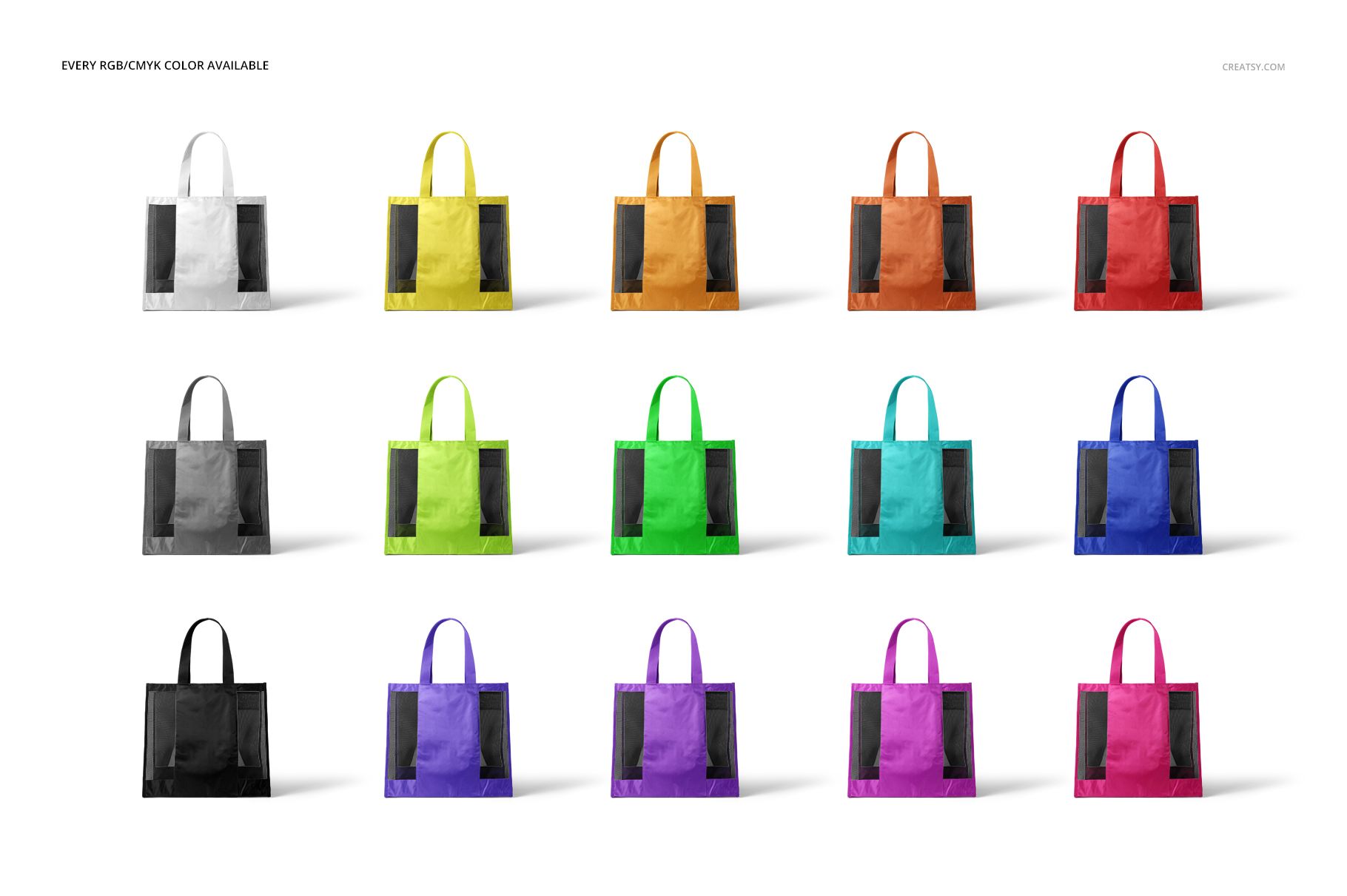
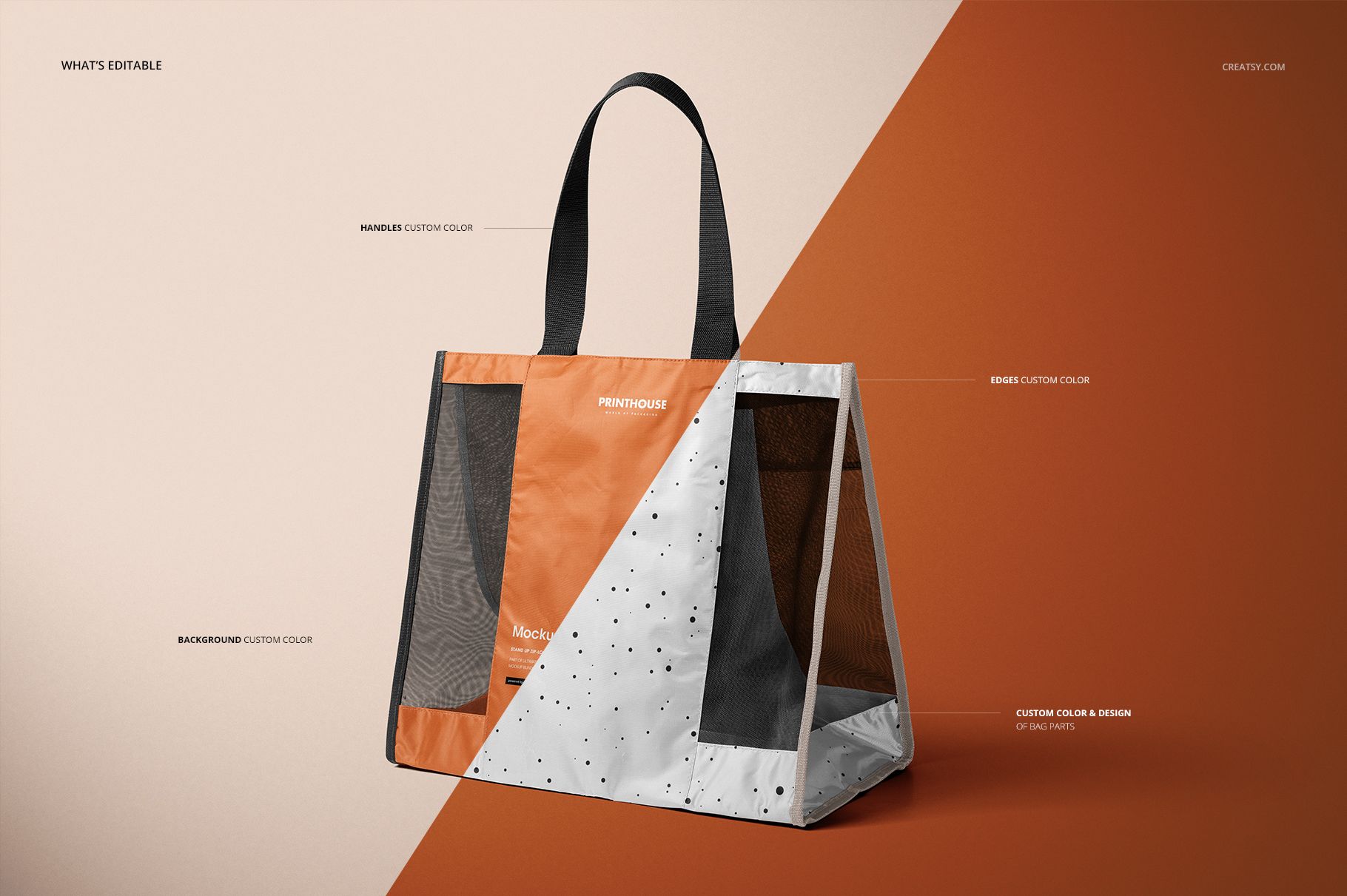
The contrast between the printable center sections and open mesh inserts is the defining feature of this carrier. Apply a logo, typographic system, or pattern to the bag panels, then coordinate the handles, edges, and individual bag-part colors. RGB and CMYK controls make it practical to compare screen-led and print-led color directions before choosing a presentation route.
Easy Smart Object Editing
Open a PSD in Adobe Photoshop CC 2015 or later, or in Photopea.
Place your artwork inside the designated Smart Object.
Set colors for the handles, edges, and bag parts.
Choose a white, recolored, or replacement background and review the shadows.
Save the Smart Object, then export the view needed for your presentation.
Useful For
Retail and grocery brands presenting reusable shopper concepts
Promotional product suppliers preparing client visuals
Identity and surface designers testing logos, type, and patterns
Ecommerce sellers building a coordinated product gallery
This is a digital presentation mockup, not a manufacturing pattern or sewing template. The sample graphics and patterns shown in the previews are for demonstration only and are not included.