ID: 1781266773 | Updated: Mar 12, 2026

Product Details

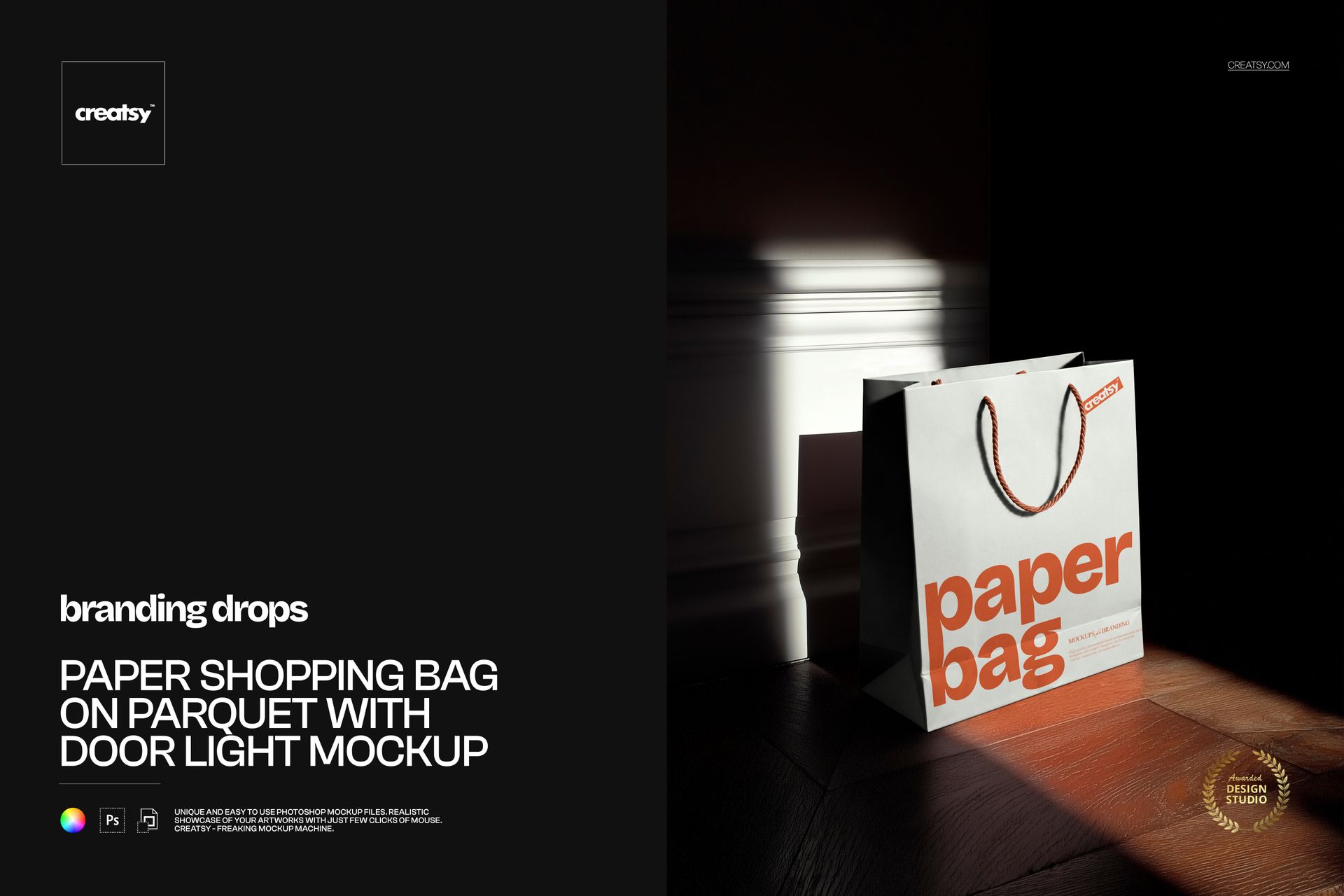
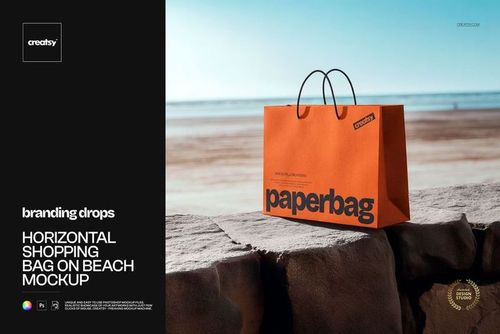
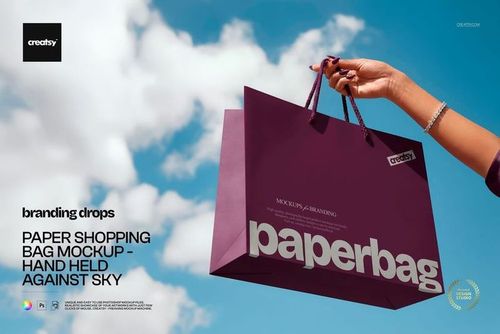
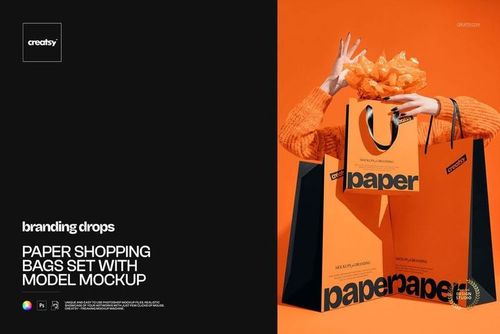
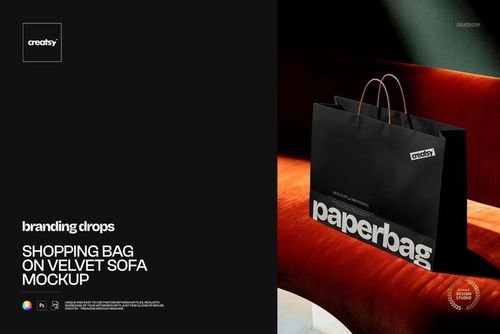
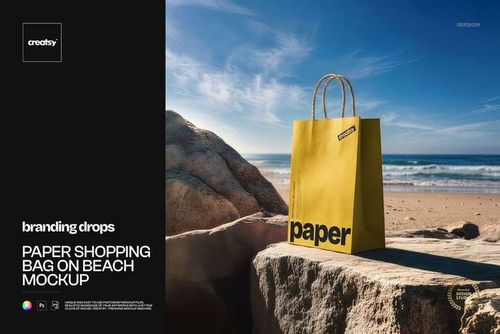
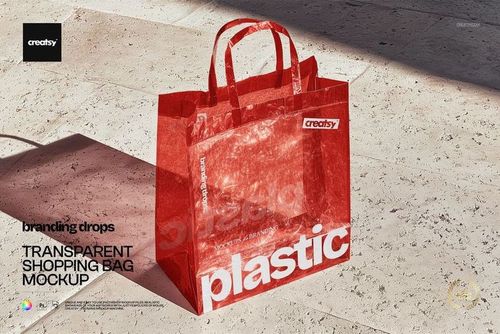
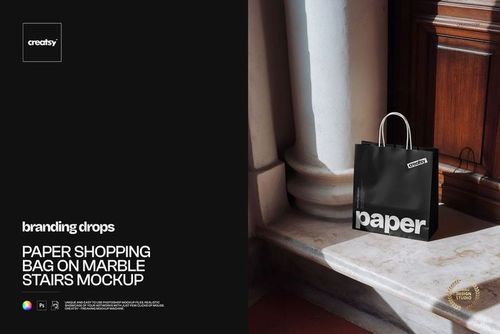
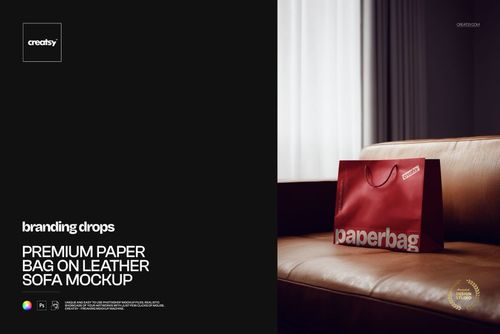
Elevate your retail brand presentations with the Paper Shopping Bag on Parquet with Door Light Mockup by Creatsy. This cinematic PSD scene features a premium paper shopping bag on warm parquet flooring with dramatic natural door light at 5200×3500px (300 dpi) — ideal for showcasing luxury packaging, logo designs, and high-end retail branding.

What’s Inside:

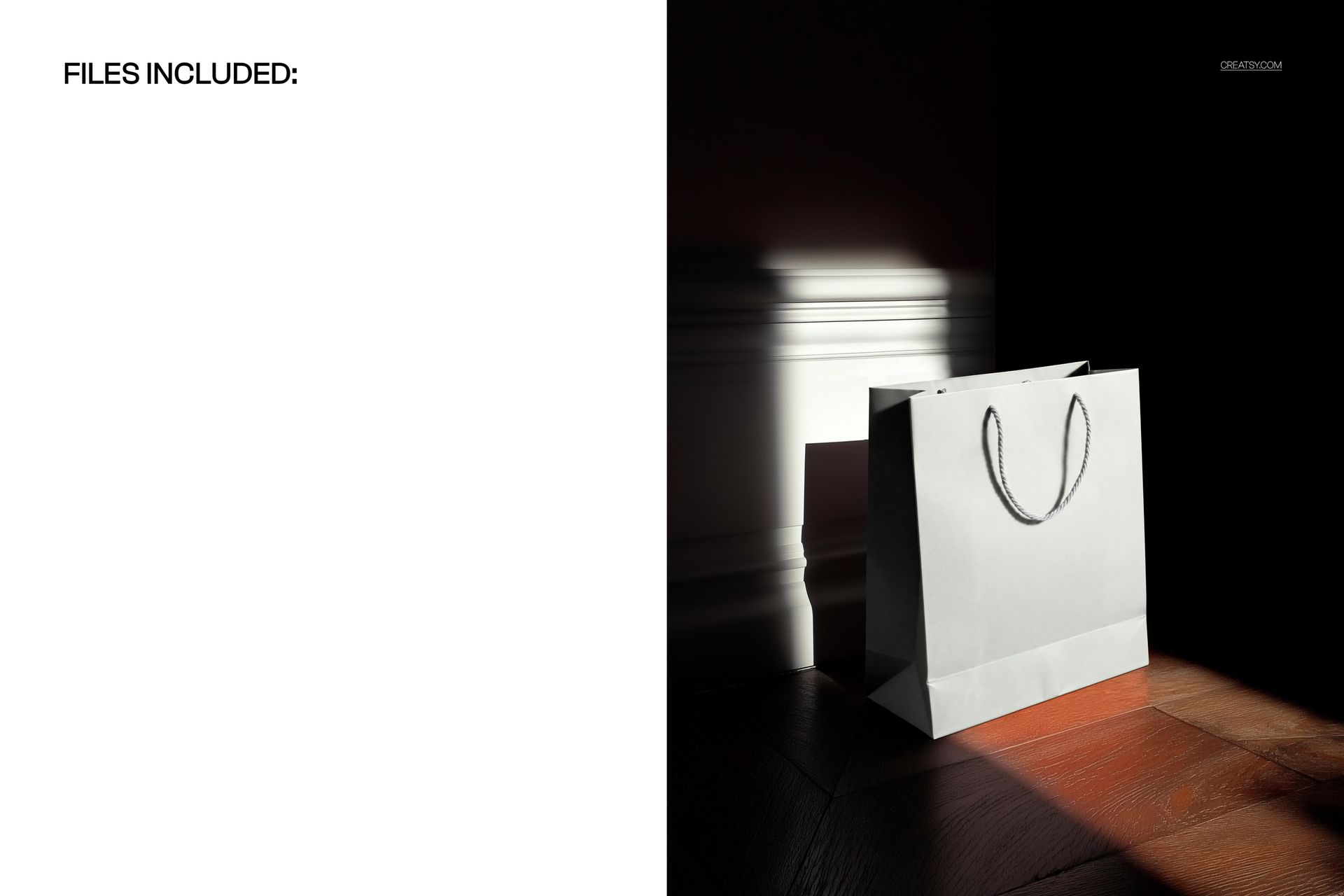
- 1 high-resolution PSD file (5200×3500px, 300 dpi)

- Paper shopping bag with realistic texture and structure

- Dramatic natural door light creating cinematic atmosphere

- Warm parquet floor backdrop for premium aesthetic

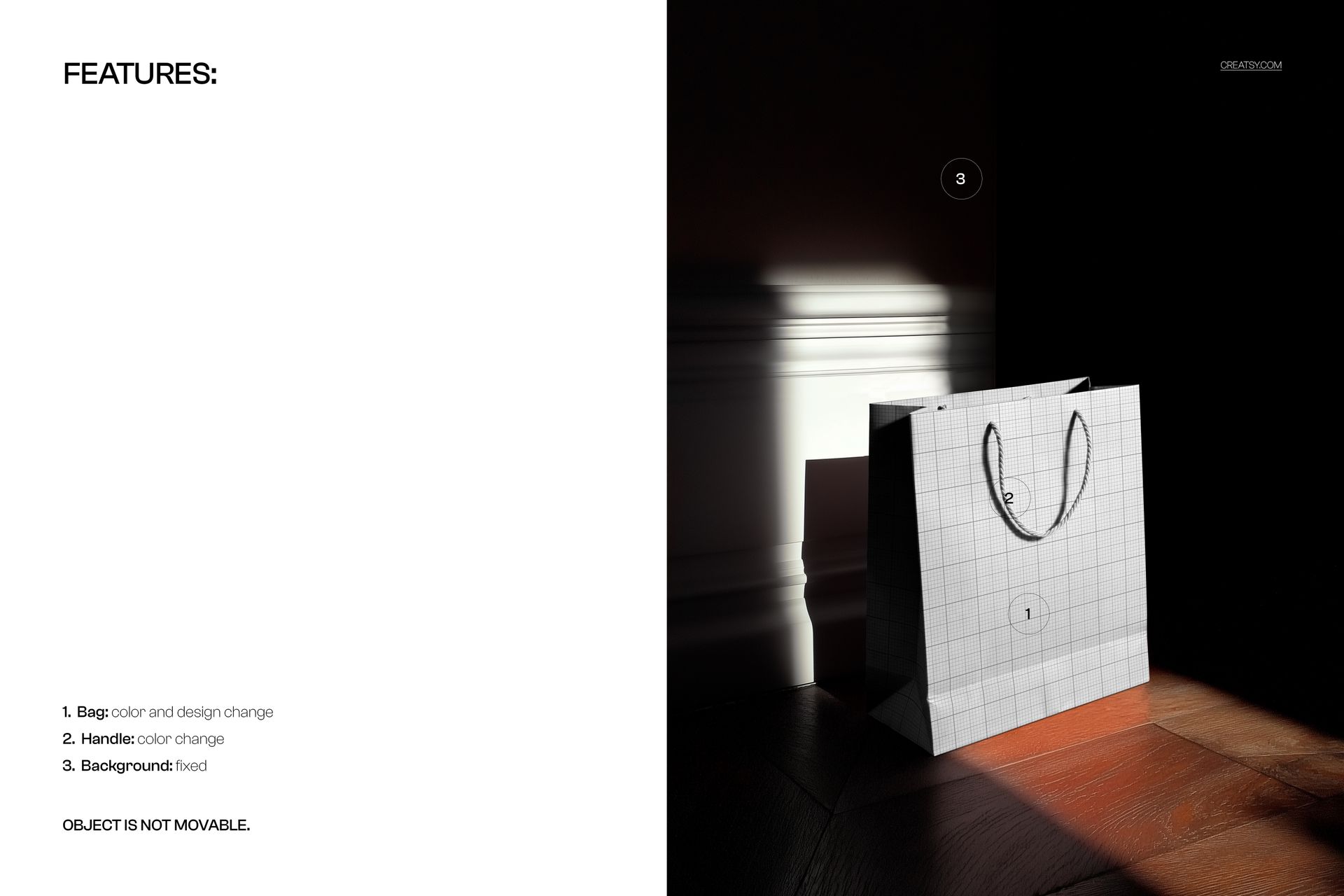
- Fully editable bag design via smart object layers

- Well-organized layer structure for easy customization

Design Capabilities:

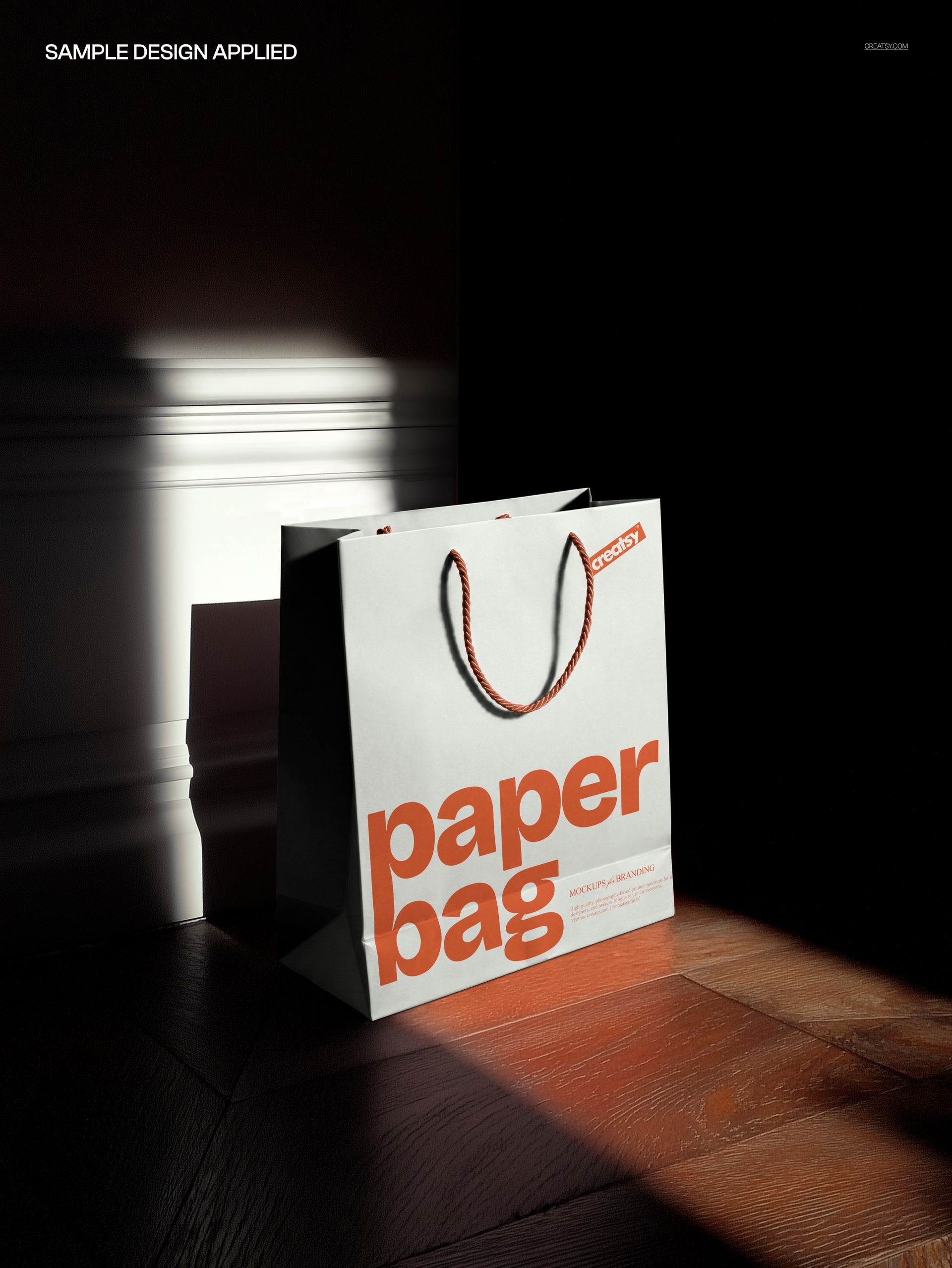
- Apply your logo, brand pattern, or artwork directly onto the shopping bag surface

- Realistic paper texture rendering with natural shadows and light play

- Toggle layers for background elements and lighting adjustments

- Perfect for both minimalist and detailed packaging designs

Compatibility:

- Adobe Photoshop CC 2020 or newer

- Photopea (free browser-based alternative)

Ideal For:

- Luxury retail brands presenting shopping bag and packaging concepts

- Graphic designers creating mockups for client brand identity projects

- E-commerce sellers showcasing custom packaging on Etsy, Amazon, or Shopify

- Marketing agencies building campaign visuals and pitch decks

- Print shops and packaging companies demonstrating bag printing options

File details

Compatibility
PhotopeaAdobe Photoshop
Number of files included
2
Package size
59.8 MB59.8 MB|62.7 MB62.7 MB
Files type
.psd, .jpg
TEST FOR FREE

MEET THE SHOP

Creatsy logo

Creatsy

Poland
4.7 (642)

Bring your ideas to life.

We're a family-run studio in Katowice, Poland, making PSD mockups by hand since 2016. Everything in this shop starts in our own studio. We shoot the photography, build the 3D, and put together every Smart Object PSD ourselves - then we test it, organize the layers, and only ship it once it actually works...
GO TO SHOP

HOW IT WORKS

3 clicks. That's it.

No tutorial needed. If you can copy-paste, you can use this.

  1. 1OpenDouble-click the smart object inside the PSD - in Adobe Photoshop, or free in your browser with Photopea.
  2. 2PasteDrop in your pattern, print, or artwork. Any design, any style.
  3. 3SaveHit save and the mockup wraps it in for you - shadows, folds, and lighting included.

FROM IDEA TO IMAGE

Built for real workflows

Skip the photo shoot Show your artwork on the real product type for approvals or listings - no studio, no model, no sample.

See it on the product, not a swatch Drop your file into the smart object and the scene's lighting and folds wrap around it, so you judge the real thing before you commit.

Smart Objects

Edit once and you're done. Your artwork drops into a smart object and the mockup updates itself - no masking, no warping by hand.

Perfectly Organized

Named layers and folders you can actually navigate. Find what you need, change what you want, and get out fast.

Print-Ready

High-resolution files built to hold up on screen and in print. Exact size and DPI are in this product's Details above.