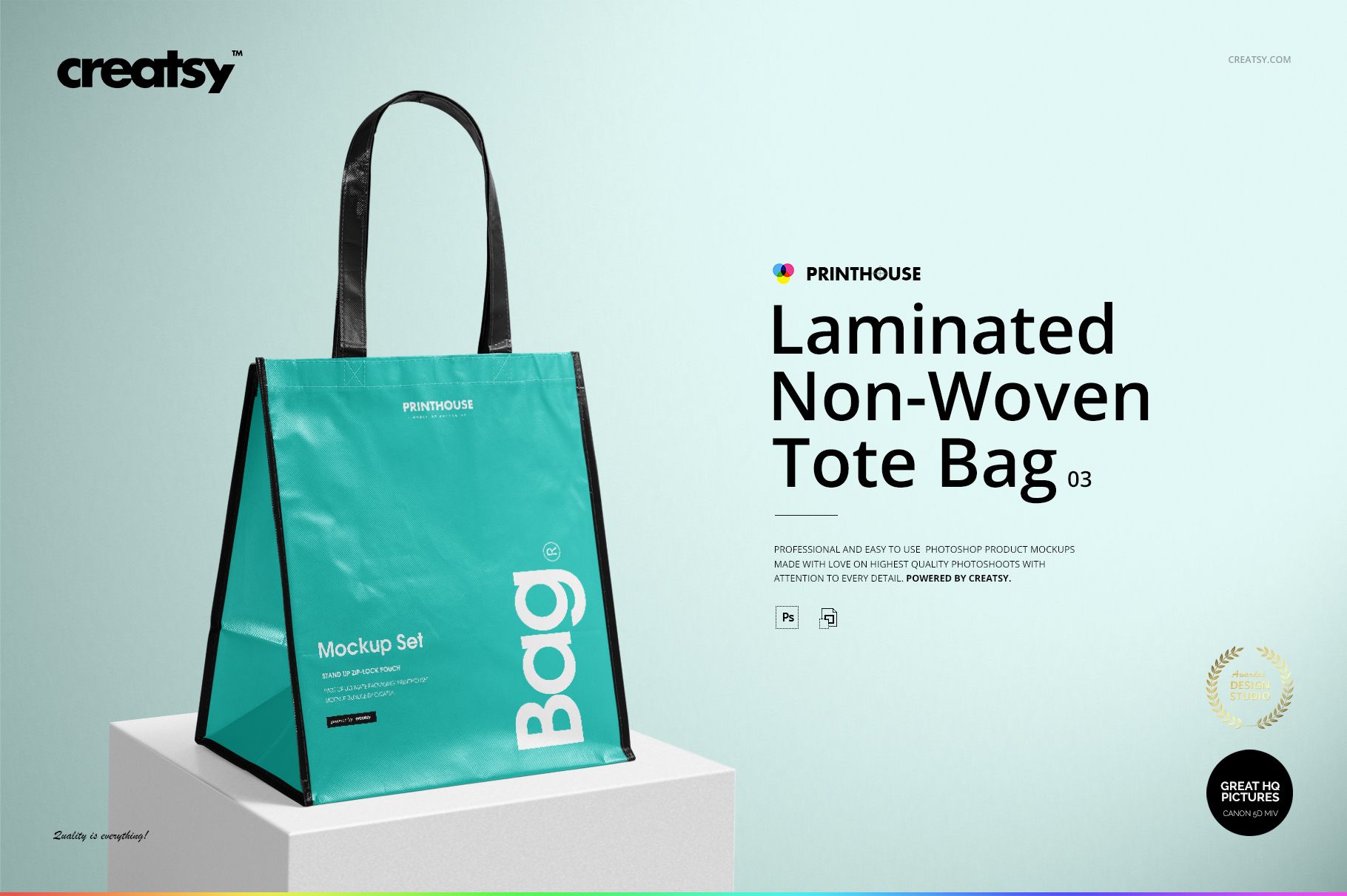
Laminated Non-Woven Tote Bag 03 Mockup Set
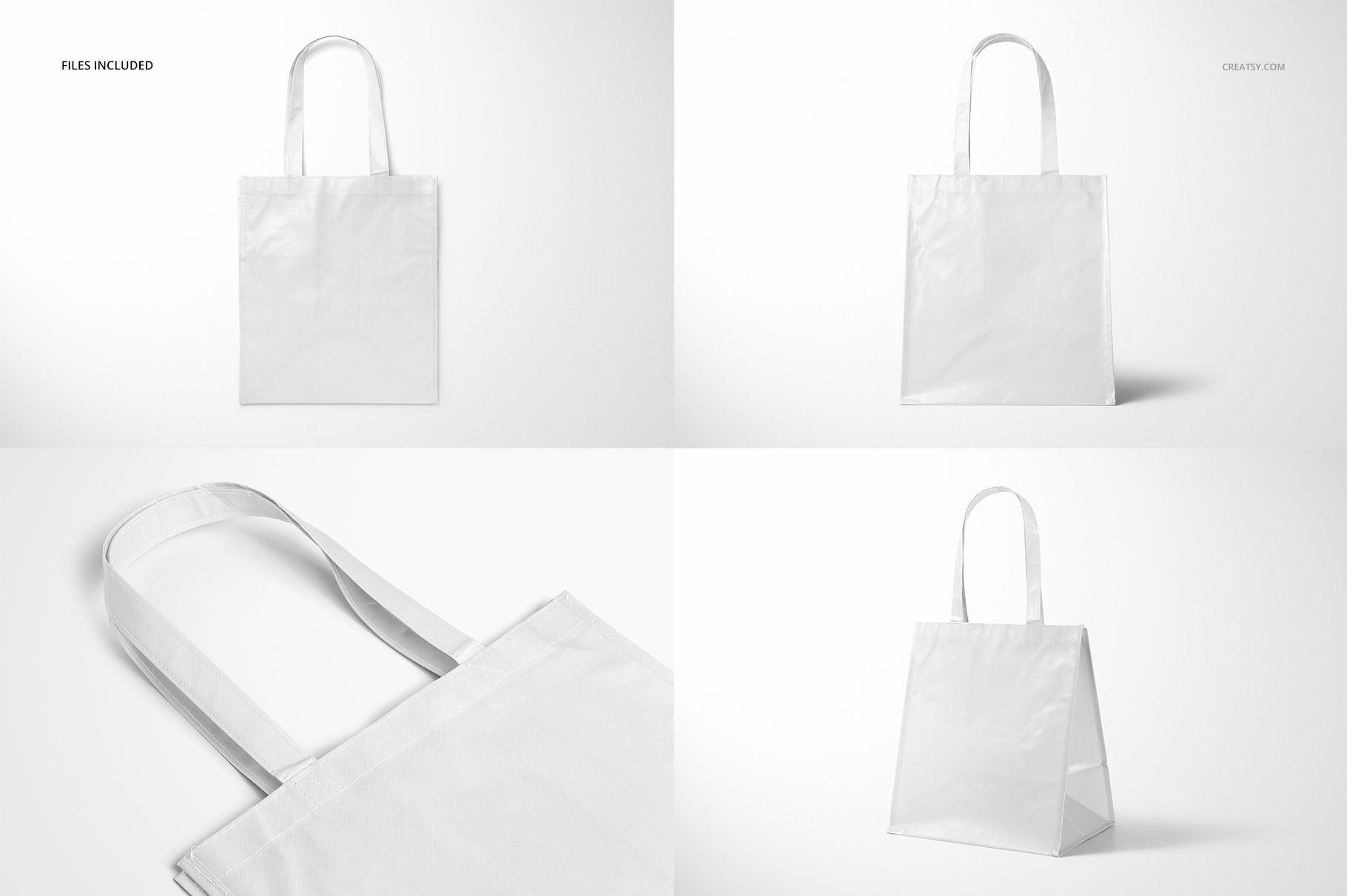
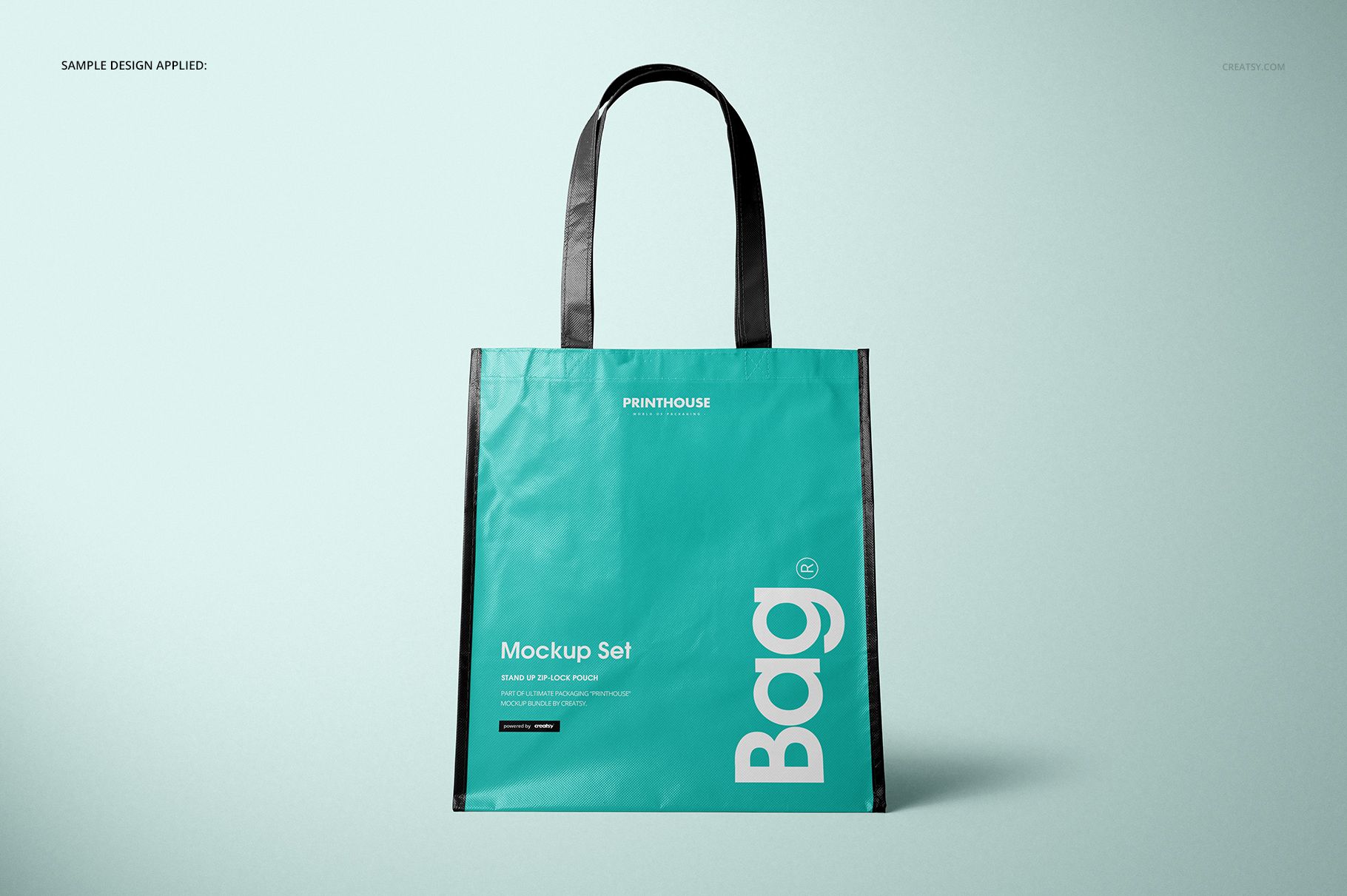
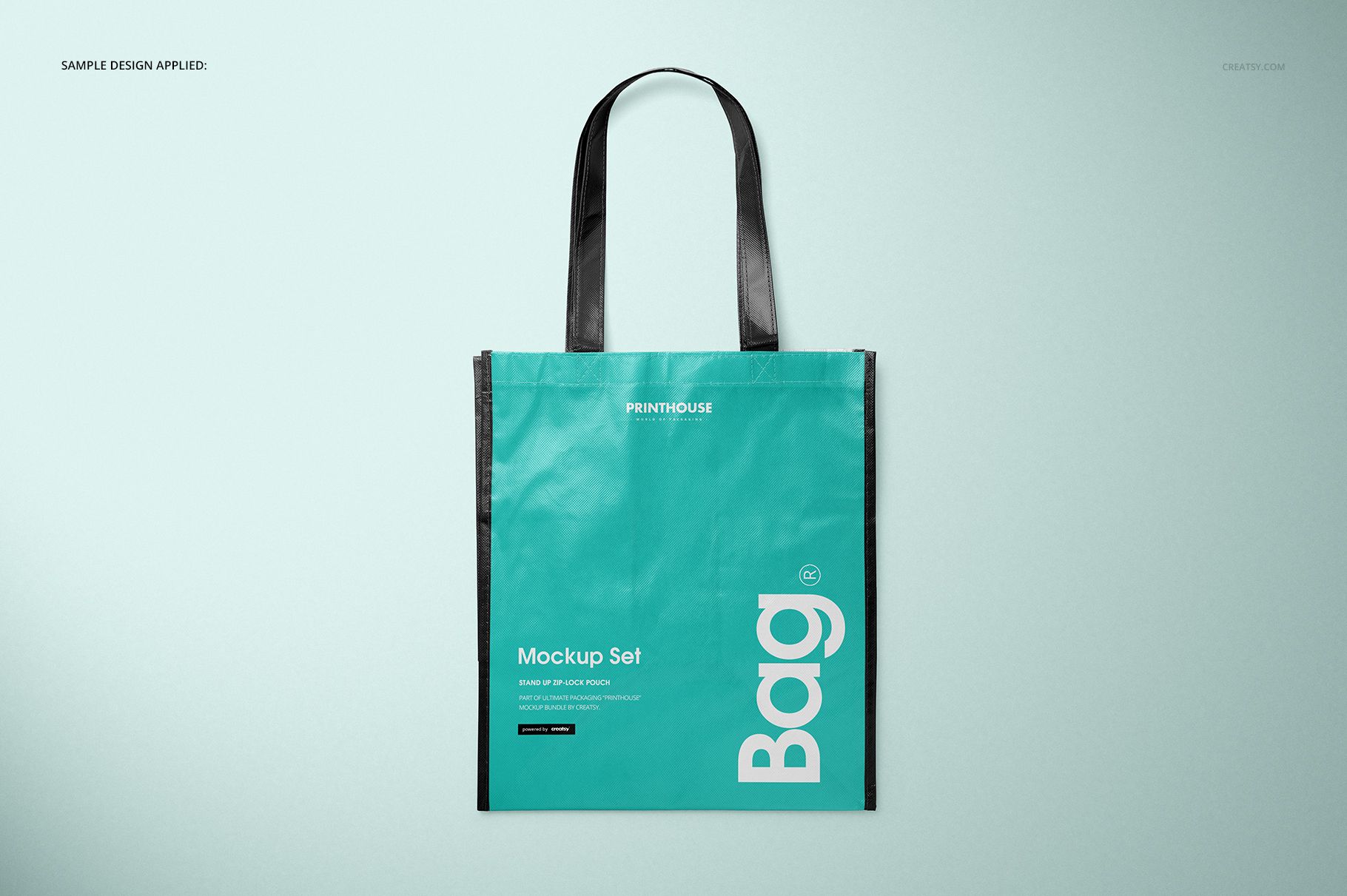
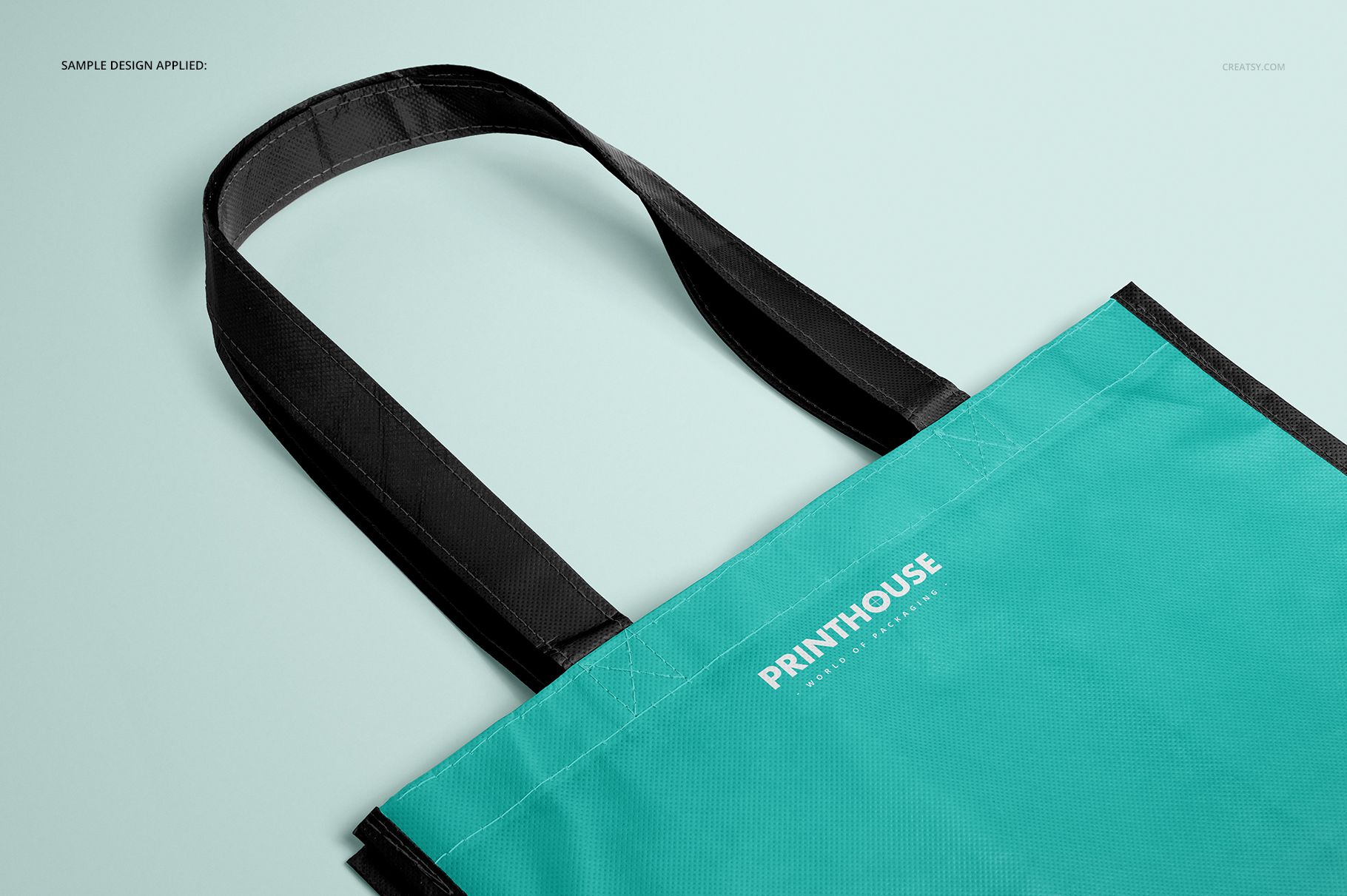
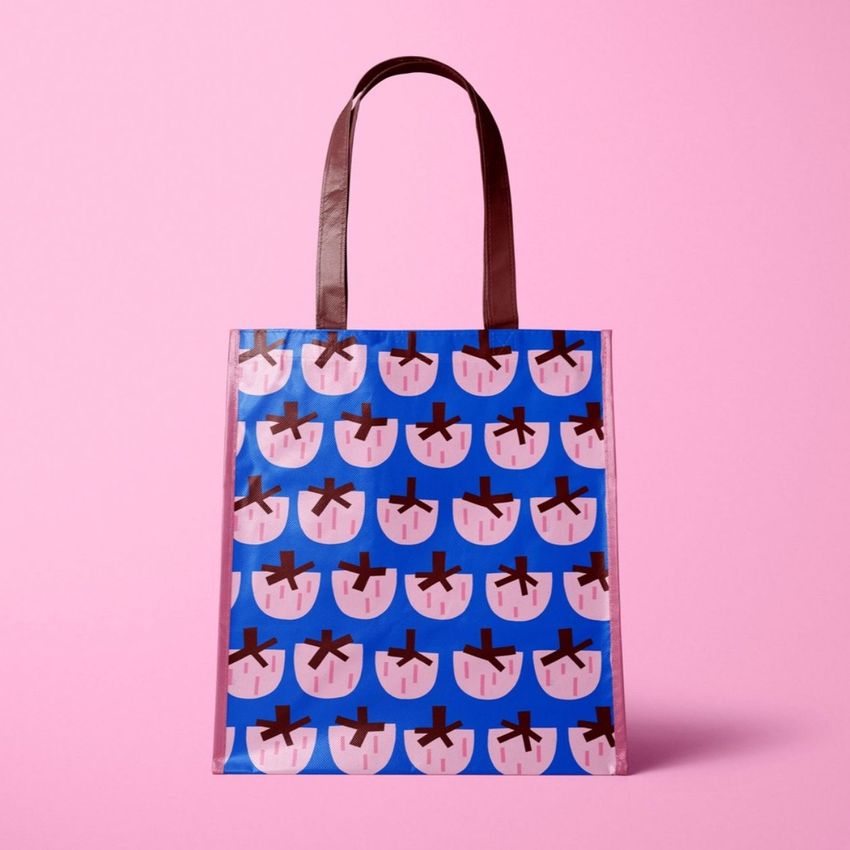
Built around a noticeably deep 24.5 cm gusset, this laminated non-woven carrier reads as a roomy retail bag rather than a flat tote. Four high-resolution views help you assess artwork on the upright front, near the opening, beside the wide side panels, and across a lightly reflective, creased surface.
The coordinated scenes make it easier to explain scale, placement, and color to a client before arranging photography or discussing production with a supplier.
What Is Included
4 layered PSD mockups: Front, Angled, Top, and Closeup
4 matching JPG previews and 1 JPG guide, 9 files in total
6000 x 4000 px at 300 DPI for each main scene
Bag size: 38 cm high without handles, 33 cm wide, and 24.5 cm deep
Package size: 1.62 GB on Windows and 1.73 GB on Mac
A Deep-Gusset Shape with Real Visual Weight
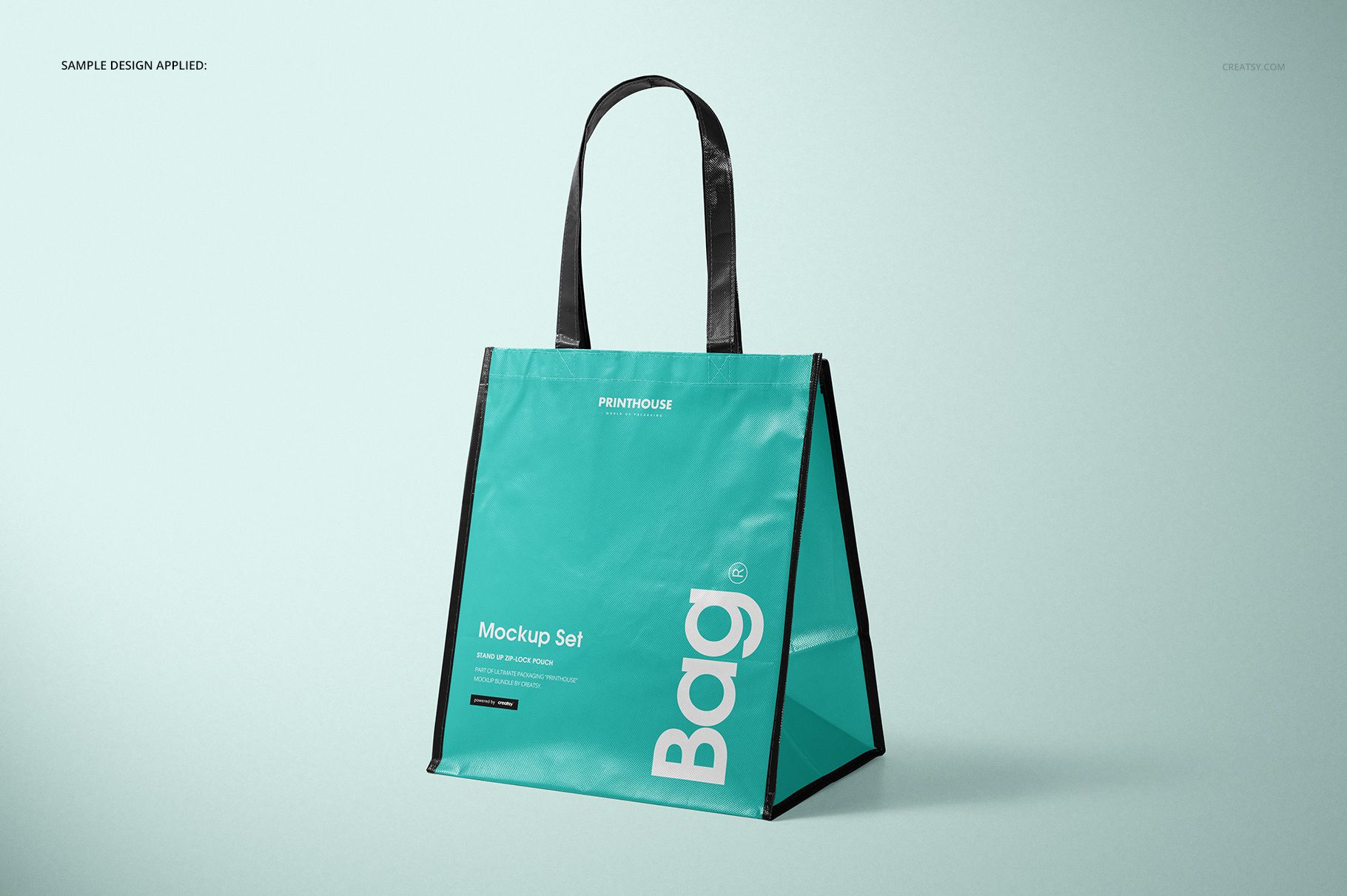
The 24.5 cm depth is the defining feature of this version. In Angled, the broad gusset creates a pronounced side plane and a stable, open silhouette. Front keeps the branding area clear, while Top and Closeup reveal the handle construction, upper seam, texture, folds, and laminated highlights.
Easy Smart Object Editing
Open a PSD in Adobe Photoshop CC 2015 or later.
Place your logo, typography, illustration, or repeat artwork in the designated Smart Object.
Save the Smart Object to update the bag.
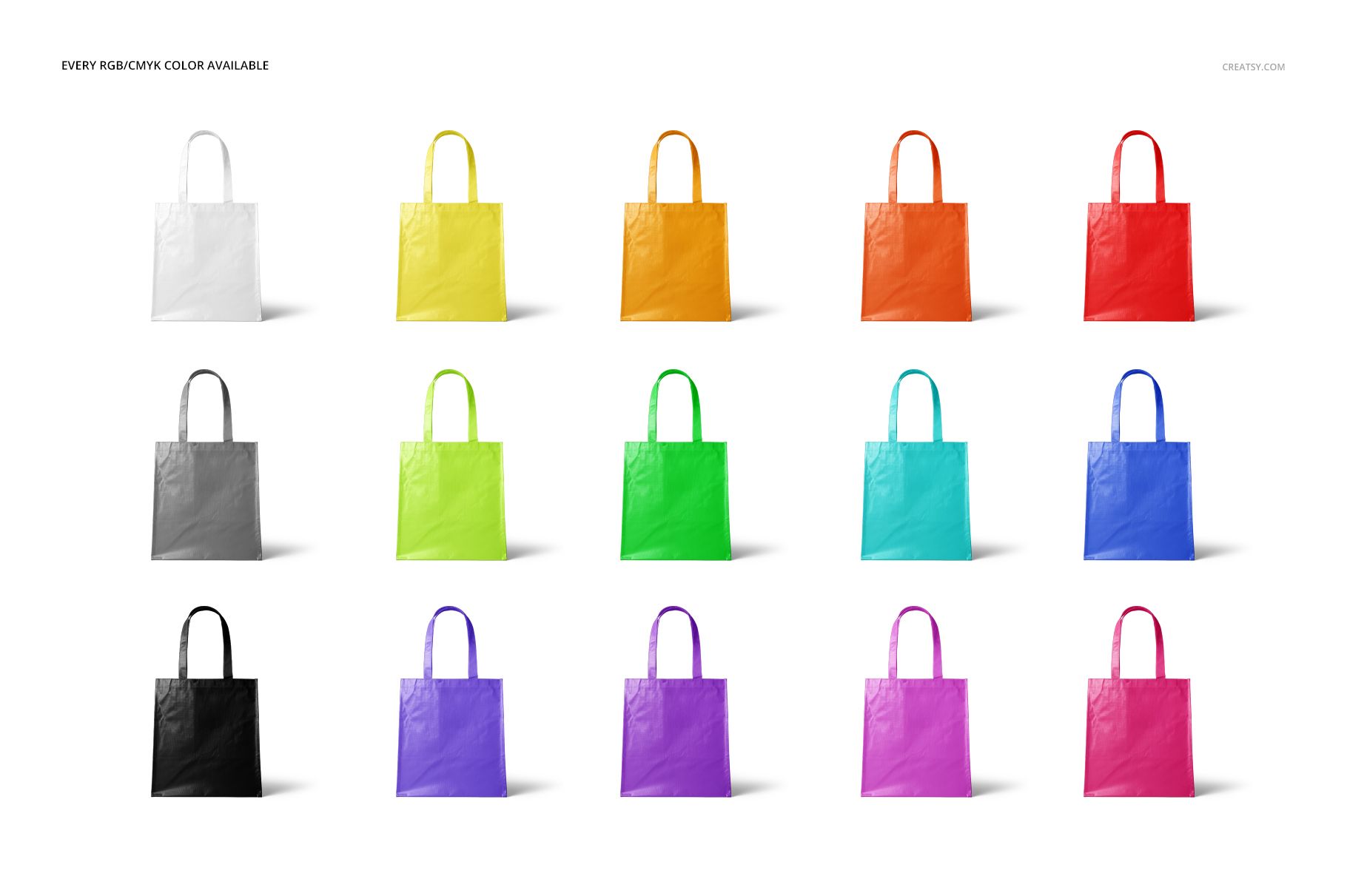
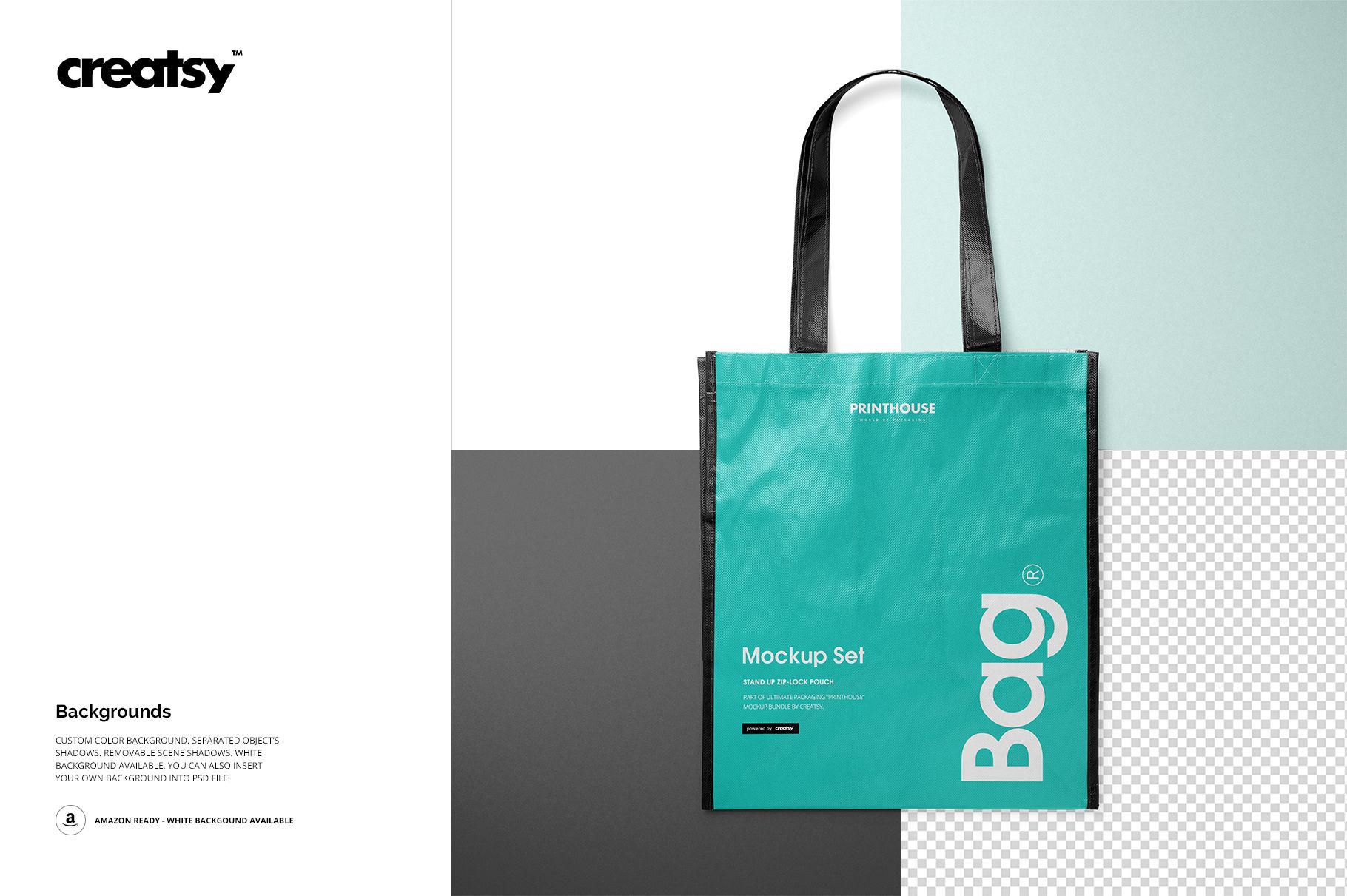
Adjust the bag color and choose a white, colored, or inserted background.
Refine the separated object shadows or remove the scene shadows before export.
Useful For
Use the set for promotional carriers, event merchandise, retail packaging concepts, surface pattern pitches, client approvals, portfolio case studies, and coordinated catalog images. The available RGB and CMYK color range supports fast colorway comparison without photographing physical samples.
This is a digital mockup for visual presentation, not a manufacturing template or material proof. The sample graphics and patterns shown in the previews are not included.