Glossy Resealable Stand-Up Pouch Mockup Set
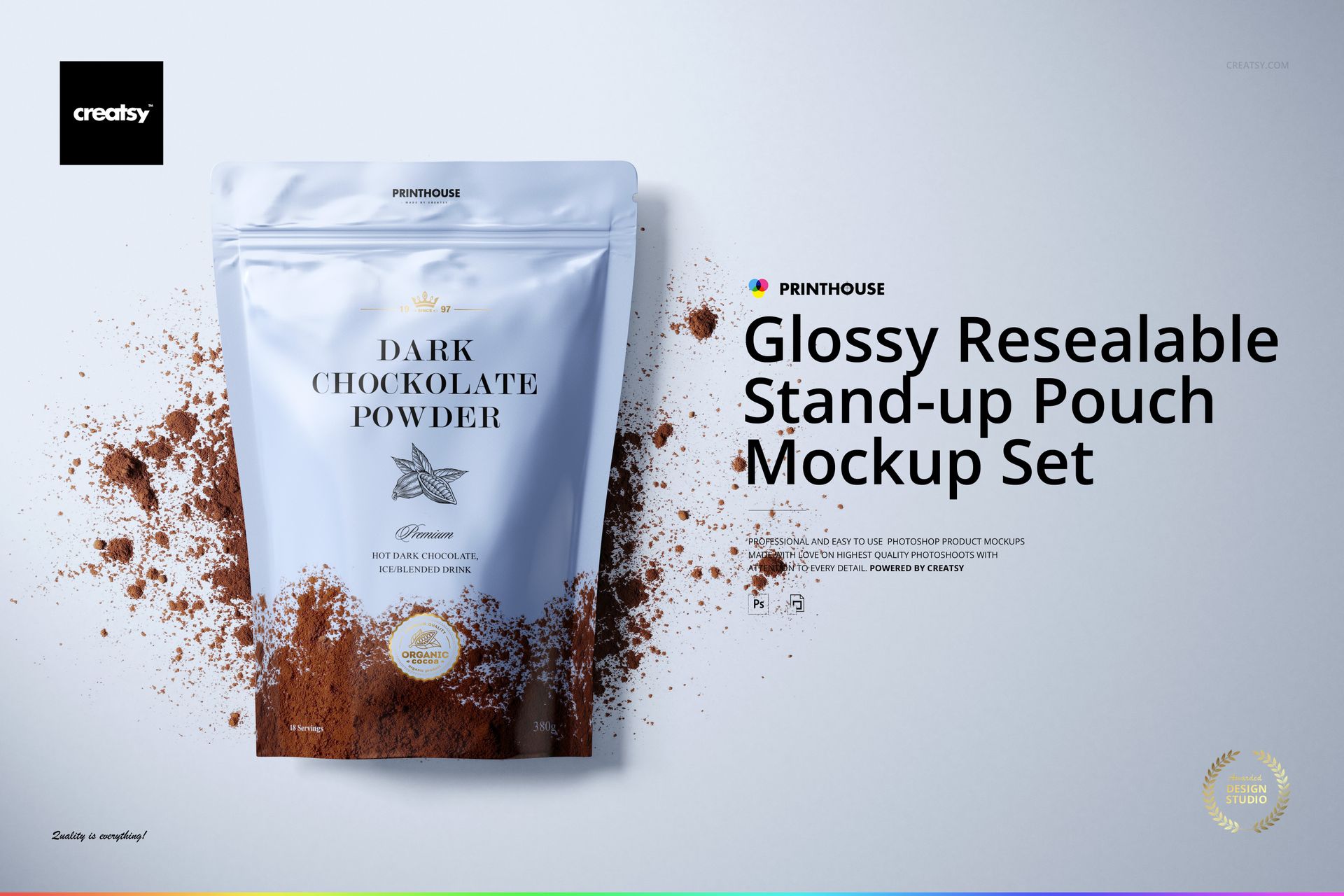
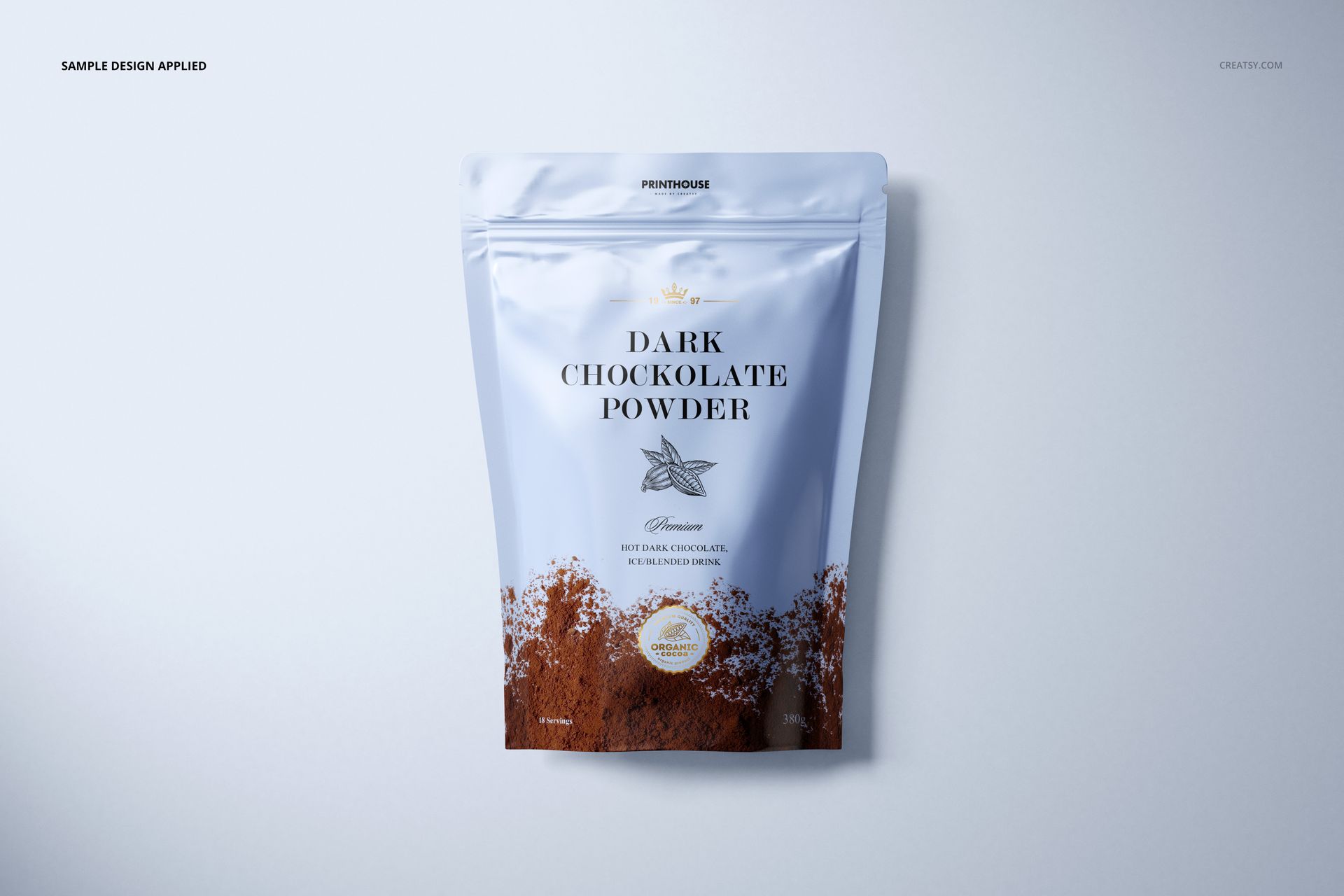
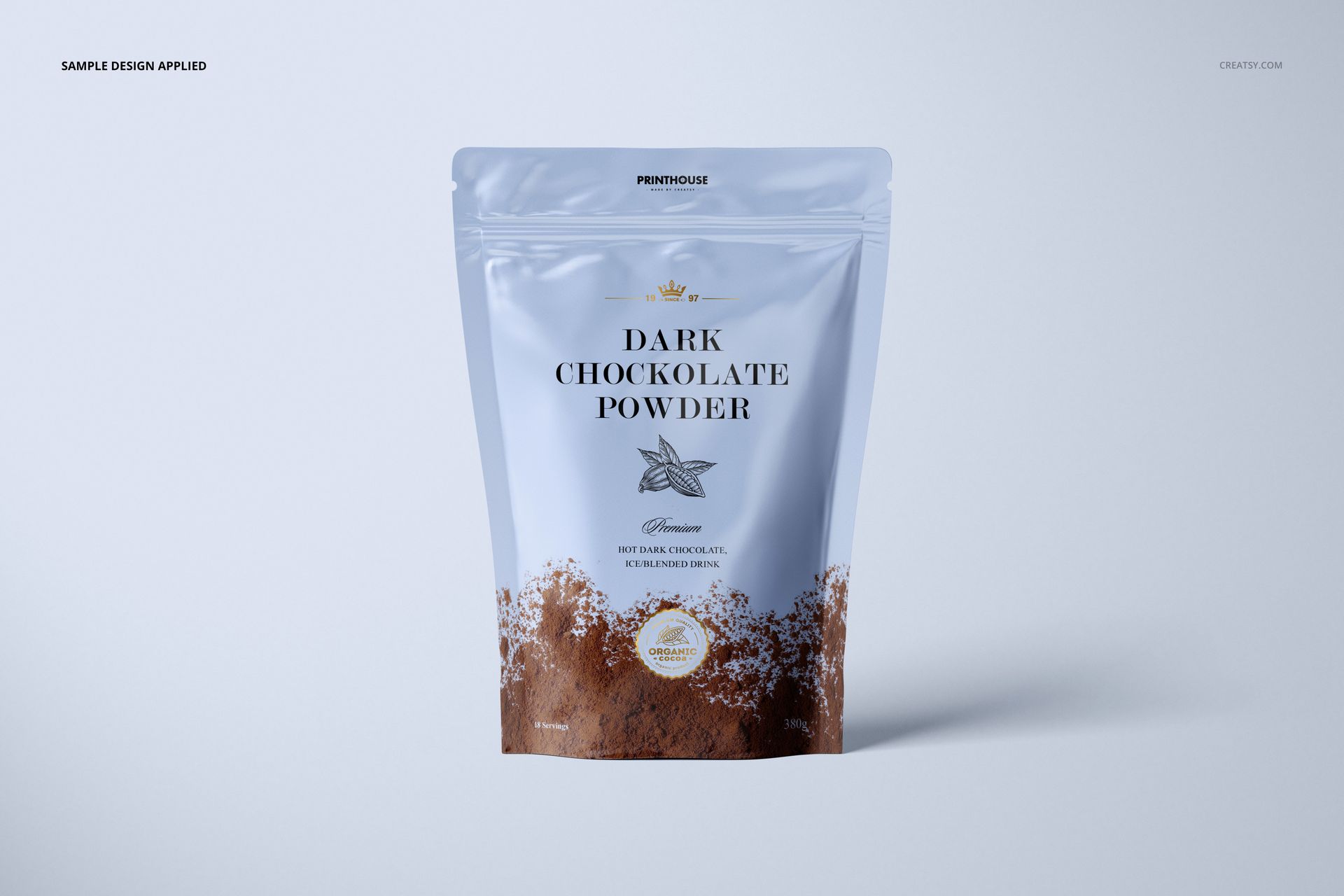
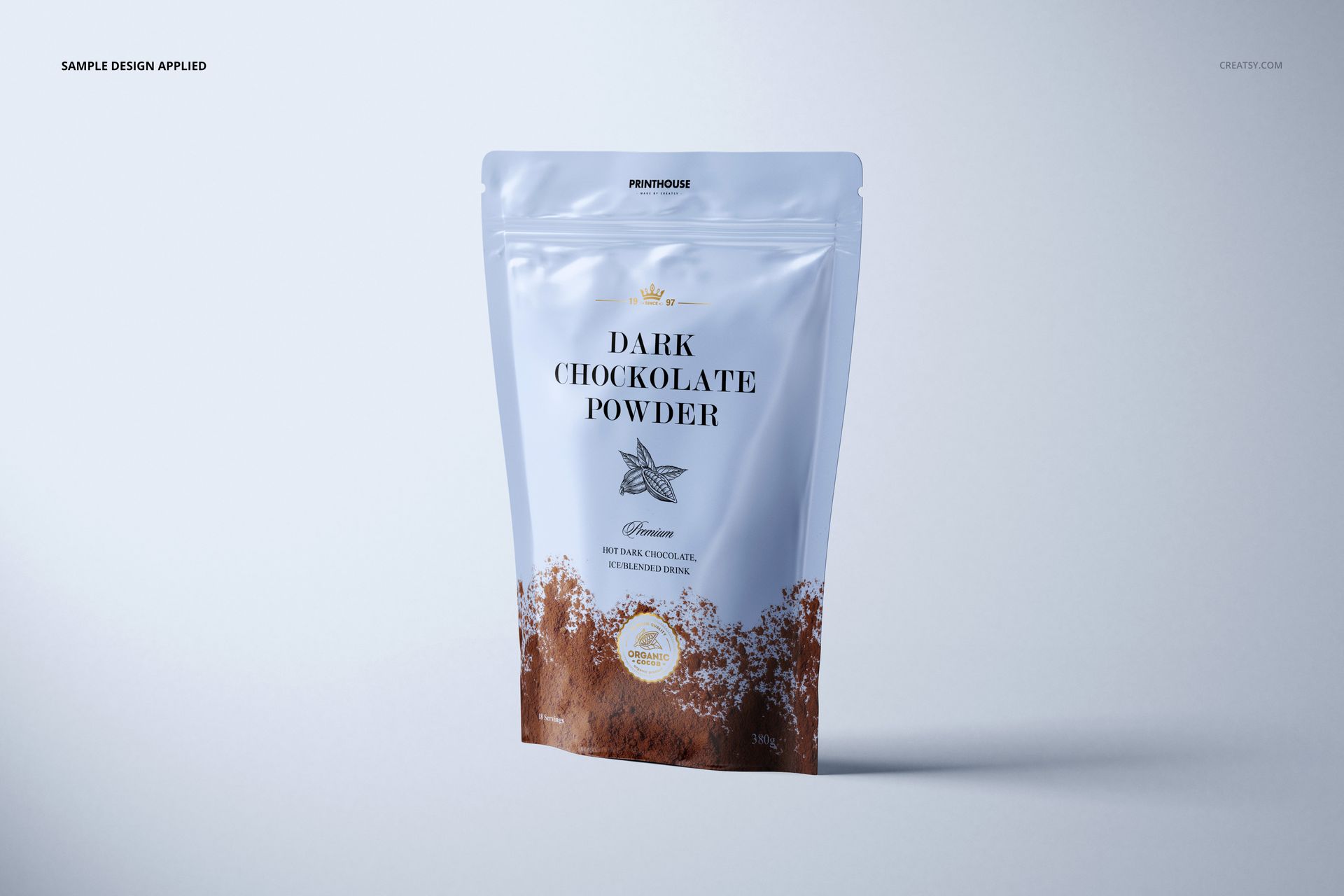
Show packaging artwork on a glossy resealable stand-up pouch from straight-on and angled perspectives. The four high-resolution scenes capture natural folds, highlights, and shadows, helping you review label scale, typography, and color before print or present a polished client preview.
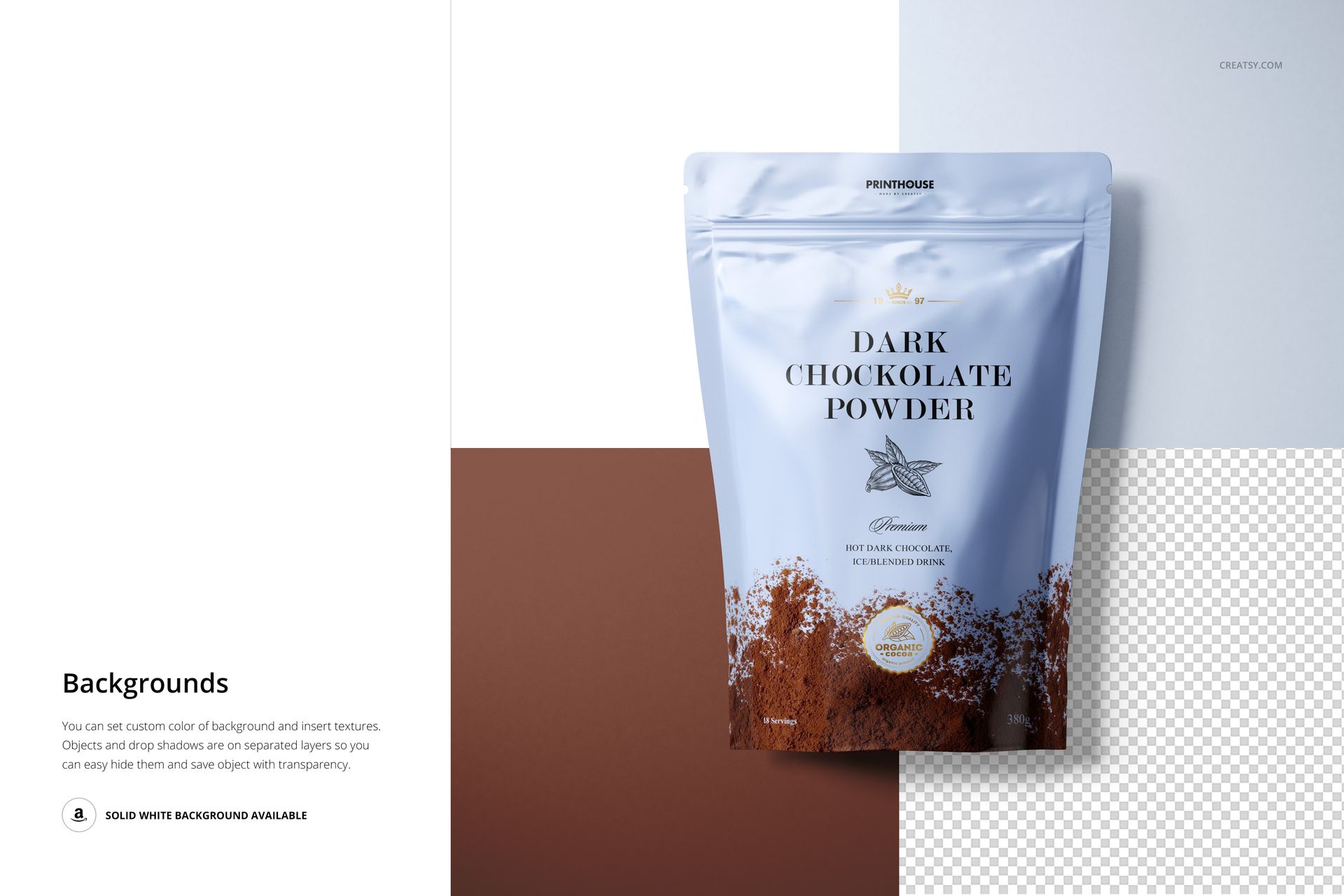
Each landscape PSD uses organized layers and Smart Objects. Replace artwork quickly, adjust the pouch color, choose a custom background color or texture, or hide the object and shadow layers for a transparent-background composition. Work in Adobe Photoshop CC 2015 or later, or use the browser-based Photopea workflow provided by Creatsy.
What Is Included
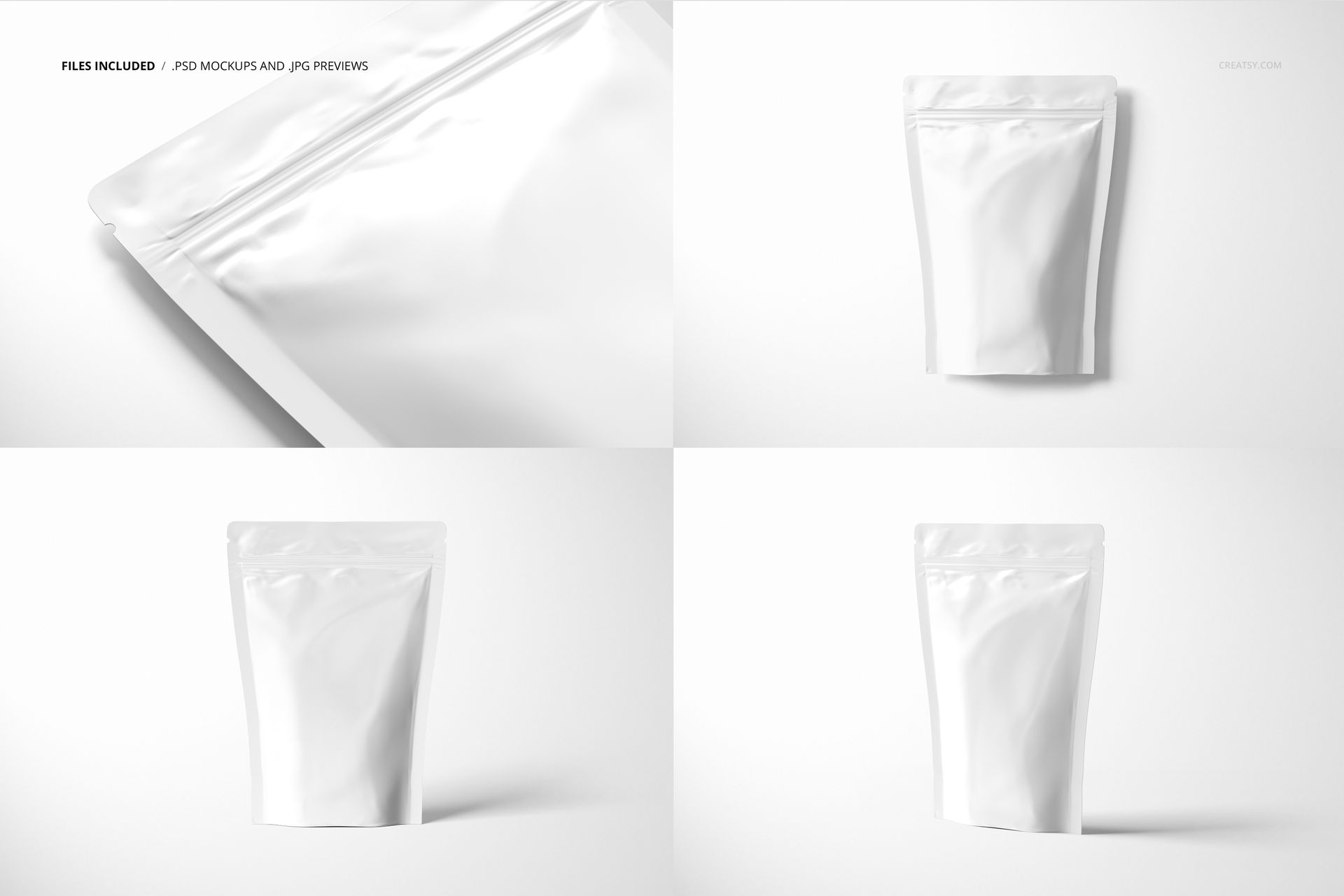
4 layered PSD mockup files, each 6000 × 4000 px at 300 DPI
4 JPG previews, each 6000 × 4000 px
1 PDF user manual, 9 files in total
Straight-on upright scenes plus an angled close-up view
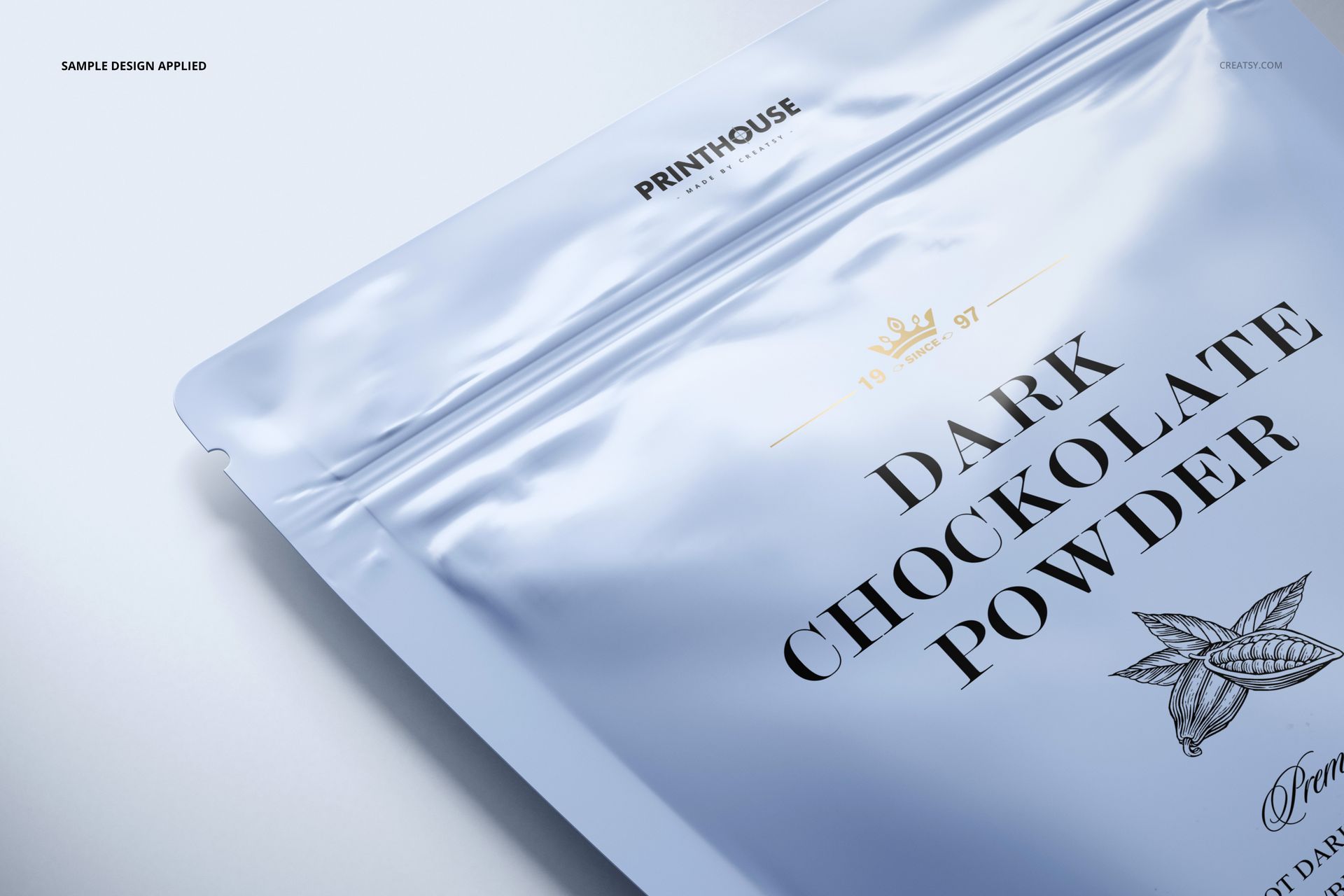
Glossy Packaging Detail
Controlled highlights and realistic creases help artwork follow the pouch surface without losing legibility. Use the different viewpoints to compare label placement, colorways, or front-panel concepts within one cohesive presentation.
Easy Smart Object Editing
Open a PSD and locate the labeled Smart Object.
Place your artwork, then save the Smart Object to update the pouch.
Refine the color, background, object visibility, and shadow layers as needed.
Perfect For
Food, coffee, tea, snack, supplement, and dry-goods packaging
Brand identity proposals and packaging design approvals
Portfolio images, client presentations, and online product galleries
This is a digital mockup set, not a production dieline or physical package. The sample artwork, cocoa powder, and patterns shown in the previews are not included.